Connectez vos agents à Webflow
Créez et gérez vos sites avec la puissance de Claude ou Cursor, sans sacrifier le contrôle et la gouvernance indispensables à grande échelle.

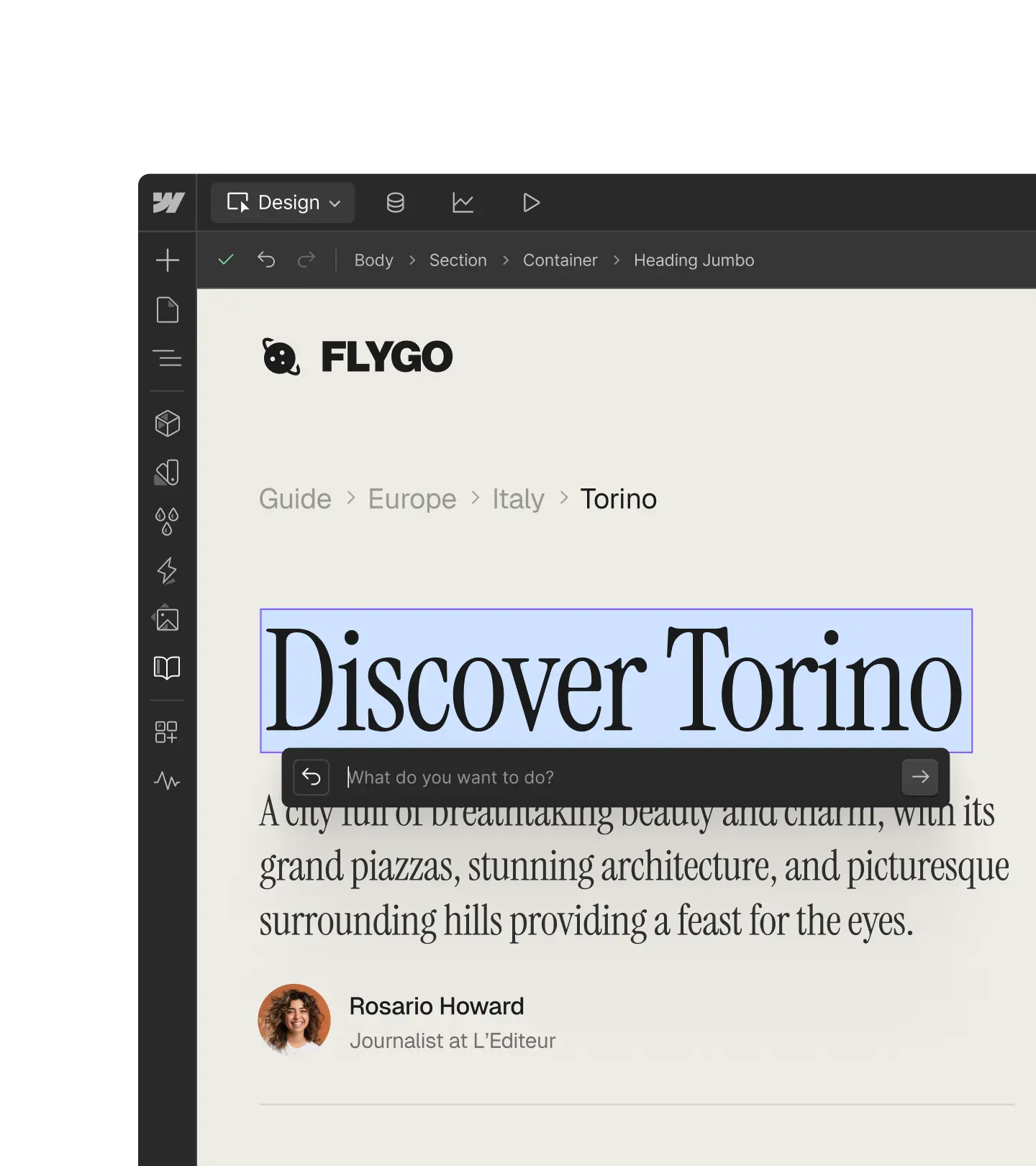
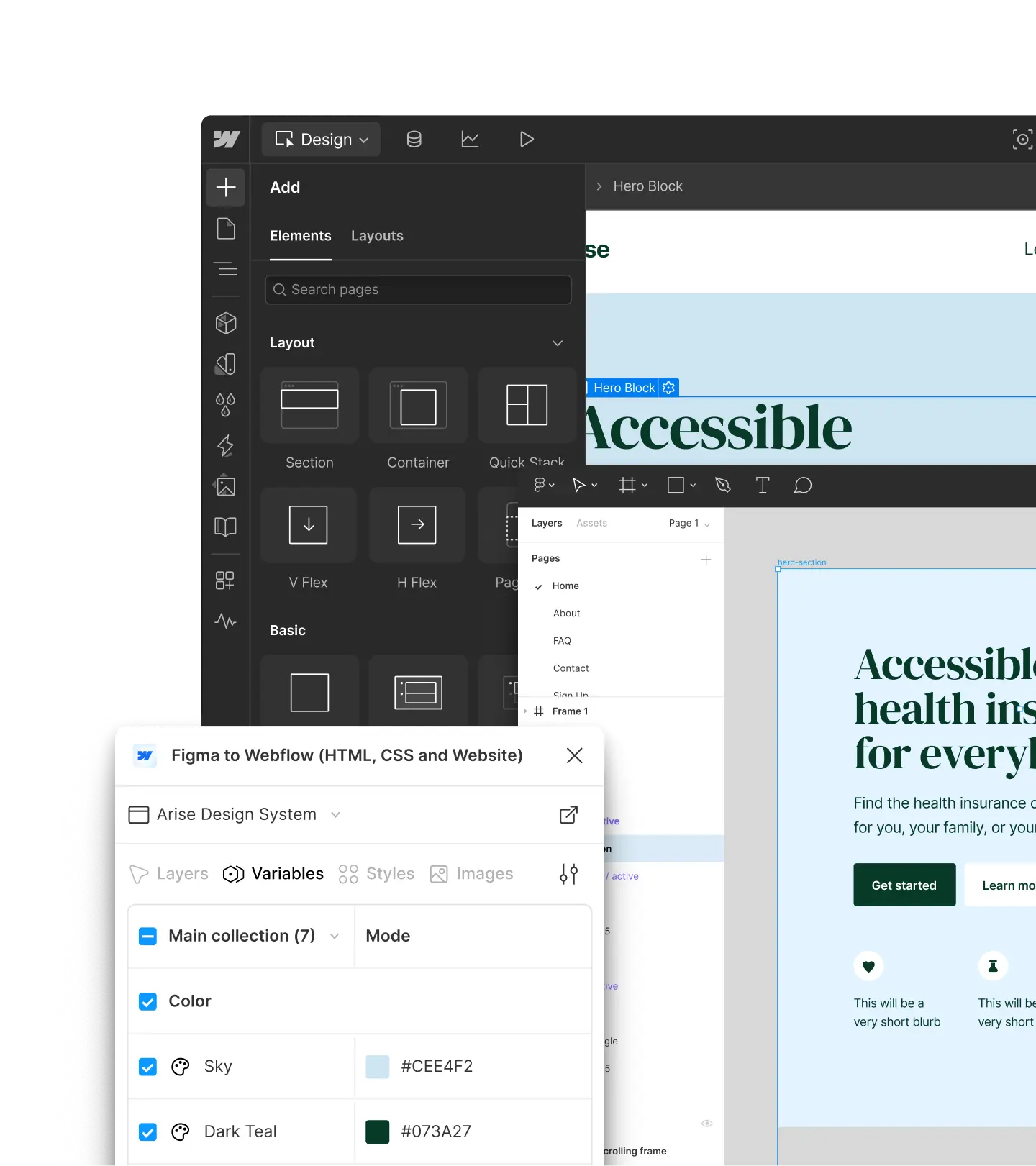
Recrée ce fichier Figma à l’identique sous forme de template CMS dans Webflow.
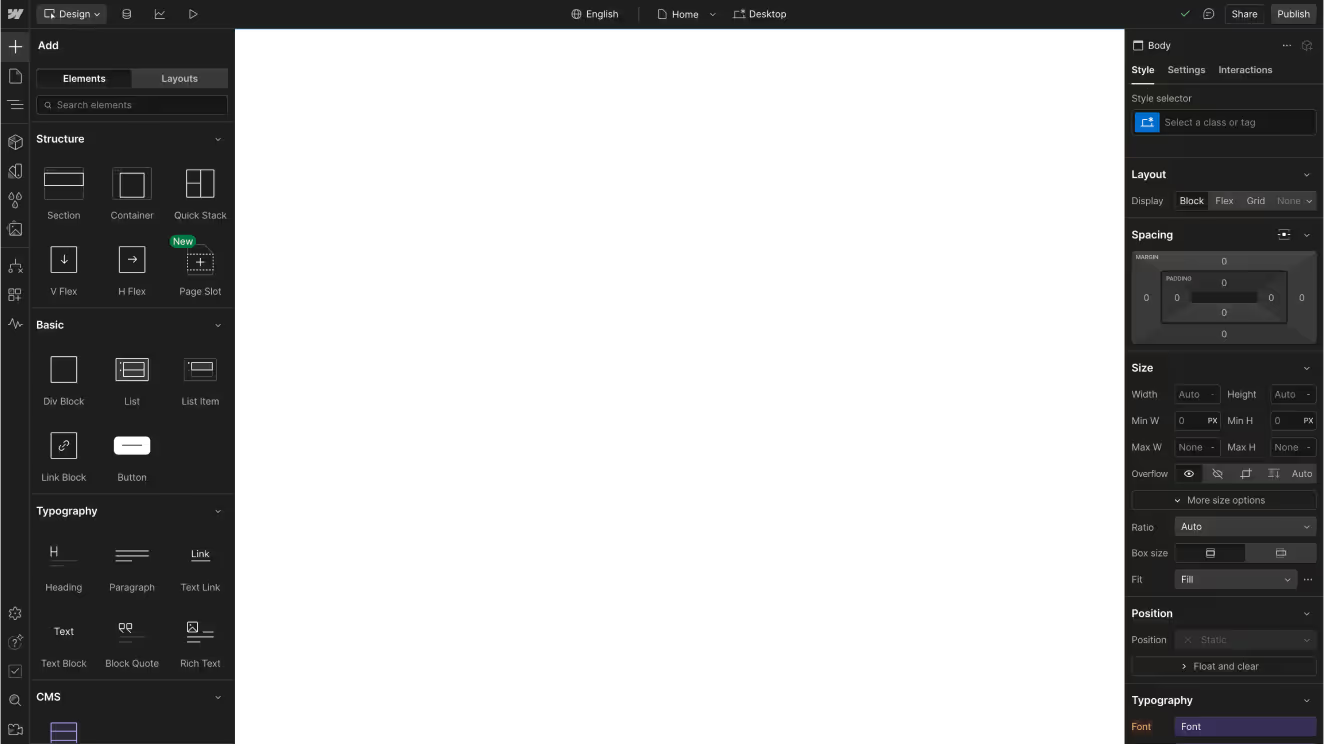



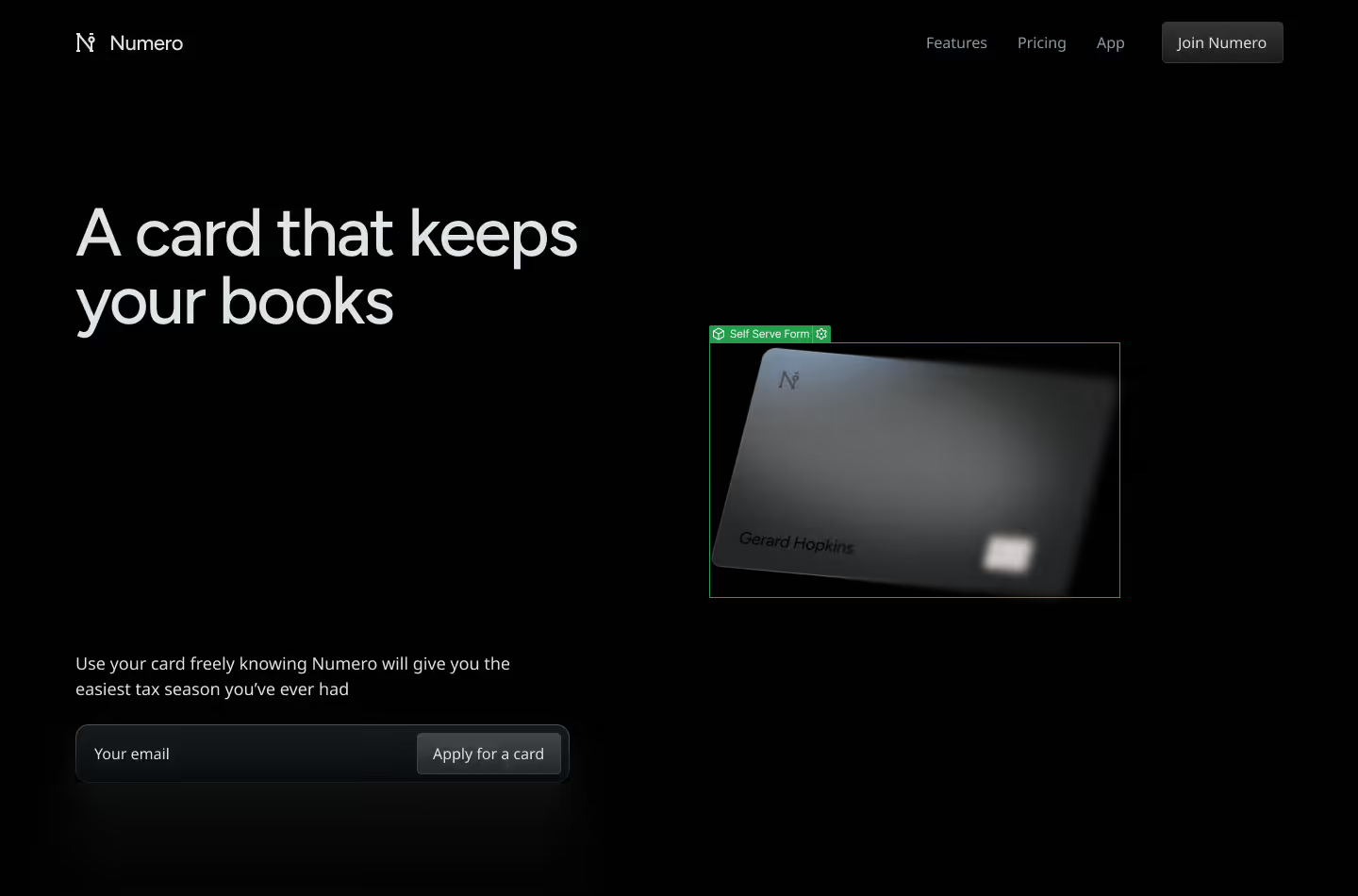

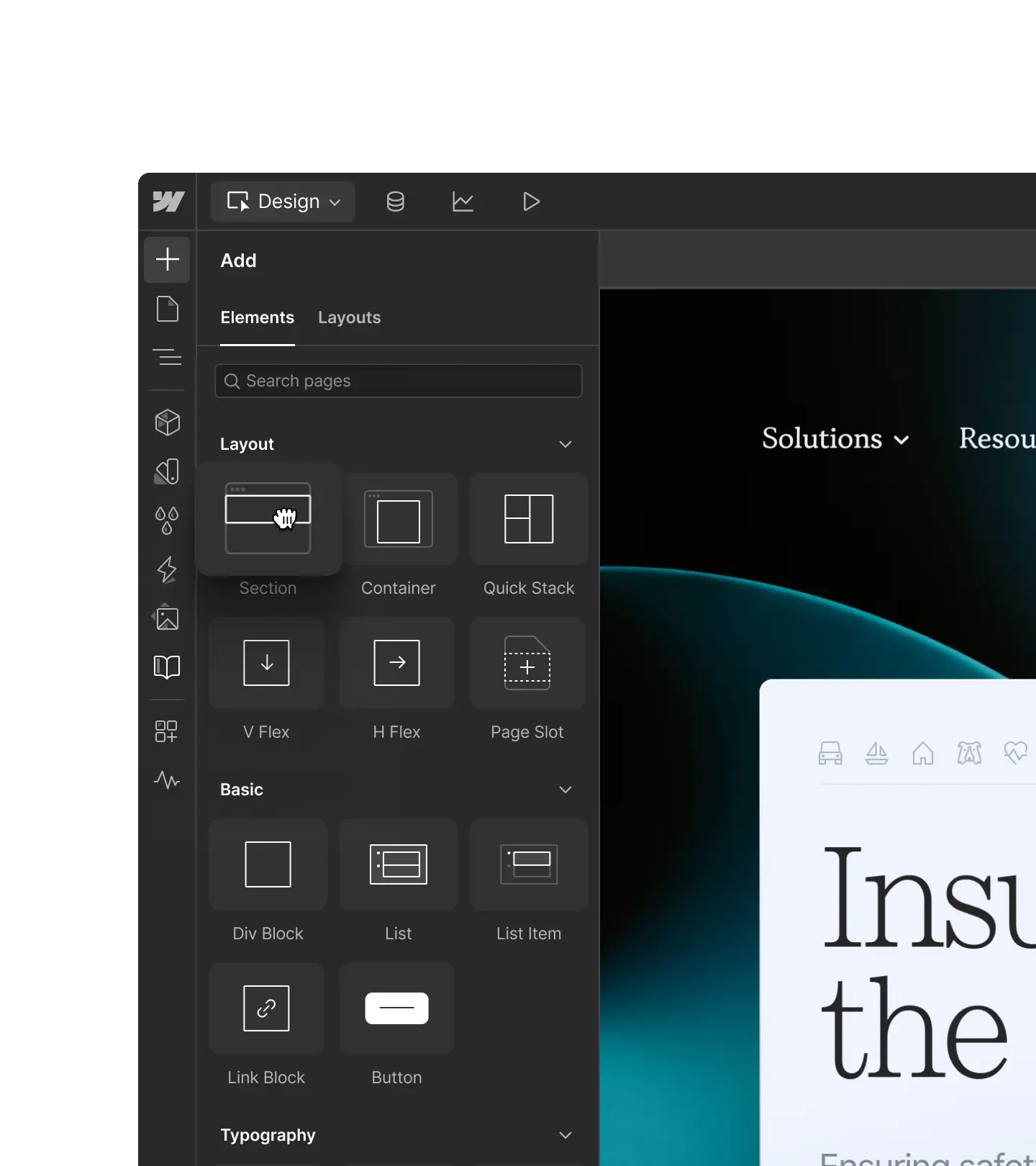
Lancez-vous avec votre outil préféré





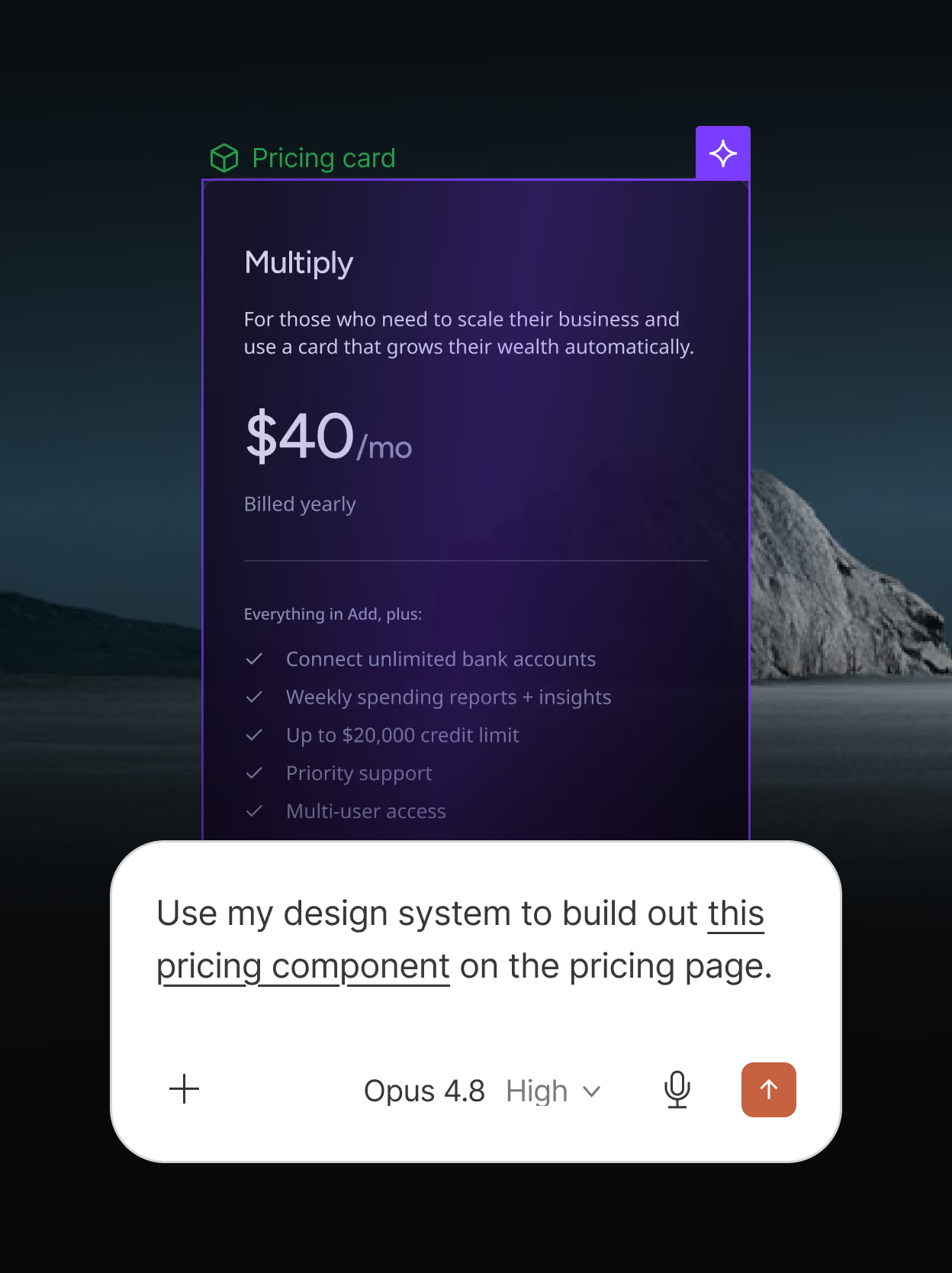
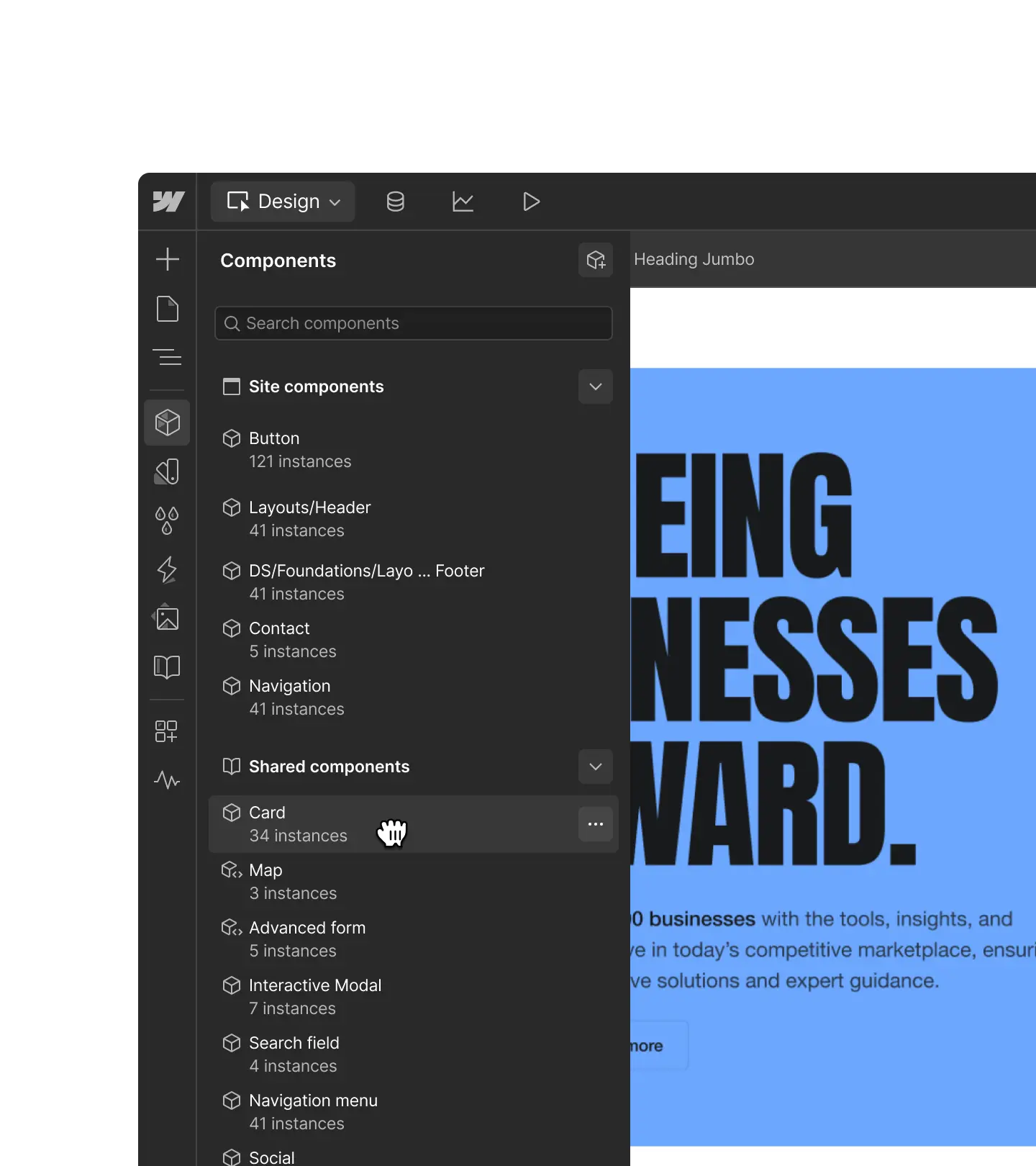
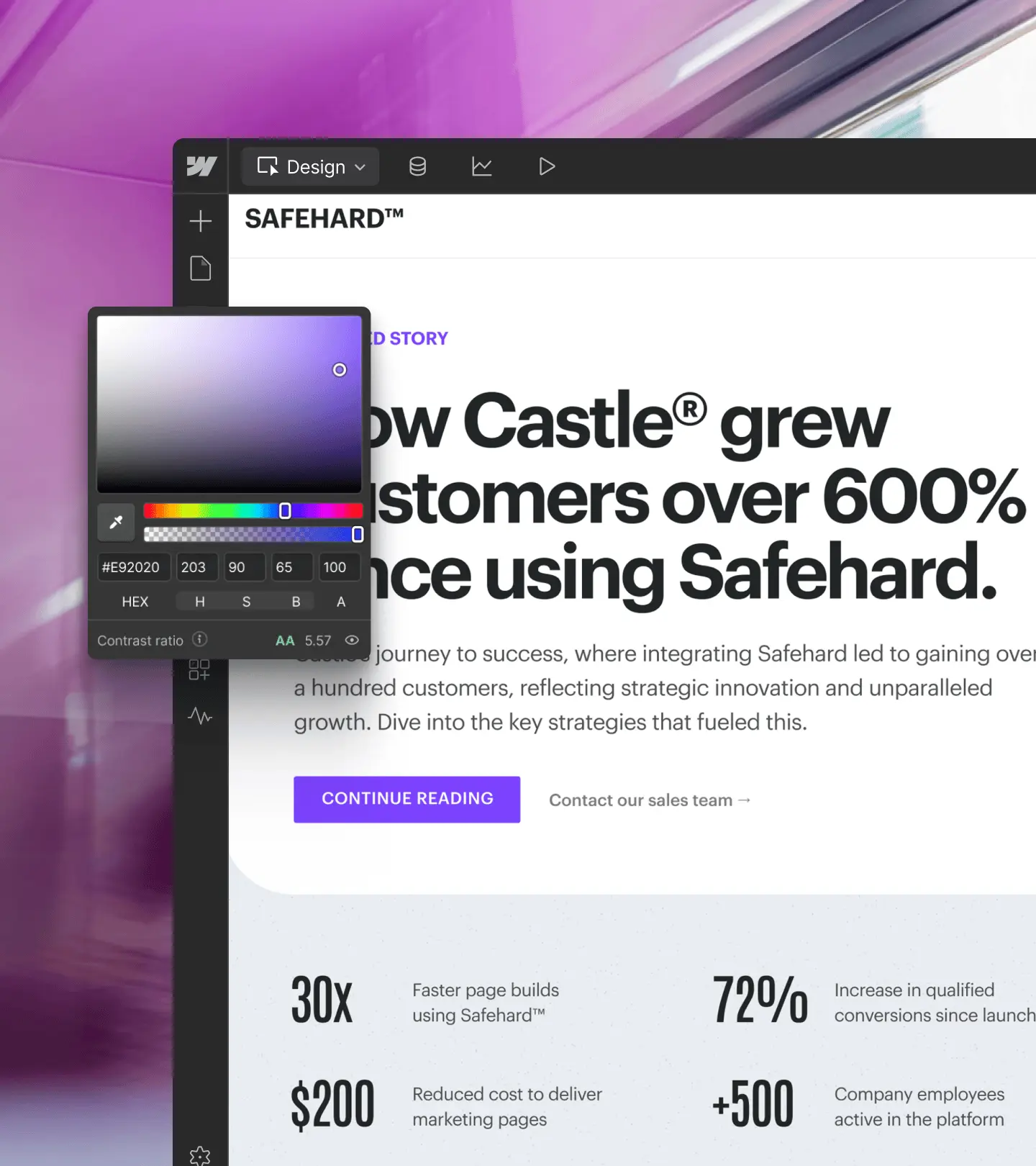
Assurez la cohérence de marque
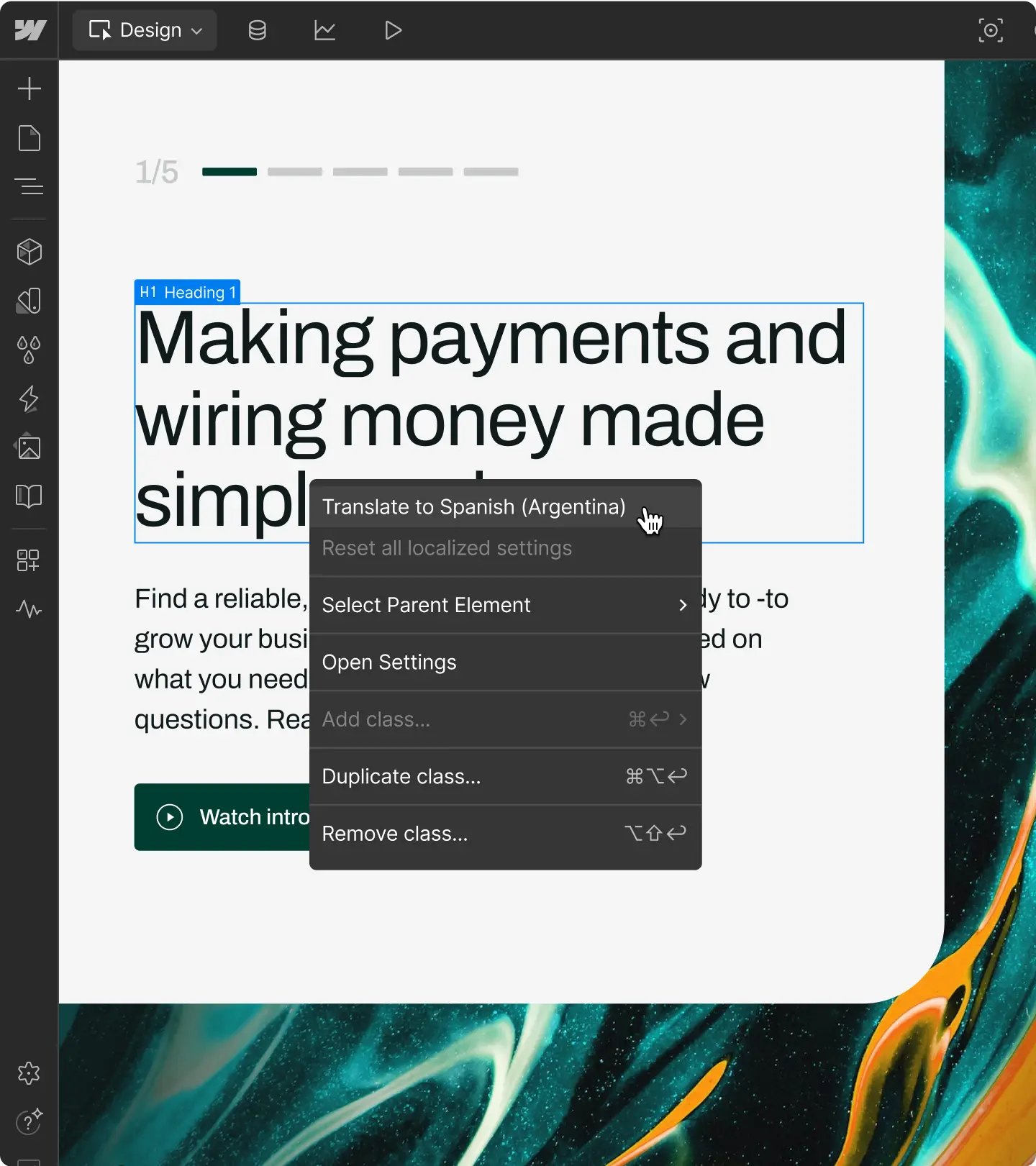
Nourrissez vos agents de votre design system complet. Résultat : des pages web et des contenus CMS générés à la volée, parfaitement conformes à votre identité de marque.
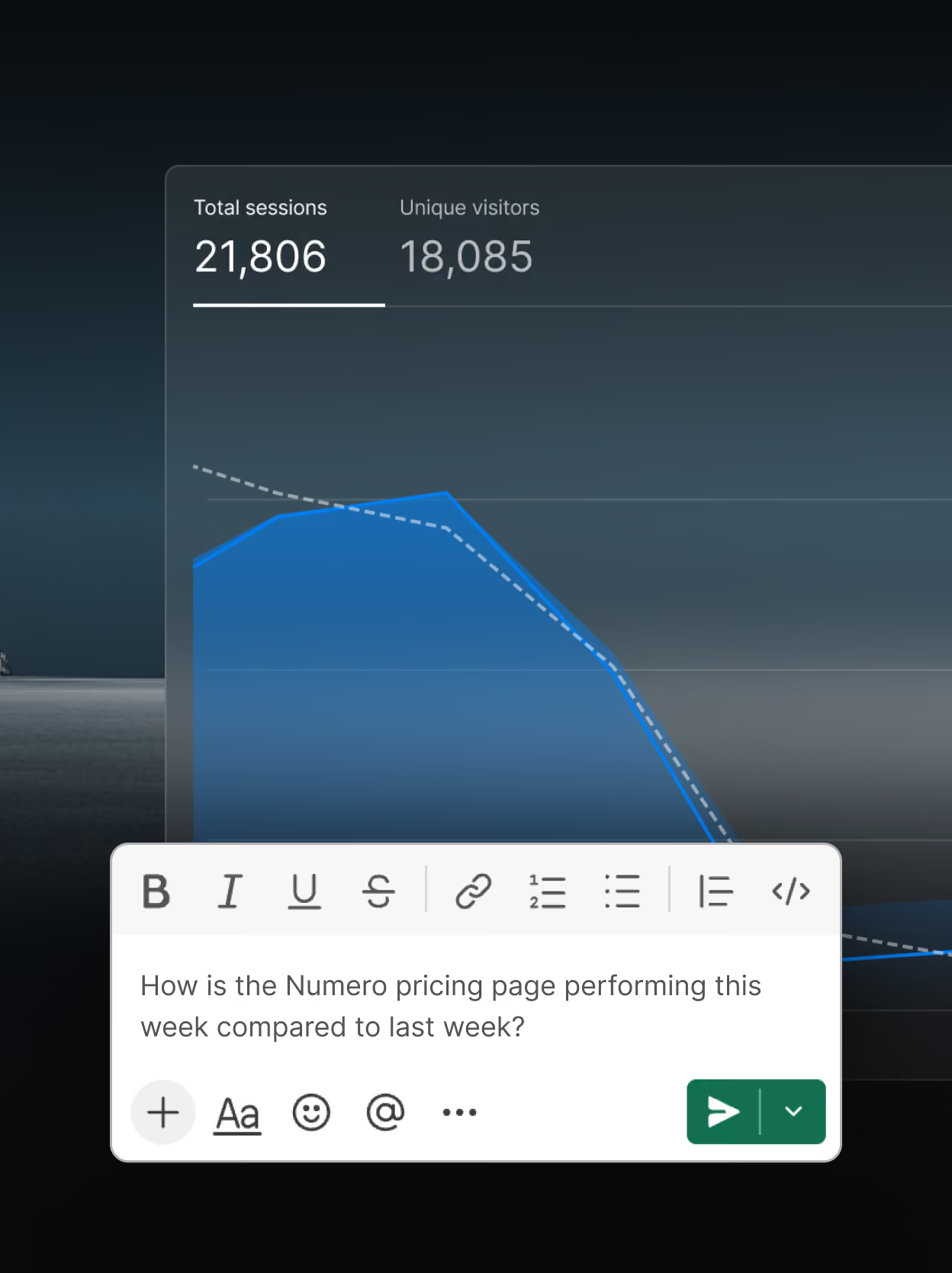
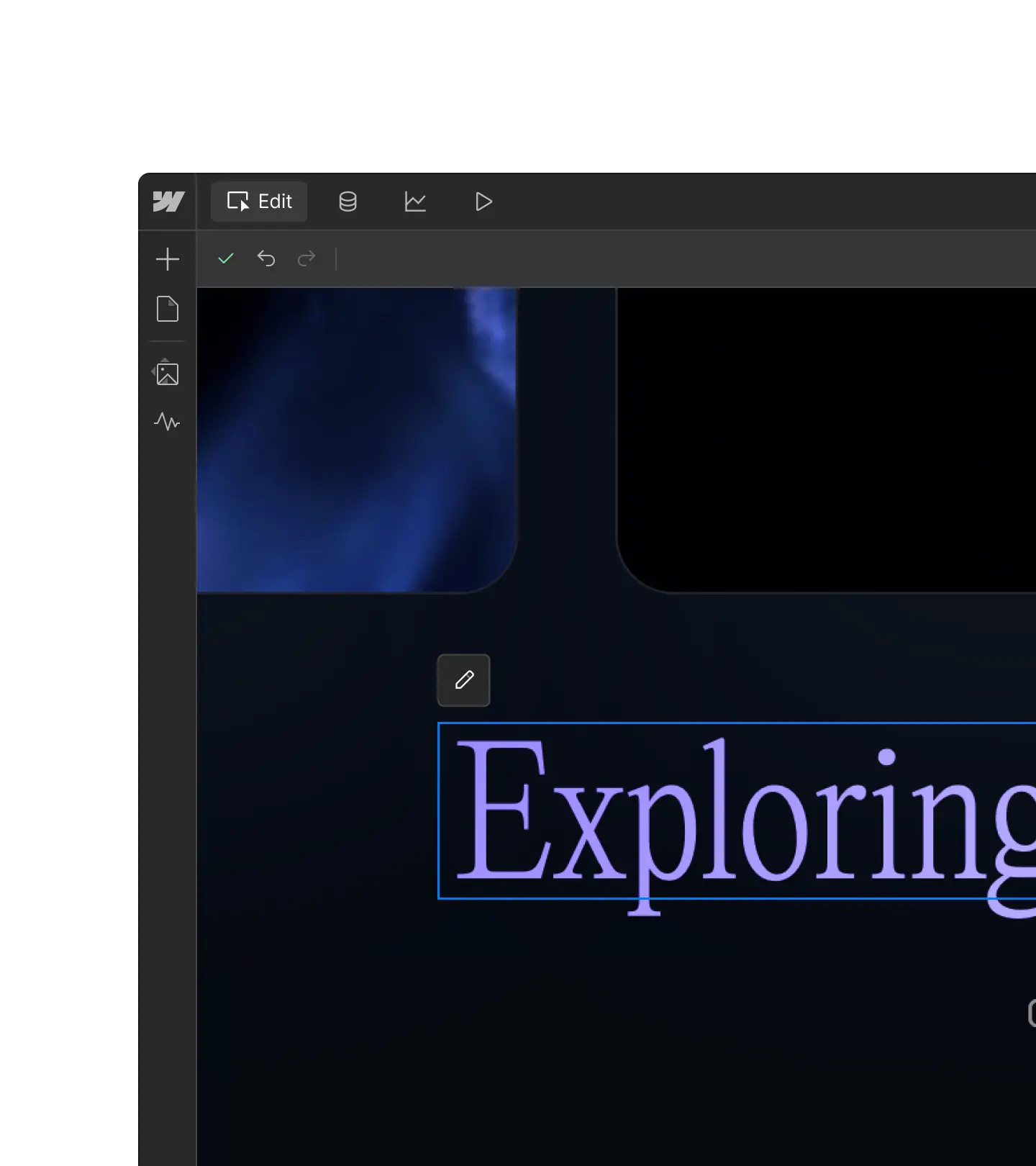
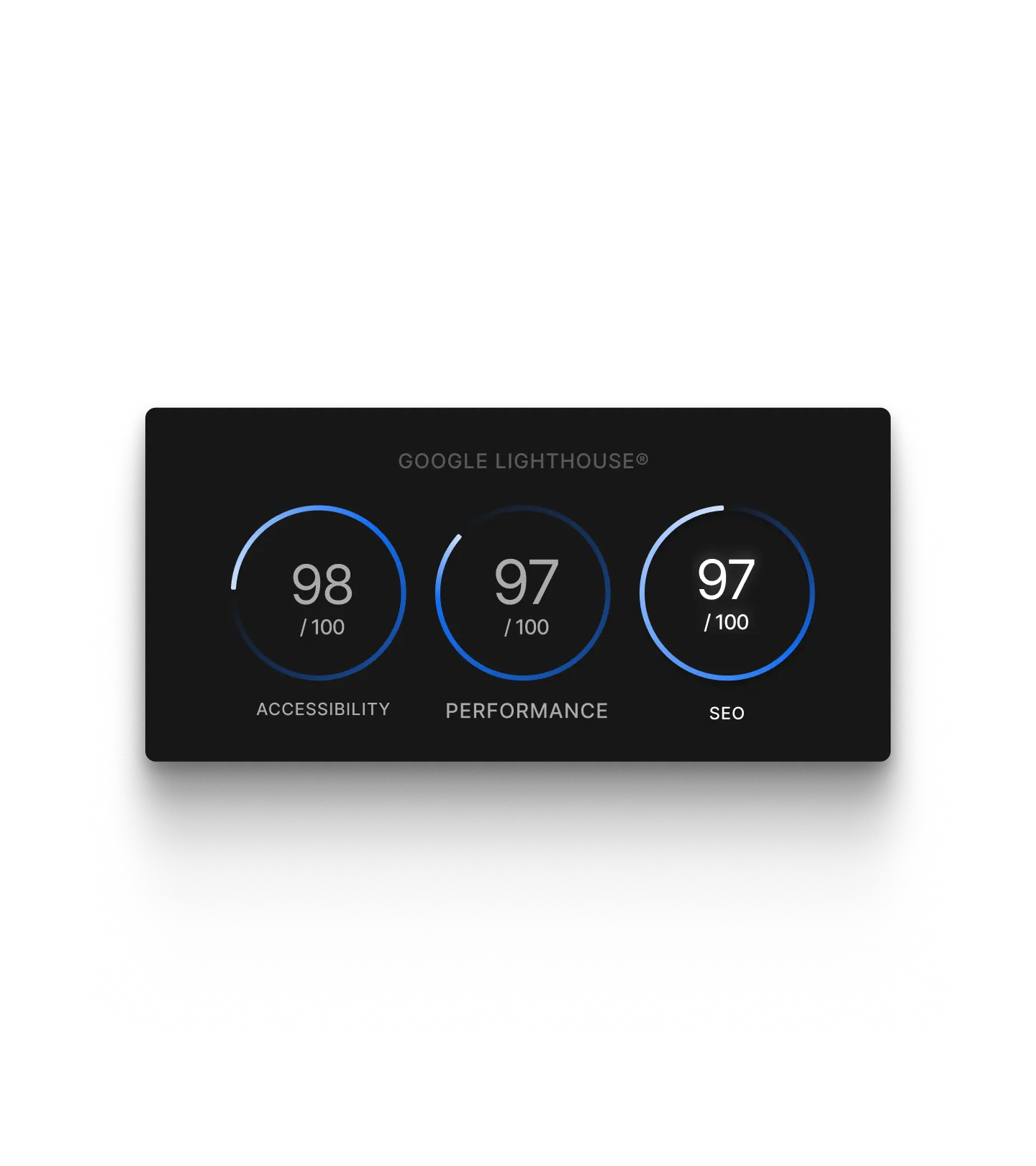
Exploitez vos données de site
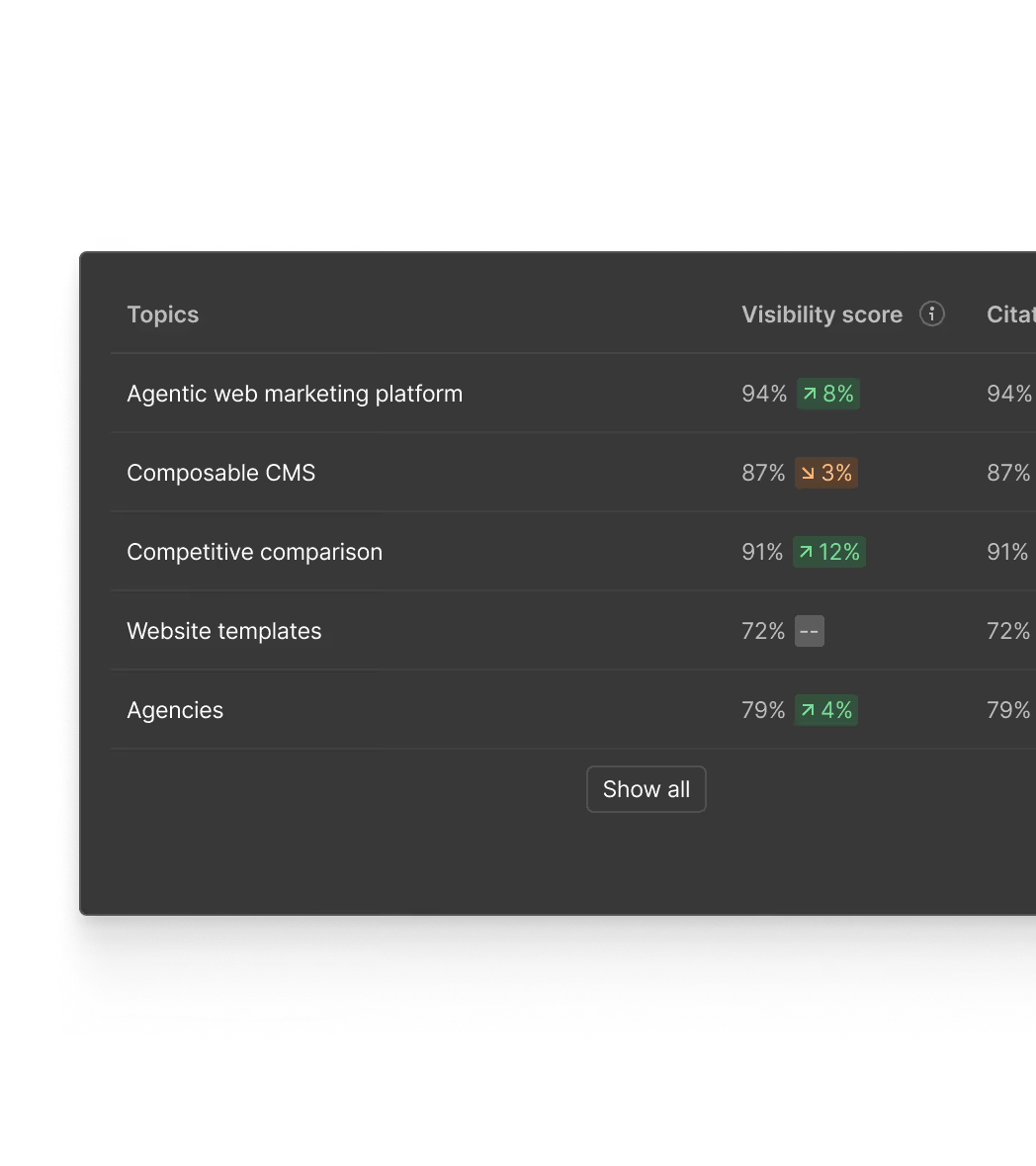
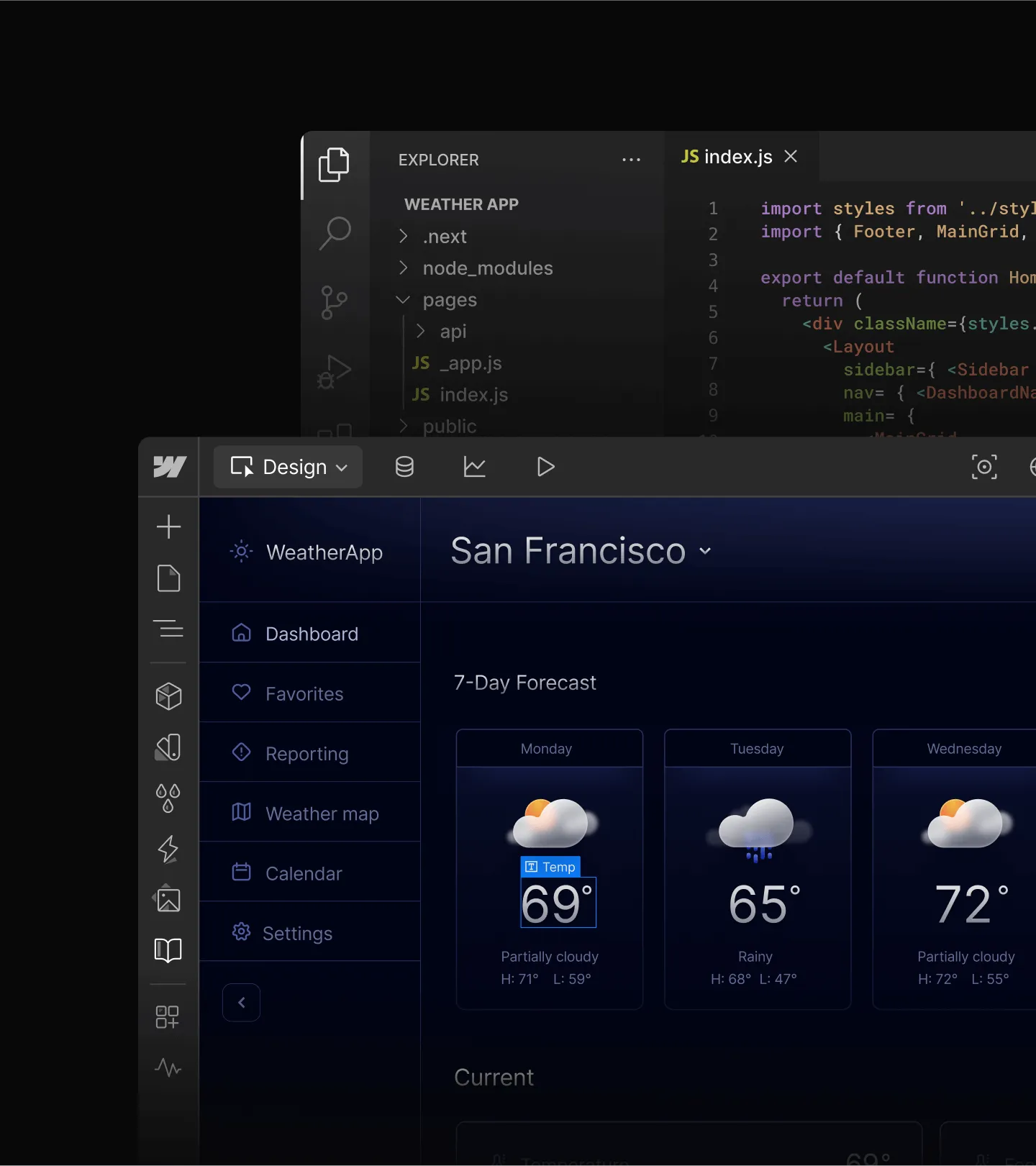
Analysez les performances de votre site par le biais de conversations en langage naturel. Partagez les données entre les outils pour obtenir des insights concrets, directement au sein de vos workflows IA.
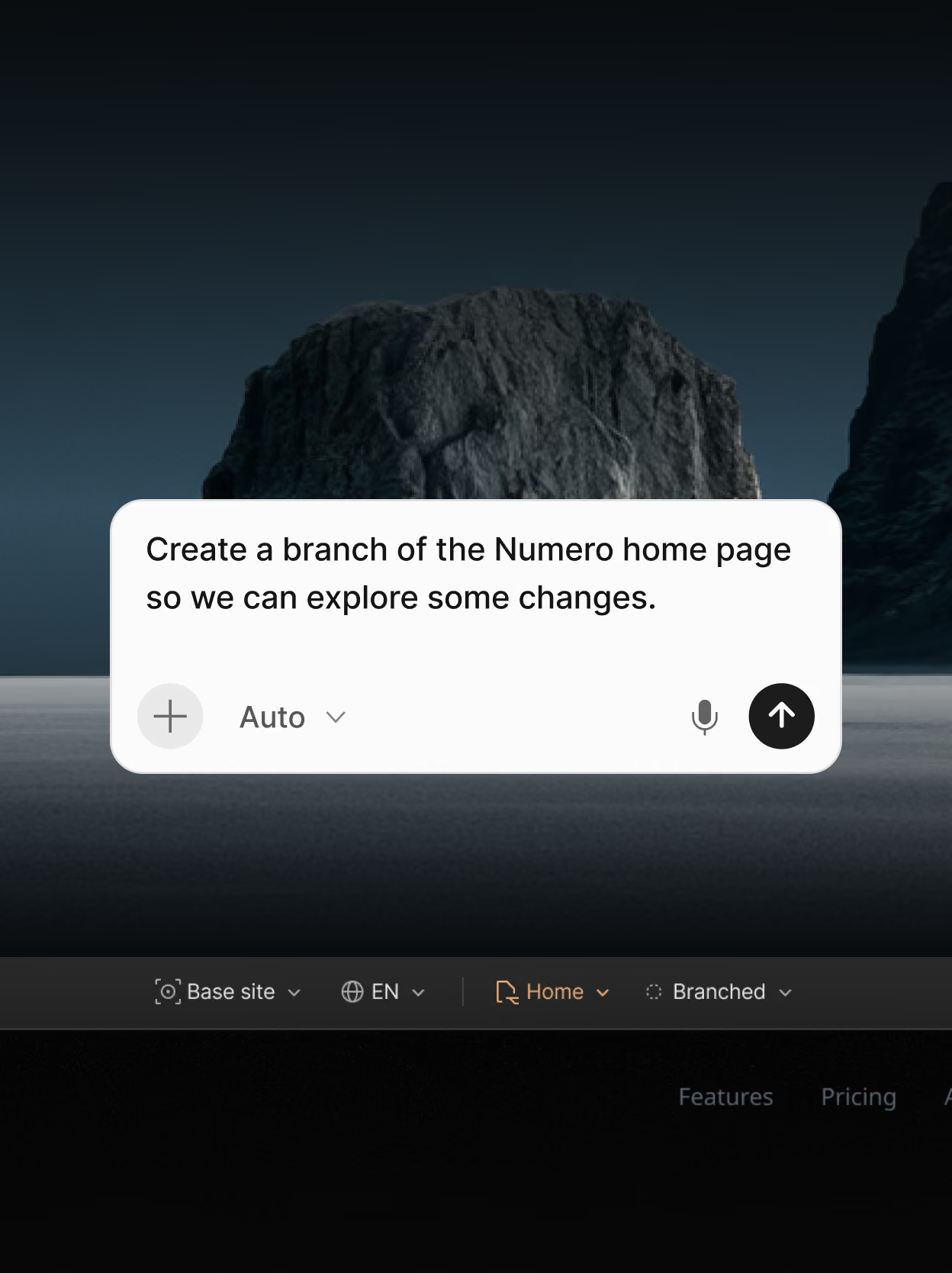
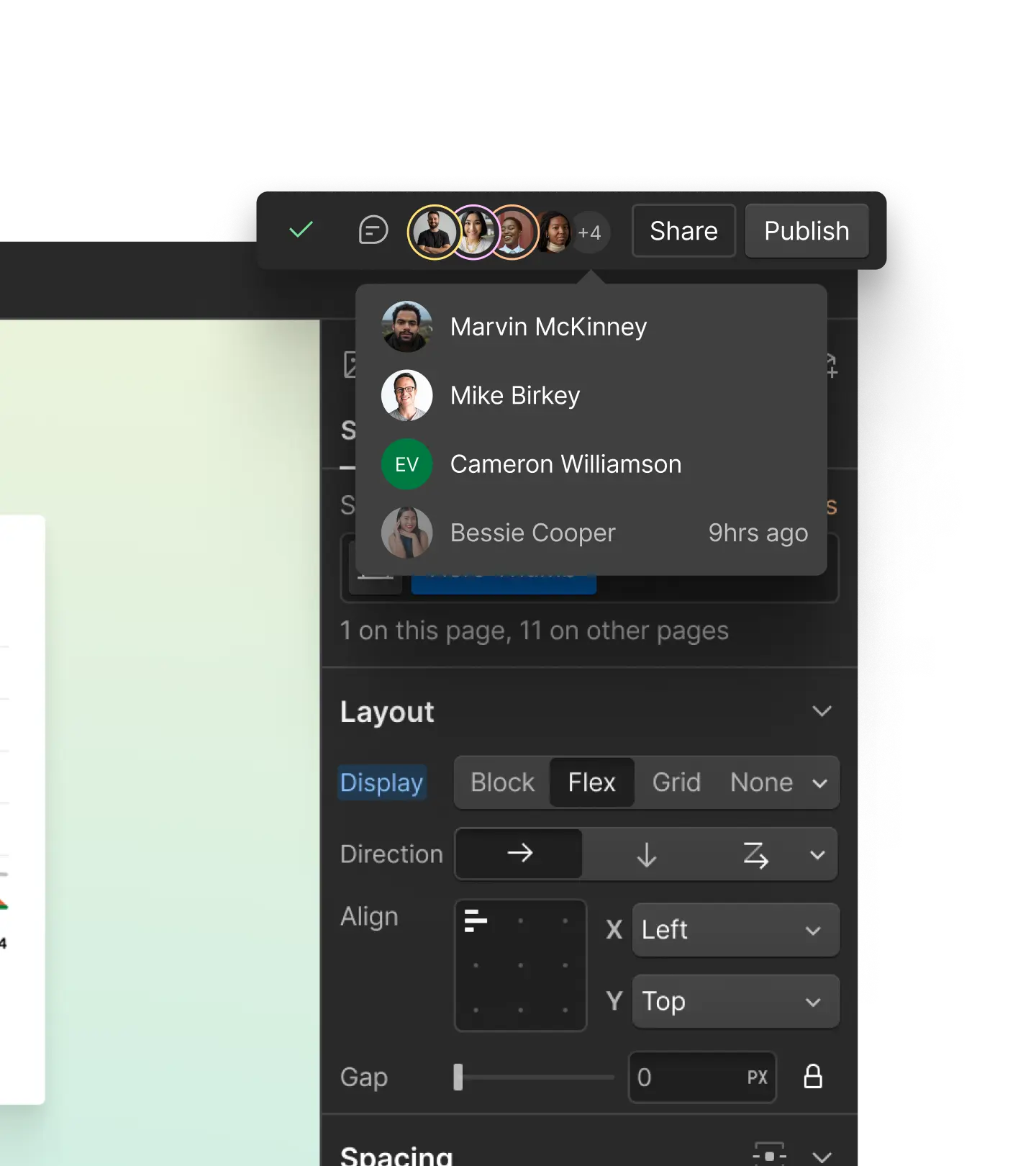
Collaborez en toute sécurité à grande échelle
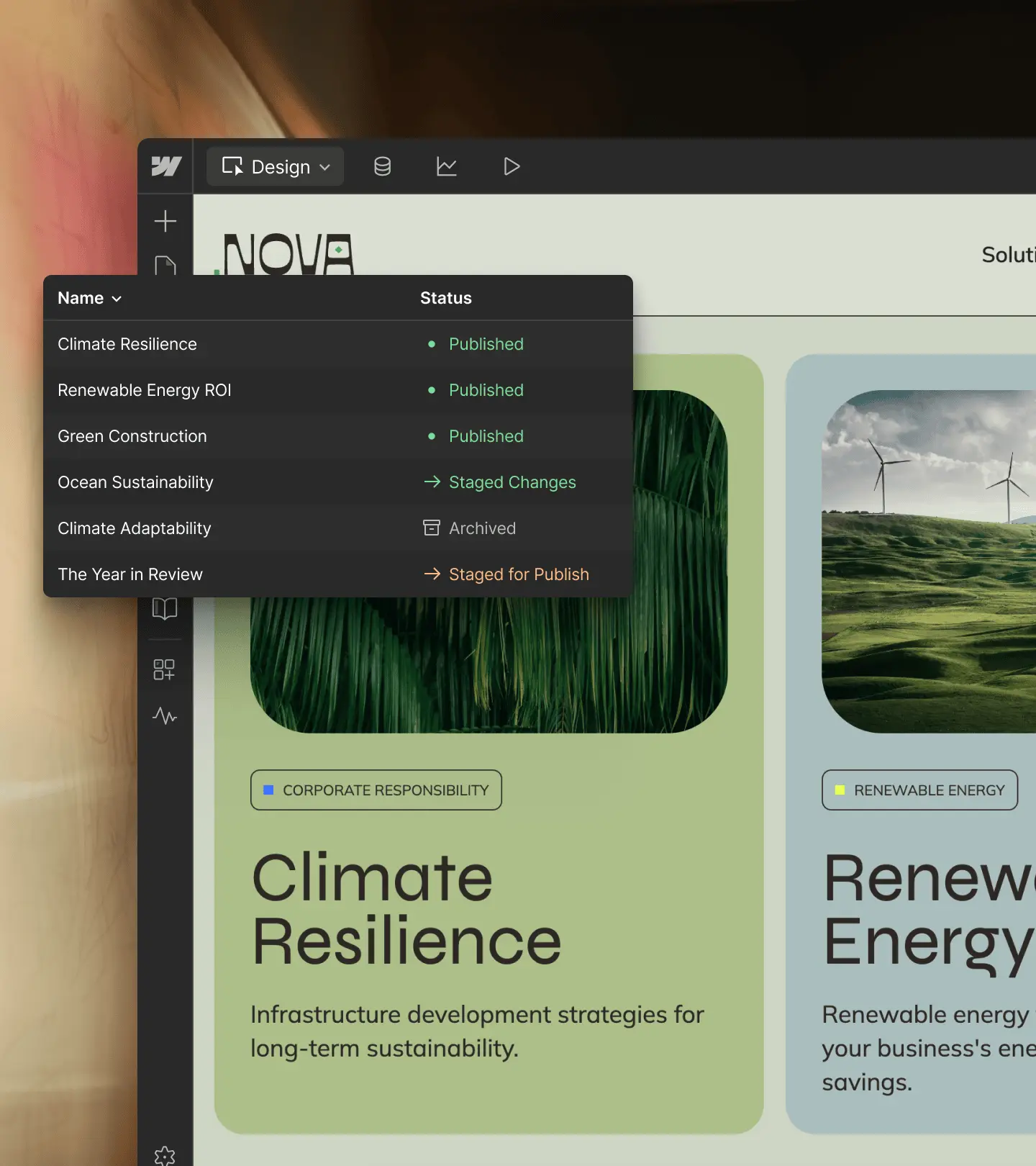
Gérez l’accès des agents grâce à des rôles et des autorisations, itérez sur des branches de pages en toute sécurité et gérez vos contenus avec un CMS intégré.
Webflow MCP donne aux agents accès à davantage de fonctionnalités Webflow

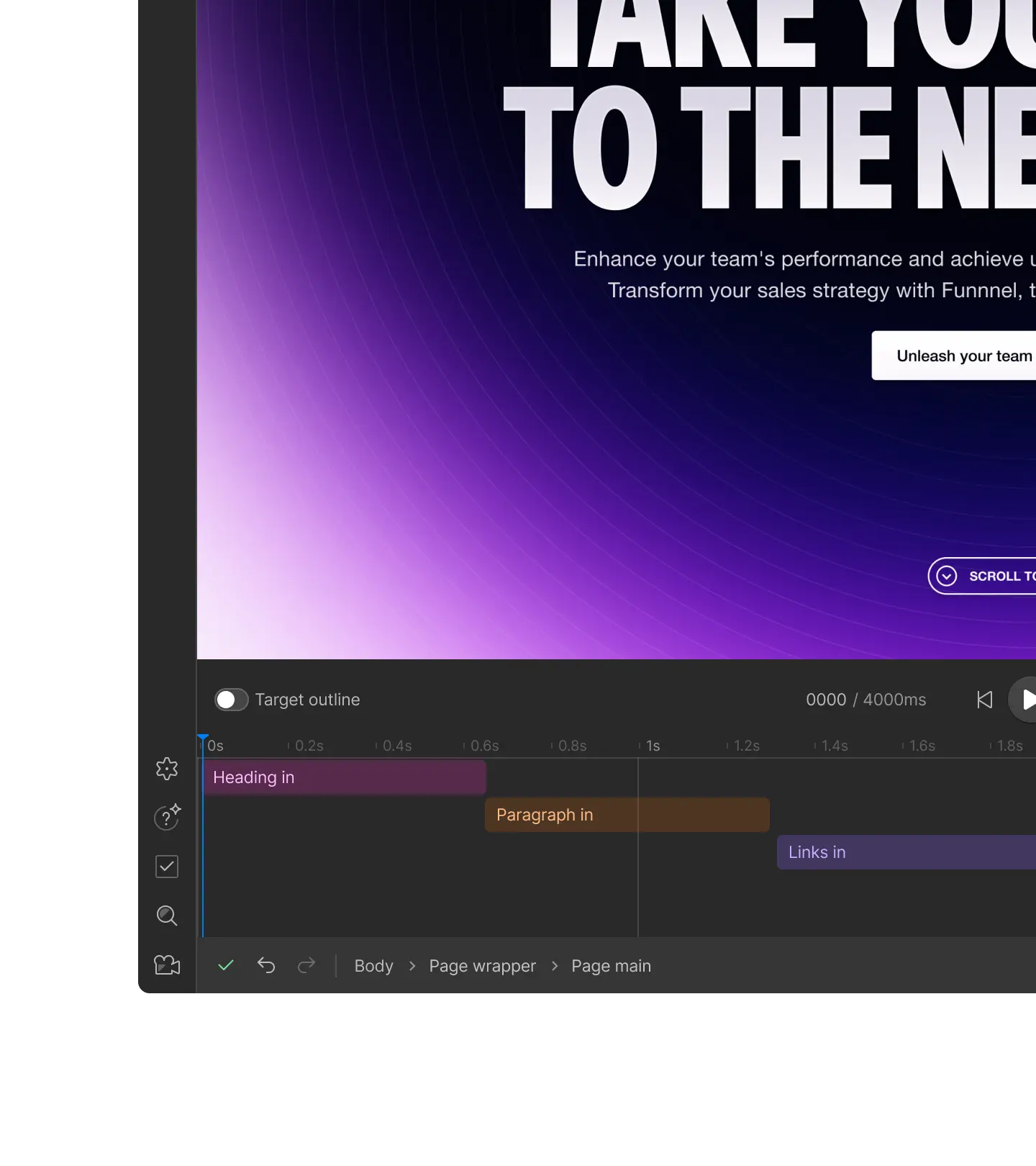
Interactions
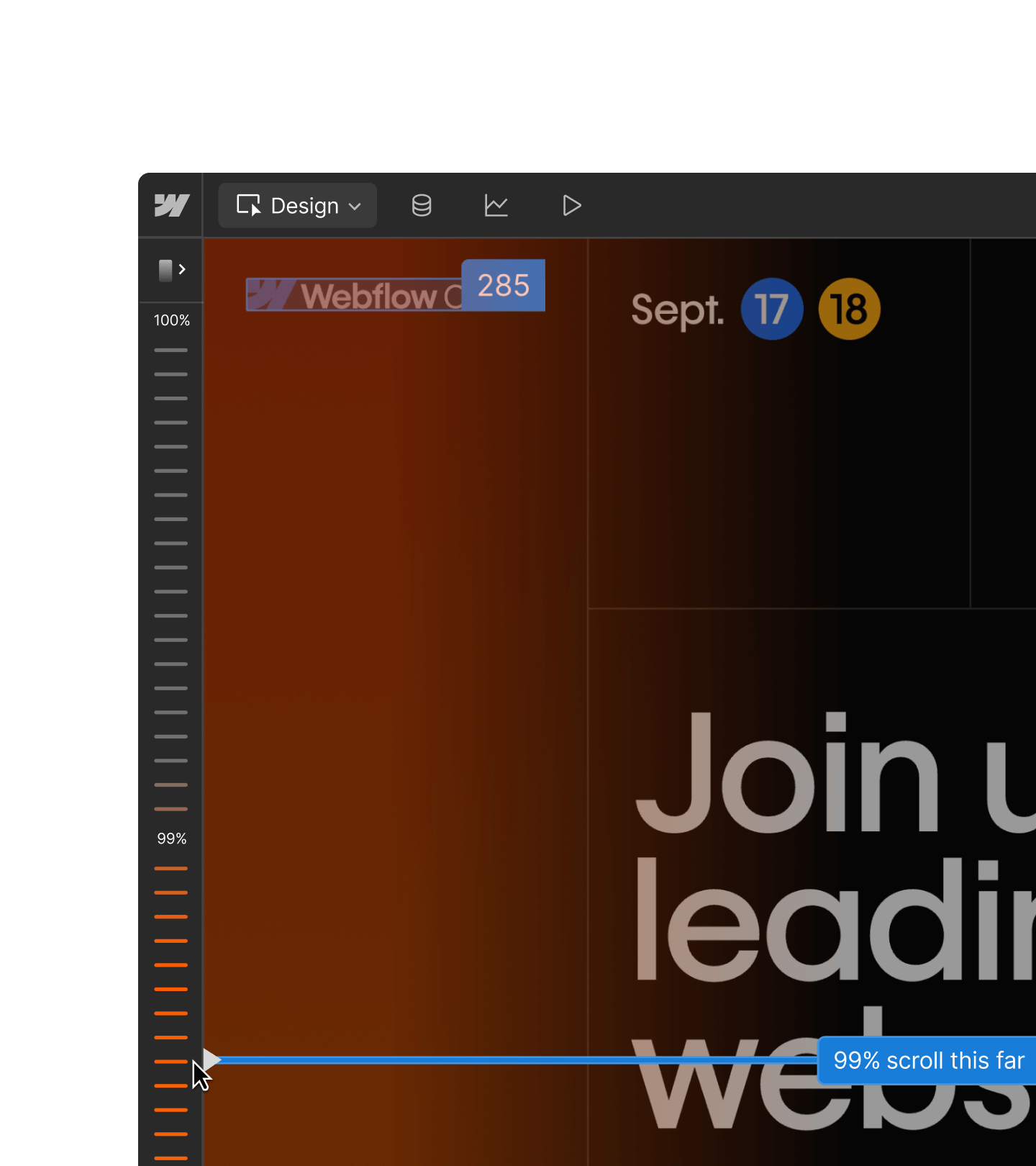
Créez et modifiez des interactions natives IX3. Les agents peuvent créer des déclencheurs de défilement, de survol et de chargement, exactement comme vous le feriez sur le canvas.

Requêtes CMS
Triez, filtrez et parcourez le contenu CMS en une seule requête, y compris les champs personnalisés et de référence.

Webflow Cloud
Déployez, vérifiez et déboguez vos applications Webflow Cloud. Corrigez les problèmes de déploiement sans quitter votre client MCP.

Analyze
Interrogez le trafic et l'engagement de votre site depuis votre client MCP.

Optimize
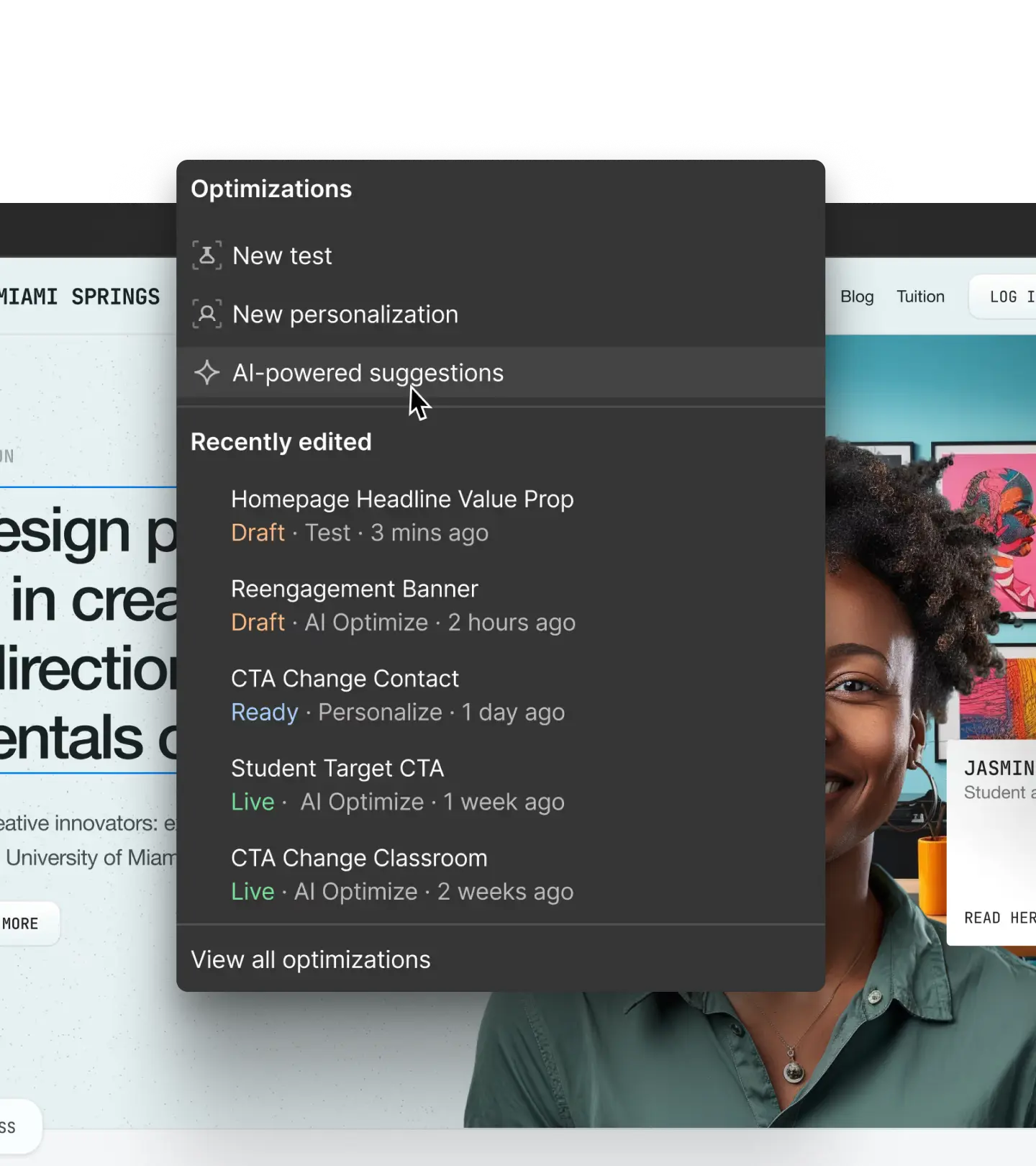
Consultez les résultats des tests Optimize depuis votre client MCP.

Webflow Cloud
Déployez, vérifiez et déboguez vos applications Webflow Cloud. Corrigez les problèmes de déploiement sans quitter votre client MCP.
Fonctionnement du MCP
Webflow MCP connecte votre site aux outils IA comme Claude et ChatGPT : vos agents agissent ensuite en votre nom.

1
Connectez vos outils
Connectez Webflow à vos outils d’IA pour gérer l’ensemble de vos sites directement depuis vos workflows IA existants.
2
Définissez vos règles
Créez une source de contexte unifiée pour guider vos agents avec des compétences et des références, telles que les directives de marque et les documents juridiques.
3
Utilisez les prompts
Déléguez simplement à votre agent : créez des pages, gérez vos contenus CMS, analysez le trafic de votre site, et bien plus.
4
Affinez avec l’éditeur visuel
Contrôlez et affinez les résultats de l’IA sur un canvas visuel pour une perfection garantie avant chaque publication.
Webflow MCP pour Enterprise
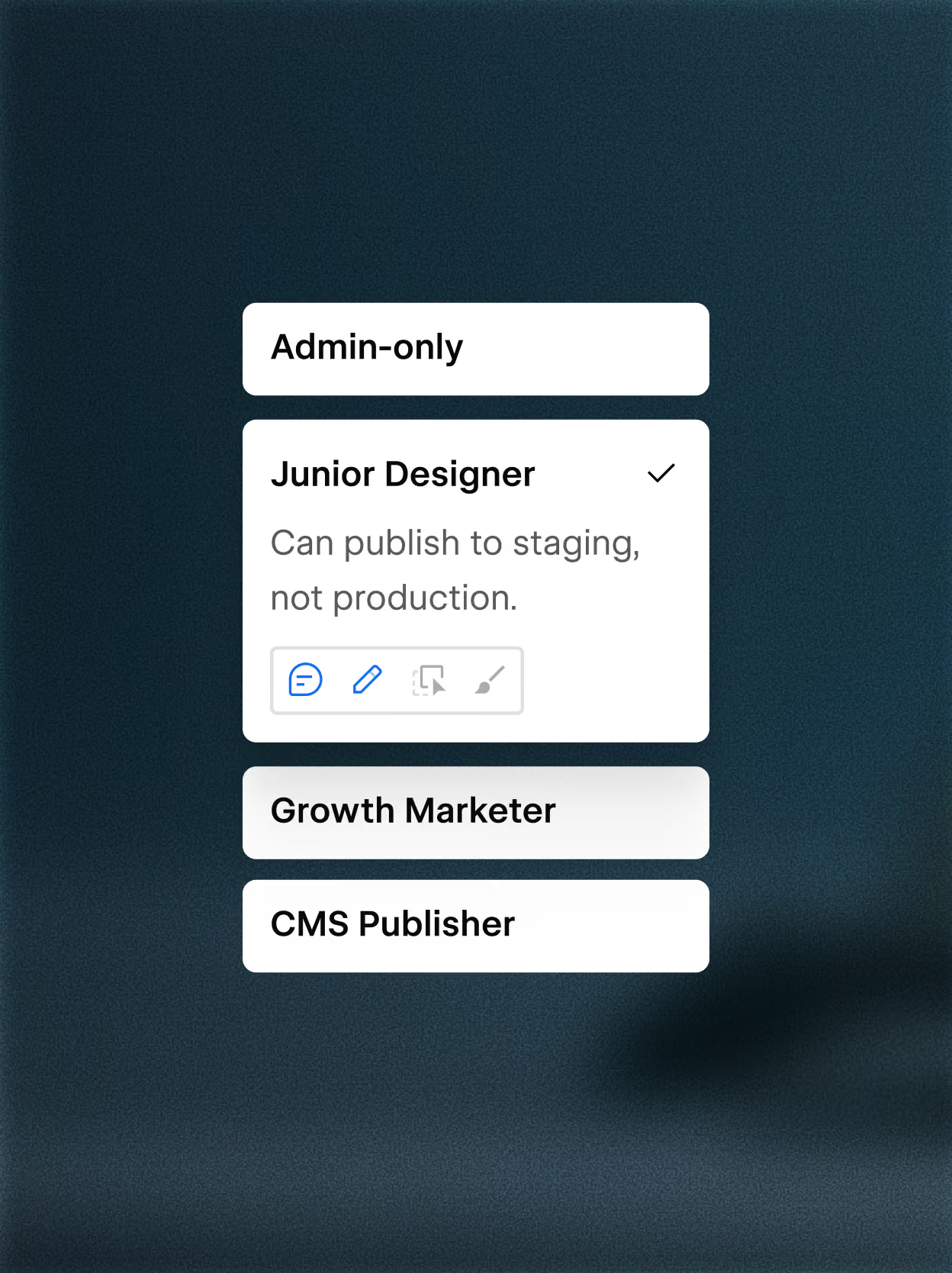
Appliquez un contrôle d’accès granulaire
Webflow MCP prend en charge les rôles et autorisations personnalisés, ainsi qu’un accès granulaire par site, collection CMS, page et variante régionale.

Suivez les actions MCP dans les logs d’activité
Suivez chaque action du MCP. Identifiez instantanément les changements, leurs origine et leur impact. Interrogez votre journal d’activité via MCP pour des audits de site plus rapides et scalables.
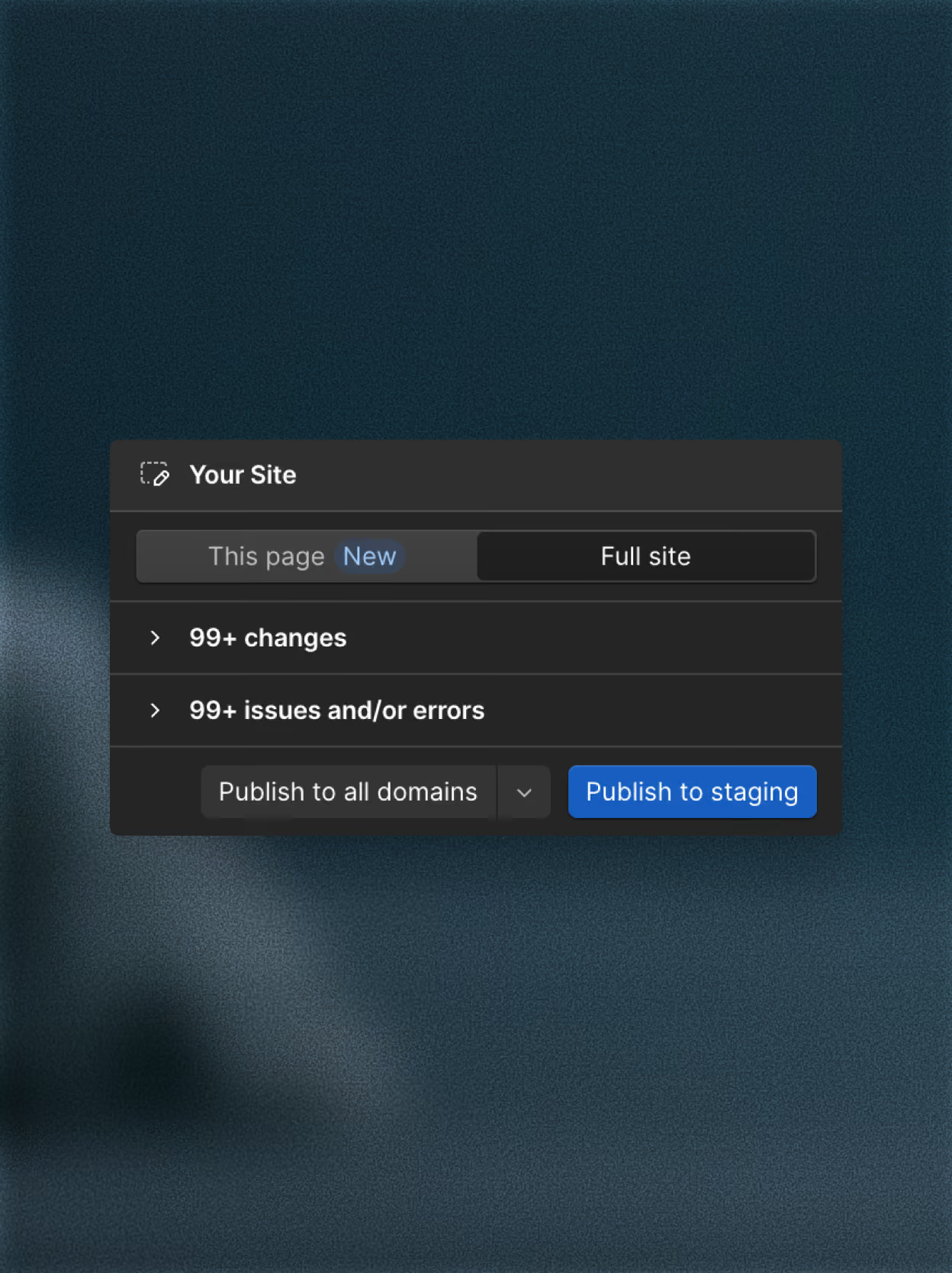
Limitez les risques en publiant page par page
Ne republiez plus votre site entier pour une simple modification. Déployez vos correctifs et mises à jour en temps réel : votre site reste opérationnel et intact pendant que vous itérez.

“Our workflows with Figma, Claude Code, and Webflow's MCP have been an absolute game changer. I really see this as our future workflow."

Témoignage client
Du concept à la réalité : donner vie à la vision produit de Frontify avec Rive
Découvrez comment OFF+BRAND a créé pour Frontify une expérience interactive, pilotée par le défilement et réactive aux clics dans Rive.
18 % de hausse de l’engagement
Découvrez comment OFF+BRAND a créé pour Frontify une expérience interactive, pilotée par le défilement et réactive aux clics dans Rive.
18 % de hausse de l’engagement
Découvrez comment OFF+BRAND a créé pour Frontify une expérience interactive, pilotée par le défilement et réactive aux clics dans Rive.
Contactez nos spécialistes
Envie de savoir tout ce que Webflow MCP peut faire pour vos équipes ? Parlons-en.

FAQ
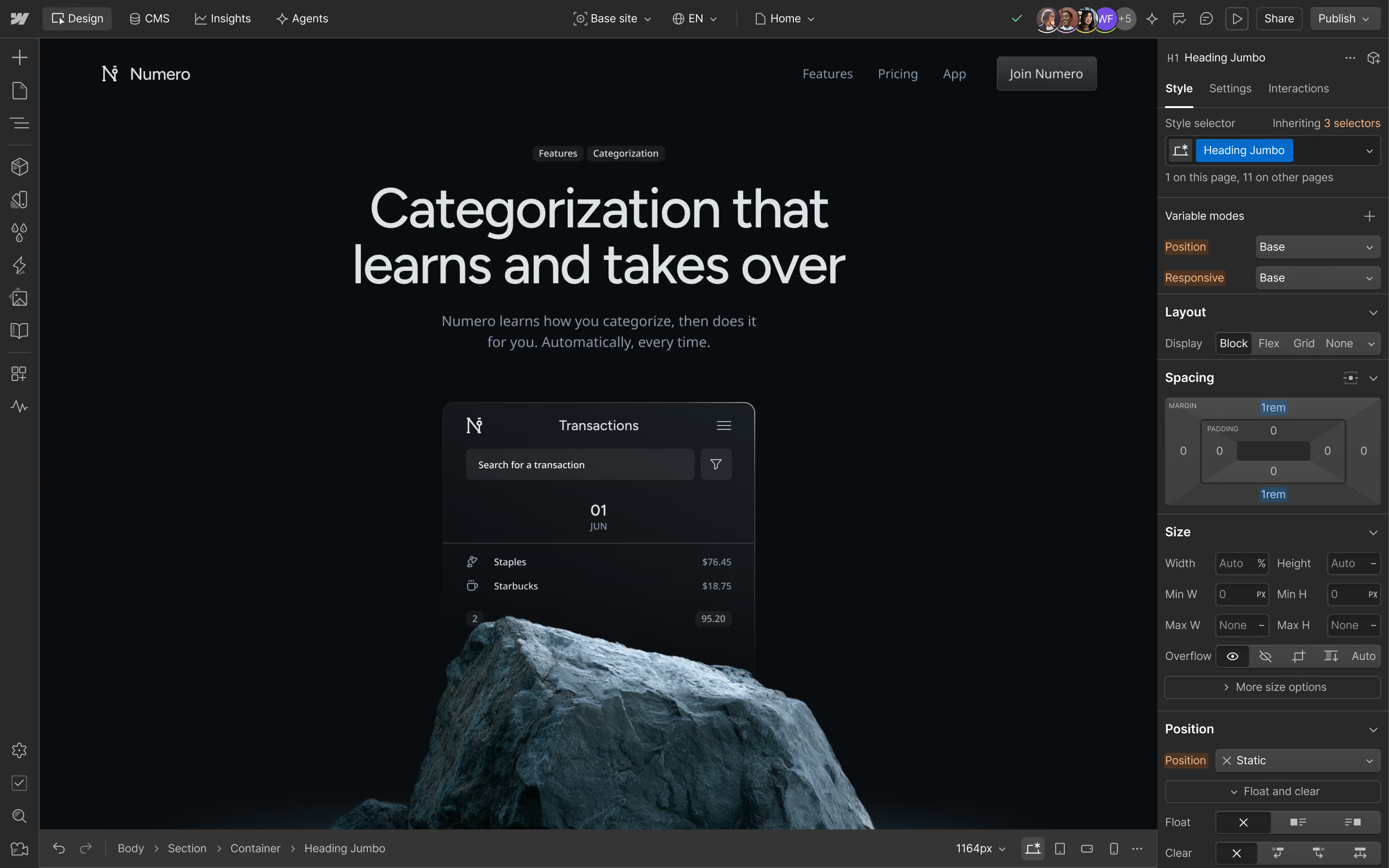
Webflow MCP (Model Context Protocol) connecte des outils IA comme Claude, Cursor et Windsurf directement à vos projets Webflow, afin que vous puissiez concevoir, créer et gérer votre site en langage naturel. Décrivez ce que vous souhaitez, et votre agent IA se charge de la mise en œuvre — sans appels API manuels ni configuration d'authentification personnalisée.
Il repose sur les API Data et Designer de Webflow, ce qui signifie que votre agent IA travaille avec les données réelles de votre site, votre design system et le contenu de votre CMS. Que vous soyez un développeur souhaitant aller plus vite ou un responsable marketing désirant mettre à jour du contenu sans toucher à l'éditeur, Webflow MCP donne à votre agent IA le contexte dont il a besoin pour agir de manière pertinente sur votre site.
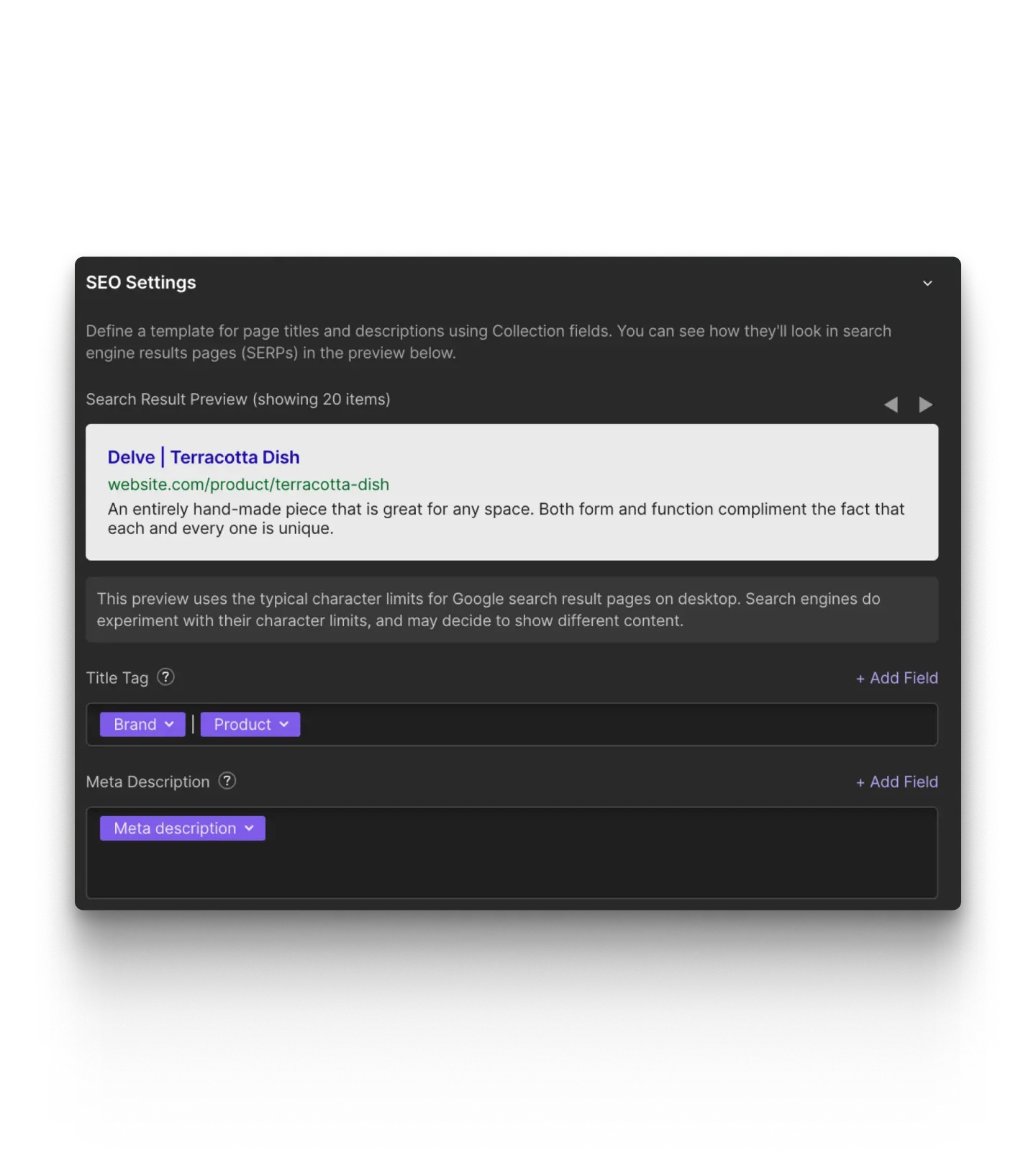
Webflow MCP prend en charge les workflows de design, de contenu, de gouvernance et de performance — le tout via des prompts en langage naturel. Côté design, vous pouvez créer des layouts, travailler avec des composants, appliquer des styles, gérer des variables de design et créer sur différents breakpoints. Pour le contenu, vous pouvez créer et mettre à jour des collections et des éléments CMS à grande échelle sans ouvrir l'éditeur.
Au-delà de la création, Webflow MCP prend en charge les workflows de gouvernance et de collaboration. Créez et gérez des branches de pages pour itérer en toute sécurité sans affecter votre site en ligne, consultez les journaux d'activité du site pour voir ce qui a changé et quand, et appliquez les rôles et autorisations existants de votre équipe afin que les agents n'accèdent qu'aux éléments pour lesquels ils sont autorisés. Vous pouvez également analyser les performances du site par le biais de conversations, en posant des questions sur le trafic, les pages les plus visitées et les tendances d'engagement, et partager ces données avec vos autres outils.
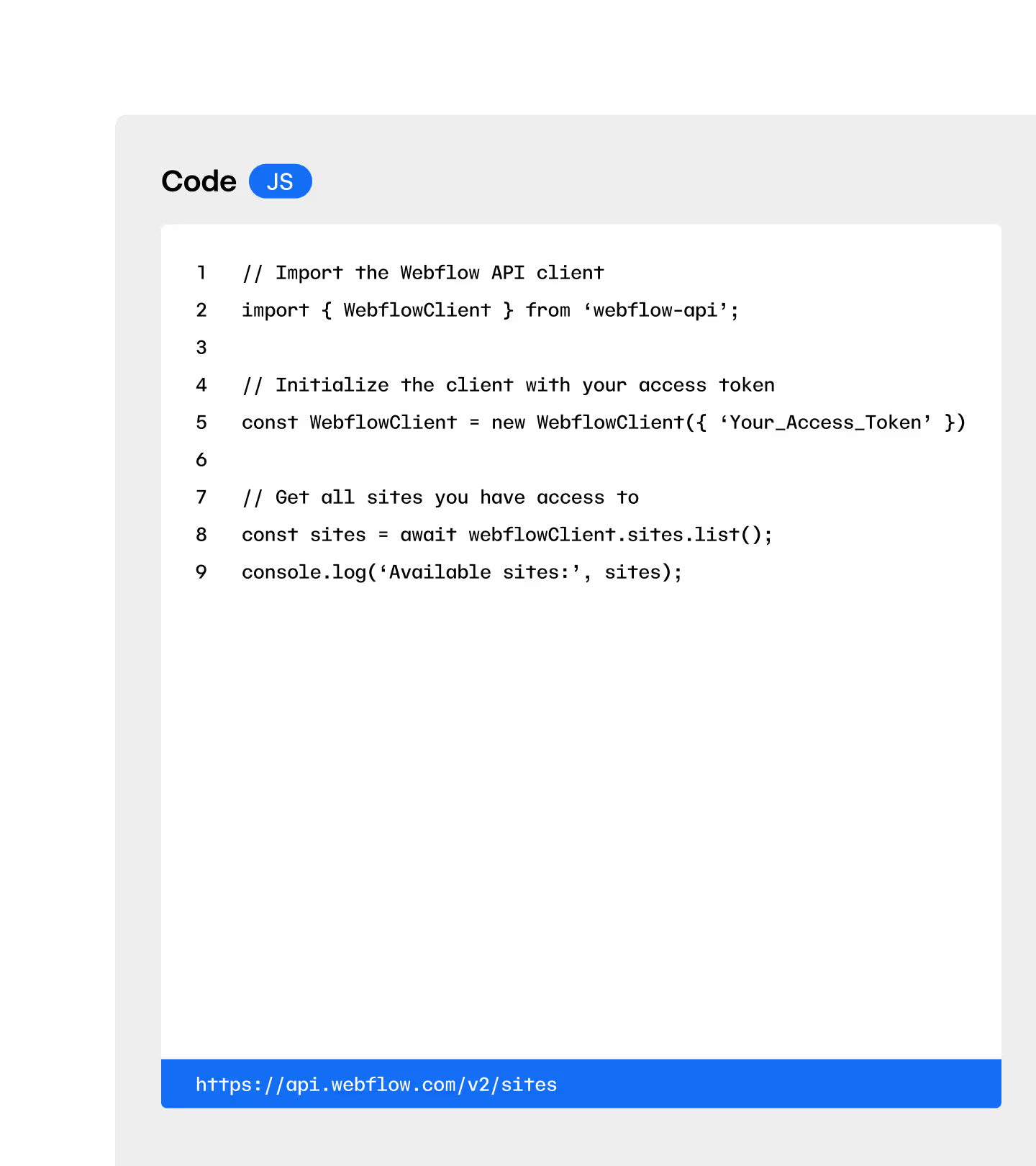
L'API Webflow est un ensemble d'interfaces programmatiques que les développeurs utilisent pour interagir avec les données Webflow en écrivant du code. Webflow MCP repose sur ces mêmes API, mais les expose sous forme d'outils qu'un agent IA peut utiliser en votre nom — vous n'avez donc pas besoin d'écrire du code pour accomplir vos tâches. Décrivez ce que vous souhaitez en langage courant, et MCP traduit automatiquement votre demande en appels API appropriés.
Avec Webflow MCP, toute personne ayant accès à un outil IA compatible peut utiliser des prompts pour effectuer des tâches de design, de gestion de contenu et d'administration de site, tout en conservant les mêmes accès aux données sous-jacentes et les mêmes contrôles de sécurité que ceux fournis par l'API.
Webflow MCP prend en charge certaines étapes d'un workflow de migration ou de structuration de CMS, mais il n'est pas conçu pour les migrations complètes d'un site d'une plateforme à une autre. Vous pouvez l'utiliser pour créer et gérer des collections CMS, ajouter et mettre à jour des éléments de collection à grande échelle, et structurer le contenu de manière programmatique — ce qui le rend utile pour configurer ou réorganiser votre architecture CMS à l'aide d'un agent IA.
Pour les équipes qui migrent du contenu vers Webflow ou qui restructurent un site existant, MCP accélère le processus en vous permettant de créer des collections, de renseigner des champs et de gérer le contenu via des prompts en langage naturel plutôt que par saisie manuelle. Les migrations complètes en une seule étape d'une plateforme à une autre ne font pas partie des cas d'usage pour lesquels MCP a été conçu ; il est donc plus efficace en tant qu'outil pour un travail de contenu structuré et progressif.
Webflow MCP ne couvre pas encore toutes les fonctionnalités disponibles, mais ses capacités sont en constante expansion. Consultez la documentation développeur pour connaître les dernières fonctionnalités prises en charge.
Ressources MCP

Kit de démarrage
Des tutoriels, vidéos et articles pour chaque étape, adaptés à tous les niveaux.

Bibliothèque de prompts
Une bibliothèque de prompts optimisés pour décupler la puissance de vos agents.

Instructions destinées aux agents
Un ensemble de skills et de règles de base pour guider vos agents.
All platform features