






Feature
Localize
Set tone and formality for each target language
Give each target language the tone and formality your translation needs — even when the source text doesn't have the information to supply it.

AI translation normally infers tone and formality from your source content. But that doesn't always work.
Some languages mark a formal or informal register — through word choice, verb forms, or honorifics — while others, like English, don't mark it at all. When you're translating from a language that doesn't encode formality into one that requires it, the correct register was never in the source to begin with, so translation defaults to a generic guess. Tone runs into a different problem: it's usually present in your source content, but translation tends to normalize style toward a neutral middle ground as it adapts phrasing to fit the target language, so a distinctive tone doesn't always carry through.
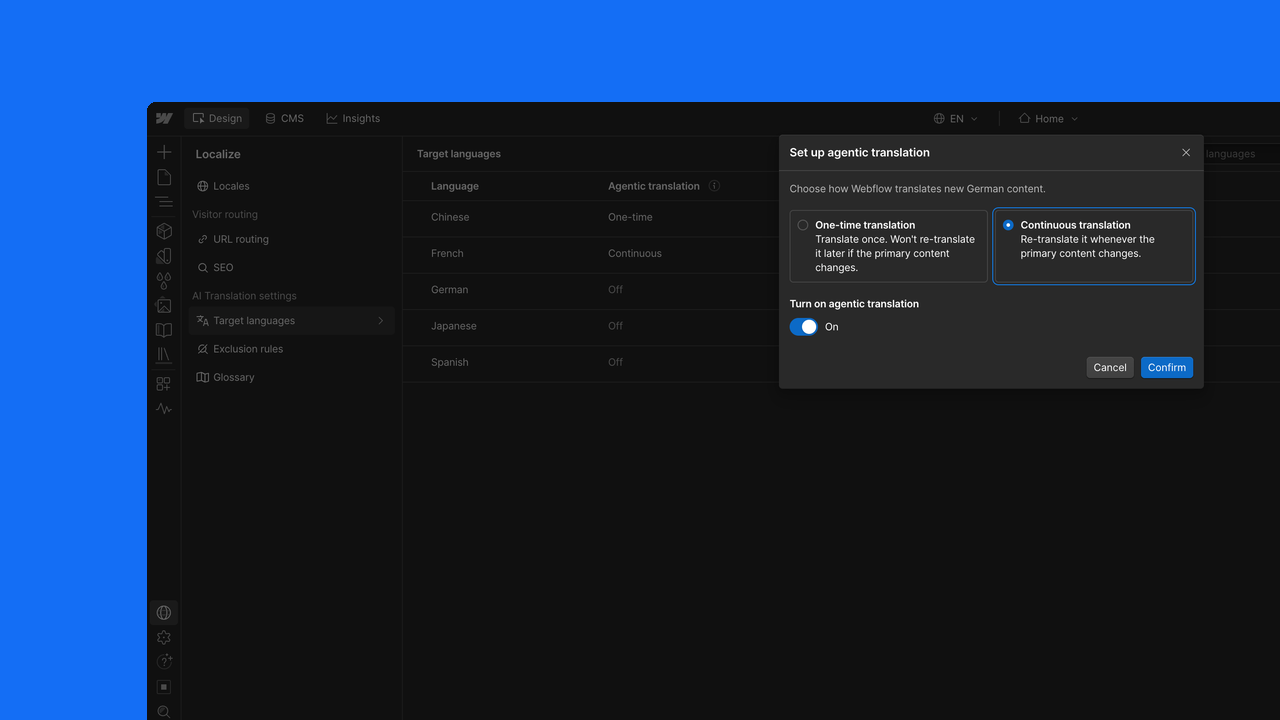
Now you can set Formality and Tone independently for every target language. Set a fixed value on a language that needs a specific register — useful for languages like German, French, Japanese, Korean, or Spanish where formality is required but your source content doesn't specify it. Or hold a language to a specific tone so it doesn't drift toward neutral from translation to translation. Select multiple languages at once to apply the same settings in bulk, and use the translation preview to see the result before committing.
Available on the Advanced Localize add-on or Enterprise plans with Localize.
Related updates




















Get started for free
Try Webflow for as long as you like with our free Starter plan. Purchase a paid Site plan to publish, host, and unlock additional features.
Try Webflow for as long as you like with our free Starter plan. Purchase a paid Site plan to publish, host, and unlock additional features.