Verbinden Sie Ihre KI-Agenten mit Webflow
Erstellen und verwalten Sie Ihre Websites mit KI-Tools wie Claude und Cursor – im großen Stil und ohne Abstriche bei Kontrolle und Governance.

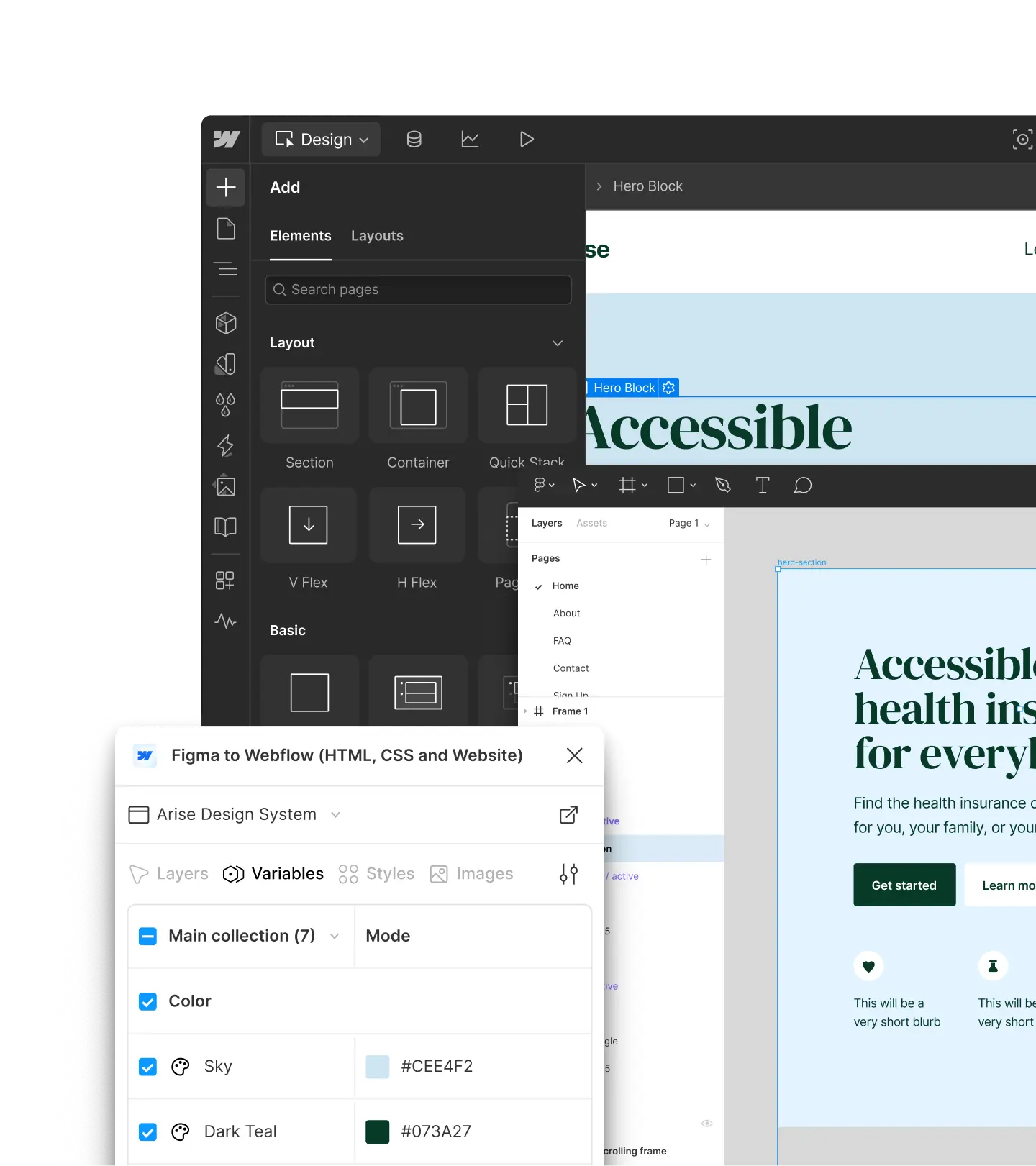
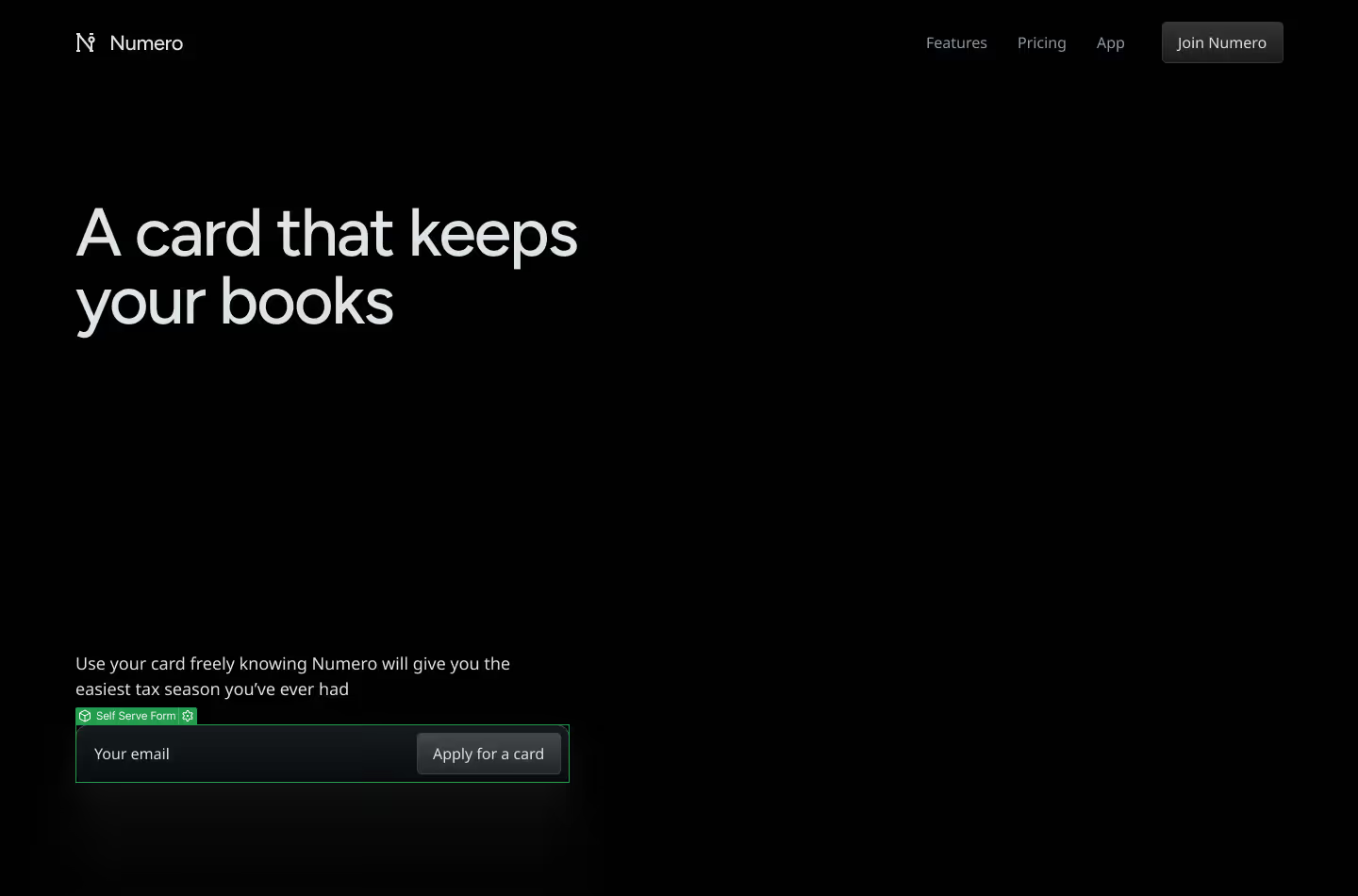
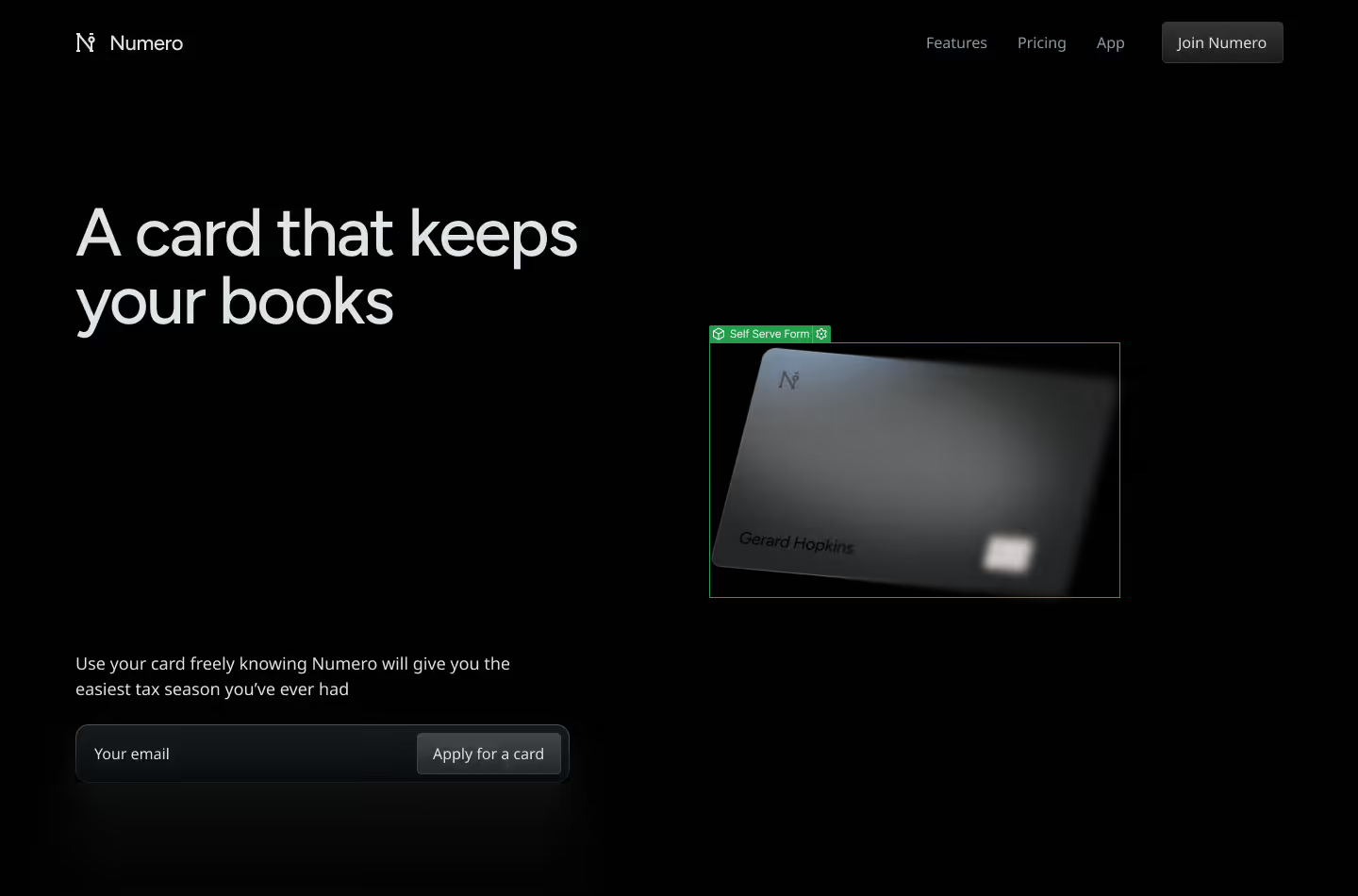
Nehmen Sie diese Figma-Datei und setzen Sie sie in Webflow genau wie entworfen als CMS-Template um.



Arbeiten Sie mit Ihren bevorzugten Tools





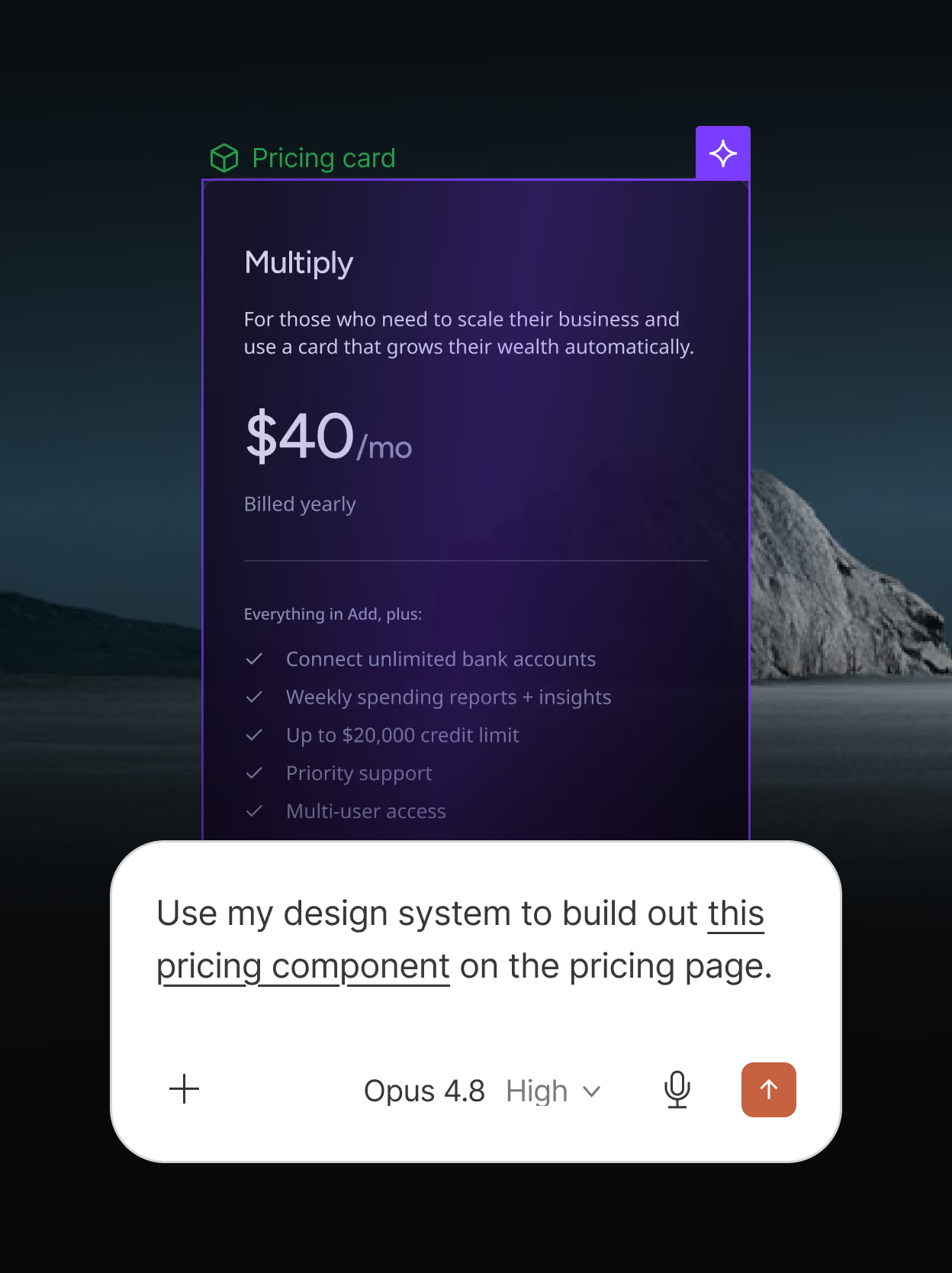
Schneller markenkonformen Content erstellen
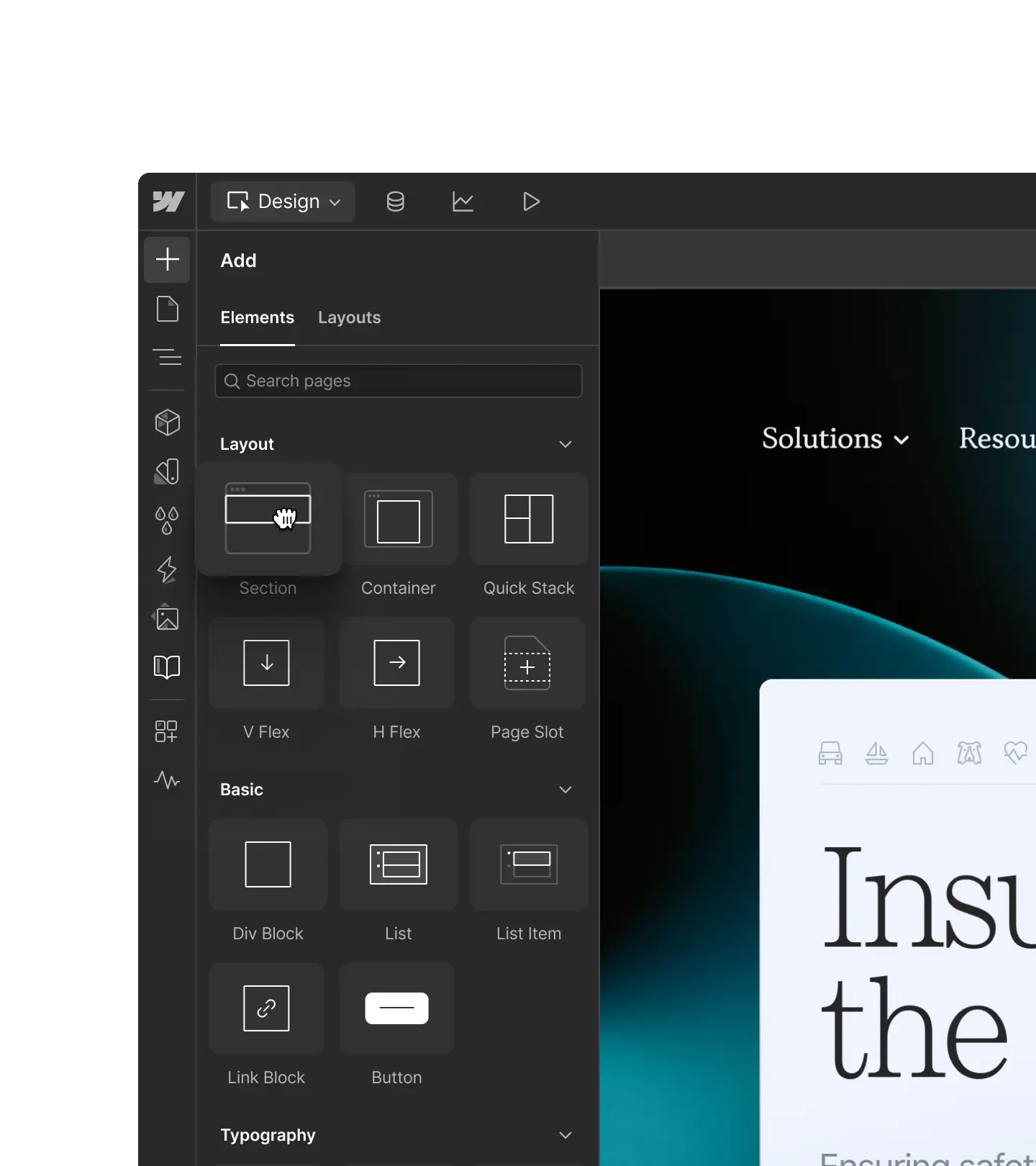
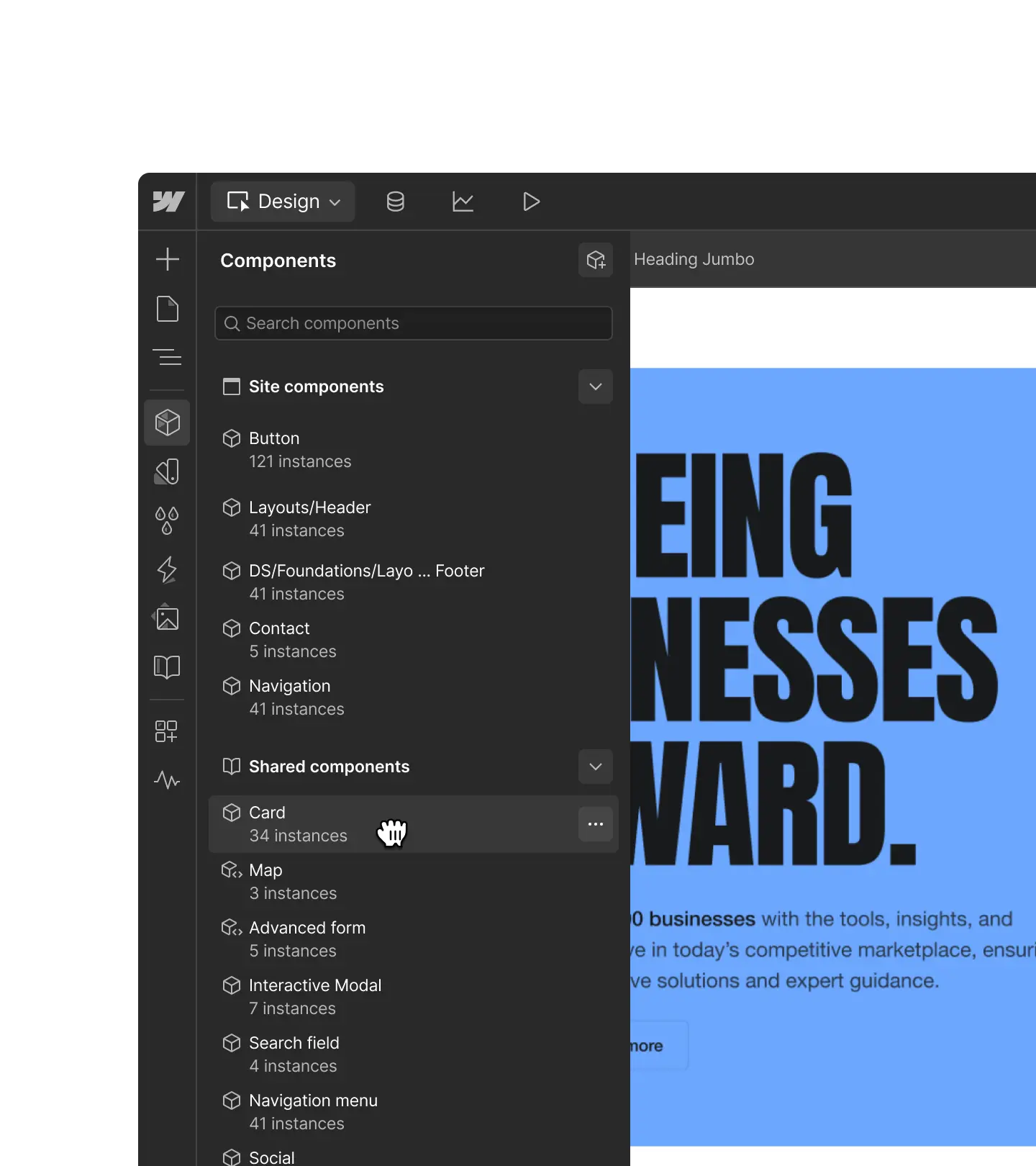
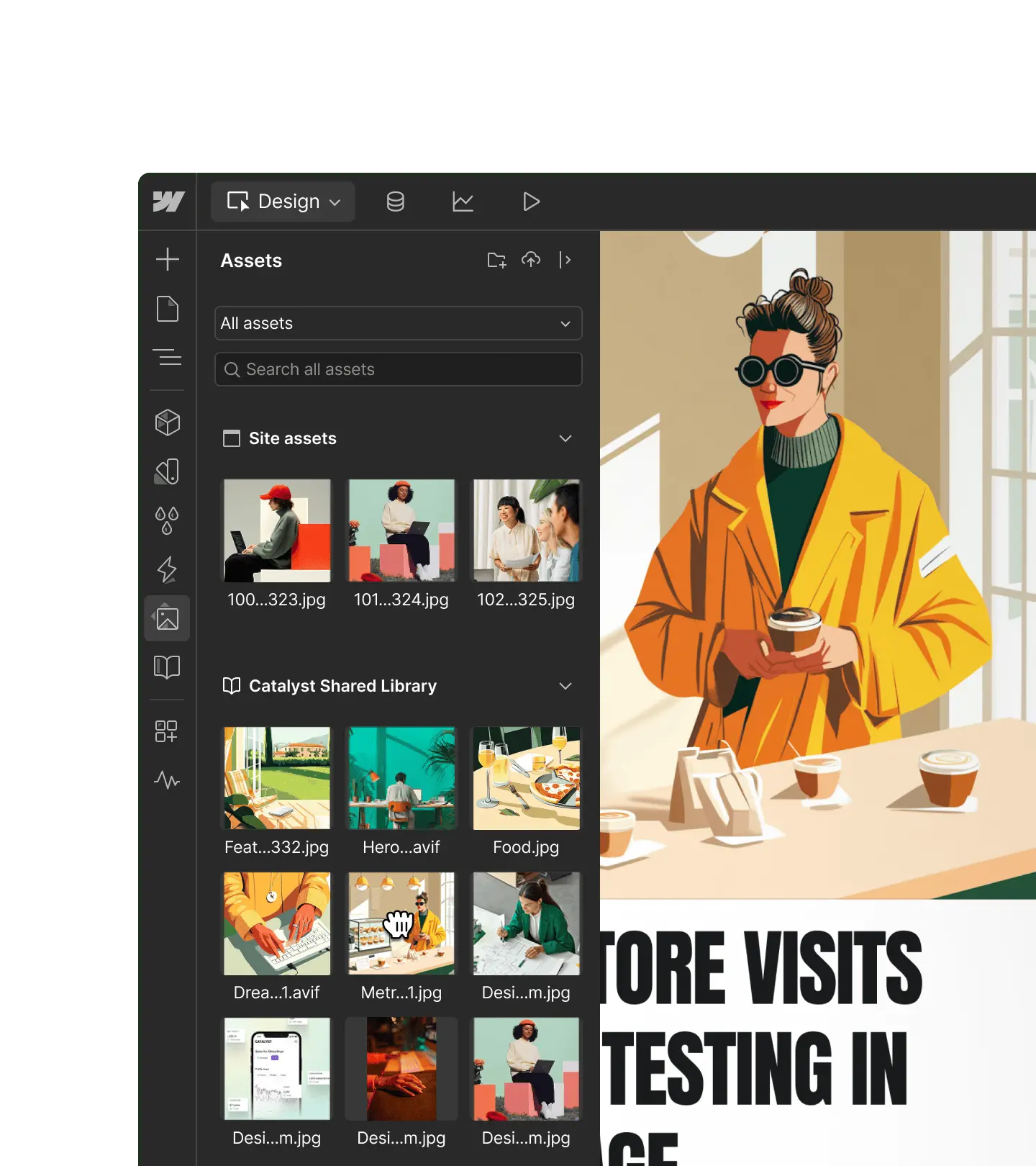
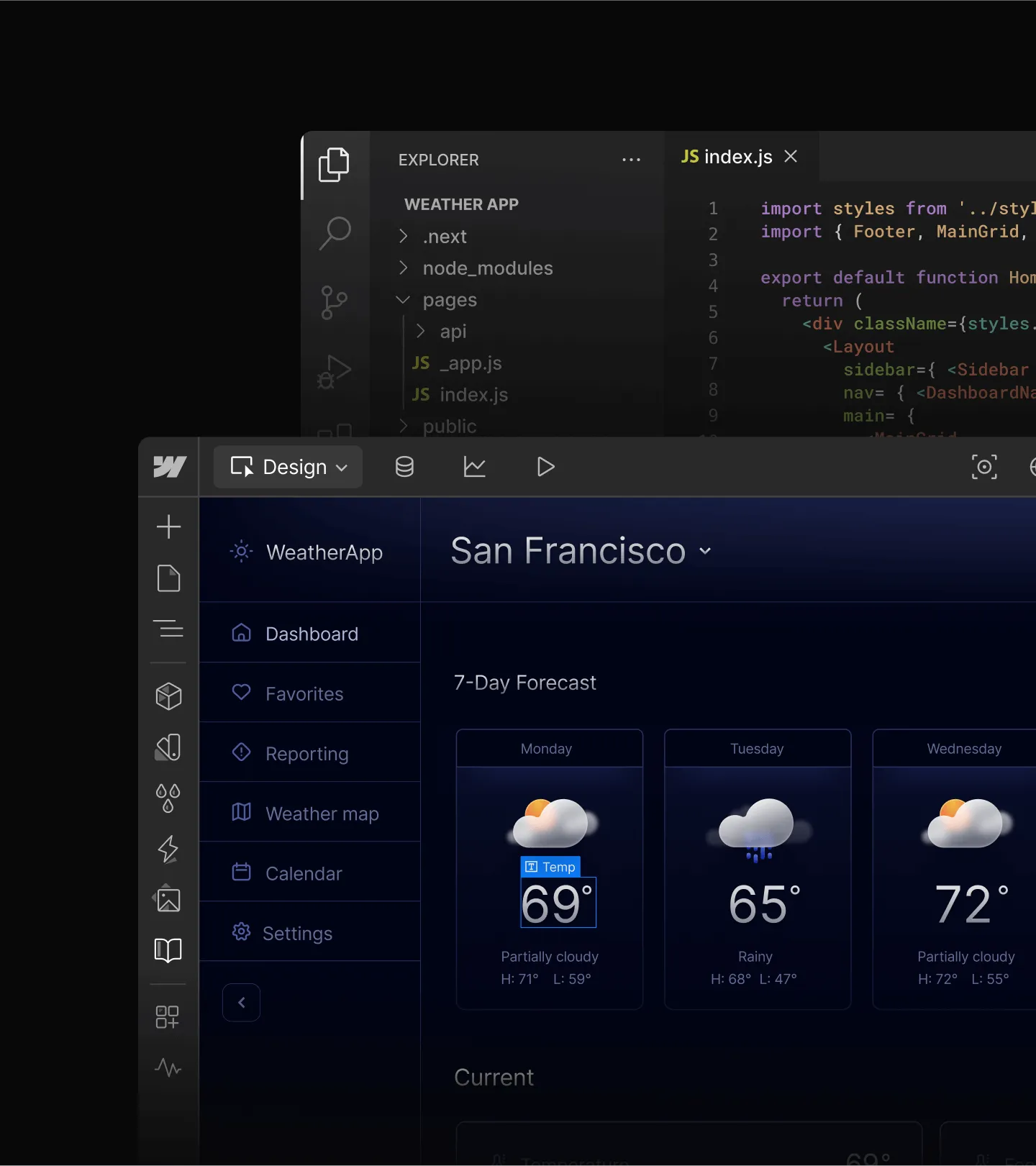
Geben Sie KI-Agenten den vollständigen Kontext Ihres Designsystems, damit sie in Rekordzeit markenkonforme Webseiten und CMS-Content erstellen können.
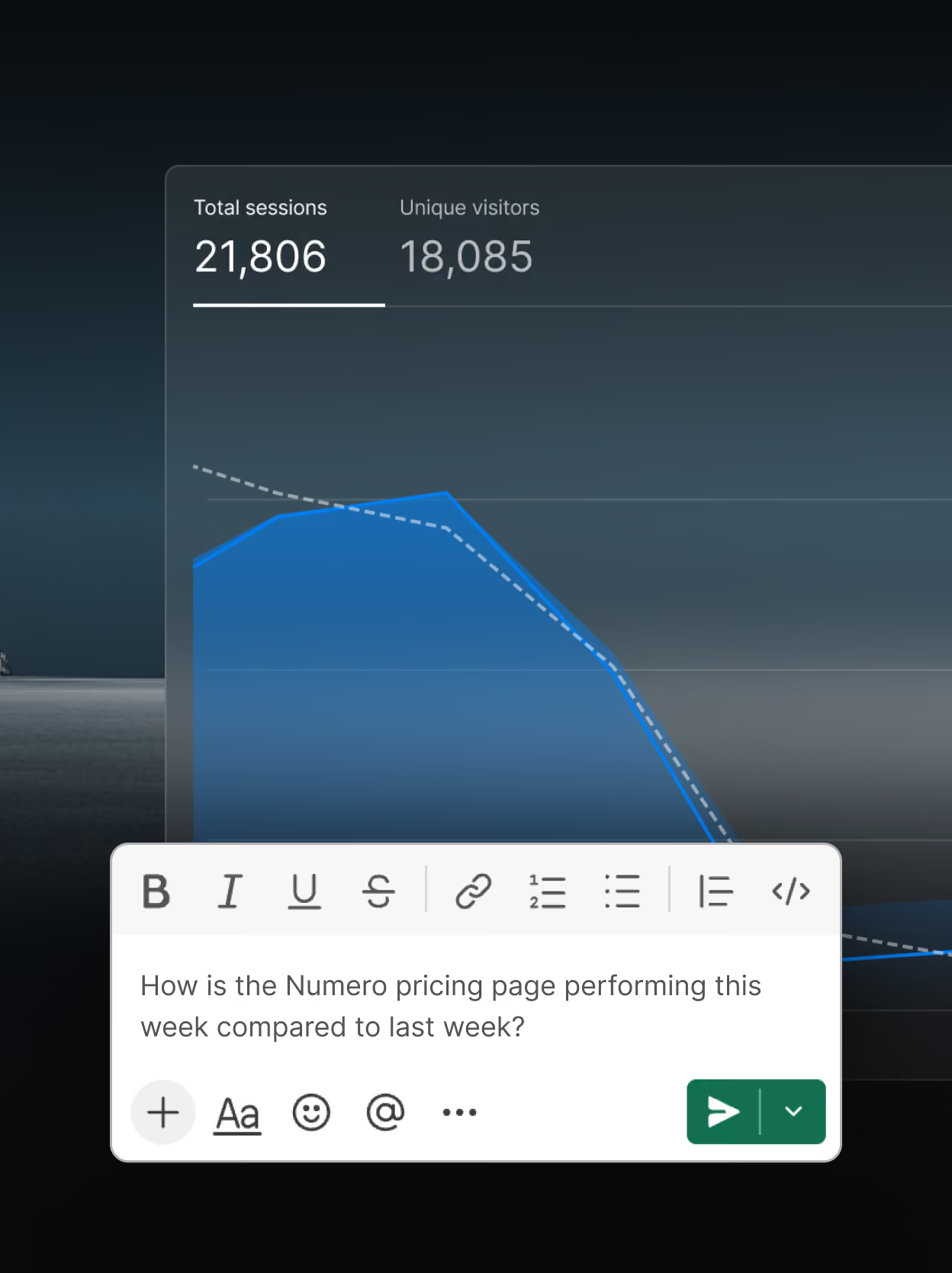
Holen Sie mehr aus Ihren Website-Daten heraus
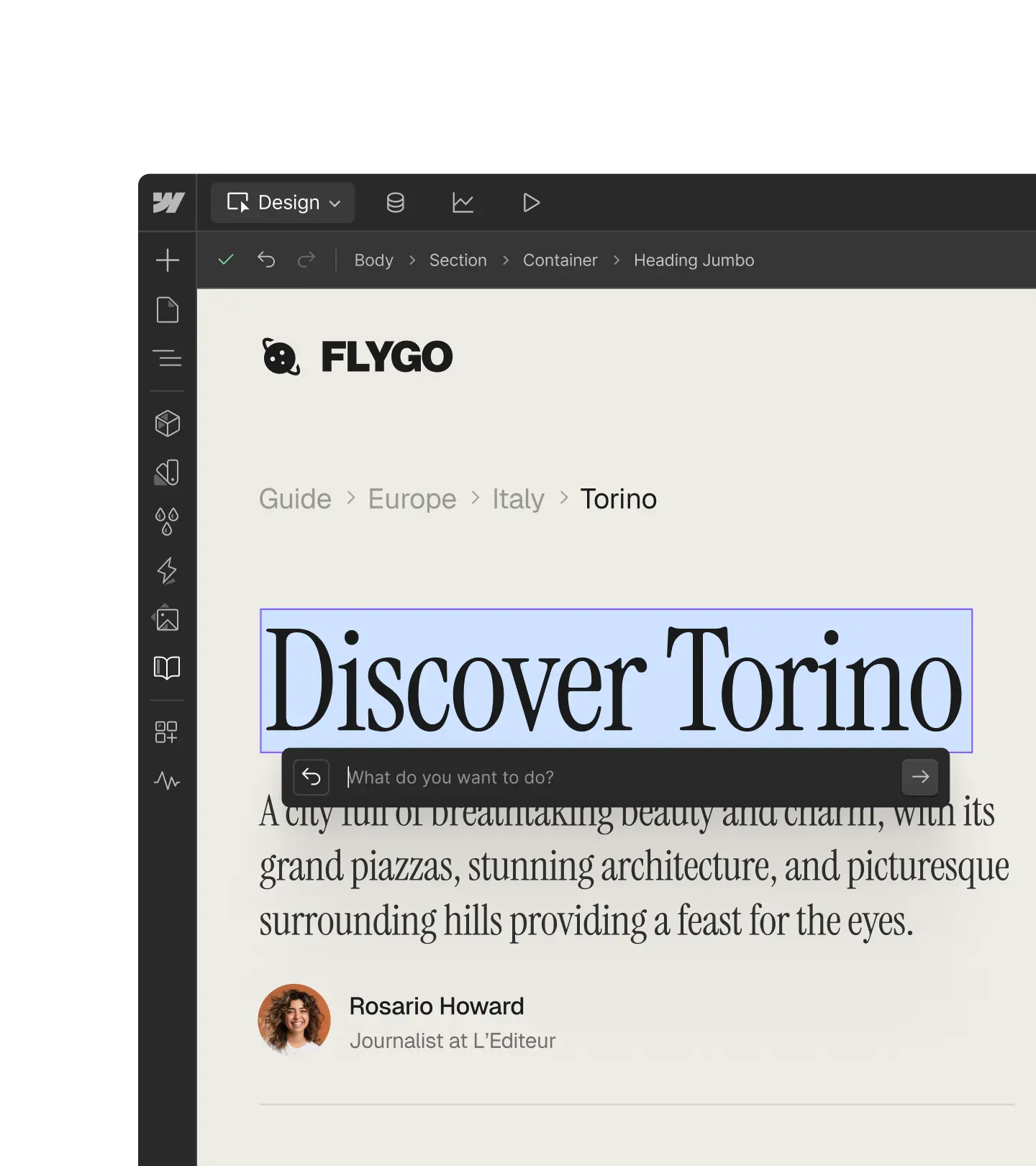
Analysieren Sie die Performance Ihrer Website in natürlicher Sprache und teilen Sie Daten über verschiedene Tools hinweg, um aussagekräftige Einblicke in Ihre bestehenden KI-Workflows zu bringen.
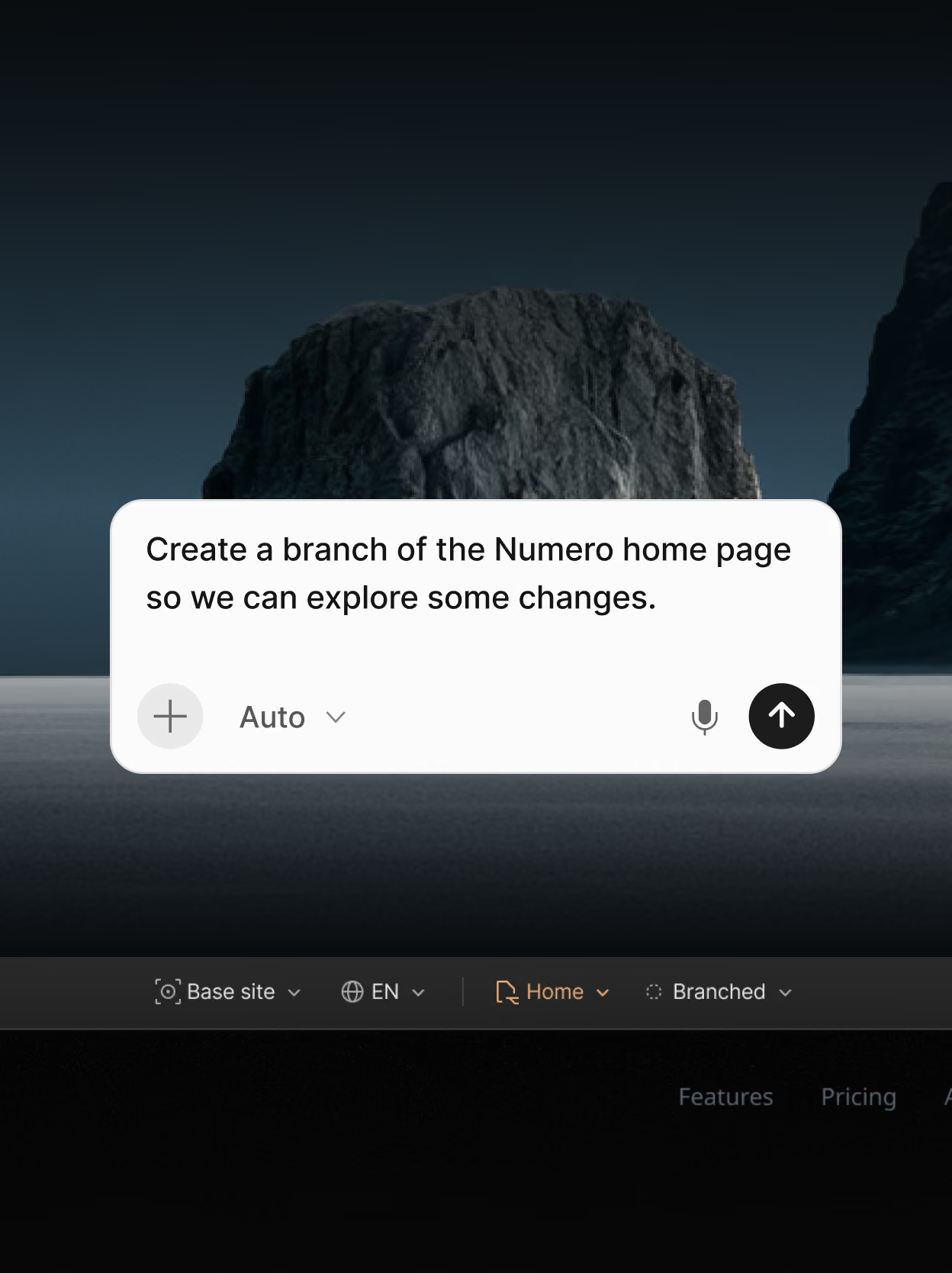
Sicher im großen Stil zusammenarbeiten
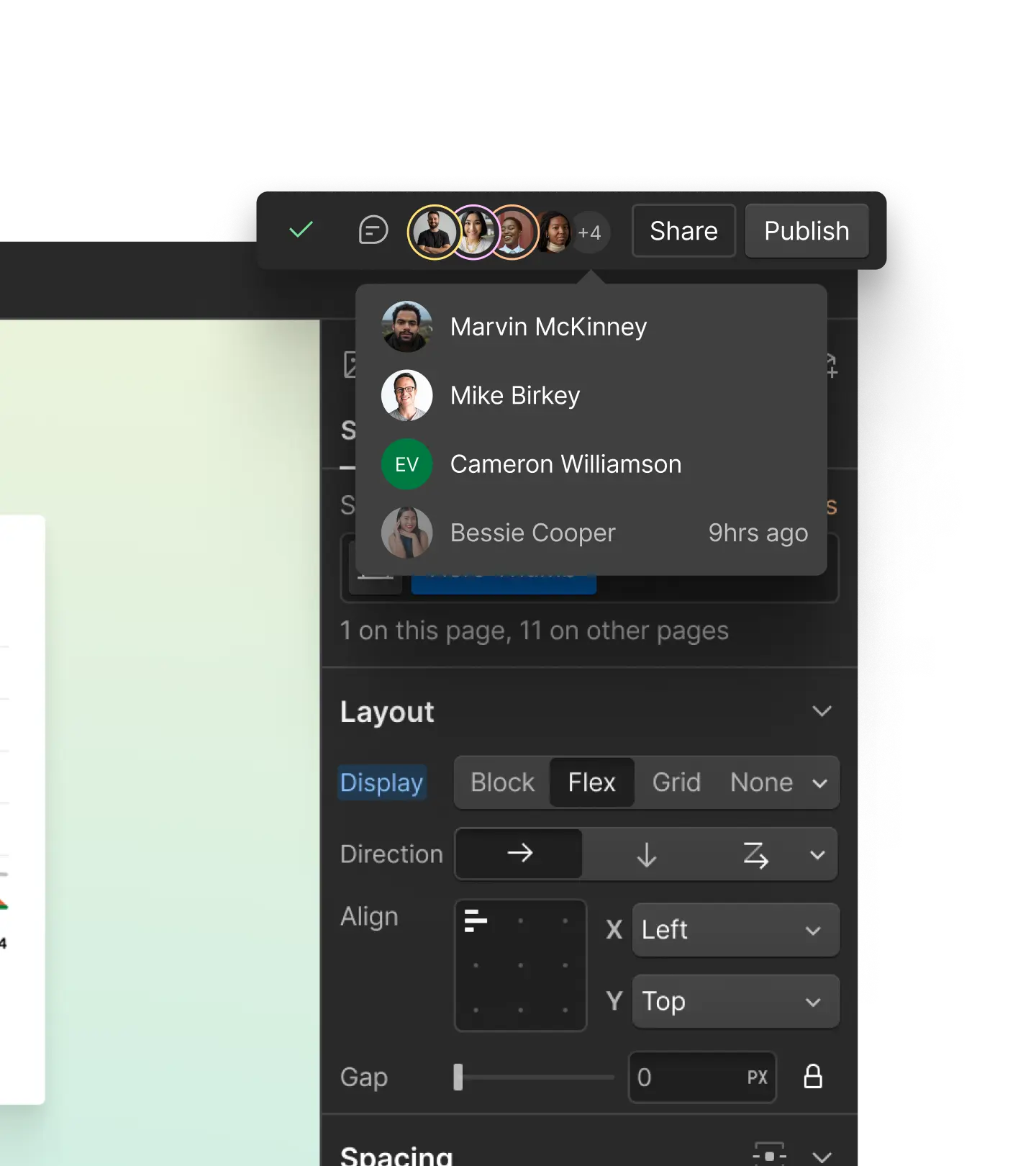
Steuern Sie den KI-Agentenzugriff mit Rollen und Berechtigungen, entwickeln Sie Seiten-Branches sicher weiter und verwalten Sie Content mit einem integrierten CMS.
Das MCP von Webflow bietet Agenten Zugriff auf noch mehr Funktionen von Webflow

Interaktionen
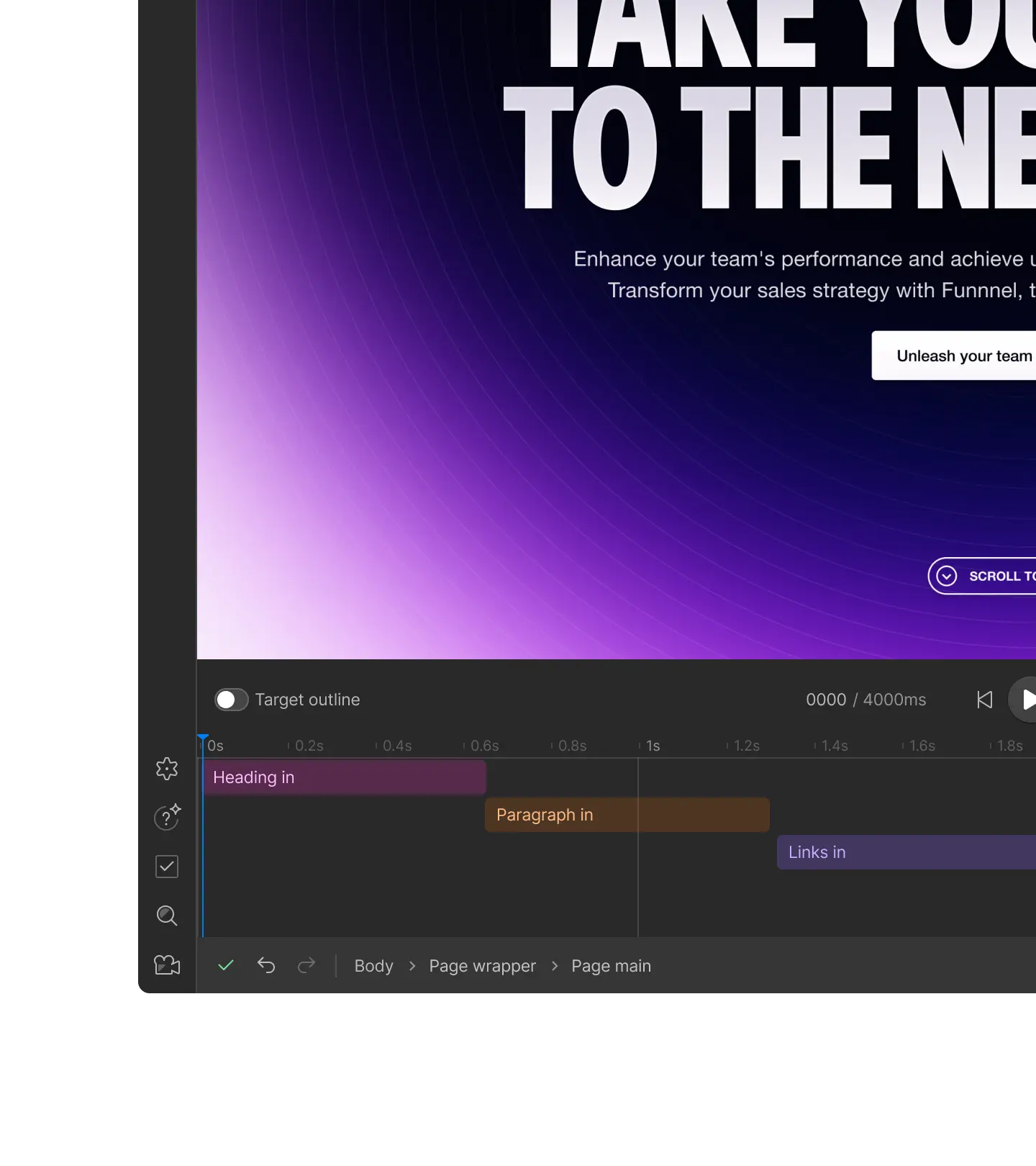
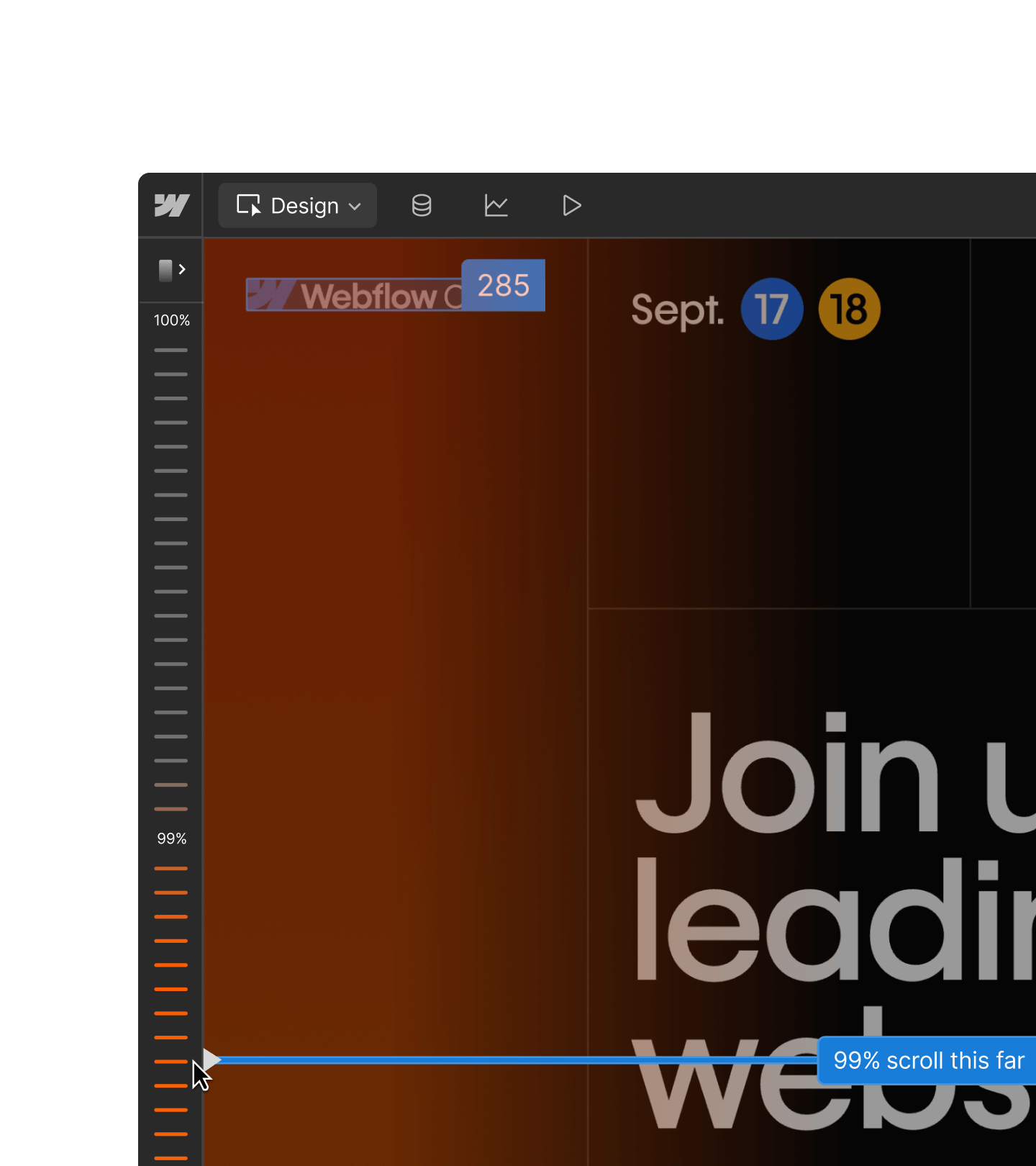
Erstellen und bearbeiten Sie native Interaktionen mit IX3. Agenten können Scroll-, Hover- und Ladeereignisse als Trigger verwenden – genau wie Sie auf der Arbeitsfläche.

CMS-Abfragen
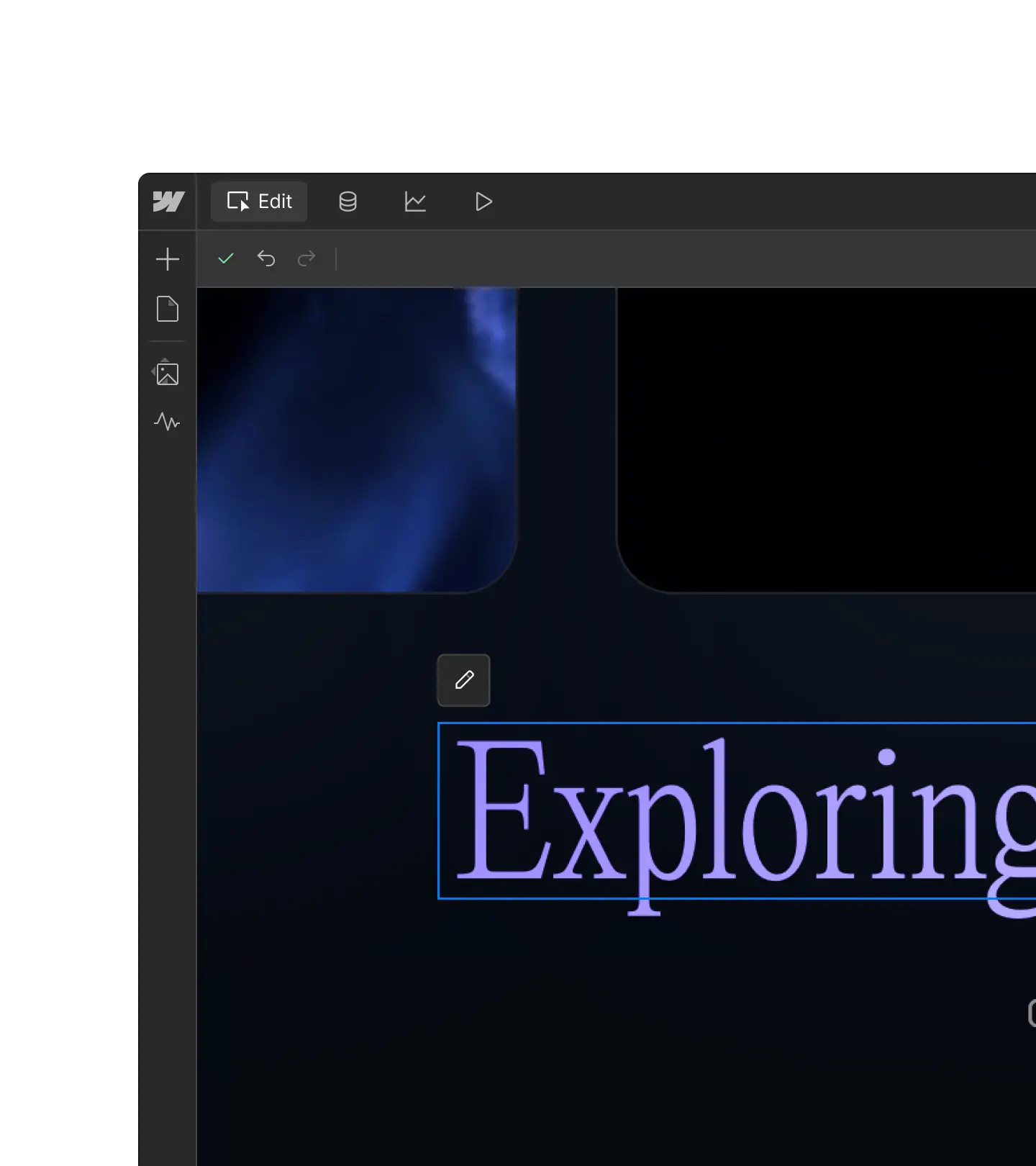
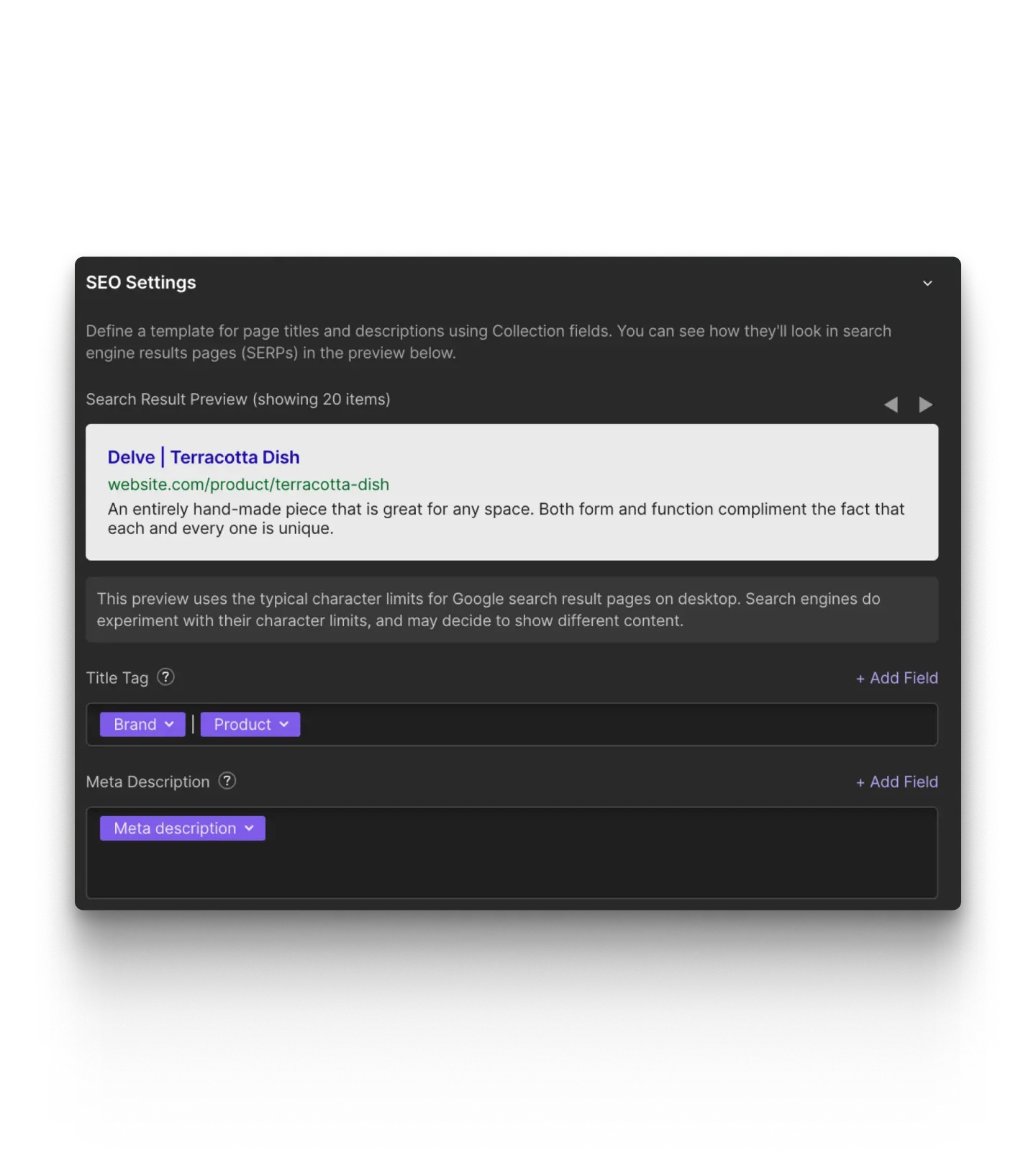
Sortieren und filtern Sie CMS-Content und rufen Sie ihn seitenweise ab – einschließlich benutzerdefinierter Felder und Referenzfelder. Dafür genügt eine einzige Anfrage.

Webflow Cloud
Webflow Cloud-Apps bereitstellen, ihren Status prüfen und Fehler debuggen: Mit Webflow MCP können Sie auch Probleme bei der Bereitstellung direkt in Ihrem MCP-Client untersuchen und beheben.

Analyze
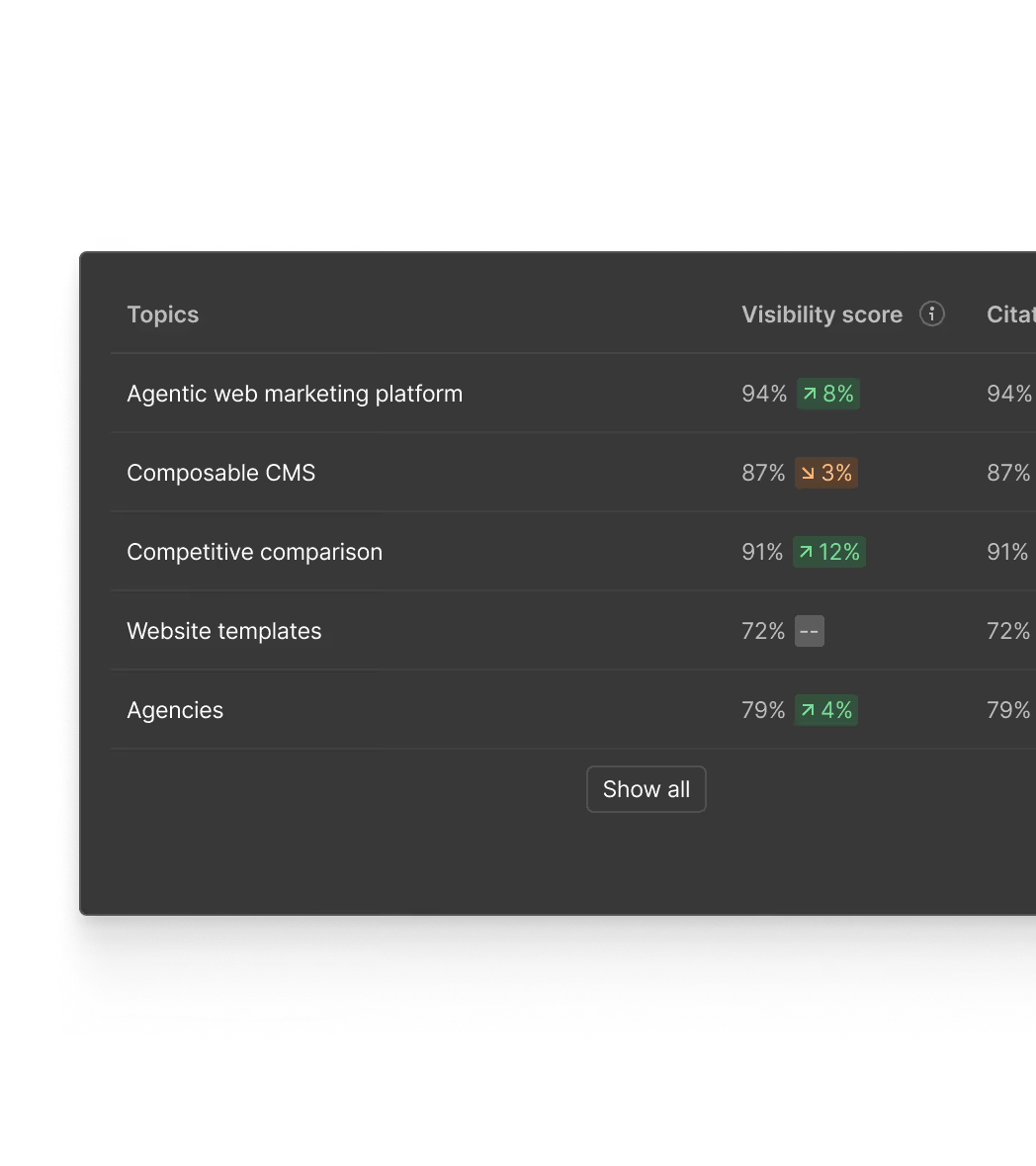
Traffic und Interaktionen Ihrer Website über Ihren MCP-Client abfragen.

Optimize
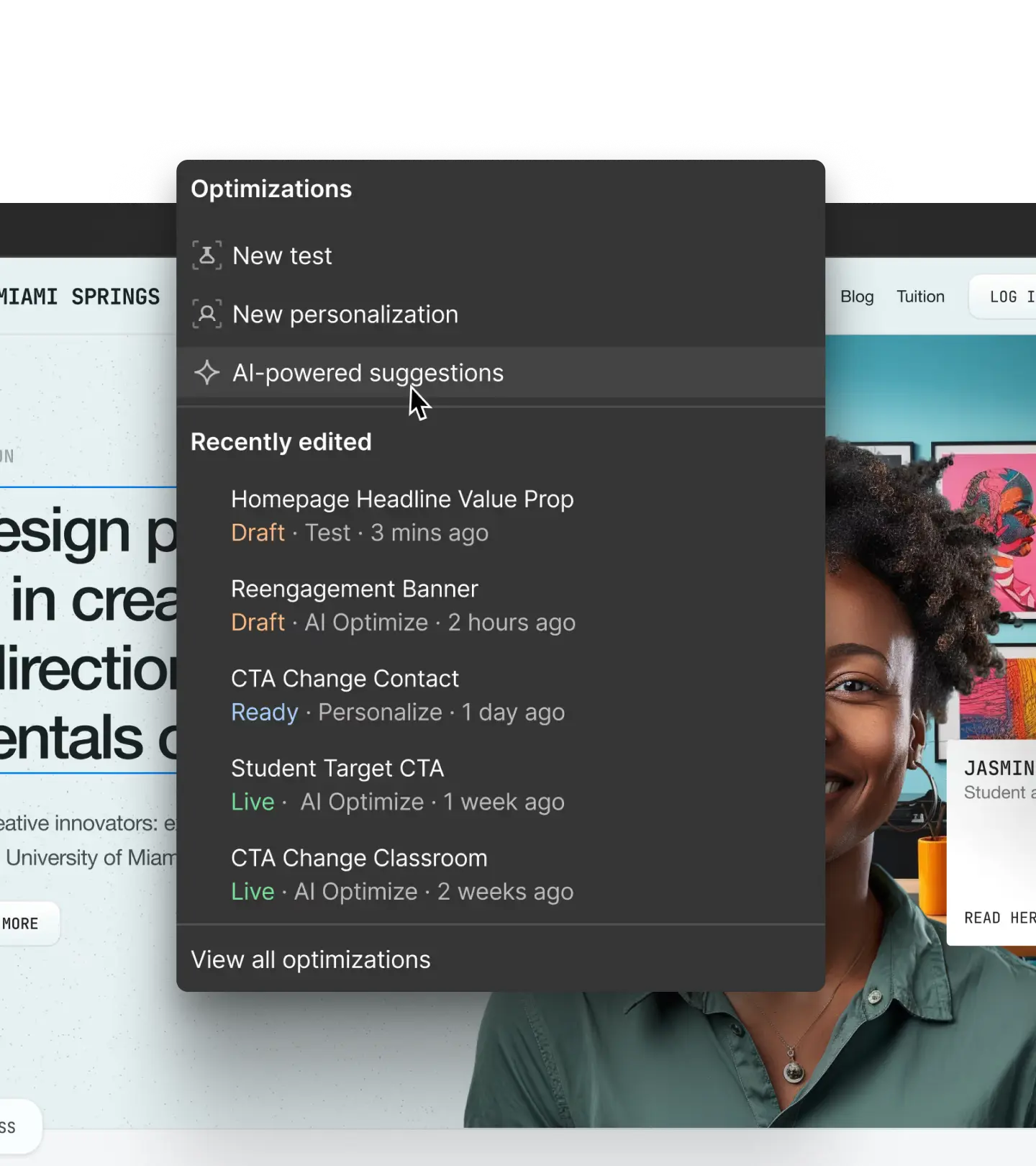
Ergebnisse von Optimize-Tests über Ihren MCP-Client abrufen.

Webflow Cloud
Webflow Cloud-Apps bereitstellen, ihren Status prüfen und Fehler debuggen: Mit Webflow MCP können Sie auch Probleme bei der Bereitstellung direkt in Ihrem MCP-Client untersuchen und beheben.
So funktioniert es
Der Webflow MCP verbindet Webflow mit KI-Tools wie Claude und ChatGPT, damit KI-Agenten in Ihrem Namen handeln können.

1
Ihre Tools verbinden
Verbinden Sie Webflow mit den KI-Tools, die Sie bereits nutzen, sodass Sie Ihre Websites innerhalb Ihrer bestehenden KI-Workflows verwalten können.
2
Eigene Regeln definieren
Schaffen Sie eine zentrale, einheitliche Kontextquelle, um Ihre KI-Agenten mit Skills und Referenzen wie Markenrichtlinien und Rechtsdokumenten in die richtige Richtung zu weisen.
3
Mit Prompts starten
Fordern Sie Ihren KI-Agenten einfach auf, neue Seiten zu erstellen, CMS-Content zu verwalten, Ihren Website-Traffic zu analysieren und mehr.
4
Mit dem visuellen Editor verfeinern
Prüfen und optimieren Sie KI-Ergebnisse auf einer visuellen Arbeitsfläche, damit alles perfekt ist, bevor Sie veröffentlichen.
Webflow MCP für Enterprise
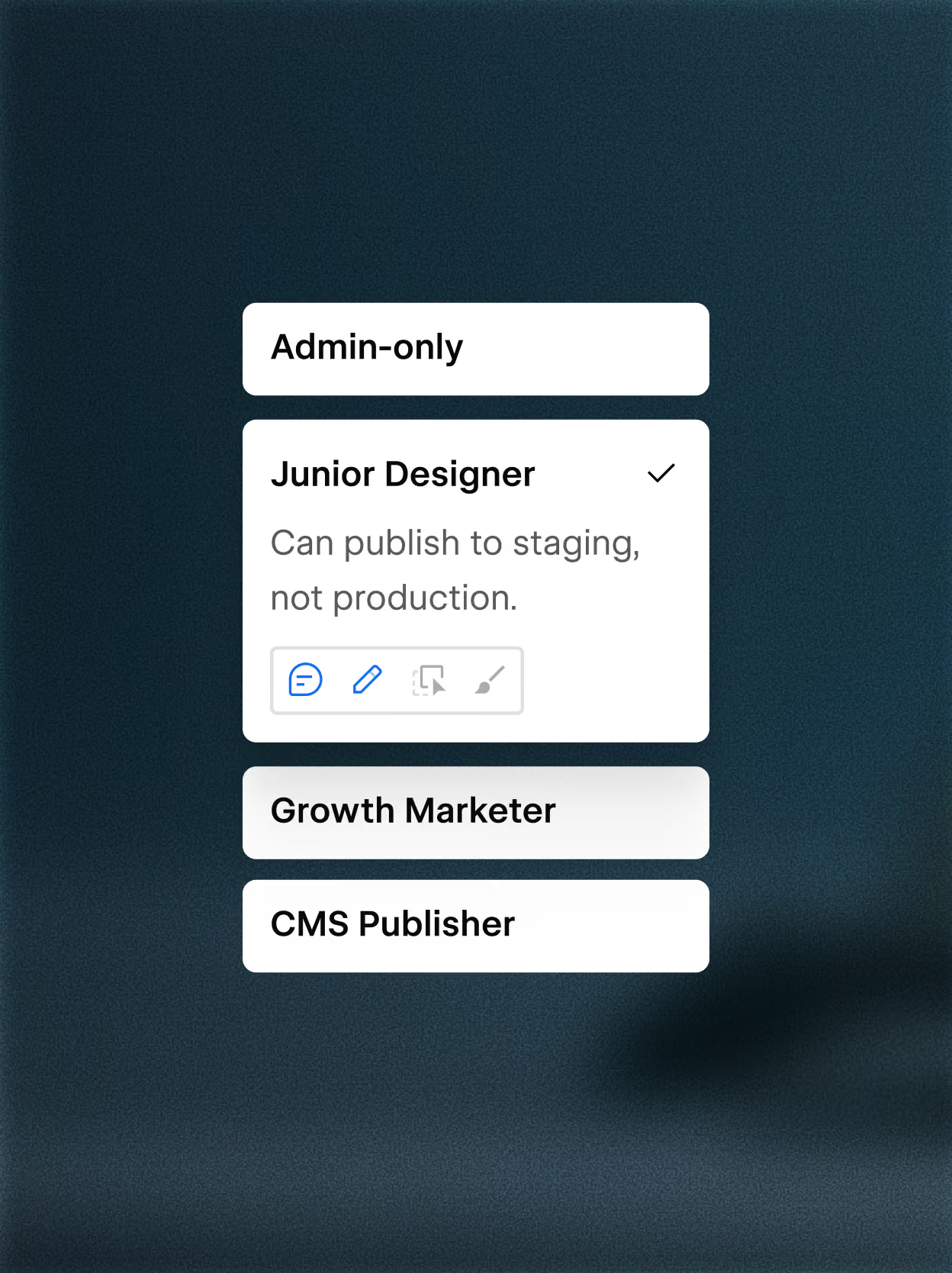
Differenzierte Zugriffskontrollen
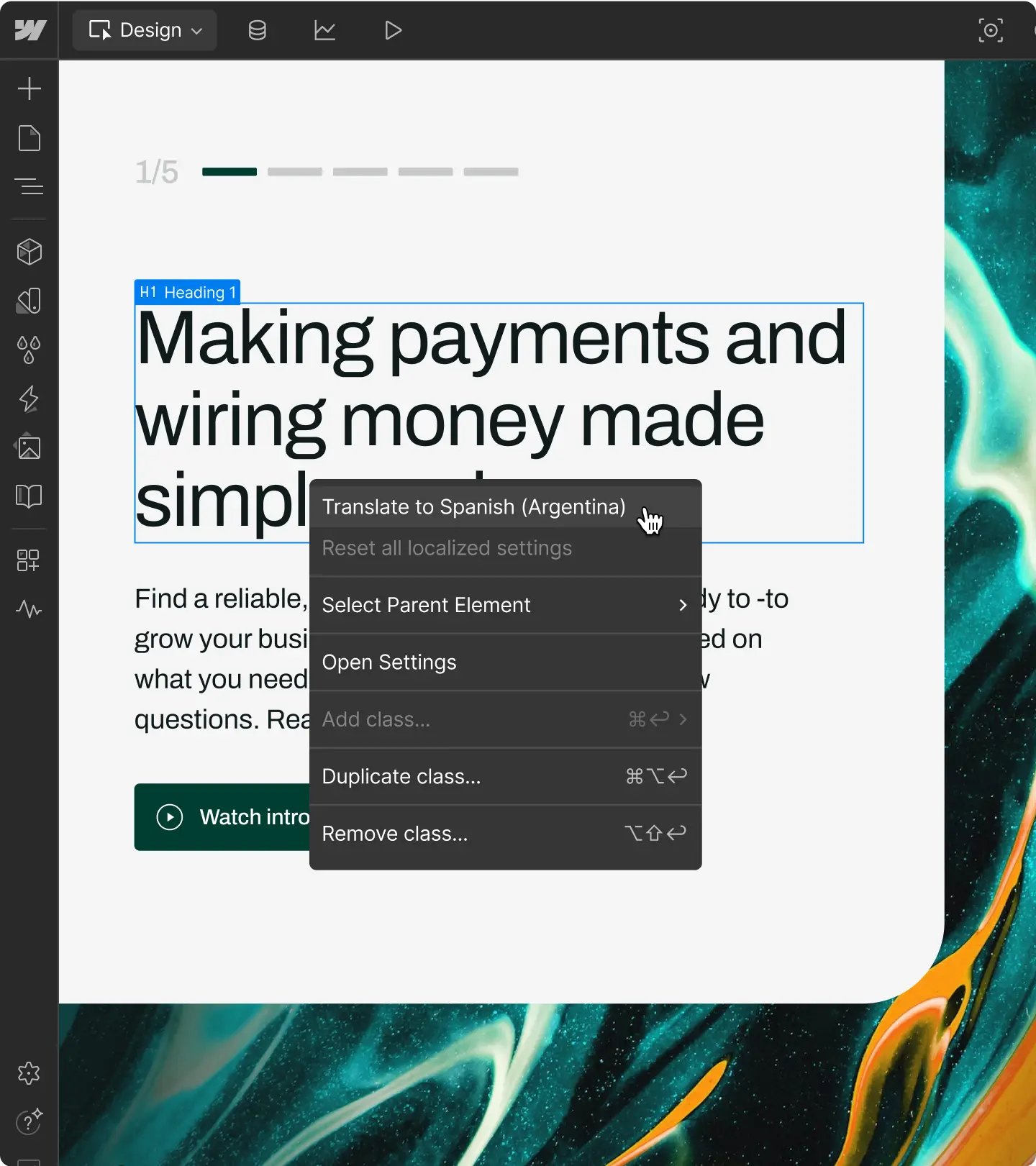
Der MCP von Webflow unterstützt benutzerdefinierte Rollen und Berechtigungen sowie differenzierten Zugriff pro Website, CMS-Collection, Seite und Sprachversion.

MCP-Aktionen im Website-Aktivitätsprotokoll nachverfolgen
Sehen Sie genau, wann eine Änderung über den MCP vorgenommen wurde, wer sie ausgelöst hat und was betroffen war. Fragen Sie das Aktivitätsprotokoll über MCP ab, um Website-Audits schneller und im großen Stil durchzuführen.
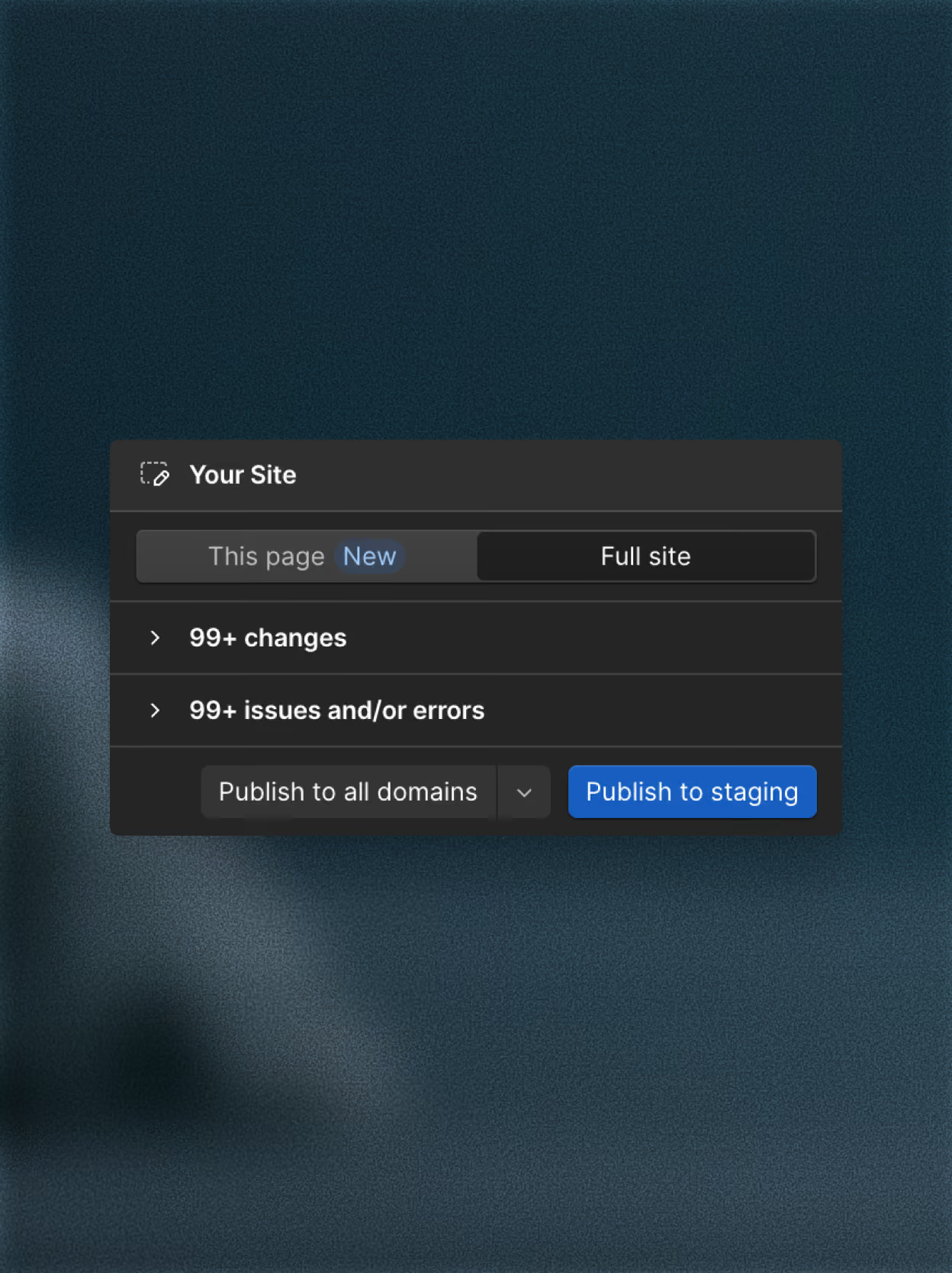
Seiten einzeln veröffentlichen, um Risiken bei der Weiterentwicklung zu reduzieren
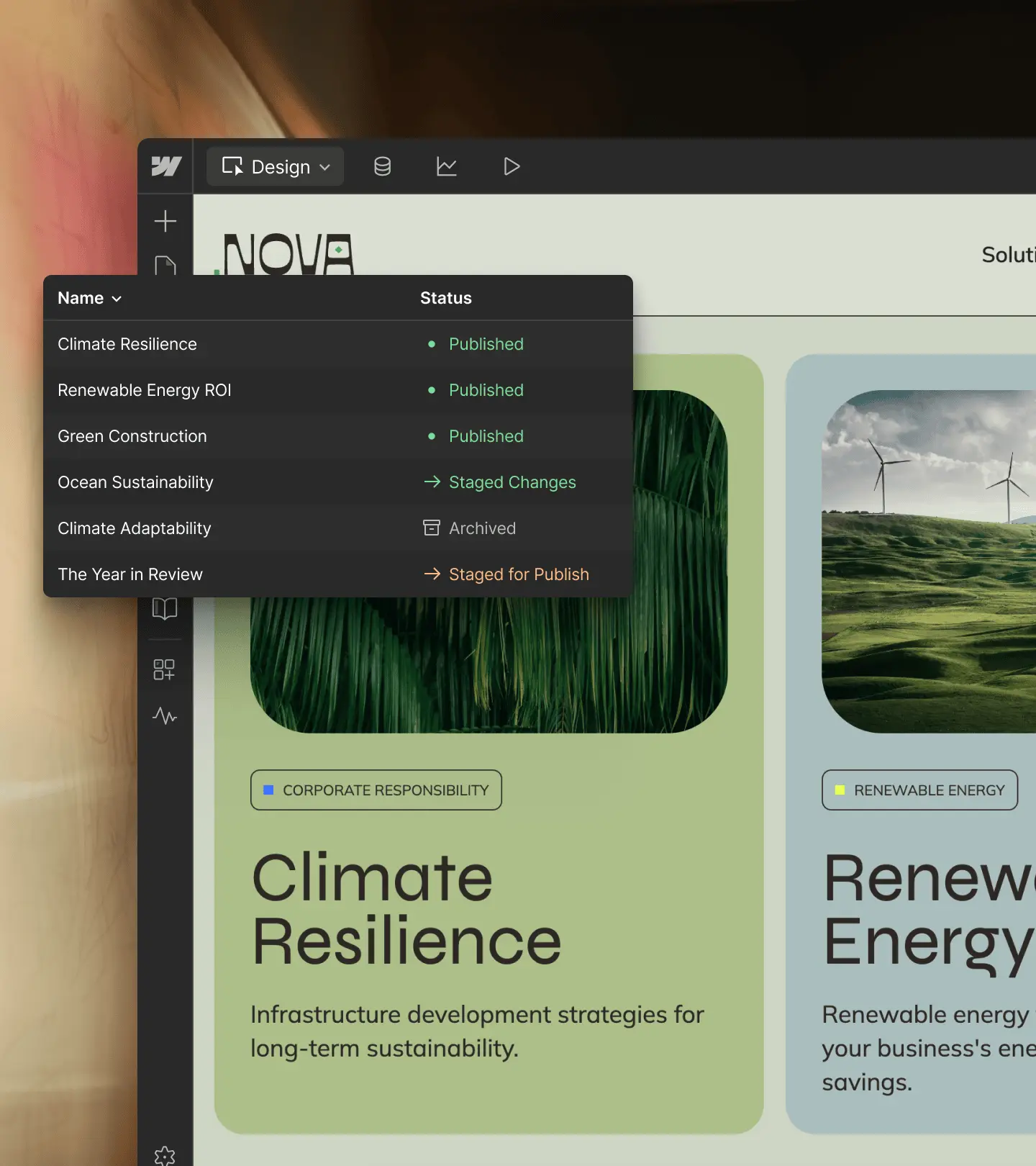
Veröffentlichen Sie einzelnen Seite, ohne Ihre gesamte Website neu veröffentlichen zu müssen. Korrekturen und Updates gehen live, sobald sie bereit sind, während der Rest Ihrer Live-Website unverändert bleibt.

“Our workflows with Figma, Claude Code, and Webflow's MCP have been an absolute game changer. I really see this as our future workflow."

Kundenreferenz
Vom Briefing zum Durchbruch: Die Product Story von Frontify mit Rive zum Leben erwecken
Wie OFF+BRAND für Frontify in Rive ein scrollgesteuertes, klickreaktives interaktives Erlebnis entwickelt hat.
18 % mehr Interaktionen
Wie OFF+BRAND für Frontify in Rive ein scrollgesteuertes, klickreaktives interaktives Erlebnis entwickelt hat.
18 % mehr Interaktionen
Wie OFF+BRAND für Frontify in Rive ein scrollgesteuertes, klickreaktives interaktives Erlebnis entwickelt hat.
Mit Expert:in sprechen
Wenden Sie sich an unser Vertriebsteam, um zu erfahren, wie Webflow MCP Ihr gesamtes Team unterstützen kann.

Häufig gestellte Fragen
Webflow MCP (Model Context Protocol) verbindet KI-Tools wie Claude, Cursor und Windsurf direkt mit Ihren Webflow-Projekten, sodass Sie Ihre Website in natürlicher Sprache gestalten, entwickeln und verwalten können. Beschreiben Sie, was Sie möchten, und Ihr KI-Agent übernimmt die Umsetzung – keine manuellen API-Aufrufe, keine individuelle Einrichtung der Authentifizierung erforderlich.
Es basiert auf den Data und Designer APIs von Webflow. Das bedeutet, dass Ihr KI-Agent mit Ihren tatsächlichen Website-Daten, Ihrem Designsystem und CMS-Content arbeitet. Ganz gleich, ob Sie als Entwickler:in schneller vorankommen oder als Marketingfachkraft Content aktualisieren möchten, ohne den Editor zu öffnen: Webflow MCP liefert Ihrem KI-Agenten den Kontext, den er benötigt, um sinnvolle Maßnahmen auf Ihrer Website umzusetzen.
Webflow MCP unterstützt Workflows für Design, Content, Governance und Performance – alles über natürlichsprachliche Prompts. Im Bereich Design können Sie Layouts erstellen, mit Komponenten arbeiten, Stile anwenden, Designvariablen verwalten und über breakpoints hinweg entwickeln. Für Content können Sie CMS-Collections und -Elemente im großen Stil erstellen und aktualisieren, ohne den Editor zu öffnen.
Über die Entwicklung hinaus unterstützt Webflow MCP Workflows für Governance und Zusammenarbeit. Erstellen und verwalten Sie Seiten-Branches, um sichere Weiterentwicklungen vorzunehmen, ohne Ihre Live-Website zu beeinträchtigen, fragen Sie Website-Aktivitätsprotokolle ab, um zu sehen, was sich wann geändert hat, und setzen Sie die bestehenden Rollen und Berechtigungen Ihres Teams durch, damit Agenten nur auf das zugreifen können, wozu sie berechtigt sind. Sie können außerdem die Website-Performance dialogbasiert analysieren, Fragen zu Traffic, Top-Seiten und Interaktionstrends stellen und diese Daten mit Ihren anderen Tools teilen.
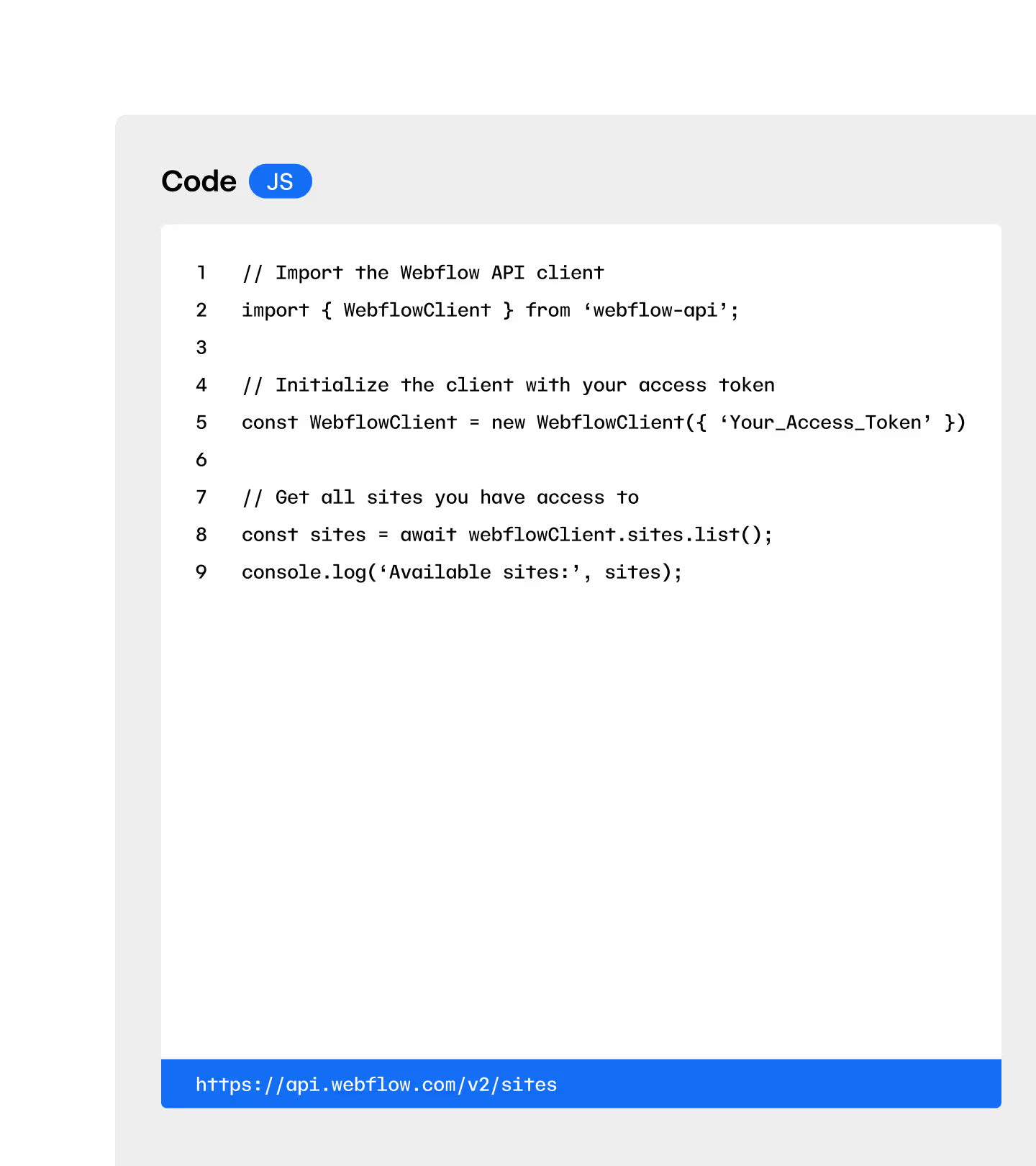
Die Webflow API besteht aus einer Reihe programmatischer Schnittstellen, die Entwickler:innen nutzen, um per Code mit Webflow-Daten zu interagieren. Webflow MCP basiert auf denselben APIs, stellt sie jedoch als Tools bereit, die ein KI-Agent in Ihrem Auftrag nutzen kann – damit Sie keinen Code schreiben müssen, um Aufgaben zu erledigen. Beschreiben Sie in einfacher Sprache, was Sie möchten, und MCP übersetzt dies automatisch in die passenden API-Aufrufe.
Mit Webflow MCP kann jede Person mit Zugriff auf ein kompatibles KI-Tool Aufgaben in den Bereichen Design, Content und Website-Management per Prompt erledigen und dabei dieselben zugrunde liegenden Datenzugriffs- und Sicherheitskontrollen nutzen, die auch die API bietet.
Webflow MCP unterstützt Teile eines Migrations- oder CMS-Strukturierungs-Workflows, ist jedoch nicht für vollständige Website-Migrationen von einer Plattform auf eine andere ausgelegt. Sie können damit CMS-Collections erstellen und verwalten, Collection-Elemente im großen Stil hinzufügen und aktualisieren sowie Content programmatisch strukturieren – das macht es mit Unterstützung eines KI-Agenten nützlich, um Ihre CMS-Architektur einzurichten oder neu zu organisieren.
Für Teams, die Content nach Webflow migrieren oder eine bestehende Website neu strukturieren, beschleunigt MCP den Prozess: Sie können Collections erstellen, Felder befüllen und Content über natürlichsprachliche Prompts verwalten, statt Daten manuell einzugeben. Vollständige Plattformmigrationen in einem einzigen Schritt gehören nicht zum vorgesehenen Einsatzbereich von MCP. Am besten eignet es sich daher als Tool für strukturierte, schrittweise Content-Arbeit.
Webflow MCP deckt noch nicht alle verfügbaren Funktionen ab, wird jedoch kontinuierlich erweitert. In der Entwicklerdokumentation finden Sie die neuesten Informationen zu den unterstützten Funktionen.
MCP-Ressourcen

Starter-Kit
Tutorials, Videos und Artikel für jede Phase – ob für Einsteiger:innen oder Expert:innen.

Prompt-Bibliothek
Eine Bibliothek mit Prompts, die Ihnen hilft, mehr aus Ihren KI-Agenten herauszuholen.

Anweisungen für KI-Agenten
Grundlegende Skills und Regeln, damit Ihre Agenten von Anfang an richtig arbeiten.
Alle Funktionen