Kreativität mit Daten leiten
Treffen Sie fundierte kreative Entscheidungen mit nativen, einheitlichen Einblicken dazu, wie Nutzende mit Ihrer Website interagieren – von der Seitenebene bis hin zu einzelnen Klicks.
Die Analytik, die Sie brauchen – direkt integriert
Mit Webflow Analyze erhalten alle, die Website-Daten brauchen, diese direkt in Webflow – und können sie verstehen.
Enterprise
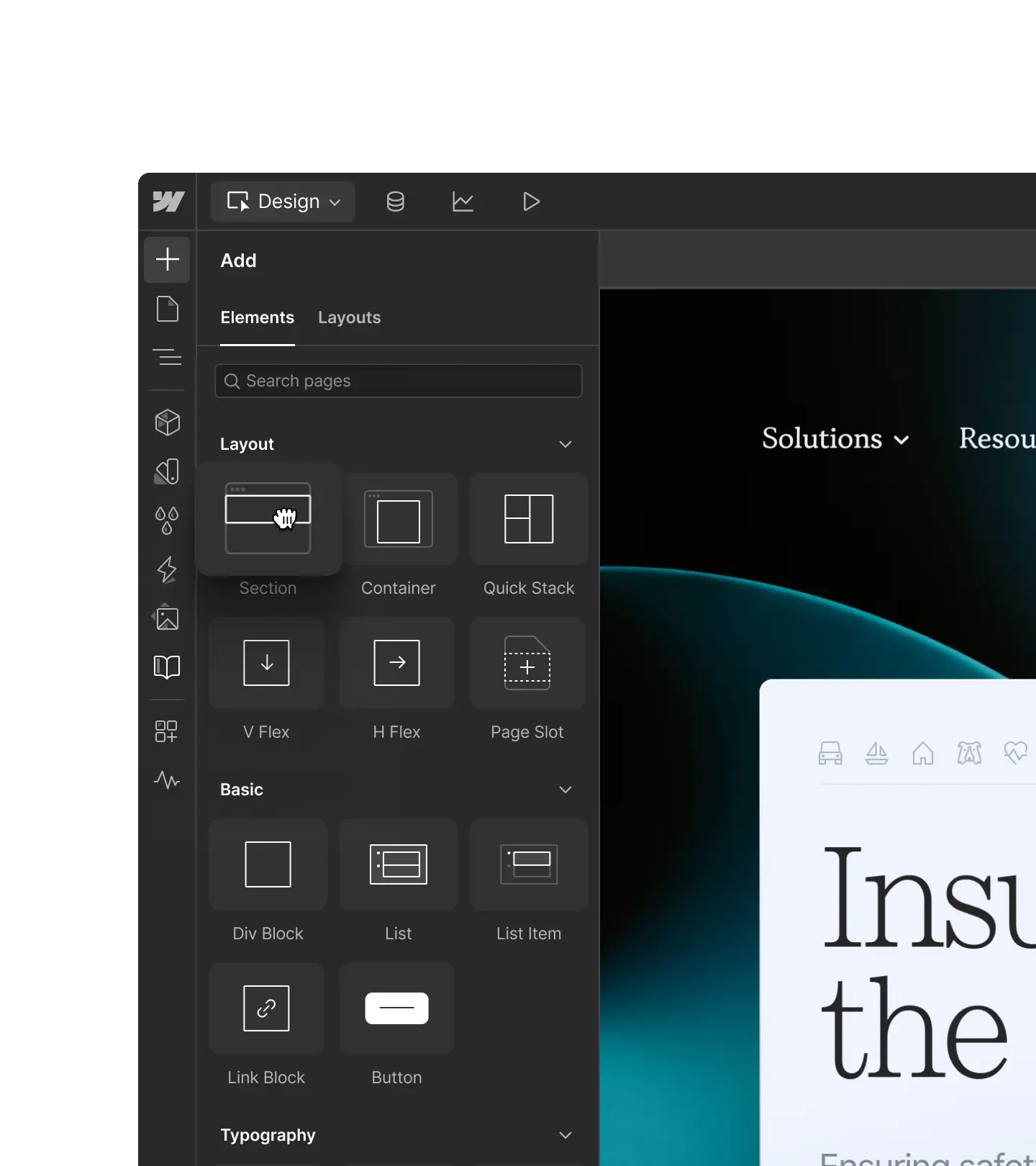
Nativ Einblicke erschließen
Nativ Einblicke erschließen
Erhalten Sie leicht verständliche, visuelle Einblicke direkt in Webflow – ohne zusätzliche Einrichtung oder Drittanbieter-Tools.
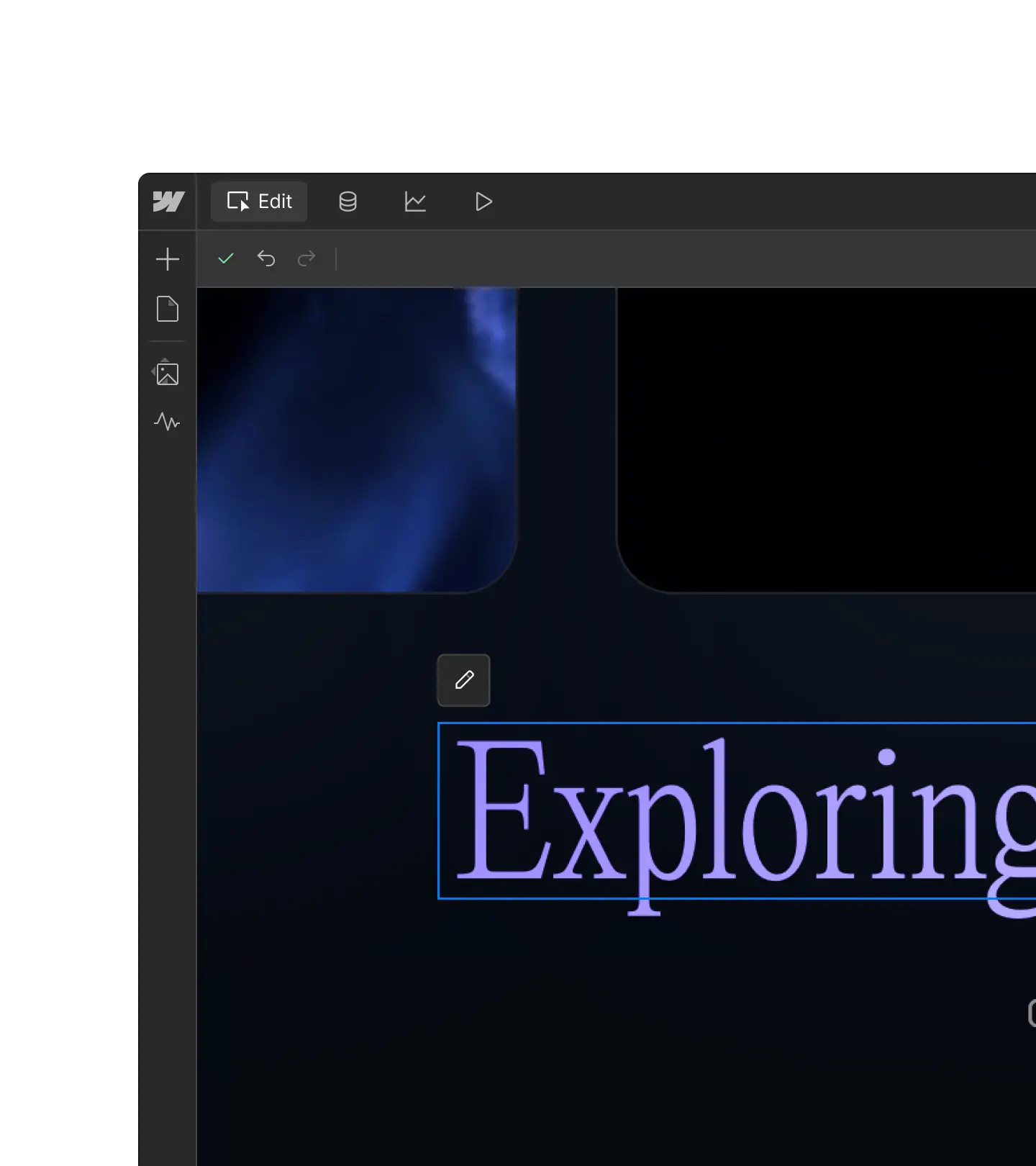
Datengestützte Entscheidungen treffen
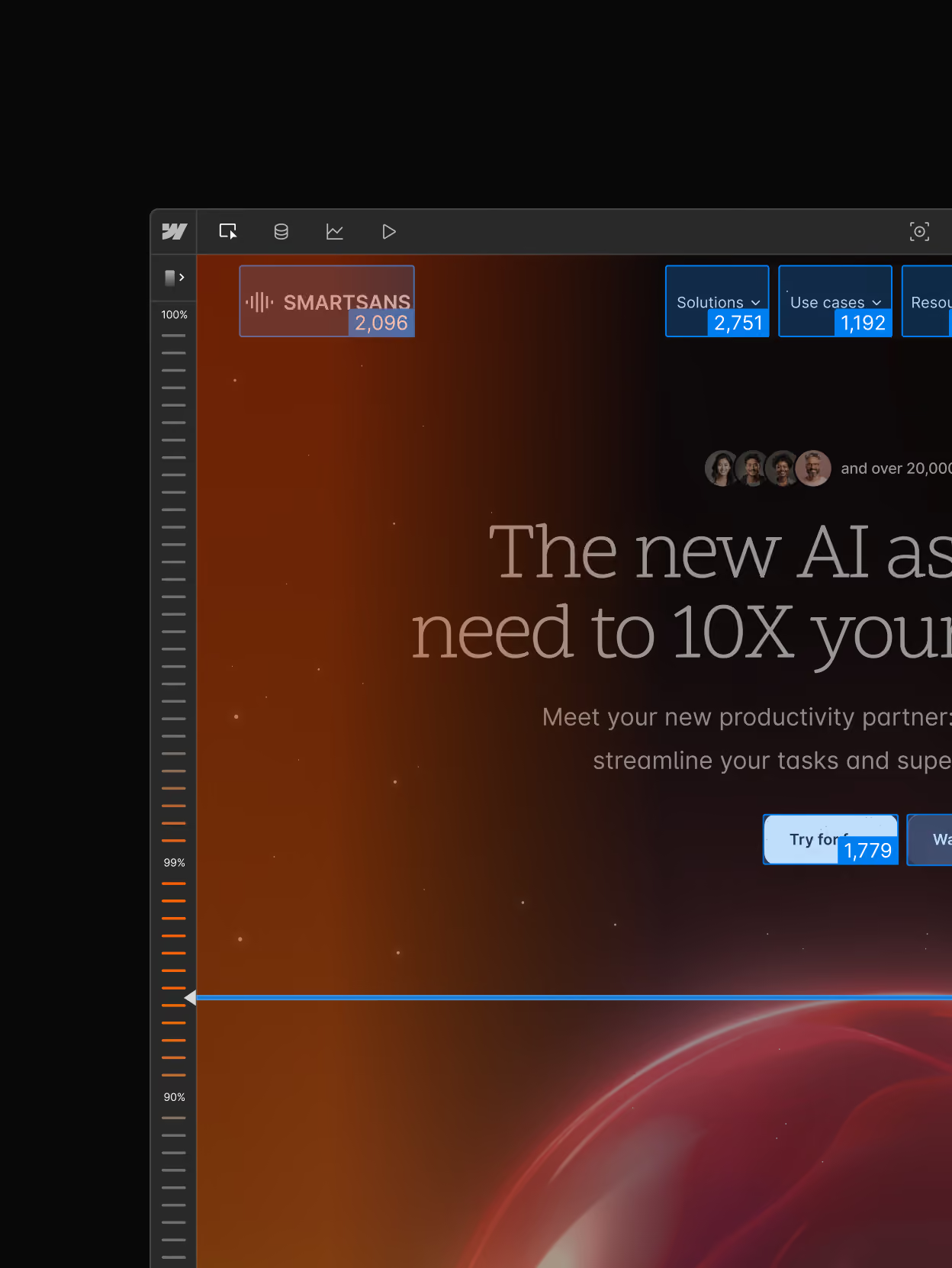
Datengestützte Entscheidungen treffen
Messen Sie den Impact bei Content, Layouts und Seiten, damit Sie strategische Entscheidungen mit Daten untermauern können.
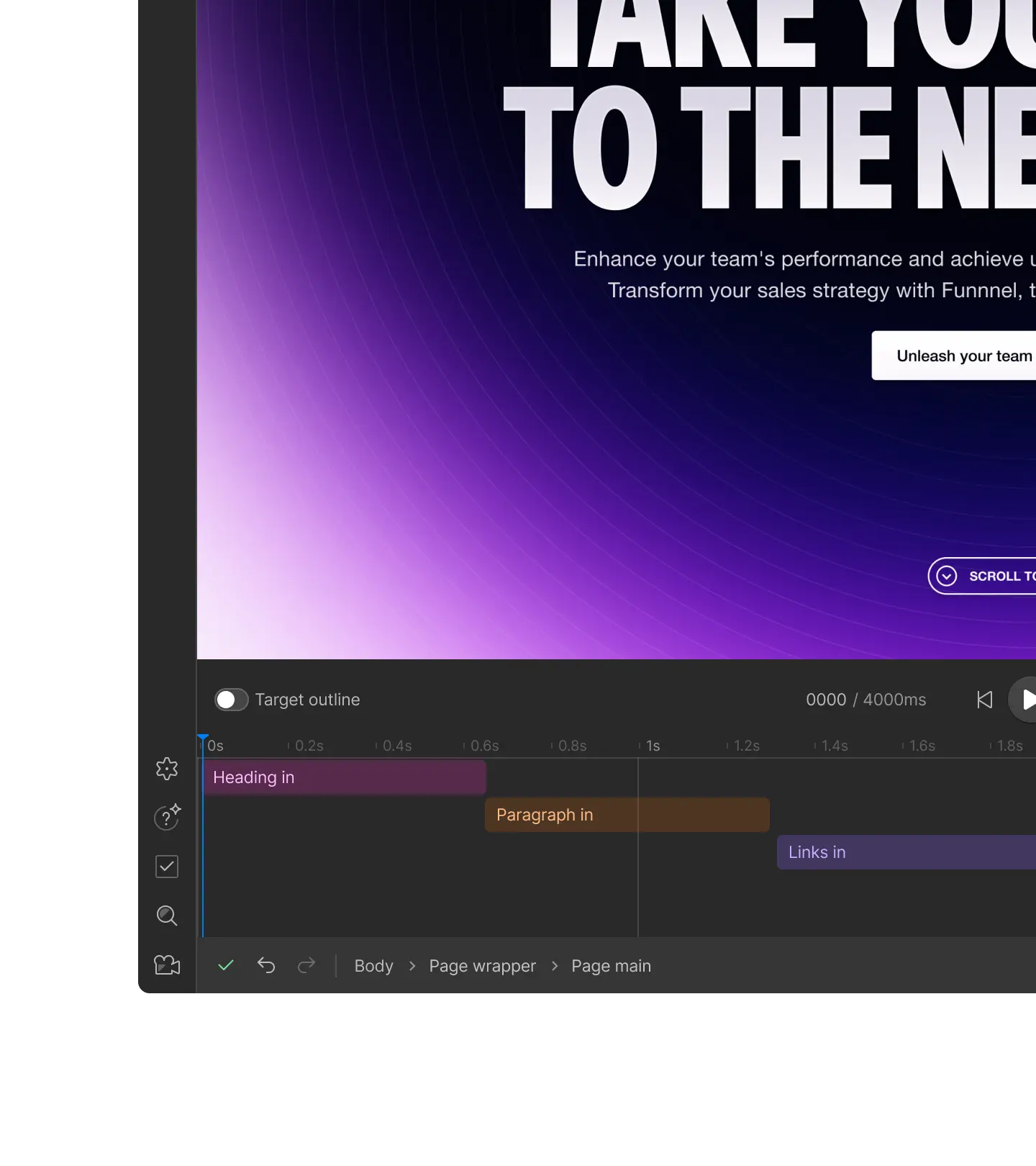
Schneller weiterentwickeln als je zuvor
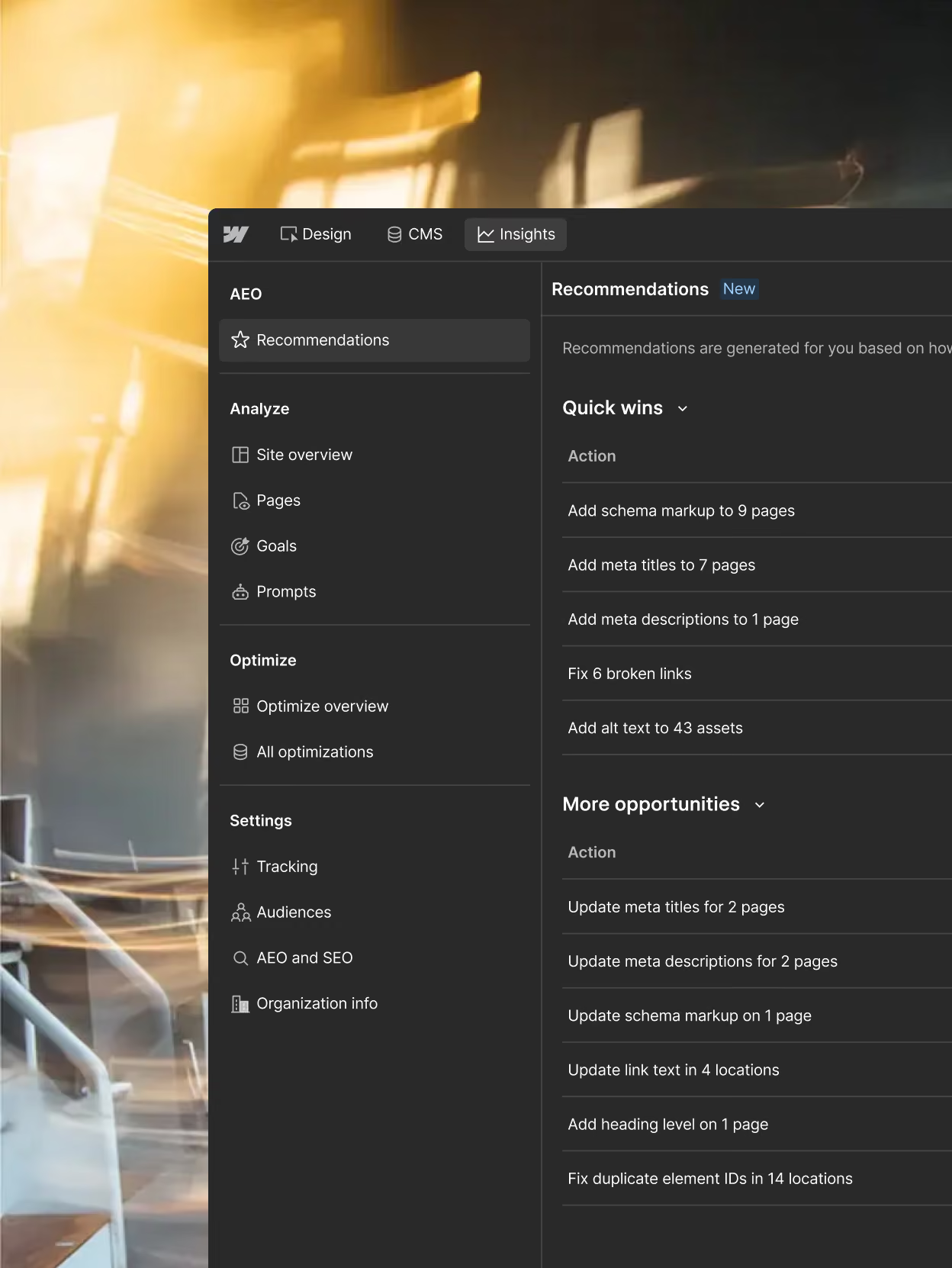
Schneller weiterentwickeln als je zuvor
Stellen Sie Ihrem gesamten Team – Designer:innen, Growth-Marketer:innen und mehr – alle nötigen Daten für ihre Arbeit zur Verfügung, ohne dass sie zwischen Tools wechseln oder auf Zugriff warten müssen.
Enterprise
Wissen Sie genau, wo Sie in der KI-Suche stehen
Sehen Sie, wie Ihre Marke in Answer Engines erscheint, wie KI-Bots Ihre Website crawlen, und verknüpfen Sie dies mit Onsite-Interaktionen und Conversions. Verfügbar mit der neuesten Version von Analyze für Enterprise. Wenden Sie sich an unser Vertriebsteam, um mehr zu erfahren.
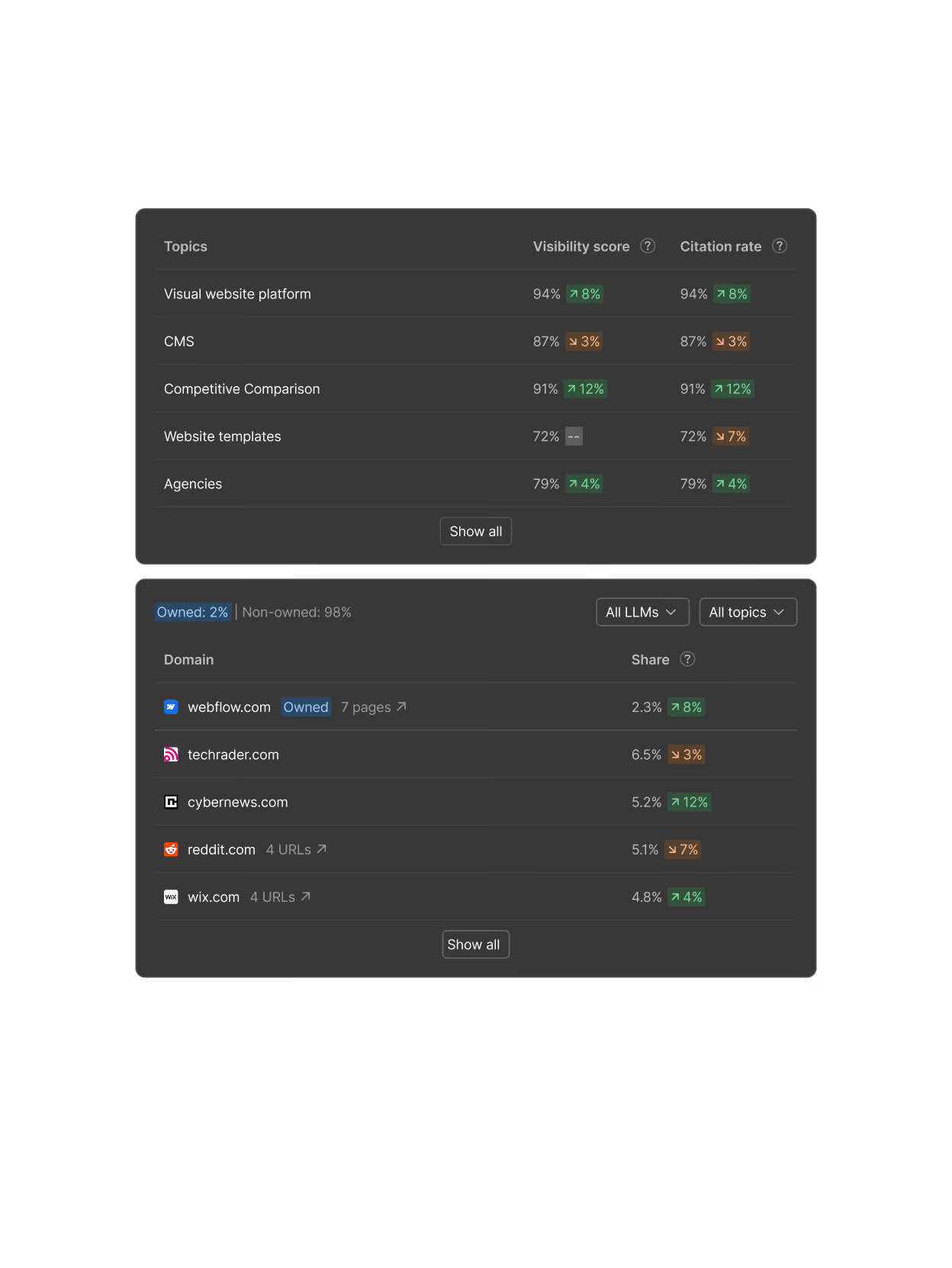
Sichtbarkeit in KI-Antworten verfolgen
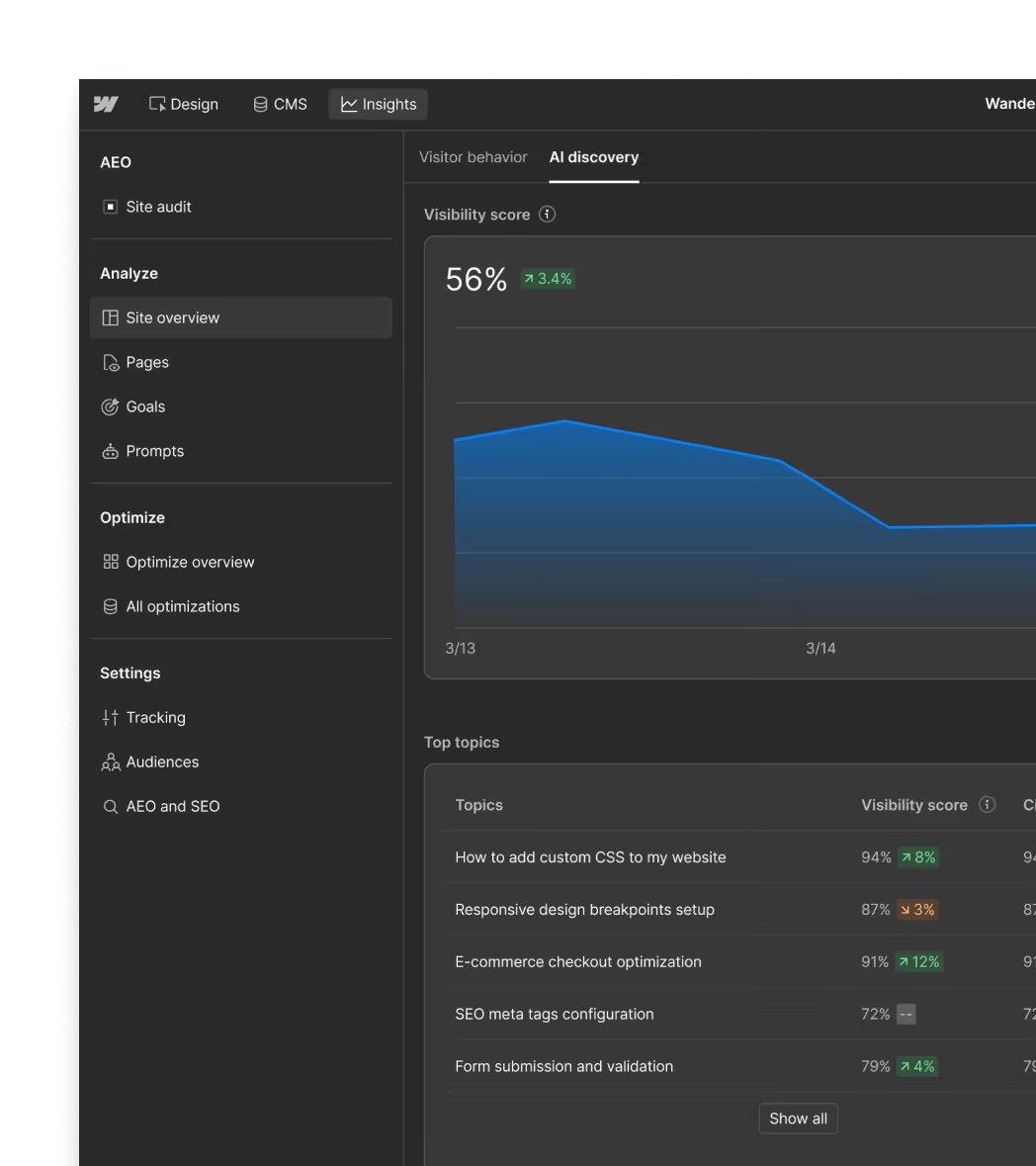
Sehen Sie, wie häufig Ihre Marke in den von Ihnen beobachteten Prompts erscheint, wie oft Sie im Vergleich zu anderen Domains zitiert werden und wie sich Ihre KI-Sichtbarkeit im Laufe der Zeit entwickelt.
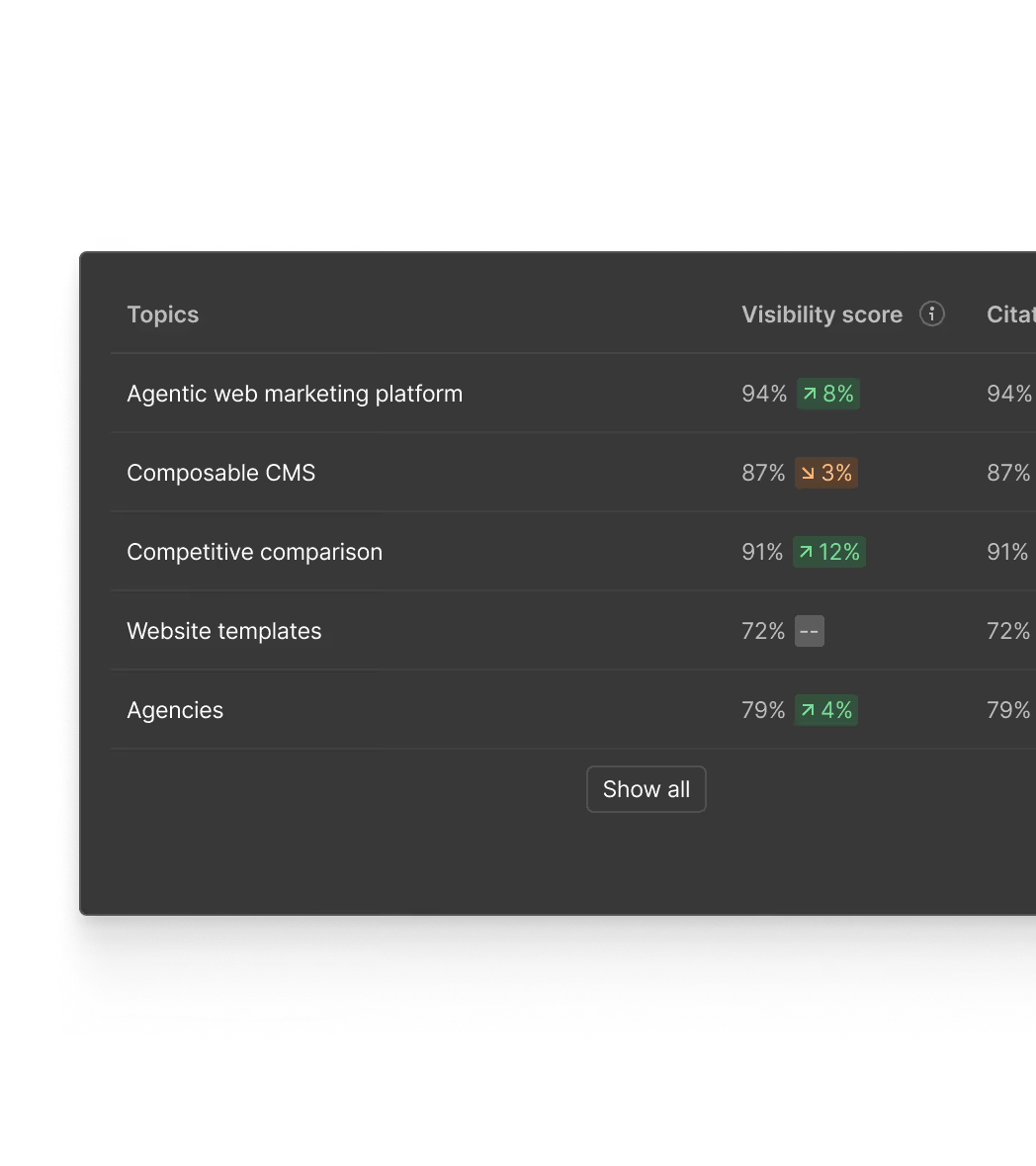
KI-Crawl-Aktivität überwachen
Sehen Sie, welche KI-Bots Ihre Website besuchen, auf welche Seiten sie sich konzentrieren und wie sich Crawl-Muster verändern, wenn Sie Content aktualisieren.
KI-Suche mit Conversions verknüpfen
Überblicken Sie in einer zentralen Ansicht, wie Besuchende auf Ihre Website kommen, interagieren und konvertieren.
Enterprise
Sichtbarkeitslücken mit KI-Agenten in veröffentlichten Content verwandeln
Content-Optimierungsagenten
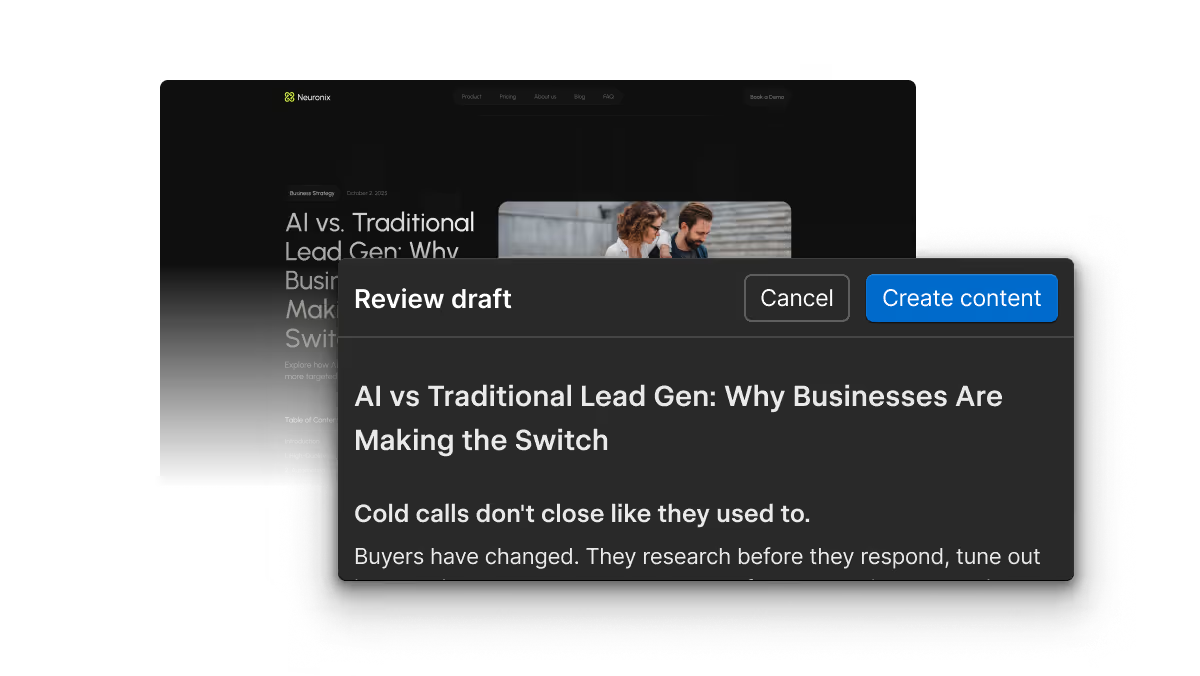
Basierend auf den von Ihnen beobachteten Prompts helfen AEO-Agenten Ihnen, Content-Lücken zu schließen und markenkonforme erste Entwürfe zu erstellen, die Sie prüfen, bearbeiten und anschließend veröffentlichen können. Mehr über die jetzt verfügbare agentenbasierte Closed-Loop-AEO-Lösung von Webflow erfahren.

“Webflow Analyze, now with AEO analytics, gives us visibility we didn't have before, from prompt tracking and LLM crawl behavior to site-specific recommendations that we can act on right away. Because it’s built natively into Webflow’s platform, we can move faster with less overhead and connect AI citations directly to real conversion data.”
Verstehen Sie, wie Besuchende mit Ihrer Website interagieren
Treffen Sie fundierte Entscheidungen mit nativen, visuellen Einblicken dazu, wie Nutzende mit Ihrer Website interagieren – von Traffic-Trends und Conversions bis hin zu Klicks und Scrolltiefe.
Trends auf einen Blick überprüfen
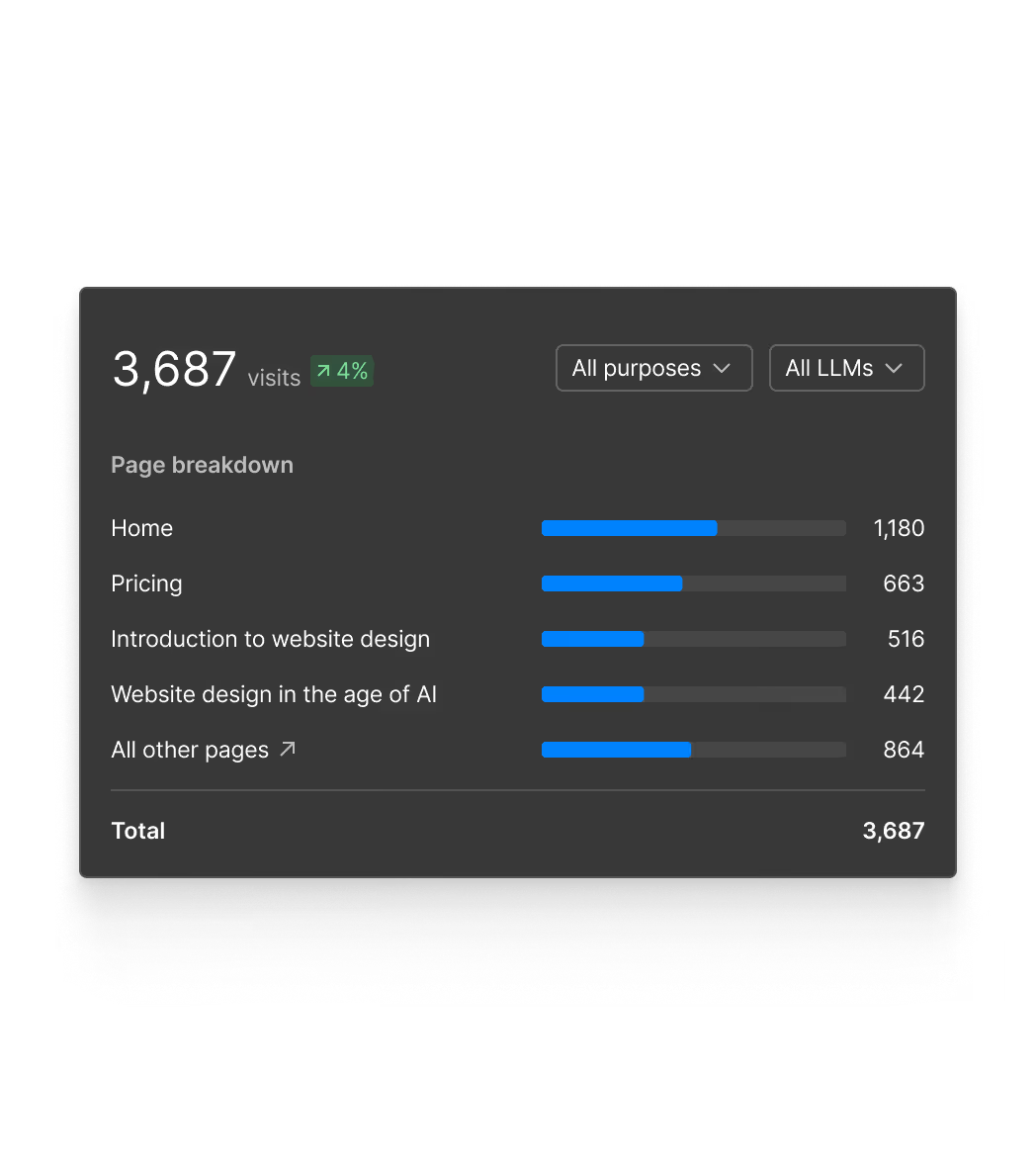
Sehen Sie Traffic, Top-Seiten und Performance-Trends Ihrer Website direkt in Webflow – einschließlich des Traffics, den LLMs auf Ihre Seite bringen.

Visualisieren, was funktioniert
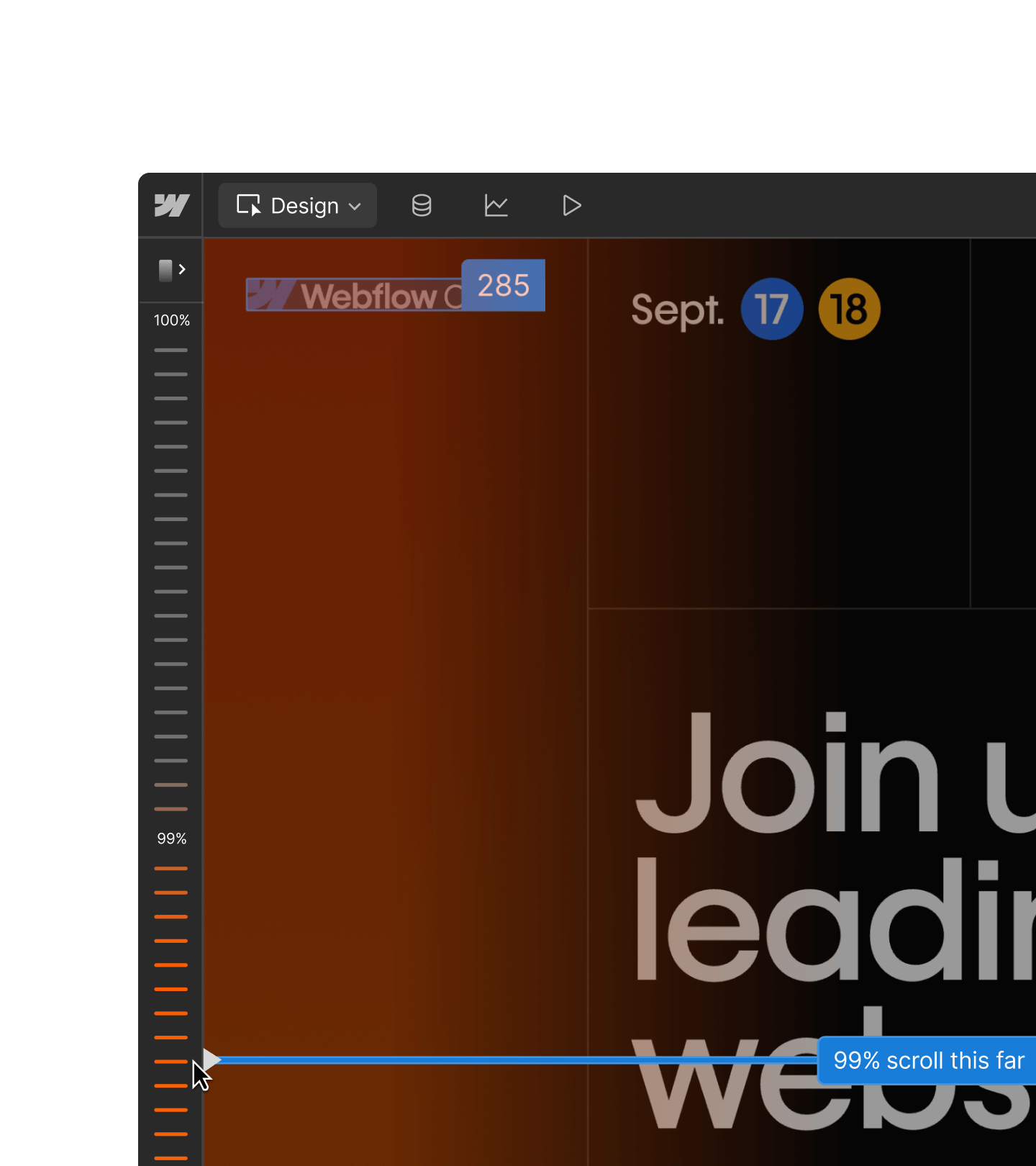
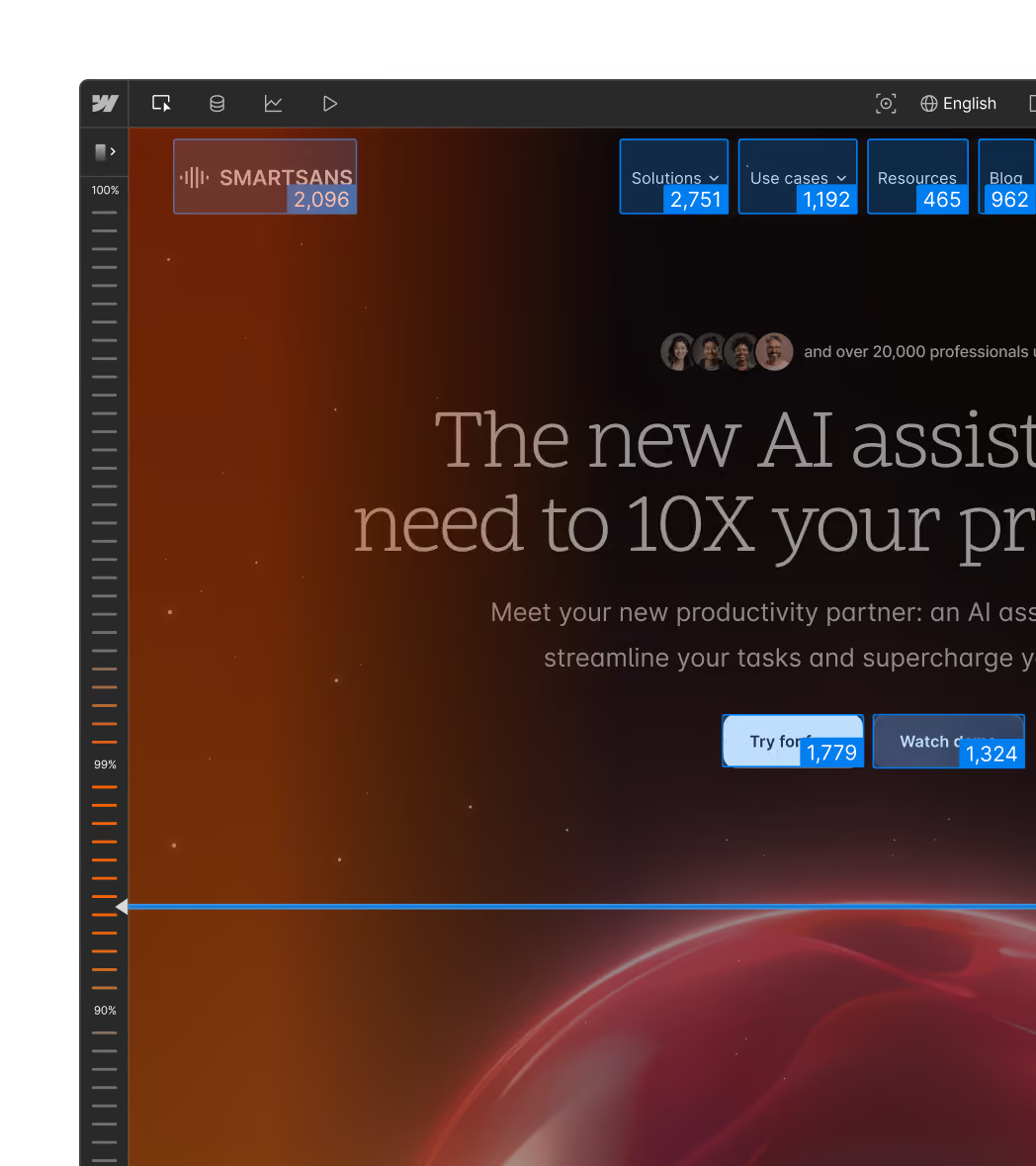
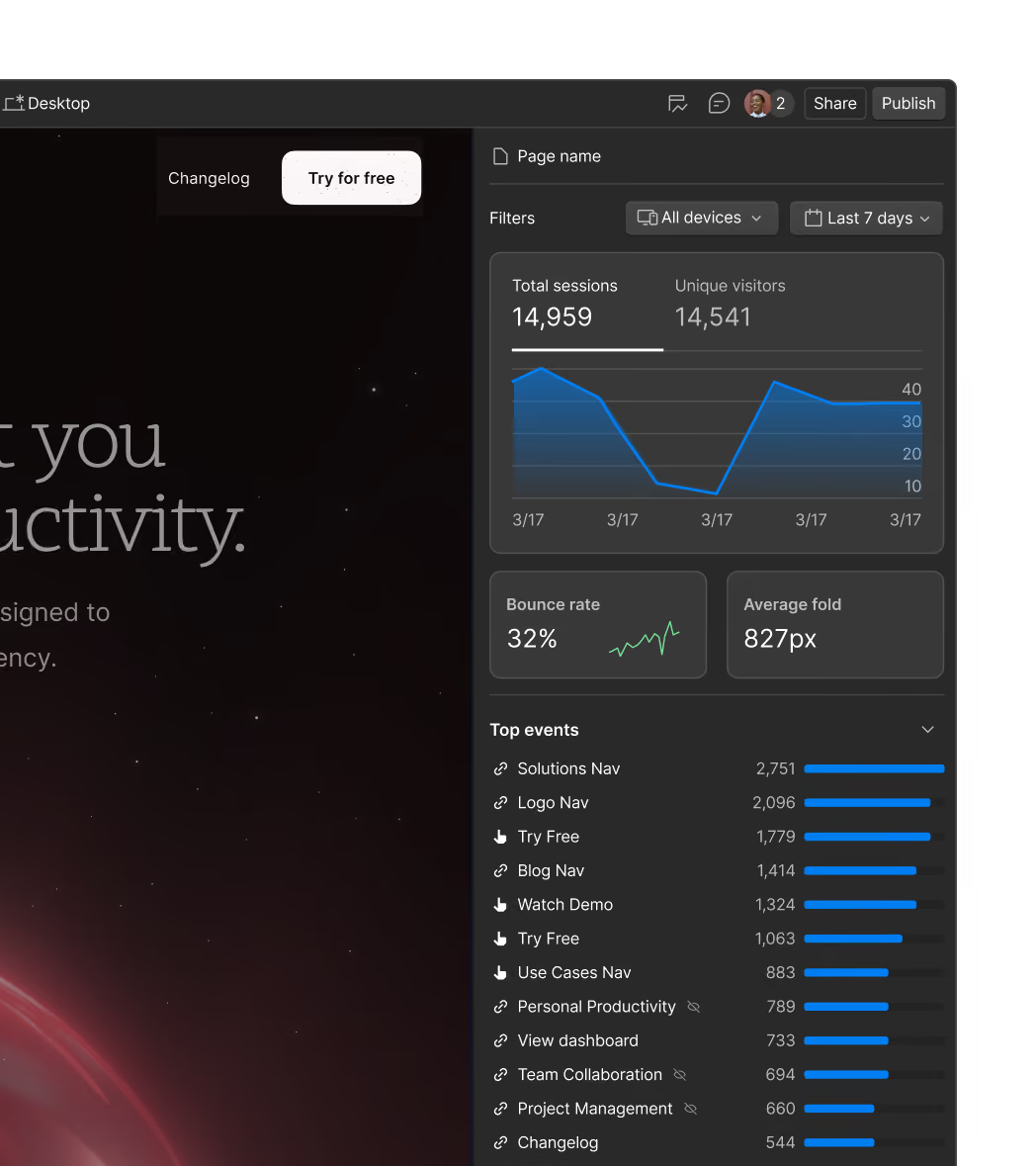
Erfahren Sie durch interaktive Clickmaps und Scrollmaps, wie Besuchende mit Seitenelementen wie Buttons und Navigationen interagieren.
Beim Analysieren erstellen
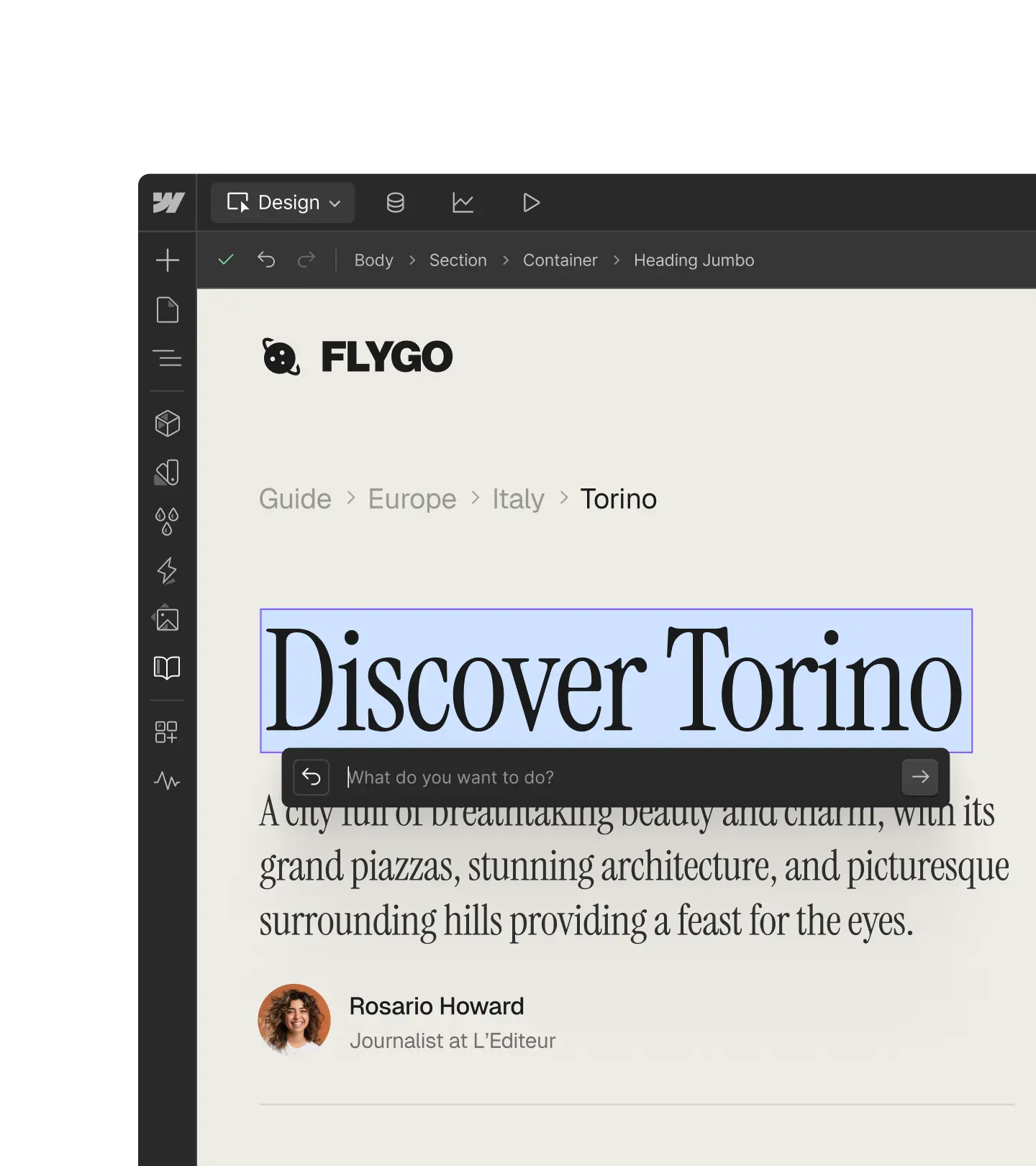
Sehen Sie Scroll-, Klick- und Conversion-Einblicke direkt auf der Seite, die Sie bearbeiten. Daten und Optimierung sind immer an einem Ort.

„Kombiniert mit der visuell orientierten Plattform von Webflow ermöglichen Optimize und Analyze unseren Teams, sich mit unseren Kunden weiterzuentwickeln, schnell zu experimentieren und zu pivotieren und letztendlich personalisierte digitale Erlebnisse zu schaffen.“

Ihr Agent kann auch Ihre Analytics lesen
Fragen Sie Website-Traffic und Interaktionsdaten über Ihren Agenten ab, ohne das Gespräch zu verlassen.
Vergleiche den Traffic auf der Preisseite in dieser Woche mit dem der Vorwoche.
Häufig gestellte Fragen
Webflow Analyze is a native analytics suite built into the Webflow platform. It gives your team a unified view of site performance — from how AI systems discover and cite your brand, to how visitors engage and convert on your site. Because it lives inside Webflow, acting on what you find never requires leaving the platform.
Webflow Analyze eliminates the friction of traditional analytics by providing insights right where you work, with no switching between tools or decoding complex dashboards. You get visual analytics like clickmaps overlaid on your actual designs, showing exactly which buttons and elements visitors engage with most. And with AEO Analytics (available as part of an upgraded Enterprise Analyze plan), Analyze now extends beyond visitor behavior to cover how AI systems discover and cite your brand — in the same tool, with no additional setup.
The tool also offers privacy-compliant tracking without cookies, automatic bot filtering for accurate data, and goal tracking with no code required, making analytics accessible to designers and content marketers, not just data experts.
Plus, Webflow Analyze doesn’t use session recordings to power clickmaps and scroll maps which has big advantages for Webflow customers:
- Reduced cost (session recordings at scale can get extremely expensive)
- Improved page performance because of lightweight instrumentation (vs. session recording tools which commonly cause performance degradation)
- Fewer privacy risks (session recordings can be seen as invasive)
Webflow Analyze captures comprehensive engagement data, including:
- Sessions
- Unique visitors
- Page views
- Bounce rates
- Click events on elements
You can track visitor behavior by device type, language, location, and referrer source, plus see detailed page-level insights like traffic flow between pages and conversion rates for custom goals.
Webflow Analyze includes clickmaps and scrollmaps that show exactly how visitors interact with buttons, navigation elements, and other page components. You can also use Analyze Mode while building your site to see real-time insights on the page you're editing, helping you test changes and iterate faster.
For teams on a Team or Enterprise Platform plan with the Analyze add-on, AEO analytics adds three additional perspectives:
- Prompt insights measures how AI tools represent your brand in their answers. Two scores summarize these results: (1) Visibility score — how often your organization is mentioned in responses to your tracked prompts and (2) Citation rate — how often one of your domains is cited in responses that include citations. Learn more about prompt insights here.
- LLM bot insights tracks which AI bots crawl your site and which pages they prioritize. Learn more about LLM bot insights here.
- AI-referred visitor analytics shows how visitors from AI tools engage with and convert on your site
No, AEO analytics — which tracks AI search visibility and bot crawl activity — is exclusively available for Webflow customers on an Enterprise Site plan, and with the Enterprise Analyze add-on.
Core Analyze features like traffic trends, clickmaps, scrollmaps, goal tracking, and how AI-referred traffic converts, are available for all customers with an Analyze plan —Enterprise not required.
One click. Events are captured automatically once Analyze is enabled on your site — no manual configuration, tagging, or developer work required.
Analyze is a native Webflow feature, which means your site data stays within the Webflow platform and is not shared across third-party ecosystems. Analyze does not include session replay, which eliminates the privacy and performance risks associated with tools that record individual user sessions. If your site requires a specialized consent management platform, Analyze integrates with leading enterprise solutions like OneTrust, TrustArc, and more.
Alle Funktionen