




Localization tools range from a no-code layer for a marketing site to an enterprise platform that translates an entire product. The right one depends on what you are localizing.
Localization tools split along two lines. The first is what you are localizing: a content-driven marketing website, a software product whose interface text changes often, or both. The second is whether you want software alone or software plus professional translators. Your position on those two lines narrows the field faster than any feature comparison.
Each position maps to a kind of tool. A website with little development suits a no-code tool that layers translations over your live pages. A software product suits a translation management system, or TMS, that wires into your code so strings (the individual pieces of interface text) stay in sync as the product changes.
And if you want the translating done for you rather than managing it yourself, a managed platform adds professional translators on top of the software.
Below, we compare the six tools we recommend by the kind of project each one fits. If you want the process itself (how to plan, structure, and run the work), see our guide to website localization, which complements this list.
Key takeaways:
- To translate a website with little or no development, Weglot layers translations over your live pages and goes live in minutes, with a free tier for smaller sites.
- For developer-led, continuous localization of software and content, Crowdin and Transifex wire a TMS into your code, with Crowdin offering a free plan and Transifex adding AI quality scoring.
- Lokalise is the polished TMS for product teams that localize across design and code, with Figma and GitHub integrations.
- Phrase and Smartling are the enterprise platforms, with Phrase leaning on deep automation and its Language AI, and Smartling pairing its software with professional human translation.
- If your site is built in Webflow, its native Localize add-on handles translated URLs and SEO without a proxy or a separate script.
Comparison: The 6 best website localization services
As you assess localization services, be sure to evaluate these three criteria:
- How it connects to your site: a no-code layer over your live pages, or a TMS wired into your code repository and CMS.
- Whether you need the translation done for you, or only the software to manage it.
- Cost and scale, which range from a per-word website plan to an enterprise contract.
Here are the six, ordered from the simplest website tool to the enterprise platforms:
Here is a closer look at each of the six services above.
1. Weglot
Weglot is the fastest way to translate a website because it does not touch your codebase. You add a snippet, and Weglot detects your content and serves translated versions of your pages on their own URLs.
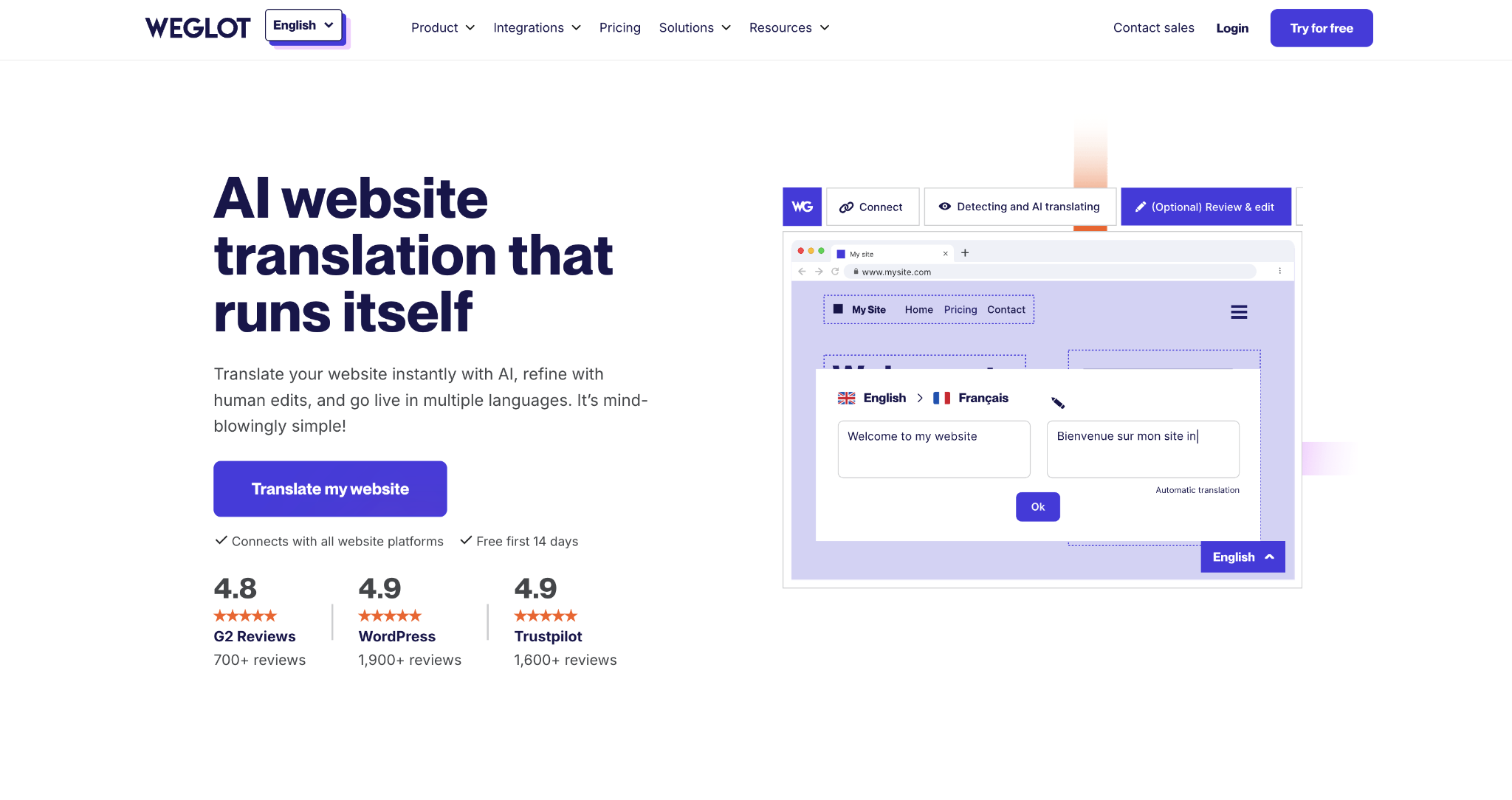
Machine translation is a first pass you can refine or hand off to professional translators. That makes it the default for marketing teams that want a multilingual site without launching a development project.
We recommend Weglot when the work is a website, not a software product. Setup is fast; it works on top of most site builders and content systems, and it indexes translated pages for search, which matters for global SEO.
The catch is the layering model. Because Weglot sits over your site and prices by translated words and languages, a very large site or a high language count climbs the tiers quickly. You are also translating a site rather than managing interface text across a whole product.
Weglot pros:
- Live in minutes: Weglot detects and translates your content from a single snippet, so a marketing team ships a multilingual site without a developer or a migration.
- Built for multilingual SEO: Each language gets its own indexed URLs and hreflang tags, so translated pages can rank in local search rather than hide behind a script.
Weglot cons:
- Priced by words and languages: The plan scales with translated words and language count, so a large multilingual site climbs the tiers faster than a flat per-seat TMS would.
- A website translation layer: Weglot translates web pages rather than managing software strings across releases, so an app team with changing interface copy needs a full TMS instead.
Pricing: A free plan covers 2,000 words in one language. Paid plans start at $17 per month for 10,000 words and scale by words and languages up to the Enterprise plan, which is priced on request.
Best for: Marketing teams that want a multilingual website live quickly, without development.
2. Crowdin
Crowdin is a developer-friendly localization platform built for content that keeps changing. Crowdin connects to your code repository, content system, and design tools, pulling in strings as they are added and pushing translations back.
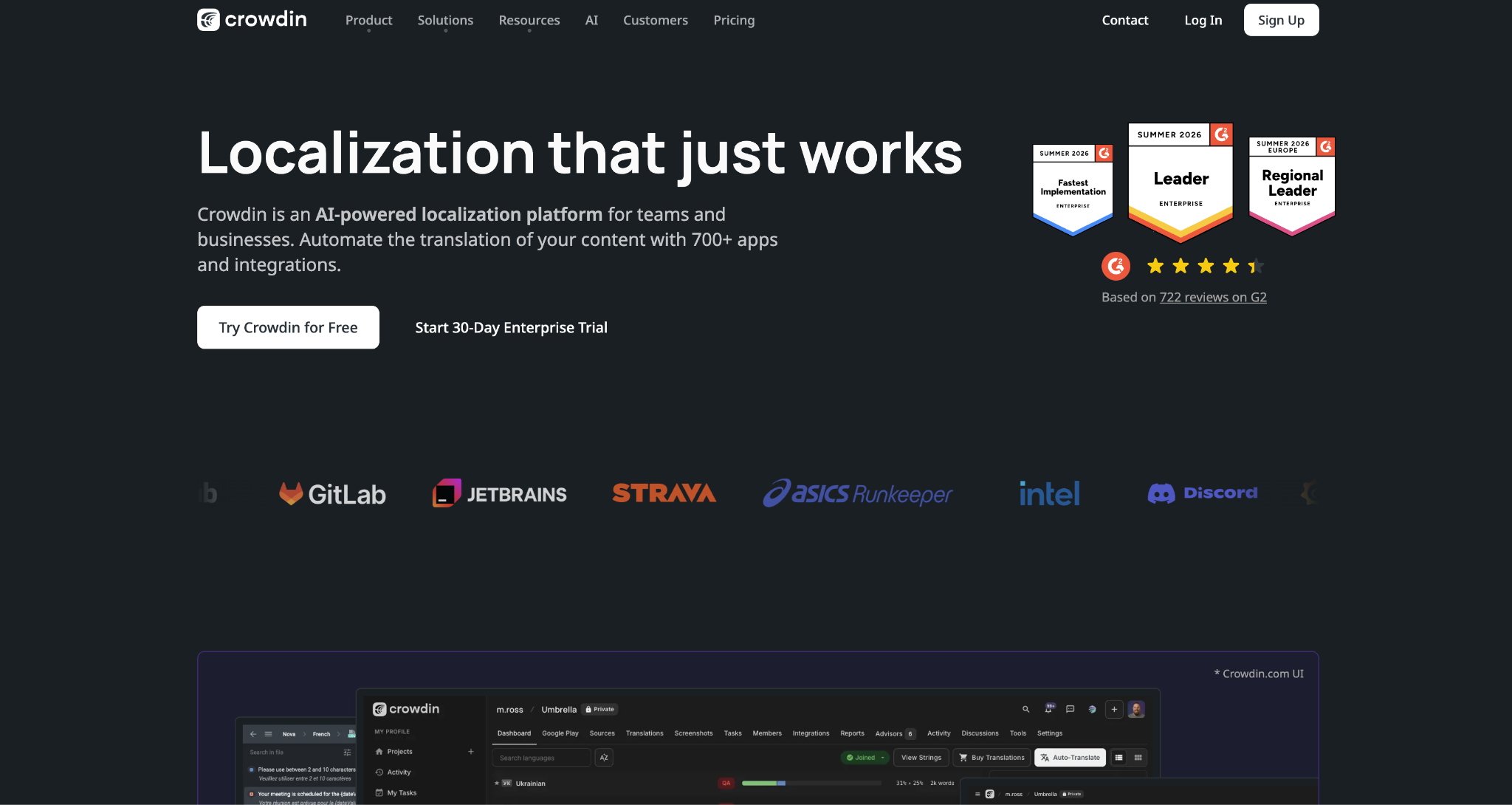
Localization then runs continuously rather than as a one-time export, and its integration marketplace is one of the widest in the category.
We recommend Crowdin to engineering-led teams localizing software and content on an ongoing basis, especially those on a modest budget. It has a genuine free plan, its paid tiers start lower than most TMS peers, and open-source projects can apply for free access.
Its orientation is the tradeoff. Crowdin assumes a developer will set up the pipeline, so a marketing team that only wants to translate a website can start faster with a tool like Weglot.
Crowdin pros:
- A continuous, automated pipeline: Crowdin syncs strings between your repository and translators automatically, so new copy is queued for translation without a manual export each release.
- One of the widest integration sets here: Its marketplace covers code hosts, content systems, and design tools, so most stacks connect without custom development.
Crowdin cons:
- Built around developers: Setting up the pipeline assumes engineering involvement, so a non-technical marketing team faces more setup than a no-code tool like Weglot asks for.
- Depth takes learning: The range of settings and integrations means a first project takes time to configure before it runs smoothly.
Pricing: A free plan is available. Paid plans are Pro at $59 per month ($50 per month when billed annually), Team at $150, and Team+ at $450, with the Business plan custom-priced for larger organizations.
Best for: Developer-led teams that want continuous, budget-friendly localization of software and content.
3. Transifex
Transifex is a translation management system in the same continuous-localization mold as Crowdin, with a sharper focus on quality. Transifex scores every translation on an AI quality index and routes weak ones to human reviewers, so teams can automate more work while still checking accuracy.
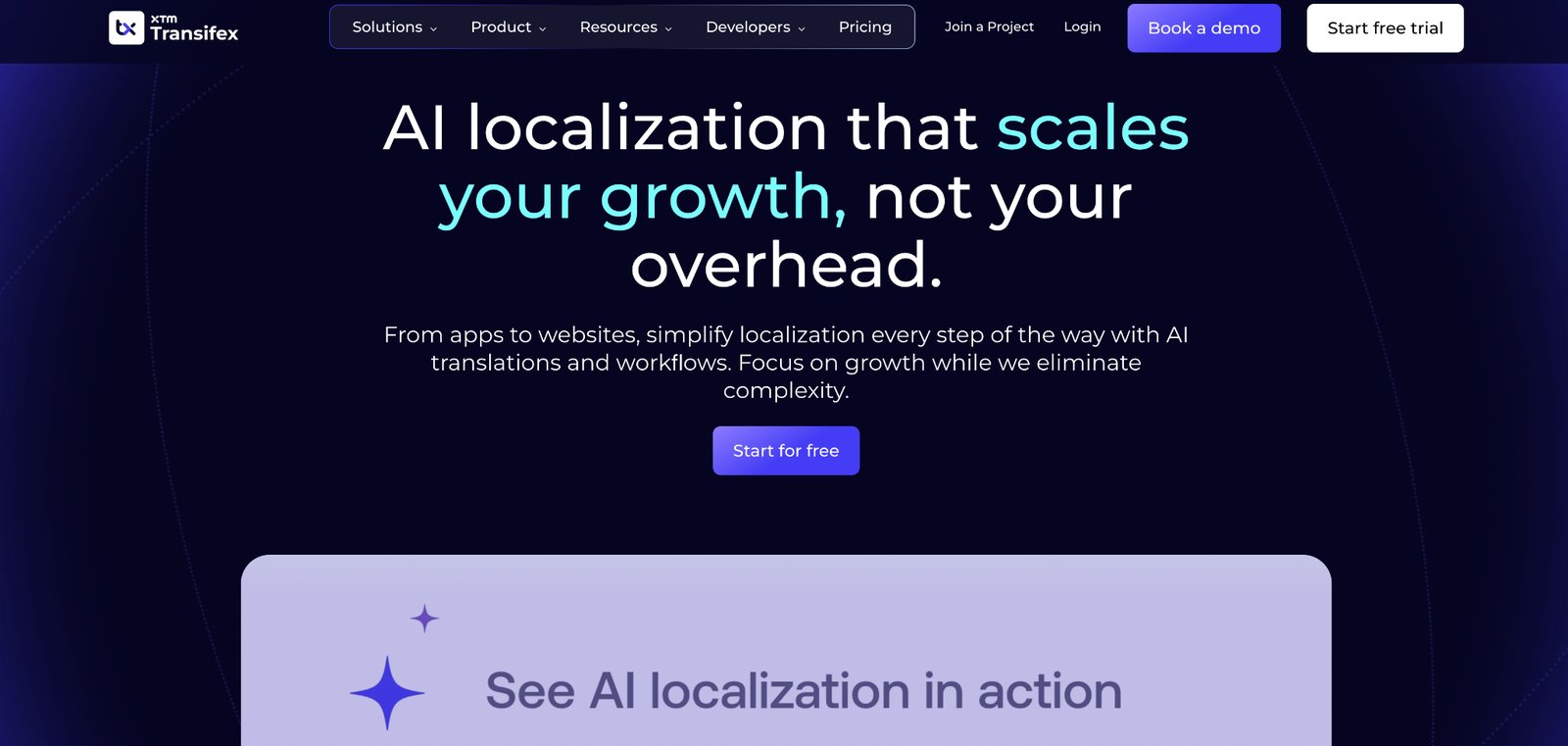
We recommend Transifex to teams that want continuous localization with built-in quality guardrails. The AI scoring and automation cut manual review, and the platform connects to the code and content tools a product team already uses.
Pricing visibility is the tradeoff. Transifex does not publish its plan pricing, so you talk to sales for a quote, and there is no free plan, only a 14-day trial. Small or open-source projects that Crowdin would host for free have cheaper starting points.
Transifex pros:
- Quality scoring on every string: The AI quality index flags weak translations for review automatically, so a team can auto-publish the confident ones and catch the rest.
- Continuous localization for products: It syncs with code repositories and content tools, so strings stay current across releases without manual handoffs.
Transifex cons:
- No public pricing: Transifex lists no plan prices on its site, so budgeting starts with a sales conversation rather than a published tier.
- No free plan: Transifex offers a 14-day trial rather than a free tier, so a budget or open-source project that Crowdin would host for free is a better fit elsewhere.
Pricing: Transifex does not list plan pricing publicly; you contact sales for a quote. A 14-day free trial runs with no credit card. The only price shown on its site is an AI-word add-on, from $84 per month.
Best for: Product teams that want continuous localization with AI-driven quality checks.
4. Lokalise
Lokalise is a polished translation management system with one of the most refined interfaces in the category, built for product teams that localize across design and code. It connects to Figma, GitHub, and the tools designers and engineers already use, so copy flows from a mockup or a repository into translation and back without leaving the workflow.
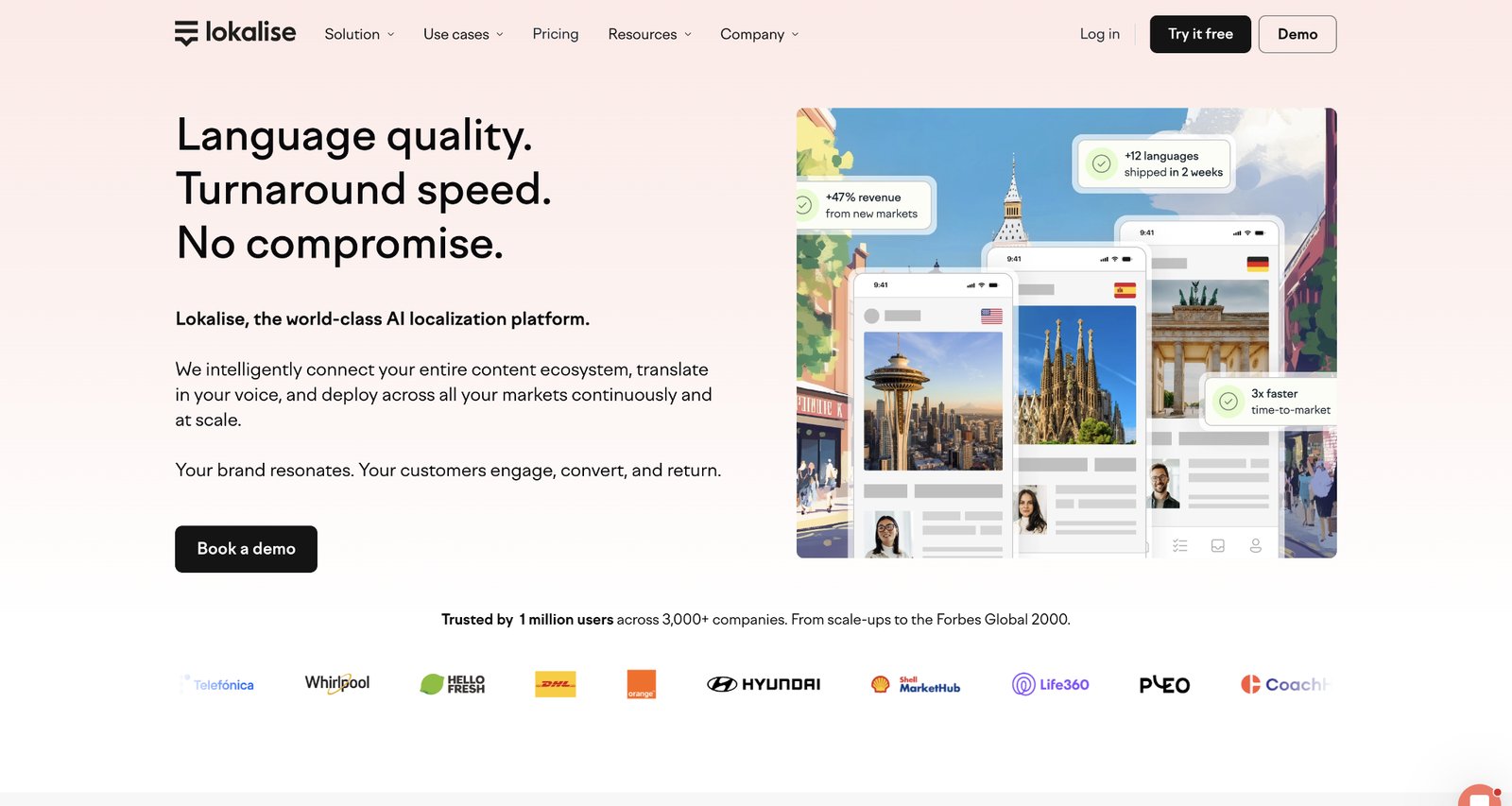
We recommend Lokalise to growing product organizations that treat localization as a standing function rather than a one-off project. Designers can send Figma text for translation before a feature ships, engineers can wire it into the build, and the work stays in one clean workspace.
Price is where it asks the most. Lokalise is built for product teams, so a solo user or a small marketing site pays more than a website-only tool would charge.
Lokalise pros:
- Design-to-code coverage: Figma and repository integrations pull copy from both the mockup and the build so that translation can start before launch rather than after.
- A refined, team-friendly workspace: The editor and project views are clean enough for non-engineers to work in, which keeps translators and managers out of spreadsheets.
Lokalise cons:
- Priced for product teams: Plans start at $169 per month ($144 per month when billed annually) and climb quickly, so a solo project or a small marketing site pays more than a website-only tool would.
- No free tier: Lokalise offers a 14-day trial rather than a free plan, so evaluating it beyond two weeks, or running a small ongoing project, means paying.
Pricing: Explorer is $169 per month ($144 per month when billed annually), Growth is $375, and Advanced is $999, with an Enterprise plan priced on request. The 14-day free trial needs no credit card.
Best for: Product teams that localize across design and code and want a polished workspace.
5. Phrase
Phrase is an enterprise localization platform built for high-volume publishing and heavy automation. Phrase combines a translation management system with its own Language AI (its built-in machine translation and quality tooling). It connects to a long list of enterprise content and code systems.
We recommend Phrase to teams whose localization runs across many properties at once, a website, a product, and support content, and who want to automate most of the manual work.
Scale is the tradeoff. Phrase is built and priced for high volume: its full Team plan runs well over a thousand dollars a month, so the mid-tier is hard to justify below enterprise volumes, even though the platform starts much lower for individual users.
Phrase pros:
- Automation at enterprise scale: Customizable workflows and its Language AI remove manual steps from a high-volume program so that a small localization team can manage far more content.
- Broad enterprise connectivity: Integrations reach the content, code, and support systems large organizations rely on, so localization plugs into the existing stack rather than adding a silo.
Phrase cons:
- The Team plan is priced for enterprises: Its main TMS plan runs over a thousand dollars a month, so a mid-sized site outgrowing a cheaper TMS still faces a big jump.
- Depth demands a localization owner: The platform assumes someone to configure and run it, so a team without a localization manager underuses what it pays for.
Pricing: Phrase offers six or more plans. They start at $27 per month, billed annually, for individual freelancer and developer users, and rise to the Team plan at $1,245 per month, billed annually, with Business and Enterprise plans custom-priced. A 14-day free trial is available.
Best for: Large organizations running high-volume localization that need heavy automation.
6. Smartling
Smartling is an enterprise platform that pairs localization software with professional translation as a service, so companies can manage the workflow and get translation done in one place.
AI translates the bulk, quality checks grade the output, and Smartling's own linguists handle the content that needs human attention. It suits enterprises that want a fully managed program, with the translators supplied alongside the software.
We recommend Smartling to organizations that want software and translators from one vendor, especially those without an in-house translation team. If you already staff your own translators, a software-only TMS covers you, and Smartling's linguists are a service you would not need. If you do not, Smartling gives you both in one contract, backed by a satisfaction guarantee.
Pricing visibility is the tradeoff. Smartling has a free Core tier, but it does not list its Enterprise plan publicly, so you book a meeting to learn the real cost.
Smartling pros:
- Software and translators in one: Smartling manages the workflow and supplies professional linguists, so companies without a translation team get both the tool and the people from one vendor.
- Automation with a quality check: AI handles the volume while quality scoring and human review catch what matters, so speed does not cost you accuracy on important content.
Smartling cons:
- Enterprise pricing is quote-only: Beyond the free Core tier, Smartling prices its Enterprise plan through sales, so budgeting starts with a conversation.
- The free tier is narrow: Core is built for individuals or small teams translating business documents, so companies localizing a full website or product move to the Enterprise plan.
Pricing: Smartling's Core tier is free to start. Sales quotes the Enterprise plan rather than listing it publicly.
Best for: Enterprises that want localization software and professional translation from one vendor.
How to choose the right website localization service
Localization is expensive to re-platform once it is running, so choose for where your program is heading rather than for today's first language alone.
Work through three questions:
- What are you localizing? For a website with little development, Weglot is hard to beat because it layers over your live pages with no code. For a software product whose text changes with each release, a TMS is the right fit: Crowdin or Transifex suit developer-led teams, while Lokalise suits product teams working across design and code. For a high-volume program spanning many properties, Phrase is built for that scale.
- Do you need the translation done for you? If you have translators, or will hire them, a software-only TMS is enough. If you want end-to-end management, Smartling supplies linguists alongside the software.
- What is your scale and budget? Weglot and Crowdin are the low-cost entry points, and Crowdin adds a free tier. Mid-market tools run in the low-to-mid hundreds a month, and enterprise platforms reach over a thousand. Match the plan to the words and languages you expect to run within a year.
Choosing the right tool is a strategic investment. Align your choice with your current site architecture and long-term globalization goals.
How Webflow handles your website localization
Webflow offers native localization through Webflow Localize. You translate pages, CMS content, and assets in the same project, publish each language to its own localized URL with localized SEO, and automatically route visitors to the right version.
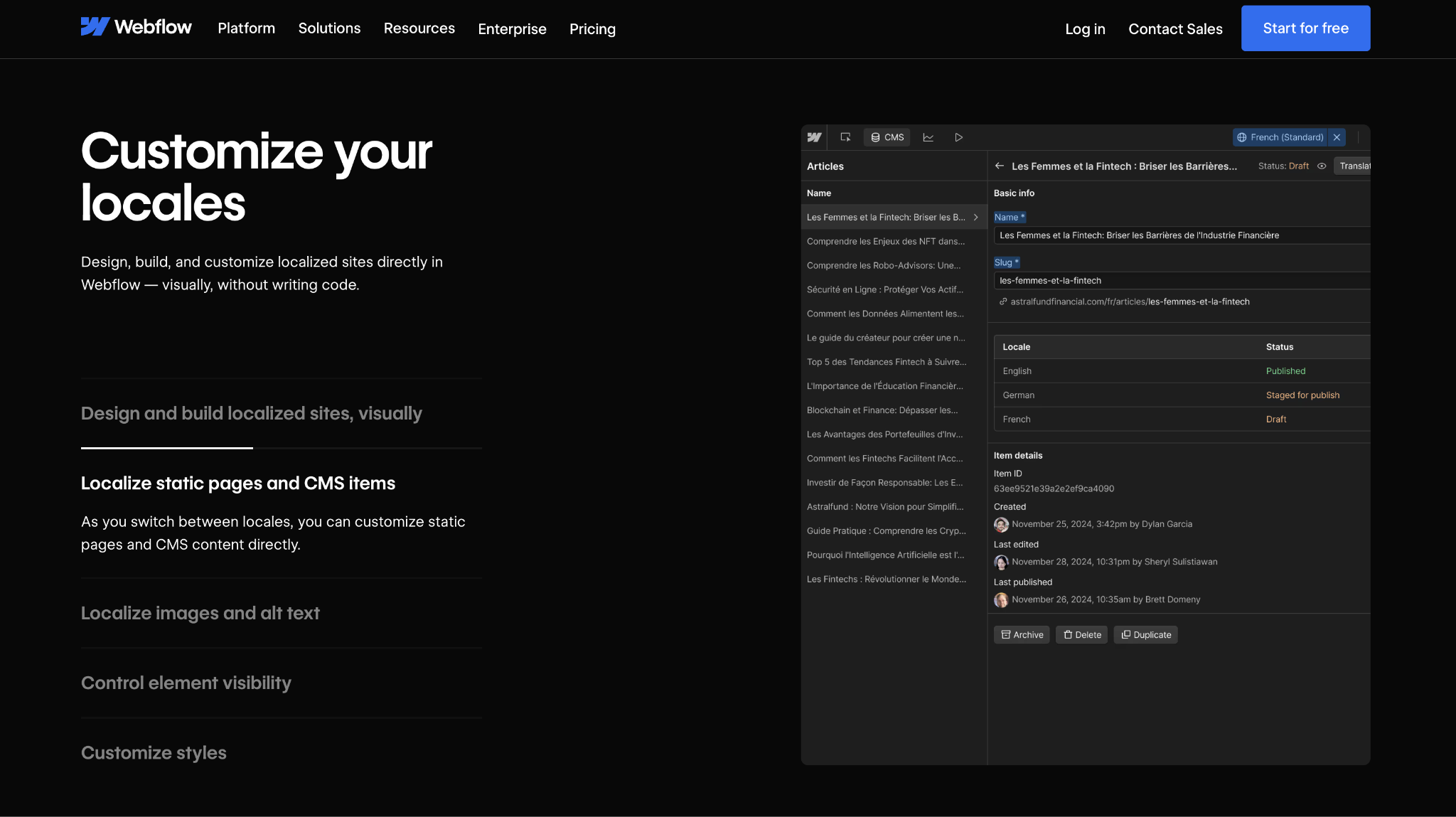
Because it is built into the platform, your translated pages aren't served by a proxy or separate script, keeping the translated site as fast and as indexable as the original. Webflow Localize is an add-on, priced by the number of locales: from $9 per month per locale for the Essential tier and $29 per month per locale for Advanced.
The boundary is scope. Webflow Localize handles the content and SEO of a Webflow site, so it covers the website side well. It doesn't replace a full TMS for a separate software product or a managed translation service.
An organization localizing an app, or one that wants translators, still pairs it with a tool like Lokalise or Smartling. For the website itself, building localization in from the start avoids the proxy layer entirely. If you are building the site anyway, start there and turn languages on when you are ready.
Unlock growth with SEO
Join Webflow and leading growth agency Graphite as they discuss actionable insights for scaling and achieving growth with SEO
Frequently asked questions
What is the best website localization service?
It depends on what you are localizing and whether you want translators included. Weglot fits a no-code website, Crowdin or Transifex a developer-led continuous setup, and Lokalise a product team scaling across design and code. Phrase suits enterprise automation, and Smartling adds professional translation to the software.
What is the difference between a localization platform and a translation service?
A localization platform, or TMS, is software that manages the workflow: it imports content, tracks strings, and connects to your tools, while you supply the translators. A translation service adds the linguists who do the translating. Some platforms, such as Smartling, offer both. Most, such as Lokalise and Crowdin, are software platforms where you bring your own translators.
How much does website localization cost?
It ranges widely. Weglot starts at $17 a month for a small site and prices by word count and language. Crowdin offers a free plan and paid tiers from $50 per month when billed annually. Lokalise runs in the mid-hundreds, Phrase starts at $27 a month for individuals and goes up to over $1,000 for its Team plan, and Transifex and Smartling quote their plans through sales.
Do I need to translate my website manually?
No. Every tool here uses machine translation or AI for a first pass, which you then refine or send to professional translators for quality. The platform manages that workflow, so you review and approve translations instead of typing them from scratch.
Can I localize a website without a separate tool?
Sometimes. If your site platform includes localization, you may not need a third-party layer. Webflow, for example, localizes pages, content, and SEO natively, so a site built there translates without a proxy. You add a dedicated platform when you localize a separate product or want managed translation.
Which localization tool is best for multilingual SEO?
For a website, the key is to give each language its own indexed URL with hreflang tags. The weaker alternative, translations swapped in by a script, may not be crawled at all. Weglot handles the indexed-URL approach, and a Webflow site using native Localize gets localized URLs and SEO by default. For a software product, keeping app strings in sync matters more than page SEO, which a TMS handles.

Choose the right CMS for a scaling enterprise
Discover how the right CMS can allow teams to efficiently scale rich, complex content – all without writing code.