



A/B testing tools sort by the scale you test at and what that costs, from free open-source projects to enterprise suites that quote by traffic.
A/B testing, or split testing, is a controlled website experiment that compares two versions of a page design to see which performs better with users. In an A/B test, you split your target audience into two groups: one group sees the original webpage (A), while the other sees a modified version (B).
With A/B testing, you don't have to rely on guesswork and assumptions about what site visitors prefer; you have the data to prove it. This ultimately helps you create pages that drive more traffic, engagement, and conversions.
Read on to discover the best A/B testing tools and services for your needs.
Key takeaways:
- If budget is your tightest constraint, GrowthBook and PostHog are free to start, and both are open-source so that you can self-host them.
- For a price you can plan around, Convert lists tiers from $399 a month and Kameleoon publishes a $495-a-month starter plan, both without a sales call.
- VWO is the most established visual-editor suite, sold by a sales quote based on your traffic.
- For enterprise depth, AB Tasty pairs testing with personalization, and Optimizely runs web and server-side experiments, both quoted by traffic.
Types of A/B testing
Before comparing tools, it helps to know what kind of test you plan to run, because that narrows your options faster than price does. Every platform here handles the simple two-version case, but multivariate and multipage testing often sit above the entry tier.
Here is a breakdown of the main types of A/B tests and how they work:
- Standard A/B testing: This test compares two versions of an element to see which one resonates more with visitors. For example, you might compare two call-to-action (CTA) button colors to determine which attracts more clicks.
- A/B/n tests: When you need to test more than two versions of a design element, A/B/n testing measures how each variation performs. Say you are unsure about the ideal CTA button color. You could test four colors at once (blue, green, red, and yellow).
- Multipage tests: Sometimes the experience depends on a cohesive sequence of pages rather than a single element. Multipage tests examine user behavior across that journey, such as arriving on a landing page, exploring services, and reaching checkout.
- Multivariate tests: This method examines several changes across different elements at once. It reveals which combination of design choices works best as a unit. You might analyze how different CTA button shapes, colors, and placements affect engagement.
Your desired test type sets a floor on the tier you buy, so keep that in mind as you read the prices below. With that settled, here is how the seven best platforms compare.
7 best A/B testing tools at a glance
Here is our list of the top 7 A/B testing tools for different use cases and budgets:
Here is a closer look at each one, starting with the free options.
1. GrowthBook
GrowthBook is an open-source A/B testing and feature-flagging platform, and it is the pick when budget is your tightest constraint. You can self-host the open-source version for free, or start on the cloud, which is free for up to three users.
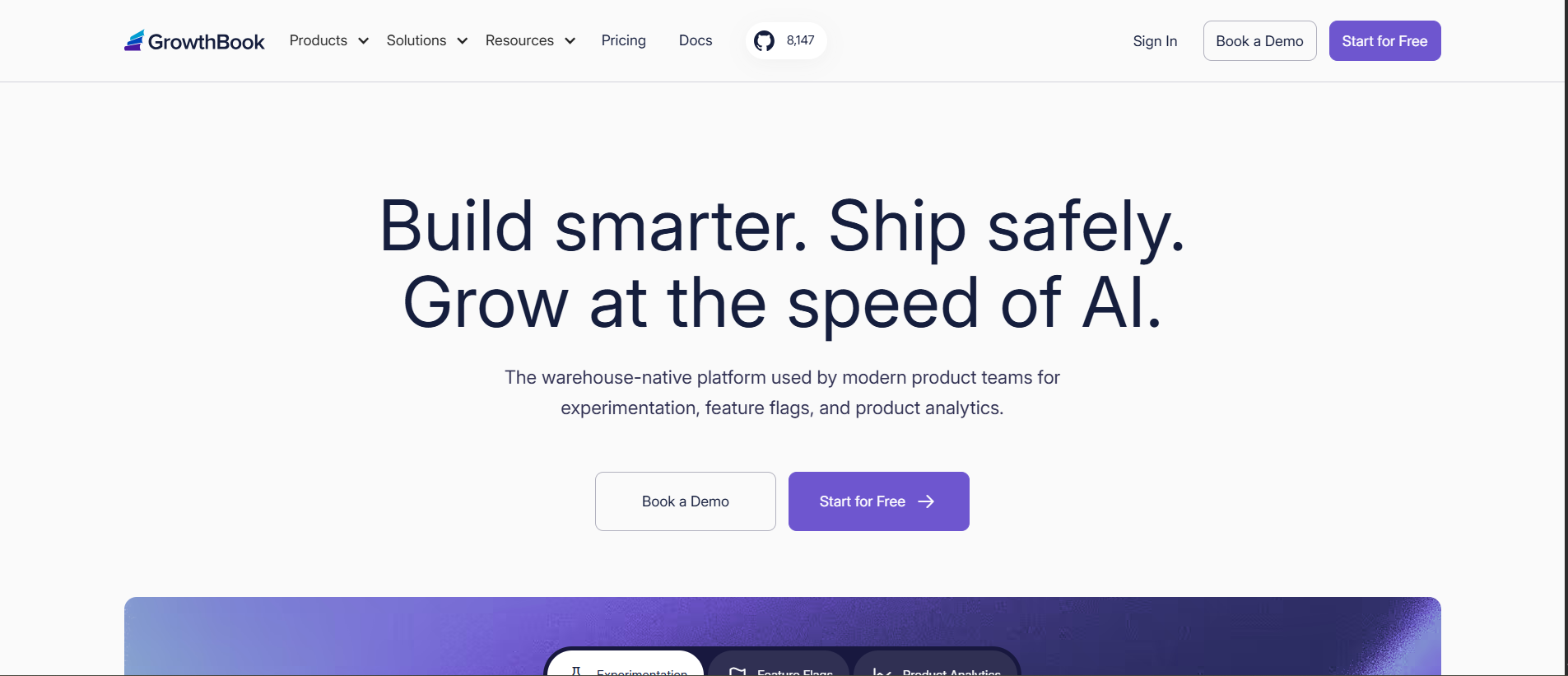
GrowthBook shines when teams have engineering support and want to keep both cost and data in-house. It connects to your data warehouse and runs the statistics there, so experiment data stays within infrastructure you already own.
The tradeoff is that GrowthBook leans technical. Setting up warehouse connections and feature flags suits an engineer more than a marketer who wants a point-and-click editor, though the Pro plan does add a visual editor.
GrowthBook pros:
- Free and open-source: You can run the self-hosted version at no license cost, so a lean team pays only for its own infrastructure (rather than a per-visitor fee).
- Warehouse-native statistics: GrowthBook computes results against your own data warehouse, so experiment data never leaves systems you already control.
GrowthBook cons:
- Technical setup: Connecting a warehouse and managing feature flags suits an engineer, so a marketing team without developer support struggles to run it alone.
- No visual editing on free plan: The point-and-click editor is on the paid Pro plan, so marketers on the free tier depend on developers to build each test.
Pricing: The self-hosted edition is open-source and free to run. Cloud starts with a free Starter tier for up to three users. Pro is $40 per seat per month for up to 50 users, and the Enterprise plan uses custom pricing.
Best for: Developer-supported teams that want free, self-hostable testing tied to their own data warehouse.
2. PostHog
PostHog runs A/B testing as one product inside a wider open-source suite that also covers product analytics, session replay, and feature flags. Its experiments use the same feature flags, so you ship a test and measure it in one tool.
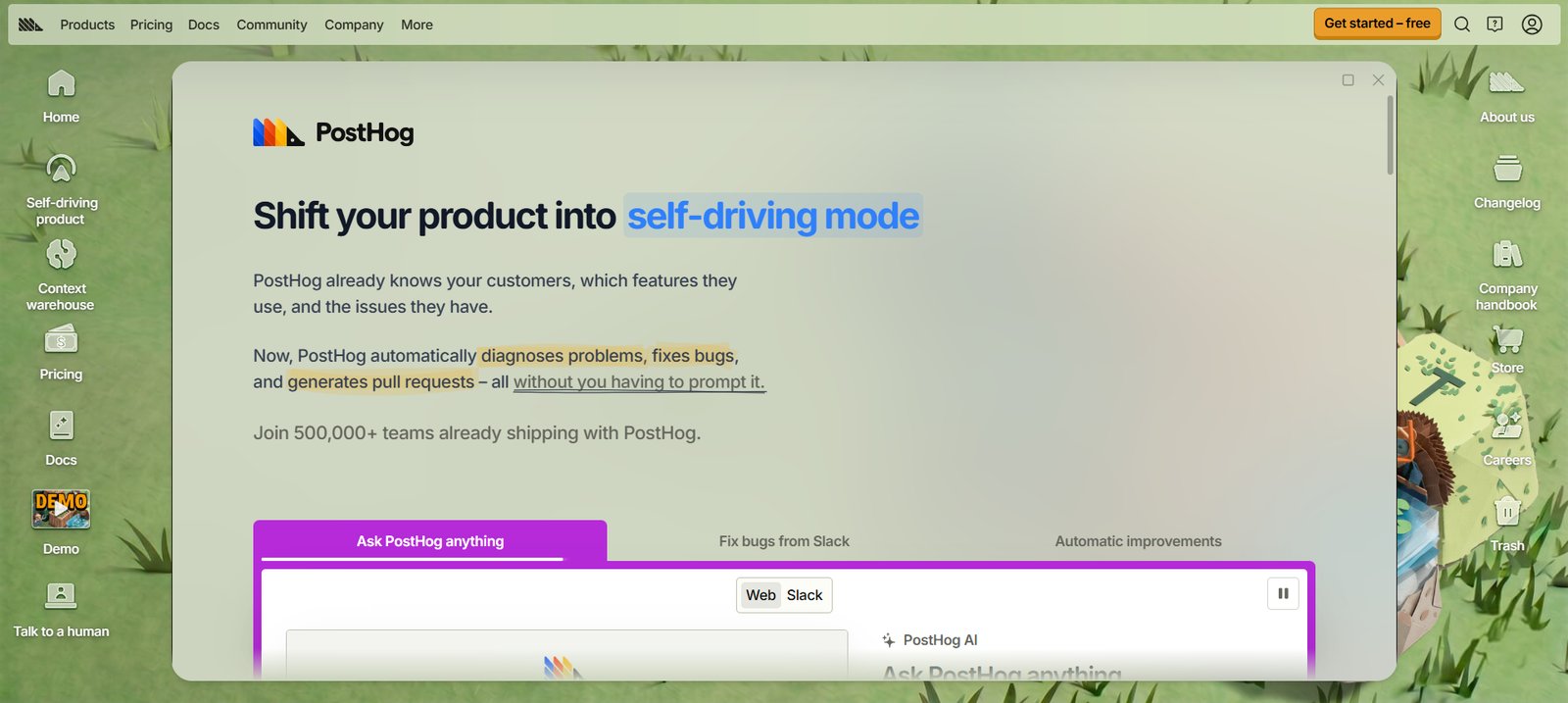
PostHog fits product and growth teams that want experimentation sitting next to their analytics, without an up-front bill. The free tier is generous, and pricing is usage-based after that, so a startup can run tests at no cost until it scales.
The tradeoff is that PostHog is a product-analytics platform first. A marketing team that only wants to split-test landing pages may find it less practical than a dedicated testing tool, and usage-based pricing rises with event volume.
PostHog pros:
- Testing and analytics together: Experiments run next to product analytics and session replay. You see both the test results and the behavior behind them, without a second tool.
- Free to start, open-source: A monthly free allowance of one million experiment requests covers early testing at no cost. The code is open-source and MIT-licensed, though PostHog steers most users to its cloud and keeps some features cloud-only.
PostHog cons:
- Aimed at product teams: The suite is built for people optimizing a product, so a marketer split-testing pages faces more platform than the task needs.
- Bills rise with volume: Usage-based pricing means a high-traffic site or a busy product pays more as events add up, which a flat plan would avoid.
Pricing: PostHog is usage-based, and experiments are billed with feature flags. You get one million requests free each month, then pay from $0.0001 per request, a rate that falls as volume rises. Higher-volume and enterprise plans add platform features and support.
Best for: Product and growth teams that want experiments built into their analytics stack.
3. Convert
Convert is a privacy-conscious A/B testing platform with transparent pricing, which makes it a straightforward pick for mid-sized teams that want to know the cost up front. It positions itself on affordability and on collecting less visitor data than the larger suites.
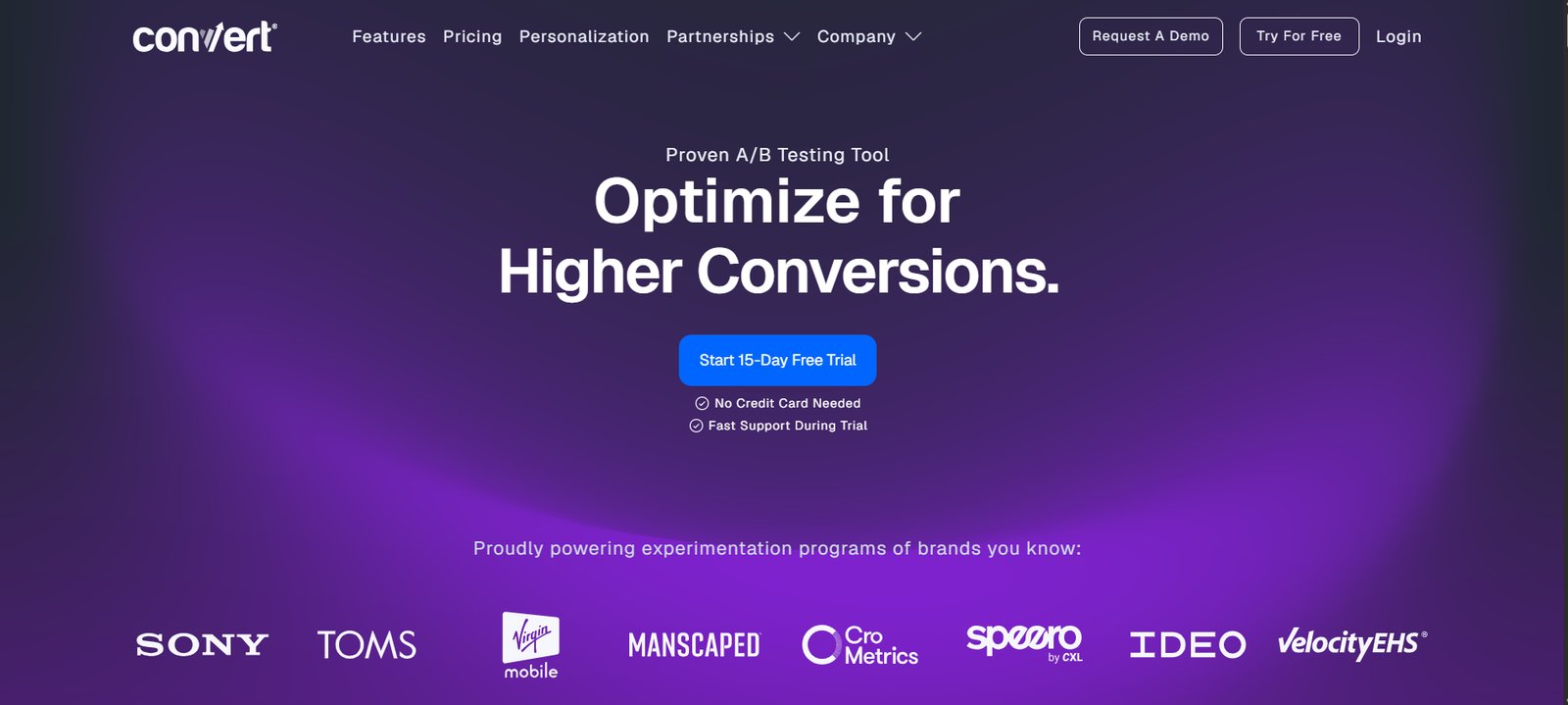
We recommend Convert to teams that want transparent pricing and a privacy-conscious setup without an enterprise contract. Plans are priced by tested users per month, and the 15-day trial needs no credit card. The platform also collects less visitor data than the larger suites, which reduces the consent work you take on.
The tradeoff is a monthly cost from the start, with no permanent free plan, so a team that tests occasionally pays the same as one testing constantly.
Convert pros:
- Transparent, published pricing: Prices are listed by tested users per month, so a team can budget without booking a sales call, which the enterprise suites require.
- Privacy-conscious design: It collects less personal data than the larger platforms and is built around GDPR and CCPA compliance. The setup reduces the consent work a marketing team has to do.
Convert cons:
- No free plan: Billing starts after the 15-day trial, so teams that test only now and then pay a monthly fee whether or not a test is running.
- Smaller ecosystem: Convert is a smaller vendor than Optimizely or VWO, so teams that want a broad partner and integration ecosystem have fewer options.
Pricing: The Growth plan is $399 per month for 100,000 tested users, dropping to $299 per month with annual billing. Pro is $599 per month, and Enterprise is priced on request. The 15-day free trial needs no credit card, and there is no free plan.
Best for: Mid-sized teams that want transparent, privacy-conscious testing without an enterprise contract.
4. Kameleoon
Kameleoon is an enterprise experimentation and personalization platform with a strong presence in regulated industries like finance and healthcare. It offers web and feature experimentation, AI-driven personalization, and hosting options built for strict data rules.
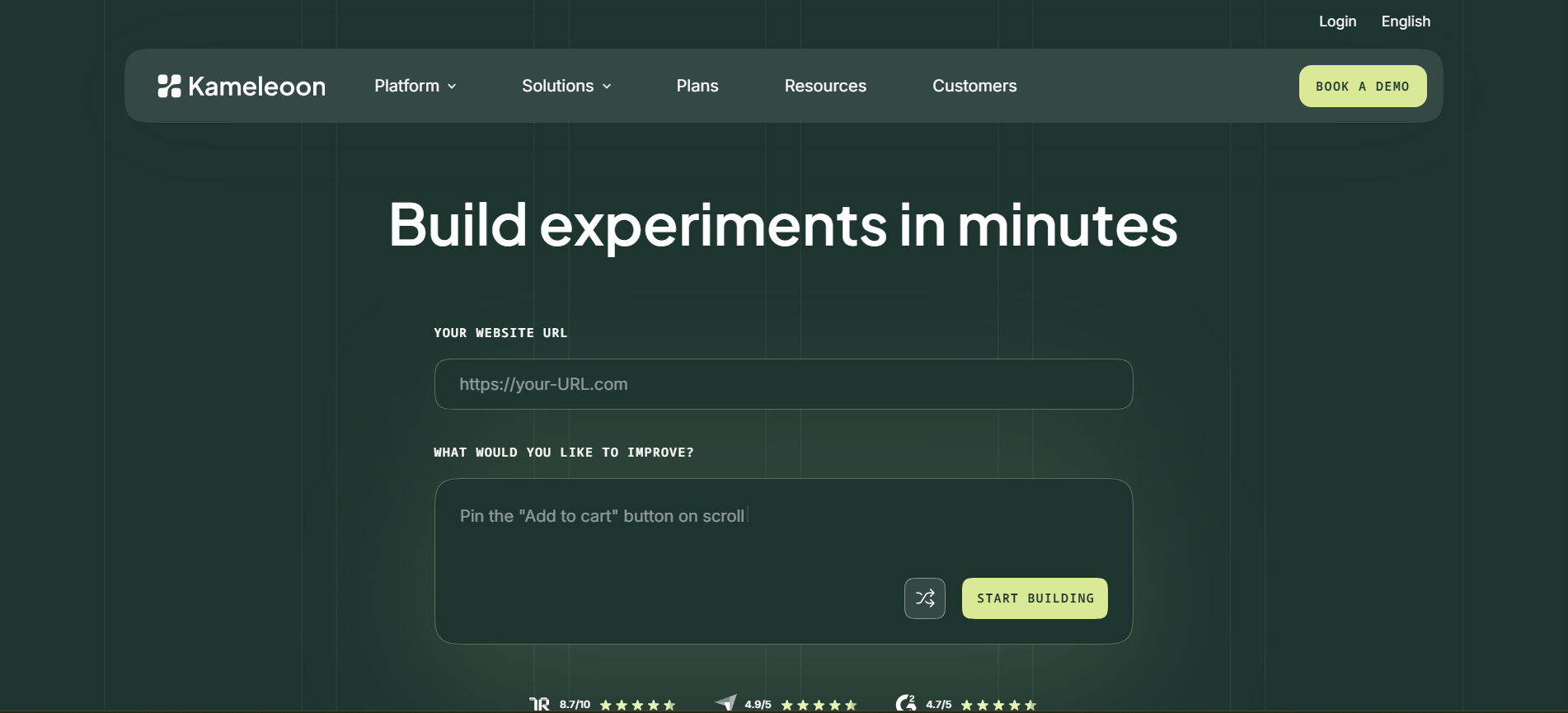
Kameleoon suits teams that want AI-assisted experimentation without a big up-front commitment. Its PBX Starter plan runs on prompt-based experimentation: you describe a test in plain language, and the AI builds the variation.
The Enterprise tier adds server-side, mobile, and multivariate testing, plus advanced personalization. The tradeoff is that Starter caps you at 10 experiments and 50,000 visitors a month, so higher-volume programs need to move to the custom-priced Enterprise tier.
Kameleoon pros:
- Transparent starting price: PBX Starter is listed at $495 a month. A team can weigh the cost directly, without the sales call most tools at this level require.
- Strong on compliance: Data-handling and hosting options are built for regulated sectors, so a finance or healthcare team can test without breaching its data rules.
Kameleoon cons:
- Starter plan has hard caps: The $495 plan stops at 10 experiments and 50,000 visitors a month. An active program or a high-traffic site that outgrows it needs to move to the quoted Enterprise tier.
- The deepest tests are upper-tier: Server-side, mobile, and multivariate experiments sit on the custom-priced Enterprise plan, so teams that need them cannot get a public price.
Pricing: Kameleoon offers a 30-day free trial with no credit card, for up to 3 experiments. PBX Starter is $495 per month for up to 10 experiments and 50,000 visitors. The Enterprise tier is custom-priced for unlimited experiments and traffic.
Best for: Teams (especially in regulated industries) that want AI-assisted experimentation with a transparent entry price.
5. VWO
VWO is one of the most established A/B testing platforms, and it fits marketing teams that are looking to scale testing into a regular practice. It runs A/B and split-URL tests through a visual editor so that marketers can build variations without code, and it adds multivariate testing on its higher tiers.
Since January 2026, it has been part of the same company as AB Tasty, following an agreement to combine backed by Everstone Capital.
We recommend VWO to growing teams that want a marketer-friendly editor and room to add targeting and multivariate tests as they mature. A 30-day free trial lets you get started, and the paid Growth, Pro, and Enterprise tiers add feature depth.
The tradeoff is pricing transparency. VWO no longer lists its paid prices publicly, so the Growth, Pro, and Enterprise tiers come through a demo and a quote based on your tracked users.
VWO pros:
- Marketer-friendly editor: The visual editor builds A/B and split-URL tests without code, so marketing teams can run experiments without waiting on engineers.
- Room to grow: Higher tiers add advanced targeting, multivariate testing, and integrations, so teams scaling their program don't outgrow the platform.
VWO cons:
- Prices are not public: Paid-tier pricing comes by quote rather than a listed figure, so you book a demo to learn the cost, which slows comparison.
- Roadmap overlap with AB Tasty: VWO and AB Tasty now share an owner, so the two products may converge over time, which is worth weighing before a long commitment.
Pricing: VWO offers a full-featured 30-day free trial with no credit card. Paid Growth, Pro, and Enterprise tiers are priced by your tracked users and quoted through a demo, so there is no public list price.
Best for: Growing marketing teams that want a visual editor and are ready to talk to sales for pricing.
6. AB Tasty
AB Tasty is an enterprise experimentation and personalization platform aimed at larger marketing and product teams. It pairs A/B and multivariate testing with audience personalization and feature management, backed by onboarding and support.
AB Tasty and VWO agreed to combine in January 2026 under Everstone Capital. The two products now sit inside one company, though they are still sold, priced, and supported separately.
AB Tasty is a great choice for established teams that want testing and personalization in one platform, with hands-on support. It suits organizations running many tests across audience segments, where a dedicated success manager matters.
However, AB Tasty is an enterprise purchase, which will automatically disqualify it for smaller teams. And like VWO, its pricing comes through a custom quote.
AB Tasty pros:
- Experiments and audience targeting together: You run split tests and tailor pages by segment in one platform, so teams can skip integrating two separate tools.
- Enterprise support included: Onboarding and a dedicated success manager come with the platform, so large teams get help setting up a testing program instead of going it alone.
AB Tasty cons:
- A sales-led purchase: With no public price, budgeting starts with a demo and a quote. A team that wants to start testing this week must go through procurement first.
- No self-serve trial: AB Tasty runs a guided proof-of-concept rather than a free trial, so you cannot evaluate it hands-on without involving their team.
Pricing: AB Tasty does not publish prices, so there are no fixed plans, and costs are based on your goals and scope (using traffic or monthly active users). Instead of a free trial, it offers a free proof of concept that usually runs one to two weeks.
Best for: Enterprise teams that want testing and personalization together, with dedicated support.
7. Optimizely
Optimizely is one of the best-known names in experimentation, built for large organizations running tests across web and product. It covers client-side A/B testing and server-side, full-stack experimentation with feature flags, so both marketing and engineering can test on one platform.
We recommend Optimizely to enterprises that experiment across the whole product, from the marketing site to the application, and want one platform for both. Its full-stack and feature-flag tools let engineers test server-side, and its statistics engine is built for high-traffic programs.
The tradeoff with Optimizely is cost and complexity. It is an enterprise purchase quoted by sales, and getting full value from it takes real setup and onboarding.
Optimizely pros:
- Web and server-side in one: Client-side testing and full-stack experimentation share a platform, so marketers and engineers run tests without buying separate tools.
- Built for high traffic: The statistics engine and infrastructure handle large-scale programs, so an enterprise running many concurrent tests gets reliable results at volume.
Optimizely cons:
- Priced for large budgets: Optimizely sits at the top of the market on cost and is quoted through sales. Small or mid-sized teams usually find it out of reach.
- Setup needs engineering: Its server-side and full-stack testing assume developer time to implement and maintain, so a marketing team cannot run the full platform alone.
Pricing: Optimizely does not publish prices. Plans are a custom quote based on your scale and the products you use.
Best for: Enterprises running experiments across both their marketing site and their product.
How to choose the right A/B testing tool
Choosing an A/B testing tool comes down to three questions:
- What is your budget and team size? A startup or a solo developer can run valid tests for free with GrowthBook or PostHog. A growing marketing team fits the mid-range of VWO or Convert. A large organization with high traffic and many stakeholders is a good fit for an enterprise suite like AB Tasty, Optimizely, or Kameleoon.
- Who builds the tests, and what do they plug into? Marketers want a visual, point-and-click editor, which VWO, Convert, and AB Tasty provide. Developer-led teams testing server-side lean on GrowthBook, PostHog, or Optimizely's full-stack tools, which also tie into a data warehouse or your existing product analytics.
- Do you have the traffic to reach significance? A test needs enough visitors to produce a trustworthy result. Low-traffic sites should start with a free or simple tool and test big changes, while high-traffic programs justify the advanced statistics and segmentation of an enterprise platform.
Answer them in the order that they appear above, and the list of seven collapses to one or two real candidates.
How Webflow fits your A/B testing setup
Most A/B tests run through a third-party script that loads before your page. The load can cause a visible flicker as the variation swaps in, and installing and maintaining the script usually takes a developer. How much of that you deal with depends on where your site is built.
On Webflow, you can still add any tool from this list. VWO, Convert, and PostHog connect through an integration or a snippet in your site settings (the same as on any platform), so nothing about the list above changes.
The alternative is Webflow Optimize, which runs A/B tests and personalization natively, inside the builder. Because the tests run on the platform that serves the page, you don't need a third-party script or a separate tool to maintain.
Optimize also draws on the visitor data Webflow already collects, and it is priced by the page views you test. If you are already on Webflow and want to test without bolting on another platform, start there.

Unlock growth with SEO
Join Webflow and leading growth agency Graphite as they discuss actionable insights for scaling and achieving growth with SEO
Frequently asked questions
What is the best A/B testing tool?
The best tool depends on your budget and team. For a free start, GrowthBook and PostHog are open-source and cost nothing to begin. For a growing marketing team that wants public pricing and a visual editor, VWO or Convert are good fits. For a large organization testing across a site and a product, an enterprise suite like Optimizely, AB Tasty, or Kameleoon goes deepest.
What is the best free A/B testing tool?
GrowthBook and PostHog are the strongest free options. GrowthBook is open-source and free to self-host, with unlimited experiments. PostHog includes experiments in a free monthly allowance alongside its analytics. Beyond those two, most platforms here offer a time-limited trial rather than a permanent free plan. A team that needs to test at no cost long-term is choosing between GrowthBook and PostHog.
Is Google Optimize still available?
No, Google shut down Google Optimize and Optimize 360 in September 2023, and it did not release a direct replacement. Teams that relied on it have moved to tools like VWO, Convert, or Optimizely, or to free options like GrowthBook and PostHog.
How much do A/B testing tools cost?
They range from free to over $495 per month. GrowthBook and PostHog are free to start, GrowthBook's Pro plan is $40 per seat per month, and Convert starts at $399 per month. VWO, AB Tasty, Optimizely, and Kameleoon price by custom quote based on your traffic, so their cost depends on your scale.
Do I need a lot of traffic for A/B testing?
You need enough traffic for a result to be statistically trustworthy, which depends on your conversion rate and the size of the change you are testing. Low-traffic sites can still test, but they should focus on big changes and expect longer test runs. High-traffic sites reach significance faster and can test smaller refinements.
Can I run A/B tests on a Webflow site?
Yes, you can connect a third-party tool like Convert or PostHog through an integration or a snippet. Or, you can use Webflow Optimize, which runs A/B tests and personalization inside Webflow. Optimize is native on Webflow sites and works on other platforms through a JavaScript snippet.

Choose the right CMS for a scaling enterprise
Discover how the right CMS can allow teams to efficiently scale rich, complex content – all without writing code.