



The best website analytics tools accommodate how your team measures growth, and these seven cover every need.
Most marketing teams start with Google Analytics 4 (GA4). It is free, and it answers the first question every team has: how many people came, where from, and what they viewed. GA4 remains a mainstay in most analytics stacks.
Two pressures push teams to look further. The first is privacy: GA4 sets cookies, needs a consent banner in much of the world, and stores visitor data on Google's terms. The second is depth: GA4 reports what happened across a session, but not why a user abandoned a signup flow or where they rage-clicked.
The best tool depends on the questions you are trying to answer. Below, we compare the seven we recommend and explain the type of team each one best fits.
Key takeaways:
- Google Analytics 4 is the free standard for traffic and acquisition data, making it the right starting point for most sites without a specific reason to avoid it.
- Privacy-first tools, like Plausible, Fathom, and Matomo, trade some of GA4's depth for cleaner data and no cookie banner.
- Product-analytics tools, like PostHog and Amplitude, go beyond page views to cover funnels, retention, and individual user paths.
- If your site runs on Webflow, Webflow Analyze reports first-party traffic natively, with no separate tag to install.
The 7 best website analytics tools
Most website analytics tools track the same essential events, but differ in their presentation and accessibility features.
To pick the right tool, weigh these four factors:
- What you need to measure, from traffic basics to full product behavior
- Your privacy and compliance position (i.e., whether you want to avoid cookie banners, and where visitor data is allowed to live)
- Setup and upkeep, from a single hosted snippet to running the software on your own server
- Costs as traffic grows, since most tools charge based on volume
With these criteria in mind, here are the seven we recommend:
Below you will find a more detailed overview to help you narrow down your options.
1. Google Analytics 4
Google Analytics 4 is the free, widely used web analytics tool, and it is a solid place to start for a new site. GA4 reports traffic, acquisition channels, and on-site events. It connects directly to Google Ads and Search Console, so the data you already keep in Google's tools lines up with your site behavior.
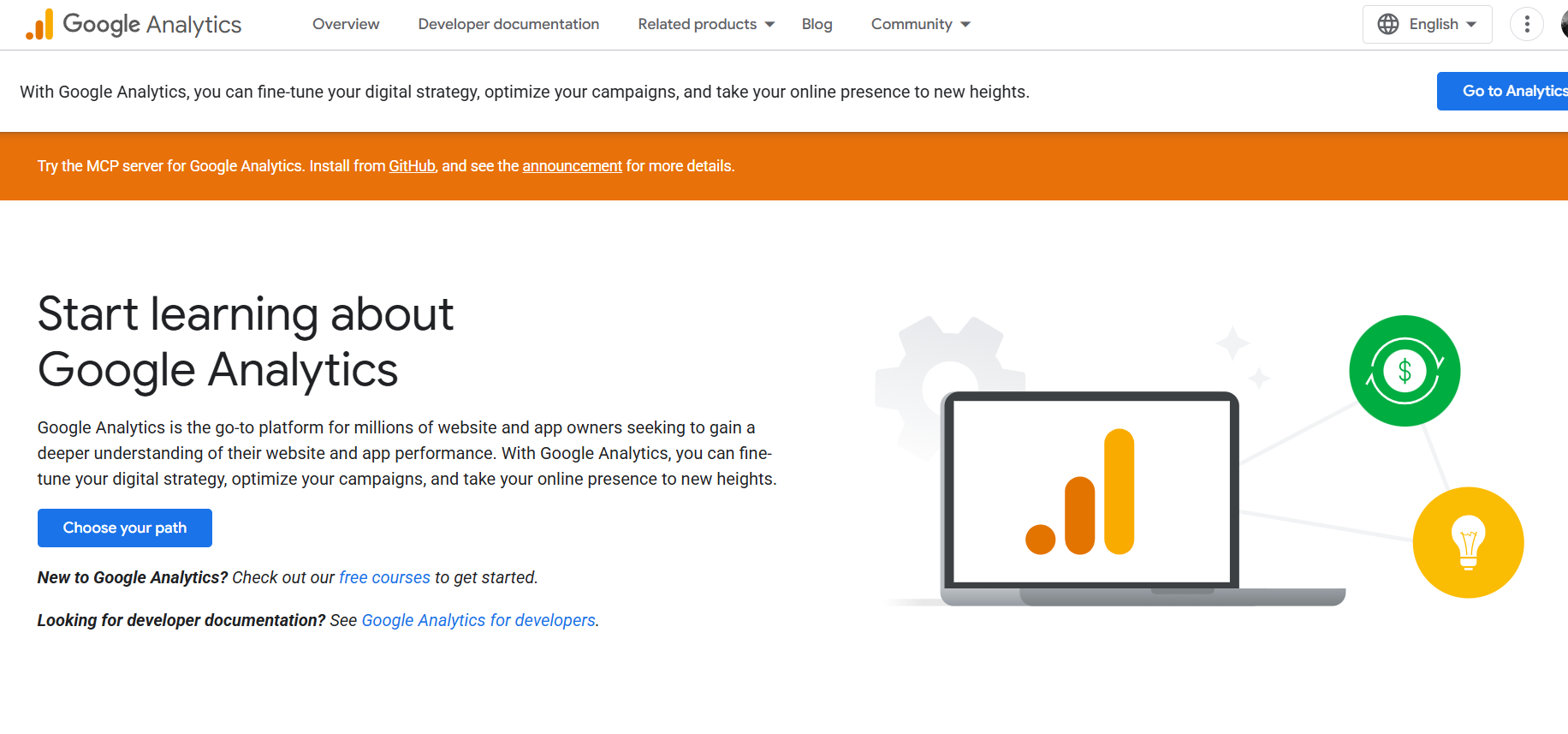
We recommend GA4 to any team that wants capable analytics at no cost and has no specific reason to avoid it. The tradeoff is that GA4's event-based model takes time to learn, and its reports can feel dense until you configure them.
It also relies on cookies, which means a consent banner across the EU, UK, and a growing list of regions. If those considerations brought you here, our guide to Google Analytics alternatives covers simpler, privacy-first options in depth.
Google Analytics 4 pros:
- Free and deeply capable: You get multi-touch attribution, audience segments, and conversion tracking without a bill, which no tool here matches at zero cost.
- Tied into Google's own tools: Native links to Google Ads and Search Console put your ad spend, search queries, and site behavior in one connected view. Paid third-party tools cannot replicate that link.
Google Analytics 4 cons:
- A steep learning curve: GA4's event-based reports take time to learn, so a marketer who just wants weekly traffic numbers spends longer hunting for them.
- Declined consent undercounts your data: GA4 needs a consent banner in much of the world, and every visitor who declines drops out of your reports. Your numbers then understate real traffic.
Pricing: Free. The enterprise tier, Google Analytics 360, is sold by quote for organizations that need higher data limits and service guarantees.
Best for: Teams that want capable analytics at no cost and are comfortable with Google's data model.
2. Plausible
Plausible is a privacy-first analytics tool built around a lightweight script and a single, cookie-free dashboard. It is open-source, hosted in the EU, and collects no personal data, so you can run it without a consent banner in most jurisdictions.
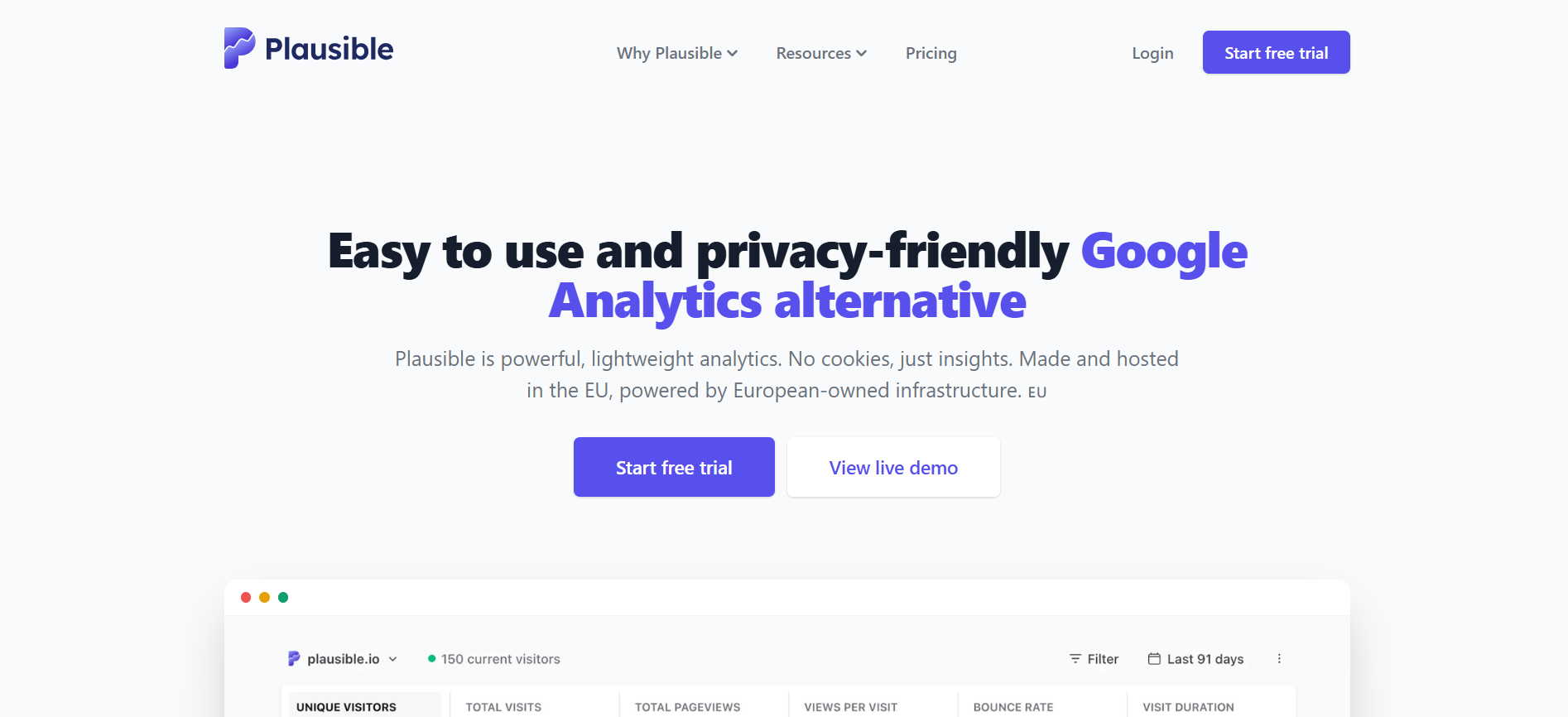
We recommend Plausible for privacy-conscious teams that want traffic numbers without GA4's weight. The dashboard fits on one screen, the tracking script is a fraction of GA4's size, and setup takes minutes.
The downside of Plausible is scope. Plausible answers traffic and acquisition questions well, but it stops short of funnels, cohort retention, and session-level analysis. Teams that need those capabilities have to pair it with another tool or choose a product-analytics platform instead.
Plausible pros:
- No cookie banner required: Plausible sets no cookies and collects no personal data, so you skip the consent banner. You also keep the visitors that a declined banner would otherwise drop from your data.
- Fast and simple: The script is under a kilobyte, and the dashboard shows the core traffic metrics on one screen. A non-analyst can read it without training.
Plausible cons:
- Traffic data only: Plausible reports visits and sources but stops short of funnels and retention, so teams optimizing signup flows may need to add a product-analytics tool alongside it.
- No free plan: After the 30-day trial, there is no free tier. This is a serious consideration since GA4 offers a free-forever alternative.
Pricing: Plans start at $9 per month billed monthly for up to 10,000 monthly pageviews. Annual billing drops that to $7.50 per month ($90 per year). A 30-day free trial is included, and there is no permanent free plan.
Best for: Privacy-conscious teams that want a simple, compliant traffic dashboard.
3. Fathom
Fathom is designed to be simple and easy to read, and its marketing touts the ability to keep data out of reach of some cross-border transfer rules. It tracks essential traffic metrics on a single, clean dashboard without collecting personal data or requiring cookie banners.
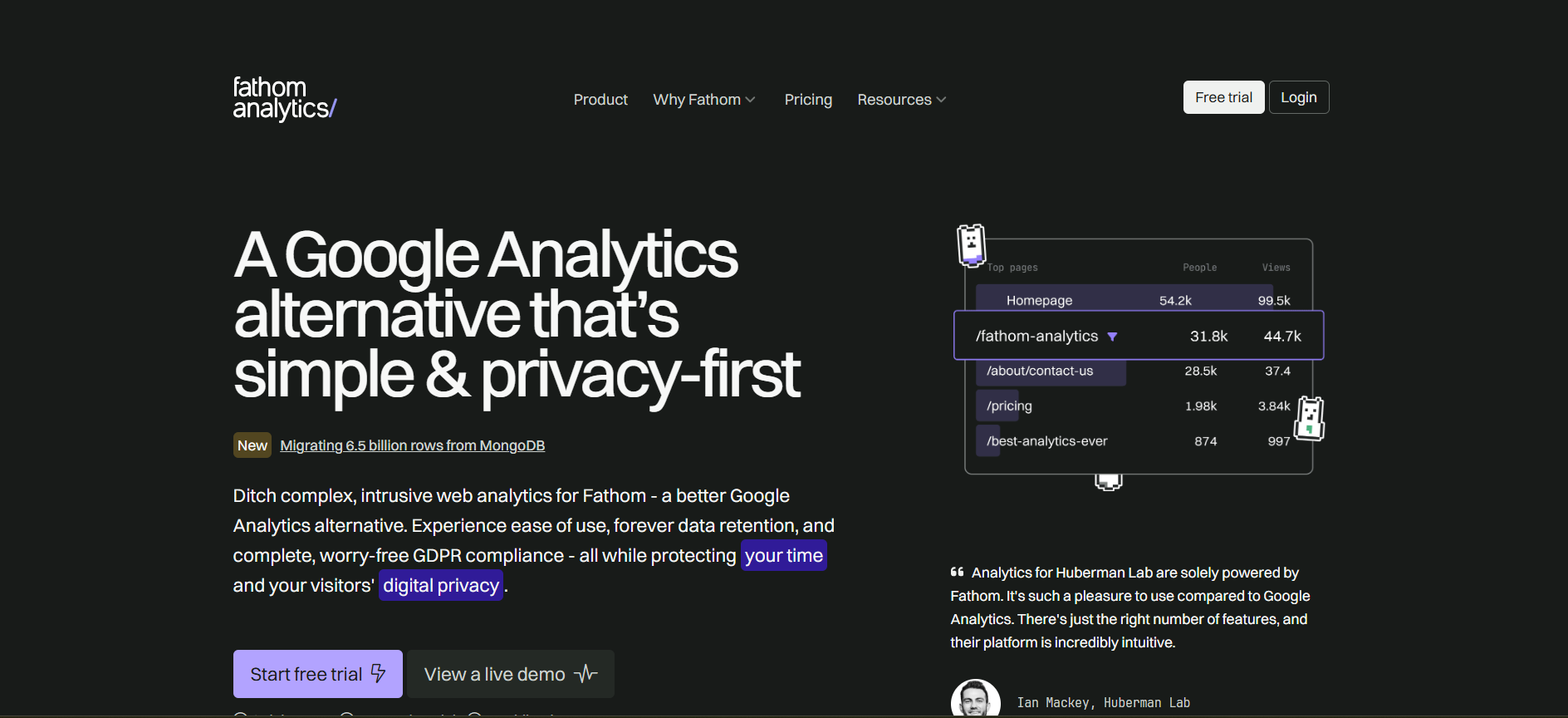
We recommend Fathom to teams that want privacy-first analytics and prefer its dashboard and pricing to Plausible's. The two are close competitors, and most teams decide based on feel and price rather than a feature gap.
Fathom's entry plan covers more pageviews than Plausible's for a slightly higher monthly price. As with Plausible, the limit is depth. Fathom is a traffic tool, so a growth team measuring conversion also needs a product-analytics tool.
Fathom pros:
- Privacy-first and compliant: No cookies and no personal-data collection means no consent banner, so you keep full traffic data without the legal overhead GA4 carries.
- Generous pageviews on base plan: The starting plan covers up to 100,000 pageviews a month, so a mid-traffic marketing site fits on the entry tier rather than upgrading early.
Fathom cons:
- No free plan: After the 7-day trial, there is no permanent free plan.
- Limited depth: Like other privacy-first tools, Fathom leaves out funnels and per-user product analysis, so growth teams measuring conversions may need a second tool.
Pricing: Plans start at $15 per month billed monthly for up to 100,000 pageviews, after a 7-day free trial. Annual billing gives two months free.
Best for: Teams that want privacy-first analytics and prefer Fathom's dashboard and pricing over Plausible's.
4. Matomo
Matomo is the privacy-first tool for teams that need to own their analytics data on their own infrastructure. You can run it as a hosted cloud service or install the open-source version on your own server for free, which keeps every visitor record on hardware you control.
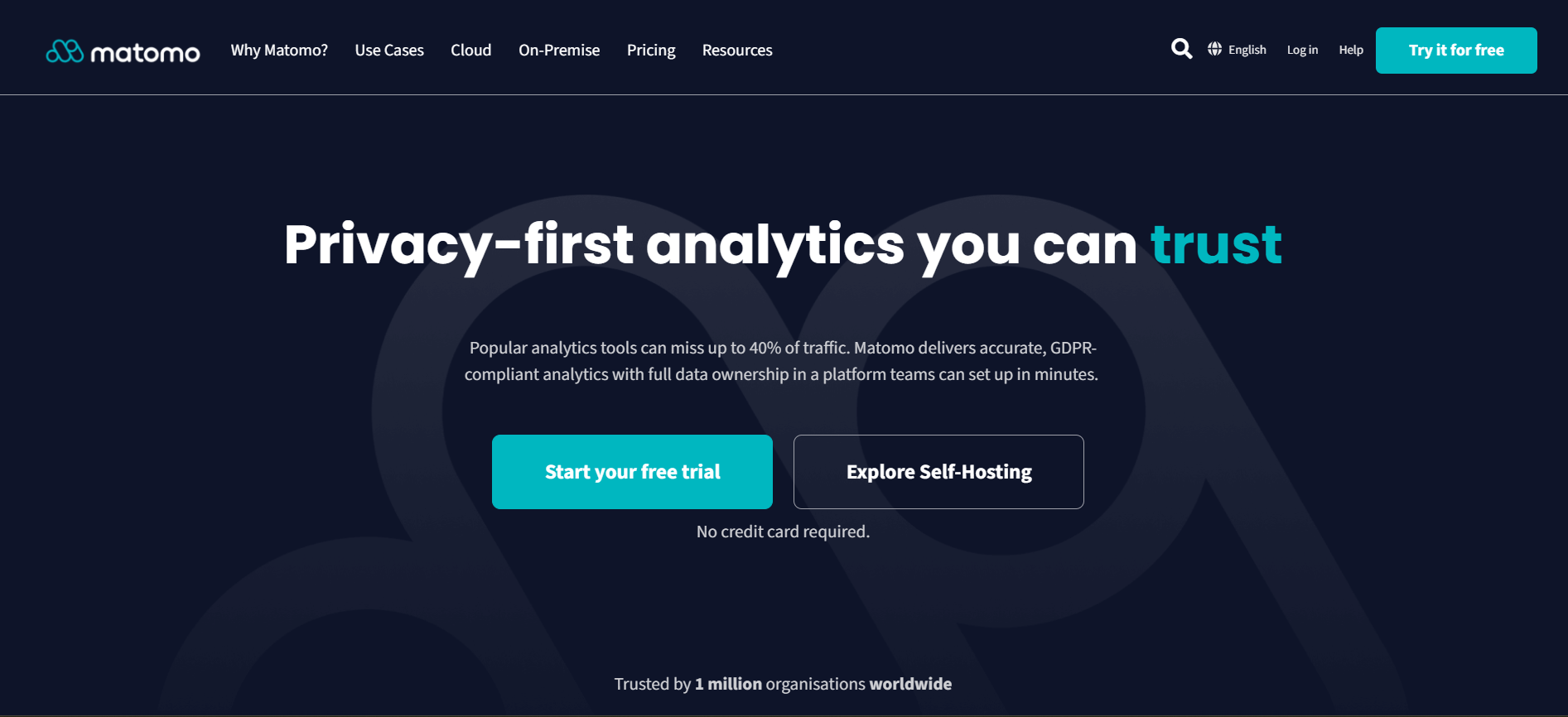
We recommend Matomo when data ownership or compliance is a hard requirement, such as in healthcare, finance, or government. Self-hosting is free to license and gives you complete control (in exchange for the server and the maintenance you take on).
The cloud plan removes that work for a monthly fee. Matomo also carries more depth than Plausible or Fathom, including heatmaps and A/B testing, so its interface is heavier as a result.
Matomo pros:
- Full data ownership: The self-hosted version keeps every visitor record on your own server. That satisfies compliance rules that forbid sending data to a third-party cloud.
- Free to self-host: The open-source edition has no licensing fee. A team with the technical capacity to run it pays only for its own hosting, rather than a per-visit price.
Matomo cons:
- Self-hosting requires infrastructure: Running Matomo yourself means you own the server setup, the updates, and the security. A team without technical resources should opt for Matomo's paid cloud option instead.
- A busier dashboard: All that extra capability crowds Matomo's interface compared to Plausible's or Fathom's clean single screen. A team that values simplicity spends longer finding the basic numbers.
Pricing: Matomo Cloud starts at €22 per month ($26) for 50,000 hits, priced in euros, with two months free on annual billing. The free trial needs no credit card. The self-hosted On-Premise edition is free to license, and you provide the server.
Best for: Teams with strict data-ownership or compliance requirements, particularly those that can self-host.
5. PostHog
PostHog is an open-source product-analytics platform that bundles the tools that growth teams usually buy separately (e.g., product analytics, session replay, feature flags, A/B testing, surveys). It's built for teams that need to follow users as they move through a product: the flows they complete, where they convert, and whether they return.
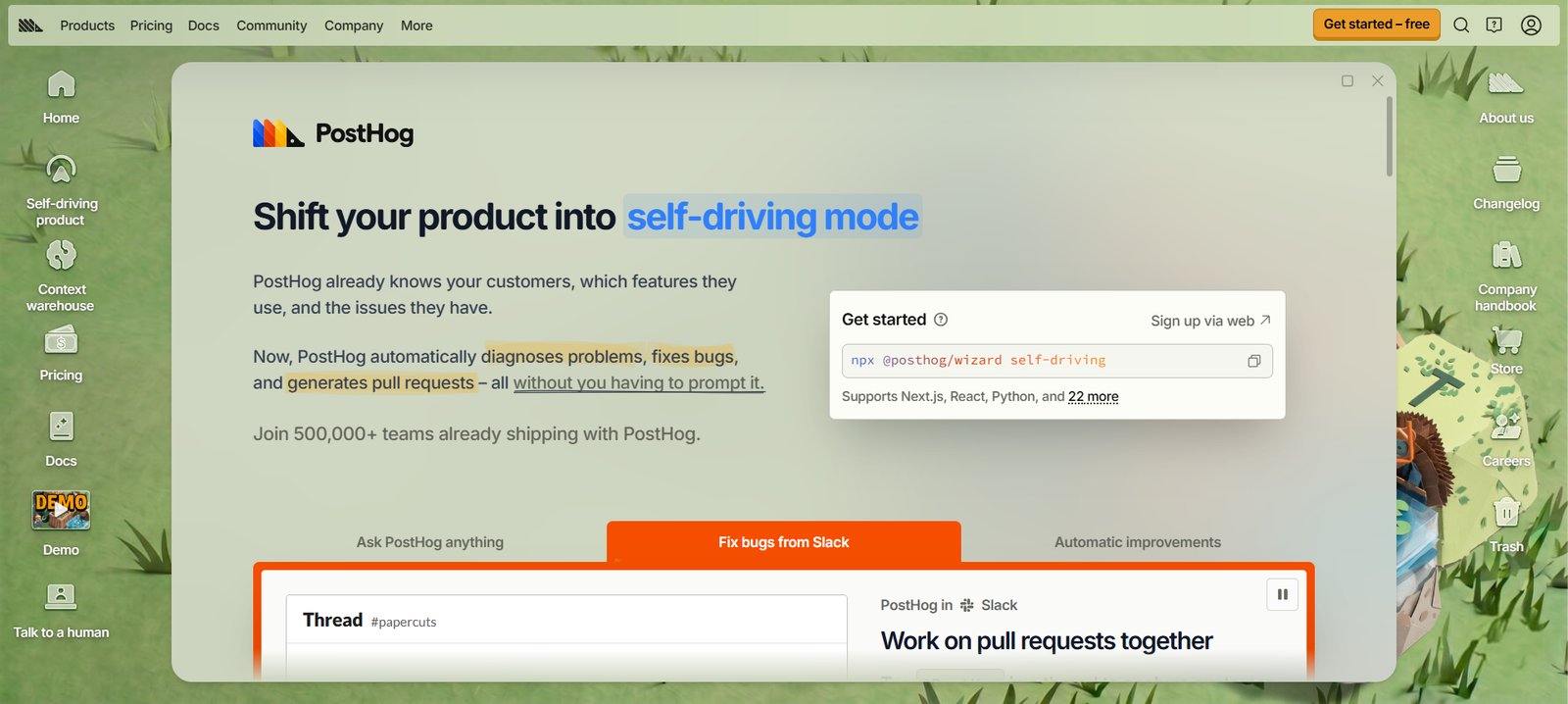
We recommend PostHog to product and growth teams that want depth without a large up-front commitment. Its free tier is generous, and its usage-based pricing means you pay in step with what you use.
You can also self-host the open-source version if you need the data on your own infrastructure. However, PostHog's tradeoff is focus. It targets product teams, so a marketer who only wants a weekly traffic report may find it more cumbersome than a tool like Plausible. Usage-based pricing can also climb as your event volume grows.
PostHog pros:
- Several growth tools in one: Product analytics, session replay, and feature flags share one platform. You can run an experiment and read the result without wiring together multiple separate subscriptions.
- Generous free tier: PostHog provides a large free monthly allowance before any charge. A startup can run real product analytics at no cost until it scales.
PostHog cons:
- Built for product teams: PostHog's depth is for people optimizing a product. A marketer who only needs traffic numbers faces more tool than the job requires.
- Usage-based cost can climb: You pay per event and per recording. A sudden traffic spike or a high-volume product raises the bill in a way a flat plan would not.
Pricing: PostHog is usage-based. Product analytics includes 1 million events free each month, then costs from $0.00005 per event, a rate that falls as volume rises. Session replay and feature flags have their own free allowances. Higher-volume and enterprise plans add platform features and support.
Best for: Product and growth teams that want analytics, replays, and experiments in one usage-priced tool.
6. Amplitude
Amplitude is an enterprise-grade product-analytics platform known for deep funnels, retention, and cohort analysis. Where GA4 reports what happened on your site, Amplitude explains how users adopt a product and why they stay or leave.
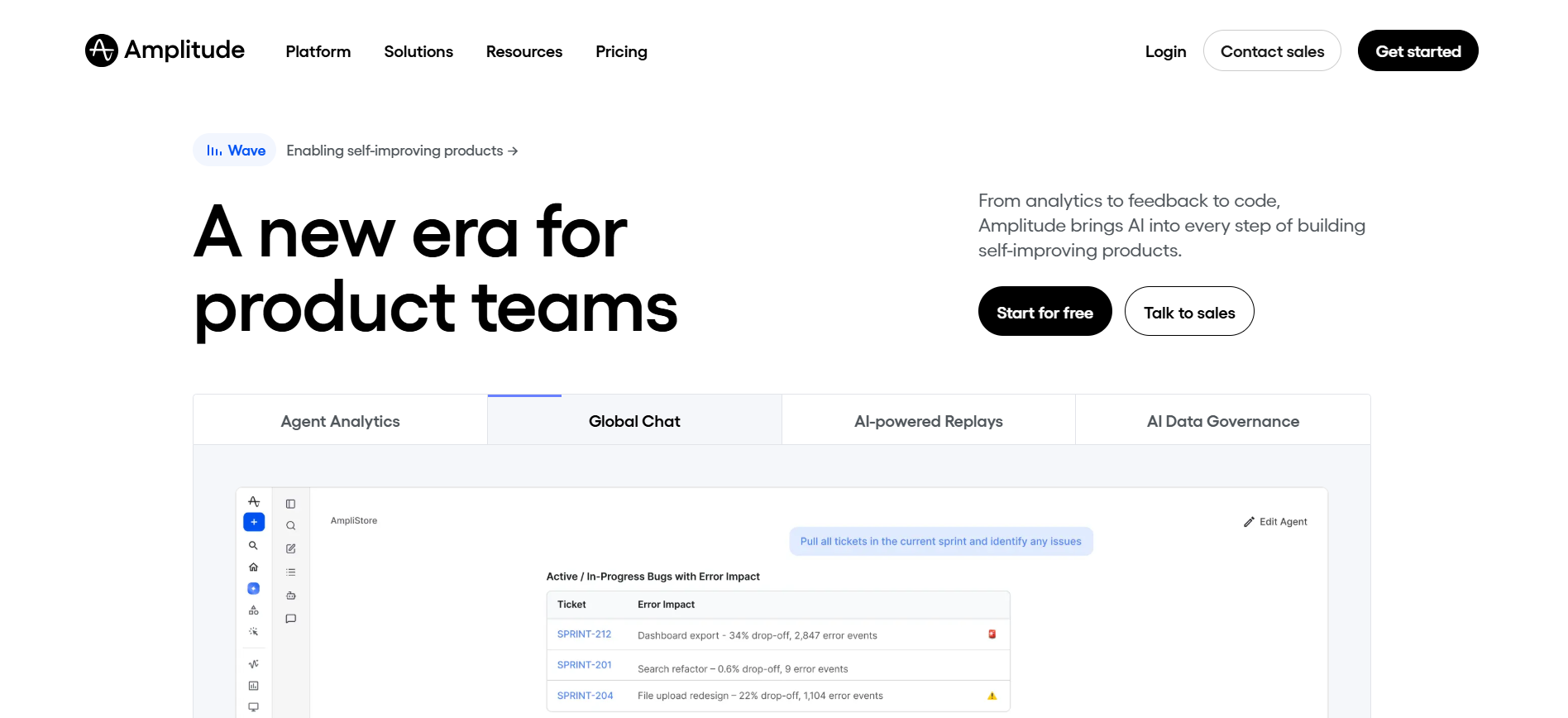
We recommend Amplitude to teams when growth depends on understanding user behavior in detail, and when they have someone to drive the analysis. It goes deeper than GA4 on product questions, and a free plan lets a smaller team start without securing a budget first.
The tradeoff is that its power assumes analytics maturity. A team without a data or growth analyst uses a fraction of what they pay for. Paid tiers are priced on event volume, so cost scales as you send more data.
Amplitude pros:
- Enterprise-depth analysis: Funnels, retention curves, and behavioral cohorts go well past GA4. A growth team can answer why users convert and where the rest fall away.
- A free plan to start: The free tier covers 2 million events a month, so a smaller team can prove the value before moving to a paid plan.
Amplitude cons:
- Assumes analytics maturity: The depth pays off only if someone runs the analysis. A team without a data or growth analyst leaves most of the tool unused.
- Cost scales with your data: Paid tiers are priced by event volume, so a busy product raises the bill. Growth and Enterprise are priced by quote.
Pricing: Amplitude's free plan includes 2 million events a month. The Plus plan starts at $0, keeps the first 2 million events free, and then bills by event volume. Growth and Enterprise use custom, event-based pricing arranged through sales.
Best for: Growing product teams that need deep behavioral analysis and have someone to run it.
7. Microsoft Clarity
Microsoft Clarity is a free behavior analytics tool that shows how people use your pages through heatmaps and session recordings. It answers a different question from the rest of the tools on this list: what do people actually do once they land on your page?
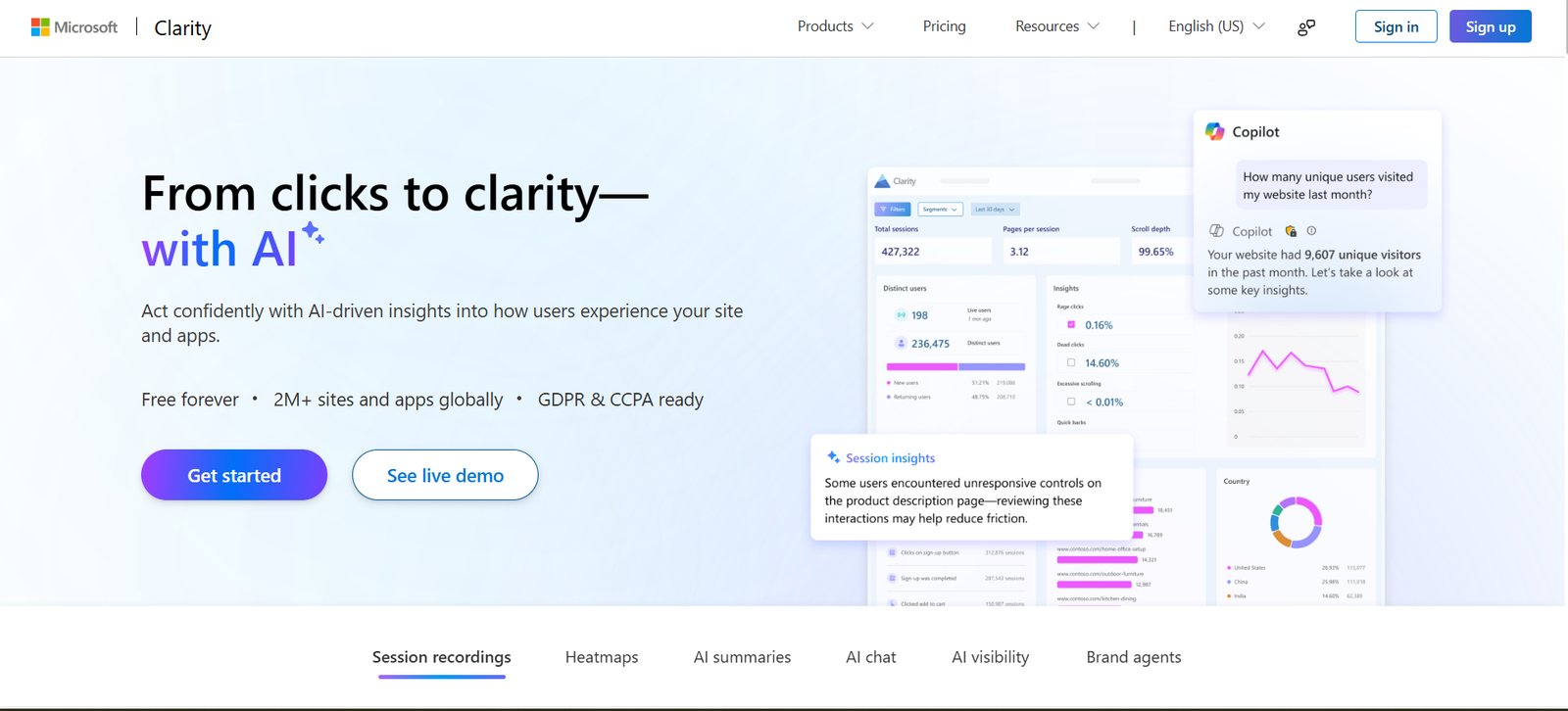
We recommend Clarity to almost any team because it is free (with no traffic limits) and it pairs with whatever traffic tool you already run. Heatmaps show where visitors click, scroll, and stall. Session recordings let you watch individual visits, which surface problems a numbers dashboard hides.
The catch with Microsoft Clarity is scope. Clarity covers on-page behavior only, so it will not replace the acquisition and channel reporting of GA4 or a privacy-first tool. Treat it as a companion to one of them.
Microsoft Clarity pros:
- Free with no traffic cap: Clarity is totally free. Even a high-volume site gets unlimited heatmaps and recordings at no cost, which other paid behavior tools do not offer.
- Shows the 'why' behind the numbers: Recordings and heatmaps reveal where users hesitate or misclick. A team can fix a confusing page that a traffic chart would only show as a high exit rate.
Microsoft Clarity cons:
- No traffic or acquisition data: Clarity shows on-page behavior only, so you still need GA4 or a privacy-first tool alongside it to see where visitors come from.
- Your data sits with Microsoft: Visitor data lives on Microsoft's cloud because the product is free. A team bound by strict data-residency rules may need sign-off before using it, or may not be cleared to use it at all.
Pricing: Free, with no traffic limits.
Best for: Any team that wants to see on-page behavior and pair it with a traffic tool.
How to choose the right website analytics tool
Switching analytics tools can cost you historical data, since numbers rarely transfer cleanly between platforms. Losing that history may be a nonstarter for some organizations, so ensure you deliberate with all stakeholders before proceeding.
To choose the best website analytics tool, consider these three questions:
- What do you need to measure? For traffic and acquisition, GA4 or a privacy-first tool is enough. To track how users move through a product or checkout, you need product analytics like PostHog or Amplitude. To see on-page behavior, add Microsoft Clarity to whatever you pick.
- What is your privacy position? If you want to avoid a consent banner or keep visitor data out of a third-party cloud, choose a privacy-first tool. Plausible or Fathom suit a hosted setup, and Matomo fits when you need to self-host and own the data. If Google's data model is not a concern, GA4's free depth is hard to beat.
- What will it cost at your traffic volume? Most tools price on volume, whether pageviews, sessions, tracked users, or events. Run the numbers at the traffic you expect this year, not today's. Usage-based tools like PostHog and Amplitude scale with your audience, while a flat privacy-first plan holds expenses steady.
You can also enhance your setup by pairing one of these tools with Microsoft Clarity for free, unlimited on-page session recordings and heatmaps.
How Webflow fits your analytics setup
Every tool on this list measures a site that lives somewhere else, and where that site is built shapes how you install and run them. If your site is on Webflow, you have two straightforward paths.
The first path is to keep the tool you chose above. GA4, Plausible, Fathom, and the rest install on a Webflow site the same way they would anywhere else. You add them through the built-in integrations or by pasting the tracking snippet into your site settings.
The second path is Webflow Analyze, the native option.

Analyze captures traffic and on-page data as first-party data, with no separate tag to install or maintain. It reports inside the same platform where you build and publish the site.
If you would rather not install and manage a third-party tracking script, Analyze is the simplest option, since it is already built into the platform. You can still run GA4 or a privacy-first tool alongside it. If you are rebuilding the site anyway, start with the site and choose analytics from there.

Unlock growth with SEO
Join Webflow and leading growth agency Graphite as they discuss actionable insights for scaling and achieving growth with SEO
Frequently asked questions
What is the best website analytics tool?
It depends on what you need to measure. For free traffic and acquisition data, Google Analytics 4 is the industry standard. For privacy-first traffic analytics without a cookie banner, choose Plausible, Fathom, or Matomo. For product analytics that follow users through funnels and retention, choose PostHog or Amplitude. To see on-page behavior, add Microsoft Clarity to any of them.
What is the best free website analytics tool?
Google Analytics 4 is the most capable free option for traffic and acquisition, and Microsoft Clarity is free with no traffic limit for heatmaps and session recordings. Many teams run both together. Matomo is also free if you self-host it, and PostHog and Amplitude offer free tiers for product analytics before paid usage begins.
What is the best privacy-friendly alternative to Google Analytics?
Plausible and Fathom are the leading hosted, privacy-first tools; both are cookieless and don't require a consent banner. Matomo is the pick when you need to own the data outright and can self-host it. Each collects far less personal data than GA4, which is what lets you skip the consent banner in most jurisdictions.
Do I need a cookie consent banner for website analytics?
It depends on the tool. GA4 uses cookies and collects personal data, so it requires a consent banner in the EU, UK, and other regions. Privacy-first tools like Plausible, Fathom, and Matomo are designed to collect no personal data and set no cookies, so in most jurisdictions you can skip the banner. Confirm your specific obligations with your legal team.
How much do website analytics tools cost?
Several are free, including Google Analytics 4, Microsoft Clarity, and self-hosted Matomo. Paid privacy-first tools range from $9 per month (Plausible) to $15 per month (Fathom), and Matomo Cloud starts at €22 per month ($26). Product-analytics tools like PostHog and Amplitude offer usage-based pricing with free tiers, so cost scales with your event volume.
Can I use more than one analytics tool at once?
Yes, and many teams do. A common setup is one traffic tool, such as GA4 or a privacy-first alternative, paired with Microsoft Clarity for on-page behavior. Running two adds a little page weight and a second dashboard to check, so keep it to the tools you will read.

Choose the right CMS for a scaling enterprise
Discover how the right CMS can allow teams to efficiently scale rich, complex content – all without writing code.