




You can build a simple form for free, even with unlimited responses. As your needs grow, though, you either find a budget or trade features for more free responses, and the right builder is the one whose limits match the forms you run.
Most no-code form builders share a base: you drag fields onto a canvas, or type them in a document-style editor, and connect the results to the tools you already use. Where they diverge is depth. The simplest are free and cover a survey; the advanced ones add conditional logic, payments, and multi-step flows; the enterprise ones wrap the form in an approval and document workflow.
So the deciding factor is less any single feature and more the kind of form you are building and how you like to build it. A quick internal survey has different requirements from a branded lead-capture form, and both differ from a multi-step application with conditional logic and payments.
Some tools give you a classic drag-and-drop canvas, some offer a document-style editor where you type to add fields, and some show one question per screen. Below, we group the six we recommend by the use case each one fits best.
Key takeaways:
- For a free tool with no response caps, Tally leads, with unlimited forms and submissions on its free plan.
- For a quick internal survey or poll, Google Forms is free and takes minutes.
- Typeform is the pick when the form is part of your brand, presenting one question at a time to lift completion.
- Jotform and Fillout are the power builders for complex forms with logic and payments, with Jotform offering the deeper template library and Fillout the more generous free plan.
- Formstack is the enterprise option, adding approval workflows, documents, e-signatures, and HIPAA compliance.
What is a no-code form builder?
A no-code form builder is a software tool that lets you design, launch, and manage online forms visually without writing any code. These apps typically provide a visual interface or drag-and-drop functionality, letting users easily add and arrange form elements such as text fields, checkboxes, radio buttons, and dropdown menus.
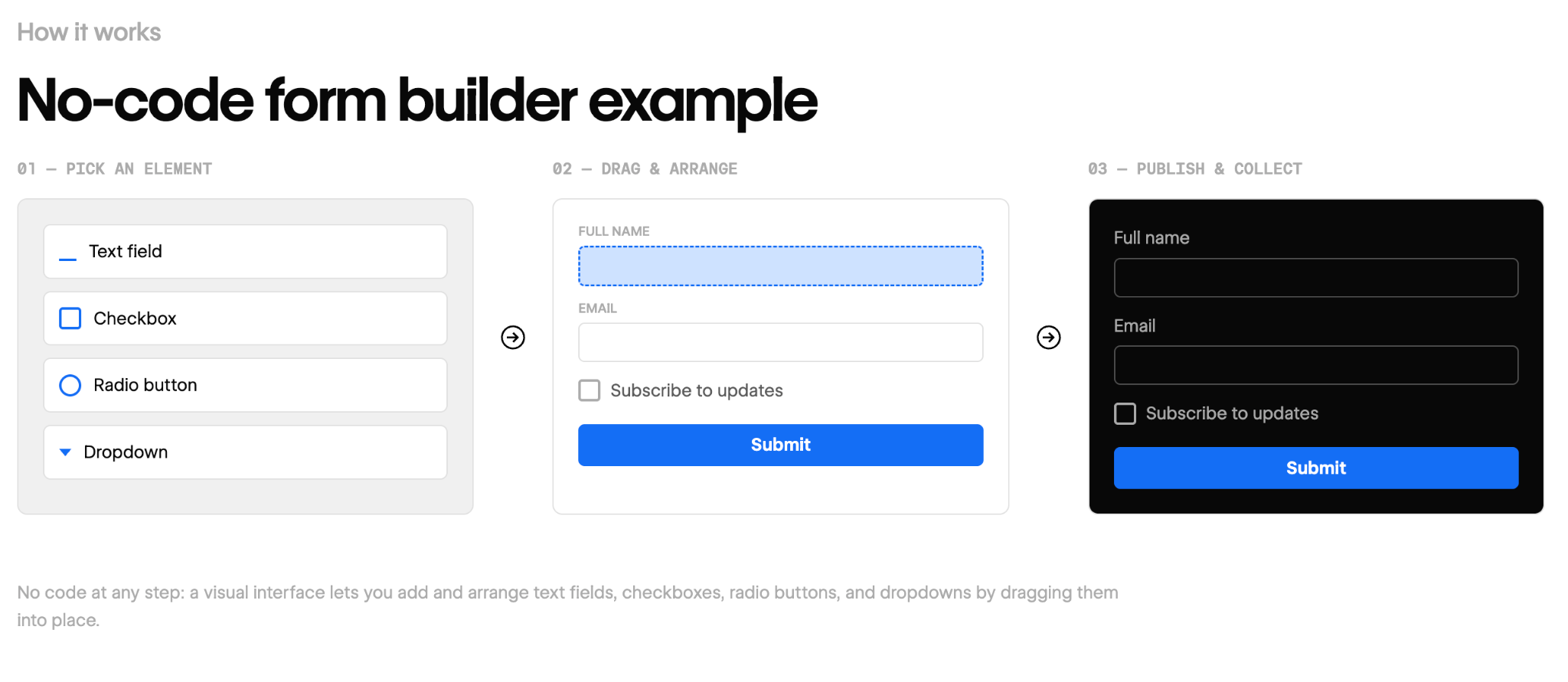
No-code form builder apps also often include advanced features and integrations, such as conditional logic, data validation, and the ability to connect with popular third-party services like CRM systems, email marketing tools, and payment gateways.
Benefits of no-code form builder apps
No-code form builder apps offer the following advantages to web design teams and creative professionals:
- Ease of use: With intuitive interfaces and drag-and-drop functionality, form builder apps let you design forms quickly and easily without extensive coding skills. This makes them accessible to professionals with varying levels of technical expertise.
- Customization and flexibility: Form builders offer a wide range of customization options, including changing colors, fonts, and layout, so you can create forms that match your branding while providing a seamless user experience.
- Time and cost savings: By streamlining form creation and automating certain tasks, form builder apps can save creative professionals valuable time and resources, letting them focus on other aspects of their projects.
The right form builder should give you a powerful toolset that simplifies form creation while enhancing your project’s overall functionality and user experience.
The 6 best no-code form builders
Selecting the right no-code form builder for your team and projects can be a critical decision. A good form builder app should have key attributes that optimize your form creation process, enhance the user experience, and integrate seamlessly with your existing workflow.
As you evaluate each option, keep the following four decision criteria in mind:
- The type of form (e.g., quick survey, branded lead form, logic-heavy application, compliant workflow).
- How you build (e.g., drag-and-drop canvas, document-style editor, one question at a time).
- Free plan allowances (since response caps vary widely).
- How it connects to your stack, from a Google Sheet to your CRM and payment processor.
Below are our top six no-code form builders:
| Tool | Best for | Builder style | Paid from | Free tier | Connects to | Standout feature |
|---|---|---|---|---|---|---|
| Tally | A free, no-limit form builder | Type to add fields | $29/month (billed monthly) | Free, unlimited responses | Notion, Sheets, Airtable, Zapier | Unlimited forms and submissions, free |
| Google Forms | A quick survey or internal poll | Simple picker | Free | Always free | Google Sheets | Instant setup inside Google |
| Typeform | Branded, conversational forms | One question per screen | $39/month (billed monthly) | 10 responses/month | HubSpot, Slack, Zapier | One question per screen lifts completion |
| Jotform | Complex forms from templates | Drag-and-drop canvas | $39/month (billed monthly) | Free, 100 submissions/month | 100+ apps, Salesforce, PayPal | One of the largest template libraries |
| Fillout | Advanced forms on a free plan | Drag-and-drop canvas | $19/month (billed monthly) | Free, 1,000 responses/month | Sheets, Airtable, Notion, CRMs | Deep logic on a generous free tier |
| Formstack | Enterprise forms and workflows | Drag-and-drop canvas | $99/month (billed monthly) | 14-day free trial | 300+ apps, Salesforce | Approvals, documents, e-signatures |
| Tool → Best for → Builder style → Paid from → Free tier → Connects to → Standout feature |
|---|
| Tally |
| A free, no-limit form builder |
| Type to add fields |
| $29/month (billed monthly) |
| Free, unlimited responses |
| Notion, Sheets, Airtable, Zapier |
| Unlimited forms and submissions, free |
| Google Forms |
| A quick survey or internal poll |
| Simple picker |
| Free |
| Always free |
| Google Sheets |
| Instant setup inside Google |
| Typeform |
| Branded, conversational forms |
| One question per screen |
| $39/month (billed monthly) |
| 10 responses/month |
| HubSpot, Slack, Zapier |
| One question per screen lifts completion |
| Jotform |
| Complex forms from templates |
| Drag-and-drop canvas |
| $39/month (billed monthly) |
| Free, 100 submissions/month |
| 100+ apps, Salesforce, PayPal |
| One of the largest template libraries |
| Fillout |
| Advanced forms on a free plan |
| Drag-and-drop canvas |
| $19/month (billed monthly) |
| Free, 1,000 responses/month |
| Sheets, Airtable, Notion, CRMs |
| Deep logic on a generous free tier |
| Formstack |
| Enterprise forms and workflows |
| Drag-and-drop canvas |
| $99/month (billed monthly) |
| 14-day free trial |
| 300+ apps, Salesforce |
| Approvals, documents, e-signatures |
Here is a closer look at each of the six.
1. Tally
Tally is a form builder with a document-style editor, and it is the right choice when you want real functionality for free. Its free plan covers unlimited forms and unlimited submissions, which almost no competitor matches. You build by typing and pressing "/" to drop in a field, the way you would in Notion.
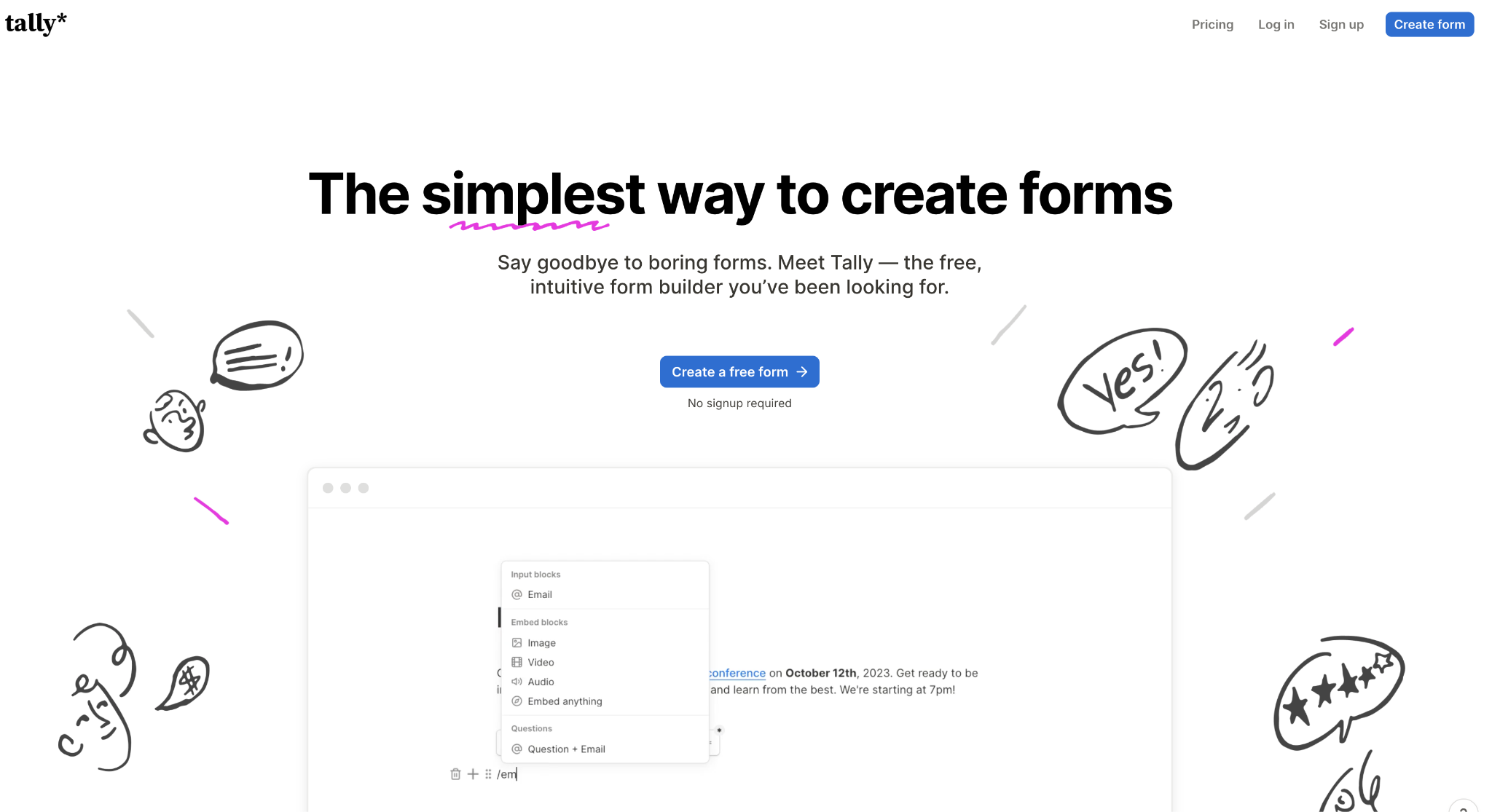
We recommend Tally to teams and creators who want a capable form without a subscription. The free plan includes payments, file uploads, conditional logic, and calculations, so most small forms never need a paid tier.
The tradeoff is polish. Tally's designs are clean but plainer than a form-first tool like Typeform, and watermark removal, analytics, and team features sit on the paid Pro plan.
Tally pros:
- Unlimited free responses: Tally never caps how many submissions you collect on the free tier, so small teams can run high-traffic forms at no cost, while rivals charge by volume.
- Fast, text-style building: You build a form by typing, the way you draft a document, so a first form takes minutes without learning a canvas.
Tally cons:
- Plainer design than the design-first tools: Tally's forms look tidy but offer fewer layout and theme options than a form-first builder like Typeform, so brands that want a distinctive form look elsewhere.
- Watermark removal and analytics are paid: Removing Tally's watermark and seeing where people drop off both require the paid Pro plan, so businesses that need either pay from the start.
Pricing: The free plan covers unlimited forms and submissions. Pro is $29 per month, or $24 per month when billed yearly, to remove Tally's watermark and add custom domains and analytics. The top-tier Business plan is $89 per month.
Best for: Teams and creators who want a free, no-limit form builder.
2. Google Forms
Google Forms is the fastest way to put a simple survey or poll in front of people, and it is free with any Google account. Responses flow straight into a linked Google Sheet, so you sort and chart them in a tool your team likely already uses.
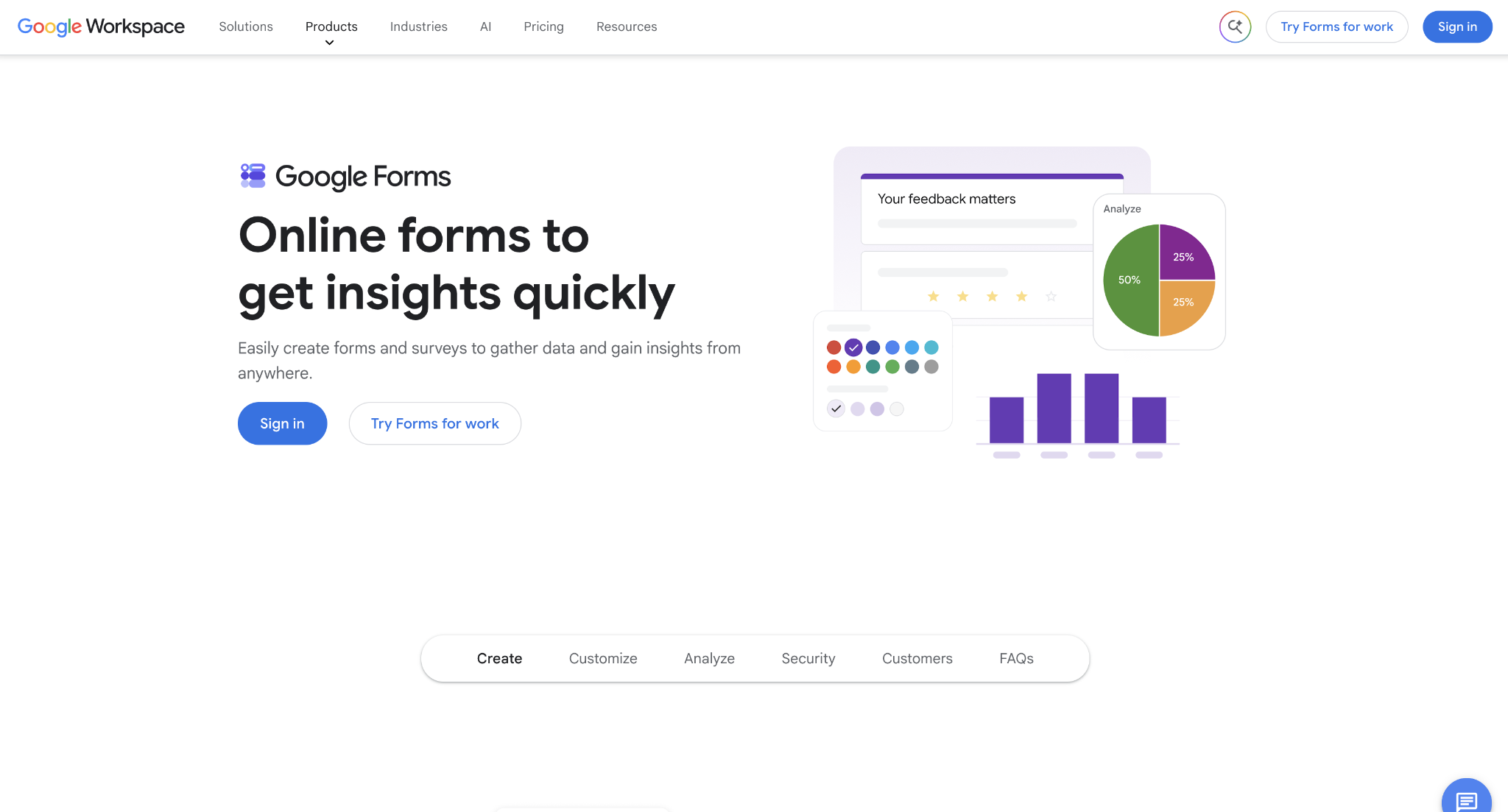
Reach for Google Forms for internal surveys, event RSVPs, and quick questionnaires where speed beats design. It is free with no response cap, and anyone who has used Google Docs can build a form in minutes.
The tradeoff is capability. Branding control is minimal, the question types are basic, and it lacks the logic, payments, and integrations a business form often needs.
Google Forms pros:
- Free with no response limit: Google Forms offers unlimited responses at no cost so that a high-volume survey can collect thousands of answers without a bill.
- Responses flow into Sheets: Every submission lands in a linked Google Sheet, so your team can analyze it easily.
Google Forms cons:
- Basic design and question types: Forms carry Google's stock look with little customization, so a business capturing leads on its own site may want more branding capabilities.
- No payments or real logic: Google Forms cannot take payments and offers only simple branching, so an order form or multi-step application isn't appropriate here.
Pricing: Free with a Google account. Extra admin and storage come through a paid Google Workspace subscription.
Best for: Quick internal surveys, polls, and RSVPs where speed matters more than design.
3. Typeform
Typeform turns a form into a conversation, showing one question at a time in a clean, on-brand layout. The format is the point: asking one thing per screen tends to lift completion, which is why marketing teams use Typeform for lead capture, quizzes, and brand-facing surveys.
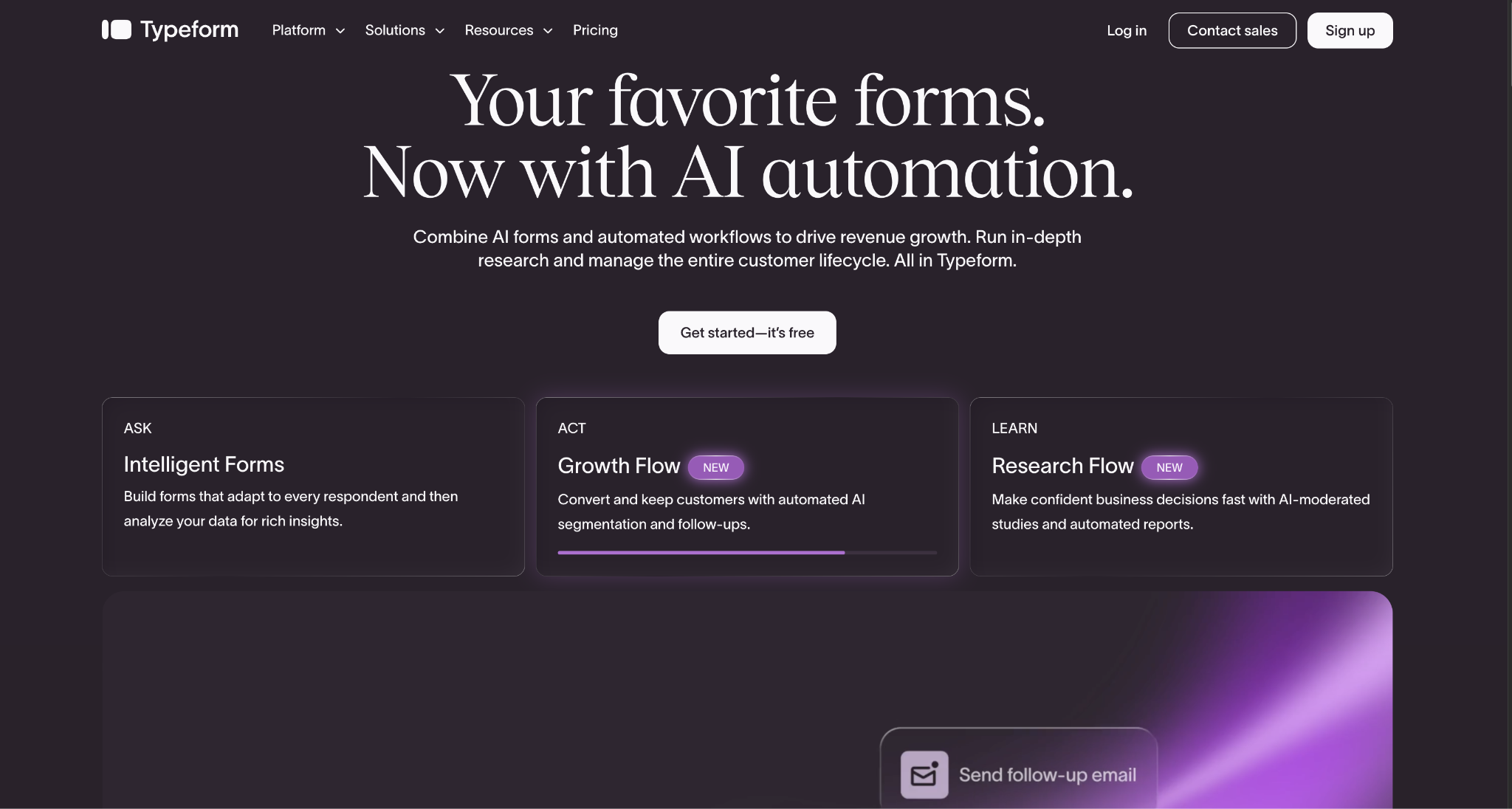
We recommend Typeform when the form is a customer touchpoint rather than a data-entry chore. The forms look designed out of the box and support logic, hidden fields, and integrations.
The tradeoff is volume-based cost. The free plan is tightly capped, and paid plans meter responses too, so a popular form can get expensive next to an unlimited tool like Tally.
Typeform pros:
- Built for completion: One question per screen keeps respondents moving, which usually lifts completion on a longer form compared with a single dense page.
- On-brand by default: Typeform forms look publish-ready out of the box so that marketing teams can put one on a landing page without a designer.
Typeform cons:
- Response caps raise the cost: Every plan meters monthly responses, so a popular form pushes you up tiers, where an unlimited tool would not charge more.
- Slower on long forms: Each field appears on its own screen, which adds a click to move forward, so a form with many questions takes more steps than a single page.
Pricing: The free plan is limited to 10 responses a month. Basic is $39 per month, or $28 per month when billed annually, and includes 100 responses per month. Plus and Business raise the monthly response limit and add watermark removal and analytics, and Enterprise pricing is custom.
Best for: Branded, customer-facing forms where completion rate and design matter.
4. Jotform
Jotform is the veteran power builder, with a drag-and-drop editor and one of the largest template libraries available, so most forms start from something pre-built rather than a blank page. It handles complex work, from multi-page applications to order forms that collect payment.
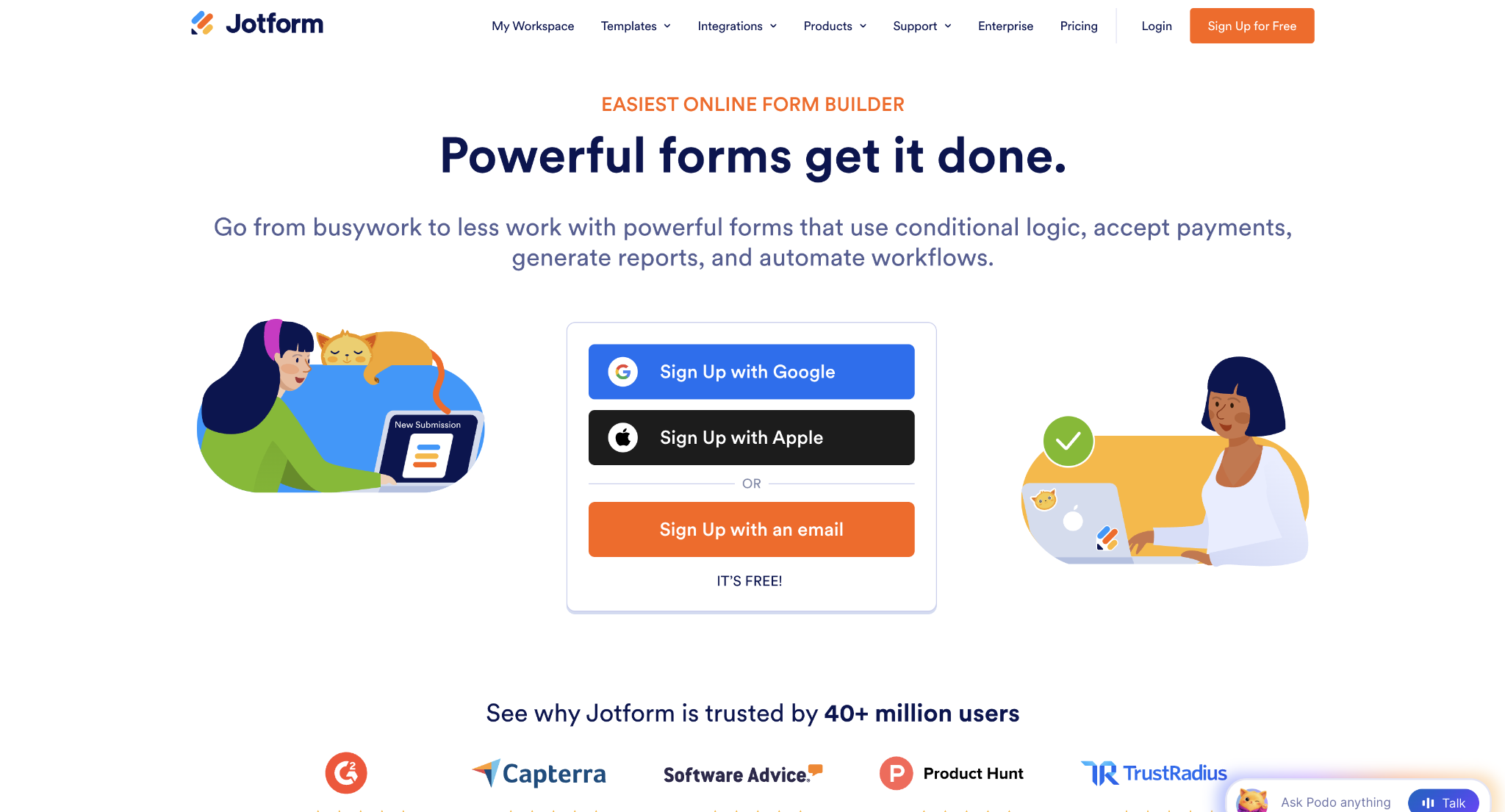
Jotform earns its place when you want depth and templates that give you a running start. Thousands of ready-made forms and widgets cover niche cases, and the free Starter plan includes every feature, capped at 100 submissions per month.
The tradeoff is that the interface shows its age and breadth. The number of options and the older design can feel cluttered next to a newer tool like Fillout or Tally.
Jotform pros:
- A template for almost every use case: The library covers registrations, applications, and order forms, so a specific task usually starts with a template rather than a blank canvas.
- Full features on the free plan: The free Starter tier includes payments, logic, and widgets, so you can test real functionality before paying, within the 100-submission cap.
Jotform cons:
- A dated, busy interface: The editor carries years of accumulated features, so a first-time builder faces more clutter than Tally's or Fillout's cleaner canvas.
- Submission caps drive upgrades: The free plan stops at 100 submissions a month, and paid tiers meter them too, so a busy form keeps moving up the plans.
Pricing: The Starter plan is free for up to 100 submissions per month. Bronze is $39 per month ($34 per month when billed annually) for 1,000 submissions, Silver is $49 for 2,500 submissions, and Gold is $129 for 10,000 submissions. The Enterprise plan is custom-priced.
Best for: Complex forms that benefit from a huge template library and a mature feature set.
5. Fillout
Fillout is the modern power builder, pairing a clean drag-and-drop canvas with deep conditional logic and the most generous free plan of any advanced tool here. The free tier covers 1,000 responses a month across unlimited forms and unlimited seats, with payments, logic, and PDF generation included.
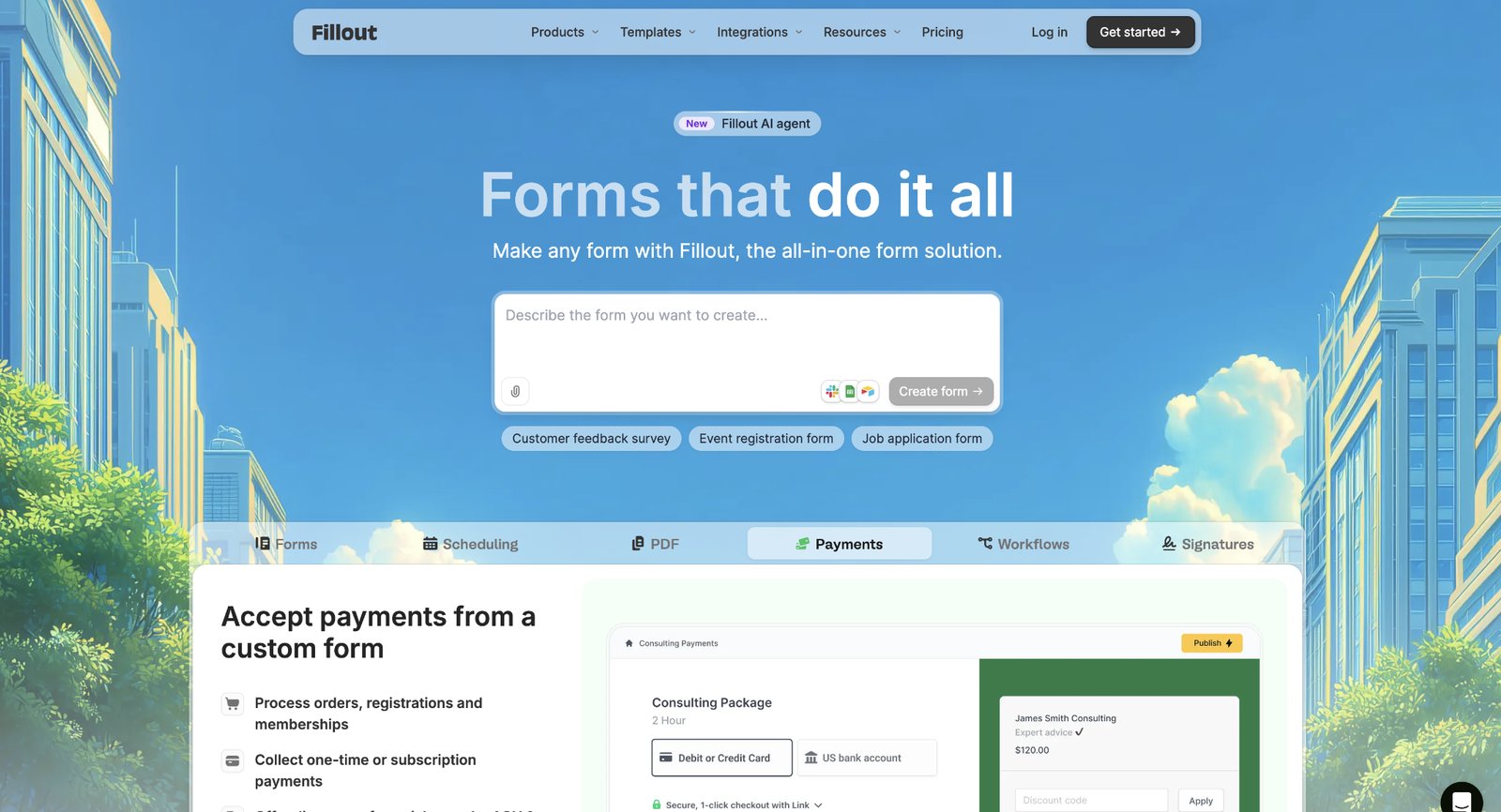
We recommend Fillout when you want Jotform-level capability without Jotform's clutter or cost. It builds multi-page forms, quizzes, and application flows with strong logic, and it connects to the common tools growth teams run.
The tradeoff is maturity. Fillout is newer, so its template library and integration list are smaller than Jotform's, and some niche connectors may not exist yet.
Fillout pros:
- A generous free tier with real depth: 1,000 monthly responses, unlimited forms, and unlimited seats come free, with logic and payments included, so small teams get advanced forms at no cost.
- Clean building with strong logic: The canvas stays uncluttered while supporting multi-page flows and conditional logic, so a complex form does not mean a complex editor.
Fillout cons:
- A smaller ecosystem: As a newer tool, Fillout offers fewer templates and integrations than Jotform, so some niche connectors or templates may be missing.
- Response caps on paid tiers: Paid plans meter monthly responses until the top tier, so very high-volume forms need the Business plan for unlimited responses.
Pricing: The free plan covers 1,000 responses a month. Starter is $19 per month ($15 per month when billed annually) for 2,000 responses, Pro is $49 for 5,000 responses and removes branding, and Business is $89 for unlimited responses.
Best for: Teams that want advanced logic and payments on a genuinely usable free plan.
6. Formstack
Formstack is the enterprise option, built for the workflow around a form: routing submissions for approval, generating documents, and collecting e-signatures. It targets regulated and process-heavy teams, with HIPAA-compliant plans and more than 300 integrations.
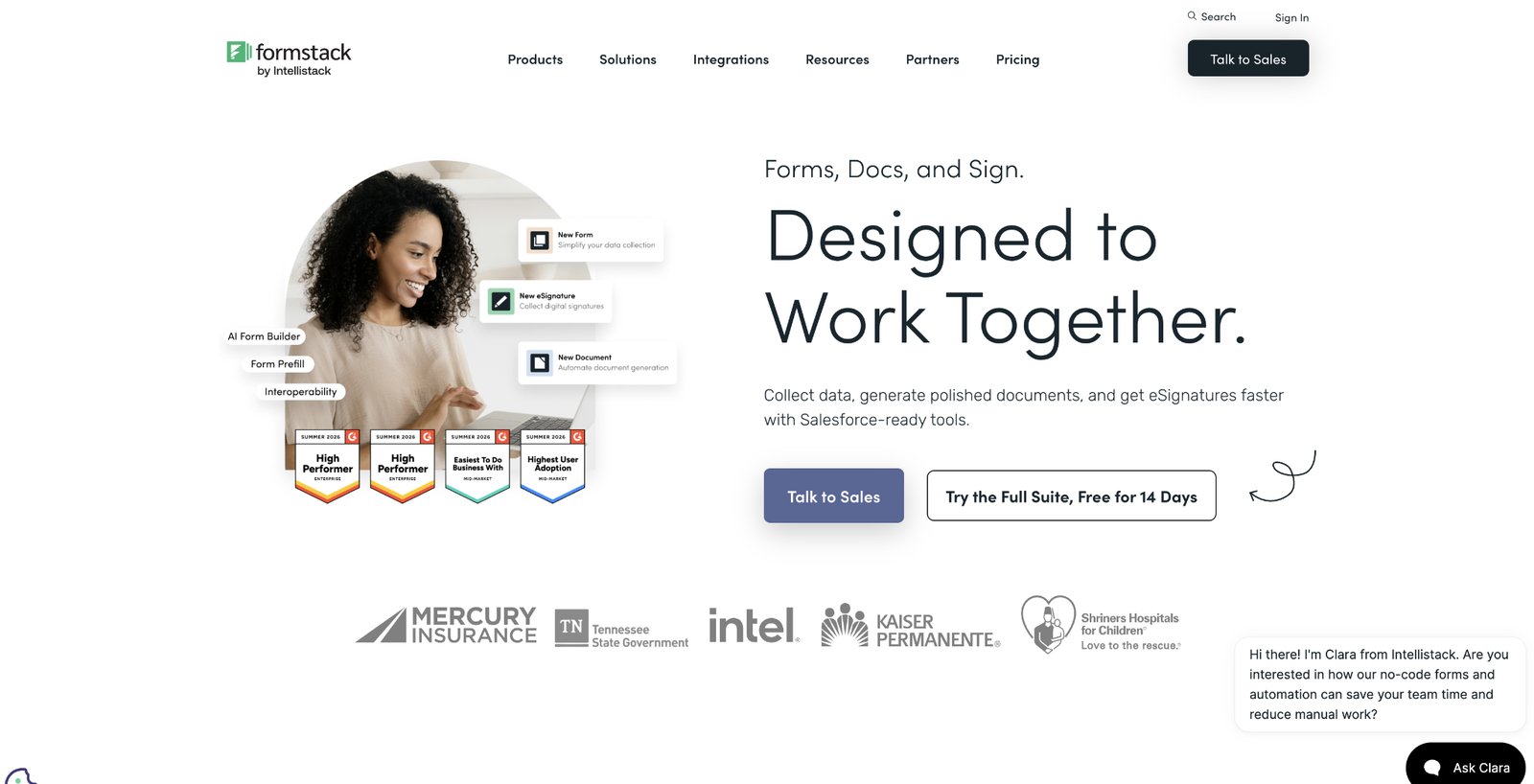
Formstack is the best choice when the form is one step in a larger, compliant process. It suits healthcare, finance, and operations teams that need approvals, document generation, and an audit trail.
The tradeoff is price. Formstack starts at $99 a month, the highest on this list.
Formstack pros:
- Built-in workflow: Approval routing, document generation, and e-signatures run in one platform, so a process that would span three separate tools stays in one.
- Built for compliance: HIPAA-compliant plans and security controls suit healthcare and finance teams that cannot use a consumer-grade form tool.
Formstack cons:
- The highest starting price: At $99 a month, or $83 per month when billed annually, Formstack costs far more than the other paid tools here.
- A limited entry plan: The Forms plan caps you at 25 forms and one builder user, so teams with several builders or more forms must move up to the $299 Suite plan.
Pricing: The Forms plan starts at $99 per month ($83 per month when billed annually) for 1 builder user and 25 forms. The Suite plan, which adds documents and e-signatures, is $299 per month ($250 per month when billed annually). Salesforce and Enterprise plans are custom-priced, and the Forms plan includes a 14-day free trial.
Best for: Regulated or process-heavy teams that need forms inside an approval and document workflow.
How to choose the right no-code form builder
Pick for the use case in front of you rather than a hypothetical future one.
Work through three questions.
- What is the form for? For quick internal surveys, Google Forms and Tally are hard to beat because of their simplicity. For a branded, customer-facing form, Typeform is built to lift completion. For complex forms with logic and payments, Jotform and Fillout go deepest. For a compliant, multi-step workflow, Formstack is the fit.
- How many responses will you collect, and what will it cost? Response caps, not the sticker price, decide the real cost. Tally and Google Forms are unlimited and free, and Fillout includes 1,000 free responses a month. Typeform and Jotform meter responses on every tier, so a high-volume form is cheaper on an unlimited tool.
- How do you want to build your form? For speed, Tally's type-to-build editor and Google Forms are fastest. For a designed result, choose Typeform. For a drag-and-drop canvas with logic and payments, use Jotform or Fillout.
The best form builder minimizes friction for both you and your respondents. Prioritize easy integration with your existing stack, and consider whether the platform's scaling model aligns with your project's projected growth.
How Webflow supports your customer forms
If the form lives on a site you are building, where that site is hosted decides whether you need a separate tool at all. A builder from this list adds a script or an embed to your pages. A native form does not.
On Webflow, forms are a built-in element. You drag a form onto the page in the Designer and style it to match the site, like any other component.
Submissions collect inside Webflow, with connections to email, your CRM, or Zapier. The native element covers the common cases, from a contact form to a newsletter signup to a simple lead form, without a second subscription or an embed that looks bolted on.
That simplicity has a limit. Webflow's native forms do not handle conditional logic, multi-step flows, or payment collection. A complex application or an order form still calls for a dedicated builder like Fillout or Jotform, embedded on the page.
For a straightforward form on a site you already run in Webflow, the native element is the easiest option. If you are building the site anyway, start there and add a specialized tool only when a form outgrows it.

Unlock growth with SEO
Join Webflow and leading growth agency Graphite as they discuss actionable insights for scaling and achieving growth with SEO
Frequently asked questions
What is the best no-code form builder?
The best builder depends on the type of form you need. Tally is great when you want a free, no-limit form builder. Google Forms suits a quick internal survey, and Typeform suits a branded, customer-facing form. Jotform and Fillout handle complex forms with logic and payments, and Formstack covers an enterprise workflow with approvals and e-signatures.
What is the best free form builder?
Tally is the most generous, with unlimited forms and submissions on its free plan. Google Forms is free with no response cap for simple surveys. Fillout has the strongest free plan for advanced forms, at 1,000 responses a month with logic and payments included. Jotform and Typeform also offer free plans, but they cap monthly submissions.
Do I need to know how to code to build a form?
No. Every tool here is no-code: you build by dragging fields onto a canvas, typing in a document-style editor, or answering setup prompts. If your site runs on Webflow, its native form feature is also no-code, and you can add it in the Designer.
How much do form builders cost?
Several form builders are free to start. Tally and Fillout have usable free plans, and Google Forms is always free. Paid plans run from $19 a month (Fillout) and $29 a month (Tally) up to $99 a month for Formstack, and most meter monthly responses.
Which form builder is best for surveys?
For a quick internal survey, Google Forms is free and fast. For a branded survey with higher completion, Typeform's one-question-per-screen format works well. For unlimited responses at no cost, use Tally. Match the tool to whether the survey is internal and quick or public and on-brand.
Can I add a form to my website without a form builder?
Yes, if your site platform includes forms. Webflow, for example, has a native form element you can style and publish with the page, and it collects submissions inside Webflow. You only need a separate builder when a form requires logic, payments, or multi-step flows the native element doesn't cover.

Choose the right CMS for a scaling enterprise
Discover how the right CMS can allow teams to efficiently scale rich, complex content – all without writing code.