



AI tools provide powerful ways to create engaging online content quickly, and you don’t have to sacrifice quality to do it.
Today’s AI solutions help you move from rough idea to ready-to-publish fast. You can use modern tools to brainstorm different angles for your online content, produce drafts, create supporting visuals, and edit existing pieces.
But since the best AI tools are usually specialized, you’ll rarely get good results by using one platform for everything. A better way to approach AI content generation is to identify the step that slows you down the most. That could be refining one idea for several channels, or preparing article formatting for upload to your website. Once you’ve identified a roadblock, you can choose a tool built for that specific task.
This guide covers 10 of the best AI tools for content creation. Each platform lets you combine AI functionality with your own expertise to produce robust content fast. We’ve grouped these solutions by type and use case, so whether you’re an independent creator, marketer, or small business, you can find the right fit for your projects.
Content workflows and website building
1. Webflow
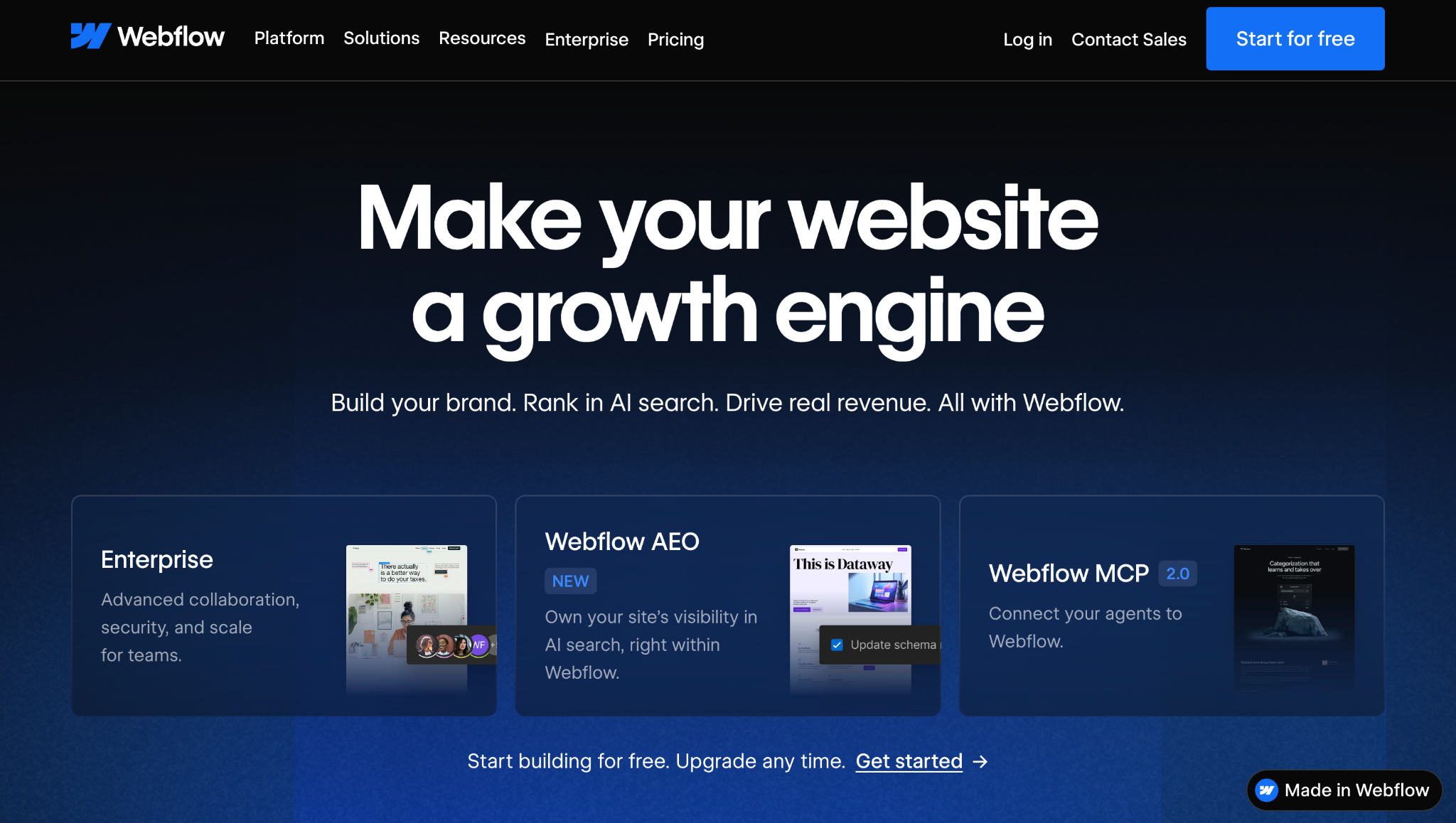
Webflow is an agentic web marketing platform with AI tools that help you generate websites and create page designs. You can also use AI to write or refine on-site copy within the same visual workspace. Plus, you’ll benefit from built-in capabilities like web hosting, security and performance optimization, content management, and real-time analytics.
Example use case: Turning a campaign concept into a branded landing page that you can edit and publish in one connected workflow.
2. HubSpot

HubSpot’s Breeze AI tools let you create and edit marketing content using existing context about your business and customers. The AI functions work across HubSpot’s platform and include draft generation and content repurposing. In addition, virtual assistants offer advice for editing articles and applying your branding.
Example use case: Adapting one campaign idea into channel-specific web, email, and social media pieces.
Writing and voiceovers
3. Grammarly
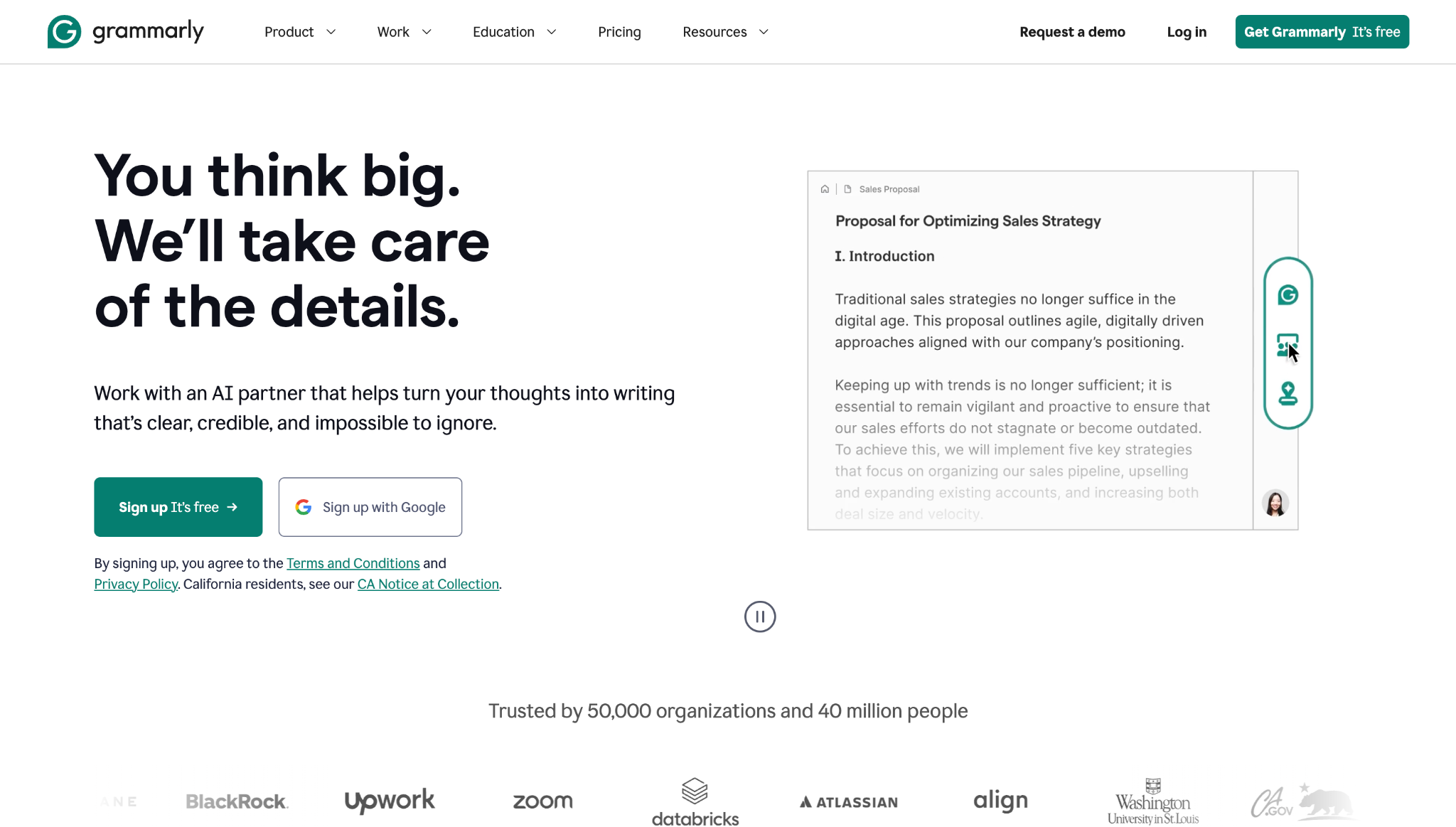
Grammarly helps you brainstorm and edit text-based content. This platform’s AI can write drafts based on prompts, and suggest targeted revisions to enhance a piece’s grammar, tone, style, and branding. Grammarly also integrates with many common tools, like Gmail and Google Docs, offering live on-page suggestions within your existing workflows.
Example use case: Converting rough notes into an outline, then getting personalized suggestions to improve your draft’s clarity and tone.
4. Murf
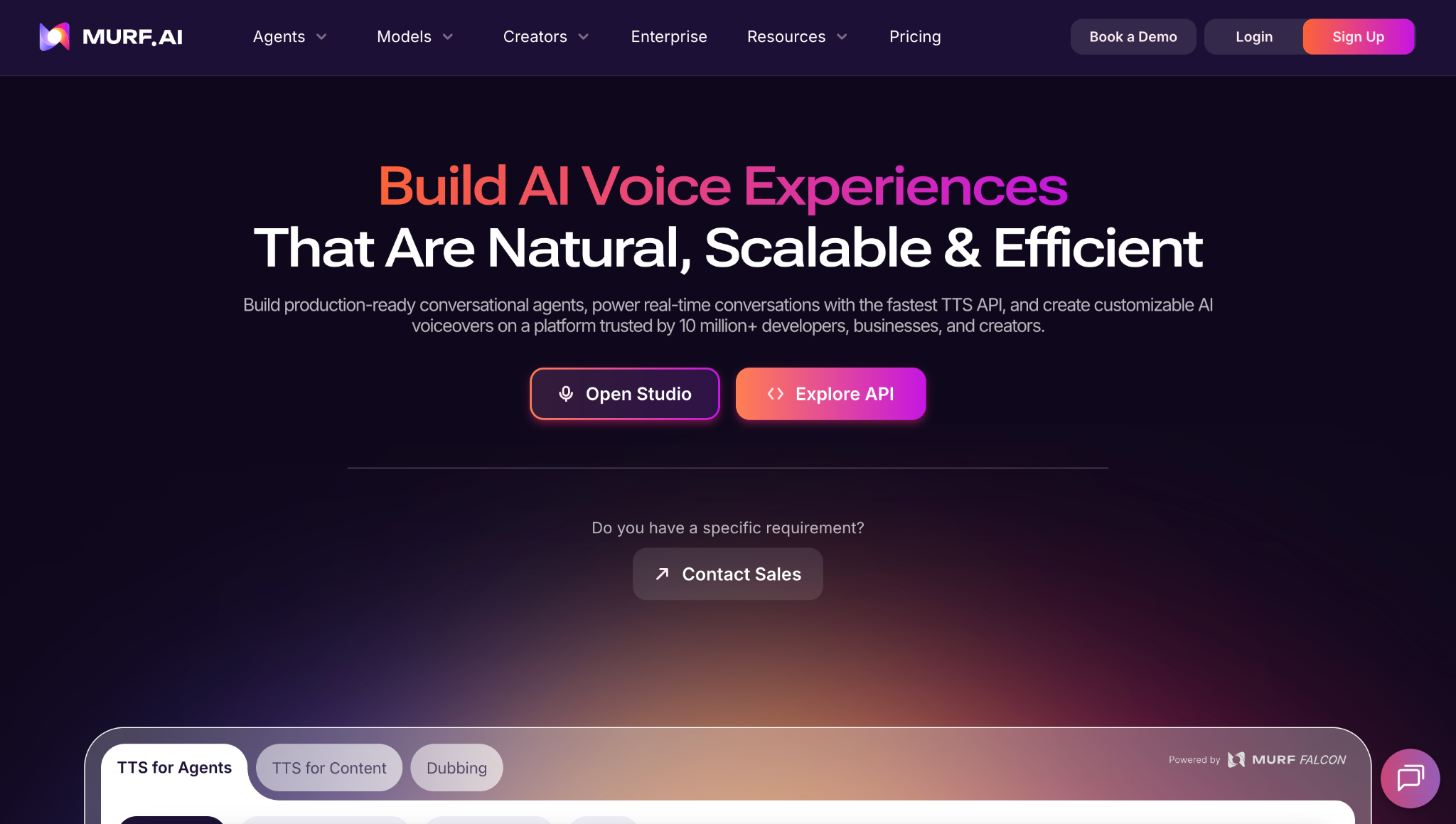
Murf turns written scripts into AI-generated speech, with customizable controls for voice and language. You can upload a script and generate a narrative delivery without having to record yourself or hire an actor. There’s a large library of voices to choose from, and you’re able to set specific preferences about elements like accents and pronunciation.
Example use case. Produce or update voiceovers for explainer videos and product demos.
Visual content and graphic design
5. Canva
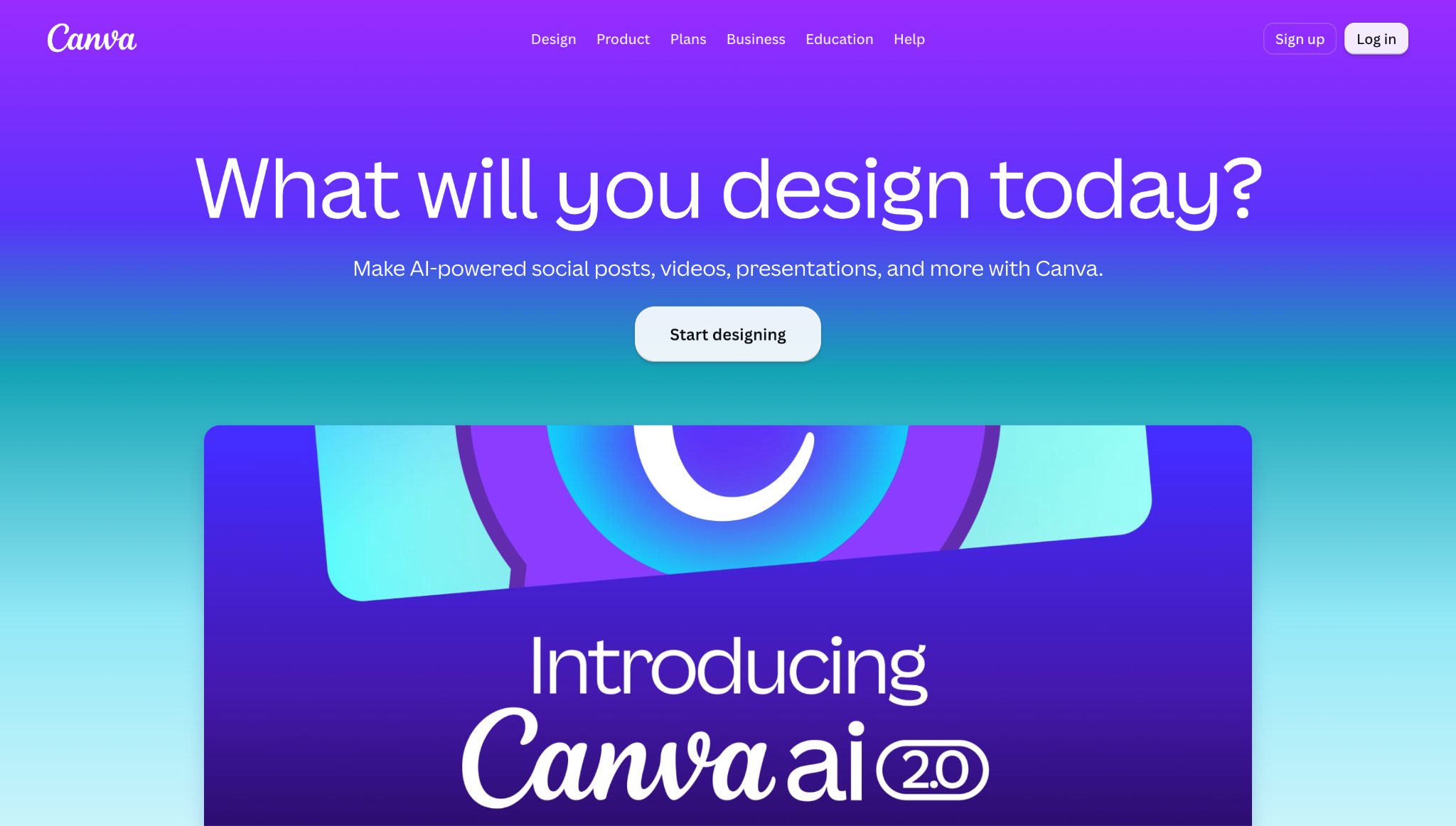
Canva’s AI tools can generate visual elements and full editable designs based on custom prompts. After generation, you can also make quick edits by asking Canva to change the design’s layout or format. This platform is an approachable starting point for new graphic designers and marketing teams that need to create branded assets and content variations.
Example use case: Building a social media campaign and resizing its visuals for different platforms and audiences.

The future of marketing is now
Thought leaders from Silversmith, Accel and Webflow discuss the current and future impact of artificial intelligence on the marketing landscape
6. invideo
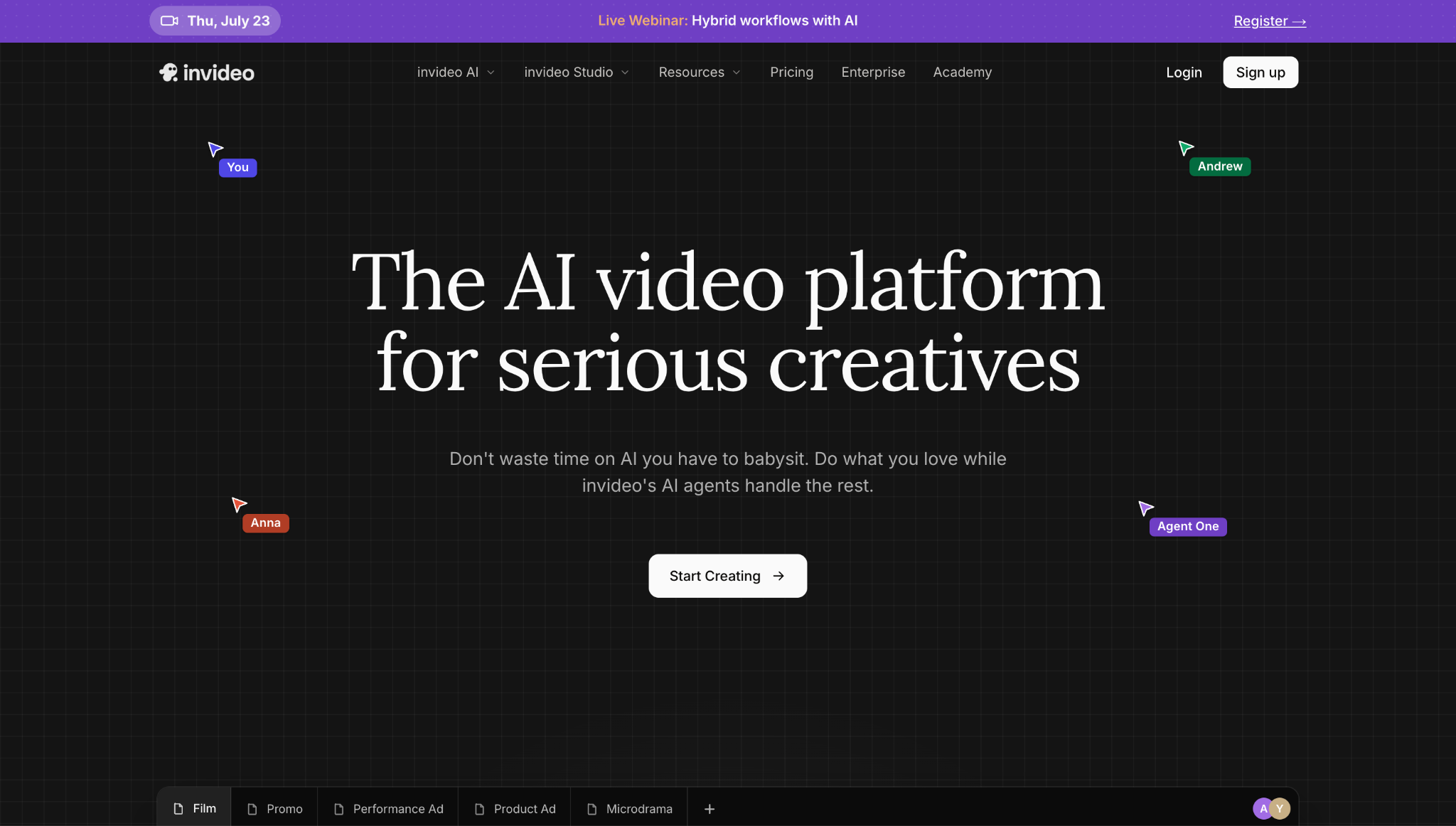
Source: invideo
invideo turns your text prompt into a video by generating the script and assembling the visual and audio elements autonomously. This platform is suitable for creators and small teams that need usable first cuts for marketing or content creation, but want to skip learning to use a traditional editing timeline.
Example use case: Creating short explainer videos based on a written brief, then sharing them on product pages.
Marketing and social media
7. Copy.ai
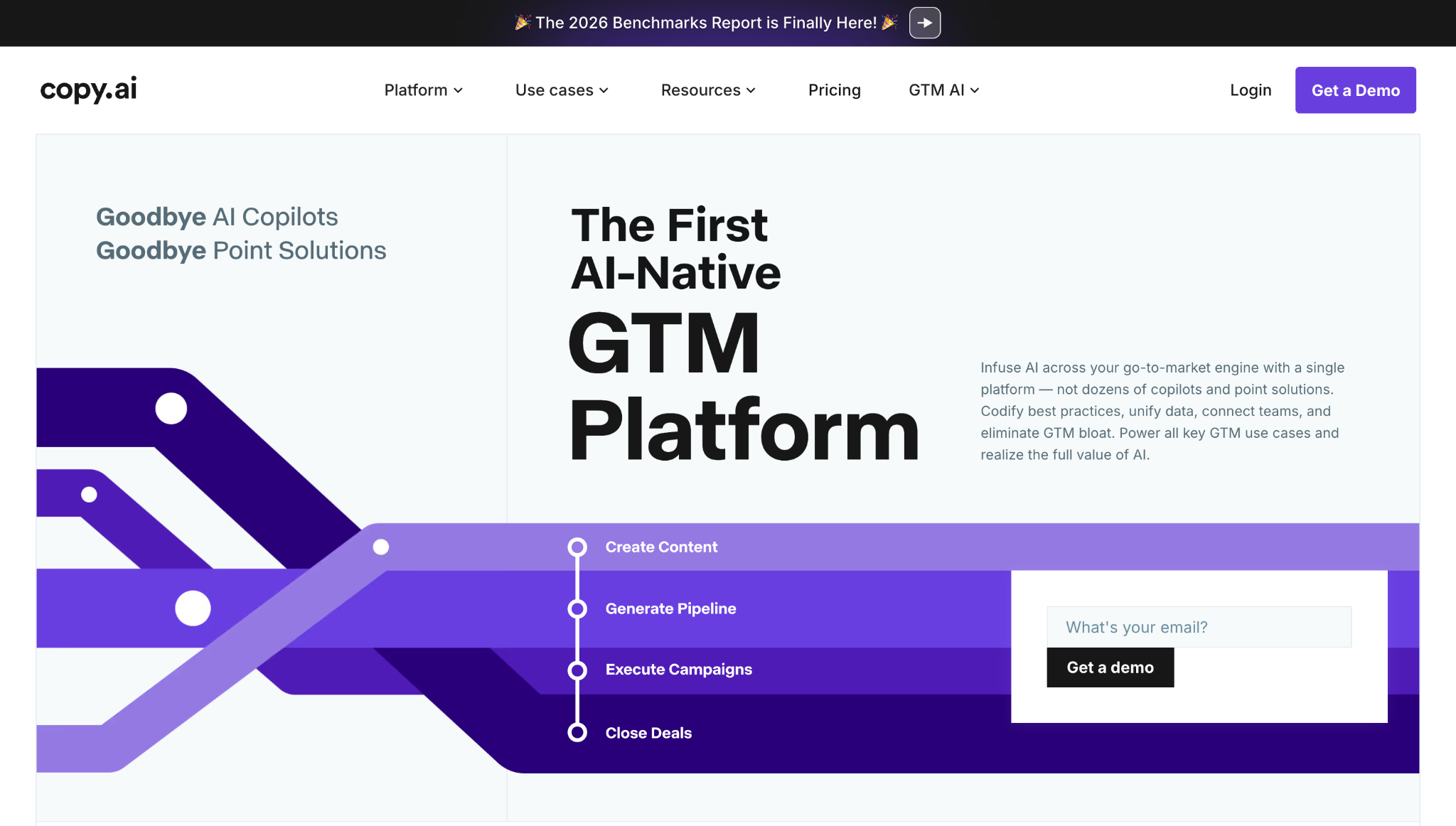
Copy.ai is worth considering when you want to produce lots of content based on a specific set of brand assets. This tool can generate a wide range of marketing and social media copy, including product descriptions and ads. Copy.ai is a good choice for small businesses and marketers who need consistent branding, especially when several creators must adhere to the same messaging style.
Example use case: Repurposing a webinar or long-form article into a coordinated and connected set of social media posts.
8. Pictory
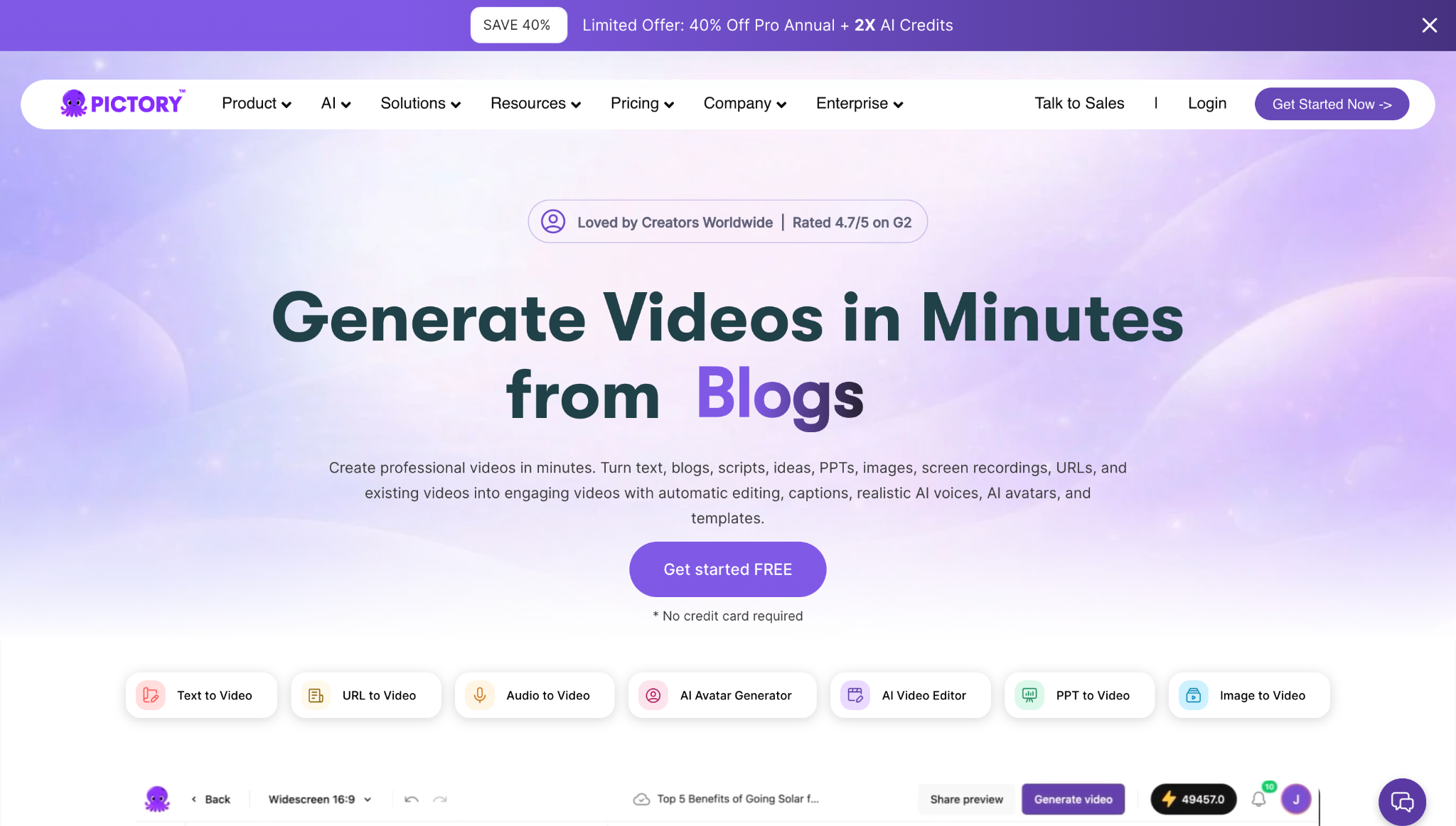
Pictory converts existing scripts and web pages into videos with AI-generated visuals, narration, and captions. If you already have a library of written content, you can extend its reach with Pictory by giving proven ideas new formats instead of building new pieces from scratch.
Example use case: Converting a blog post into a captioned video for social media or your website.
Editing and productivity
9. Kontent.ai
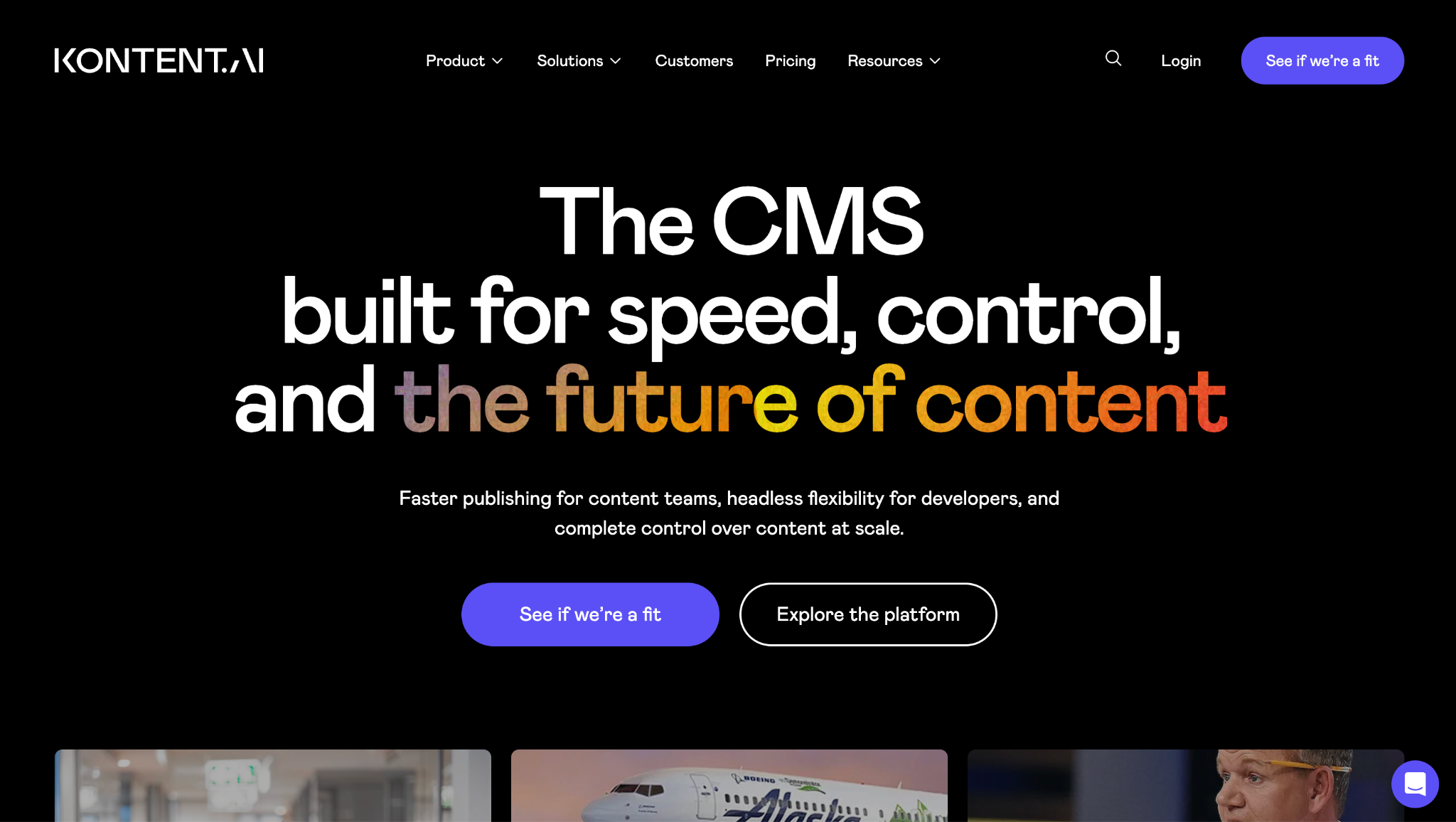
Kontent.ai pairs a headless content management system (CMS) with AI tools for generating and summarizing content. This is a large-scale solution meant for teams that need reusable content and editorial governance to publish across multiple digital channels.
Example use case: Adapting one content source for multi-channel distribution to your website and apps.
10. Descript
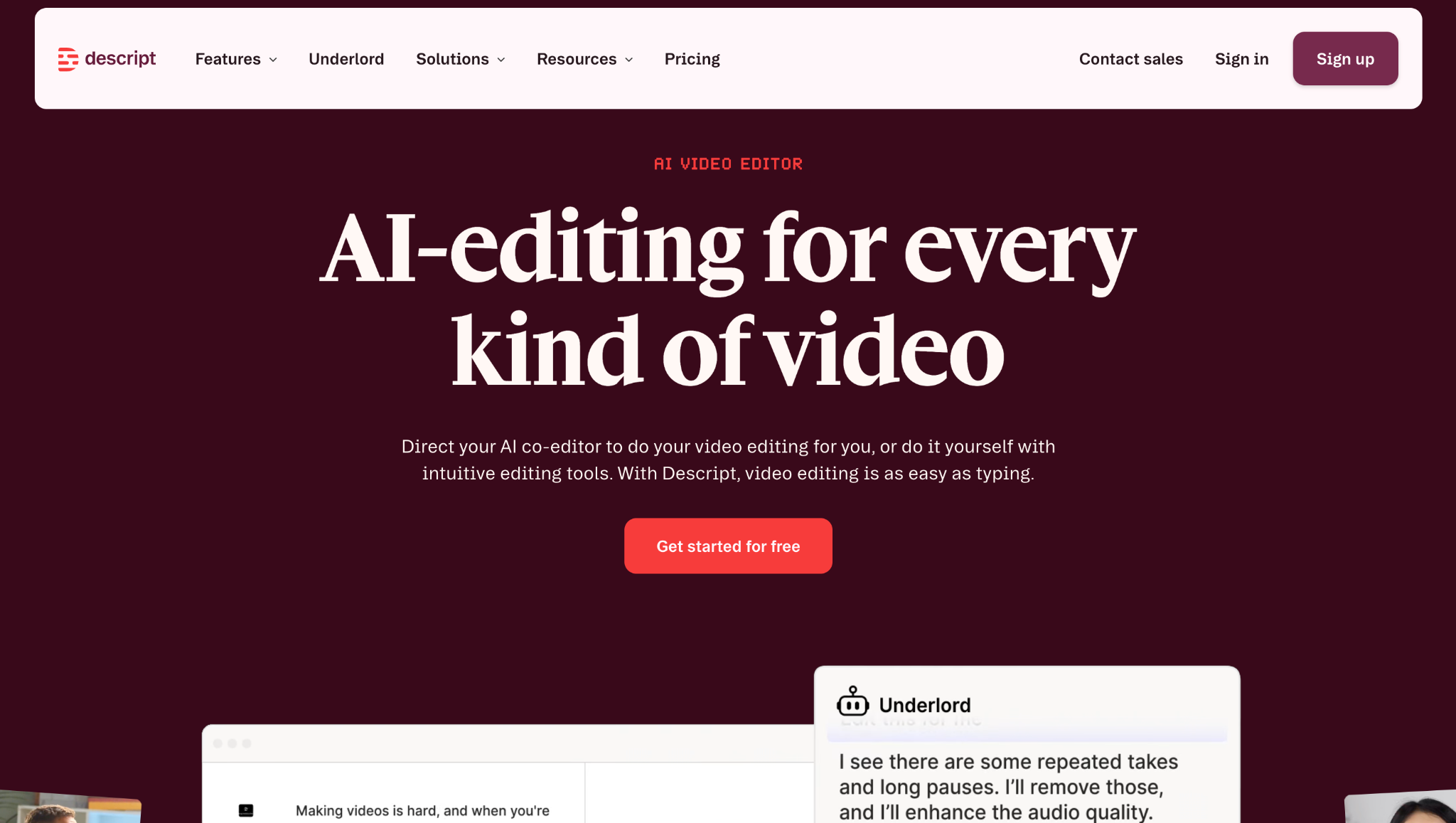
Descript lets you adjust audio and video by using transcripts, rather than complex visual tools. Edit a transcript and the recording changes to match. Plus, Descript’s Underlord AI assistant cleans up audio and creates shorter clips for social media posts.
Example use case: Extracting short promotional clips from a webinar or podcast for marketing campaigns.
How to use AI tools for digital content creation
To augment your workflow with AI (but without sacrificing quality), start by thinking about the outcome you want. Then bring in the appropriate AI tool for each stage, and give the AI-assisted draft a careful human review.
Here’s how to do that:
- Define your content strategy. Decide who the content is for, where it will appear, and what value you want it to offer.
- Choose the right AI tool. Picking your AI tool based on context means you can avoid paying for overlapping features or forcing one tool into tasks it wasn’t meant for. A writing assistant is great for creating a first draft, while a design or video platform works best when you want to move that idea into another format.
- Adjust the idea for target channels. After deciding on your outline and core message, think about how each format can help you communicate effectively. Use your brand guidelines and the final publishing channel to guide your choices. For example, you might use fast pacing and an upbeat tone for social media reels.
- Edit the output into content worth publishing. Check to make sure all writing, visuals, and audio reinforce the same message, and remove anything that feels generic or unnecessary. AI may produce assets, but it can fail to understand how they work together as a complete experience — your input and edits create that cohesion.
Put AI to work without giving up control using Webflow
AI is great for generating draft outputs, but it can’t judge the consequences of what it produces. No AI tool can fully understand what your audience cares about or which creative choices accurately reflect your brand. So stay involved in the process, and rely on AI to remove repetitive tasks without surrendering the judgment that makes your content credible and unique.
Webflow supports an AI-assisted approach to digital content, offering powerful tools while keeping you in control of the experience. You’ll get help with everything from landing page copy to full websites, and you can offload rote tasks like creating translations and metadata. Once your content is live, AI-powered analytics show you how people respond and where to improve.
Learn more about how Webflow’s AI tools support your content, all the way from early drafts to ongoing improvements.

Build with Webflow
Webflow Enterprise gives your teams the power to build, ship, and manage sites collaboratively at scale.