



The best online course platform depends on what you teach and whether you want to own your course business or tap into a marketplace audience.
The best online course platform comes down to two decisions: whether you build on a platform you control or sell through a marketplace, and which tool fits the kind of course you are running. The two models are not mutually exclusive, and plenty of creators use both, but one usually sits at the center of the business.
On a dedicated platform, such as Kajabi, Teachable, Thinkific, Podia, or LearnWorlds, you build and sell courses on your own site, set your price, and keep the customer relationship, in exchange for a monthly fee and the work of bringing your own audience.
On a marketplace like Udemy or Skillshare, you publish into an existing catalog and reach students already browsing there, in exchange for a share of revenue and less control.
For a business building courses as a core revenue line, an owned platform usually pays off. A marketplace is the faster way to test a topic or reach students on day one. Below, we compare the nine we recommend by the job each one does best.
Key takeaways:
- If you want to own your course business and keep the customer relationship, a dedicated platform beats a marketplace, and Kajabi, Teachable, and Thinkific lead the pack.
- Kajabi is the premium all-in-one platform for a serious course or coaching business; Teachable and Thinkific are simpler and cheaper to start with.
- Podia is the simplest, lowest-cost way to sell your first course, whereas LearnWorlds is the pick for advanced, interactive courses and branded academies.
- For courses built around a community, Mighty Networks and Circle place the discussion and the course under a single membership.
- Udemy and Skillshare get your course in front of an existing audience fast, in exchange for less control over pricing and the customer relationship.
What is the difference between a course platform and a course marketplace?
When you are choosing how to sell a course, the model comes before the tool:
A platform makes you the owner of the site, the price, and the customer list, and puts the job of finding students on you. A marketplace hands that discovery problem to an existing catalog and takes a cut in return.
Neither rules the other out. A common pattern is to use a marketplace to be found and an owned platform to build the business, once you know the topic sells.
The 9 best online course platforms
To choose the right platform, weigh four things:
- Who owns the audience and the customer relationship: your platform, or the marketplace
- The real cost at volume, once you add transaction fees to the monthly price
- What the platform lets you teach, from a simple video course to cohorts, assessments, and a full academy
- How much marketing it includes, from none to a complete email-and-funnel suite
With those in mind, here are the nine:
Let's look at each one in more detail to help you narrow the choice.
1. Kajabi
Kajabi is a premium all-in-one platform for businesses built on courses or coaching. It brings the course builder together with email marketing, checkout, and built-in landing pages, and it takes no platform cut on sales through Kajabi Payments (card processing still applies).
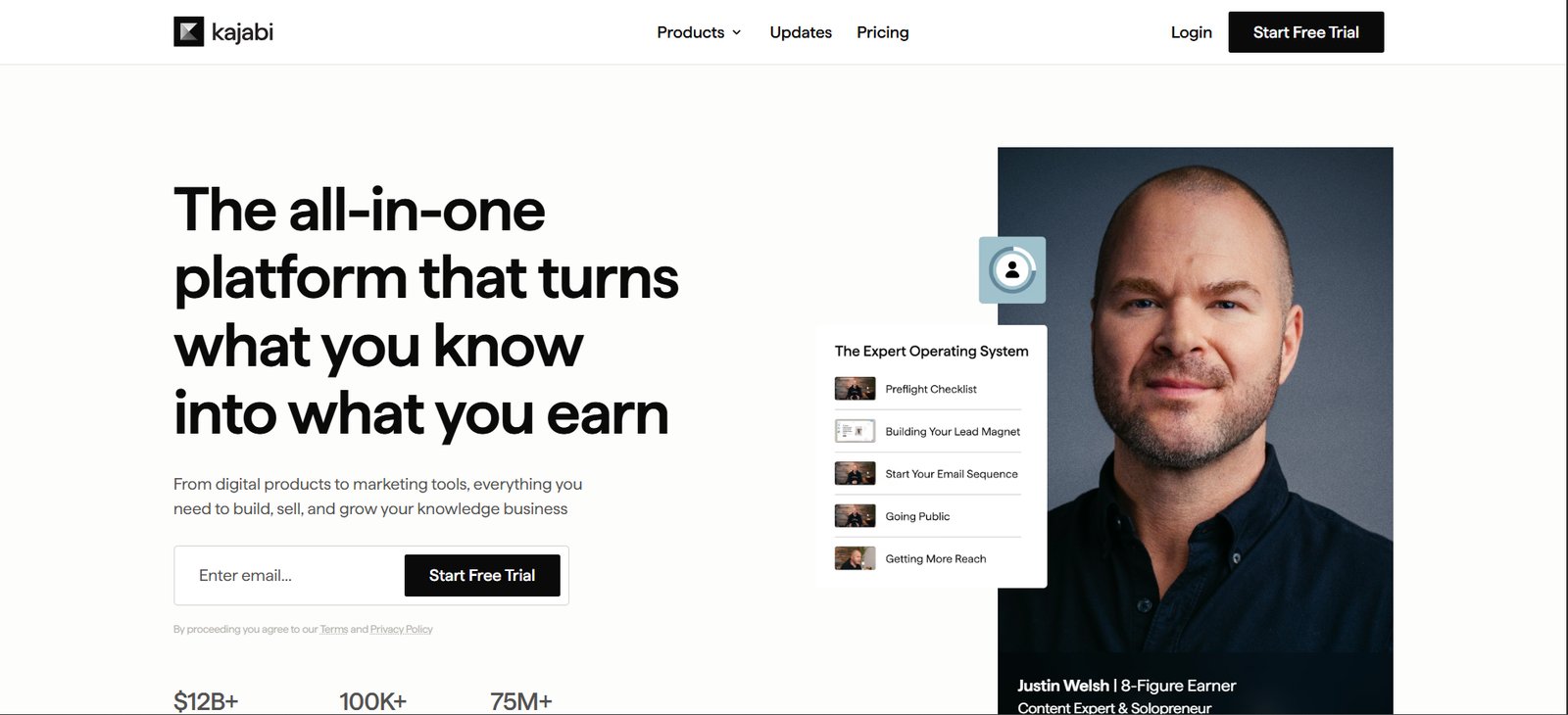
We recommend Kajabi to established course sellers, and steer price-sensitive beginners elsewhere. Kajabi charges a monthly fee you can justify once you are selling, because the built-in marketing tools would otherwise be separate subscriptions. If you are testing a first idea, that fee lands before the revenue does.
Kajabi pros:
- A whole business in one platform: The course, the checkout, and the marketing all run in one place, so you are not paying for and wiring up three tools.
- No platform cut on sales: Kajabi takes nothing on top of payment processing through Kajabi Payments, so at volume you keep more of each sale than on a platform that skims a percentage.
Kajabi cons:
- The highest starting price: At $143 a month, it costs more than any other platform on this list, which stings before you have the sales to use its marketing tools.
- Overbuilt for a simple course: If you only need a login on a few lessons, most of the suite goes unused, and a cheaper tool will do the job.
Pricing: Plans start at $143 per month billed annually on the Basic plan and rise for the Growth and higher tiers. Kajabi takes no platform cut on Kajabi Payments; card processing is 2.9% + $0.30, and using a third-party processor instead adds a 2% to 0.5% Kajabi fee.
Best for: An established course or coaching business that will use the marketing suite.
2. Teachable
Teachable is the straightforward way to launch and sell a course, and it is where many first-time course creators start. You upload your content, set a price, and Teachable handles hosting and checkout so you can publish fast.
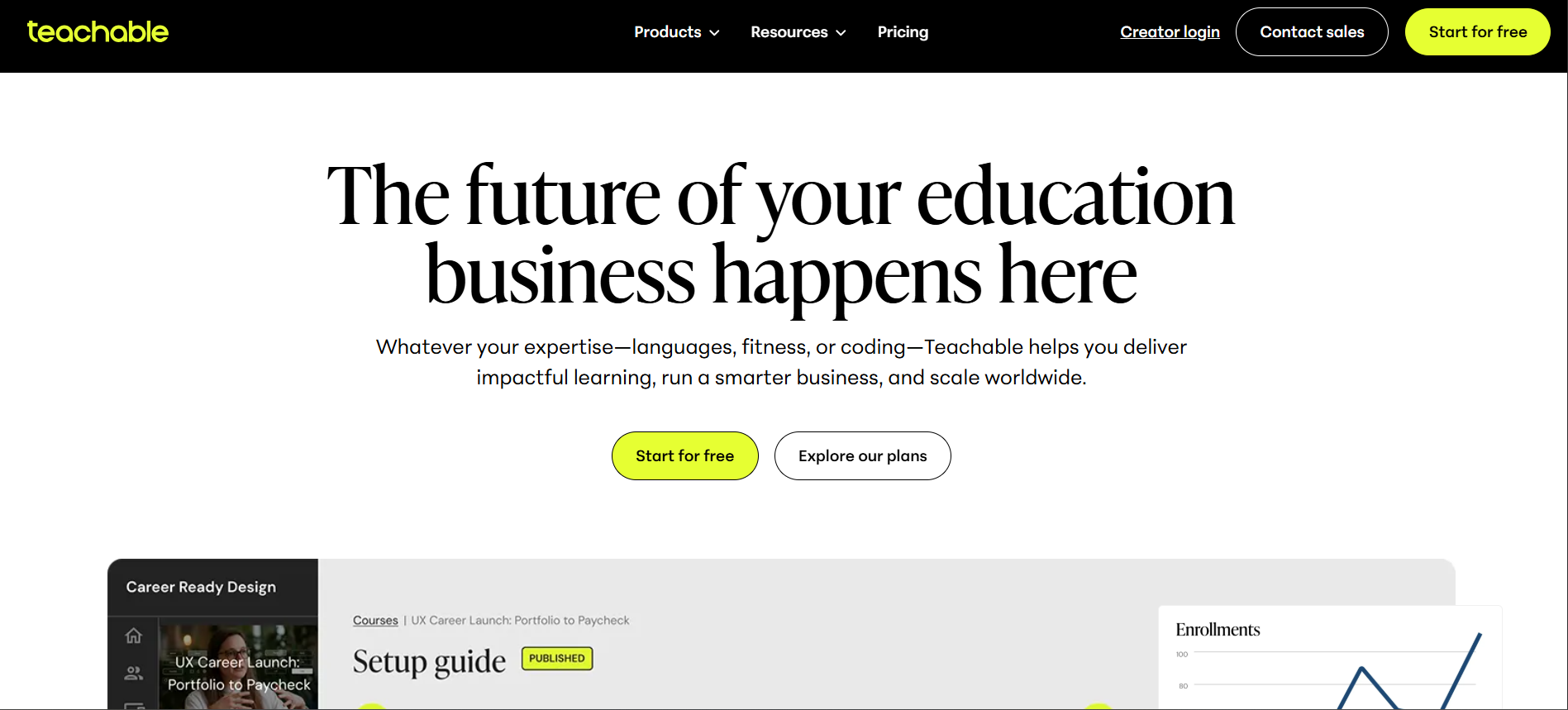
We point people here when the goal is to ship a course this month without learning a large platform. Setup is quick, and the interface stays out of the way. The tradeoff shows up in the fees.
Teachable's entry Starter plan takes 7.5% of each sale, so creators doing real volume move up to the Builder plan, where the platform fee drops to 0%. Read the plan against your expected sales, not the monthly price alone.
Teachable pros:
- Fast to launch: Little to set up, so a course owner can go from content to a live, paid course in a day rather than a sprint.
- 0% fees at higher volumes: The platform fee disappears on the Builder plan and above, so growing volume doesn't mean a growing cut.
Teachable cons:
- A 7.5% fee to start: That is a bigger cut than most entry plans here, so real volume makes upgrading to the 0% Builder plan the cheaper path.
- Light on marketing: The lower price buys fewer built-in email and funnel tools than an all-in-one like Kajabi, so you will add a separate marketing tool as you grow.
Pricing: Starter is $29 per month billed annually (with a 7.5% fee) after a 7-day trial, and Builder is $69 with no transaction fee.
Best for: A creator who wants to launch and sell a course quickly and simply.
3. Thinkific
Thinkific is a flexible course platform built for a business that expects to grow, and it charges 0% in transaction fees on every plan. It sits close to Teachable on simplicity but leans further toward customization and scale.
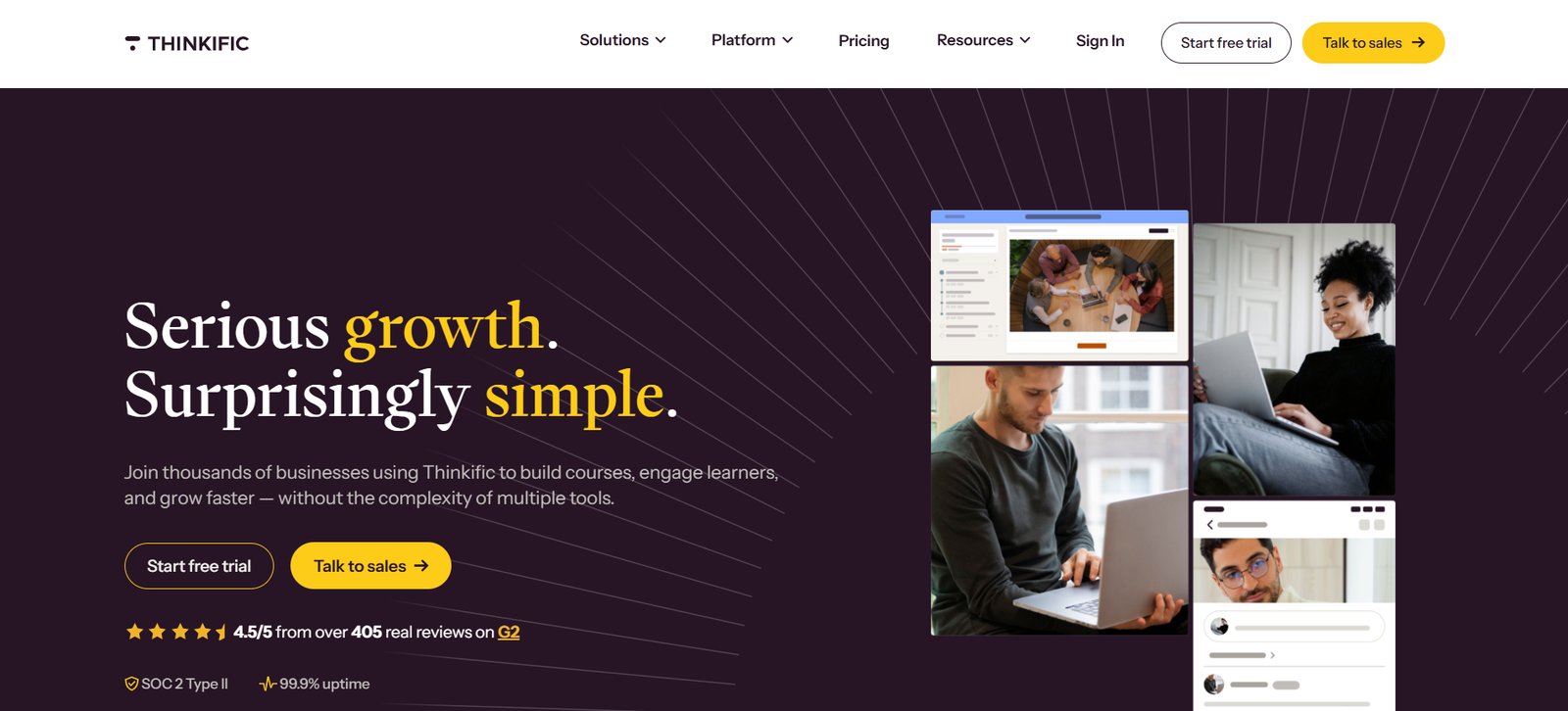
We recommend Thinkific when you want room to expand without switching platforms later. The entry plan includes course building, commerce, and a community, and higher tiers add cohorts, memberships, and B2B selling. Its all-in-one marketing does less than Kajabi's, so a business that runs heavily on email funnels may still want a dedicated marketing tool next to it.
Thinkific pros:
- 0% fees on every plan: Thinkific never takes a cut of a sale, even on the entry tier, so the monthly price is the whole platform cost.
- Built to scale: Cohorts, memberships, and B2B selling arrive on higher tiers, so a growing catalog doesn't force a migration.
Thinkific cons:
- Less marketing automation: The built-in email and funnel tools are thinner than Kajabi's, so a funnel-heavy business bolts on a separate tool.
- Caps on the entry tier: The cheapest plan limits communities and advanced selling, so scaling means moving up.
Pricing: Basic is $40 per month billed annually after a 30-day trial, with Start at $82 and Grow at $164.
Best for: A course business that wants flexibility and room to scale without switching tools.
4. Podia
Podia is the simplest, lowest-cost way to sell your first course, and it doubles as a store for digital downloads. Where Kajabi is a full business suite, Podia is the tool you reach for to get a first product live without a big monthly commitment.
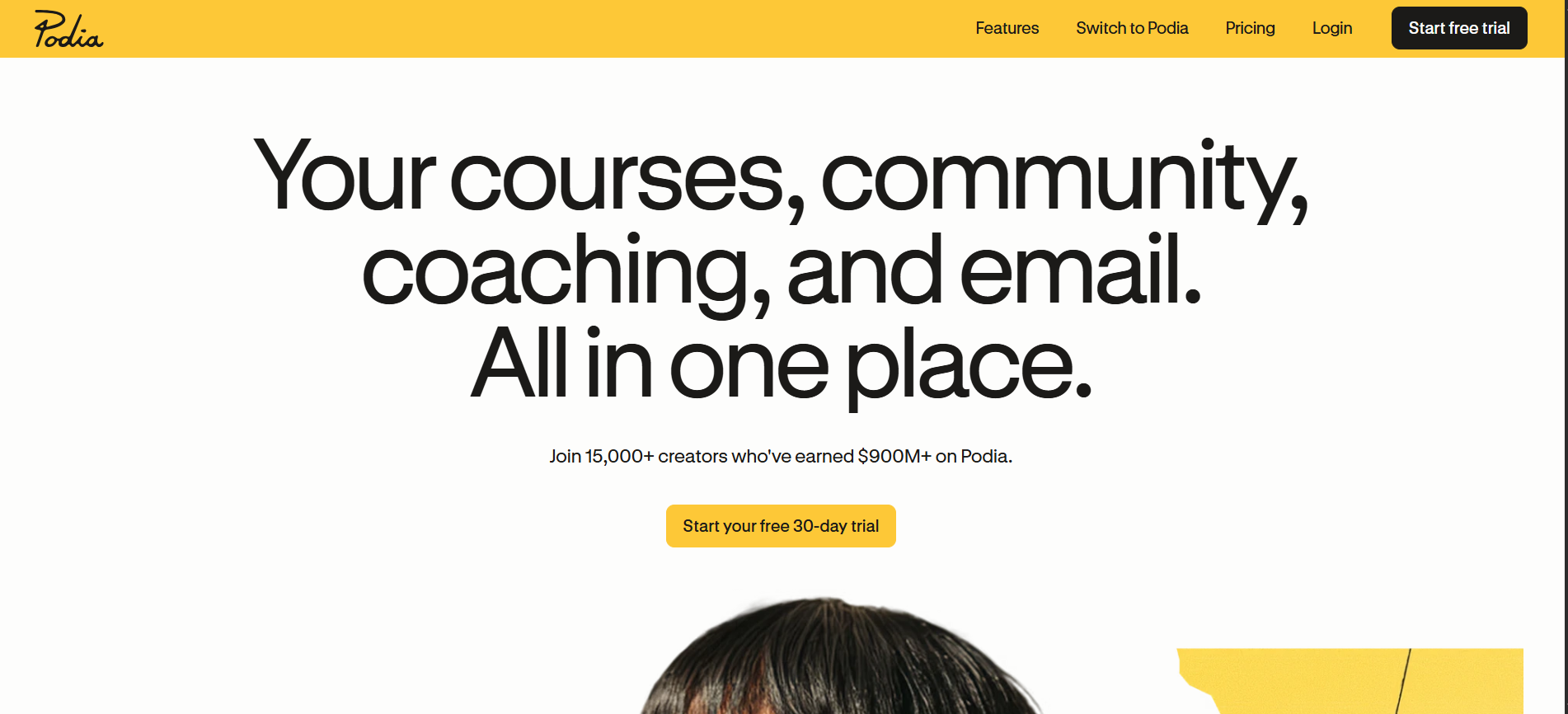
We point early creators and lean teams here. You start on a trial, publish a course or a download, and pay once it makes sense. The catch is the fee on the entry-level paid plan, which takes 5% of each sale until you move up to a plan that removes it.
Podia pros:
- A low-risk start: A low monthly price and a 30-day trial let you publish and see whether anyone buys before you commit real money.
- More than courses: The same tool sells courses, memberships, and digital downloads, so an early creator runs everything from one place.
Podia cons:
- A 5% fee on the Mover plan: That cut is larger than Kajabi's or Thinkific's platform fee, so growing sales are the signal to upgrade to a 0%-fee tier.
- Fewer growth tools: Podia offers less marketing and automation than Kajabi or Thinkific, so a scaling seller will eventually outgrow it.
Pricing: The Mover plan is $42 per month billed annually with a 5% fee, after a 30-day trial, and the fee drops to 0% on the higher Shaker and Earthquaker plans.
Best for: Selling your first course or digital product without a large monthly commitment.
5. LearnWorlds
LearnWorlds is the pick when the course itself has to be advanced, with interactive video, assessments, certificates, and a branded academy you fully control. It is built for training businesses and companies running a customer or partner academy.
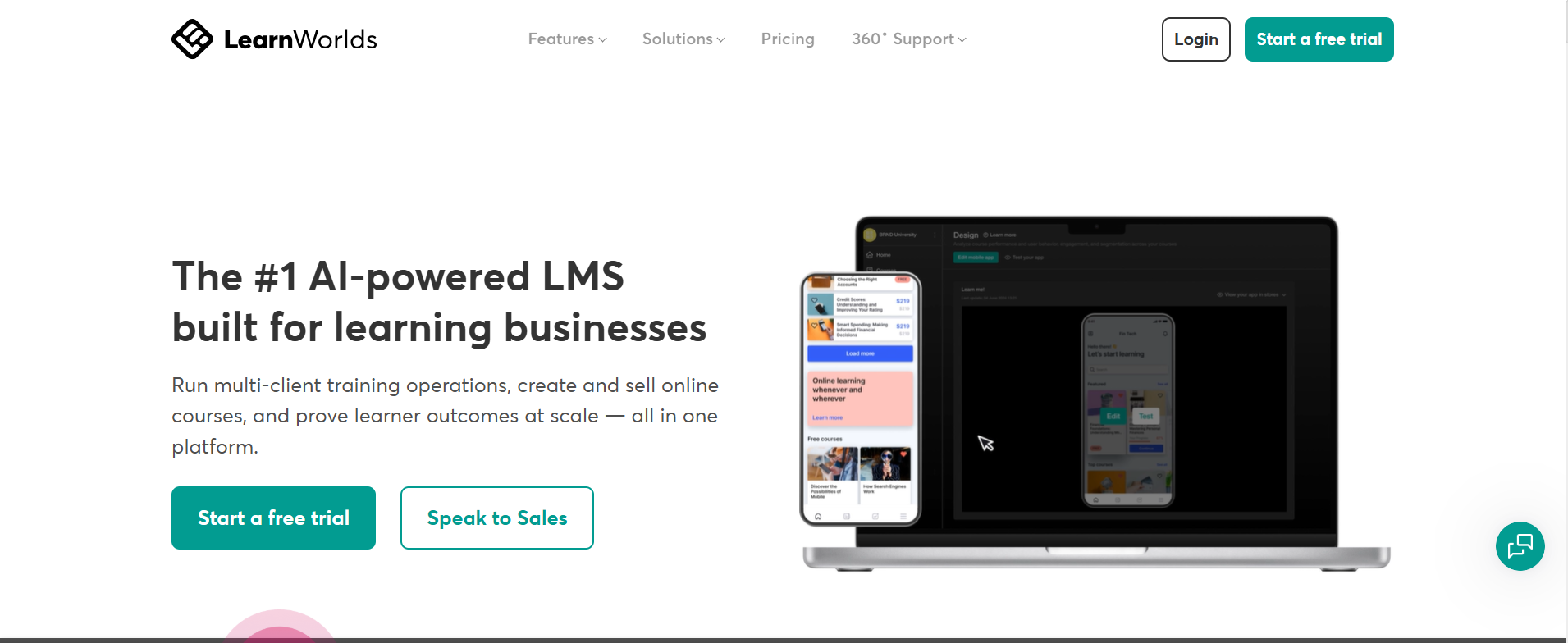
We recommend LearnWorlds when learning outcomes matter as much as sales. You get interactive video, graded assessments, SCORM support, and a white-label site and app, which is why training teams and larger course operations choose it.
The tradeoff is the entry plan, whose Starter tier adds a $5 fee per enrollment, so LearnWorlds makes the most sense once you move to a flat-fee plan or run enough volume to justify it.
LearnWorlds pros:
- The deepest teaching tools: Interactive video, graded assessments, and SCORM support handle structured learning that simpler platforms cannot.
- A white-label academy: The site and mobile app carry your branding end to end, which suits a customer or partner training program.
LearnWorlds cons:
- A per-enrollment fee to start: The Starter tier charges $5 for every enrollment, so a free or high-volume course needs a flat-fee plan to make sense.
- More than a simple course needs: The assessment and academy tools are wasted if you are selling one straightforward video course, and a simpler platform will cost less.
Pricing: Starter is $24 per month billed annually plus a $5-per-enrollment fee, and Pro Trainer is $79 with no enrollment fees.
Best for: Training businesses and branded academies that need advanced, interactive courses.
6. Mighty Networks
Mighty Networks is built for courses where the community is central to what people pay for. It puts the course and the discussion under one membership, with live events, so people learn alongside each other rather than alone.
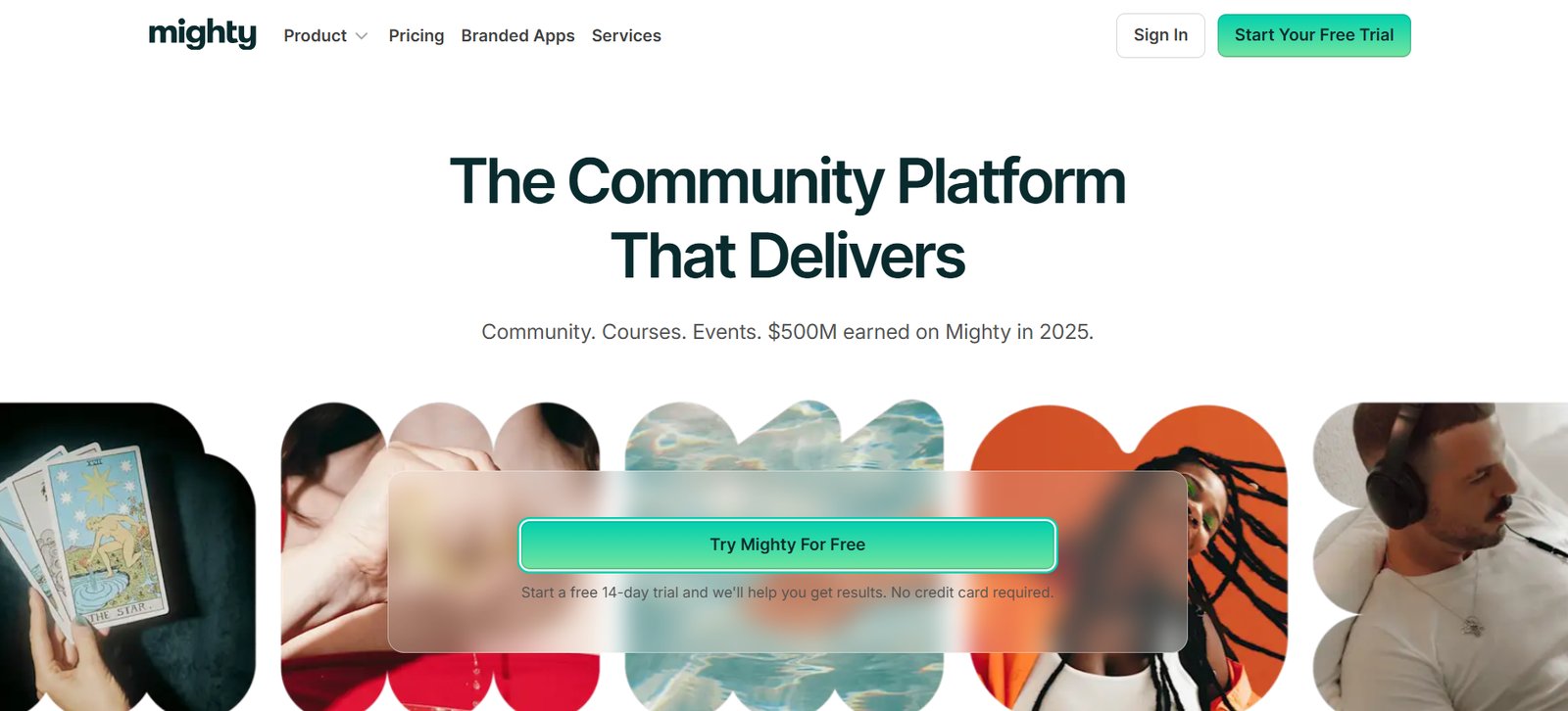
We recommend Mighty Networks when the conversation drives the outcome, especially for cohort courses and memberships. Members get a feed, events, and the courses in one branded space, and Mighty leans on that engagement to keep retention up. The tradeoff is that it stands on its own. Mighty is a place your members go to, not a layer on the marketing site you already run.
Mighty Networks pros:
- Community and courses together: The discussion, the events, and the course sit in one membership, so the community itself becomes the reason people renew.
- A custom-branded space: Members get a feed, events, and a mobile app under your own branding rather than a generic course portal.
Mighty Networks cons:
- A destination, not a layer: Members log into Mighty rather than your site, so if you already run a marketing site, your brand and your community live at two addresses, which splits the experience.
- Thinner course tools: It lacks graded assessments and SCORM support, so a structured curriculum outgrows it faster than a dedicated platform like LearnWorlds.
Pricing: The Community plan is $79 per month billed annually, and the Business plan is $179.
Best for: A course that runs on community, such as a cohort program or a paid membership.
7. Circle
Circle is a community-first platform that has grown into a solid home for courses, so the community and the course library sit under one membership. It suits a brand or creator whose audience shows up for each other as much as for the content.
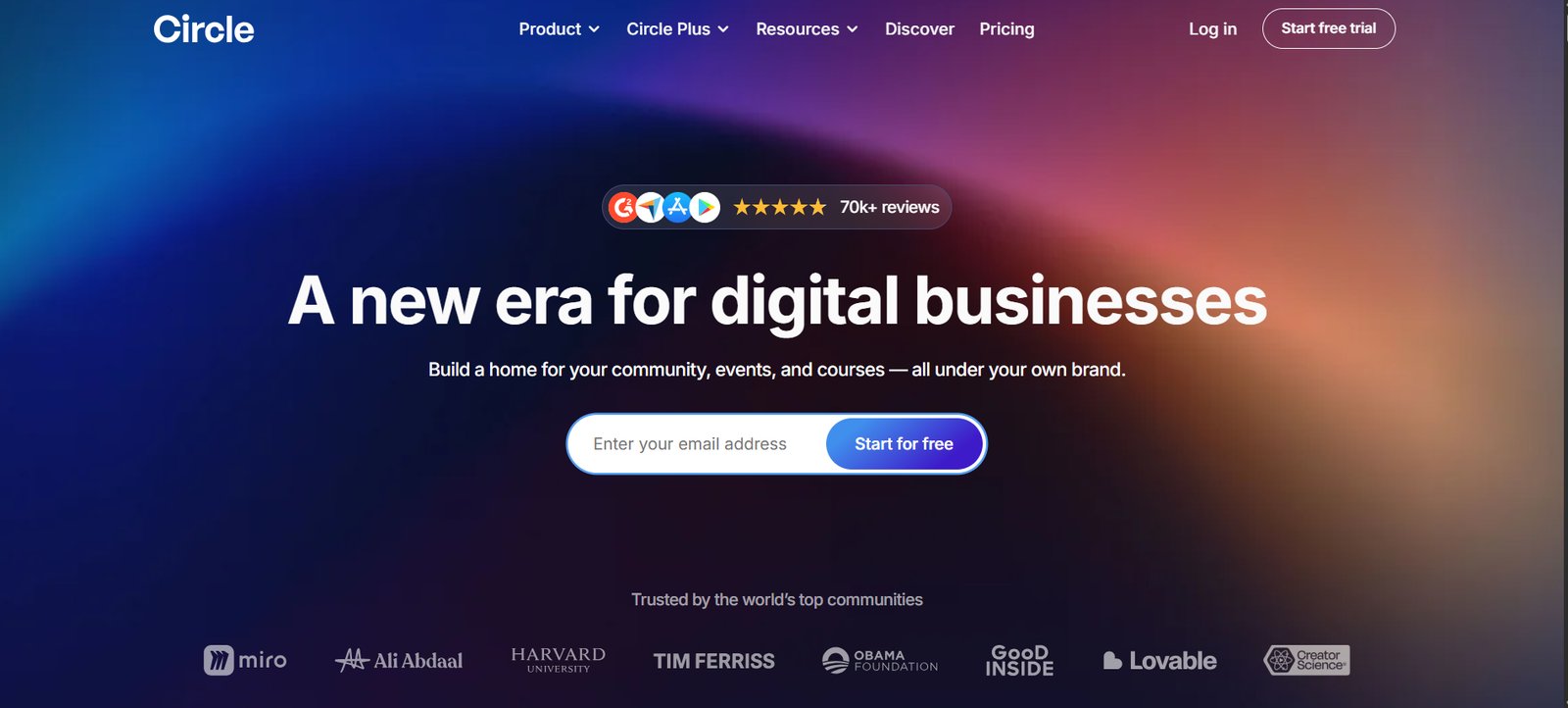
We recommend Circle when the community is the point, and the courses are part of the offer rather than the whole of it. Discussion spaces and live streams sit alongside the course library, and the experience is polished.
The boundary is the same as Mighty Networks: Circle is a destination your members go to, so it fits a standalone community-and-course business rather than a course you attach to an existing site.
Circle pros:
- A polished community with courses built in: Paid memberships, courses, and discussion live in one space designed for engagement rather than bolted together.
- Features that earn renewals: Live streams and events, plus member profiles and direct messaging, give people reasons to keep showing up.
Circle cons:
- A destination, not a layer: If you already run a site, Circle is a second place your members must log into, rather than a gate on your site.
- Thinner course tools: Without graded assessments or SCORM support, a structured curriculum outgrows Circle faster than a dedicated platform like LearnWorlds.
Pricing: The Professional plan is $89 per month billed annually, and the Business plan is $199 per month.
Best for: A community-first business that wants courses under the same membership.
8. Udemy
Udemy is the largest course marketplace and the fastest way to put a course in front of people already searching for one. You publish into its catalog for free, and students find you through Udemy rather than through your own marketing.
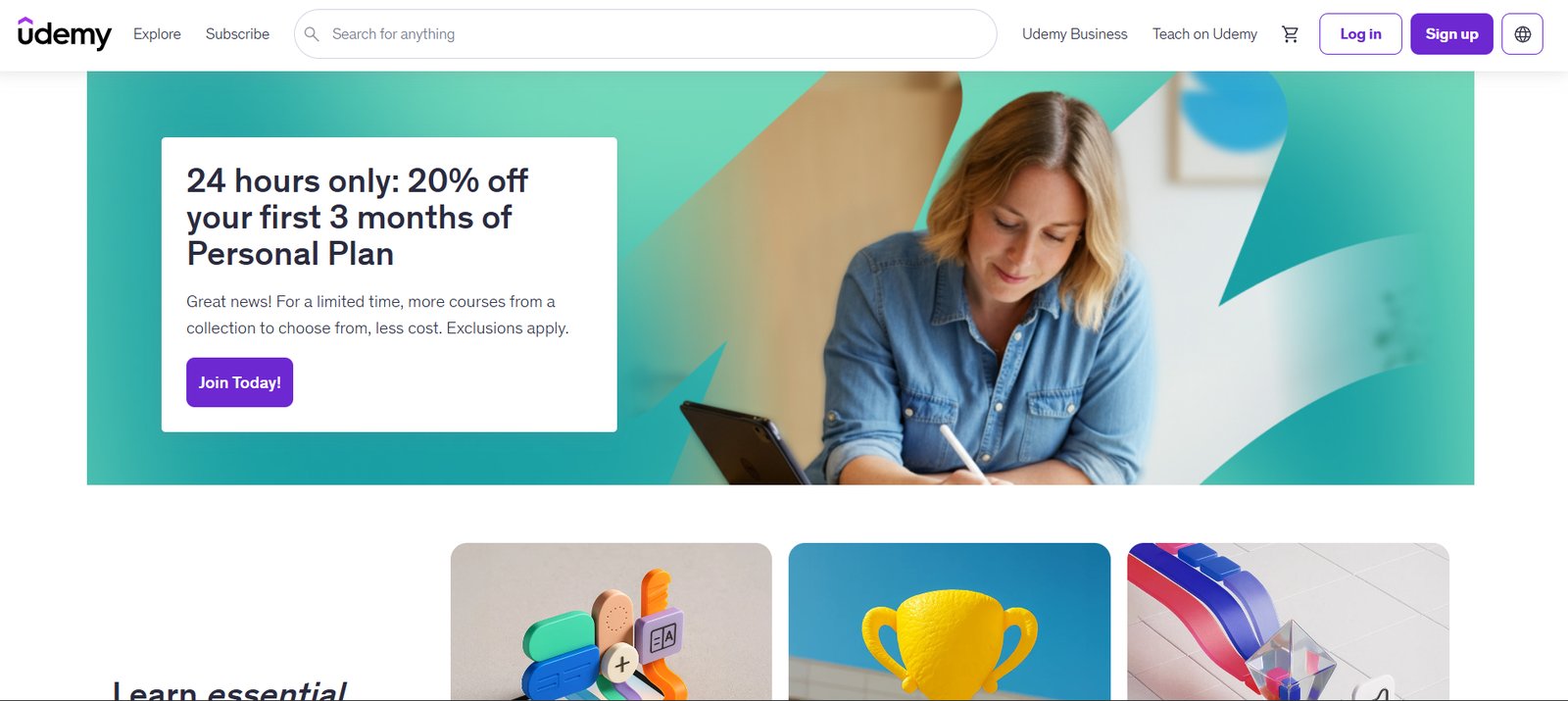
We recommend Udemy for reach and validation. Its catalog is one of the largest on the web so that a well-targeted course can find students without a marketing budget.
The cost is control. Udemy sets the discounts and takes a share of revenue, and the student is Udemy's contact more than yours. Many creators use it to prove a topic sells, then move serious buyers to a platform they own.
Udemy pros:
- A huge searchable catalog: Udemy reaches more than 80 million learners, so someone already searching your topic can find your course without any marketing on your part.
- Fast validation: Publishing is free, so you can test whether a topic sells before investing in your own site.
Udemy cons:
- Limited price control: Udemy runs frequent site-wide discounts and takes a revenue share, so you rarely set the price a student actually pays.
- No ownership: The customer relationship and the student list stay with Udemy, so you cannot market to those students later.
Pricing: Free to publish. Udemy takes a revenue share that varies with how the sale originates.
Best for: Reaching a broad audience fast, or validating a course topic before you invest.
9. Skillshare
Skillshare is a subscription marketplace for creative skills, where members pay one fee for the whole catalog and teachers earn from the minutes members watch. It fits creative, project-based topics more than formal training.
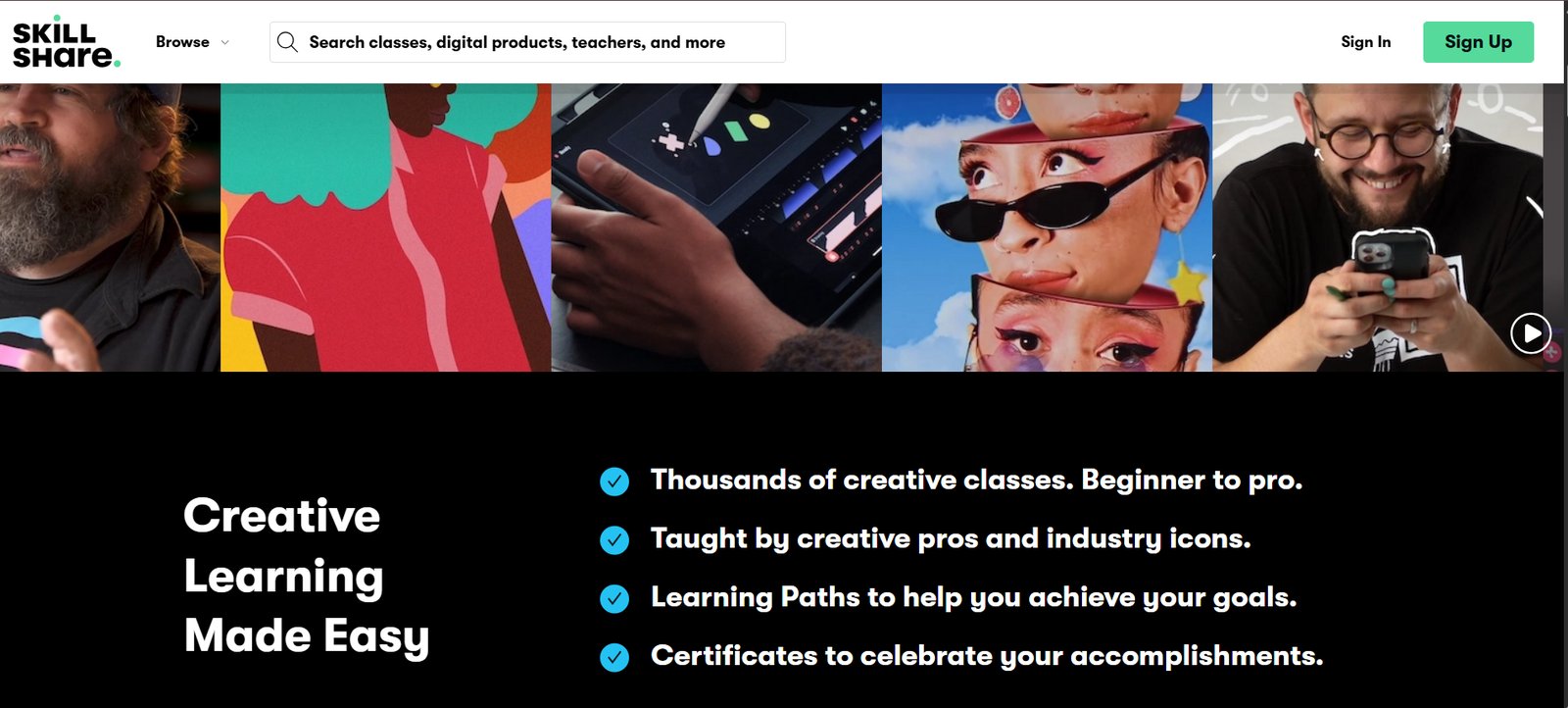
We recommend Skillshare for teachers of creative skills who want an audience without selling courses one by one. You apply to teach, publish a class, and earn royalties based on watch time.
The model has limits: you don't set a price or own the customer, and your earnings rise and fall with the shared royalty pool, so Skillshare works as a channel rather than a business you control.
Skillshare pros:
- A subscription audience of creatives: Hundreds of thousands of members browse Skillshare for their next class, and its top-earning teachers make $100,000 a year or more.
- Nothing to run: There is no pricing or checkout to manage, so you focus on teaching and earn from watch time.
Skillshare cons:
- Royalty-pool earnings: Your income depends on a shared pool and total watch time, not a price you set, so it is harder to forecast than direct sales.
- Creative topics only: The audience is there for creative, project-based classes, and you own no customer data to build on later.
Pricing: Free to publish after approval. Teachers earn a royalty on watch time.
Best for: Teaching creative, project-based skills to a subscription audience.
How to choose the right online course platform
Migrating a course business after you are already selling is a heavy lift, so choose the tool that scales with your ambition rather than the one that only solves today's constraint.
Work through three questions in order:
- What are you building and teaching? For a business you own, pick a platform: Kajabi if you will use its marketing suite, Teachable or Thinkific for something simpler and cheaper, Podia to test a first product, and LearnWorlds when the course needs assessments and a branded academy. If the community is the point, Mighty Networks or Circle. To reach an existing audience fast, Udemy or Skillshare.
- What will it cost at your volume? Weigh the transaction fee against the monthly price, because the two trade off. A cheap plan with a 5% or 7.5% fee can cost more than a pricier flat-fee plan once sales grow, and a marketplace's revenue share is the steepest cut of all. Run the numbers at the volume you expect in a year, not the plan that looks cheapest today.
- What extra do you need? Marketing automation, a community, or graded assessments can move you from a simple tool to an all-in-one platform, so weigh the features you will actually use against the ones you will pay for.
That said, the best choice depends on how the platform scales with your specific business goals.
How Webflow supports course instructors
A course platform hosts your course. The site around it decides how many people ever see it. If you want the pages that market and sell your course to match your brand and rank on their own, build them in Webflow, then connect the course platform behind them.
Here’s how Webflow powers your growth:
- Brand-forward pages: Design sales pages and a course landing page that match your brand, with no template ceiling.
- Content that ranks: Run your blog and resources on a scalable CMS, so search and AI engines send you students.
- Built for marketers: Launch and edit pages without a developer for every change.
- Gate simple content directly: Add a membership tool like Memberstack to gate written resources without a separate course platform.
- One home for the brand: Keep the marketing site and the sales pages in one place, including the blog, linked to the course.
Start with the site that brings students in, and let the course platform handle the teaching.

Unlock growth with SEO
Join Webflow and leading growth agency Graphite as they discuss actionable insights for scaling and achieving growth with SEO
Frequently asked questions
What is the best online course platform?
It depends on your model and your goals. To own your course business, a dedicated platform is best: Kajabi for an all-in-one with marketing, Teachable or Thinkific for a simpler start, Podia for a first product, and LearnWorlds for advanced courses. To reach an existing audience instead, use Udemy or Skillshare. Match the platform to whether you are building a business or tapping into an existing audience.
What is the best free online course platform?
The only free options are marketplaces. Udemy and Skillshare let you publish for free and take a share of what you earn. Among the platforms you own, Podia and Thinkific offer trials, so you can build before you pay. For a course business you own, weigh a free start against the transaction fees you will pay on sales.
What is the best online course platform for small business?
For most small businesses, Thinkific or Teachable balance price and features, both with 0% transaction fees on their mid-tier plans. Choose Kajabi instead if you will lean on its built-in email and funnels, since it replaces separate marketing tools. Match the plan to the sales volume you expect, because the transaction fee matters as much as the monthly price.
Should I use a course platform or a marketplace?
Use a platform you own when the course is a business you are building, and you want the price, branding, and customer list to be yours. Use a marketplace when reach matters more, or to validate a topic before investing in your own site. Many creators use both: a marketplace for discovery and an owned platform for their premium courses.
How much do online course platforms cost?
Marketplaces are free to publish and take a revenue share instead of a monthly fee. Owned platforms run from $24 per month (LearnWorlds Starter) up to $143 per month for Kajabi, billed annually. Watch the transaction fees on the lower plans, since a 5% or 7.5% cut can outweigh a higher flat-fee plan once sales grow.
Can I sell courses from my own website?
Yes. Host the course on a platform like Teachable or Thinkific and market it from your own site, or gate simple written content directly on your site with a tool like Memberstack. Many businesses run the course on a platform and the marketing site on Webflow, and link them together.

Choose the right CMS for a scaling enterprise
Discover how the right CMS can allow teams to efficiently scale rich, complex content – all without writing code.