→
↗
►
↓
←
↑
All updates

Enhancement

Website management

Search in the asset manager

Now you can find the assets you need faster by searching based on file name in the asset manager.
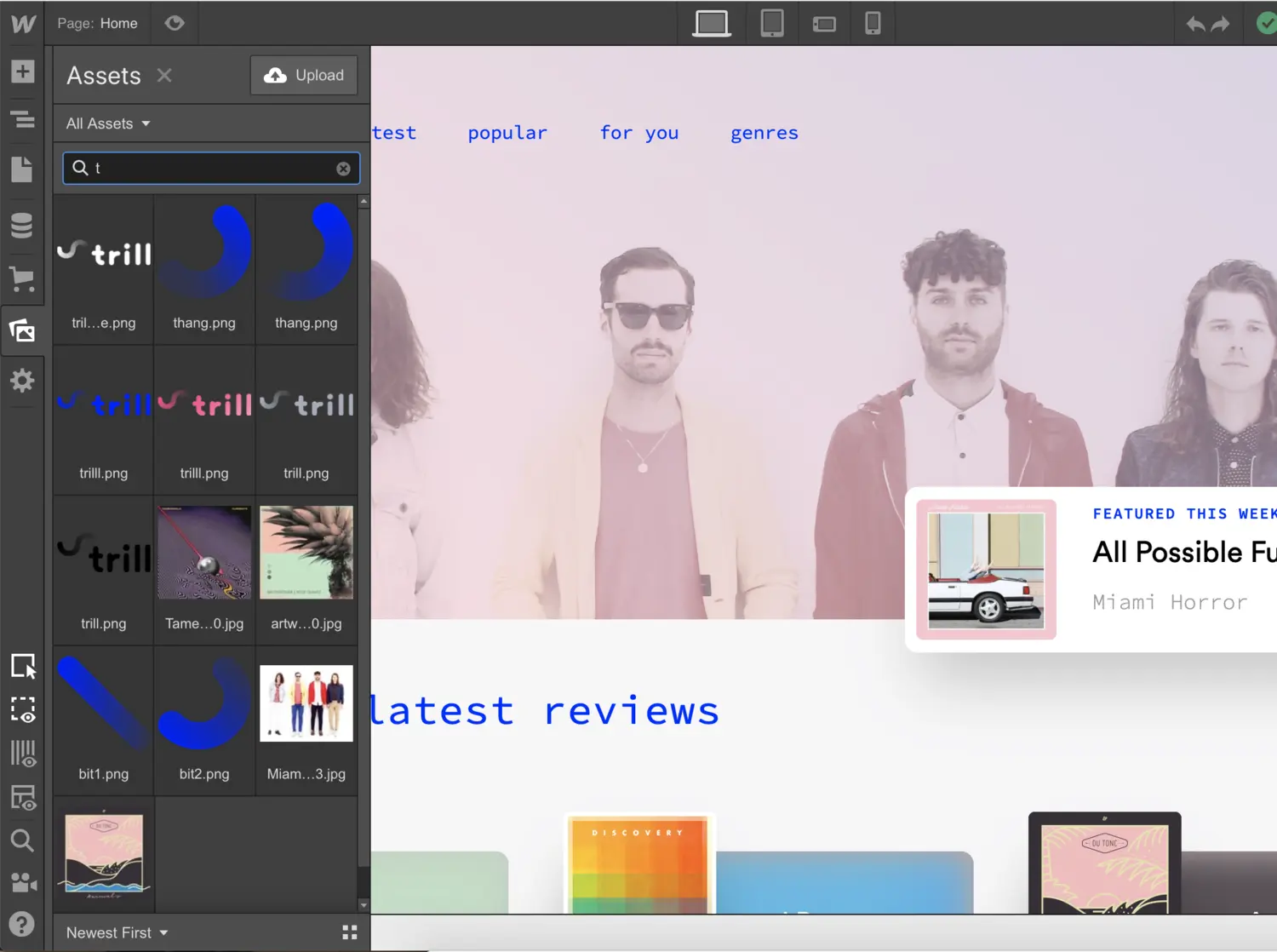
Search in the asset manager

We’re making the asset manager a bit more user-friendly today by introducing a search bar, which lets you quickly find assets based on their file names.
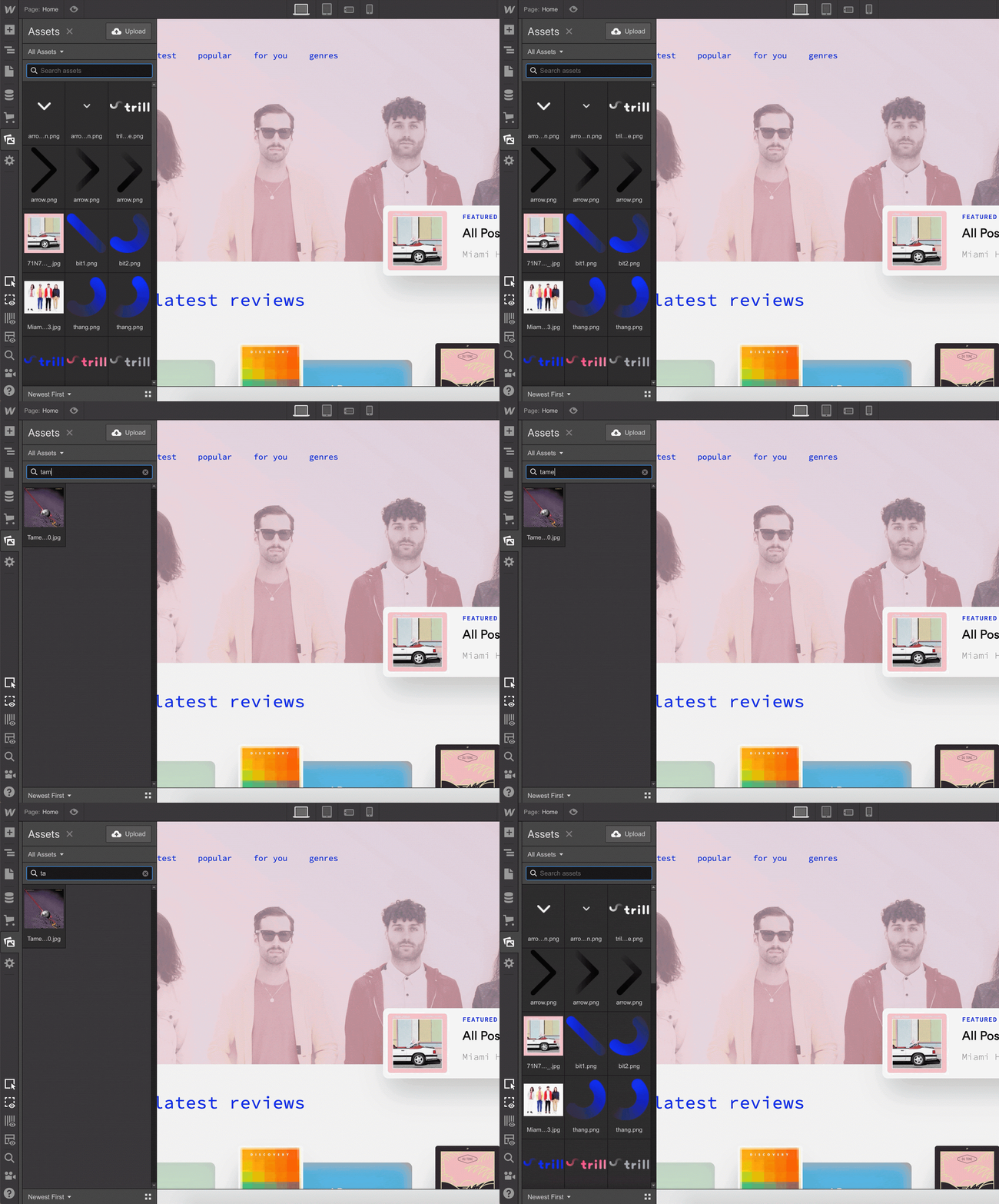
Search for assets based on file name.

Hope this makes your life in Webflow just a bit easier!


Launched on
September 3, 2019
Category
Website management

Related updates
Enterprise seat management improvements

Enterprise seat management improvements

→
↗
►
↓
←
↑
Learn more
AI credit limits are now in effect

AI credit limits are now in effect

→
↗
►
↓
←
↑
Learn more
Track AI and MCP changes in your Site Activity Log

Track AI and MCP changes in your Site Activity Log

→
↗
►
↓
←
↑
Learn more
Auto-resize favicons and dark mode support

Auto-resize favicons and dark mode support

→
↗
►
↓
←
↑
Learn more
Control who can use Webflow AI in your workspace

Control who can use Webflow AI in your workspace

→
↗
►
↓
←
↑
Learn more
AI toggle changes now tracked in Workspace Audit Logs

AI toggle changes now tracked in Workspace Audit Logs

→
↗
►
↓
←
↑
Learn more

verifone logomonday.com logospotify logoted logogreenhouse logoclear logocheckout.com logoreddit logothe new york times logoideo logoupwork logodiscord logo

Get started for free

Try Webflow for as long as you like with our free Starter plan. Purchase a paid Site plan to publish, host, and unlock additional features.

Get started — it’s free
Watch demo

Try Webflow for as long as you like with our free Starter plan. Purchase a paid Site plan to publish, host, and unlock additional features.