






Recruitee
Connect Recruitee, an applicant tracking system for hiring teams, with Webflow to display live job listings and route applicants using widgets, Zapier, or APIs.

Recruitee is an applicant tracking system that manages job postings, candidate pipelines, and hiring workflows. Connect it to your Webflow site to pull published jobs straight from Recruitee and send applicant data back into the ATS. No more copying job descriptions or republishing every time a role changes.
The result is a branded careers page that stays current on its own, with candidate records landing in Recruitee automatically. It fits recruiting and HR teams, marketing teams who own the site, and agencies building careers pages for clients. If you want full control over job display and application flows, call the APIs directly.
How to integrate Recruitee with Webflow
What is Recruitee? Recruitee is an applicant tracking system and end-to-end hiring platform for small and mid-sized companies. It handles job board posting, candidate pipeline management, collaborative hiring, and reporting. Recruitee also includes CareersHub, a no-code career site builder, and a public API for displaying jobs on external sites.
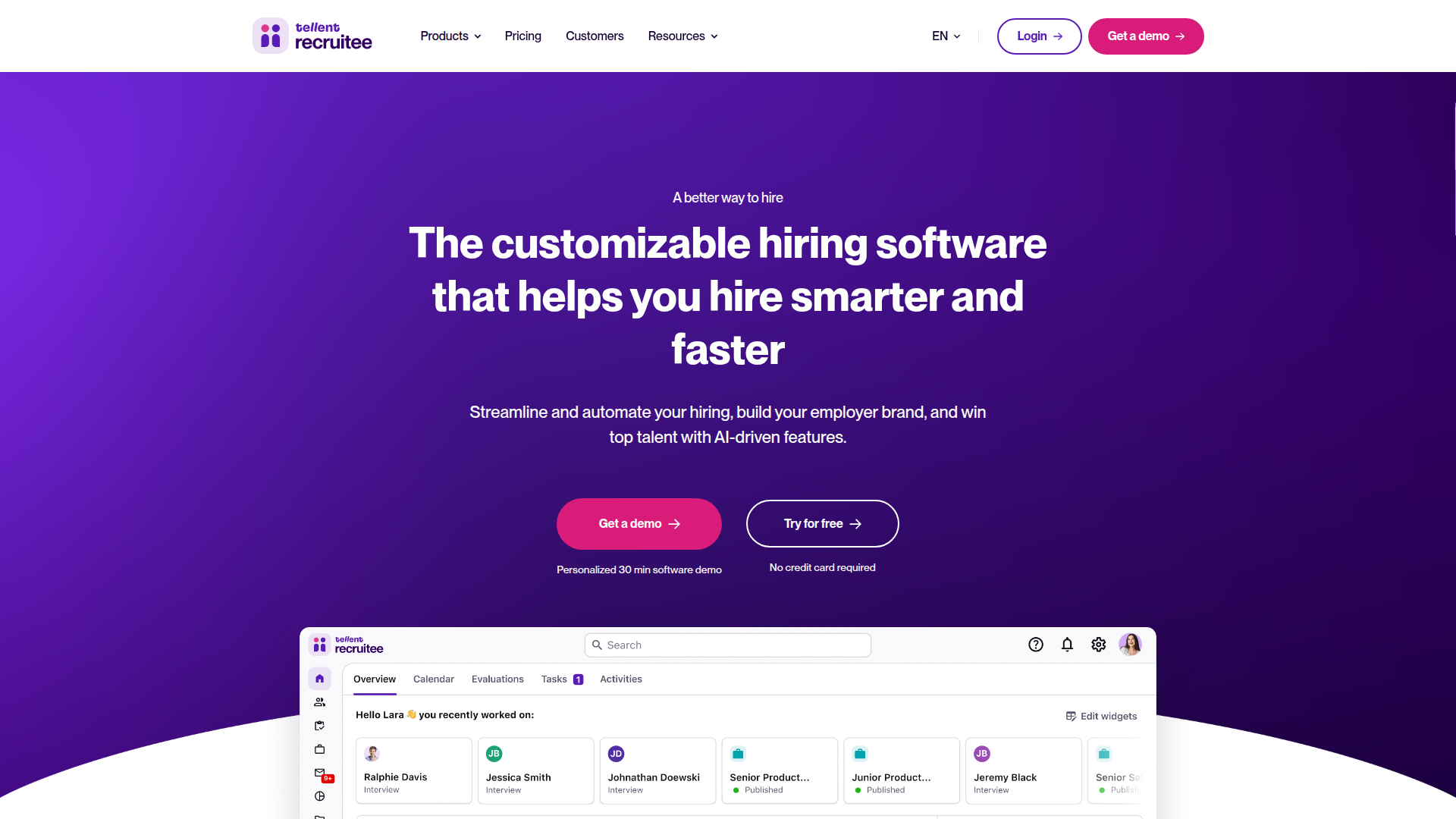
Most teams connect Recruitee and Webflow to keep a branded careers page in sync with their ATS. The job listings live in Webflow for design control, while Recruitee remains the source of truth for openings and applications. The right method depends on how much customization you need and whether you have developer resources.
The Recruitee–Webflow integration supports three approaches:
- The Jobs Widget with Code Embed drops live job listings onto a Webflow page using a JavaScript snippet, no backend required.
- Zapier, Make, and viaSocket route data between the two systems, like turning a Webflow form submission into a Recruitee candidate.
- The Webflow and Recruitee APIs give you full control over job display and application flows, but require server-side development.
Most implementations combine two or more of these methods depending on the complexity of the setup. There's no Recruitee app on the Webflow Marketplace, so every path here involves intentional setup.
Add Recruitee job listings with Code Embed elements
The Jobs Widget is the fastest way to show live Recruitee jobs on a Webflow page. It's a JavaScript snippet that fetches your published openings and renders them on the page. Job content updates automatically when you edit a role in Recruitee, so the listing stays current without republishing the site. This method works well for marketing teams and agencies that want a branded careers section without writing backend code.
Generate the snippet in Recruitee, then paste it into a Code Embed element in Webflow. To use Code Embed, you need a paid Site plan or a Core, Growth, Agency, or Freelancer Workspace—it's not available on free Starter site plans or Basic Workspaces.
To set up the integration:
- In Recruitee, go to Settings > Apps and plugins > Jobs widget, select your options in the Settings tab, then click Save.
- Open the Code (async) tab and click Copy to clipboard.
- In Webflow, open the Add panel, drag a Code Embed element onto the canvas, and paste the snippet.
- Publish the site to see the live widget.
This method covers the common careers-page scenarios:
- Display all published jobs that auto-update when content changes in Recruitee
- Run multiple widget instances on one page by incrementing the container ID
- Direct applicants to Recruitee's own hosted application forms
Use the Code (async) variant rather than Code (sync). The synchronous version can slow or block your page if Recruitee's CDN has issues, and async avoids that risk. Keep one limitation in mind: changing the widget's appearance settings in Recruitee does not update the embed automatically. Copy and paste the newly generated code into Webflow each time you change styling.
Place the widget code site-wide or per page
You can also load the widget script globally instead of placing it in a single element. This helps when the same script supports widgets on more than one page. Use Custom code in head and body tags for this.
To load the script site-wide:
- Go to Site settings > Custom code > Head code.
- Paste the Recruitee widget script.
- Add a container
<div>with the matching element ID where you want jobs to appear.
To load the script on a single page only, paste it in Page settings > Before </body> tag instead. Custom code is capped at 50,000 characters across site settings, well above what the widget snippet needs.
Connect with Zapier, Make, or viaSocket
Automation platforms handle workflows the Jobs Widget cannot, like moving a Webflow form submission into Recruitee as a candidate record. Zapier is the only platform with a confirmed pre-built template for this. Make and viaSocket support both connectors but require you to build the scenario yourself. Recruitee officially lists Zapier and Make among its supported system integrators, alongside Apideck, Merge, Kombo, and Pipedream.
Zapier's pre-built template is Create new Recruitee candidates from Webflow form submissions. It removes manual data entry by pushing applicant details straight into your pipeline.
Common triggers and actions across these platforms include:
- Webflow New Form Submission → Recruitee Create Candidate
- Recruitee Job Published → Webflow Create Item or Create Live Item to publish a new role to the CMS
- Recruitee Candidate Moved to Stage → Webflow Update Item
- Recruitee Update Offers → Webflow Update Live Item to keep a listing current
viaSocket has a dedicated Recruitee and Webflow integration page if you prefer it over Zapier. Take the automation route when you need data to flow between systems rather than just display jobs on a page.
Build with the Webflow and Recruitee APIs
For full control over how jobs display and how applications get submitted, call the APIs directly. This path supports custom career portals with filtering by department or tag, branded application flows with custom validation, and CMS sync that keeps listings in step with your ATS. You'll need server-side development because the Code Embed element does not run server-side languages like PHP or Python.
The available APIs are:
- Recruitee Careers Site API lists public job offers and accepts applications, with no authentication required
- Recruitee ATS API handles authenticated reads and writes against offers, candidates, and departments using a Bearer token
- Webflow Data API handles CMS collections and form submissions
- Webflow webhooks trigger real-time events between systems
Pick the Careers Site API for read-only job display from client-side scripts. Use the ATS API for server-side automation where you need authenticated writes.
Sync Recruitee job offers to the Webflow CMS
This pattern pulls published jobs from Recruitee and creates matching CMS items in Webflow. Run it on a schedule or trigger it from a Recruitee webhook so your careers page mirrors your ATS. CMS capacity covers most job boards comfortably—the CMS plan holds 2,000 items, and Business holds 10,000.
To implement this:
- Fetch published offers with
GET https://{your_company}.recruitee.com/api/offers/. No auth is needed, and the feed returnsid,title,slug,department,locations, andtags. - Read your collection schema with
GET https://api.webflow.com/v2/collections/{collection_id}to map Recruitee fields to Webflow field slugs. - Create items with
POST https://api.webflow.com/v2/collections/{collection_id}/itemsusing theCMS:writescope. Map offertitletonameand offerslugtoslug. The bulk endpoint at/items/bulkaccepts up to 100 items per request. - Publish with
POST https://api.webflow.com/v2/collections/{collection_id}/items/publish.
Map field types carefully. Rich text fields expect an HTML string, dates expect ISO 8601, and option fields must match the collection's defined values.
Keep listings current with webhooks
To update the CMS when a job changes, register Recruitee webhooks and react to them server-side. In Recruitee, go to Settings > Apps and Plugins > Webhooks and create a new webhook. The relevant webhook events are offer_published, offer_updated, and offer_unpublished.
To process an update:
- Verify the
X-Recruitee-Signatureheader, a base16-encoded HMAC-SHA256 of your secret and the raw request body. - Find the matching item with
GET https://api.webflow.com/v2/collections/{collection_id}/items, locating it by offerslugorid. - Update with
PATCH /collections/{collection_id}/items/{item_id}, then publish withPOST /collections/{collection_id}/items/publish.
Note one gap: webhook payloads don't include the full job description body or published_at, so fetch those from the REST API when you need them. Recruitee retries failed deliveries up to nine times, with a 10-second request timeout.
What can you build with the Recruitee Webflow integration?
Integrating Recruitee with Webflow lets you run a branded careers experience without maintaining job lists by hand.
- Live careers page: Embed the Jobs Widget through a Code Embed element so a Webflow page shows every published role. New positions appear automatically when recruiting publishes them in Recruitee.
- Form-to-ATS candidate capture: Connect a Webflow contact or application form to Recruitee with the Zapier template. A submission becomes a candidate record in your pipeline, with no copy-paste between tabs.
- Auto-synced CMS job board: Use the APIs and webhooks to mirror Recruitee offers as Webflow CMS items. A new opening in Recruitee creates a CMS item, and an unpublished role removes it, so your designed job board stays accurate.
- Custom career portal: Call the Careers Site API to build a filtered listing by department or tag, then redirect applicants to Recruitee's hosted application form. You control the layout and filtering while Recruitee handles the application.
If you need more control over application validation or filtering by department or tag, the API integration path covers those cases with full flexibility.
Frequently asked questions
Use Recruitee's Jobs Widget with a Webflow Code Embed element. In Recruitee, go to Settings > Apps and plugins > Jobs widget, configure your options, then copy the snippet from the Code (async) tab. In Webflow, add a Code Embed element and paste the code, or place it in your head or body using Custom code in head and body tags. Publish the site to see the live widget.
Partially. When job content changes in Recruitee, the widget reflects it automatically because the script fetches live data. When you change the widget's appearance settings, you must copy the newly generated code and paste it into Webflow again.
Use async. Recruitee provides both Code (sync) and Code (async) tabs in the widget settings. The synchronous version can slow or block your page if Recruitee's CDN has issues, while async avoids that risk. Recruitee's Jobs Widget FAQ also explains how to run multiple widget instances on one page by incrementing the container ID.
No. A search of the Webflow Marketplace returns no Recruitee app. You connect the two using the Jobs Widget, an automation platform like Zapier, or the APIs.
Use Zapier's pre-built template, Create new Recruitee candidates from Webflow form submissions. It triggers on a Webflow form submission and creates a candidate in Recruitee. This removes manual data entry. Make and viaSocket support the same workflow but require you to build the scenario manually. For full control, submit applications directly through
POST /offers/:offer_slug/candidateson the Recruitee Careers Site API.
Description
Recruitee is an applicant tracking system for hiring teams. Connect it with Webflow to display live job listings and route applicants via widgets or the API.
This integration page is provided for informational and convenience purposes only.

Teamtailor
Connect Teamtailor, an applicant tracking system for recruitment and employer branding, with Webflow to embed live job listings using widgets, Zapier, or APIs.

Recruit CRM
Connect Recruit CRM with Webflow to publish open jobs on your site and send applications into recruiter pipelines.

Personio
Connect Personio with Webflow to publish live job listings on a branded careers page and send applications straight into the Personio recruiting pipeline.

Breezy HR
Connect Breezy HR with Webflow to publish positions on your own site and move every applicant into a tracked hiring pipeline.

Workable
Connect Workable with Webflow to display live job listings on your site and route applicants straight into your hiring pipeline.

Ashby
Connect Ashby, an all-in-one recruiting platform, with Webflow to display live job listings and accept applications directly on your careers page.

BambooHR
Connect BambooHR with Webflow to publish live job openings and keep team pages current from HR records.
Teamtailor
Publish Teamtailor job openings on your Webflow site with widgets or a CMS sync, connect the MCP servers on both sides, or build the sync yourself with the APIs.

Greenhouse
Connect Greenhouse with Webflow to display live job listings, accept applications, and sync recruitment data directly on your careers page.
Related integrations
Get started for free
Try Webflow for as long as you like with our free Starter plan. Purchase a paid Site plan to publish, host, and unlock additional features.
