






CookieScript
Connect Cookie-Script with Webflow to display consent banners, block cookies until consent is given, and maintain GDPR and CCPA compliance records.

Privacy compliance is non-negotiable for most Webflow sites, and getting it wrong creates legal exposure, not just a bad user experience. Cookie-Script handles the hard parts: detecting what's running on your site, surfacing the right consent options by region, and keeping an auditable record of every user decision.
This guide covers the two Webflow integration paths: adding the Cookie-Script snippet via Webflow's custom code settings for most use cases, and using the Cookie-Script API for agencies or teams managing consent across multiple client sites.
How to integrate Cookie-Script with Webflow
What is Cookie-Script? Cookie-Script is a consent management platform (CMP) that helps websites comply with privacy laws such as GDPR and CCPA. It automatically scans for cookies, displays customizable consent banners, blocks scripts until consent is given, and maintains detailed consent records for compliance audits.
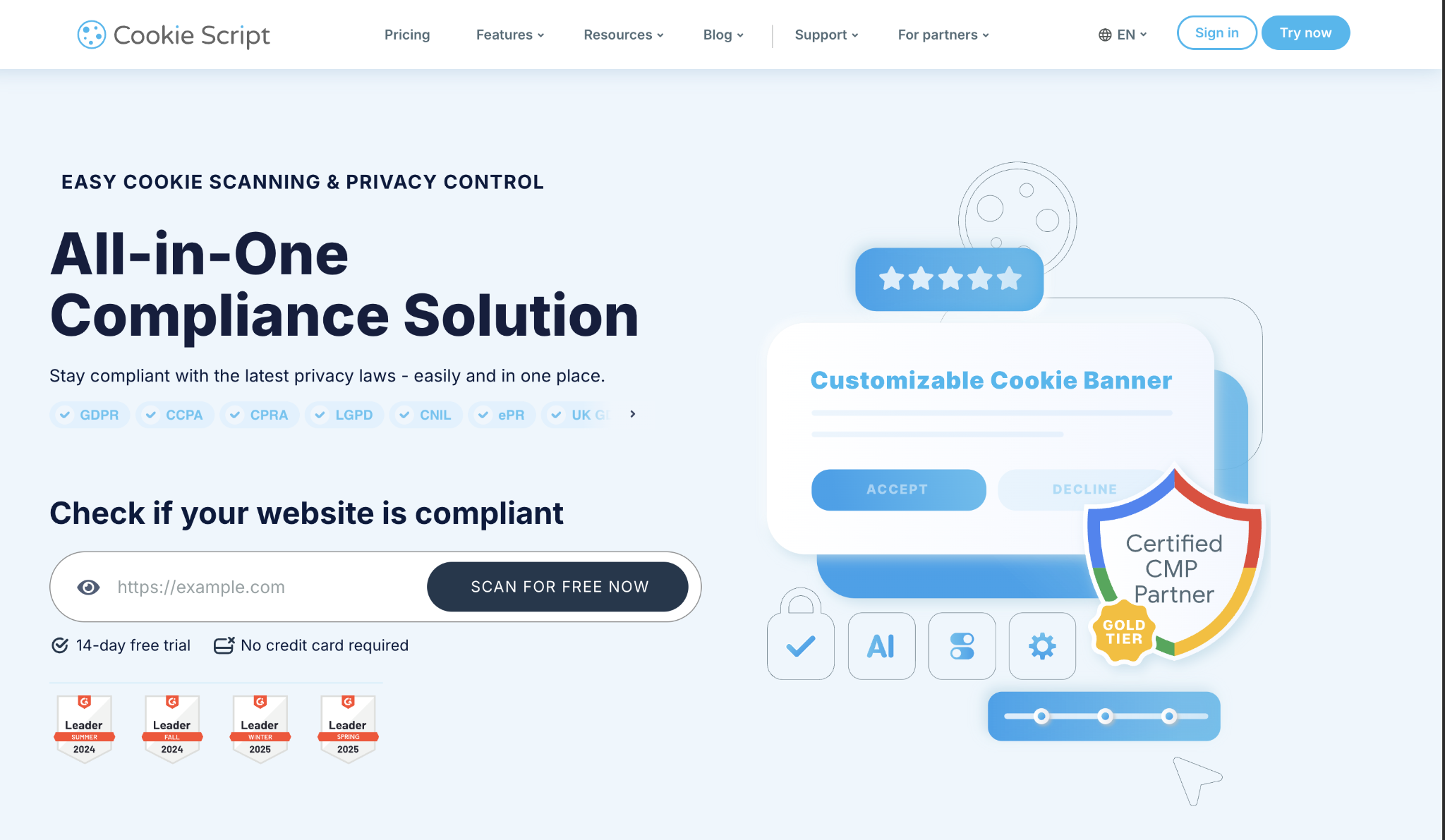
Cookie-Script connects to Webflow in two ways.
For most sites, pasting a code snippet into Webflow's custom code settings gets a compliant consent banner live in minutes. Teams managing compliance across multiple Webflow projects can use the Cookie-Script API to programmatically create and update banners, retrieve consent logs, and run automated cookie scans.
Add the Cookie-Script snippet to your Webflow site
This is the standard path for single sites. The snippet loads the consent banner on every page, blocks tracked scripts until the visitor responds, and automatically logs consent decisions.
To set up the integration:
- Go to your Cookie-Script account and navigate to Settings > Install.
- Configure geo-targeting to use different consent flows by region (for example, opt-in for EU visitors, opt-out for US visitors).
- Copy your Cookie-Script code snippet.
- In Webflow, go to Site Settings > Custom Code and paste the snippet into the Head Code field.
- Save and publish your site.
Once published, the banner appears automatically. You can configure geo-targeted display rules, multi-language support (42 languages available), and banner appearance through the Cookie-Script dashboard with no Webflow republish needed for appearance changes.
The snippet method handles the following automatically:
- Geo-targeted banners that adapt consent requirements by visitor location
- Script and cookie blocking until the visitor responds to the banner
- Banner appearance customization through the Cookie-Script dashboard
- Cookie declaration and privacy policy generation
- Consent history logging for compliance audits
This approach suits single sites, marketing teams without developer access, and any project that needs GDPR or CCPA coverage quickly without custom development.
However, there is one Webflow-specific limitation to know.
Webflow loads some scripts inline in the <head> before custom code executes, which means certain first-party scripts may run before Cookie-Script initializes. For most sites, this is acceptable; if strict blocking of all scripts is required, route analytics and third-party tags through Google Tag Manager instead of Webflow's native integrations panel.
This gives you more precise control over script execution order.
Build with the Cookie-Script API
The Cookie-Script API suits agencies managing cookie compliance across multiple client sites and teams that need to automate consent management at scale. Combined with the Webflow API, you can build systems that keep consent banners, cookie declarations, and compliance logs in sync across many Webflow projects.
The Cookie-Script API supports the following operations:
- Create, update, duplicate, and delete consent banners via POST /api/banners and related endpoints
- Retrieve consent logs with filtering via GET /api/consents
- Run automated cookie scans with POST /api/scans and retrieve results
- Manage and update individual cookie records with PUT /api/cookies/{cookie_id}
- Access domain-level data across all sites in your account
A note on consent data retrieval: Cookie-Script does not provide webhook functionality. To keep external systems in sync with consent records, poll the GET /api/consents endpoint on a schedule and process the results rather than relying on event-triggered pushes.
Multi-site consent management
Agencies managing multiple Webflow projects can use the API to standardize banners and monitor compliance from a central system.
Here’s how:
- Use POST /api/banners to deploy a consistent banner configuration across client sites.
- Pull consent logs per domain with GET /api/consents to generate compliance reports without logging into each client's Cookie-Script dashboard.
- Use Webflow's custom code endpoints to inject or update scripts on each site when banner configurations change.
Verify current endpoint availability in the official API documentation before building against domain-level automation.
Automated privacy policy updates
As cookie usage evolves, the API can keep your declared cookie list up to date without manual intervention:
- Run a scan with POST /api/scans to detect new cookies on a site.
- Review scan results and update cookie declarations using PUT /api/cookies/{cookie_id}.
- Sync the updated declaration to a Webflow CMS collection using POST /collections/{collection_id}/items to keep the privacy policy page automatically up to date.
This approach requires developer resources. It is not a no-code path.
What can you build with Cookie-Script Webflow integration?
Cookie-Script and Webflow cover the full range of sites that need privacy compliance — from simple marketing pages to multi-region storefronts and agency portfolios managing dozens of client accounts.
Here are a few things you can build with this integration:
- E-commerce stores with region-specific consent: Show opt-in banners to EU visitors and opt-out options to US visitors, using geo-targeting to adapt compliance behavior automatically while keeping the checkout flow consistent across regions.
- Multi-language corporate sites: Detect visitor language and display consent banners in the appropriate language from Cookie-Script's 42 supported options, with a centralized consent log across all regional domains.
- Agency client portfolios: Manage cookie compliance across dozens of client Webflow sites from a single Cookie-Script account, using the API to run automated scans and push updated banners without logging into each project individually.
- Marketing landing pages with conditional tracking: Load analytics and retargeting pixels only after the visitor gives consent, preventing data collection from non-consenting visitors while maintaining accurate campaign tracking for those who do consent.
To get started, install Cookie-Script and add the snippet to Webflow using the steps in the first section. For API access and multi-site management, review the Cookie-Script API documentation and the Webflow API reference.
Frequently asked questions
Copy your Cookie Script embed code from your CookieScript dashboard (Settings > Install), then paste it in Webflow's Site Settings > Custom Code > Head Code section. After publishing your site, the consent banner will appear automatically.
Common causes include browser cache interference, incorrect code placement, or forgetting to publish your Webflow site after adding the code. Clear your browser cache, verify the code is in the site-wide Head Code section (not page-specific), and ensure you've published to all domains.
For strict compliance, avoid using Webflow's built-in integrations panel. Instead, add analytics scripts manually through Custom Code so CookieScript can properly manage them.
Customize your banner design through the CookieScript dashboard, not in Webflow. Access appearance settings to modify colors, text, button styles, and positioning to match your brand. Changes sync automatically without updating code in Webflow.
CookieScript doesn't interfere with Webflow forms, but be aware that forms may process data before consent is confirmed. For strict compliance, consider using the CookieScript API to check consent status before form submission, or implement conditional form display based on consent categories.
Description
Integrating Cookie-Script with Webflow adds a consent management layer to your site through a code snippet or the Cookie-Script API. Use the embed method for quick setup, or the API for programmatic control across multiple sites.
This integration page is provided for informational and convenience purposes only.

iubenda
Connect iubenda, a privacy compliance platform, with Webflow to add cookie consent banners, generate privacy and cookie policies, log form-based consent records, and support Google Consent Mode v2 across jurisdictions.

EasyCookie
Connect EasyCookie with Webflow to add GDPR-compliant cookie consent and Google Consent Mode v2 to your site.

Cookiebot
Use Cookiebot with Webflow to collect visitor consent, control when cookies load, and support compliance with GDPR, CCPA, and similar privacy regulations on your published site.

Osano Cookie Consent
Connect Osano Cookie Consent, a consent management platform, with Webflow to enforce cookie compliance, block non-essential scripts before consent, and display geo-targeted banners across 50+ countries.

Securiti Cookie Consent
Connect Securiti Cookie Consent, a consent management platform, with Webflow to display geo-targeted cookie banners, block tracking scripts before consent, and maintain GDPR, CCPA, and IAB TCF v2.0 compliance.
Related integrations
Get started for free
Try Webflow for as long as you like with our free Starter plan. Purchase a paid Site plan to publish, host, and unlock additional features.
