




Sanity's Studio puts schema and preview work on a developer; the alternatives worth moving to give editors browser-based modeling and delivery APIs, so publishing no longer waits in the developer queue.
Teams leave Sanity for a few reasons: the Studio and its Presentation tool demand React work to change schema or preview, and usage-based bills climb with API requests and bandwidth. Governance features like single sign-on (SSO) and custom roles also sit behind a custom contract.
The biggest source of friction usually determines the best replacement. If that friction is the developer queue, you can build and publish the site on Webflow's visual canvas, keep content in a structured CMS, and still feed a read API to other surfaces.
If developer dependency is the problem, Storyblok and Hygraph move schema changes into a browser with a built-in live preview. Prismic keeps the model in code while editors assemble pages from approved slices.
In this guide, we compare Webflow, Storyblok, Hygraph, Prismic, and Contentful to help you break free from developer dependencies and find the ideal CMS for your team's growth.
Key takeaways:
- Sanity can block writes at its document ceiling, which is the entry-tier behavior to beat.
- Webflow is the only alternative here that renders and hosts the site itself, so a marketing team can bypass the developer queue while the CMS still exposes a read API for other surfaces.
- Storyblok and Prismic include visual page editing, while Contentful offers it as an add-on that still needs developer setup.
- Prismic moves you up a pricing tier automatically when you cross its API-call limit, so uncached or bot traffic can raise the bill without approval.
How we evaluated Sanity alternatives
A tool made our shortlist only if its own documentation showed it supports the four features and conditions below:
- Structured content types with typed fields and references
- At least one delivery API, so the same content can feed another surface
- An editorial interface for non-developer use
- A release or changelog entry dated in 2025 or 2026
These criteria favor active, structured content systems a content team can run:
| Tool | Hosting | Best for | Starting price (as of September 2026) | Rating (G2, as of September 2026) | Standout feature |
|---|---|---|---|---|---|
| Webflow | SaaS (managed) | Marketing teams that want to ship pages without a developer queue | Free plan; Premium (first tier with a CMS) from $39/month (or $25/month, billed annually) | 4.4 | Visual Designer, structured CMS, and hosting in one, with read APIs |
| Storyblok | SaaS | Marketing teams that assemble pages from components weekly | Free plan; Growth plan is $99/month (or $90.75/month, billed annually) | 4.5 | Visual Editor with click-to-edit on every plan |
| Hygraph | SaaS | Sites that join editorial content with data from other systems | Free plan; Growth plan is $299/month (or $199/month, billed annually) | 4.4 | One GraphQL endpoint for every consumer |
| Prismic | SaaS | Small teams and agencies shipping slice-based Next.js or Nuxt sites | Free plan; Starter plan is $15 per month (or $10/month, billed annually) | 4.3 | Slice-based page builder on every plan, including free |
| Contentful | SaaS | Teams using Salesforce tools with user-provisioning and audit requirements | Free plan; Lite plan is $300/month (no annual discount) | 4.3 | EU data residency in AWS Ireland and Frankfurt on Enterprise |
| Tool → Hosting → Best for → Starting price (as of September 2026) → Rating (G2, as of September 2026) → Standout feature |
|---|
| Webflow |
| SaaS (managed) |
| Marketing teams that want to ship pages without a developer queue |
| Free plan; Premium (first tier with a CMS) from $39/month (or $25/month, billed annually) |
| 4.4 |
| Visual Designer, structured CMS, and hosting in one, with read APIs |
| Storyblok |
| SaaS |
| Marketing teams that assemble pages from components weekly |
| Free plan; Growth plan is $99/month (or $90.75/month, billed annually) |
| 4.5 |
| Visual Editor with click-to-edit on every plan |
| Hygraph |
| SaaS |
| Sites that join editorial content with data from other systems |
| Free plan; Growth plan is $299/month (or $199/month, billed annually) |
| 4.4 |
| One GraphQL endpoint for every consumer |
| Prismic |
| SaaS |
| Small teams and agencies shipping slice-based Next.js or Nuxt sites |
| Free plan; Starter plan is $15 per month (or $10/month, billed annually) |
| 4.3 |
| Slice-based page builder on every plan, including free |
| Contentful |
| SaaS |
| Teams using Salesforce tools with user-provisioning and audit requirements |
| Free plan; Lite plan is $300/month (no annual discount) |
| 4.3 |
| EU data residency in AWS Ireland and Frankfurt on Enterprise |
The five Sanity alternatives below appear in order of how completely each one removes the developer queue, starting with Webflow.
1. Webflow
Webflow is the alternative for teams whose primary problem with Sanity is the developer queue, not the content model. It stores structured content in CMS Collections with reference and multi-reference fields, and it also renders and hosts the site, so marketers build and publish pages on the Designer canvas with no front end to deploy.
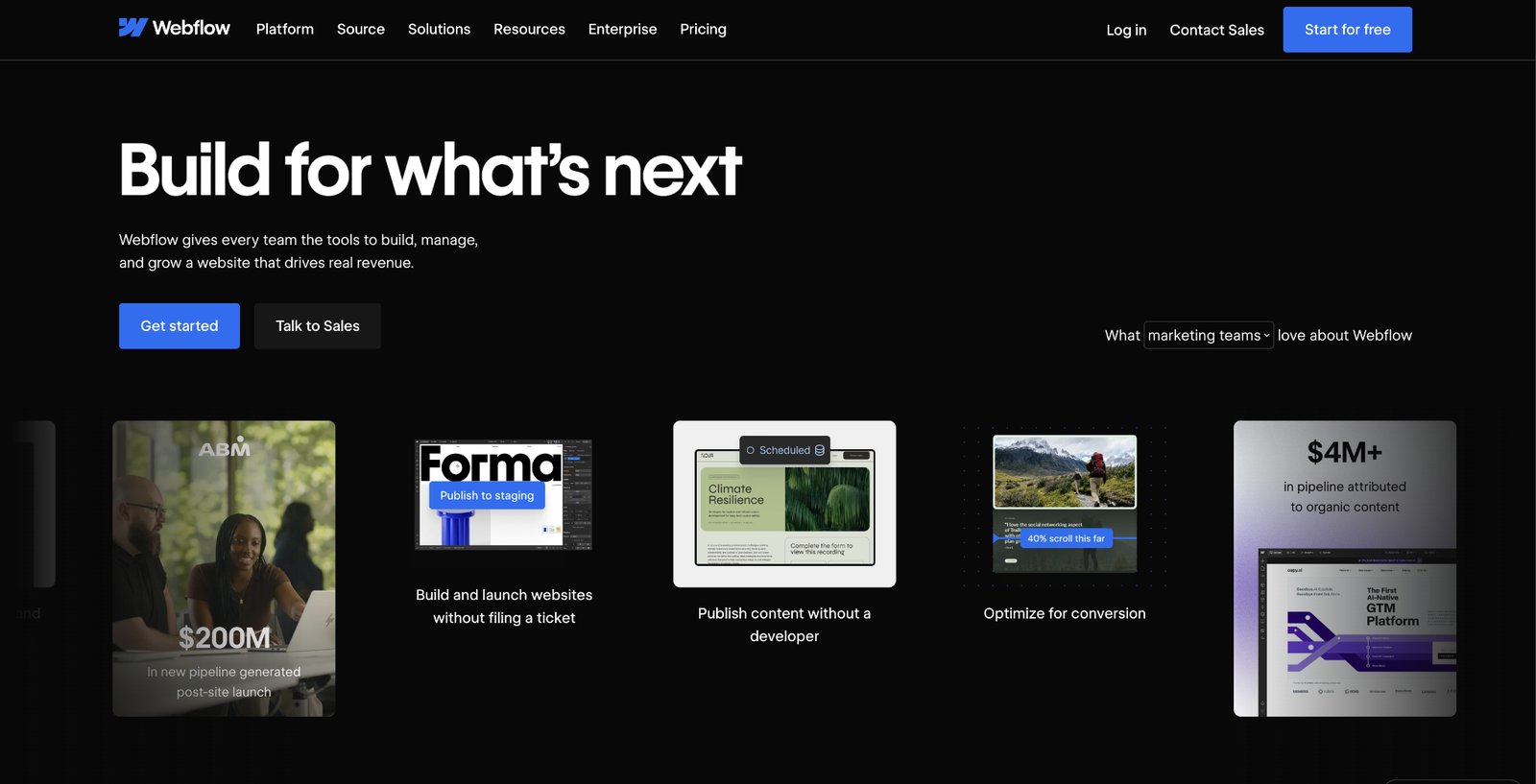
That places it outside the headless-only group: the site ships from one platform (instead of a backend plus a separately built front end).
Structured content still reaches other surfaces. Webflow's REST Data API manages collections, items, and localization, and its read-only CDN-backed Content Delivery API (GA for all customers) lets the same items feed a mobile app or an on-premises display.
Webflow's MCP server is generally available for agents in Claude Code, Cursor, ChatGPT, and Codex, with Agent Instructions to guide them and a site activity log that records changes.
For a team leaving Sanity because every landing page, case study, or job listing waits on a developer, Webflow removes that dependency for a moderate, marketing-oriented content model.
Webflow pros:
- No front end to build or deploy: Design, a structured CMS, and managed hosting ship in one product so that a marketer can publish pages without a developer standing up and maintaining a separate front end.
- Content stays reusable: The REST Data API and the read-only Content Delivery API expose the same Collections to an app or a second surface, so choosing Webflow doesn't lock content in.
- Agents and add-ons in one platform: The MCP server connects agents to the site the marketer edits. Features like Localize, Analyze, and Optimize add translation, analytics, and A/B testing without a separate stack.
Webflow cons:
- Designer-only schema: Collections and fields are defined in the Designer UI, with no code-defined schema in Git, so engineers who want that will not find it here.
- Single-level references and item ceilings: Reference and multi-reference fields link one level deep, and published sites cap CMS items, so deeply relational or very large models don't map cleanly.
- SaaS only, REST only: Webflow runs on its own infrastructure with no self-hosting and doesn't document a GraphQL endpoint, so teams that need either should choose a self-hosted, developer-owned CMS instead.
What users say about Webflow
G2 reviewers split cleanly on Webflow: the all-in-one visual-plus-hosting bundle is what wins non-developers over, and the frustrations are about its structural limits rather than the quality of the tool:
- Design control without code: Non-developers build and update pages themselves once the site is set up, which reviewers name as the core reason to choose it.
- One platform replaces a stack: Reviewers report retiring a separate CMS, host, and front-end pipeline after moving to Webflow.
- CMS caps and export friction: G2 reviewers name item caps, per-site and per-locale add-on costs, and the difficulty of exporting CMS records as their main frustrations.
- Localization slows at scale: Translating CMS collections item by item is slow work, so multi-market teams price a dedicated translation tool alongside Webflow Localized.
Sources: Webflow on G2. Checked September 2026.
Webflow pricing
Webflow prices per site. The Starter plan is free on a webflow.io subdomain with a limited CMS, two static pages, and 1 GB of bandwidth. The Basic plan is $25 per month (or $15 per month, billed annually) for a custom domain and 300 static pages but no CMS, so Premium is the first tier with the full CMS.
The Premium plan is $39 per month (or $25 per month, billed annually) and adds the Webflow CMS, bandwidth from 50 GB, code components, and site search. The Team plan is $2,500 per month on an annual contract and includes Site and Workspace controls, Webflow Localize, AEO agents, and publishing workflows. Enterprise pricing is custom.
Pricing from Webflow's pricing page. Verified September 2026.
Best for: Teams whose Sanity project is really a marketing and content site, where the developer queue is the friction and the content model is moderate. They design, build, and publish the site themselves and still expose the CMS through a read API.
2. Storyblok
Storyblok leads with its editor: nested, reusable components it calls blocks, delivered through a REST Content Delivery API and edited in its live Visual Editor. That editor works across the product, with real-time preview, click-to-edit, and drag-and-drop reordering.
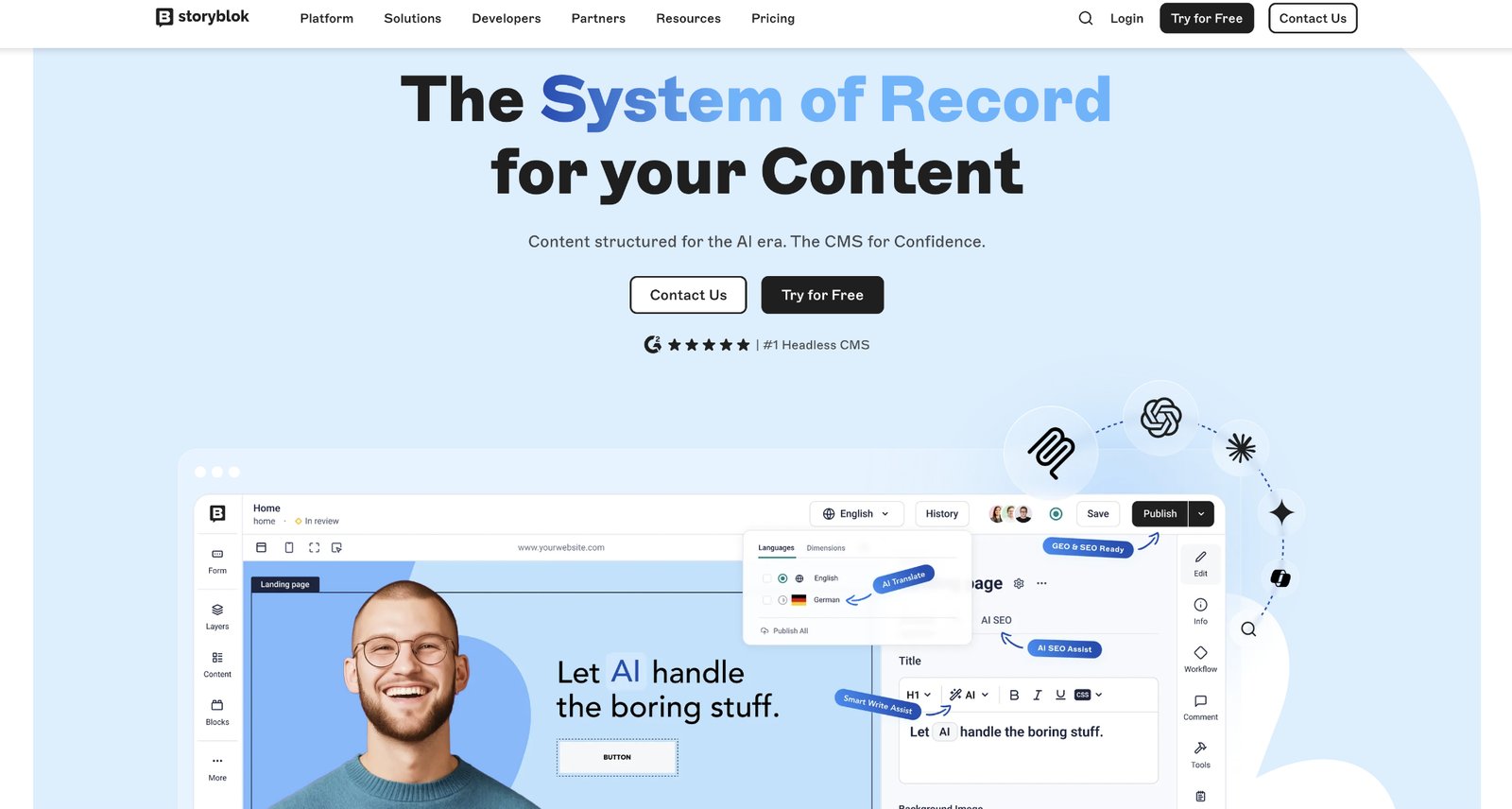
Sanity's Presentation tool requires draft-mode endpoints, encoded preview markers, and framework loaders before an editor sees anything, so Storyblok's live editing is the sharper contrast for a non-technical team.
Its self-serve offerings omit releases, custom workflows, A/B testing, environments, and SSO, so growing teams must negotiate a contract instead of simply upgrading. And Storyblok Agents, launched in September 2026, are metered through AI credits on paid tiers.
Storyblok pros:
- Three localization strategies: Field-level, folder-level, and space-level translation are available throughout the product, with AI translations in 40+ languages and a Lokalise integration for managed workflows.
- Data center choice: Storyblok hosts in Europe, the US, Canada, and Australia through its custom-priced offerings, which go beyond the EU (Belgium) region that Sanity documents.
- AI ideation access: The Ideation Room and content generation let solo marketers test the AI workflow before committing to a larger implementation.
Storyblok cons:
- GraphQL restricted to custom contracts: Self-serve plans deliver over REST alone; a front end built around GraphQL queries needs a custom-priced tier, while Hygraph serves GraphQL without that contract.
- Hard seat ceiling below enterprise: The top self-serve option sells no extra seats, so a growing content team eventually moves to a custom-priced contract.
- Throttled JavaScript client: The official client rate-limits its own requests by default, and GitHub discussions document page generation stretching to seven seconds and crashes in Astro on Cloudflare Workers that persisted even after callers raised that limit.
What users say about Storyblok
G2 reviewers report clients working independently after handoff. Pricing discussions report sharp increases after crossing asset thresholds:
- Blocks keep content consistent: Reviewers credit nested, reusable components with keeping brand structure intact.
- Price jumps arrive without warning: A July 2026 reviewer asked for more transparent billing when passing costs to clients.
- Rich text is proprietary JSON: Developers must write framework-specific renderers, and custom marks lag Sanity's Portable Text.
- Support and SDK depth disappoint: Multiple commenters describe slow support, an API that cannot fetch child or sibling pages, and TypeScript generation that needs a manual command-line step.
Additional sources: r/webdev Storyblok thread, r/cms pricing thread. Checked September 2026.
Storyblok pricing
The Starter plan is free, requires no credit card and includes 1 seat (2 maximum), 1 space, 100,000 API requests and 100 GB of traffic. It also allows 2 locales, 20,000 stories, 200 components, 2,000 assets, and one day of version retention.
The Growth plan costs $99 per month (or $90.75 per month, billed annually) and includes 5 seats, 1,000,000 API requests, 2 locales, and 30 days of version retention.
The Growth Plus plan is $349 per month (or $319.91 per month, billed annually) for 4,000,000 requests and 10 locales. The Premium and Elite plans are custom priced. Overages on the Growth plan are $10 per month per additional 1,000,000 API requests, $75 per 250 GB of traffic, and $20 per month per extra locale.
Storyblok's July 2026 pricing factsheet also lists a $1,000 fee after two consecutive months over the usage maximum.
Pricing from Storyblok's pricing page. Verified September 2026.
Best for: Small and midsize marketing teams that publish landing pages weekly and have no React developer to maintain a custom editing layer. Agencies get the cleanest client handoff here because the editor needs no custom Studio build.
3. Hygraph
Through a UI schema builder, Hygraph models content as entities and relationships and serves it all from one GraphQL endpoint, with a typed contract developers can introspect. Content federation joins remote REST or other sources (a commerce API, a product database, a legacy system) into that same endpoint without migrating the data.
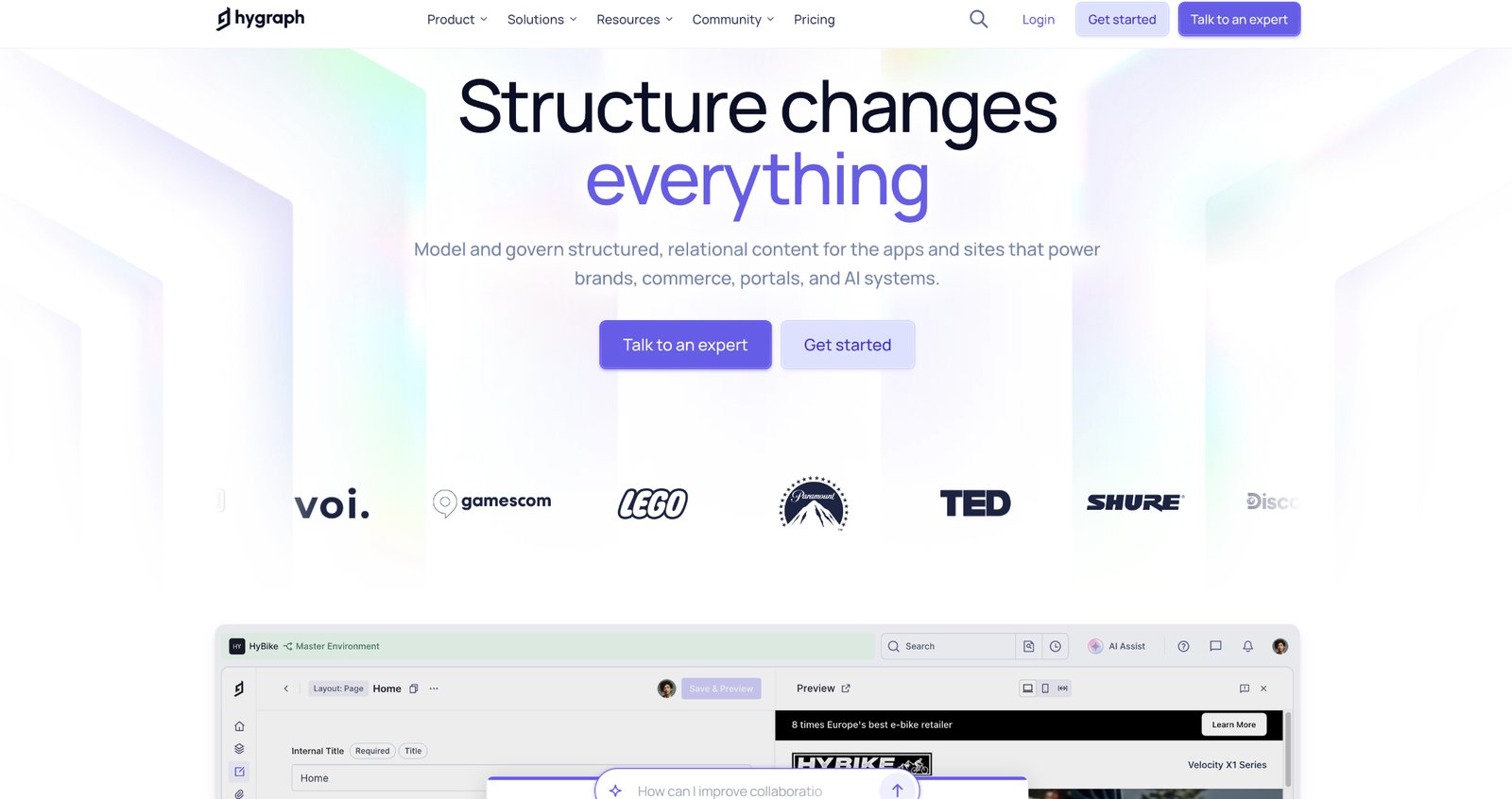
There is no REST delivery option, so every consumer queries GraphQL. Teams who chose Hygraph over Sanity value that typed schema and skip learning GROQ, Sanity's query language, while REST-first teams face a rewrite.
Hygraph's hosted MCP server arrived May 21, 2026, and Claude's MCP Directory listed it on September 15, 2026.
Hygraph pros:
- Content Federation on a self-serve tier: Paid self-serve access includes a remote source so that commerce teams can unify product data and editorial content in a single query.
- Locale depth: Custom projects support extensive locale catalogs, locale-specific roles, per-locale publishing, and a documented Lokalise connector.
- Live preview and workflow access: The entry offering includes live preview plus commenting and assignment, while Contentful's self-serve spaces require a workflow add-on.
Hygraph cons:
- GraphQL-only delivery: Teams with REST-consuming front ends, caching layers, or no-code connectors must adapt, while Contentful, Storyblok, Prismic, and Webflow serve REST.
- Thin version retention: Entry tiers retain little or no version history, compared to Prismic's full history at no charge.
- Governance requires a custom contract: Custom roles, custom workflows, scheduled publishing, and SSO all require a quote, so mid-market teams with a legal review step will need a sales conversation.
What users say about Hygraph
Reviewers agree the GraphQL schema is the draw and disagree about what it costs to live with. Next.js developers cite schema introspection and type generation without GROQ as the deciding factor.
Reviews report aggressive overage enforcement, no autosave, and a simplistic rich-text editor:
- Federation earns its keep: A July 2026 enterprise reviewer credits remote sources with pulling multiple APIs into one content graph, and commerce projects recommend it for connecting disparate systems.
- Editors onboard themselves: Mid-2026 reviews describe a fast, familiar interface with no formal training and direct Slack access to Hygraph staff.
- Free-tier API limits bite during builds: Users on the entry offering report hitting API ceilings while running Next.js builds.
- Authoring gaps persist: Reviewers also report no saving with empty required fields and no schema merge tool.
Sources: r/nextjs Sanity thread, Hygraph on G2. Hygraph on Capterra. Checked September 2026.
Hygraph pricing
The Hobby plan is $0 with no card and no expiry: 3 seats, 2 locales, 10 components, 1,000 entries, 500,000 API calls, and 100 GB of asset traffic a month. Hit the ceiling and the API stops answering until the next cycle (Hygraph bills no overage on Hobby).
The Growth plan is $299 per month (or $199 per month when billed annually) for 10 seats, 3 locales, and one remote source; overages run $0.20 per 10,000 API operations ($20 per 1,000,000) and $0.20 per GB of asset traffic.
AI Assist is available across plans. The Enterprise plan offers up to 200 seats, 365-day version retention, and the governance set, but requires contacting sales for a quote.
Pricing from Hygraph's published plans. Verified September 2026.
Best for: Teams whose site must display data owned by other systems, such as commerce catalogs or inventory, alongside editorial content, and whose front end already speaks GraphQL.
4. Prismic
Developers and editors split responsibility in Prismic. Developers define Slices (reusable page sections) with Slice Machine (a local tool that generates JSON models and TypeScript types), and editors assemble them in a page builder.
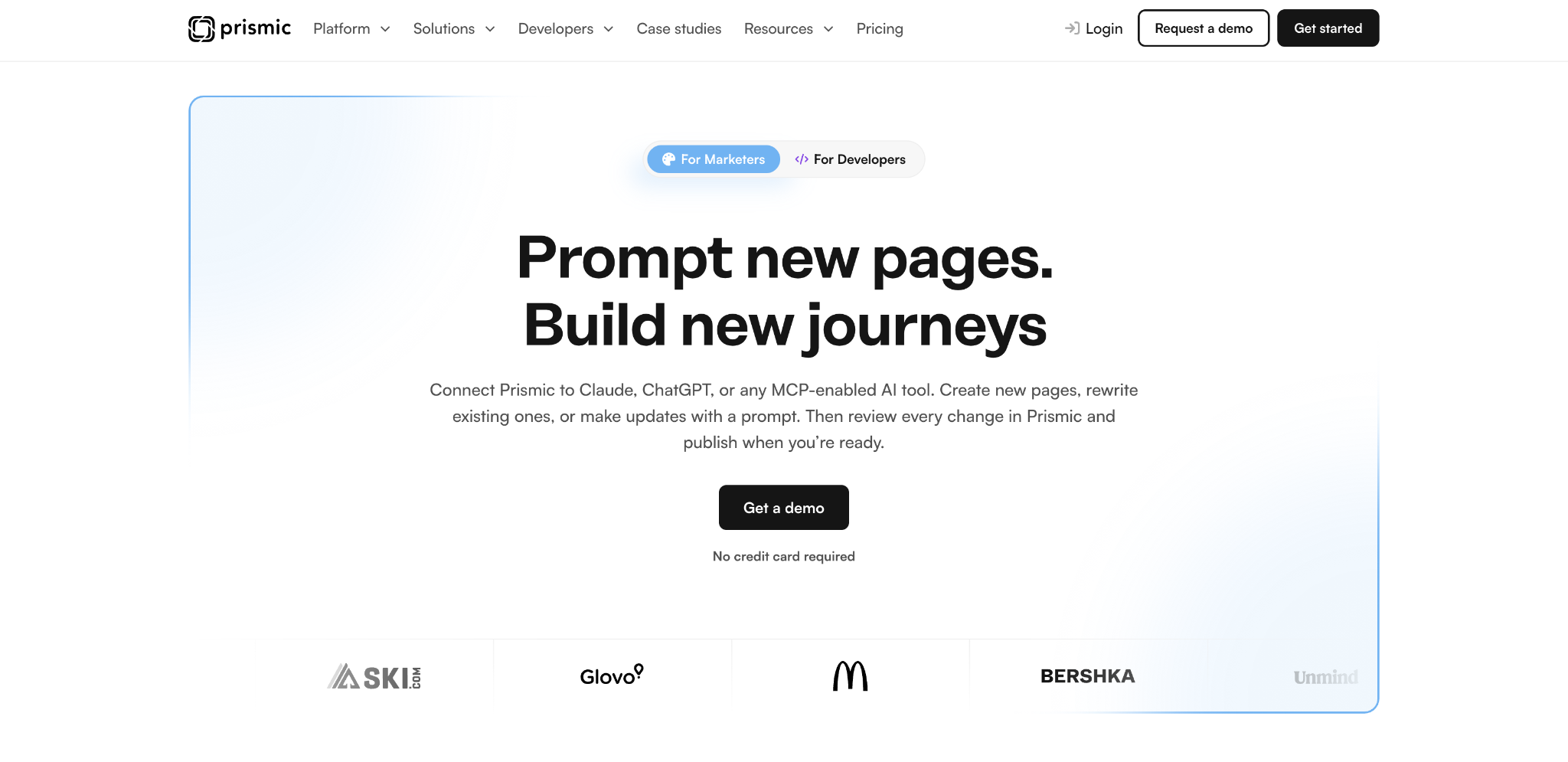
Structure is versioned in your codebase, composition happens in the browser, and the whole thing runs only in Prismic's cloud. Structural changes, such as a new Slice, still route through a developer and a deploy.
Prismic's MCP server, shipped June 8, 2026, writes only into drafts inside a release and cannot publish or delete. This deliberate guardrail means a human still has to press publish.
Prismic pros:
- No document ceilings: Documents, Slices, types, and assets are unlimited, while Sanity can stop writes at its document quota.
- Scheduling, releases, and full history: Scheduled publishing, atomic releases, and complete revision history support coordinated publishing and rollback.
- Migration API and CLI: The migration API is GA, the Prismic CLI shipped June 7, 2026, and AI translation is also available, so moving content in and translating it are scripted paths.
Prismic cons:
- Quota-triggered plan upgrades: Crossing the monthly API call limit moves the repository up a tier automatically instead of billing overage, so uncached front-end or bot traffic can multiply the bill without human approval.
- Limited entry permissions: The entry tier allows a single login, and user roles arrive partway up the paid ladder, so small content teams on lower tiers share one permission level.
- No self-hosting or environment automation: Prismic runs only as SaaS, offers no programmatic environment management, and restricts development environments, while self-hosted, developer-owned tools give every developer a local instance.
What users say about Prismic
Prismic's sentiment flips on setup versus scale. Reviewers rank ease of use as its top attribute and describe content teams assembling pages from approved slices without a developer per update.
Next.js users praise imgix-powered media delivery as cheaper than serving through Vercel. Pricing discussions carry warnings about automatic upgrades:
- Slice Machine is the draw for developers: TypeScript SDKs, generated types, and Next.js, Nuxt, and SvelteKit integrations make setup smooth.
- Auto-upgrades stunned budgets: Users report a plan jumping 20 times in price in one billing cycle and a separate 6x auto-upgrade in January 2025.
- API calls vanish without caching: One unpublished Next.js project burned through a monthly quota in 14 days due to missing revalidation, loops, and bots.
- Editor tooling breaks at volume: Reviewers describe search needing several attempts among 1,000-plus pages, autosave losing work, and one-way links that block complex queries.
Sources: Prismic on G2, r/nextjs feedback thread, r/webdev pricing thread. Checked September 2026.
Prismic pricing
Prismic prices per repository, with a monthly rate and a lower rate when billed annually on every paid plan. The Free plan is $0 for 2 locales, 4,000,000 API calls, and 100 GB of CDN a month; past that limit, the repository locks.
The Starter plan is $15 per month (or $10 per month, billed annually) for 3 users and 3 locales, and the Small plan is $30 per month (or $25 per month, billed annually) for 7 users and 4 locales.
The Medium plan is $180 per month (or $150 per month, billed annually) for 25 users and 5 locales, and the Platinum plan is $750 per month (or $675 per month, billed annually) for unlimited users and 8 locales, with the development environment add-on at $3,000 per year. API quotas are 4,000,000 calls on Free, Starter, and Small, 5,000,000 on Medium, and 10,000,000 on Platinum.
The page builder, scheduled publishing, releases, and full revision history are included across plans. For the Enterprise plan, contact sales for SSO, backups, an SLA, and a customer success manager.
Pricing from Prismic's pricing page. Verified September 2026.
Best for: Small marketing teams and agencies with one front-end developer who defines Slices once and then hands publishing over. Sites with high, uncached traffic should model the quota math before committing, because crossing the limit moves the repository up a tier.
5. Contentful
Now part of Salesforce, Contentful defines content types, fields, and references in its web UI and delivers them over REST and GraphQL.
It anchors the governance-focused group of Sanity alternatives. ISO 27001 certification, PCI DSS payment-security certification, and System for Cross-domain Identity Management (SCIM) provisioning are all available but require a custom contract.
The same applies to EU data residency in AWS Ireland and Frankfurt and up to a 99.99% uptime service-level agreement (SLA).
Modeling happens inside spaces, and each space carries its own content types, environments, and record count. Limits also apply at the space level, so that’s how you’ll plan and budget. Being part of Salesforce also means commerce and CRM data sit one integration away from editorial content.
For a team leaving Sanity over enterprise governance, Contentful offers a larger compliance catalog under a separate custom contract.
Contentful pros:
- Remote MCP server: Generally available since July 21, 2026, scoped per space and per environment, it lets agents in Cursor, VS Code, Claude Code, and ChatGPT read and write content, manage models, and invoke AI Actions.
- Locale-based publishing: Editors publish a single locale independently, and a wildcard locale parameter returns every translation in one call.
- Long scheduling horizon: Each environment holds up to 200 pending scheduled entries dated up to five years out, covering embargoed launches without a workaround.
Contentful cons:
- Locale gating: Self-serve locale allowances suit only a few markets, so multi-market teams reach the ceiling early.
- Default space ceilings: Content types, records, environments, and workflows carry fixed limits, so larger spaces require an add-on.
- No visual assembly on self-serve plans: Editors work in field forms with a separate preview URL, while Storyblok and Prismic include click-to-edit page building.
What users say about Contentful
Reviewers call the SDKs and delivery APIs accessible even for beginners and credit the global CDN with low-latency delivery. Client conversations describe costs creeping with each added user or environment, and one commenter reports SSO alone forcing a custom contract:
- Modeling is unforgiving: Poorly planned content types on day one become expensive to unwind, and circular references need upfront design.
- Omnichannel reuse works as advertised: Reviewers deliver one content set to web, mobile, and partner portals and single out Salesforce Commerce and CRM integration.
- Editorial UX loses non-technical editors: Reviewers used to WordPress find the interface hard and internal search weak, and there’s no comments dashboard.
- Environments are CLI-bound: Branching and migrating data between spaces require command-line tooling, which rules out teams without a continuous-integration habit.
Sources: Contentful on G2, r/cms pricing thread. Checked September 2026.
Contentful pricing
The Free plan is $0 forever for 10 users and 2 roles, with a hard cap of 100,000 API calls and 50 GB of CDN bandwidth a month. Contentful says this plan is for learning and not intended for commercial use, and it halts delivery at the cap instead of charging for excess.
The Lite plan is $300 per month for 20 users, 3 roles, 1,000,000 API calls, and 100 GB of bandwidth, with overages at $5 per additional 1,000,000 API calls and $0.15 per additional GB.
A Lite Space add-on at $850 per month raises a space to 50 content types, 4 environments, 50,000 records, and 5 workflows. The Enterprise plan, like Studio, AI Actions, and Personalization, requires contacting sales.
Pricing from Contentful's published plans. Verified September 2026.
Best for: Organizations with a dedicated engineer to own content modeling and CI-based environment promotion, where Contentful's constraints become routine procedures. A custom contract also buys SCIM, residency, and audited access if you already run Salesforce.
How to choose the right Sanity alternative
First decide whether you are staying in a headless architecture at all. If the real problem is that every page waits on a developer, Webflow renders and hosts the site so marketers ship without the queue.
If you are staying headless, use your seat count, locale count, and last month's API requests to evaluate the questions below in order:
- Who needs to add a field without filing a ticket? If marketers or content leads need to add fields or a new page type without a deploy, choose from Storyblok, Hygraph, or Contentful, whose schemas live in the UI. If your engineers want the schema in code with typed queries, Prismic's Slice Machine delivers.
- Which published option covers your non-negotiables? Prismic includes releases and scheduling on published tiers, while most other vendors require a custom contract for advanced publishing and SSO. Prismic exposes custom roles before Hygraph and Contentful do.
Your shortlist should now contain only tools that match both your operating model and your required controls. This should provide a useful basis for trialing your viable Sanity alternatives.
Run your marketing site on Webflow and publish structured content; no separate front end required
Run production content and live traffic through the entry tier of whichever tool makes your list, and watch the API request counter, because that number sets your bill on Prismic, Hygraph, Storyblok, and Sanity alike.
If the developer queue is the friction you're trying to leave behind, the platform that renders and hosts the site removes it first, so start a free Webflow site and rebuild a Collection before deciding.

Unlock growth with SEO
Join Webflow and leading growth agency Graphite as they discuss actionable insights for scaling and achieving growth with SEO
Frequently asked questions
How much should you budget for a Sanity alternative?
Model API requests by multiplying uncached page views by the number of content queries each view triggers, then add asset traffic, seats, locales, and required governance features. Compare that full operating cost with each vendor's published pricing block.
Which free Sanity alternative should you choose?
Choose the option whose first likely failure your team can absorb. Test a restore, a schema change, editor permissions, and production-volume traffic during the evaluation; a tool that passes those checks is a safer choice than one selected only for its entry price.
Is Sanity the best CMS?
Sanity fits teams that want schemas in JavaScript or React and content stored as JSON documents in the Content Lake. It supports both GROQ and GraphQL, while its free offering uses public datasets only. Your evaluation should test Studio performance, preview setup, and request consumption with the content model you plan to ship.
How hard will it be to move content off Sanity?
Start with a dry run that maps Sanity document IDs, references, locales, Portable Text fields, and assets to the destination schema. Preserve an ID map so you can rebuild references after entries import, then compare record counts and render representative pages before switching traffic. Prismic provides a GA Migration API and CLI, and Contentful relies on command-line tooling between spaces.

Choose the right CMS for a scaling enterprise
Discover how the right CMS can allow teams to efficiently scale rich, complex content – all without writing code.