




Whether you are gating premium content or a paid community, the best membership platform for your business comes down to the job and how much code you want to write.
A membership or paywall platform lets you gate content or community access behind a paywall and handles billing and member management. The best one for you comes down to two questions. What are you gating, and how much of the setup do you want to build yourself?
For an existing site, a no-code layer like Memberstack or Outseta adds the gate without a rebuild. For a community or a set of courses, an all-in-one platform takes on more of the work and ties you more tightly to it.
In this guide, we compare the seven best membership and paywall platforms based on what you are gating and how much code each platform requires.
Key takeaways:
- If you want to gate an existing site without touching code, Memberstack is the strongest fit, and it is built to sit on a Webflow site.
- Outseta suits subscription-based sites or early-stage SaaS businesses that want billing, login, CRM, and email in one back office.
- MemberSpace adds a paywall to almost any site builder, which helps when you are not rebuilding.
- For gating a community, Circle leads; for gating courses, Kajabi is the premium pick and Podia the simpler, cheaper one.
- If your site runs on WordPress, MemberPress is the plugin route, with a transaction fee on its entry plan that its higher plans remove.
The 7 best membership platforms: overview
We built this quick reference table according to each vendor's pricing pages and product documentation. We also weighted four factors that decide whether a tool still fits as you grow:
- Type of gate (e.g., content, accounts, a community, courses)
- Setup (i.e., whether it layers onto your existing site or asks you to build inside it)
- Starting price
- Transaction fees
- Standout features
The first three platforms below (Memberstack, Outseta, MemberSpace) add membership and a paywall to an existing site. The next three (Circle, Kajabi, Podia) are all-in-one platforms you build inside. And MemberPress is a plugin option if your site already runs on WordPress.
1. Memberstack
Memberstack is a no-code authentication and payments layer you add to a site you have already built. You keep your existing design and hosting, and Memberstack handles logins, member accounts, gated pages, and Stripe payments.
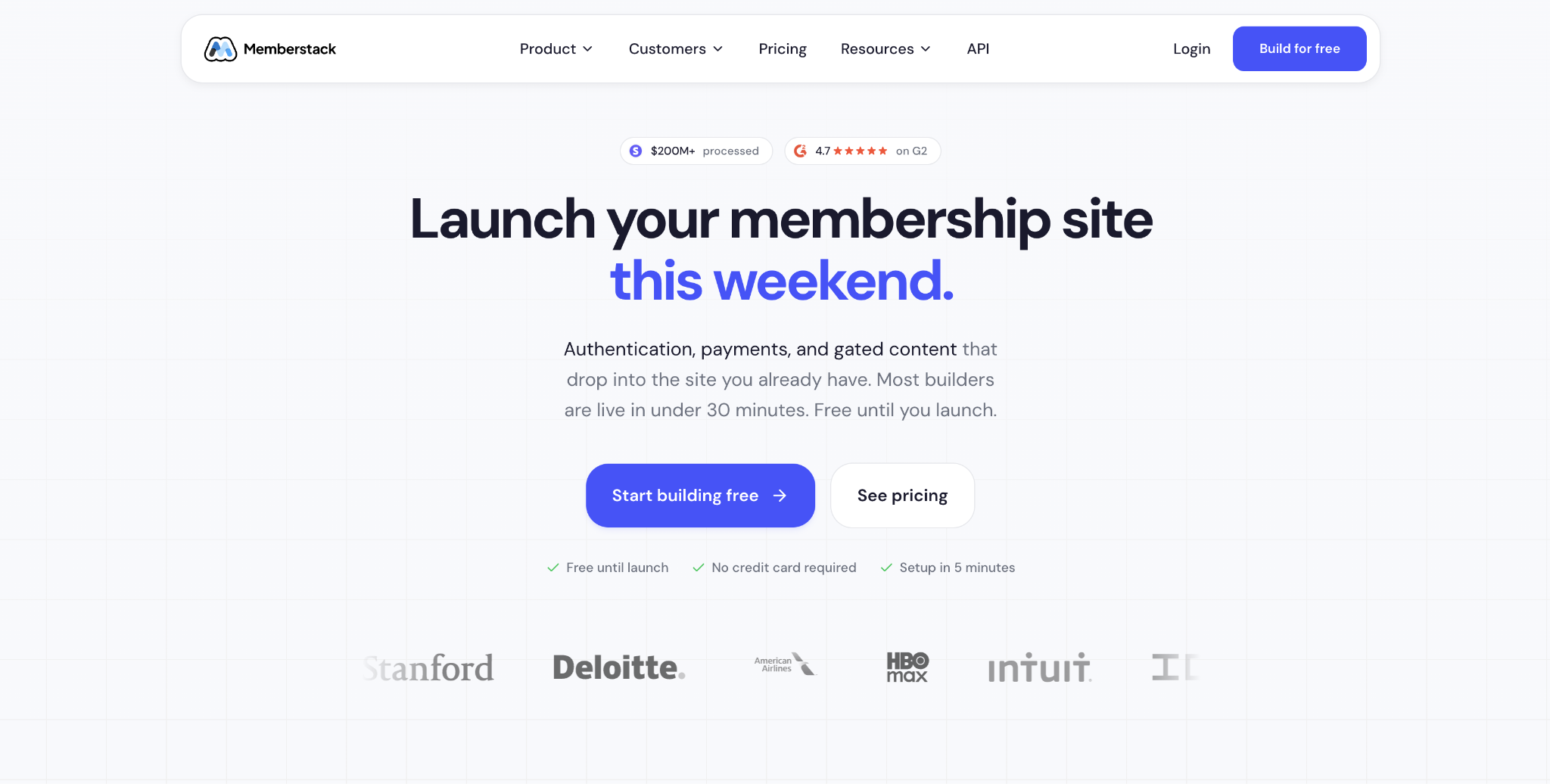
The reason we reach for it first on an existing site is that it does not require you to move. Your pages stay in your CMS, and you mark which ones need a login or a paid plan. That is the difference between shipping a members' area quickly and rebuilding the marketing site on someone else's platform.
Memberstack has processed more than $200 million for its users, so the payment path is proven. It gives you the gate and the billing, but no CRM or email marketing of its own. A subscription business that wants those in one place will add more tools.
Memberstack pros:
- Sits on your existing site: The members' area lives on the same domain as the marketing site, and the Webflow integration is a documented setup rather than a rebuild.
- Free until you launch: Build and test the whole gated experience before paying anything. Billing starts when you launch.
Memberstack cons:
- Membership layer only: No CRM, email, or help desk of its own, which is why a subscription business that wants those looks at Outseta instead.
- A fee on the lower plans: The transaction fee applies to the entry tiers and reaches 0% only on the top plan, so it grows more costly as your revenue grows.
Pricing: Free until you launch. Paid plans start at $25 per month (billed annually at $29 per month) for up to 1,000 members, and the transaction fee drops from 4% to 0% as you move up.
Best for: Teams with an existing site that want to gate content and accept payments without leaving the platform.
2. Outseta
Outseta is an all-in-one membership platform that bundles authentication, billing, CRM, email, and a help desk, and it embeds on your existing site. Where Memberstack gives you the gate, Outseta gives you the back office behind it.
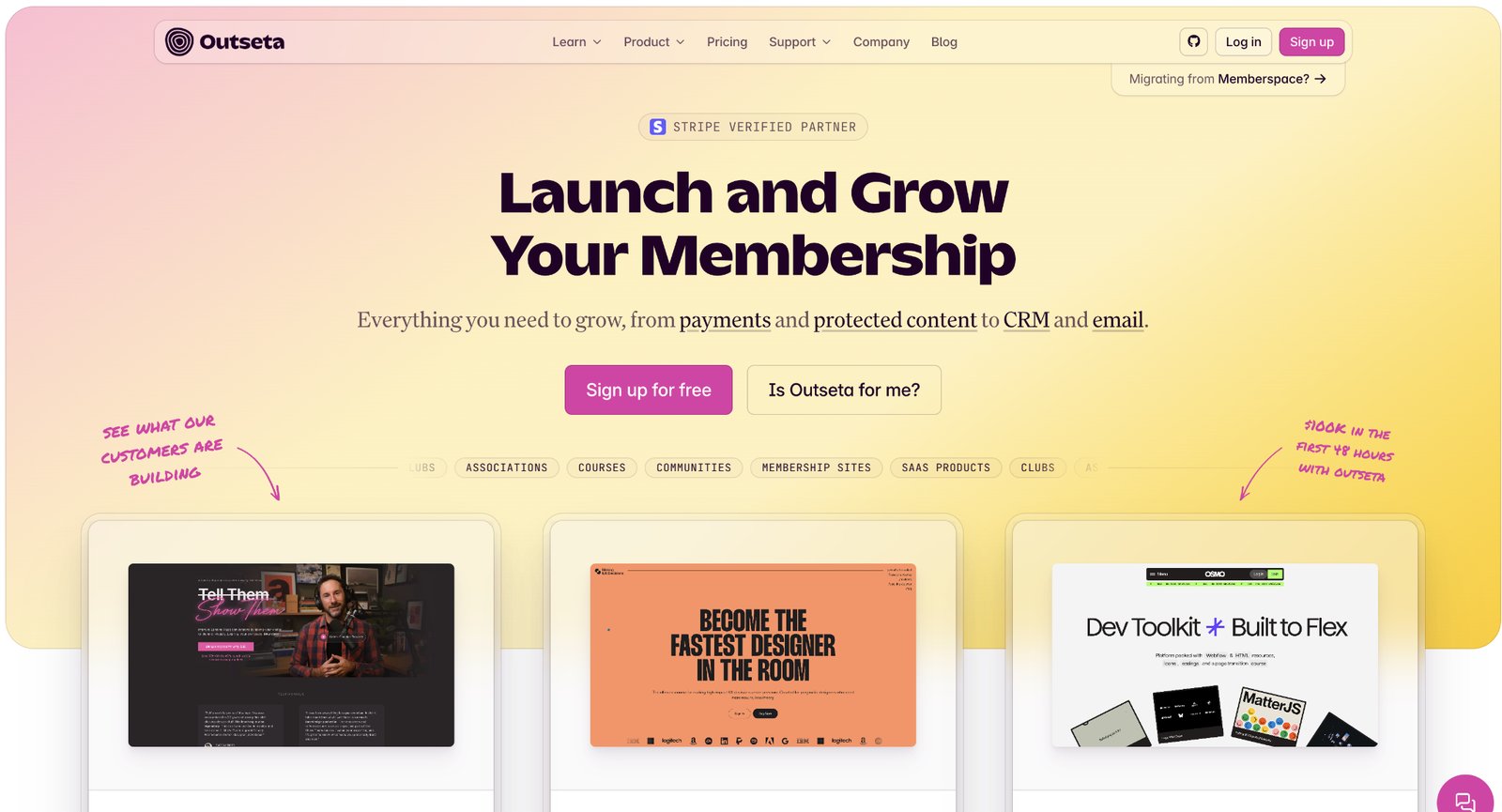
We point subscription sites and early SaaS teams here when the alternative is buying four tools in the first month. One login covers the member record, the invoice, the onboarding email, and the support ticket, so customer history lives in one place. Outseta also prices by feature and revenue rather than per seat, so adding your developer or community manager costs nothing extra. The all-in-one model has a ceiling, though. Each module is good enough rather than best-in-class, so a team already running a dedicated CRM or help desk may not want to fold those in.
Outseta pros:
- One back office: Authentication, billing, CRM, email, and support in a single tool, so customer history sits in one place.
- Priced by feature, not per seat: Adding teammates costs nothing extra, and the transaction fees are low.
Outseta cons:
- Good, not best-in-class: The bundled CRM and email do less than dedicated tools, which narrows the all-in-one appeal.
- A 2% fee on the entry plan: It drops to 1% on higher plans, and Stripe's standard processing charge applies on top of either fee.
Pricing: Plans start at around $37 per month (billed annually), plus a 2% transaction fee that drops to 1% on higher-tier plans. Stripe's standard processing fee applies on top.
Best for: A subscription site or early-stage SaaS that wants its billing and its customer records in one system rather than stitched together across separate tools.
3. MemberSpace
MemberSpace adds a paywall and member accounts to a site you already run, and it works across most site builders. If your site lives on Squarespace, Webflow, or WordPress and you want to gate part of it without migrating, MemberSpace fits the bill. It also connects to Webflow via a documented integration.
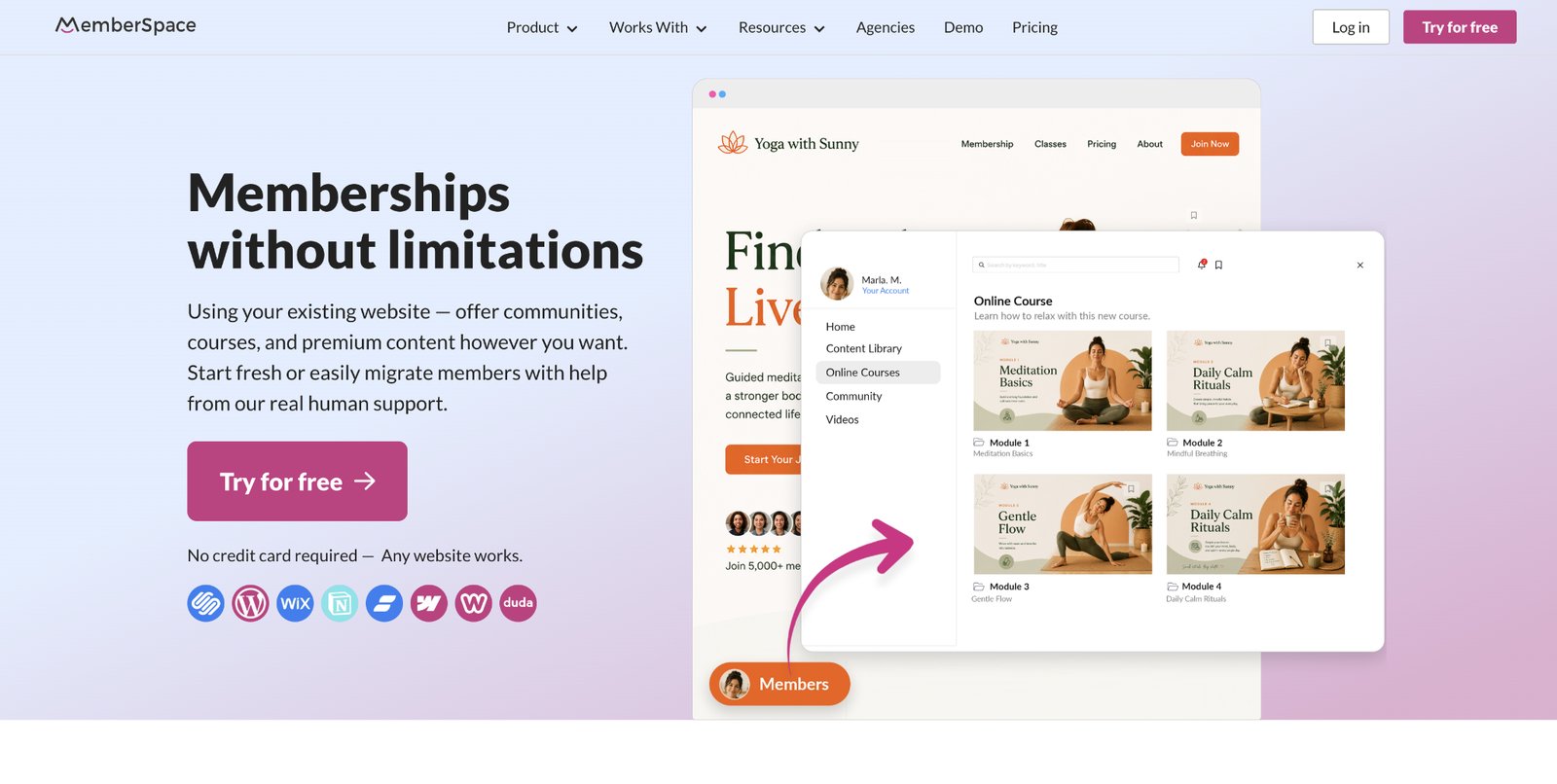
You pick which pages require a login or a payment, and MemberSpace handles the account and the checkout. Members have earned more than $300 million through it, so the core flow is proven. The tradeoff is cost. The transaction fee starts higher than Memberstack's or Outseta's and drops from 5% to 2% only on the more expensive plans, so a site with real revenue will feel it until it upgrades.
MemberSpace pros:
- Builder-agnostic: Works with most site builders, so you can gate a site without migrating it.
- Short setup path: Choose the pages that need a login or payment, set the price, and publish.
MemberSpace cons:
- A higher entry fee: The transaction fee starts at 5% and only drops to 2% on higher plans, above where Memberstack and Outseta begin.
- Light on CRM and marketing: It focuses on the gate and the checkout, so for member records and email in the same tool, an all-in-one platform covers more.
Pricing: Plans start around $24 per month (annually), and the transaction fee falls from 5% on the entry plan to 2% as you move up.
Best for: Adding a paywall to an existing site on any builder without rebuilding it.
4. Circle
Circle is a community-first platform that supports courses, events, live streams, and paid memberships. You are not gating a marketing site here. Instead, you are running the community as the product.

We recommend Circle when the thing people pay for is access to each other. One membership covers the whole community: discussion spaces, events, live streams, and the course library. The paywall wraps the entire community rather than a few pages. That focus is also the boundary. Circle is a place your members go, not a layer on your existing site, so it fits a standalone community better than a gated section of a brand site.
Circle pros:
- One membership covers everything: Discussion spaces, courses, events, and live streams under a single paid membership, built to keep members coming back.
- Keep your marketing site: Run the marketing site in Webflow and the community in Circle, connected by the Webflow and Circle integration.
Circle cons:
- A destination, not a layer: Members go to Circle rather than to the site you already run, which fits a standalone community well and a gated brand-site section poorly.
- Ownership sits with Circle: You trade design control and ownership for the community features.
Pricing: Paid plans start at $89 per month (annually), and the transaction fee runs from 2% down to 0.5% on higher plans.
Best for: Running a paid community where the community itself is the product.
5. Kajabi
Kajabi is a premium all-in-one platform for people whose product is a course or a coaching program. It bundles the course builder, checkout, email marketing, and landing pages, and it takes no platform fee on sales, though its payment processing carries the standard 2.9% plus $0.30.
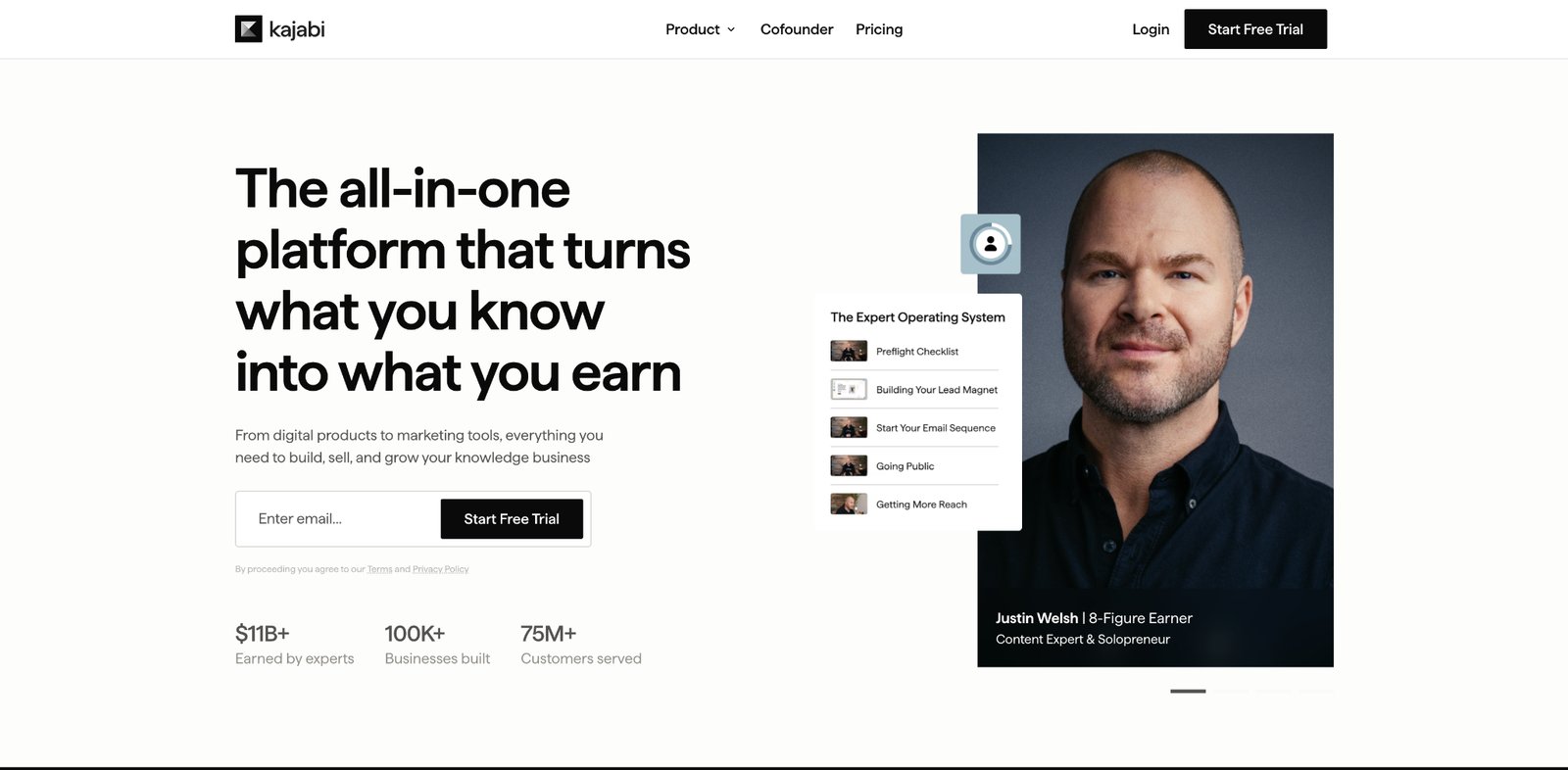
We recommend Kajabi to established course sellers and advise price-sensitive beginners to choose another platform for the same reason. Kajabi charges a real monthly fee and gives you a business system that earns it back once you are already selling. If you are testing your first course, that monthly cost lands before the revenue does.
Kajabi pros:
- A whole business in one platform: The course builder, checkout, email marketing, and landing pages ship together, with no platform fee on each sale.
- Keep your marketing site: Kajabi exposes a Public API, so you can keep the marketing pages in Webflow and integrate courses with a Webflow Cloud app; the Kajabi integration covers simpler embed routes.
Kajabi cons:
- The highest starting price here: The monthly fee lands before revenue when you are testing a first course.
- Overbuilt for a simple paywall: If you only need a login on a few premium pages, most of what you pay for goes unused.
Pricing: Plans start at around $143 per month (annually) on the Basic plan and increase for the Growth and higher tiers. Kajabi charges no platform fee on sales; its payment processing is 2.9% plus $0.30 per transaction.
Best for: An established course or coaching business that will use the marketing suite.
6. Podia
Podia is a simpler, cheaper way to sell courses and digital products, with a low starting price and a free trial. Where Kajabi is a full business suite, Podia is the tool you reach for to sell your first few products without a big monthly commitment.

We point early creators and lean teams here. You start on a trial, publish a course or a digital download, and pay once it makes sense. The catch is the transaction fee on the entry-level paid plan, which takes 5% of each sale until you move up to a plan that removes it.
Podia pros:
- A low-commitment start: A modest monthly price and a 30-day trial let you publish a course or a download and see whether anyone buys.
- One simple tool: Courses, memberships, digital downloads, and email all run from the same place.
Podia cons:
- A 5% fee on the entry plan: The Mover plan charges 5% on each sale, and the fee drops to 0% on the higher tiers.
- Fewer scaling features: Podia offers less marketing and automation than Kajabi, which is part of why it costs less.
Pricing: Podia offers a 30-day free trial. Paid plans start at around $42 per month (annually) on the Mover plan, with a 5% transaction fee; the fee drops to 0% on the higher Shaker and Earthquaker plans.
Best for: Selling your first courses or digital products without a large monthly commitment.
7. MemberPress
MemberPress is a WordPress membership plugin. If your site already runs on WordPress, it turns that site into a membership site with paywalled content, member tiers, and access rules, without moving to a new platform.
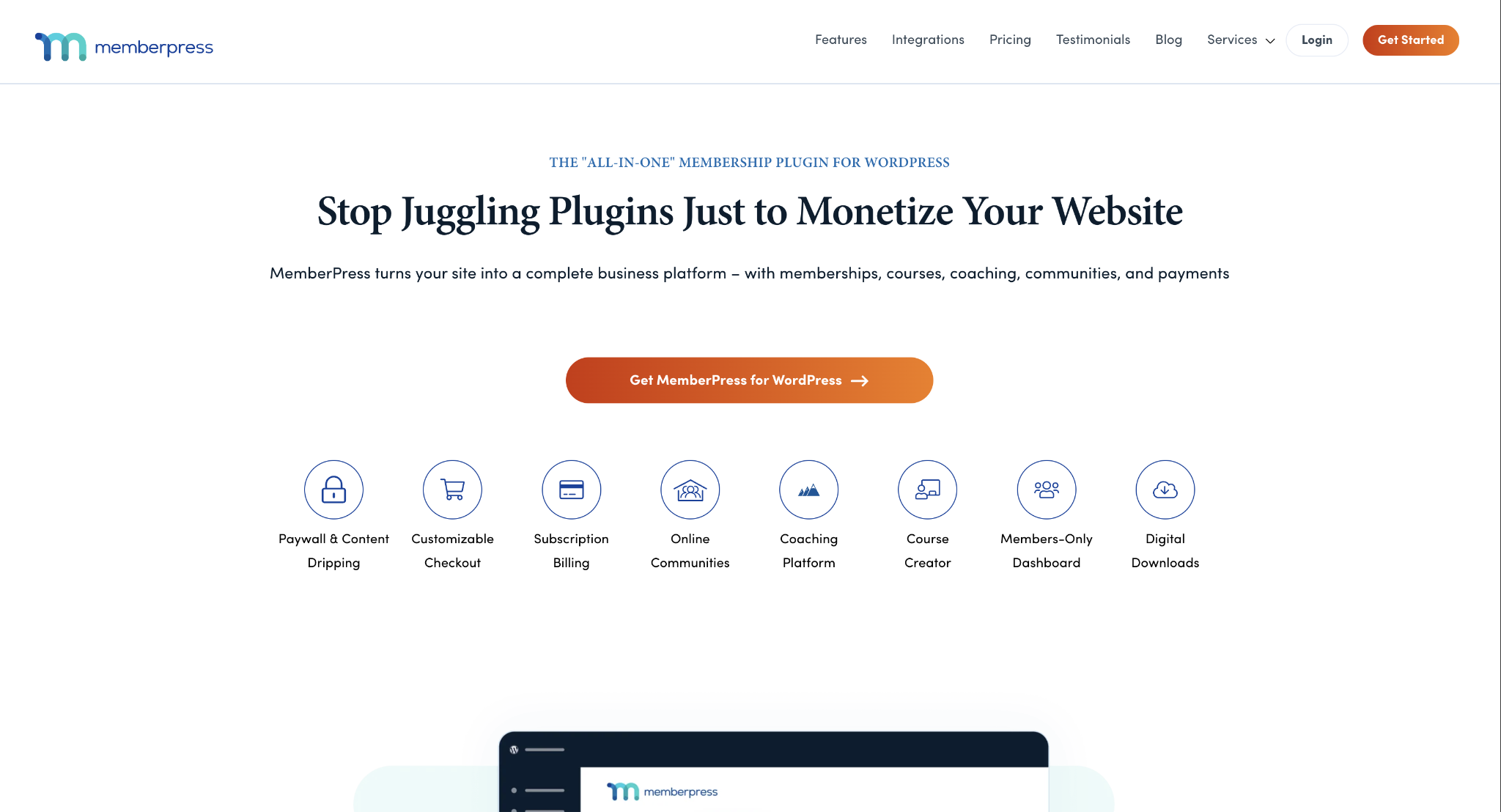
We recommend MemberPress when you are already on WordPress and plan to stay. It reads the content you have and wraps access rules around it. The Launch plan charges a 4.9% transaction fee on each payment, and the higher plans remove that fee. The remaining cost is for WordPress. You own the hosting, the updates and the plugin conflicts that can come with them.
MemberPress pros:
- WordPress-specific compatibility: Reads the content already on your WordPress site and wraps access rules, tiers, and paywalls around it, with nothing to migrate.
- Fee-free on higher plans: The Launch plan takes 4.9% per payment; upgrading removes MemberPress's own cut, and your payment processor's rate always applies.
MemberPress cons:
- WordPress-only: It runs as a plugin, so it is not an option on a hosted builder. Choosing it means staying on WordPress.
- The maintenance is yours: Hosting, updates, and plugin conflicts all land on you. Budget time for it alongside the license.
Pricing: Sold as an annual WordPress license, starting at $199.50 per year. The Launch plan carries a 4.9% transaction fee, and higher plans remove it. Your payment processor's fee always applies.
Best for: Gating content on a site that already runs on WordPress and will stay there.
How to choose the right membership platform
Work through three questions in order:
- What are you gating? Content or accounts on a site you have already designed points to a layer: Memberstack or Outseta on a Webflow site, or MemberSpace on another builder. A community points to Circle. Courses point to Kajabi once you are established and Podia when you are starting. A WordPress site that will stay on WordPress points to MemberPress.
- What will it cost at your volume? Weigh the transaction fee against the monthly price. A low monthly plan with a 5% fee can cost more than a higher plan at 0% once you are generating real revenue. Run your numbers at the volume you expect within a year, not the volume you have today.
- What extra features do you need? A CRM, email, or a community feed can push you from a simple layer toward an all-in-one platform. And when design matters, keep the site in a tool built for design and add the gate, rather than moving the site into a tool built for gating.
Finally, consider your long-term maintenance capacity. While a no-code layer or an all-in-one platform minimizes technical overhead, your choice will influence how you manage updates.
How Webflow works with membership and paywall tools
A membership platform gates access and takes payment. It does not give you the designed, owned marketing site to gate in the first place. That site is the layer underneath; Webflow is a common way to build it, and Memberstack and Outseta are built to plug into it.
You design and host the site in Webflow, model the gated content in the Webflow CMS, then add the membership layer on top. Memberstack and Outseta are both built for exactly this, and both are Webflow partners, so the connection is a documented setup rather than a workaround.
If you want the gated experience to look like the rest of your brand and stay yours to change, build it in Webflow first, then layer the membership on top:
- Design and hosting together: Build the marketing site and the members' area on a single canvas, so members never have to switch subdomains to reach what they paid for.
- A real CMS to gate: Model your courses and premium content as structured content rather than one-off pages, then put it behind a login.
- Partner-ready: Memberstack and Outseta both connect to Webflow as documented integrations, so setting up the gate is a step rather than a rebuild.
- Design control you keep: Change the look of the members' area whenever the brand changes, without waiting on a platform's template system.
- Room to grow: Start with a single paywall and add member tiers, richer content, and more payment options as the program earns them.
- Or build the gate yourself: If none of these tools fit, Webflow Cloud runs your own app beside the site, which is how teams ship a full-stack membership flow with Supabase, Auth0, and Stripe, or handle logins with Supabase Auth.
Start with the site your members will actually see, and add the membership layer once it is right.

Unlock growth with SEO
Join Webflow and leading growth agency Graphite as they discuss actionable insights for scaling and achieving growth with SEO
Frequently asked questions
What is a membership or paywall platform?
A membership or paywall platform controls who can access parts of your website and collects payment for that access. It handles member logins and recurring billing for gated pages so that you can charge for premium content, a community, courses, or downloads. Some run as a layer on your existing site, such as Memberstack, Outseta, and MemberSpace; others are all-in-one platforms you build inside, such as Circle, Kajabi, and Podia.
Can I add a paywall to a Webflow site?
Yes. Webflow does not gate content on its own, so you add a membership tool on top of it. Memberstack and Outseta are built for Webflow and are Webflow partners, so you design and host the site in Webflow and let the membership tool handle the logins and the payments.
What is a transaction fee, and why does it matter?
A transaction fee is the cut the membership platform takes from each payment, in addition to what your payment processor charges. Almost every tool here settles through Stripe, so budget Stripe's own percentage on top of the platform's fee. It matters because a low monthly plan with a high fee can end up costing more than a pricier plan at 0% once your revenue grows.
What is the cheapest way to start a membership site?
The cheapest start is a free trial or a basic entry plan while you build. Memberstack is free until you launch, and Podia offers a 30-day trial, while MemberPress is a one-time annual license rather than a monthly fee. Weigh the entry price against the transaction fee at the revenue you expect in a year, not the revenue you have today.
Do I need to know how to code to build a membership site?
No. Memberstack, Outseta, MemberSpace, Circle, Kajabi, and Podia are all no-code, so you add the gate and set the rules from a dashboard. MemberPress is the exception, since it runs as a plugin on a WordPress site you host and maintain yourself.
If you do write code and would rather own the whole flow, that is also an option on Webflow Cloud: you can add authentication and payments to a Webflow Cloud app with Auth0 and Stripe, and layer role-based access control on top when members need different tiers.

Choose the right CMS for a scaling enterprise
Discover how the right CMS can allow teams to efficiently scale rich, complex content – all without writing code.