










It’s no secret that a website translated to a visitors’ language of choice performs best.
Yet for teams managing frequent content updates across markets, the overhead required to translate and localize content often means your content falls out of sync across languages.
Today, we’re introducing agentic translation to improve translation workflows inside Webflow Localize with the help of agents, so your team can launch new markets faster, while ensuring translated content is always up-to-date.
Set your preferences once per language
Agentic translation gives your team two new ways to manage your translation workflows, from hands-on review to hands-off automation.
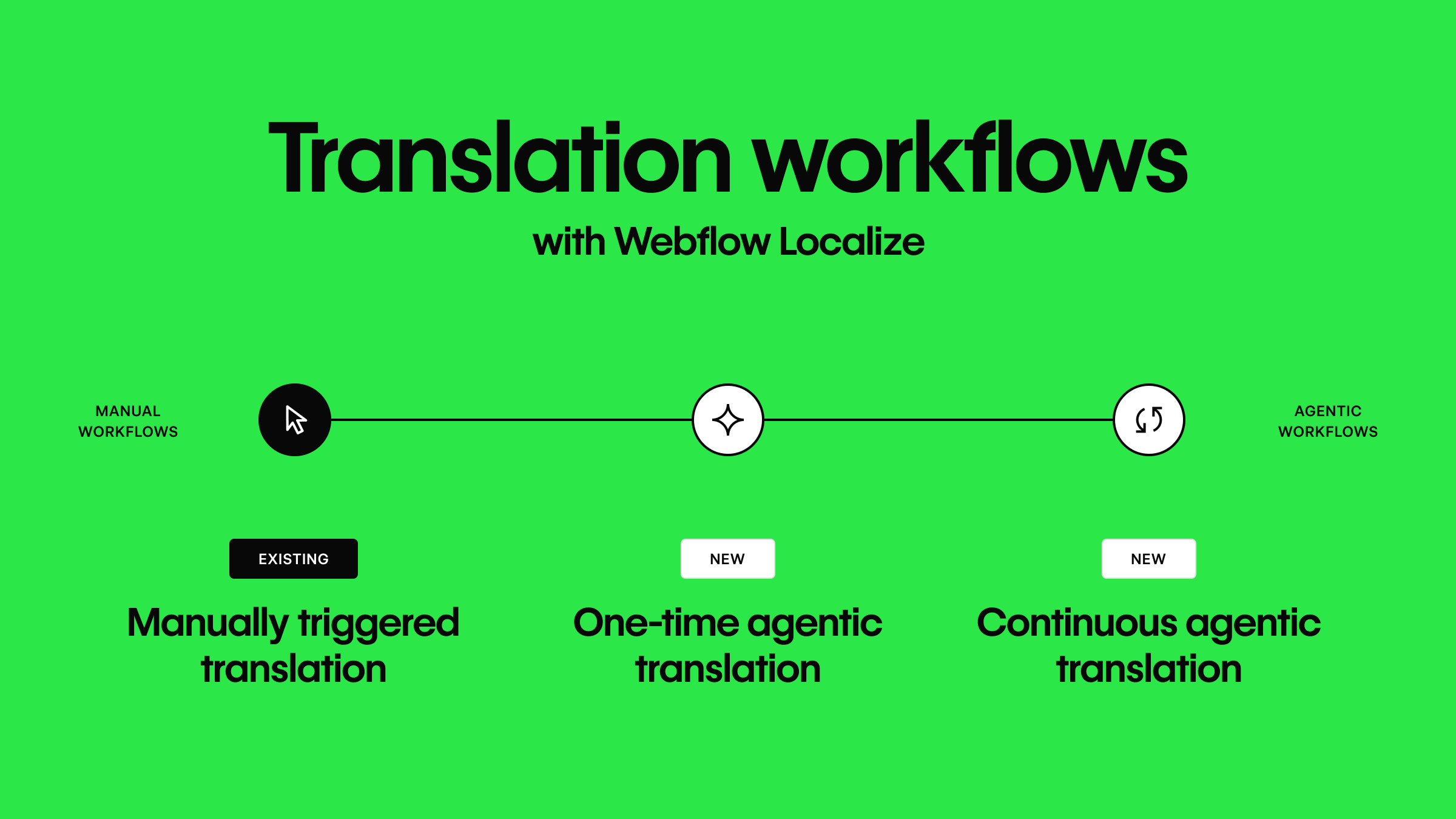
One-time translation is built for teams looking to move quickly while keeping a human in the loop. With one-time translation, agents provide a first pass across an entire target language. Agents will translate your site’s page content and meta data once, for your team to review, edit, and sharpen before it goes live. With one-time translation enabled, the target language stays as your team left it, even if the content in your primary locale is updated.
Continuous translation prioritizes speed by having agents keep your content in sync across languages, using your site's tone, formality, and glossary settings to ensure on-brand translations. If you edit a headline in your primary locale, any locales with continuous translation turned on will be automatically updated to reflect the change.
New ways to provide context and guardrails for agents
But moving faster with the help of agents only matters if you trust their work. So we’re also introducing two new features to help govern how agents handle translation inside Webflow.
Exclusion rules let you proactively identify the specific pages, components, CMS fields, and component props you want to keep out of the translation process entirely–content like the SKUs, reference codes or internal-only fields. Excluded content is filtered out entirely and never passed to a model for translation. Learn more here.
Translation memory helps us ensure effective AI usage throughout the process by ensuring the content you have already translated doesn't run through AI again when a page gets updated. If the source text, language, and settings stay the same, the existing translation gets reused instead of running through AI again. Learn more here.
Availability
Agentic translation begins rolling out today and is included on all Webflow Localize plans. Translated words count toward your plan's word limits, which are pooled across your locales.
As part of this update we’re also introducing better monitor and manage those limits including a new way to track your Webflow Localize usage in-product, and the ability to expand your translation capacity, as needed, using AI credits.
Visit the Help Center for all the details on setup and configuration.
New to Webflow Localize? Learn more about how to get started on Webflow University.



















