






Update
Designer
Navigator now on the left for everyone
After two months of testing and feedback in beta, we’re now moving the navigator to the left side of the Designer for everyone.
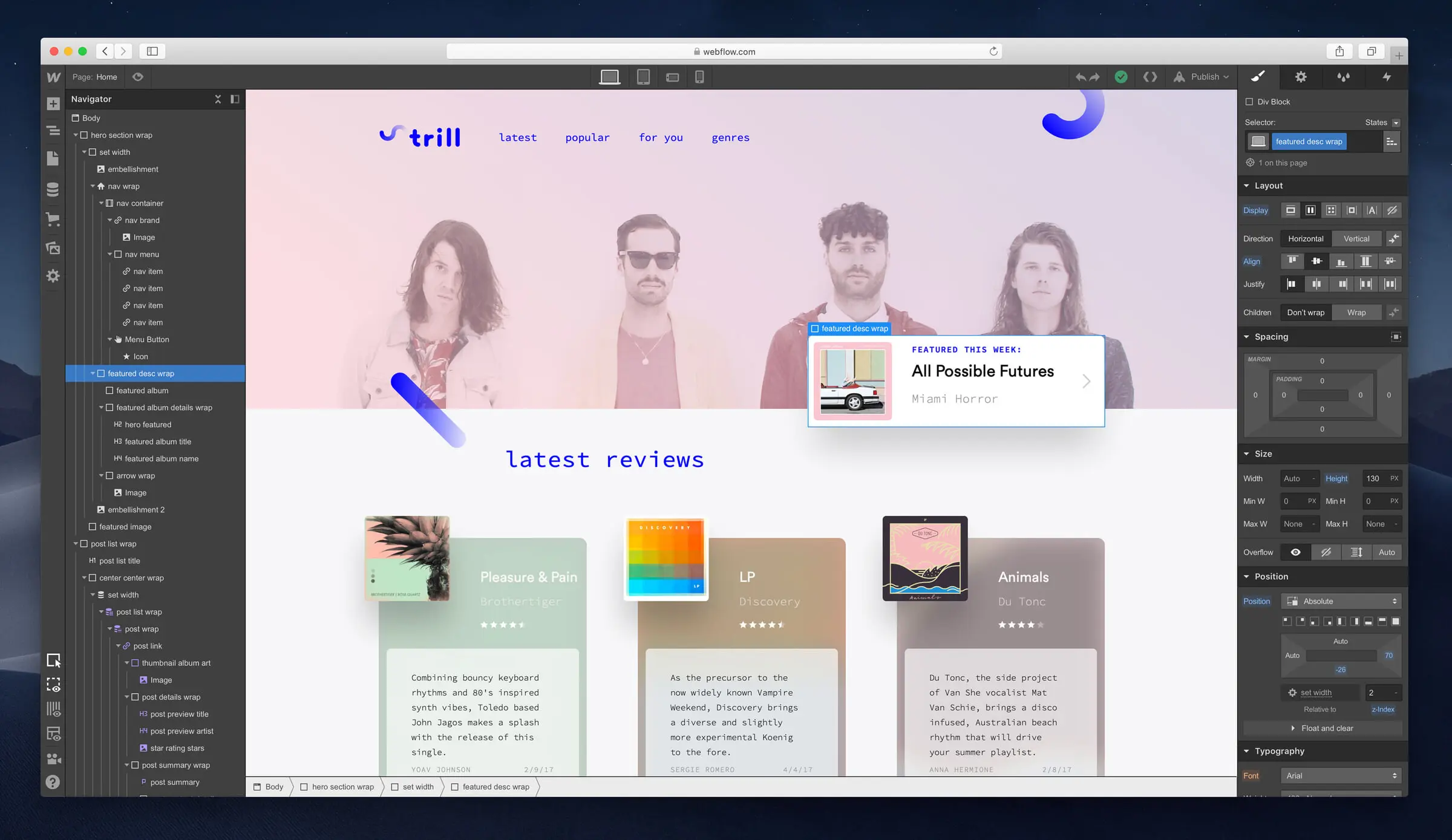
As we announced in our update in May, we’ve been slowly rolling out a new, left-side experience for that navigator that lets you style elements and create interactions at the same time as you view the navigator — and also creates a more flexible workspace for people working on large screens.
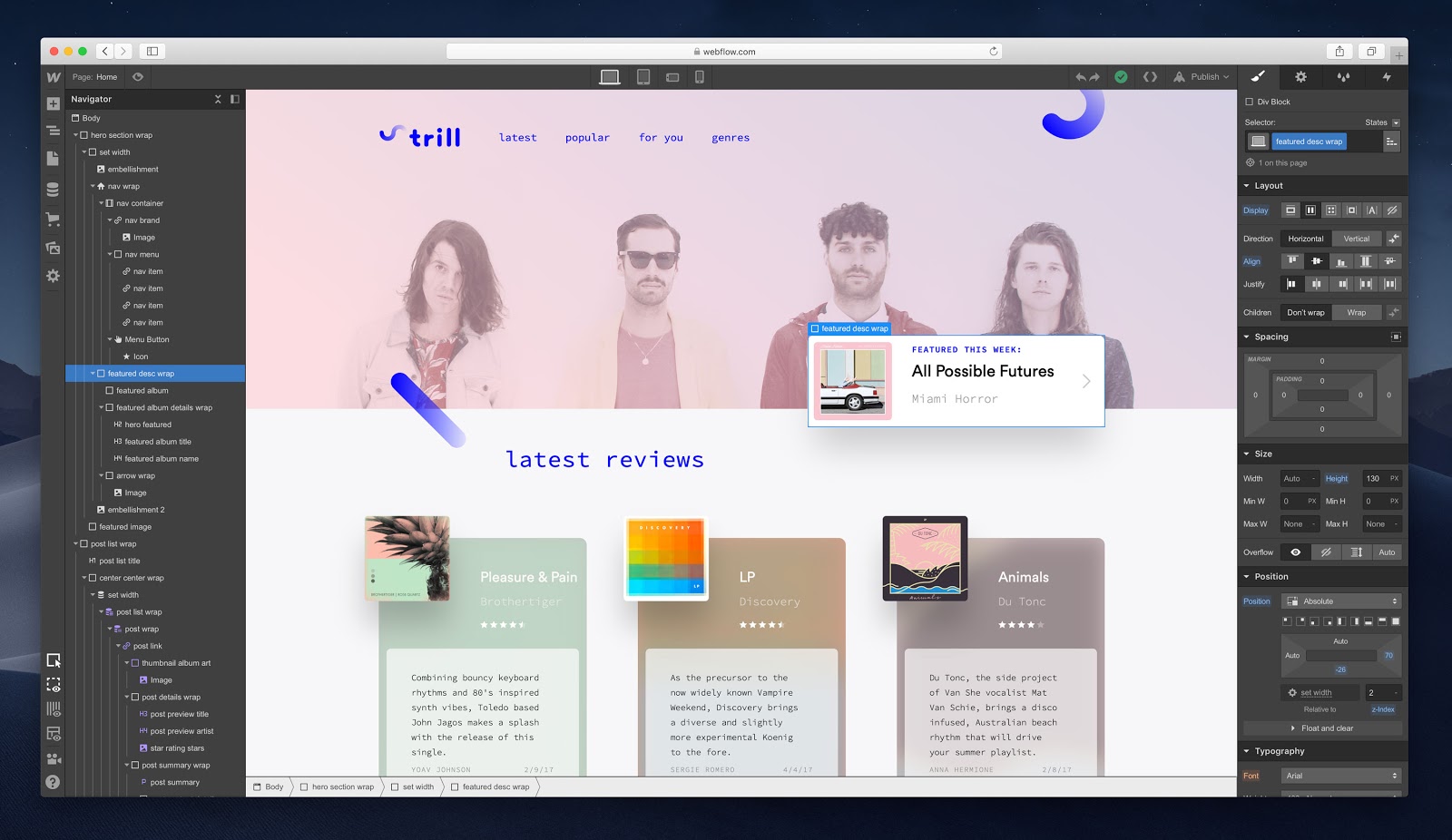
Today, after two months of testing and positive feedback, we’re making that change permanent for everyone. If you have any questions or feedback for the team, please share it in our dedicated forum category.
Related updates



.png)
.png)



















Get started for free
Try Webflow for as long as you like with our free Starter plan. Purchase a paid Site plan to publish, host, and unlock additional features.
Try Webflow for as long as you like with our free Starter plan. Purchase a paid Site plan to publish, host, and unlock additional features.