






Feature
Designer
Focus mode in style panel
We’ve added a new setting to the style panel to focus in on the properties section you’re currently working in by collapsing other sections automatically.
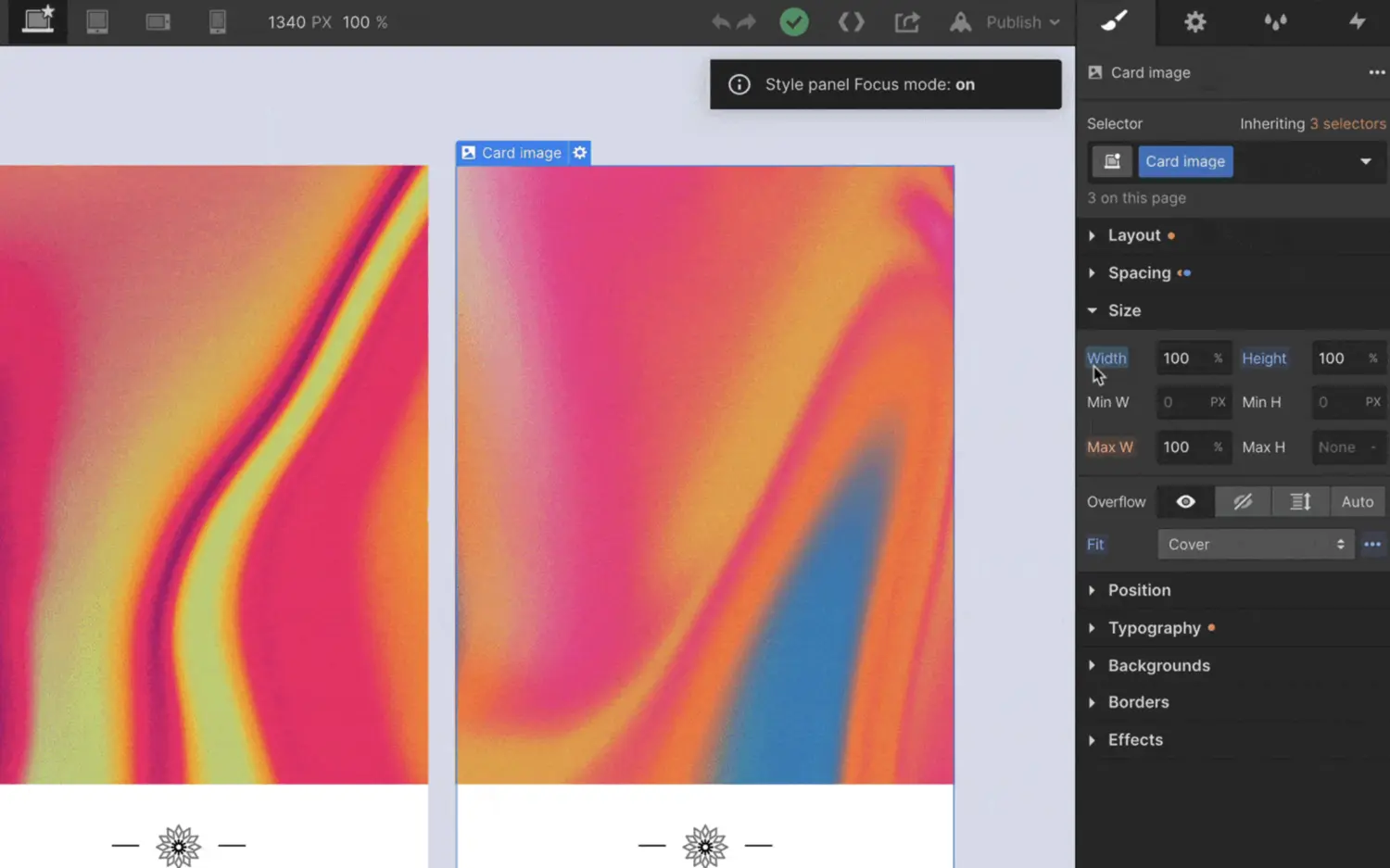
Sometimes when you’re building in Webflow, the style panel can get a bit tall and cumbersome to navigate. What if you could easily collapse all sections that you’re not working in? Well, wonder no longer, because now you can: with focus mode.
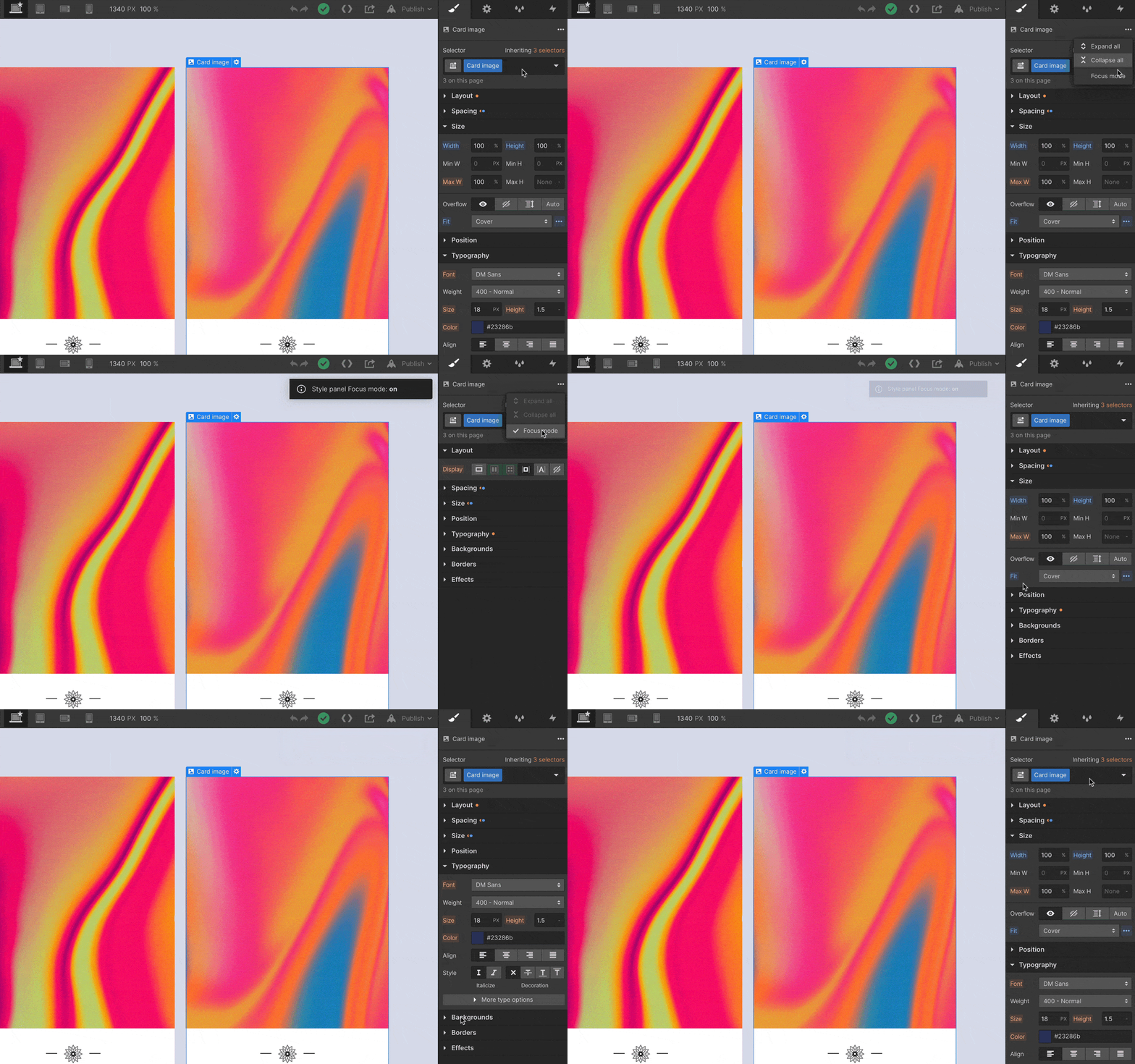
To enable focus mode, open up the context menu at the top of the style panel and check that option.
This update also introduces a few new handy keyboard shortcuts:
- Alt/Option + S to expand/collapse all style panel sections
- Alt/Option + Shift + S to toggle on and off focus mode
- Alt/Option + Z to expand/collapse all navigator elements
- Alt/Option + U to expand/collapse all items in the audit panel
Related updates



.png)
.png)



















Get started for free
Try Webflow for as long as you like with our free Starter plan. Purchase a paid Site plan to publish, host, and unlock additional features.
Try Webflow for as long as you like with our free Starter plan. Purchase a paid Site plan to publish, host, and unlock additional features.