






Enhancement
Shared Libraries
Custom Fonts in Libraries
Libraries now carry your fonts along with components and variables, so you no longer have to manually re-add fonts on every site that installs a shared library.
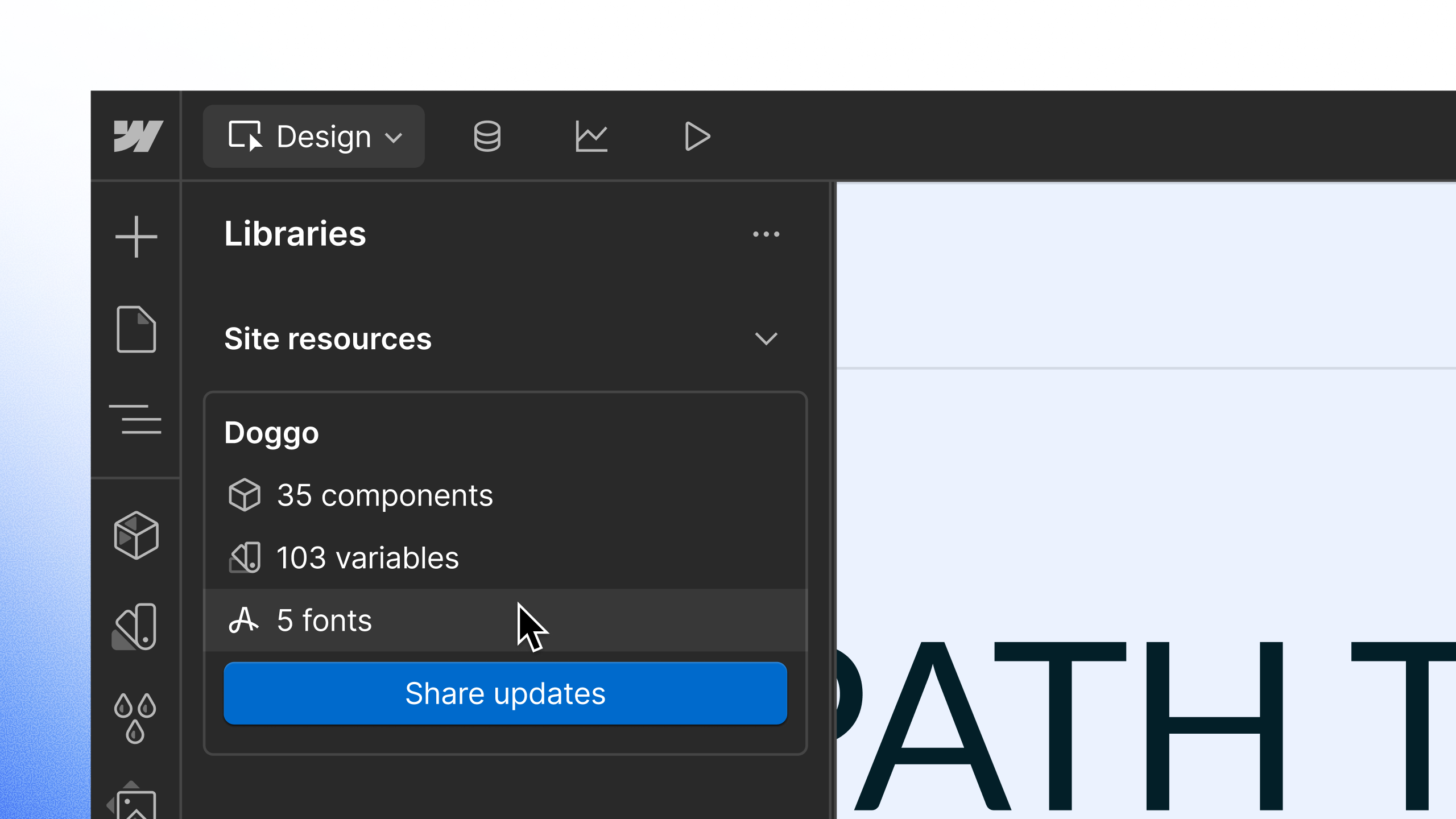
Until now, fonts didn't always follow when you shared a Library with your team. Fonts referenced in tag-level styles wouldn't carry over to sites that installed the Library, and even when fonts made it through inside components, there was no way to see what fonts a Library actually included.
That's changed. Google Fonts, custom font uploads, and Adobe Fonts now travel with your Libraries — right alongside your components and variables.
How it works
- Share a Library: Add fonts to your source site the same way you always have. When you share the site as a Library, its fonts come along automatically — even a fonts-only Library, with no components or variables, can be shared on its own.
- Install a Library: Installing a Library on a consumer site brings its fonts in automatically. In the Typography panel, installed Library fonts appear grouped by source and labeled with the Library name, right alongside your own site fonts.
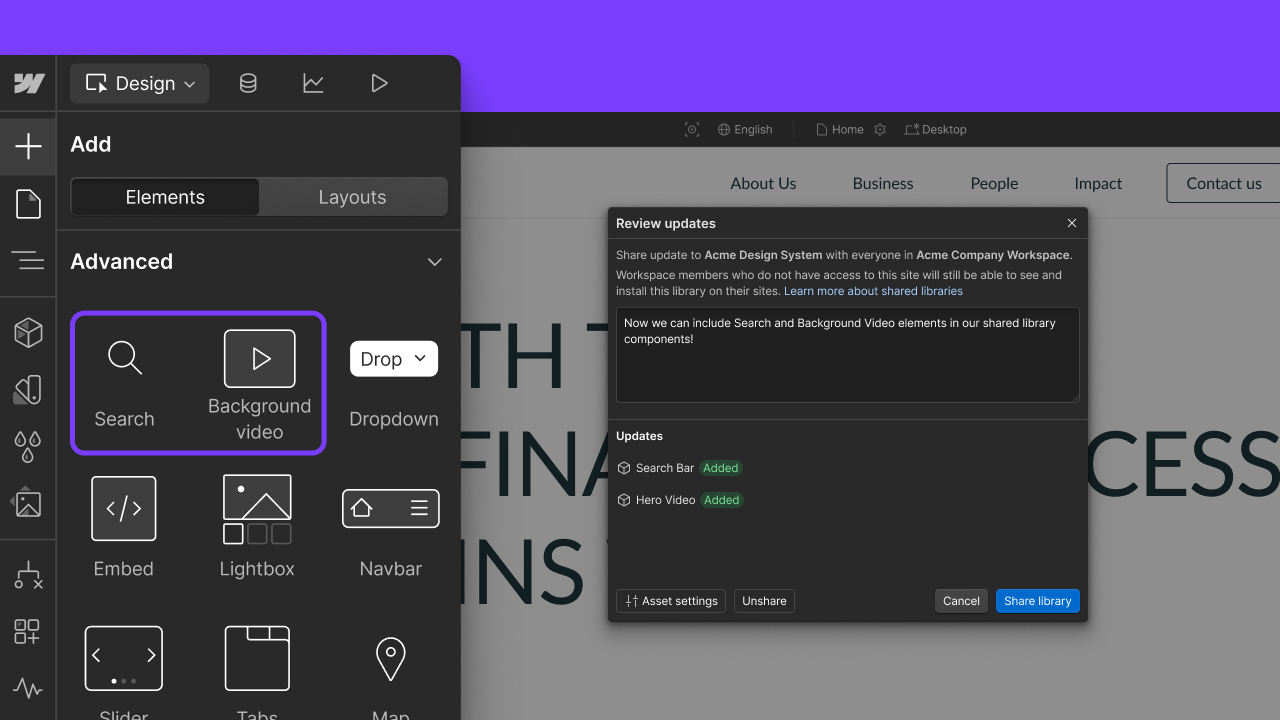
- Update a Library: When fonts change on the source site, the consumer's Share Updates review now shows exactly which fonts were added, removed, or changed — no more guessing what's hiding inside an “update available” notice.
Why it matters
This is another step toward Libraries becoming your design system. It removes a manual step for design leads and design-system owners managing typography across multiple sites, and it clears the way for upcoming Library features that depend on fonts being a first-class resource.
Related updates
.jpg)
.png)
.jpeg)




















Get started for free
Try Webflow for as long as you like with our free Starter plan. Purchase a paid Site plan to publish, host, and unlock additional features.
Try Webflow for as long as you like with our free Starter plan. Purchase a paid Site plan to publish, host, and unlock additional features.