






Enhancement
Designer
Create components in CMS contexts
Elements connected to a CMS Collection can now be converted to components.
.jpeg)
We are focused on continuously improving how our customers build with scalable design systems on Webflow, and we’re happy to share yet another expansion to how teams can leverage components.
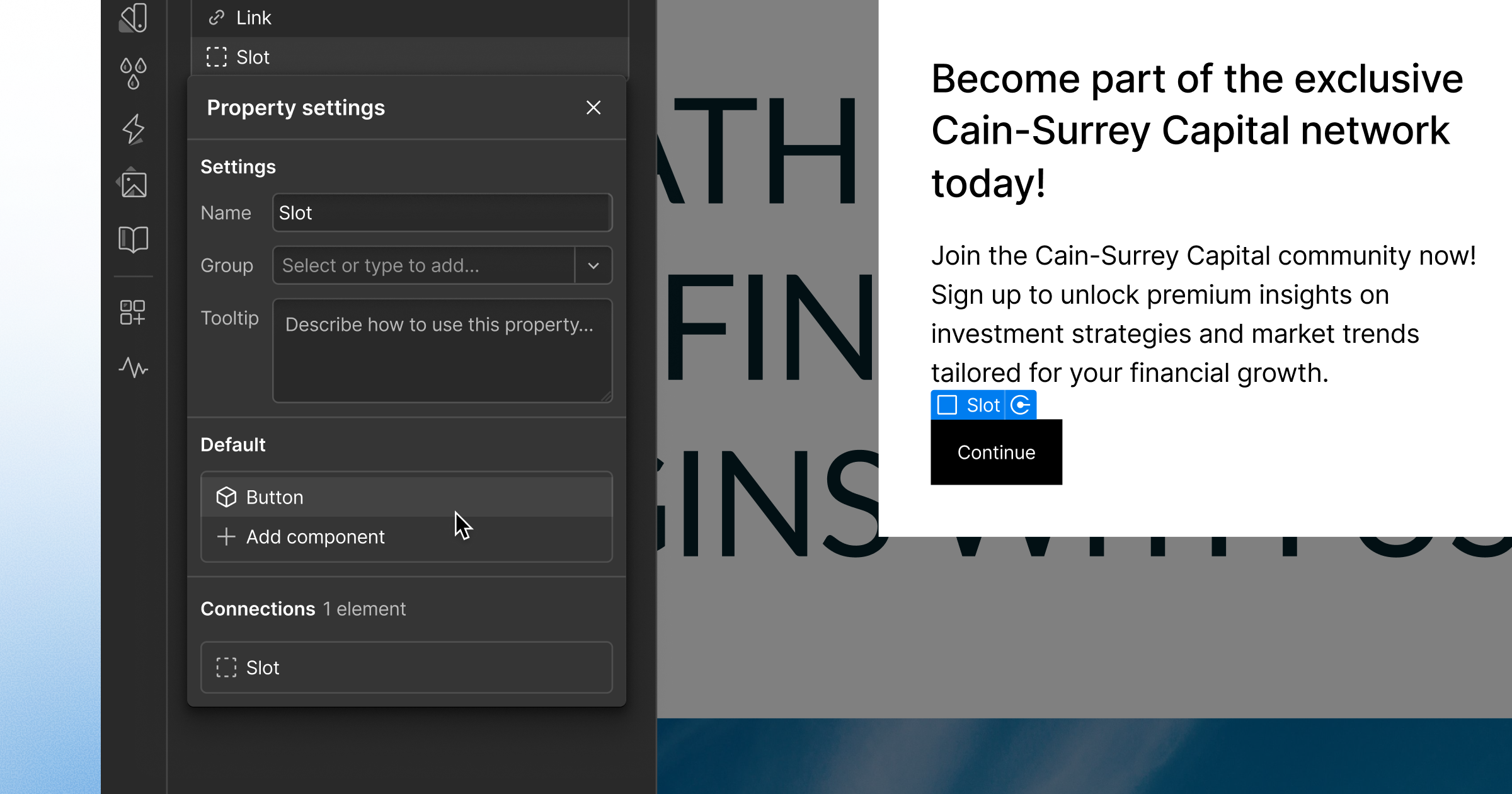
You can now create components from elements in a CMS context, like a Collection List or Collection Page. Any element settings connected to a CMS field — like text, images, and links — are automatically converted to props, making your design instantly reusable without any additional setup.
To get started, select an element and click the “create component” icon at the top of the right panel or the Components panel. Learn more about managing components in the Help Center.
Related updates



.png)
.png)



















Get started for free
Try Webflow for as long as you like with our free Starter plan. Purchase a paid Site plan to publish, host, and unlock additional features.
Try Webflow for as long as you like with our free Starter plan. Purchase a paid Site plan to publish, host, and unlock additional features.