






Feature
CMS
CMS Collection Field Grouping
Organize CMS collection fields into named groups so large schemas are easier to build, navigate, and hand off.
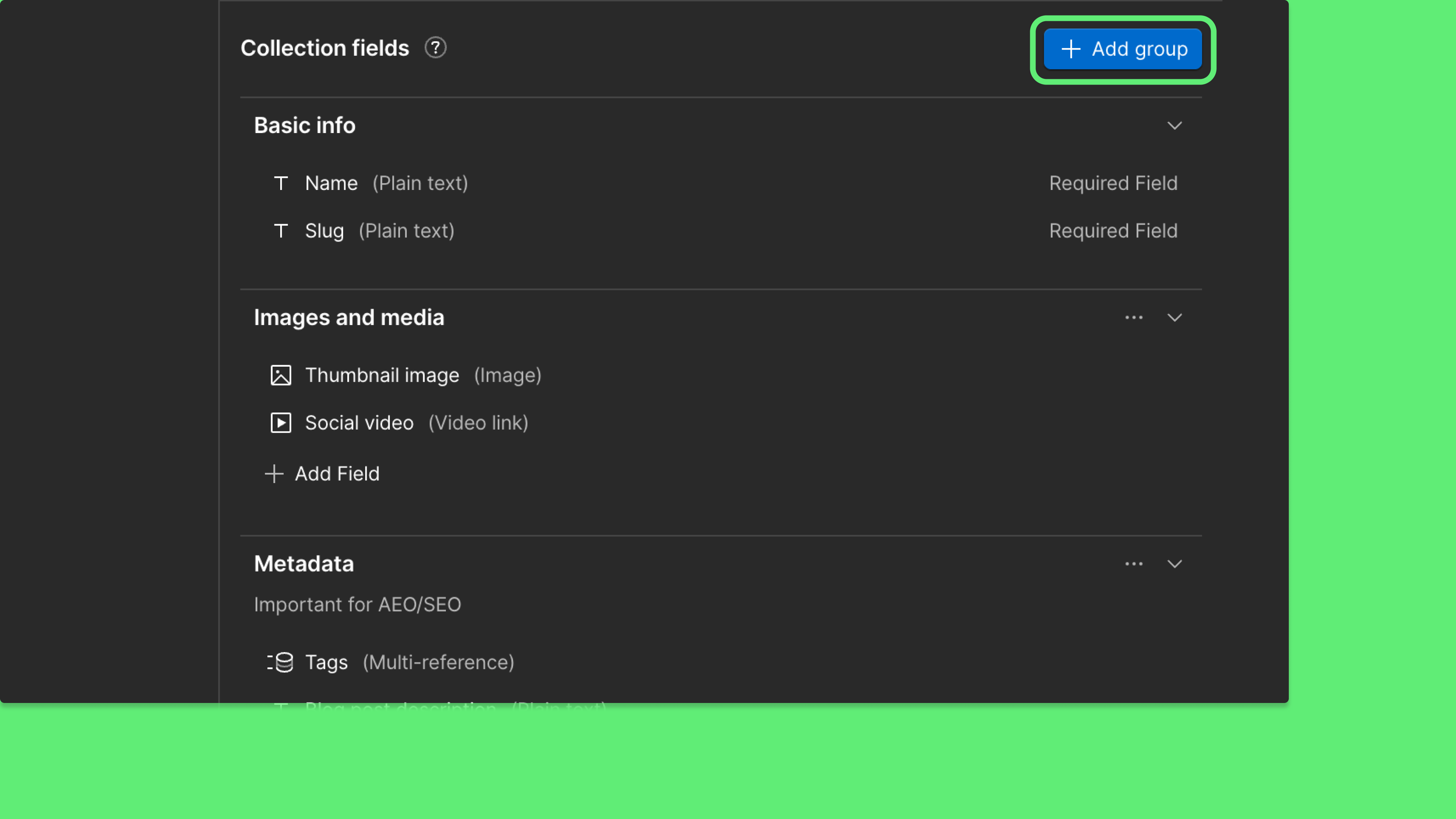
CMS collections with many fields have always been one long scroll — SEO metadata, editorial content, publishing controls, and page structure all mixed together with no way to separate them. Field groups change that.
You can now create named field groups directly in Collection Settings, organizing fields into labeled sections that match how your content is actually structured. Groups appear in the Data Manager item editor too, so content editors see the same organized structure you designed — not a wall of inputs they have to dig through.
You can also add a description to any group to give editors context about what belongs there and why — inline documentation for your content model, right where they need it.
What you can do:
- Create, rename, reorder, and delete named field groups in Collection Settings
- Add descriptions to groups to give editors context directly in the UI
- Assign fields to groups by dragging them in, or by creating a field directly inside a group
- See field groups reflected in the Data Manager item view as labeled section headers
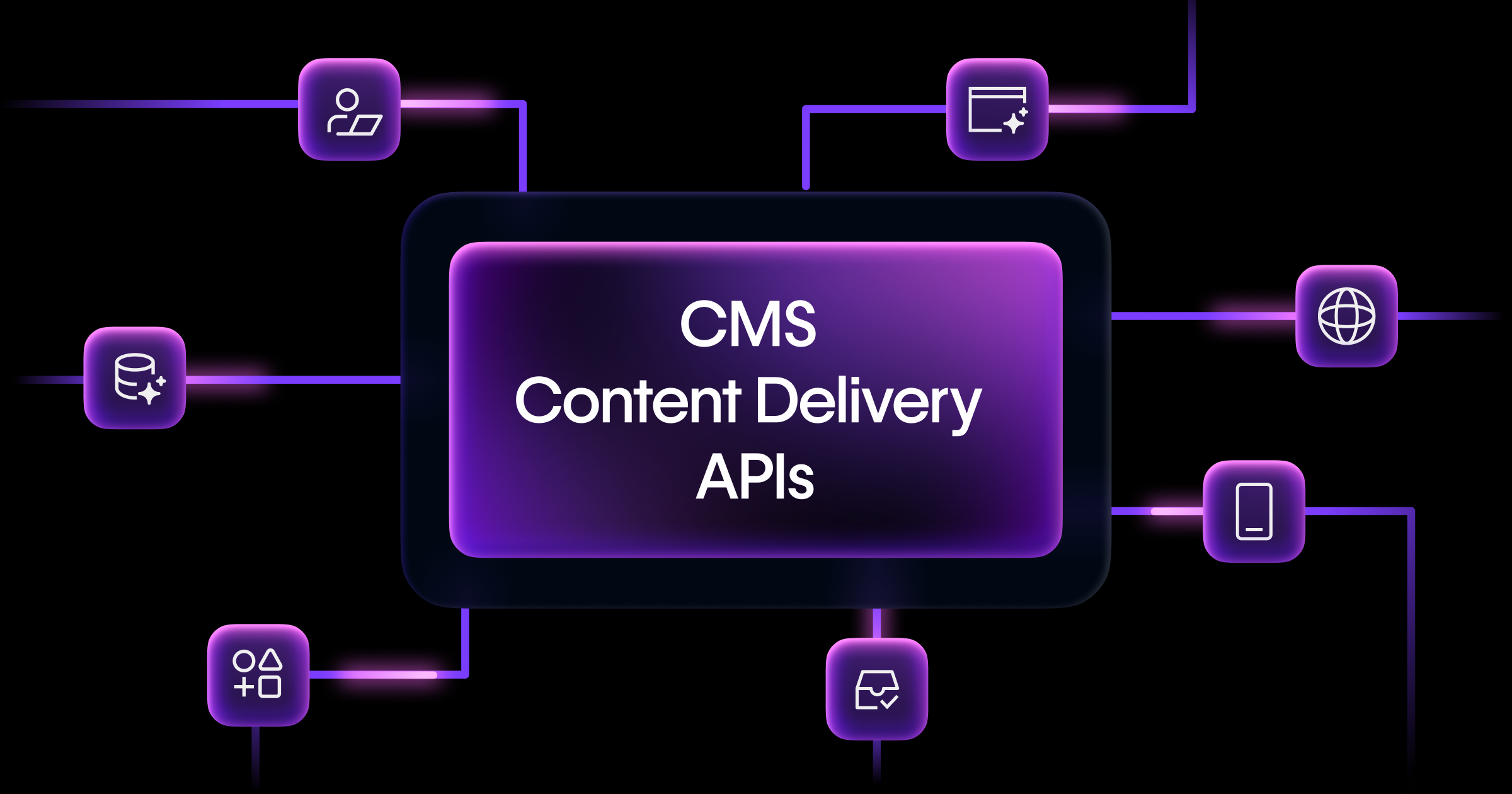
- Access field group metadata and update field group assignments programmatically via the CMS Data API
Related updates























Get started for free
Try Webflow for as long as you like with our free Starter plan. Purchase a paid Site plan to publish, host, and unlock additional features.
Try Webflow for as long as you like with our free Starter plan. Purchase a paid Site plan to publish, host, and unlock additional features.