






WordPress
Connect WordPress with Webflow to migrate blog posts, images, tags, and categories into Webflow CMS without manual CSV mapping or WordPress plugin installs.

Webflow handles site design, CMS content management, and hosting. But it has no built-in way to pull existing content from a WordPress site. Teams migrating from WordPress face a manual process: export XML, convert to CSV, map fields, and create collection structures by hand. That workflow breaks down quickly for sites with hundreds or thousands of posts.
The WP to Webflow app connects a live WordPress site to a Webflow project. It transfers blog posts, images, tags, and categories directly into Webflow CMS collections. The app generates the CMS collection structure automatically, so there is no manual field creation step.
This integration is most relevant to three groups: Webflow agencies migrating client sites, freelance developers handling blog migrations, and marketing teams moving content to Webflow. Agencies need a repeatable import workflow that works regardless of content volume. Marketing teams want to publish and manage blog content without filing tickets with developers. Freelancers benefit from a free tool they can reuse across unlimited client projects.
How to integrate WordPress with Webflow
What is WordPress? WordPress is an open-source content management system used to build websites, blogs, and web applications. It supports content modeling through custom post types, taxonomies, and plugin-based field systems like Advanced Custom Fields (ACF).
Teams move from WordPress to Webflow to consolidate content management, design, and hosting into a single platform. The migration usually starts with blog content — posts, categories, and tags. This represents the bulk of CMS data on most WordPress sites.
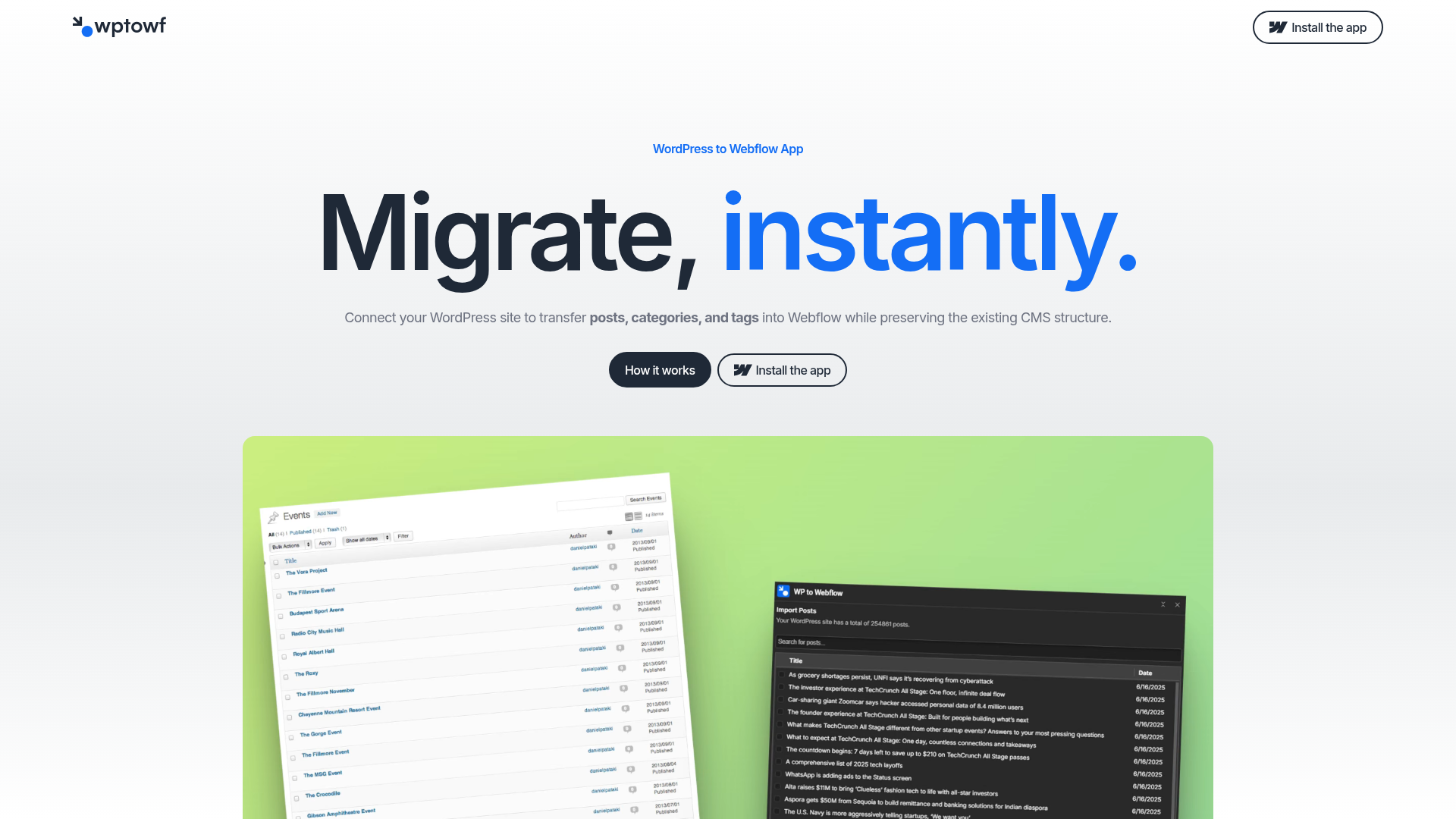
The WordPress-Webflow integration here uses the WP to Webflow app for blog content migration — posts, images, tags, and categories — without writing code or installing a WordPress plugin.
Install the WP to Webflow app
The WP to Webflow app is a free Webflow Marketplace app built by Eclipse SRL. It migrates WordPress blog content into Webflow CMS collections. It reads a live WordPress site URL directly. No WordPress plugin install, API key entry, or XML-to-CSV conversion is required. The app generates the CMS collection structure in Webflow automatically based on the WordPress content it reads. It works with any publicly accessible WordPress site and reads content without modifying it. You need a Webflow site on a CMS plan or higher to use it.
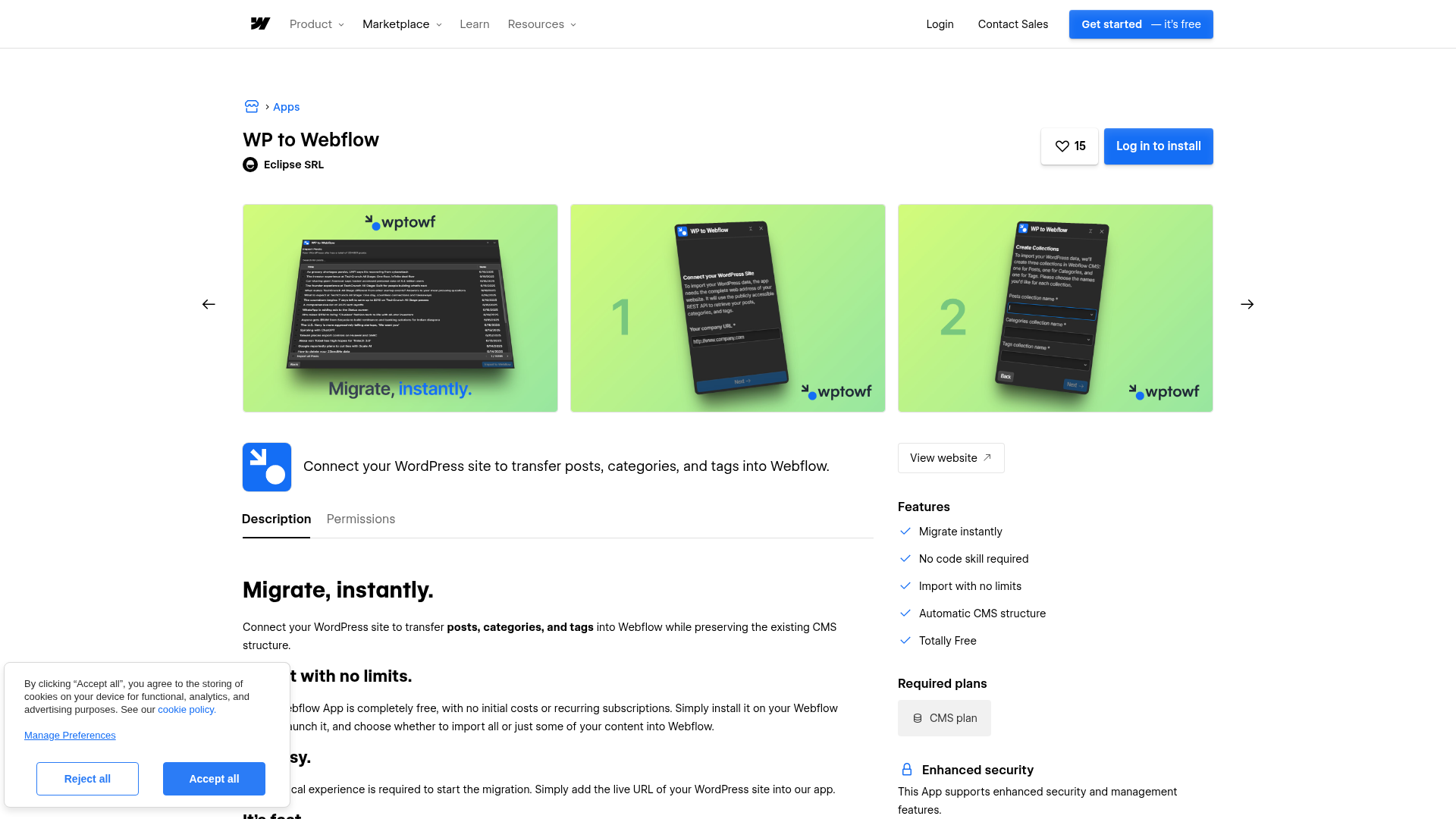
To set up the integration:
- Go to the WP to Webflow listing on the Webflow Apps Marketplace and install the app onto your Webflow project.
- Inside the app interface, paste the full URL of your live, publicly accessible WordPress site.
- Enter names for your Webflow CMS collections. The app generates the collection structure — fields and relationships — automatically.
- Choose whether to import all CMS items or a specific subset.
- Wait a few minutes for the import to complete. Posts, images, tags, and categories appear in your Webflow CMS collections.
The app migrates four content types:
- Posts (including post body content)
- Images (featured images associated with posts)
- Tags
- Categories
The app's scope is posts, images, tags, and categories. Custom fields (ACF, Pods, Meta Box), static pages, site design, plugin functionality, custom post types, and WooCommerce product data are outside that scope. If your WordPress site relies heavily on custom fields, you will need to handle those separately with manual CMS field creation or a separate migration process. The number of CMS items you can import depends on your Webflow plan. The CMS plan supports up to 2,000 items. The Business plan supports up to 10,000 items.
What can you build with the WordPress Webflow integration?
Integrating WordPress with Webflow lets you move blog content into Webflow CMS collections. No manual CSV exports or field-by-field data entry required.
- Blog archive migration: Transfer hundreds or thousands of WordPress posts — with images, tags, and categories intact — into Webflow CMS collections in minutes using the WP to Webflow app. A marketing team with a 500-post blog archive can have all content inside Webflow CMS without touching a CSV file.
- Agency client site migrations: Agencies moving client blogs from WordPress to Webflow can use the app across unlimited projects at no cost. This replaces the need for proprietary migration tooling. Each client migration follows the same four-step workflow regardless of content volume.
- Marketing team blog migrations: Teams moving a company blog from WordPress to Webflow can import standard CMS content without installing a plugin on the source site. The app reads the live site URL, generates the collection structure automatically, and imports posts, tags, categories, and images in a few minutes.
If you need to move content beyond posts, images, tags, and categories, that work falls outside the WP to Webflow app's documented scope.
Frequently asked questions
The app migrates posts, images, tags, and categories. It does not migrate custom fields (ACF, Pods, Meta Box), static pages, site design, plugin functionality, custom post types, or WooCommerce product data. The WPtoWF homepage FAQ confirms posts, categories, and tags, and the app's official materials describe images as part of the migrated scope. It recommends contacting Eclipse SRL for full-service migration of content outside the app's coverage.
You need a CMS plan at a minimum. This supports up to 2,000 CMS items. The Business plan supports up to 20,000 items. The app itself is free and imposes no item limits. All limits come from your Webflow site plan. The Webflow Marketplace listing confirms the CMS plan as the required minimum.
No. The app reads your WordPress site content directly from its public URL. No WordPress plugin, API key, or admin access is required. Your WordPress site must be live and publicly accessible. The WPtoWF setup steps confirm that you only need to paste the URL of your live site.
Webflow staging sites are capped at 50 CMS items regardless of your plan tier. If you are migrating more than 50 posts, you cannot fully validate the import in staging before going live. A practical workaround is to import into a separate Webflow project first to verify the results. Then run the migration on your production project. The Webflow pricing page documents the staging site constraints.
The WP to Webflow app does not document SEO metadata as part of its migrated content scope. Its documented coverage is limited to posts, images, tags, and categories. After migration, configure 301 redirects in Webflow site settings and map old WordPress URLs to new Webflow URLs. The Webflow migration guide covers the redirect and CMS setup steps.
Description
Migrate WordPress blog posts, images, tags, and categories into Webflow CMS collections using the free WP to Webflow app.
This integration page is provided for informational and convenience purposes only.

Udesly BigCommerce to Webflow
Udesly has retired its BigCommerce to Webflow converter, and every URL that used to host it now returns a 404. Webflow Ecommerce reads a BigCommerce product CSV export on its own, so plan the migration around that import instead of hunting for the old tool.

Udesly — WooCommerce to Webflow Converter
Export your WooCommerce products in 1 click and get them ready to use with the Webflow Ecommerce.

Udesly — Shopify to Webflow Converter
Use Udesly to carry Webflow designs and CMS elements into a Shopify storefront while Shopify handles commerce operations.
Udesly — From Wix to Webflow, in a few simple steps
Convert your Wix products in 1 click and get them ready to use with Webflow Ecommerce
Udesly — Convert Squarespace products to Webflow
Convert your Squarespace products in 1 click and get them ready to use with Webflow Ecommerce
Udesly CSV Converters
Move to Webflow Ecommerce in 1-click. Convert your existing Ecommerce to Webflow.

Nativator
Connect Nativator, a web-to-native-app conversion service, with Webflow to wrap your published site into iOS and Android apps with push notifications, GPS, camera access, and QR scanning.
Related integrations
Get started for free
Try Webflow for as long as you like with our free Starter plan. Purchase a paid Site plan to publish, host, and unlock additional features.
