






Prefinery
Connect Prefinery, a waitlist and referral marketing platform, with Webflow to capture pre-launch signups, generate automatic referral links, manage queue positioning, and sync waitlist data to CMS collections.

Prefinery plugs a full waitlist and referral engine into your Webflow site, automatically handing every signup a unique referral link, moving referrers up the queue, and managing the lifecycle from applied to invited to active. You can embed its signup forms inline or as popups, and sync waitlist data to Webflow CMS collections through automation tools.
That matters because Webflow doesn't include native waitlist management, referral tracking, or gated beta access. Startup founders, growth marketers, product managers running closed betas, and SaaS, fintech, and game studio teams use this combination to validate demand and build pre-launch audiences without writing backend code.
How to integrate Prefinery with Webflow
What is Prefinery? Prefinery is a waitlist and referral marketing platform for pre-launch campaigns, closed beta programs, and product launches. It handles signup form management, automatic referral link generation, queue-based positioning, reward systems, email automation, and beta invitation code delivery. The platform has operated for 18 years and powered more than 23,000 campaigns.
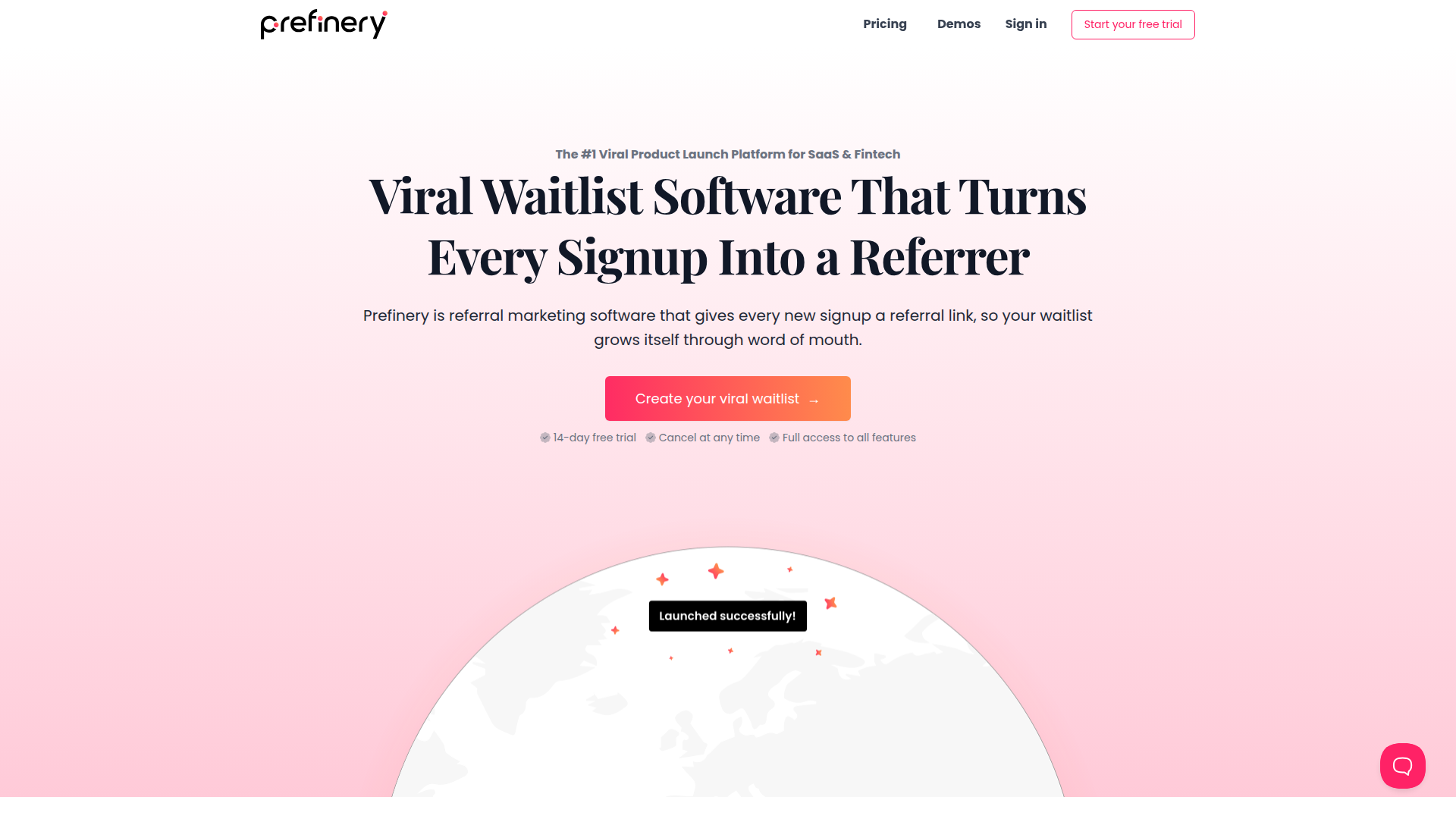
Connect Prefinery with your Webflow site when you need a public-facing marketing site that captures signups and drives referral growth without custom backend development. Your Webflow site handles design, content, and hosting. Prefinery handles waitlist logic, referral tracking, and user state management behind the scenes.
You can connect Prefinery to Webflow in 4 ways:
- Prefinery form embeds handle inline signup forms and popup modals without writing code.
- The Prefinery JavaScript Web API lets you connect a native Webflow form to Prefinery for custom signup flows.
- Zapier syncs Prefinery waitlist data to Webflow CMS collections and other tools automatically.
- The Webflow and Prefinery REST APIs give you full control over user management, CMS operations, and real-time data sync, but you'll need server-side development.
Most setups combine two or more of these methods depending on complexity.
Embed Prefinery forms on your Webflow site
Prefinery provides two embed methods that work without writing application code: an inline form and a popup modal. For both, you'll paste a JavaScript snippet into custom code in head and body tags. The inline method uses a Code Embed element, while the popup method triggers a modal from any button with a specific CSS class. Both methods support Prefinery's referral page, which automatically shows returning users their queue position and referral link instead of the signup form. You'll need a paid Webflow site plan with custom code access, and any Prefinery plan works for these two methods, including the Lite tier.
Add an inline signup form
The inline embed places Prefinery's signup form directly on a page, rendered inside a Code Embed element.
To set up the inline form:
- In Prefinery, go to Installation and copy the JavaScript Snippet.
- In Webflow, open Project Settings > Custom Code > Head Code, paste the snippet, and save.
- In Prefinery, return to Installation and copy the Embedded Form code (a
<div>tag with the classprefinery-form-embed). - Back in Webflow, press A to open the Add panel, drag an Embed element from the Basic category onto the page canvas, paste the Embedded Form code, and click Save & Close.
- Click Publish and test on the staging URL before going live.
JavaScript doesn't execute inside the Webflow canvas, so the form only appears on the published or preview URL.
Show the form in a popup
The popup method displays Prefinery's signup form as a modal triggered by a button click. You don't need a Code Embed element.
To set up the popup form:
- Complete steps 1 and 2 from the inline method above (JavaScript Snippet into Head Code).
- In Webflow, select or add a Button element on the page.
- Open the Style tab and add the class
prefinery-form-ctain the class selector. - Publish and test on the staging URL.
The popup will trigger from any button using that exact class.
The class name must be exactly prefinery-form-cta. Any variation prevents the popup from triggering. Prefinery's Webflow integration guide documents both embed methods with screenshots.
Connect a native Webflow form with the Prefinery JavaScript Web API
If you want to use a native Webflow form element instead of Prefinery's embedded form, you can intercept the form submission with custom JavaScript and send the data to Prefinery using its JavaScript Web API. This approach gives you full control over form design while still registering users in Prefinery's waitlist system. Prefinery's documentation flags this as an advanced method that may require a developer. You'll need a Prefinery Essentials plan or higher because the JavaScript Web API isn't available on the Lite tier.
One trade-off to consider: the automatic referral status display, where returning users see their queue position instead of the signup form, doesn't work with native Webflow forms. That feature only works with Prefinery's own embedded forms.
To connect a native Webflow form:
- In Prefinery, go to Installation and copy the JavaScript Snippet.
- In Webflow, open Site Settings > Custom Code > Head Code, paste the snippet, and save.
- Select the Form element (the direct parent of the form fields and submit button, not an outer wrapper). Open the Settings tab and assign an ID such as
signup-form. Use only letters, numbers, dashes, and underscores. - Select the Email input field, open the Settings tab, and assign an ID such as
email-address. - Open the Pages panel, click the gear icon next to the target page, and scroll to the Custom Code section.
- Add the following JavaScript to the page's
<head>tag:
window.addEventListener('load', function() {
  var form = document.getElementById('signup-form');
  if (form.attachEvent) {
    form.attachEvent('submit', processSubscriptionForm);
  } else {
    form.addEventListener('submit', processSubscriptionForm);
  }
});

function processSubscriptionForm(event) {
  event.preventDefault();
  var email = document.getElementById('email-address').value;
  prefinery('addUser', email, function(user) {
    prefinery('popupReferralPage');
  });
}
- Publish and test on the published URL.
The form element IDs in the script must exactly match the IDs you assigned in Webflow. Place this script in the page-level head code, not the site-level head code, since the form element IDs are page-specific. The Prefinery JavaScript Web API also supports methods like getUser, triggerRewards, embedReferralPage, and embedLeaderboard for building more complex post-signup experiences. See the JavaScript Web API tutorials for the full method reference.
Use this method when you need full control over the form design.
Connect with Zapier
Zapier supports direct connections between Prefinery and Webflow, letting you sync waitlist data to CMS collections, push signups to email tools, and trigger workflows based on Prefinery events. You'll need a Prefinery Essentials plan or higher because the Lite plan blocks Zapier and webhook access.
The Prefinery + Webflow page on Zapier provides pre-built templates for common workflows.
Common Prefinery-to-Webflow automation patterns include:
- Prefinery "New User" trigger → Webflow "Create Item" action creates a CMS collection item with the user's email, referral code, and status
- Prefinery "Reward Delivered" trigger → Webflow "Update Item" action updates a CMS item to reflect reward fulfillment
- Prefinery signup data can also run through a multi-step Zap where a Prefinery trigger sends data to Webflow and then to a CRM like HubSpot or an email tool like Klaviyo
These workflows work best for static fields and status changes rather than live ranking data.
To set up a Zapier integration between Prefinery and Webflow:
- Create a new Zap with Prefinery as the trigger app and select an event like "New User."
- Authenticate your Prefinery account (you'll need your API key from Settings > Company Settings > API Keys).
- Add Webflow as the action app, select "Create Item," and choose the target site and CMS collection.
- Map Prefinery fields (email, referral code, status) to CMS collection fields.
- Test and activate the Zap.
Sync only static data like email, referral code, and signup date.
Don't sync waitlist position or leaderboard rank through Zapier. Prefinery's Zapier documentation explicitly warns against this because position data is constantly changing, and the tester_updated webhook doesn't fire when positions change. Stick to static data like email, referral code, and signup date.
Build with the Webflow and Prefinery APIs
For full control over user management, CMS operations, and event-driven data sync, connect the Prefinery REST API and the Webflow Data API through a server-side middleware layer. You'll need a developer and a serverless function (Vercel, Cloudflare Workers, AWS Lambda, or similar) to keep API keys out of client-side code.
You'll use these APIs and webhook systems in the integration:
- Prefinery REST API v2 for tester management, points, rewards, suppressions, and checkins
- Webflow Data API v2 for CMS collections, collection items, and form submissions
- Prefinery webhooks push real-time events like
tester_applied,reward_earned, andreferral_createdto your endpoint - Webflow webhooks trigger events like
form_submissionandcollection_item_createdfrom the Webflow side
Together, these pieces let you build a middleware-based integration that keeps Webflow and Prefinery in sync without exposing credentials in the browser.
Prefinery uses HTTP Basic Auth with your API key as the username and an empty password. Webflow uses Bearer token authentication. You can grab both from their respective dashboards.
Sync new waitlist signups to Webflow CMS
When a user joins the waitlist, Prefinery fires a tester_applied webhook. Your serverless function receives it, checks for duplicates, creates a CMS collection item in Webflow, and publishes it.
To implement this:
- In Prefinery, go to Integrations > Webhooks and add your serverless function URL as an endpoint.
- Create a CMS collection in Webflow with fields for email (Plain Text), prefinery-user-id (Number), waitlist-status (Plain Text), referral-code (Plain Text), and signup-date (Date).
- In your serverless function, parse the incoming
tester_appliedpayload, check for existing CMS items with the same Prefinery user ID, and callPOST /v2/collections/{collection_id}/itemson the Webflow API to create a new item. - Call
POST /v2/collections/{collection_id}/items/publishto make the item live. Creating a staged item doesn't publish it automatically.
Make your handler idempotent so duplicate or out-of-order events don't create duplicate CMS items.
In this integration pattern, you may need to retrieve items and filter in your function, or maintain a separate lookup store, when checking for duplicates by Prefinery user ID. Prefinery webhook events can arrive out of order and may be delivered more than once, so keep your handler idempotent. See the Prefinery webhook best practices for details on retry logic and delivery behavior.
Display waitlist position changing over time
Waitlist position changes constantly as new users sign up and referrers move up the queue. Prefinery doesn't send webhooks when position changes, so storing position in Webflow CMS produces stale data. Fetch position in real time when the page loads instead.
To implement this:
- After signup, store the Prefinery tester ID in the browser's
localStorage. - On the thank-you or status page, add a Code Embed element with JavaScript that calls your serverless proxy on page load.
- The proxy calls
GET /api/v2/betas/{beta_id}/testers/{tester_id}on the Prefinery API and returns the currentwaitlist_position,share_signups_count, andshare_linkfields. - The client-side script injects these values into the page DOM.
This pattern keeps the API key server-side while showing users their live queue position and referral stats.
Capture Webflow form submissions as Prefinery signups via API
For full control over the signup flow, including UTM parameter capture and referral attribution, intercept a native Webflow form submission and route it through a serverless function to the Prefinery API.
To implement this:
- Add a Code Embed element to the page with JavaScript that listens for the form's
submitevent. - On submit, collect the email value, any URL parameters (
utm_source,utm_medium,utm_campaign,ref), anddocument.referrer. - POST this data to your serverless function, which calls
POST /api/v2/betas/{beta_id}/testerson the Prefinery API with the email, UTM fields,http_referrer, and optionalreferrer_idfor referral attribution. - Store the returned
tester.idandtester.share_linkinlocalStoragefor use on subsequent pages.
Include profile.user_agent and profile.ip in the API request body. Prefinery's documentation recommends these fields for fraud prevention.
What can you build with the Prefinery Webflow integration?
Integrating Prefinery with Webflow lets you run complete pre-launch and referral campaigns from your site without building waitlist infrastructure from scratch.
- Pre-launch waitlist page: Build a landing page with an embedded Prefinery signup form where every user gets a unique referral link. Referrers move up the queue, driving organic growth. This is the most common pattern for SaaS and fintech product launches.
- Gated beta access portal: Use Prefinery's invitation code system to control who gets access to a beta product. Your Webflow site serves as the public application page. Prefinery manages the Applied, Invited, and Active user states, delivering invitation codes by email as you approve users.
- CMS-powered social proof section: Sync Prefinery signups to a CMS collection through Zapier. Display a live counter of total signups, a scrolling list of recent joiners, or a leaderboard of top referrers, all generated from CMS data using a Collection List on the page.
- City-by-city demand validation: Create separate landing pages for different geographic markets, each with its own embedded Prefinery campaign. Collect signups per city to measure demand before committing to expansion, using Prefinery's segmentation and analytics to compare conversion rates across markets.
If you need more control over reward delivery logic, multi-step signup flows, or real-time position display, the API integration path covers those cases.
Frequently asked questions
For the embed and custom-code methods covered in this guide, you need a paid Webflow site plan that includes custom code access. The free Starter plan and Basic plan do not support custom code, which the inline embed, popup, and native form JavaScript methods require. See Webflow's pricing page for current plan details. On the Prefinery side, the Lite plan supports embed and popup methods, while the Essentials plan is the minimum for JavaScript Web API, Zapier, webhook, and REST API access.
Webflow's native form submits data to Webflow's own backend by default. To route submissions to Prefinery, you need a custom JavaScript event listener that intercepts the form's
submitevent and calls Prefinery's JavaScript Web API or REST API. Prefinery's Webflow integration guide documents this setup under Option 3, including the required script and element ID configuration.Prefinery explicitly documents this as an anti-pattern. The
tester_updatedwebhook does not fire when a user's queue position changes, so any position data stored in CMS items becomes stale immediately. Fetch position in real time via the Prefinery API on page load using a serverless proxy.Prefinery's referral page, which shows returning users their queue position and referral link instead of the signup form, only works with Prefinery's own embedded forms (inline or popup). If you use a native Webflow form with the JavaScript Web API, you need to build your own post-signup status display. Prefinery's JavaScript Web API documentation provides methods like
getUserandembedReferralPagefor building custom referral displays.Prefinery does not have a native Webflow Marketplace app. Integration is handled through JavaScript embeds for the signup form, automation platforms like Zapier for CMS data sync, and direct API calls for custom implementations.
Description
Prefinery adds waitlist management, referral tracking, and gated beta access to Webflow through embedded signup forms or popup modals, Zapier for CMS sync, or the Prefinery REST API for real-time user management and webhook-driven workflows.
This integration page is provided for informational and convenience purposes only.

Social Chat Buttons
Add WhatsApp, Messenger, and Instagram chat buttons to your Webflow site with the Social Chat Buttons app, or place the widget script yourself.

Flowstar Customer Testimonials Slider
Connect Flowstar with Webflow to display customer testimonials in slider or grid layouts using the Flowstar app embed or the Webflow CMS API for programmatic control.

Supersparks
A Webflow site can publish blog posts and product pages, but visitors have no way to talk back, so readers reach for another tool to leave comments or start discussions. Embedded comment widgets patch that gap while ignoring your classes and layout, and that design tradeoff is what Supersparks removes.

Smartarget FAQ
Connect Smartarget FAQ with Webflow to show a floating FAQ widget that answers visitor questions on any page of your site.

Wiremo
Connect Wiremo, a review management platform, with Webflow to add star ratings, review widgets, photo reviews, and automated post-purchase email requests to product and service pages.
Corner Ribbon
Connect Corner Ribbon with Webflow to add customizable promotional ribbons that highlight sales, announcements, and offers on your site.
Urgency Deal
Connect Urgency Deal with Webflow to show countdown deal notifications that push visitors to act before a promotion ends.
Smartarget Stories
Connect Smartarget Stories with Webflow to show scheduled, Instagram-style image and video stories on your pages.

Flowstar Sales Notification
Connect Flowstar Sales Notification with Webflow to display real-time purchase alerts on your store through customizable popups.
Related integrations
Get started for free
Try Webflow for as long as you like with our free Starter plan. Purchase a paid Site plan to publish, host, and unlock additional features.
