






Elfsight Webflow Plugins
Connect your Webflow site with over 100 customizable, no-code widgets from Elfsight to add social feeds, forms, reviews, chat, and more—without writing a single line of code.

Webflow handles layout and hosting, but some features like pulling live Google reviews, displaying an Instagram feed, or adding a floating chat button still require external tools. Elfsight covers this gap with 100+ embeddable widgets that you configure visually in a dashboard and drop into Webflow with a single code snippet.
This guide covers the two main ways to add Elfsight widgets to Webflow, plus how to use the Elfsight Embed SDK if you need programmatic control over widget rendering.
How to add Elfsight widgets to Webflow
What is Elfsight? Elfsight is a no-code widget platform offering 100+ embeddable tools for websites, including social media feeds, customer review displays, contact forms, live chat buttons, countdown timers, and ecommerce widgets.
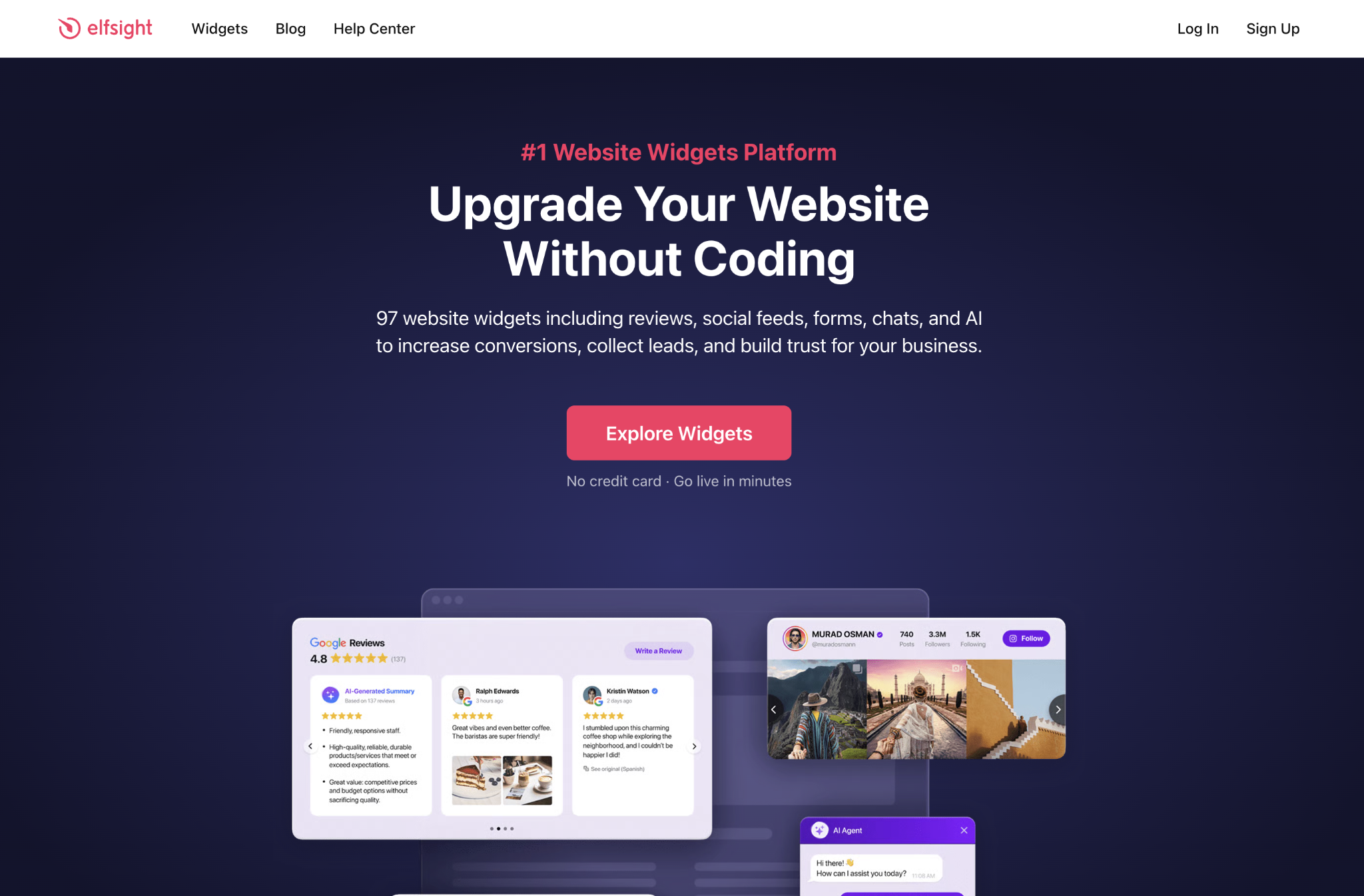
Each widget is configured through a visual dashboard and embedded on any website platform using a generated HTML/JavaScript snippet. Elfsight widgets work through the same mechanism regardless of type: you configure the widget in the Elfsight dashboard, copy an embed code, and paste it into Webflow.
The three methods below cover where and how you place that code:
- Page-specific Code Embed elements for targeted placement
- Custom code in head and body tags for site-wide deployment
- Elfsight Embed SDK for dynamic, CMS-driven rendering
All three require a paid Webflow site plan, since the free Starter plan does not support custom code or Code Embed elements.
Embed a widget on a specific page
Use Webflow's Code Embed element to place a widget at a precise location on a single page. This is the right starting point for most Elfsight widgets, and it requires no technical knowledge.
To set up the integration on a specific page:
- Build and configure your widget in the Elfsight dashboard, then click Get Code to copy the embed snippet.
- In Webflow, open the page where you want the widget to appear.
- Drag an Embed element from the Add panel to your desired position on the canvas.
- Paste the Elfsight code into the HTML Embed Code Editor and click Save & Close.
- Publish your site to see the widget render. Widgets do not display in Webflow's canvas preview; they appear only on the published site.
To add the same widget to Webflow CMS template pages, place the Code Embed element inside the collection template layout. The widget renders across all collection items automatically.
Any design changes you make in the Elfsight dashboard appear on your published site immediately. You do not need to update or re-paste the embed code.
Deploy a widget site-wide
For widgets that should appear on every page (a floating chat button, a cookie consent bar, or a notification banner), add the Elfsight code to your site's custom code in the head and body tags rather than placing a Code Embed element on individual pages.
To deploy a widget across your entire site:
- Copy your widget's embed code from the Elfsight dashboard.
- In Webflow, go to Site Settings > Custom Code.
- Paste the code into the Footer Code field (recommended for most widgets, since scripts load after page content).
- Save and republish your site.
Use this method for features like WhatsApp or Messenger chat buttons, announcement bars, or any widget where consistent placement across pages matters more than precise positioning within a layout.
Extend with the Elfsight Embed SDK
The Elfsight Embed SDK lets you instantiate and manage widgets programmatically using JavaScript. This is a developer path, and it is not needed for standard embed use cases, but it becomes useful when you want to render widgets conditionally based on Webflow CMS data, visitor segments, or other dynamic inputs.
A typical pattern pairs the SDK with the Webflow Data API to fetch collection data and instantiate the appropriate widget for each visitor or page context.
For example: retrieve a product type from a Webflow CMS field, then use createAppCard() to load a matching Elfsight review widget filtered to that product category.
To use the SDK, add the Elfsight Embed SDK script to your Site Settings > Custom Code > Head Code, then call SDK methods from custom code added to your page or template. The Elfsight developer documentation covers the full SDK reference, including displayCatalog(), displayWidget(), and the widget management panel component.
What can you build with the Elfsight Webflow integration?
The combination of Webflow's layout control and Elfsight's widget library covers a wide range of site types, from simple portfolio additions to full ecommerce marketing sites with live social content.
Here are a few things you can build with this integration:
- Ecommerce sites with social proof: Build product pages that display live Google and Facebook reviews, Instagram shopping feeds, and countdown timers for sales promotions — all updating automatically from their source platforms without touching Webflow's CMS.
- Service business websites: Create agency or consultant sites featuring a booking calendar synced to Google Calendar, a WhatsApp or Messenger chat button for direct client contact, a filterable FAQ accordion, and a Google Reviews widget to establish credibility.
- Portfolio and photography sites: Design responsive image galleries with an Instagram feed pulling recent work, a contact form with file upload support, and a client testimonials carousel — all styled to match a custom Webflow layout.
- Event and community sites: Build event pages with countdown timers, RSVP forms that notify you by email, social media walls aggregating hashtag content from multiple platforms, and event calendars with registration options.
To start adding Elfsight widgets to your site, browse the full widget catalog on the Elfsight Webflow integrations page. Each widget has its own configuration guide and a live preview so you can test appearance and behavior before generating the embed code.
Frequently asked questions
You can test Elfsight widgets in Webflow's preview mode on any plan, but publishing custom code to a live site requires a paid Webflow plan. Check Webflow's custom code documentation for details on plan requirements and how to add embed code to your site.
Yes, you can add as many widgets as your Elfsight plan allows across different pages or even on the same page. Each widget has its own embed code that you can place independently using Webflow's Embed elements or through site-wide custom code.
Elfsight widgets integrate seamlessly with Webflow CMS templates. Add the embed code to a CMS template page to automatically display the widget across all collection items. The integration guide provides specific instructions for CMS implementation.
Description
Elfsight provides a comprehensive suite of no-code, embeddable widgets designed to enhance Webflow websites with interactive features like social media feeds, customer reviews, contact forms, live chat, and ecommerce tools—all customizable through a visual editor and installable via simple HTML embed codes.
This integration page is provided for informational and convenience purposes only.

xAttribute

Typed.js
Connect Typed.js, a JavaScript typing animation library, with Webflow to add animated rotating headlines using Code Embed elements and CMS-driven strings.

Typed.js
Connect Typed.js, a typewriter animation JavaScript library, with Webflow to animate text that types, backspaces, and cycles through multiple strings on any page.

Sweet Text by Finsweet

Scrollbar Styler by Finsweet
Style Webflow scrollbars visually with Finsweet's free CSS generator, paste the code into your site, and add the standard properties for full browser support.

React

POWR
Add POWR forms, popups, countdown timers and live chat to a Webflow site with a Code Embed or footer code, and send form responses to the CMS through Zapier.

One2 Menu
Paste a One2 Menu snippet into Webflow and your restaurant menu stays current from the One2 dashboard.

MathJax
Connect MathJax, an open-source math display engine, with Webflow to render LaTeX equations as typeset formulas with built-in accessibility, screen reader support, and cross-browser consistency.
Related integrations
Get started for free
Try Webflow for as long as you like with our free Starter plan. Purchase a paid Site plan to publish, host, and unlock additional features.
