






Crowdin
Connect Crowdin, a cloud-based translation management system, with Webflow to sync pages and CMS collections for translation, automate multilingual content deployment, and preview translations in your actual layout.

Crowdin pairs with Webflow to translate pages, Webflow CMS collections, and components through AI, human translators, or both. Then pushes completed translations back automatically, with visual previews showing how text fits your layout.
It's a fit for marketing teams running multilingual sites, localization managers coordinating workflows, and designers shipping localized pages without developer help. SaaS companies, fintech platforms, and content-heavy sites with continuous publishing schedules rely on the automated sync most often.
How to integrate Crowdin with Webflow
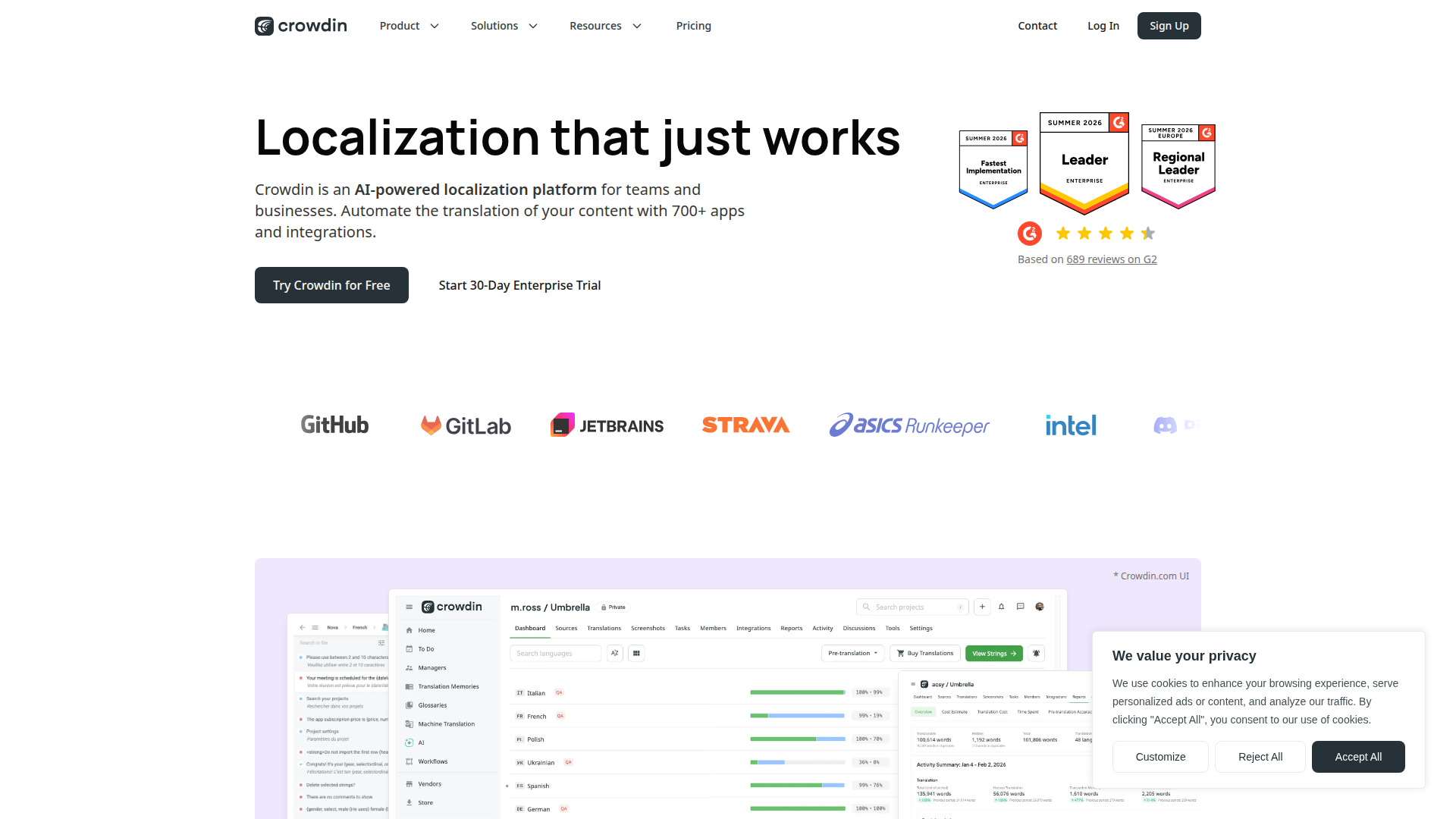
What is Crowdin? Crowdin is a cloud-based translation management system for localization workflows with over 700 app integrations. It includes 40+ machine translation engines, AI-powered translation, translation memory, glossaries, and in-context editing. Crowdin has two products: Crowdin for individuals and growing teams, and Crowdin Enterprise for large organizations with multi-team requirements.
Teams connect Crowdin and Webflow when they need to translate website content into multiple languages without extracting and reimporting text manually. The combination is common among SaaS marketing teams that update their sites frequently. Every localized version needs to stay current with the English source.
You can connect the platforms in three ways:
- The Crowdin Webflow app syncs pages, CMS collections, and component content between platforms without writing code.
- The Website Translator shows translations through a proxy-based JavaScript snippet that works on any paid site plan.
- The Webflow and Crowdin APIs give you full control over locale-specific content updates, webhook-driven sync, and translation builds, but require server-side development.
Most implementations combine two or more of these methods depending on the complexity of the setup.
Install the Crowdin Webflow app
The Crowdin Webflow app is a dedicated connector that syncs content directly between Webflow and a Crowdin translation project. It extracts content from pages, CMS collections, component properties, and forms, then deploys completed translations back into your site. The app supports both manual and scheduled synchronization, with auto-sync running once per day by default. You'll need the Localization add-on on the Webflow side, and the Crowdin Webflow connector requires a separate paid subscription.

To set up the integration:
- Install the Crowdin app from the Apps panel in your Webflow workspace, or install the Webflow application directly from the Crowdin Store.
- Open your Crowdin project, go to the Integrations tab, and select Webflow.
- Connect your Webflow account through the on-screen authorization flow.
- Select the content you want to sync, including pages, CMS collections, and component content.
- Enable Scheduled sync to automate daily imports and translation exports, or click Sync to run a manual import.
The Crowdin Webflow app includes these capabilities:
- Localization of static pages and CMS collections
- WYSIWYG file preview for translators inside Crowdin's editor
- Incremental updates for minor content changes like a single sentence or new paragraph
- Form content synchronization (added May 2025)
- Component property translation (added March 2025)
- Option to exclude page slugs from translation exports
These options cover the main content types most teams localize.
To export completed translations back into your site, open the Webflow integration from your Crowdin project's Integrations tab, select files in the left section, and click Sync to Webflow. The app remains in beta status, with active maintenance confirmed through monthly Crowdin updates.
Translate with the Website Translator proxy
The Website Translator app takes a different approach from the native connector. It crawls your live site, extracts all translatable text, imports it into a Crowdin project, and shows translations through a CDN. A JavaScript snippet adds a language switcher for visitors. This method doesn't require the Localization add-on. It's the primary option covered in this guide if you're on a paid site plan and don't use the Localization add-on.
To set up the Website Translator:
- Install the Website Translator app from the Crowdin Store at Resources > Marketplace.
- Enter your website URL and choose an application mode: Server-side (Crowdin crawls your site on a schedule), Client-side (new text is detected when real visitors browse), or Server & Client-side (hybrid approach).
- Click to scan your website. Crowdin imports all discovered pages and strings into your project.
- Translate content in Crowdin's editor using AI, machine translation, or human translators.
- Copy the auto-generated JavaScript snippet from the Website Translator app.
- Go to Site settings > Custom code and paste the snippet into the Head code field. If you'd rather place a snippet directly in a page layout, use Code Embed.
- Publish your site, then click Publish Now in the Website Translator's Home tab inside Crowdin.
The Website Translator creates hreflang codes automatically and uses subdomain or subdirectory URL structures for translated pages. It also translates ALT tags for images. Site scanning has a crawl depth limit of 5, so pages more than 5 links deep from your starting URL won't be discovered automatically. You can optionally add the js-proxy-blur class to your body element for a flicker-free loading experience when visitors switch languages.
This setup works best when you need visitor-facing translated pages without the Localization add-on.
Use in-context translation for visual QA
Crowdin's in-context localization widget adds an editable overlay to your live site. Translators click any text element on the page and translate it directly, getting immediate visual feedback as text expands or contracts within the layout. This is a translator-facing QA tool for visual review. Pair it with either the Crowdin Webflow app or the Website Translator to display translations to site visitors.
To add in-context translation:
- Copy the one-line JavaScript snippet from your Crowdin project's in-context settings.
- Paste it into Site settings > Custom code > Head code.
- Select the "In-Context" pseudo-language from the language switcher on your live site to activate the editing overlay.
Setup is equivalent to adding an analytics tag. You'll need a paid site plan for custom code access and a paid Crowdin plan for OTA delivery. The native Webflow Connector app requires a separate subscription and the Localization add-on.
Build with the Webflow and Crowdin APIs
If you need full control over locale-specific content updates, webhook-driven automation, or custom translation pipelines, the Crowdin and Webflow APIs give you direct programmatic access. This approach requires server-side development through services like AWS Lambda or Netlify Functions. Client-side implementations can't safely hold API credentials.
Available APIs for this integration:
- The Crowdin REST API handles file uploads, translation builds, string management, AI-powered translation, and webhook configuration.
- The Webflow Data API handles CMS collections, page DOM content, component properties, and site publishing.
- Crowdin webhooks trigger events like
file.translated,file.approved, andproject.builtfor real-time sync between systems.
These APIs cover the full translation flow from content extraction to publish.
Three constraints apply to every API-based implementation. You'll need to set up locales (add languages) in the Designer before any API work begins. You can only update page and component content via API for secondary locales, not the primary locale. CMS item endpoints use cmsLocaleId, while page and component endpoints use localeId. Both IDs come from GET /v2/sites/{site_id}, but they aren't interchangeable.
Sync CMS collection translations via API
The most common API pattern pulls source content from CMS items, sends it to Crowdin for translation, and writes the translated content back to locale-specific CMS items.
To implement CMS collection sync:
- Call
GET /v2/sites/{site_id}to retrievecmsLocaleIdvalues for each configured locale. - Call
GET /v2/collections/{collection_id}/itemsto pull source content from the primary locale. - Upload the extracted content to Crowdin via
POST /api/v2/storages, then register it as a source file withPOST /api/v2/projects/{projectId}/files. - Once translation completes, trigger a build with
POST /api/v2/projects/{projectId}/translations/builds, poll for completion withGET .../builds/{buildId}, then download the translated output fromGET .../builds/{buildId}/download. - Parse the translated JSON per language and write it back with
PATCH /v2/collections/{collection_id}/items, including thecmsLocaleIdand translatedfieldDatafor each item. - Publish the site with
POST /v2/sites/{site_id}/publish.
Slug values need to be unique within a collection. Use locale-specific slug patterns like article-title-de to avoid conflicts.
Automate sync with webhooks
Webhook-driven automation eliminates manual sync. It triggers translation jobs when content changes and pushes translations back when Crowdin completes them.
To set up bidirectional webhook sync:
- Register a Webflow webhook via
POST /v2/sites/{site_id}/webhookslistening forcollection_item_createdandcollection_item_changedevents. - When your server receives a Webflow webhook payload, extract the changed field content and upload it to Crowdin via
POST /api/v2/storagesfollowed byPUT /api/v2/projects/{projectId}/files/{fileId}. - Register a Crowdin webhook via
POST /api/v2/projects/{projectId}/webhookslistening forfile.translatedorproject.builtevents. - When your server receives a Crowdin
project.builtwebhook, use thebuild.downloadUrlfrom the payload to fetch all translated content in one request, then bulk-update CMS items withPATCH /v2/collections/{collection_id}/items.
This pattern removes manual sync steps from the translation loop.
Crowdin builds are asynchronous, so poll status before calling the download endpoint. Process longer operations asynchronously to avoid webhook timeouts.
What you can build with the Crowdin Webflow integration
Pairing Crowdin with Webflow lets you run a multilingual website with automated translation workflows. You avoid manually exporting, translating, and reimporting content for each language.
- Multilingual marketing site with continuous localization: A SaaS company translates landing pages, feature pages, and blog posts into 10+ languages. Auto-sync keeps every localized version current as the English source changes daily. Guru uses this approach to localize thousands of pages with minimal manual effort across their continuously updated marketing site.
- SEO-focused content in local languages: A content team translates CMS blog posts and their associated meta titles, descriptions, and ALT tags into target languages. The Website Translator creates hreflang codes and locale-specific URLs automatically. Each translated page becomes discoverable in local search results.
- AI-first translation pipeline with human review: A fintech platform runs all new content through Crowdin AI for initial translation. The output routes to human reviewers for accuracy refinement. Translation memory and glossaries feed context into the AI, maintaining terminology consistency across hundreds of pages. Deriv uses this pattern to grow translation coverage while concentrating human effort on nuance.
- CMS collection translation for product catalogs: An e-commerce team syncs product descriptions, case studies, and team bios from CMS collections into Crowdin. Translators work with WYSIWYG previews showing how text fits the actual layout. Completed translations push back to the correct locale-specific CMS items automatically.
If you need more control over webhook-driven sync or custom translation build pipelines, the API integration path covers those cases.
Frequently asked questions
Yes. On the Crowdin side, the over-the-air delivery mechanism that displays translations on your live site is a paid feature. A Crowdin staff member confirmed this requirement in the Crowdin community. On the Webflow side, the JavaScript snippet method requires access to custom code settings. This requires a paid Webflow site plan. If you use the native Crowdin connector app (not the Website Translator proxy), you also need Webflow's Localization Subscription Plan, a requirement noted on the Crowdin Store Webflow app page.
There is a confirmed propagation delay after publishing. Community reports document a typical 1 to 2 hour wait, with some cases taking longer. This delay comes from the content delivery pipeline. Wait at least 1 to 2 hours before troubleshooting. For persistent issues, check your sync logs under Activity > Sync History in your Crowdin project. The Crowdin community thread on translation visibility covers additional troubleshooting steps.
Yes, through the Website Translator proxy method. The Website Translator app crawls your live site, imports content into Crowdin, and shows translations via CDN through a JavaScript snippet. It works on any paid Webflow site plan and does not require Webflow's Localization add-on. The native Crowdin Webflow connector app, which syncs directly with Webflow's CMS and localization system, does require the Webflow Localization add-on.
The app supports static pages, CMS collection items, component properties, and form content. Component property support was added in March 2025, and form content sync was added in May 2025. You can also exclude page slugs from translation exports through the app's settings. Full details on supported content types are listed on the Crowdin Store Webflow app page.
HTTP 429 errors during sync originate from Webflow's API rate limits, not Crowdin's. Crowdin staff confirmed this and noted it is a Webflow-imposed constraint. Sync pages in smaller batches rather than pushing all pages at once. No automated retry or backoff mechanism is built into the connector. For API-based implementations, consult the Webflow API documentation for current request limits.
Description
Crowdin adds translation management to Webflow through its Webflow Marketplace app for direct content sync, the Website Translator proxy for sites without the Localization add-on, or the Crowdin API for webhook-driven automated translation pipelines with AI and human review.
This integration page is provided for informational and convenience purposes only.

Phrase
Send Webflow pages, Collection items and SEO metadata to Phrase TMS for human review, then publish the approved translations to each locale.

Smartling
Connect Smartling, a translation management platform, with Webflow to localize your site content through the official Webflow Connector or custom API integration.

Weglot
Connect Weglot, a website translation and localization platform, with Webflow to automatically translate pages, CMS content, and metadata into 110+ languages with language-specific URLs and hreflang tags.

Transifex

Text United
Connect Text United with Webflow to translate pages and Collection items into other languages and publish them in secondary locales or behind a language selector.

Localizer.co
Add Localizer's translation layer to a Webflow site, and see where Webflow Localize already covers the job natively.

Localize
Connect Localize, a translation management system, with Webflow to automatically detect and translate site content into 100+ languages through a single JavaScript snippet and a cloud dashboard.

ConveyThis
Translate a Webflow site with one script tag, including Ecommerce stores that Webflow Localize does not cover, with language URLs and hreflang tags generated for you.
Related integrations
Get started for free
Try Webflow for as long as you like with our free Starter plan. Purchase a paid Site plan to publish, host, and unlock additional features.
