






AssetFlow
Connect AssetFlow with Webflow to write AI alt text in bulk across your site's static assets and CMS images.

Every meaningful image needs alt text for WCAG accessibility and image SEO. Writing those descriptions by hand doesn't scale, since you work asset by asset, then field by field on CMS images. A 400-image library means 400 trips through the Assets panel, plus a pass through every CMS image field.
Inside Webflow, AssetFlow filters images by alt text status and generates several AI-written suggestions per image. Applying the one you pick takes a single click. Coverage reaches images bound to Webflow CMS collection items, and generation runs in English, Spanish, Japanese, and Portuguese.
If you build and design Webflow sites for a living, you hit this work on every handoff. SEO specialists use AssetFlow to clear missing-alt findings from audits, and agencies and businesses finish a library before a client takes over.
How to integrate AssetFlow with Webflow
What is AssetFlow? AssetFlow is an AI alt text management app for Webflow, published on the Marketplace by Creoglyph, a Bengaluru software company that also builds other Webflow apps. It generates alt text for static assets and CMS images, and sorts a library by alt text status. It returns several suggestions per image, so you can pick one or edit it before applying.
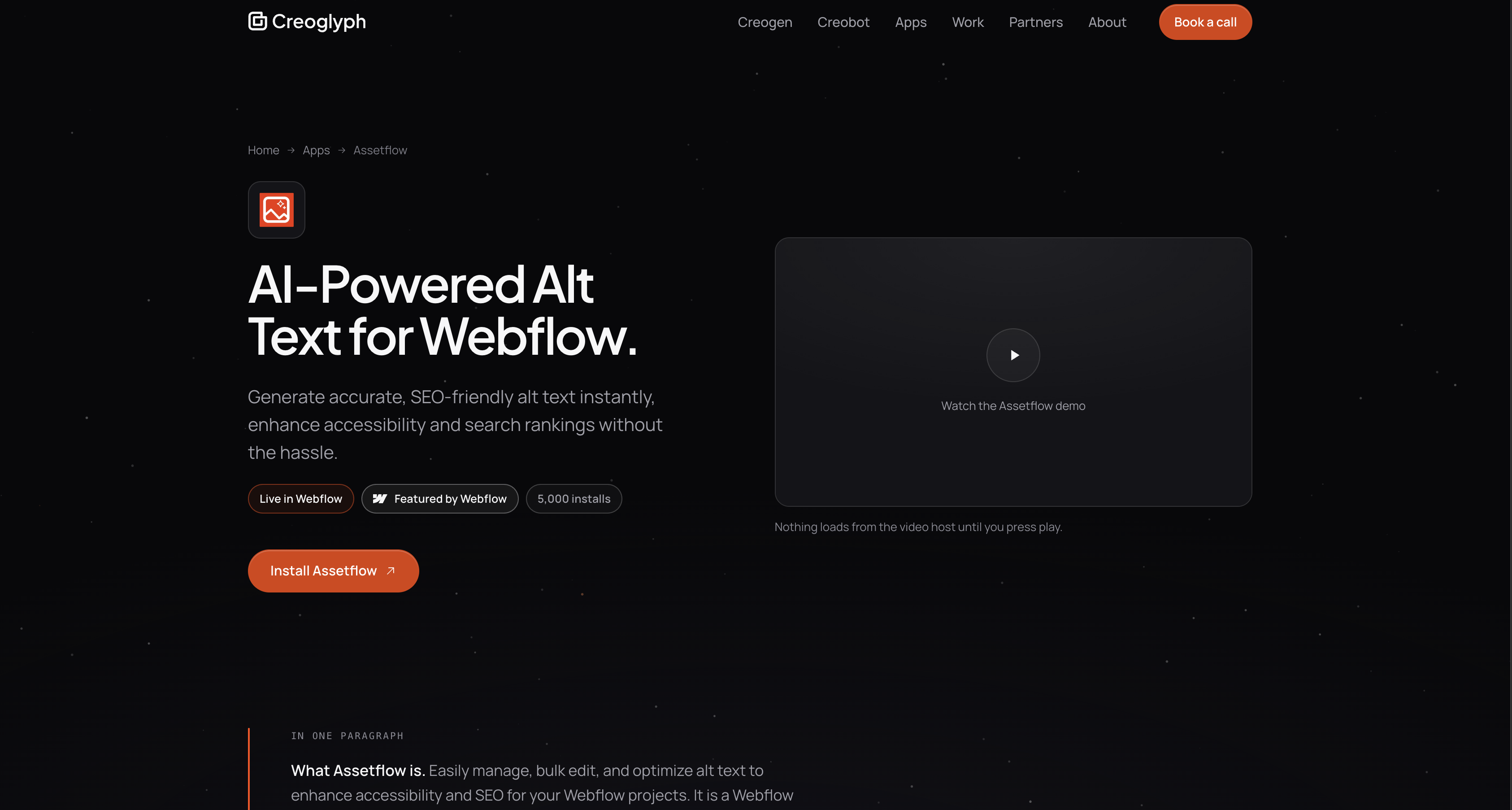
Teams reach for AssetFlow when an accessibility or SEO audit flags missing alt text across a large asset library. It also fits site handoffs, where agencies want every image described before a client takes over. Because it reads image fields on collection items, it reaches static assets as well as blog and product imagery. Webflow's docs on managing collections and items describe the field structure it writes to.
Three approaches cover this work in Webflow. The AssetFlow app writes alt text across a whole library from inside Webflow, with no code at all. The Webflow MCP server lets an AI agent audit a library and write alt text back through the same underlying API, which suits anyone already working in an AI client. The Webflow Data API gives you direct control over the asset altText field when the work has to run on a schedule or reach content the app never sees. Most teams start with the app and reach for one of the other two only once a manual pass stops being enough.
Install the AssetFlow app
The AssetFlow app on the Webflow Marketplace is the primary way to connect the two, and it needs no code. Authorizing it grants six OAuth scopes: authorized_user:read, sites:read, cms:read, cms:write, assets:read, and assets:write. The read and write pairs on CMS data and assets are what let it change alt text. Read that list for what is missing too. The app gets no publishing scope, and no reach into your forms, custom code, or ecommerce data. You can read the same list on the listing's Permissions tab before you install.
To set up the integration:
- Open the AssetFlow listing on the Webflow Marketplace and click Add to site.
- Select the Workspaces or sites you want to connect, then click Authorize app.
- Click Go to "AssetFlow" on the pop-up banner to open the app inside your site. You can also install from the Apps panel in your site by searching for the app and clicking Install on site.
After launch, the app works directly against your images:
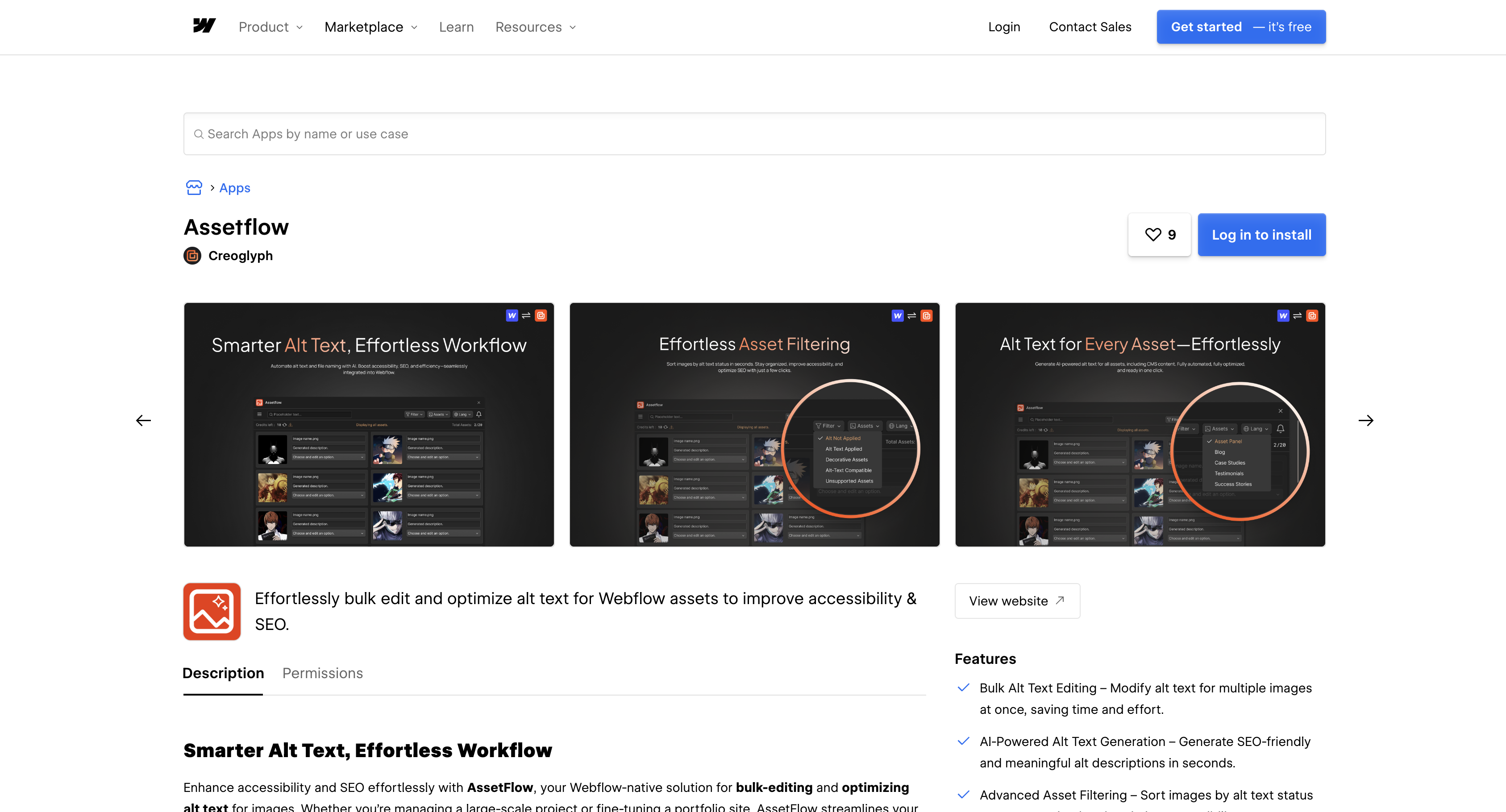
- Filter by alt text status: The Filter menu sorts a library into Alt Not Applied, Alt Text Applied, Decorative Assets, Alt-Text Compatible, and Unsupported Assets.
- Generate several options per image: Each image gets multiple AI-written suggestions, in English, Spanish, Japanese, or Portuguese.
- Edit before you apply: Any suggestion can be rewritten in place, which matters because a generated description misses context a human writer already has.
- Apply in bulk across both surfaces: Approved text writes back to the asset library and to image fields on collection items in the same pass.
Generation runs on prepaid credits rather than a flat subscription, and the Marketplace listing never mentions it. Creoglyph's product FAQ says new accounts get 100 free AI alt text credits and top up from there, and its terms say credits are bought in advance through Razorpay and stay refundable for fourteen days while unused. No public price list exists, so price a top-up before you plan a sweep across a large library.
Workspace-level authorization covers all current and future sites in that Workspace, so removing AssetFlow from a single site means removing the whole Workspace authorization. Viewing and revoking happen on different tabs: see what a site has authorized under Site settings > Integrations tab > Authorized apps, and revoke on the separate Site settings > Apps & integrations tab. Alt text the app already wrote is your own site data and stays where it is.
Audit alt text with the Webflow MCP server
If you already work inside an AI client, the Webflow MCP server reaches these same fields without you writing a script. Webflow's asset tools expose list_assets, get_asset, and update_asset, and that last one updates an asset's display name, alt text, and folder. Webflow names content audits that scan for missing alt text among the things the server is for, and its own example prompt asks an agent to identify images without alt text across a site.
This path sits beside AssetFlow rather than replacing it. An agent works asset by asset through the API, so it fits an audit you want reported back to you more than a single sweep across 400 images. It also runs on your Webflow authorization rather than on AssetFlow credits, so the two have different costs attached.
Build separate alt-text automation with Webflow APIs
Creoglyph publishes no API, webhook, or automation-connector documentation for AssetFlow, so anything the app itself does not do has to be built against Webflow directly. That covers scheduled audits and external content pipelines. The Data API path needs server-side code authenticated with OAuth or a site API token, while Designer API methods run client-side inside a Designer Extension you build yourself.
- Asset endpoints: Webflow's assets guide covers listing a site's assets, its asset folders, and the
altTextfield carried on every asset. - CMS endpoints: Collection and collection item endpoints reach alt text stored in an item's
fieldData, which is where CMS image descriptions live. - Designer API asset methods: Methods such as getAllAssets and
webflow.createAsset()list and create assets inside an extension, andelement.setAsset()assigns one to an image element. - Webhooks: Webflow webhooks fire when CMS content changes, which is how you catch newly added images without polling the whole library.
One gap runs through all of that. Webflow documents no alt text setter anywhere among the Designer API's asset methods, so every direct alt text write goes through the Data API.
Audit and update alt text with the Assets API
Running this yourself reproduces the audit view AssetFlow gives you in the app, on a schedule. The List Assets endpoint returns every asset in a site along with its altText value.
To run an audit:
- Call
GET https://api.webflow.com/v2/sites/{site_id}/assetswith theassets:readscope. Paginate withoffset; thelimitparameter maxes out at 100. - Flag assets where
altTextis null or empty. - Write descriptions back with
PATCH https://api.webflow.com/v2/assets/{asset_id}using theassets:writescope, per the Update Asset reference.
Run that loop on a schedule to catch assets added between AssetFlow passes. Pace it against your API rate limit, which Webflow sets at 60 requests per minute for Starter and Basic sites and raises on the site plans above them. Read the X-RateLimit-Remaining header as you page through a large library, and respect Retry-After on a 429 rather than retrying straight away.
Update alt text on CMS images
AssetFlow writes these fields through its interface, and you can hit the same fields directly. For CMS collection items, the image alt field travels in the item's fieldData. Updates go through the CMS item endpoints rather than the Assets API.
To update CMS image alt text:
- List collections with
GET https://api.webflow.com/v2/sites/{site_id}/collectionsusing thecms:readscope (List Collections). - Fetch items with
GET https://api.webflow.com/v2/collections/{collection_id}/items(List Items). - Send updated
fieldDatawithPATCH https://api.webflow.com/v2/collections/{collection_id}/itemsusing thecms:writescope (Update Items). That endpoint accepts up to 100 items per request. - Push changes live with
POST https://api.webflow.com/v2/collections/{collection_id}/items/publish(Publish Items).
Webflow's page content endpoints return image nodes carrying their alt text and asset ID, but the docs state that updating images isn't supported there. Alt text writes go through the asset and CMS item endpoints above instead. A workable pattern is to use these calls to flag collection items with empty alt fields, then let AssetFlow write them in bulk.
React to CMS changes with webhooks
AssetFlow has no trigger for new CMS images, so you watch for them with an external service. Webhooks fire the moment CMS content with an image field changes.
To set up event-driven alt text checks:
- Register a webhook with
POST https://api.webflow.com/v2/sites/{site_id}/webhooksusing thesites:writescope, per the Create Webhook reference. - Subscribe to
collection_item_createdandcollection_item_changed; payloads includeid,siteId,collectionId, andfieldData. - Verify each delivery with the
x-webflow-timestampandx-webflow-signatureheaders, following the webhook signature steps.
No asset-level trigger type exists; the documented trigger list includes no asset_created or asset_updated event. To watch static assets, you poll GET /v2/sites/{site_id}/assets on a schedule instead. Queue whatever those checks surface, then clear the queue with an AssetFlow pass inside Webflow.
What you can build with the AssetFlow Webflow integration
Integrating AssetFlow with Webflow lets you write and apply alt text across an entire asset library without editing each image by hand.
- Accessibility compliance sweeps: Filter every image with alt text missing, generate descriptions in bulk, and apply them in one pass before a handoff deadline lands.
- Multilingual alt text for localized sites: Generate descriptions in Spanish, Japanese, or Portuguese so regional versions of a site carry described images rather than English-only metadata.
- CMS image coverage at scale: Apply alt text to images bound to collection items, such as a blog with hundreds of post thumbnails or a catalog whose product imagery ships bare.
- Audit remediation before launch: Clear the missing-alt findings an SEO or accessibility audit produced, then use the status filters to confirm every asset is handled before you publish.
For alt text work that has to run on a schedule, start with the Webflow CMS API guide. If you would rather hand the audit to an agent, connect the Webflow MCP server in your AI client and ask it to find the images on your site that have no alt text.
Frequently asked questions
No. AssetFlow installs as a Marketplace app, with no script injection and no custom code. You click Add to site, authorize the six scopes it asks for, and the app opens inside Webflow. Its permission set includes no custom code scope, so it cannot add scripts to your site at all.
Yes. Its authorization carries
cms:readandcms:writealongsideassets:readandassets:write, so it reaches the static asset library and image fields on collection items alike. Creoglyph describes coverage of all Webflow assets, CMS content included.Creoglyph publishes no API or webhook documentation for AssetFlow. For programmatic alt text, use the Webflow Data API directly:
PATCH /v2/assets/{asset_id}writes thealtTextfield on any asset in your site, given theassets:writescope.That depends on which generator you use, and the two available answers disagree. Webflow's own AI covers JPG, PNG, GIF, WEBP, and AVIF and excludes SVG, per Webflow's alt text guide. Creoglyph says AssetFlow supports every format Webflow allows, SVG included, yet the app still ships an Unsupported Assets filter. Check your own library rather than assuming.
Go to Site settings > Apps & integrations tab and click Revoke. A Workspace-level install is removed instead under Workspace settings > Apps & integrations tab > Uninstall app, which takes it off every site in that Workspace at once. The Apps overview documents both paths.
Description
Installing the AssetFlow Marketplace app adds bulk AI alt text to your asset library and CMS collections. Its filter sorts assets into alt text applied, not applied, decorative, compatible, and unsupported, and generation runs on prepaid credits.
This integration page is provided for informational and convenience purposes only.

AltTextLab
Connect AltTextLab with Webflow to generate alt text for images at scale.
Back to Top
Connect Flowstar's Back to Top Webflow app to provide scroll-to-top buttons with configurable icons, text, colors, and positioning controls.
Accessibility Enabler
Connect Accessibility Enabler to Webflow and add accessibility tools to a site through a JavaScript widget.

All-in-One Accessibility
Connect All-in-One Accessibility, an AI-based accessibility widget, with Webflow to add screen reader support, color blindness modes, keyboard navigation, and 90+ WCAG compliance features to any page.

UserWay
Connect UserWay, a cloud-based web accessibility widget, with Webflow to add visitor-facing tools like Smart Contrast, Bigger Text, and Screen Reader through custom code or the Webflow Custom Code API.
Related integrations
Get started for free
Try Webflow for as long as you like with our free Starter plan. Purchase a paid Site plan to publish, host, and unlock additional features.
