






AssetBoost
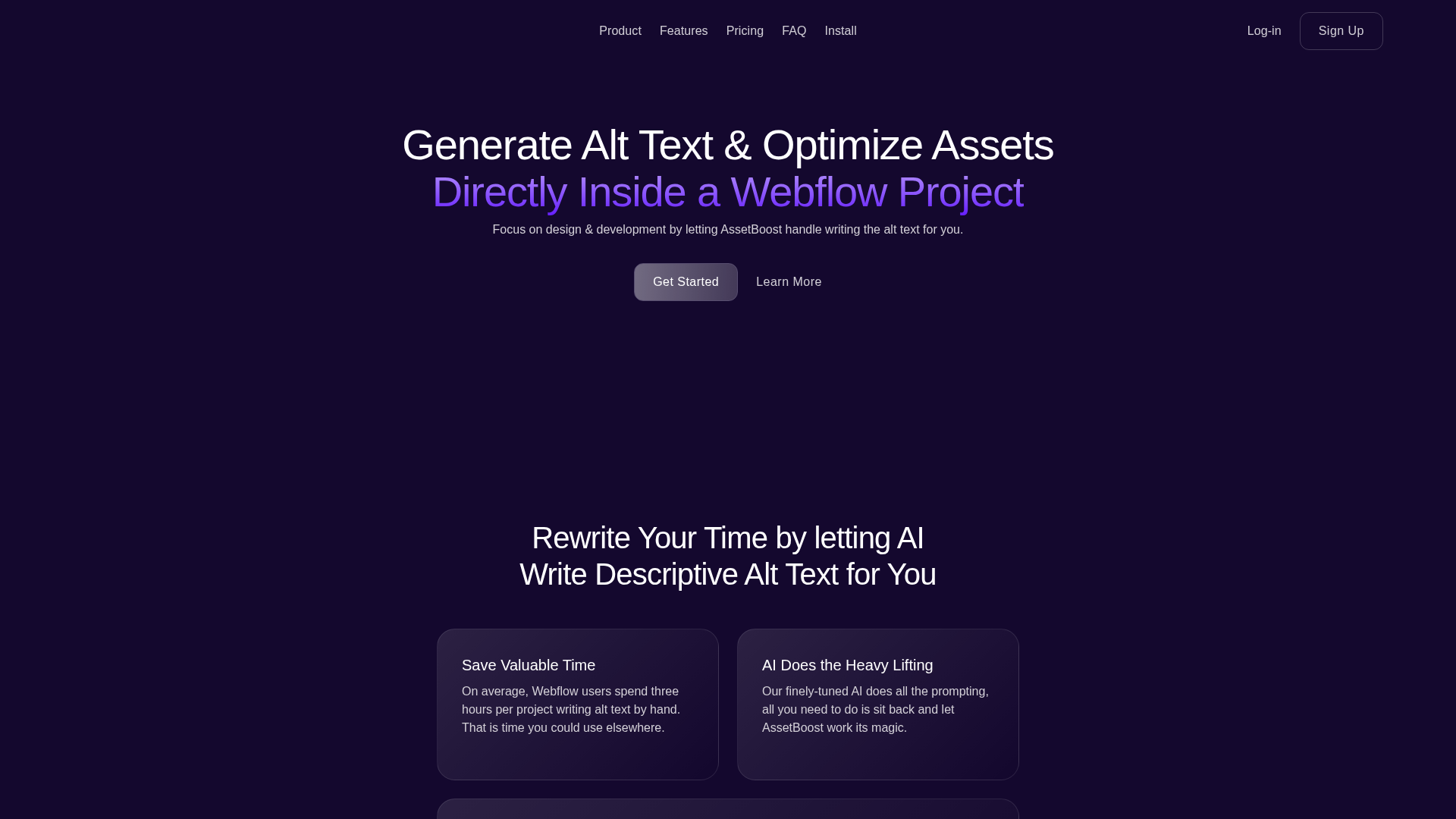
Connect AssetBoost with Webflow to generate AI-powered alt text for site images in bulk, directly inside the Webflow interface.

Webflow gives you full control over how your site looks. What it does not do is write alt text for every image you upload. That task falls to whoever built the page. And on sites with large image libraries or active CMS collections, it gets skipped.
Missing alt text is an accessibility failure and an SEO gap. Screen readers skip images without it. Search engines have less signal to index your content. Fixing it after the fact means opening each image one at a time and writing descriptions manually, which is a process that does not scale.
AssetBoost runs inside Webflow and generates alt text for your site images using AI, in bulk, without leaving the interface.
How to integrate AssetBoost with Webflow
What is AssetBoost? AssetBoost is a native Webflow app, built by Clarify Web Design, that generates AI-powered alt text for images across your Webflow site. It works directly inside the Webflow interface, covering both asset library images and CMS collection images, and lets you review and edit the generated text before saving.
Teams use AssetBoost when they need to add or update alt text at scale. After a site migration, before a launch audit, or when working with CMS collections that contain many images added without alt text. The app is also useful for maintaining accessibility standards on sites that publish content frequently.
The integration uses a single approach:
- The AssetBoost app runs inside Webflow and handles bulk alt text generation for site images and CMS images through a centralized panel, with no custom code required.
Install the AssetBoost app
The AssetBoost app installs directly from the Webflow Apps Marketplace. No API keys, no external configuration, and no custom code are required. Once installed, it runs inside Webflow and connects to your site's image assets automatically.
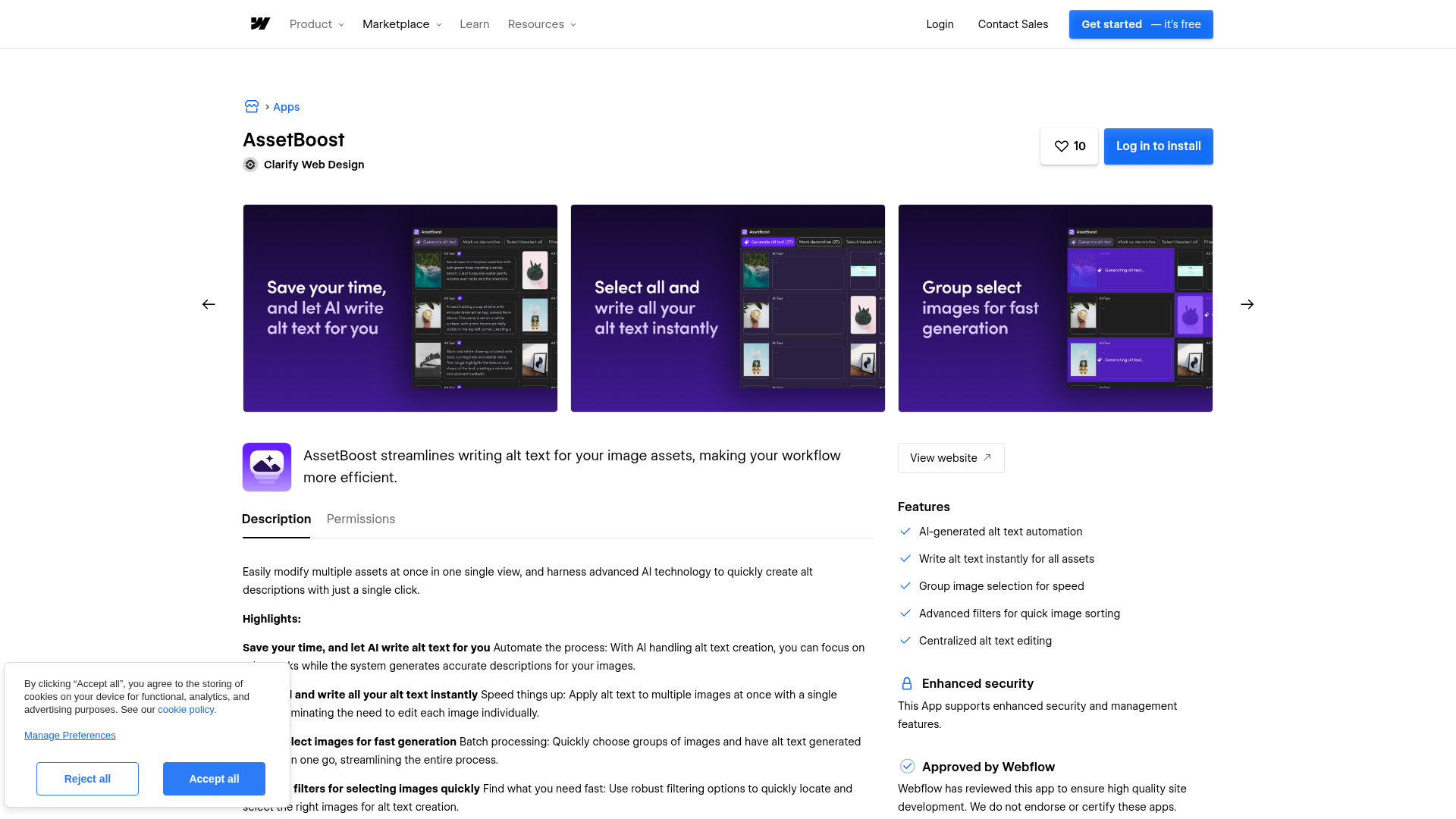
To set up the integration:
- Go to the Webflow Apps Marketplace and install the AssetBoost app on your site
- Open the app from inside Webflow to access the alt text panel
- Select individual images or batch-select groups to generate alt text
- Review and edit the AI-generated text, then save
The app covers two image types:
- Asset library images — static images uploaded directly to your Webflow site
- CMS collection images — images stored inside Webflow CMS collection fields
Both are accessible from the same panel. You can select images individually or in groups, generate alt text for all selected images in one action, and edit any result before committing it. The app does not publish changes automatically. You review first.
AssetBoost does not support webhook-based automation, cross-platform sync, or API access for external tools. It is a standalone Webflow app focused on a single task: generating and managing alt text inside Webflow.
What you can build with AssetBoost Webflow integration
Integrating AssetBoost with Webflow lets you add and maintain alt text across your image library without writing descriptions manually for each image.
Here is what the integration supports:
- Bulk alt text generation for static images: Select all images in your Webflow asset library and generate AI-written alt text in a single pass, then review and save the results from one panel.
- CMS image alt text at scale: Generate alt text for images stored in Webflow CMS collection fields across multiple items, covering content that standard manual workflows typically miss.
- Pre-launch accessibility audits: Run AssetBoost before publishing to identify images without alt text and fill the gaps, reducing the manual effort required to pass accessibility checks.
- Ongoing alt text maintenance: Use the app after content updates or image library additions to keep alt text current without revisiting the Webflow asset panel for each image individually.
For sites with large image libraries or high-volume CMS content, check AssetBoost's pricing page for current plan limits and batch generation caps.
Frequently asked questions
No. AssetBoost is a native Webflow app and installs directly from the Webflow Apps Marketplace. It runs inside the Webflow interface and connects to your site's images automatically. No API keys, webhooks, or custom code are required.
Yes. The app covers both asset library images and images stored in Webflow CMS collection fields. Both are accessible from the same panel inside Webflow.
Yes. AssetBoost generates alt text and presents it for review before saving. You can edit any result. The app does not apply changes automatically.
No. AssetBoost updates alt text within Webflow but does not trigger a site publish. You publish from Webflow separately after reviewing and saving the generated alt text.
Description
AssetBoost is a native Webflow app that generates AI-powered alt text for site images and CMS collection images in bulk, without custom code.
This integration page is provided for informational and convenience purposes only.

Void Analytics
Connect Void Analytics, a privacy-focused analytics tool, with Webflow to track page views and visitor behavior without cookies or personal data collection.
Census
Connect Census, a reverse ETL platform, with Webflow to sync data from your cloud warehouse directly to CMS collections and automate content updates.

Mixpanel
Connect Mixpanel with Webflow to turn site interactions into funnel analysis and attribution reports; session replays add behavioral context.
Yoast SEO
Yoast SEO is a WordPress-only plugin and cannot run on Webflow, but you can replicate its core functionality through Webflow's native SEO tools, third-party marketplace apps, and custom code.

Google Ads
Connect Google Ads, Google's advertising platform, with Webflow to create Performance Max campaigns, install conversion tracking, and report on ad performance without leaving Webflow.

Google Reviews
Connect Google Customer Reviews, a Merchant Center ratings program, with Webflow to display verified store ratings and post-purchase survey opt-ins on your e-commerce pages.
BigQuery
Connect BigQuery, Google Cloud's serverless data warehouse, with Webflow to stream form submissions and orders for SQL analysis using automation or the APIs.

WooRank
Connect WooRank with Webflow to score pages for SEO issues and fix the flagged settings before rankings move.

Snowflake
Connect Snowflake with Webflow to land site data in warehouse tables and publish query results on your pages.
Related integrations
Get started for free
Try Webflow for as long as you like with our free Starter plan. Purchase a paid Site plan to publish, host, and unlock additional features.
