






Apico
Apico's API service is offline and its Webflow app no longer connects. Revoke any access it still holds, then move the same form and CMS data with Webflow's Data API.

Apico was a no-code API platform that gave you one-click access to the Webflow APIs alongside Google Sheets, Notion, Slack and other tools. The service is no longer running. The apico.dev domain now returns an archived copy of its 2024 marketing site instead of the product, and the hosts that ran the Apico app and its API no longer resolve at all.
The Webflow Marketplace listing is still published and still reads as Approved, so you can find it and click install. The authorization will not finish, because nothing is listening on the other end. If you connected Apico to a site before it went quiet, that authorization may still be sitting in your site settings with read and write access to your content.
Most of what Apico brokered is now native. The Webflow Data API reads and writes collections, items, forms, submissions and assets directly, and the Webflow MCP server covers the exploratory half of the pitch from an AI client without any API code. For the no-code spreadsheet pipelines people actually used Apico for, a general automation platform does the same job and hosts nothing on your side.
How to integrate Apico with Webflow
There is currently no working way to integrate Apico with Webflow. The Marketplace listing survives, but the service behind it does not. What follows is how to confirm that for yourself and how to rebuild the same data flows on Webflow's own APIs, plus what to do about any authorization the app still holds on your site.
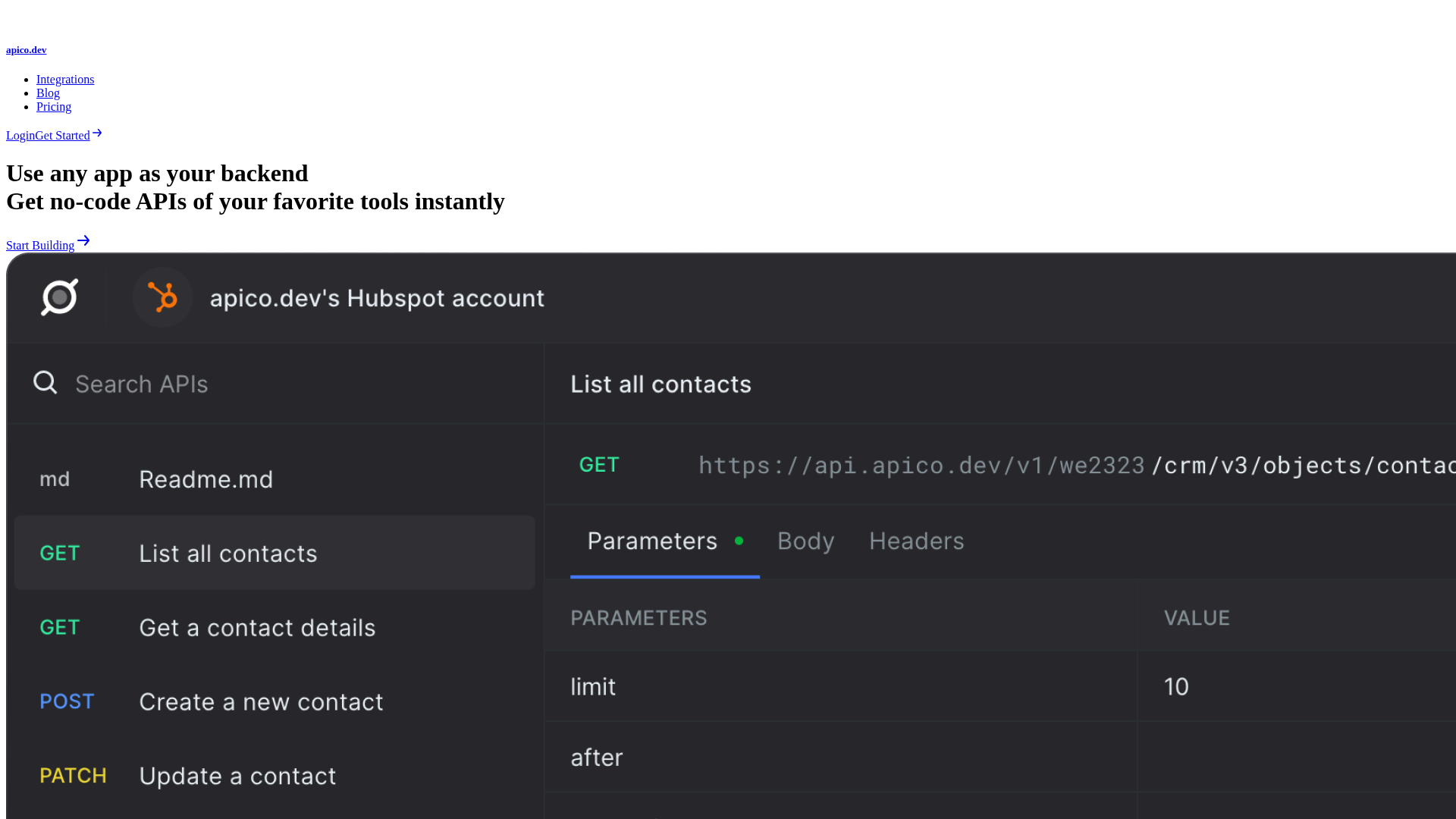
What is Apico? Apico was a no-code API development platform built around a hosted API explorer. You connected an account once, and it handed you working calls to that tool plus generated request samples in cURL and Axios. Webflow was one of its connectors, aimed at reading site forms and Webflow CMS content without configuring an API client yourself.
What happened to the Apico service
Apico did not post a shutdown notice, which is why its listing and its search results still look healthy. The state of the product is clear enough from what its own infrastructure does now:
- The marketing domain is an archive: apico.dev serves a static snapshot of the old site, and every page outside that snapshot returns a placeholder left by the tool that scraped it.
- The product hosts are gone: the subdomains that ran the Apico application and its API have no DNS records, so nothing can authenticate against them or call them.
- Publishing stopped in early 2024: the archived blog ends there, and no release, changelog entry or status update has appeared since.
- The name has been reused: the public repository that shares it is now an unrelated TypeScript HTTP client, not the API platform.
- The listing is frozen, not updated: it still shows as Approved with a free-mail support address, which is exactly why it is easy to mistake for a live product.
Approved status reflects a review Webflow ran at submission time. It is not a liveness check, so a listing can outlast the company behind it.
Remove Apico's access to your site
An app authorization does not lapse when the vendor disappears. Per the Data API FAQ, an app's access token cannot be refreshed and its scopes cannot be changed once issued, so revoking is the only way to end the access.
- Open Site settings, click the Integrations tab, and look under Authorized apps.
- If Apico is listed there, switch to the Apps & integrations tab.
- Click Revoke next to Apico.
The listing requests read and write access to CMS data, site forms and submissions, page data, assets, and site data and publishing, plus read access to authorized user information and site activity. That is a wide grant to leave open on behalf of a service nobody is maintaining. The Webflow Apps overview also covers removing an app at the Workspace level, which clears it from every site in that Workspace at once.
Replace Apico with the Webflow Data API
Everything Apico passed through sits one call away in Webflow's own API. It authenticates with a bearer token against https://api.webflow.com/v2 and covers collections, items, forms, submissions, pages and assets.
If the appeal was exploring the API before committing to code, the MCP server now does that better than a hosted playground did. You connect an AI client once and describe what you want: it creates collections and fields, manages items in bulk, reads forms and their submissions, handles pages and assets, and reads or writes site and page custom code. Every agent works inside your existing Webflow roles and permissions, each site can carry its own Agent Instructions, and the changes land in the site activity log. It is included on the free Starter plan, so there is nothing to buy before trying it.
For event-driven work, Webflow pushes webhooks for form_submission, site_publish, and the collection_item_created, collection_item_changed and collection_item_deleted events. Your receiver verifies each delivery by computing a SHA-256 HMAC over the x-webflow-timestamp value, a colon, and the stringified request body, then comparing it to the x-webflow-signature header. Reject anything older than 5 minutes. Webflow retries an unsuccessful call up to 3 times at 10 minute intervals, so make the receiver idempotent.
Anything that has to render on the page itself still goes through a Code Embed element or the custom code fields in Site and Page settings. Those fields hold up to 50,000 characters each and run HTML, CSS and JavaScript only, with no server-side languages such as Perl, PHP, Python, or Ruby. You need a Core, Growth, Agency, or Freelancer Workspace, or an active Site plan, to add custom code. Keep API tokens out of them: everything you paste ships to the visitor's browser, so any call that needs a secret belongs on a server you control.
Move form and CMS data with no code
If you wanted Apico for the Google Sheets pipeline rather than the raw API access, a general automation platform covers it and needs no server of your own.
Our Google Sheets page walks through connecting a spreadsheet to site data. For the routing layer, Zapier and Make both publish Webflow triggers for form submissions and CMS changes, and n8n does the same if you would rather self-host the automation. Each one listens for the Webflow event and writes the row on the other side, which is the part Apico used to handle.
What you can build with Webflow instead of Apico
The pipelines this integration was used for all still work. They just run on Webflow's own APIs now, without a third party holding a token in the middle.
- Form-to-spreadsheet lead capture: Route every contact form submission into a shared sheet so a sales team sees new leads in a live tracker instead of site settings.
- Editorial content tracking: Sync published CMS items into a spreadsheet listing each post's name, slug and publish date, giving editors an inventory they can filter.
- Multi-site agency reporting: Aggregate form submissions across a client portfolio into one report, with a separate authorization and token held per site.
- Internal tools on Webflow data: Build an admin app over the Data API where editors create and update staged items without ever opening the site itself.
- Agent-driven content work: Point an AI client at the MCP server to audit collections, fill missing SEO fields, or bulk-update items under your existing permissions.
Throttle your requests when you report across many client sites, and keep every token server-side. If you are starting from scratch, our CMS API guide walks the read path end to end, and you can add an event listener once that part works. Then connect the MCP server to your AI client and handle the rest in plain language.
Frequently asked questions
No. The Apico service is offline. Its Marketplace listing is still published and still reads as Approved, but the hosts that ran the product and its API no longer resolve, so an install cannot complete the authorization. Treat the listing as a leftover record rather than a working app, and use Webflow's own Data API or an automation platform for the same jobs.
Revoke it. Open Site settings, click the Integrations tab, and check Authorized apps. If Apico appears, revoke it from the Apps & integrations tab. The scopes it holds cover read and write on CMS data, forms and submissions, page data, assets, and site publishing, plus read access to user and activity data. App tokens cannot be refreshed or re-scoped after they are issued, so revoking is the only way to close that access.
Not any more, because no Apico endpoint is left to receive them. Webflow's half still works: register a webhook for
form_submission,site_publish, or thecollection_item_*events and point it at a server you control. That server then writes to whichever destination you had Apico writing to.Mostly, and that was already true before the service went dark. The Data API covers CMS items, forms, submissions, pages and assets directly, with no broker in between. The MCP server covers the other half of Apico's pitch, letting an AI client read and write site data in plain language without you configuring an API client, and it stays inside your existing Webflow roles and permissions. It is included on the free Starter Site plan.
It depends which half of Apico you wanted. For no-code routing into a spreadsheet, an automation platform such as Zapier, Make, or n8n connects a Webflow form or CMS trigger to Google Sheets without you hosting anything. To build internal tools on Webflow data, go straight to the Data API, which is what Apico was calling underneath. And if you mainly liked poking at the API before writing code, the MCP server does that from your AI client.
Description
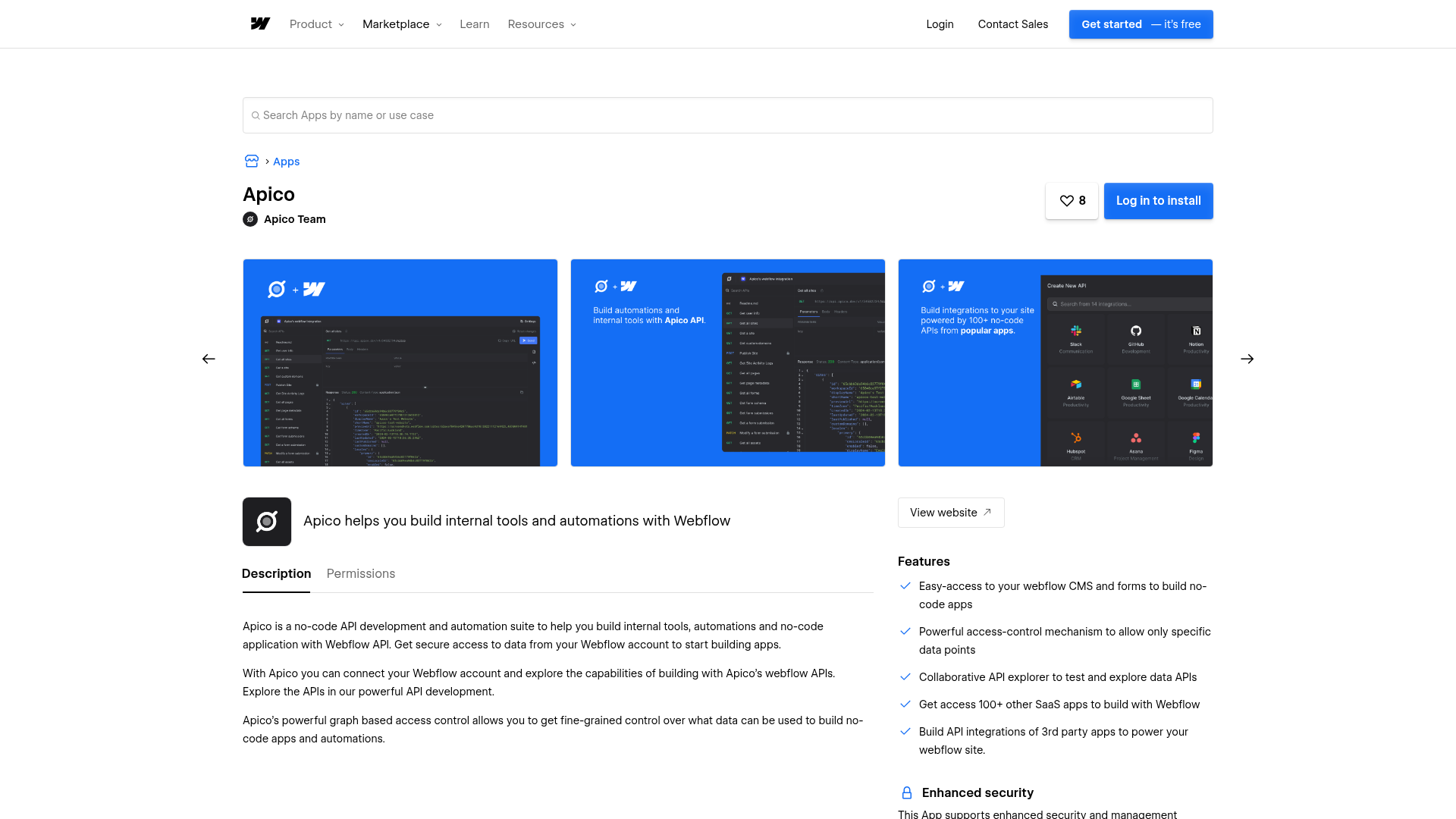
Apico's service is no longer running. Revoke the app if you installed it, then use the Webflow Data API, webhooks, or an automation platform to move form and CMS data.
This integration page is provided for informational and convenience purposes only.

Vault Vision User Authentication
Connect Vault Vision with Webflow to add passwordless login, social sign-in, and per-page access control to any Webflow site without backend code.
Integrately
Connect Integrately with Webflow to automate form submissions, CMS updates, and e-commerce orders across 1,500+ apps without writing code.

ScheduleFlow
Connect ScheduleFlow with Webflow to publish sites and CMS collections at a set date and time. Install the OAuth app, choose your sites, and set a schedule.
Auth0
Connect Auth0, an identity and access management platform, with Webflow to add login, signup, and content gating to static sites through the SPA SDK, Lock widget, automation platforms, or direct API integration.
Neon
Connect Neon, a serverless Postgres database, with Webflow to store, query, and sync relational data that exceeds what the Webflow CMS supports natively.

Relay.app
Connect Relay.app with Webflow to automate form routing, CMS publishing, and order fulfillment with human-in-the-loop approval steps.
Sass
Write and compile Sass directly in Webflow with live preview, code autocompletion, and minified CSS output using the free Sass app.

Publish Pilot
Connect Publish Pilot with Webflow to automate [CMS item publishing](https://help.webflow.com/hc/en-us/articles/33961307099027-Intro-to-the-Webflow-CMS), draft or archive actions, timed element changes, and full-site publishes.
Pipedream
Connect Pipedream, a developer-facing workflow automation platform, with Webflow to automate CMS updates and route e-commerce orders through event-driven workflows, with Node.js or Python available in any step when the pre-built actions run out.
Related integrations
Get started for free
Try Webflow for as long as you like with our free Starter plan. Purchase a paid Site plan to publish, host, and unlock additional features.
