






Update
Website management
Auto-resize favicons and dark mode support
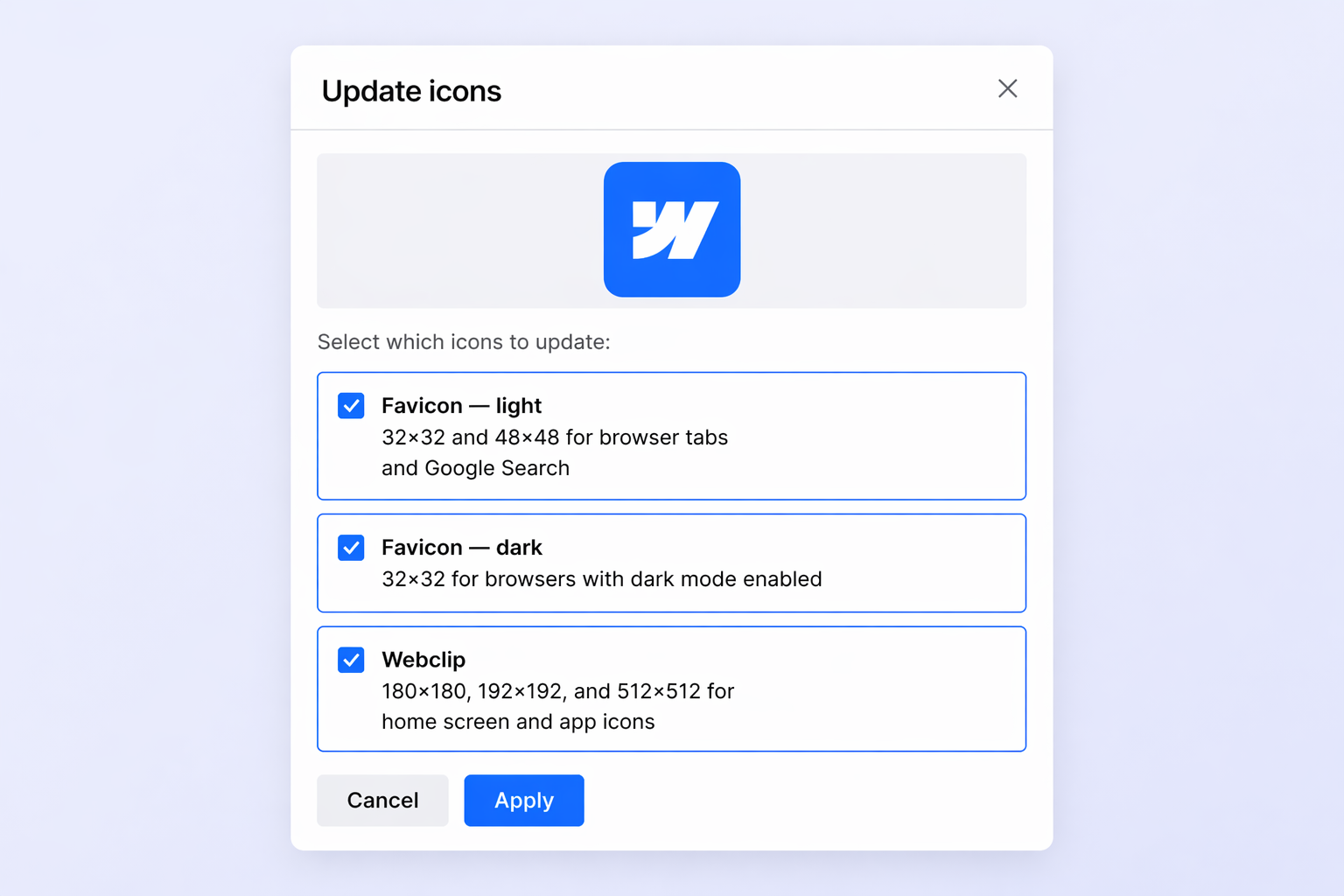
One upload, all sizes
No more manually resizing favicons and touch icons. Upload a single square image in Site Settings and Webflow automatically generates every size your site needs: 32x32 and 48x48 favicons, 180x180 and 192x192 touch icons, and a 256x256 webclip.
You can upload in PNG, JPG, GIF, ICO, or SVG format. SVG uploads are automatically converted to PNG for browser compatibility.
Dark mode favicons
You can now upload a separate favicon for visitors using dark mode. Webflow serves the right version using the browser's `prefers-color-scheme` media query, so your brand looks sharp on both light and dark browser tabs.
The dark mode option appears in Site Settings after you upload a light theme favicon.
Better Google search results
Webflow now generates a 48x48 favicon automatically — the size Google uses in search results. No extra work needed.
Related updates

.png)
.jpg)
.jpg)





















Commencez gratuitement
Essayez Webflow aussi longtemps que vous le souhaitez grâce à notre plan Starter gratuit. Achetez un plan de site payant pour publier, héberger et débloquer des fonctionnalités supplémentaires.
Essayez Webflow aussi longtemps que vous le souhaitez grâce à notre plan Starter gratuit. Achetez un plan de site payant pour publier, héberger et débloquer des fonctionnalités supplémentaires.