



Agents could already build in Webflow. Now they can finish what they start.
MCP 2.0 gave agents the run of a Webflow site: read your design system, build components with props and variants, wire them to your CMS. Most of what a person can do in Webflow, an agent could already do through a conversation.
Our latest update gives agents more of a live Webflow site to work with. They can now add interactions to a page, find exactly what they need in your CMS with less token-maxxing, and deploy or debug a Webflow Cloud app, all through the same conversation you're already having.
Interactions, built on IX3 and GSAP
Until now, an agent building through MCP could lay out a page, but couldn't bring it to life with motion. Adding it meant writing custom code, or a person opening the Interactions panel and building it by hand. Native, GSAP-powered interactions aren't something every AI-assisted site builder offers to begin with.
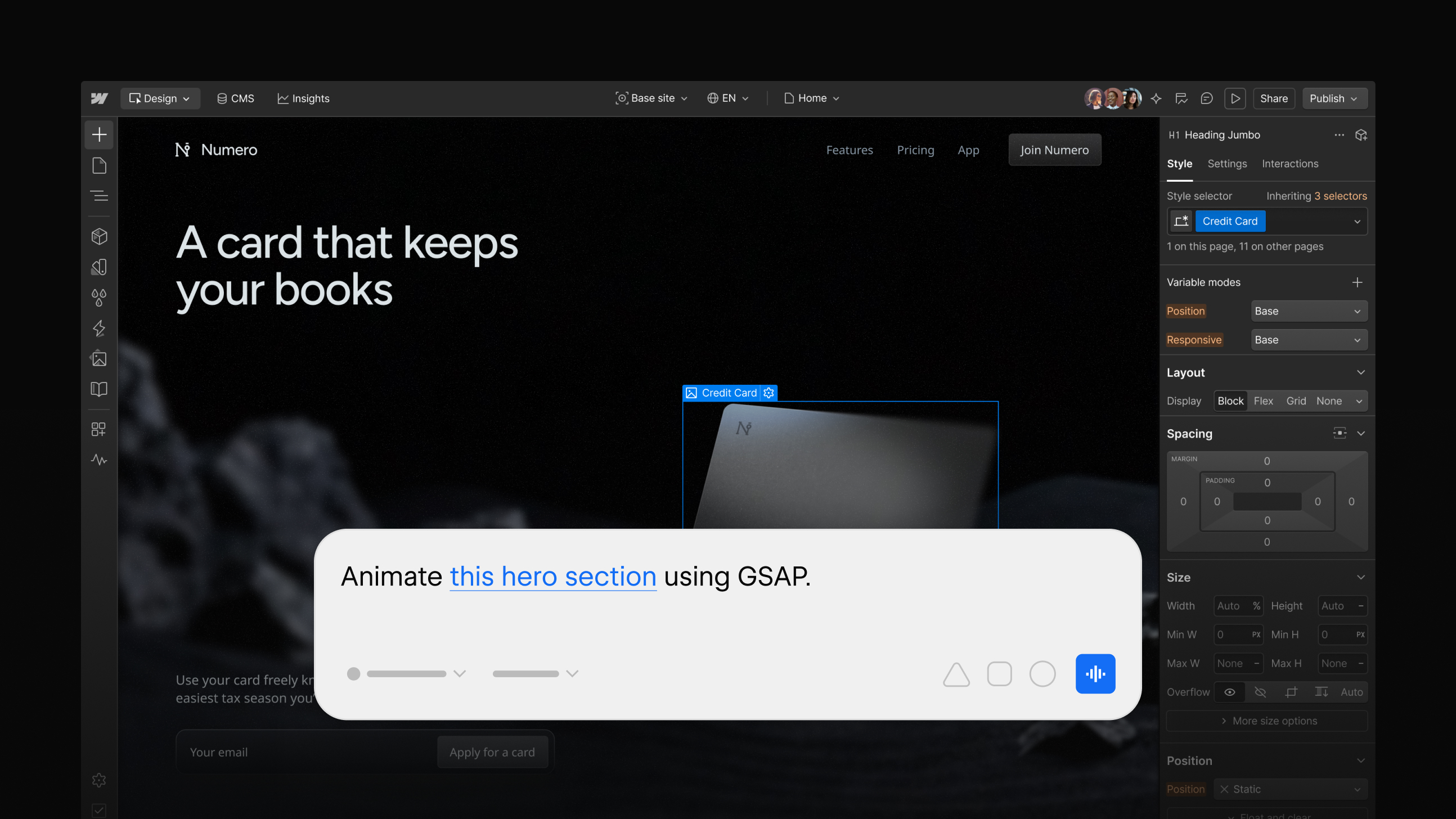
This MCP update changes that. Prompt the interaction you want, and the agent creates it: scroll triggers, hover states, load animations, multi-step timelines, all running on GSAP under the hood, which is what makes complex, multi-step sequences possible.
These are native Webflow interactions, not custom code hidden in an embed. They show up in the Interactions panel like anything built by hand, visible and editable on the canvas. If you want to tweak the timing or swap an easing curve after the fact, you can, without touching a line of code. The API only builds what the panel itself could build by hand, so nothing an agent creates ends up somewhere you can't reach.
Try it:
Add a fade-in on scroll to the hero section
Make this card lift and add a shadow on hover
Build a staggered entrance for these three columns when the page loads
Working with your CMS, faster
Previously, an agent working with CMS content through MCP could sort and filter, but only on a small set of fields, and only if you gave it the exact field name. Ask for anything more specific, and the agent had one option: pull the entire collection and sift through it. On a long CMS list, that meant burning tokens fast, and sometimes breaking the workflow entirely before it finished.
This MCP update extends what agents can query directly. Sort and filter on custom fields. Filter across reference fields. Page through results. All in a single request, so a sort, a custom-field filter, and a reference-field filter can all live in one call instead of three separate ones.
An agent can now ask for exactly the items it needs instead of everything it might need. Content audits, bulk edits, anything that touches CMS content across multiple steps, all faster, and cheaper to run.
Try it:
Show me the 10 most recently updated blog posts written by an editor
Find every product where the category is 'sale' and stock is under 5
Pull the next 20 items after the last batch you gave me
Deploy, check status, and debug, without leaving the conversation
Webflow Cloud gives agents a place to build and ship full apps, not just pages. Getting an app live used to mean stepping outside MCP entirely: opening a dashboard to deploy, digging through logs to find an error, fixing it by hand, then deploying again.
This MCP update brings that whole loop into the conversation. An agent can now deploy an app, check its status, and debug it if something breaks, without switching tools or waiting on someone else. Secrets and environment variables still live in the CLI, not MCP, on purpose, so sensitive values never show up in what an agent sees or logs, even as everything else moves into the conversation.
Build, deploy, watch it break, find out why, ship the fix. If an app breaks after a deploy, the agent doesn't have to hand it off to a person, it can find out what went wrong and fix it in the same place it built the app in the first place. Agents aren't just building inside Webflow anymore. They're running what they build.
Try it:
Create a new app in Webflow Cloud
Check the status of an environment
Debug a failed deployment
Start building
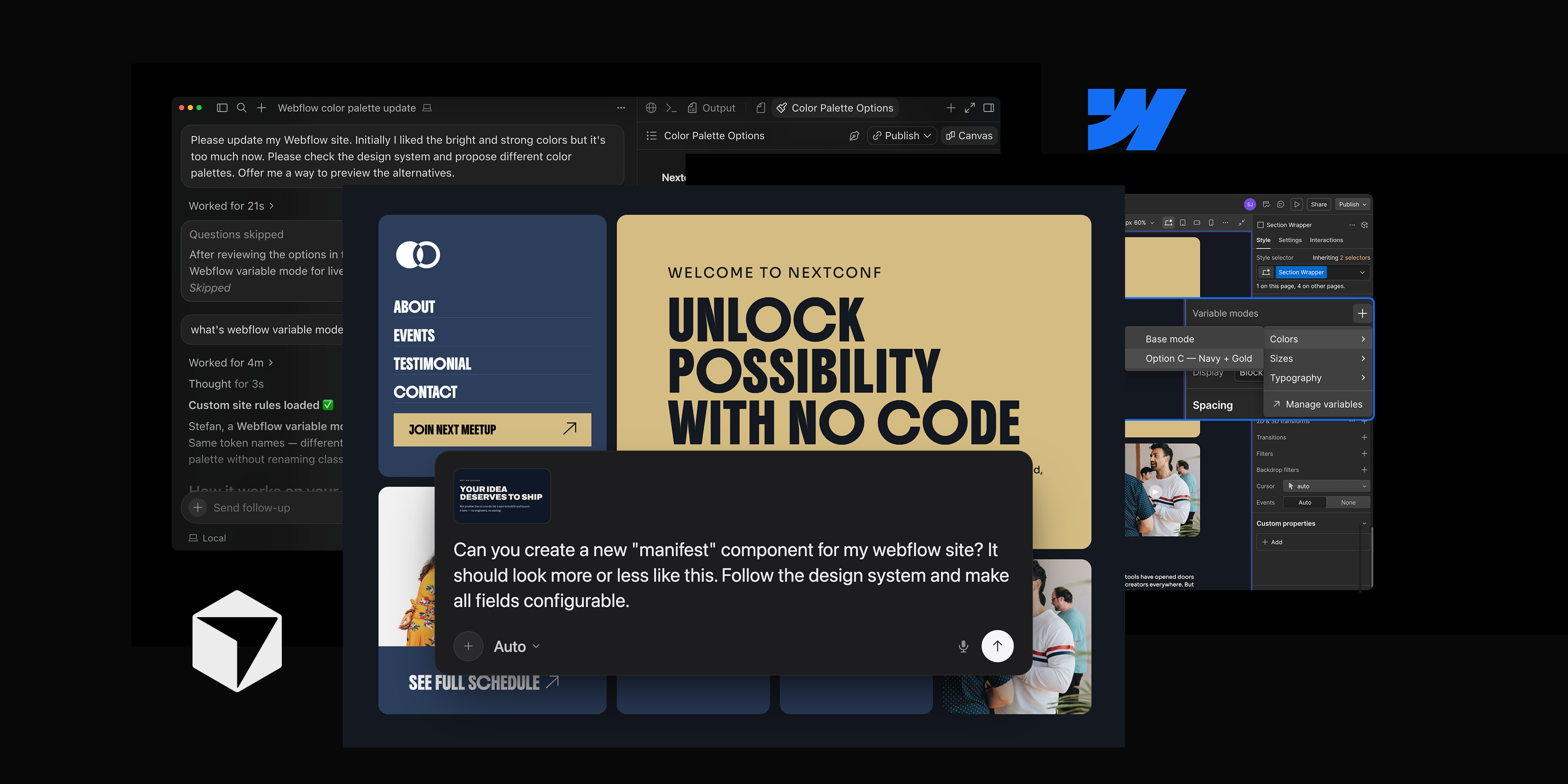
Motion, faster data access, and full app deployment, agents can now touch more of what makes a site actually ship, not just what it looks like. None of it is a one-off file to hand off. Agents build inside the same canvas your designers use, and the same CMS and deploy process your developers use. What an agent creates, they can open and work with directly. The pieces that used to require switching to the canvas, opening a dashboard, or just waiting around are folded into the same conversation.
Check the developer docs for the full tool reference, and the changelog if you want to see exactly what changed under the hood.
Missed the MCP 2.0 announcement? Catch up here.
.jpg)