


Web design starts with a solid foundation of UI, UX, HTML, CSS, and visual design basics.
Learning how to design a website takes time. If you start with the fundamentals, you'll spend less time reworking pages later.
You can start small and build from there.
This guide walks you through what to learn and what to build, from visual design and layout to UX, UI, HTML, and CSS.
As you go, you can bookmark the deeper guides linked throughout. By the end, you'll have a clear order for what to learn next.
How to learn web design: A roadmap
Before diving into the details, it helps to see the journey at a glance. Use the roadmap below as a quick reference while you study.
Check off each milestone as you progress, and revisit it whenever you need to regain focus.
- Absorb core visual design principles
- Get comfortable with HTML and CSS basics
- Study UX fundamentals and common UI patterns
- Build small, responsive projects to apply what you learn
- Seek feedback and iterate until your work feels polished
What’s web design, and what elements make it work?
Crafting a website is part artistry, part science. Designers turn concepts into aesthetically pleasing sites that enable an audience to the actions you want them to, whether it’s making a purchase or signing up for a service.
Web design involves several subdisciplines, like user experience (UX), user interface (UI), and search engine optimization (SEO). Good designers should know the fundamentals of these subdisciplines.
Web design itself focuses on how a site looks and feels, while web development is the coding work that brings those visuals to life. In practice, the two roles often overlap, but designers usually concentrate on layouts, typography, and interactions, whereas developers handle the underlying code that makes those interactions possible.
To create an effective (i.e., engaging and user-friendly) site, web designers need the following skills:
- Attention to detail — A great designer notices granular details, styling each element carefully while never losing sight of how they’ll all come together.
- Adaptability — Designers must be skilled in various software and techniques to pivot strategies to reach multiple audience types.
- Organization — The arrangement of text and visuals on each page must intuitively direct users through the site. A skilled designer creates sites that deliver users to their destination in the fewest clicks.
- Innovation — The best sites are both unique (to keep the viewer engaged) and follow the user’s navigation expectations (so they can take their intended action).
How websites work (front and back)
At a high level, every website is a conversation between two sides: the back end that runs on a server and the front end that appears in your browser.
Back end basics
The backend is everything that runs behind the scenes when displaying a website — back-end developers are the people who make it work.
Websites reside on servers. When a user navigates to a specific section of a site, the server shows them a file filled with HTML and CSS that determines how the browser displays the content. It’s this back-end file that developers work on to ensure the site loads correctly and is search engine-optimized.
Back-end developers are often programmers who work in coding languages such as PHP. They also might use a Python framework like Django, write Java code, manage SQL databases, or use other programming languages or frameworks to ensure that servers, applications, and databases work together correctly.
Front end basics
If the back end is the server side, the front end is the client side. The front end is where HTML and CSS — along with JavaScript and other coding languages — work together to display a website. Front-end development focuses on the parts of a web design that people engage with. It’s all about organizing information and presenting it in a way that’s visually appealing and usable.
Good visual design makes websites stand out
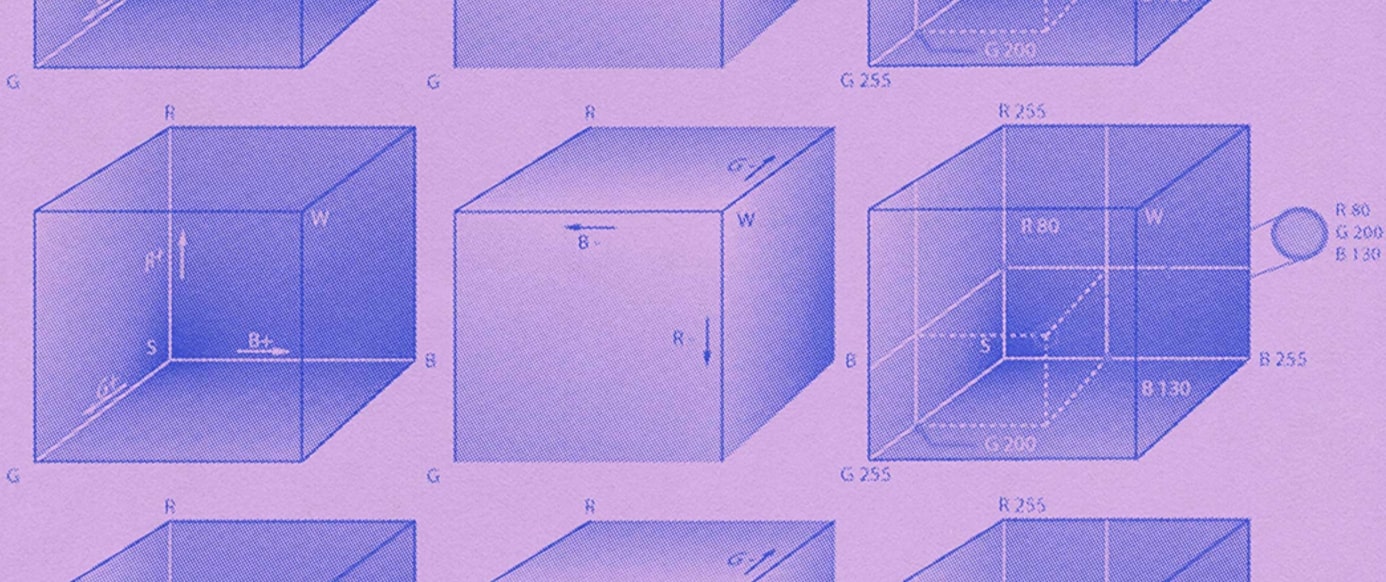
Though the best web designs look effortless in execution, they’re all based on the guiding principles of visual design. Some rare web designers have an innate eye for visual design, but most must learn and practice the rules of composition. Over time, you’ll understand how elements like shapes, space, color, and geometry come together to form sound web design. People form aesthetic impressions in 50 ms, so your visuals need to land fast.

Get our 100 video course on web design — for free
From the fundamentals to advanced topics — learn how to build sites in Webflow and become the designer you always wanted to be.
How to become a web designer: 9 steps
Building websites is more accessible than ever, thanks to online courses and thorough design software documentation like that on Webflow University. That said, some fundamental principles make for a solid foundation to build on.
Choose one design-and-development platform early — whether Webflow, WordPress, or another tool you’ll actually use — and stick with it for your first few projects. Picking a single platform frees up mental space for learning design fundamentals instead of juggling multiple interfaces. Here are nine steps to fast-track your learning.
1. Understand the key concepts of visual design
Effective web design requires you to understand the basic artistic principles you can leverage to make your designs more appealing. If you’ve ever taken an art class, the following fundamentals might look familiar, though applying them to web design is slightly different.
Line
Every letter, border, and division in a web page layout is made up of lines that form the larger structure. As you learn web design, you’ll learn how to use lines to create order and balance. For example, you might create borders to separate elements on a page or horizontal lines to bookend paragraphs.
Shapes
The three basic shapes in visual design are squares, circles, and triangles. Squares and rectangles work well for blocks of content, circles for buttons, and triangles for icons that accompany important messages or calls-to-action (CTAs).
Shapes also evoke specific associations — squares with strength, circles with harmony and comfort, and triangles with importance and action.
Texture
Texture replicates something in the real world. Through texture, we understand whether something is rough or smooth.
You’ll notice textures throughout popular web designs, from paperlike backgrounds to the colorful wisps of a Gaussian blur. Thoughtfully using texture can make your designs more interesting and give them a sense of physicality.
Color
To create sites that aren’t an eye strain, educate yourself on color theory. Understanding the color wheel, complementary colors, contrasting tones, and the emotions that different ones evoke means you can more strategically design your site.
A huge part of learning front-end web design is knowing what color combinations look good together — generate ideas by creating a few palettes with a tool like Coolors.
2. Learn HTML basics
HTML determines how a website's content, images, navigation, and other elements display in a browser. Though you don’t need to be an expert in HTML to become a web developer, it helps to be familiar with how it works, even if you’re using a visual-based design platform like Webflow.
HTML tags are the instructions a browser uses to generate a website. These tags control headings, paragraphs, links, and images. You’ll especially want to know how header tags like H1s, H2s, and H3s create content hierarchy. In addition to affecting layout structure, header tags help web crawlers classify a site, which affects where your site lands in organic search rankings.
3. Understand CSS
CSS provides styling instructions for HTML elements. Applying fonts, adding padding, setting alignment, and choosing colors are all possible through CSS. Knowing how this styling works gives you the skills to create unique-looking websites and customize existing templates.
A CSS class is a list of attributes that come together to style elements. For example:
p {
  color: red;
}
.red-text {
  color: red;
}
<p class="red-text">This is red text</p>
The second rule creates a class named color:.red;-text that you can add to any element you want to appear in red. For example:
<p class="red-text">This is red text</p>Only the paragraph with the class would show in red; other paragraphs remain unchanged.
4. Learn the foundations of UX design
Beginners in web development often confuse UX vs UI design. In short, UX covers how users experience your site — whether they find it straightforward to navigate, if the visuals are intriguing, how they feel as they journey through it. UI focuses on a site’s interactivity, complementing the UX designer’s user-focused goals to ensure the site “hits.”
Here are a few fundamental UX principles you’ll need to consider.
User personas
Web design means understanding end users. You’ll conduct target audience research, create user personas, and figure out how to use this information to optimize a design for an audience’s needs.
Information architecture
Without clear organization, people will get confused and leave your site. Information architecture and content mapping provide a blueprint for how each section of the website works together to give a straightforward customer journey.
User flows
User flows plot how people move through a design. They help you prioritize the most critical sections and ensure people can access them seamlessly.
Wireframes
Wireframes show where headings, text, visuals, forms, and other elements will be located on a web page. Even if you’re building a simple one-page web design, mapping out a wireframe gives you a solid guide to work from. Wireframes are essential to creating a consistent experience and structuring layouts as you move on to more complex UX designs. Check out our guide on how to create wireframes for a step-by-step walkthrough.
Prototyping
Prototypes represent a functioning web design. Images, interactions, content, and other essential elements replicate the real-world design. Then, these mockups are sent to a test group of users who give feedback on the UX.
5. Familiarize yourself with UI design
UI work includes all the mechanisms that put a piece of technology into action. A doorknob is a user interface, as is the volume control on your car radio. Just as buttons and knobs enable users to interact with machines, user interface elements on a website allow people to put actions into motion.
Interacting and engaging with a website should be consistent and follow repeatable patterns. Users landing on a site should immediately understand how to navigate it, so the controls must appear obvious in their functionality.
Whether minimizing the number of navigational options, making the checkout process quicker, or integrating interactive elements that increase accessibility, understanding UI best practices streamlines how people interact with your website.
Accessibility basics
More than 1 in 4 U.S. adults (27%) has a disability, so baking accessibility into your UI from day one ensures everyone can use your site.
- Provide alt text for every image and non-text element
- Maintain a minimum 4.5:1 color contrast ratio between text and background
- Make all interactive elements usable with a keyboard alone
- Add ARIA labels only when native HTML can't convey meaning
6. Understand the basics of layouts
People latch onto familiar design patterns, making for an accessible route through a site. You likely intuitively know where to look because you’ve seen these patterns before. So, understanding common web design patterns helps you create websites that flow smoothly.
Z-patterns and F-patterns are the most common reading paths on sites.

Z-pattern
For layouts with generous amounts of negative space, such as landing pages, the Z-pattern is an efficient way to cruise through a website. When you start paying attention to where your eyes are going through a design, you’ll immediately recognize when a Z-pattern is in place.
F-pattern
Designs heavy on text, like for an online publication or blog, often follow a distinct F-pattern. On the left side is a list of articles or posts, and the relevant information is in the main body of the page. Optimize this pattern to give people all information they need, even at a glance.
Understand responsive web design
A responsive web design has a consistent look no matter what device users display it on. Along with understanding layout patterns, it’s also essential to know the fundamentals behind responsive web design.
7. Learn about typography
Typography serves several purposes in web design. It makes content legible, but it can also evoke emotions. The tasteful use of stylized typography adds to the overall aesthetic of a site.
Here are the three basic typographic types:
- Serif typefaces have minuscule lines (known as serifs) that decorate each letter
- Sans serif typefaces lack the identifying lines of serif typefaces
- Display typefaces are often used for headlines and can be either large and impactful or made of sharp, thin lines. They usually have sophisticated letterforms and are meant to grab attention
8. Put your knowledge into action and build something
You can watch tutorials, read blog posts, enroll in free web design courses, and absorb all the theory and information you want about web design, but the best way to become a web designer is to begin designing.
Start with a simple project like a blog. Creating one gives you practical design experience as you learn how to use a content management system. Plus, blogs are popular with clients looking to increase their website rankings in search results, so you can use this initial design to practice crafting something you’ll likely do often.
Build a starter portfolio
Once you've completed a few small projects, collect your best work in a simple online portfolio so potential clients or employers can see what you can do. This can include:
- A one-page personal bio site that introduces you and your skills
- A responsive landing page for a fictional product or service
- A minimalist gallery that showcases three redesign concepts
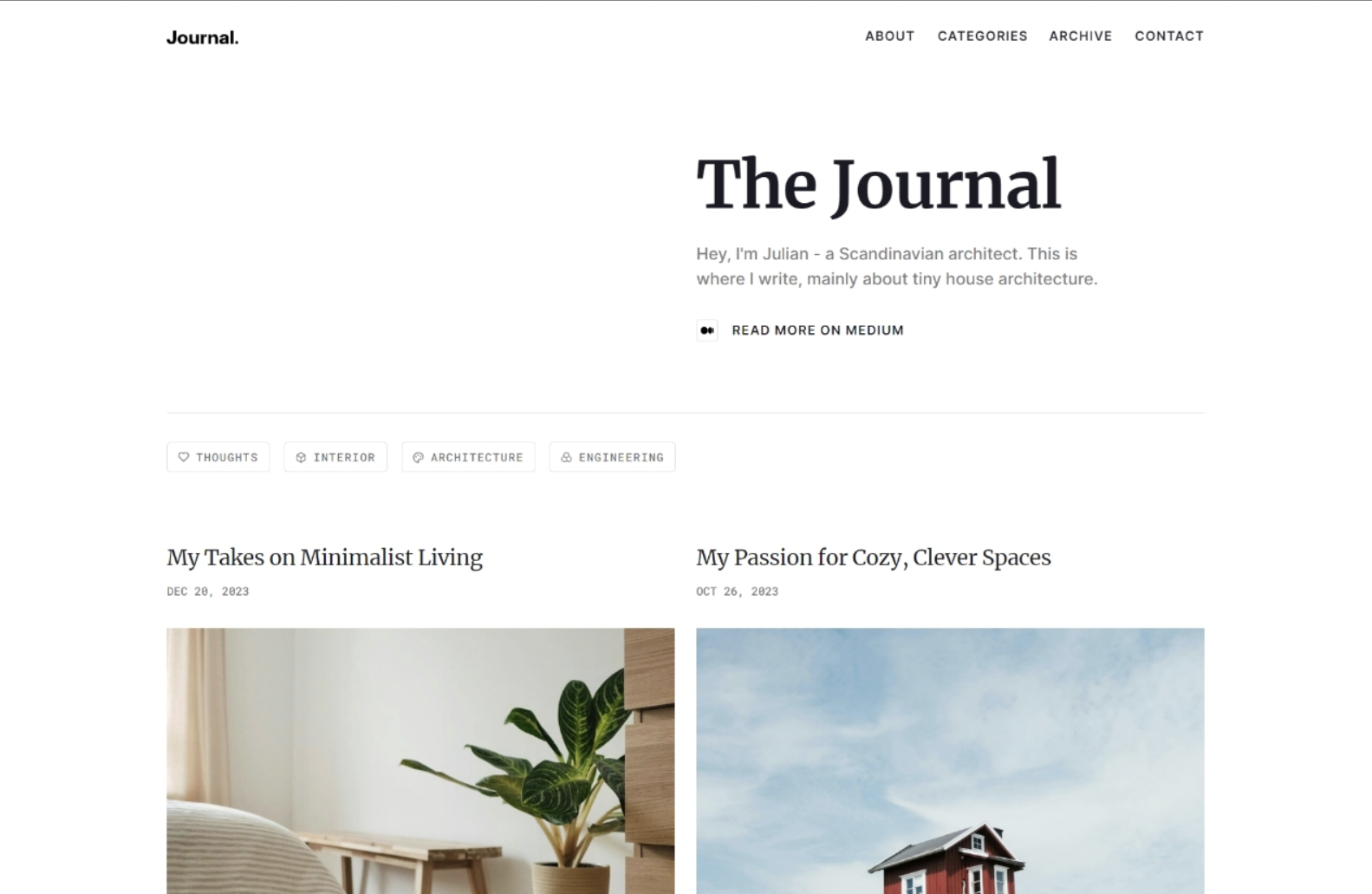
It’s crucial to select the right design tools from the start to avoid having to relearn a new tool later. Webflow offers beginners and experts the tools to create visually stunning sites — with or without writing code. It’s a great platform to start on and stick with long term.
9. Find a mentor
Mentors are valuable because they’ve been where you are — at the very beginning — and want to help you through the hard-earned lessons they’ve learned. They have a deep well of expertise and knowledge and are an excellent resource for getting feedback on your work, identifying your strengths and weaknesses.
Set up a regular feedback loop — for example, a weekly video call where you share what you built, outline what felt challenging, and agree on next steps. Iterating on steady feedback accelerates learning far faster than building in a vacuum.
Try contacting friends or checking social media for mentors open to new students. When searching, consider finding someone who does the type of design you admire and specializes in what you want to learn.
Best practices while you're learning
Keep these habits in mind to make your study time more effective.
- Save examples of layouts, animations, and type choices that inspire you
- Rebuild small sections of your favorite sites to understand how they work
- Preview your work on phones, tablets, and large screens before publishing
- Schedule breaks so you return to your projects with fresh eyes
Frequently asked questions
How do I start learning web design from scratch?
Start by learning the fundamentals of layout, typography, color, and responsive design, along with the basics of HTML and CSS. Practice by recreating simple websites and building your own projects, then continue developing your skills through resources like Webflow University and hands-on experience.
How long does it take to learn web design?
Learning web design is an ongoing process that depends on your goals and the time you dedicate to practice. Many beginners can create simple websites within a few weeks, while developing professional design skills typically requires consistent learning and real-world project experience.
What's the best way to practice web design as a beginner?
Build websites regularly, recreate designs you admire, and work on personal or community projects to strengthen your skills. As you gain experience, create a portfolio that showcases your process, problem-solving, and completed work to demonstrate your growth as a designer.
A platform to design websites like a pro
Learning the fundamentals behind visual design, the basics of UI and UX, and how the front end and back end function sets you off on the right foot to becoming a well-rounded designer.
When you’re ready to start practicing, Webflow empowers beginners and experts alike to build, manage, and grow professional-grade websites.
Webflow offers fully customizable page structures, components, and beginner-to-advanced styling options so you can move at your own speed. And the Webflow CMS helps you make content-rich pages and collaborate with mentors and teammates as you learn this new craft.
Freelance web design boot camp
Explore what a successful, fulfilling web design career can look like with this free, comprehensive course.