


Whether you’re just getting started with web design or you’re a seasoned pro, there’s always something new to learn.
User experience (UX) design is the process of shaping how people move through and experience your website. It involves several steps, including research, content organization, prototyping, and interaction design. When you achieve a strong UX, visitors can quickly understand how your site works, then move smoothly through it to find what they want.
While you can learn a lot from experimenting, online courses teach the principles and techniques behind user-friendly websites. UX design is in high demand, so there are plenty of programs to choose from, including self-guided pathways and structured certifications.
For beginners, these courses can make a complex topic more approachable. And if you’re thinking about changing careers to become a UX designer, there’s no better way to start than learning from experts. In this guide, we’ll share eight of the best UX design courses and help you decide which one fits your goals.
8 UX design courses for beginners and career changers
The best UX course is the one that matches your current skill level and schedule. Here are eight top options that serve a variety of needs.
- UX & Web Design Master Course (Udemy)
- Google’s UX Design Professional Certificate (Coursera)
- Intro to User Experience Design (SuperHi)
- Fundamentals of UX Design (Envato Tuts+)
- UX Academy Foundations (Designlab)
- Mobile UX Design: The Beginner’s Guide (IxDF)
- UI/UX Design Bootcamp (Springboard)
- UX Design Bootcamp (General Assembly)
1. UX & Web Design Master Course
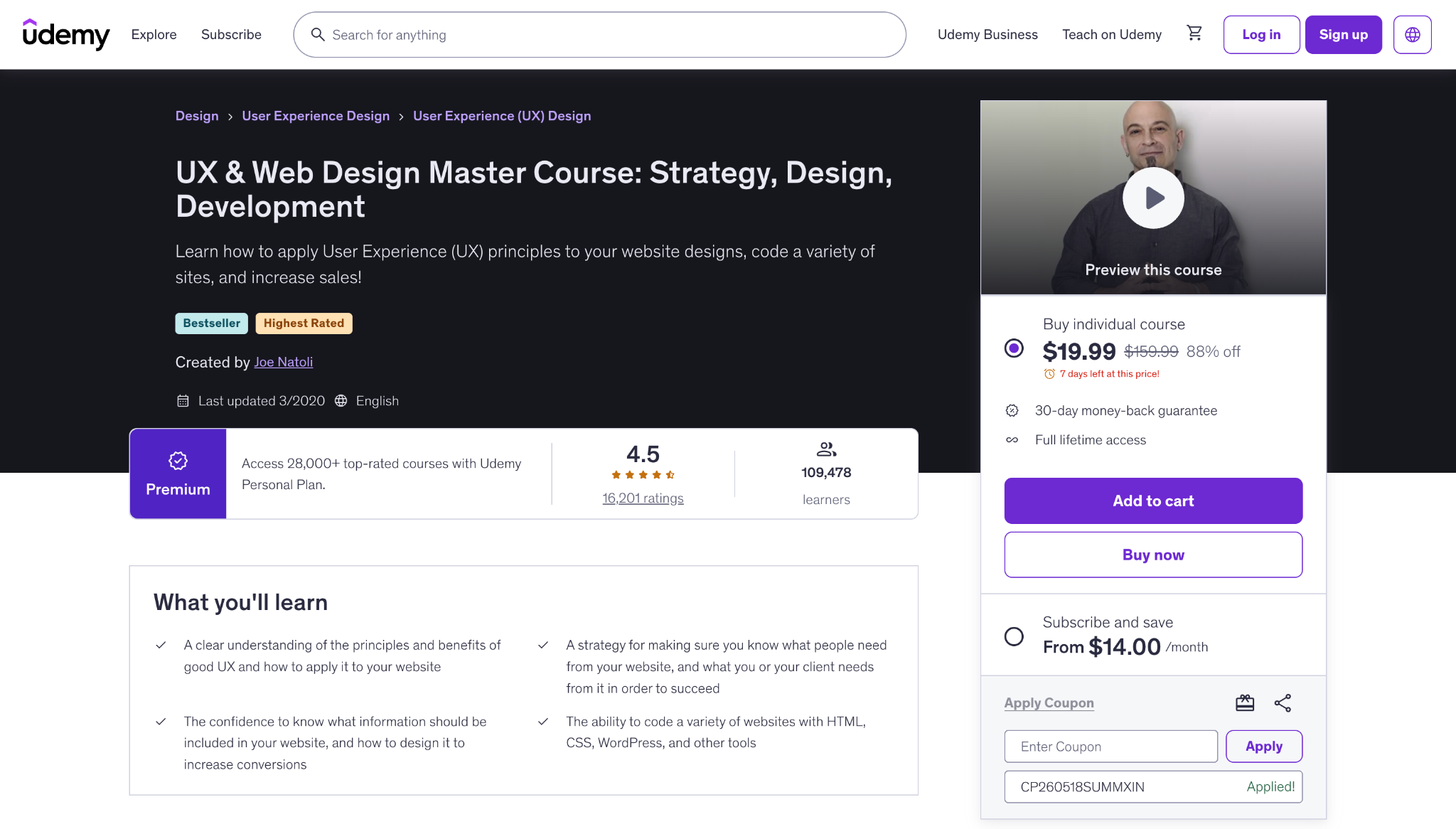
Udemy’s UX & Web Design Master Course walks learners through the full website-building process. It starts by exploring overall UX strategy before moving on to more complex subjects, such as information architecture, wireframing, and visual design.
This program is a budget-friendly starting point for beginners. It’s also extensive, including 186 lectures, 17 downloadable resources, and a UX design certification upon completion. Just keep in mind that because it’s self-paced, Udemy’s course is better for independent learners than those who want dedicated mentorship or live feedback.
2. UX Design Professional Certificate

Google’s UX Design Professional Certificate program is an eight-part Coursera series that teaches the whole design process, from researching to producing portfolio-ready work. This course covers a lot of fundamental groundwork, through topics like empathizing with users and ideating UX solutions to relieve pain points.
You’ll also learn about basic site-building techniques, such as UX wireframing, and you’ll see how prototyping lets you compare multiple iterations to find what works best. Google’s UX program is flexible, letting you move at your own pace, and it provides a certificate upon completion.
3. Intro to User Experience Design
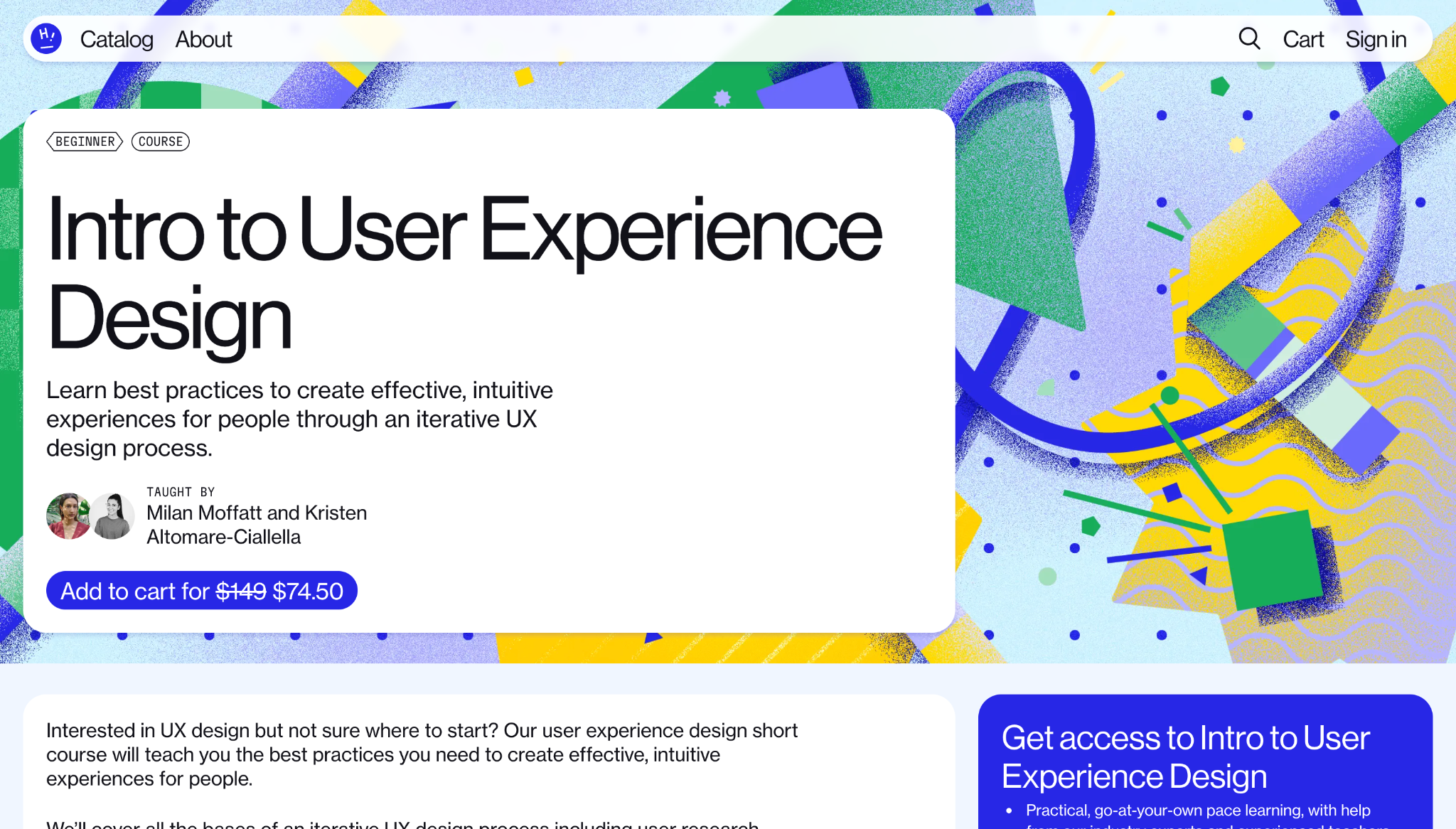
SuperHi’s Intro to User Experience Design course teaches UX through an iterative design process. Throughout the program, you’ll move from early research into user flows and sitemaps, before finally focusing on testing.
This course is very hands-on, with practical assignments and resources you can adapt to your own website. SuperHi also offers help from its experienced team, as well as peer support through Discord. This makes Intro to User Experience Design more community-driven than a typical solo course.
4. Fundamentals of UX Design

The Envato Tuts+ Fundamentals of UX Design course is a quick way to test the waters of UX before committing to a longer certificate program or bootcamp. This course starts by explaining the basics of UX design, then provides a high-level overview of key topics like user personas, information architecture, and wireframing.
Despite its breadth, Fundamentals of UX Design is compact and theory-led. So it’s a great first step into the field, one that helps you decide whether you want to learn more and identify specific topics of interest.
5. UX Academy Foundations

Designlab’s UX Academy Foundations course is a beginner-friendly bridge into its complete UX Academy bootcamp. This starter program focuses on visual and UI design basics, such as typography and color theory.
One of this course’s biggest differentiators is mentorship. You’ll get one-on-one sessions with an experienced design mentor, while building confidence through project-based assignments. That makes it a strong choice for beginners who want a more guided experience.

Get started for free
Create custom, scalable websites — without writing code. Start building in Webflow.
6. Mobile UX Design: The Beginner’s Guide
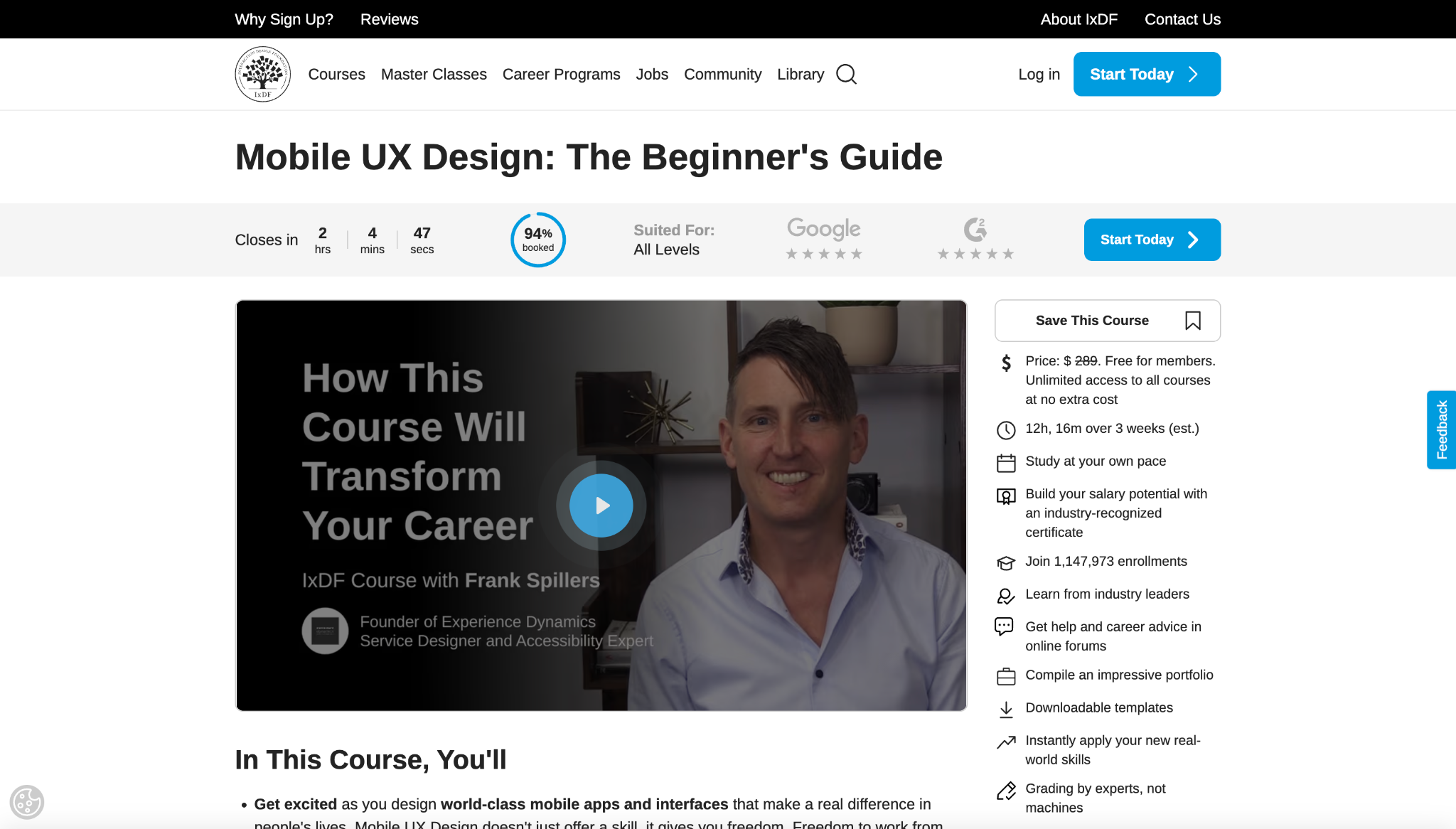
As its name suggests, IxDF’s Mobile UX Design: The Beginner’s Guide focuses on UX in a mobile-first context. Its lessons teach you how to design mobile experiences that are responsive across devices, so your website works well no matter what type of screen it’s viewed on.
This course also functions as an introduction to a membership-based learning platform. IxDF is one of the world’s largest online design schools. Once you’re finished with The Beginner’s Guide, you can continue learning from industry experts and get career advice through IxDF’s community forums.
7. UI/UX Design Bootcamp
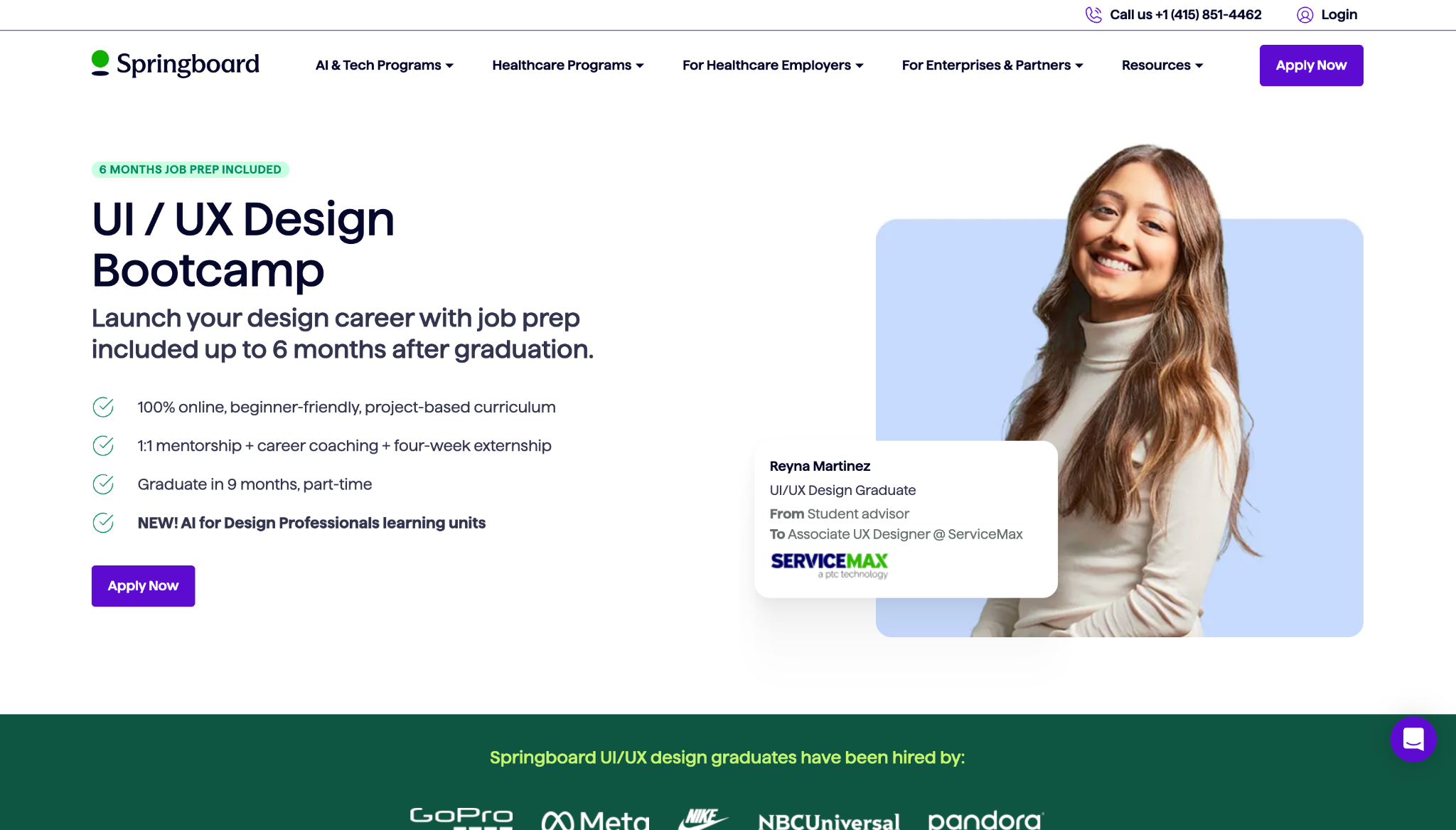
Springboard’s UI/UX Design Bootcamp is a program for those who want to jump straight onto a career-oriented path. You’ll learn about the entire UX design process through project-focused work, including user research, high-fidelity mockups, and prototyping.
Throughout this program, you’ll receive career coaching and become familiar with popular design tools like Figma and Sketch. The course also includes one-on-one mentorship and a four-week externship, making it a great way to kickstart your web design career.
8. UX Design Bootcamp

General Assembly’s UX Design Bootcamp is a career-focused program that relies heavily on structured training and guidance. The curriculum moves through the full range of UX fundamentals, while instructors with years of experience provide personalized feedback on your progress.
This course is offered in full-time and part-time formats. So you can choose between a faster, classroom-style schedule or a longer track with more independent learning.
UX design courses: Quick reference guide
If you’re still not sure which course is the best fit, here’s a quick look at what makes each one worthwhile.
How to choose the right UX design course
Here are a few things to consider when deciding which online UX course to try:
- Experience level. If you’re new to the topic, look for a course that explains UX fundamentals. If you already know the basics, choose a program that goes deeper into research, UX prototyping, and strategy.
- Portfolio building. Some courses help you build a UX portfolio, which is useful if you want to apply for jobs or internships. These programs offer assignments or project work, ideally through real-world experience.
- Mentorship and feedback. Courses with mentor reviews and peer feedback help you understand what parts of your designs work and where you can improve.
- Course length and pacing. Self-paced UX courses work well if you’re learning around school or work. Bootcamps create more accountability, but they usually require a long-term commitment.
- Passive lessons versus projects. Watching lessons can be enough to grasp UX concepts theoretically, while practical work lets you apply and test your own design decisions.
- Career support. If you’re planning to pivot careers to web design, look for programs that also provide job search coaching or hiring network access.
Turn UX learning into better on-site experiences with Webflow
UX design is a vast field of study, so if you’re just starting out, look for a course that covers both high-level fundamentals and practical advice. You’ll need to understand how people move through websites, then learn to use research and structure to make design decisions that create user-friendly experiences.
If you want to practice those skills, Webflow’s agentic web marketing platform gives you a place to turn course-inspired thinking into meaningful UX designs. You can build custom page structures and add advanced interactions using Webflow’s visual design environment. And because all this happens on the front end, you’ll get a first-hand view of the user experience as you work.
Put your new UX design knowledge into action with Webflow.

Build with Webflow
Webflow Enterprise gives your teams the power to build, ship, and manage sites collaboratively at scale.