




Every HIPAA-compliant form builder signs a Business Associate Agreement (BAA). What separates them is the plan you need to get one, the price, and how purpose-built each one is for healthcare.
HIPAA compliance is your organization's responsibility, and the software is one part of meeting it. A compliant form builder does two things: it signs a Business Associate Agreement (BAA) and provides the safeguards HIPAA requires (e.g., encryption, access controls, audit logs).
Beyond those two primary responsibilities, these tools support different types of healthcare forms and workflows, ranging from a quick patient intake to a complex, branching clinical questionnaire.
Below, we compare the six we recommend, the plan each requires to handle PHI, their price points, and the type of teams they’re best suited for.
Key takeaways:
- Jotform is the most affordable mainstream option, with HIPAA and a signed BAA included on its Gold plan at no extra fee.
- Cognito Forms adds unlimited entries under a BAA on its Enterprise plan, which suits high-volume intake.
- Formstack and Formsort are the enterprise picks: Formstack handles document and approval workflows, and Formsort handles branching, high-volume patient intake.
- Typeform brings HIPAA to branded, conversational forms on its Enterprise plan, and Google Forms can handle PHI only under a paid Google Workspace BAA.
- Webflow builds and hosts the fast, on-brand marketing site your forms live on, and you can pair it with a HIPAA-compliant builder from this list for anything that collects PHI.
The best HIPAA-compliant form builders: Comparison
Selecting the right tool requires balancing your budget, technical requirements, and the complexity of your patient workflows. While every option below meets the core legal requirement for handling PHI, they vary significantly in functionality, pricing, and administrative overhead.
Evaluate each candidate across these four primary considerations:
- Whether the vendor will sign a BAA, and on which plan, since that is the legal gate.
- The safeguards it provides (e.g., encryption, access controls, audit logging, control over where data flows).
- The plan and price.
- The form type it suits (e.g., a one-screen intake, a multi-step questionnaire that adapts to patient responses).
With these criteria in mind, here are the top 6 form builders that balance compliance with their unique features and pricing structures:
Let’s take a deeper look at how each vendor provides the necessary foundation for HIPAA-compliant data collection.
1. Jotform
Jotform is the most affordable way for a healthcare team to collect PHI under a BAA, because HIPAA features come with its Gold plan at no extra charge. You turn on HIPAA in your account settings and sign the BAA. Then, you can build intake, consent, and appointment forms with the same drag-and-drop editor as its standard product.
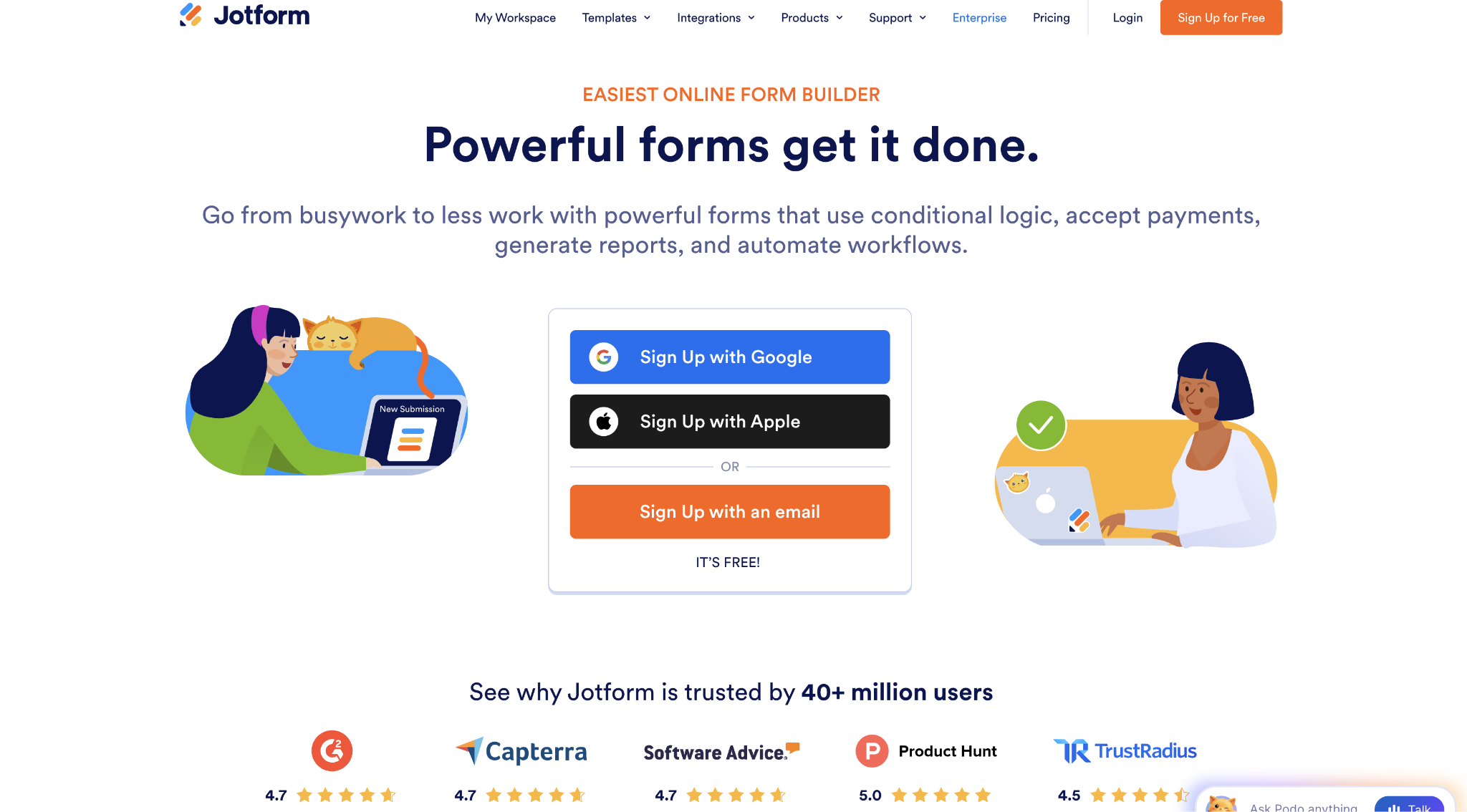
Jotform is a strong choice for clinics and practices that want HIPAA-ready forms without an enterprise contract, and its templates cover common medical forms out of the box.
Jotform pros:
- HIPAA at a low price: Jotform includes HIPAA and the BAA on its Gold plan with no add-on fee. A small practice gets compliant forms for far less than an enterprise platform charges.
- Familiar, fast building: HIPAA forms use the same editor and templates as Jotform's standard product so that a team can build patient intake without special training.
Jotform cons:
- HIPAA mode restricts features: To keep PHI inside the BAA, Jotform switches off integrations that would send data out. Any workflow built on these features has to be rebuilt.
- Less granular governance: Jotform provides the required HIPAA safeguards, but its audit logs, role permissions, and admin controls are less detailed than enterprise platforms. That gap matters once many staff handle PHI.
Pricing: HIPAA compliance and a signed BAA are included on the Gold plan ($129 per month, or $99 per month when billed annually) and on Enterprise. Lower plans do not support PHI.
Best for: Clinics and practices that want affordable, HIPAA-ready forms on a self-serve plan.
2. Cognito Forms
Cognito Forms pairs a BAA with unlimited form entries on its Enterprise plan. This makes it a strong value for teams collecting high volumes of patient submissions because the Enterprise tier also adds the encryption, session timeouts, and access controls HIPAA calls for. And Cognito Forms builds capable forms with conditional logic, calculations, and payments.
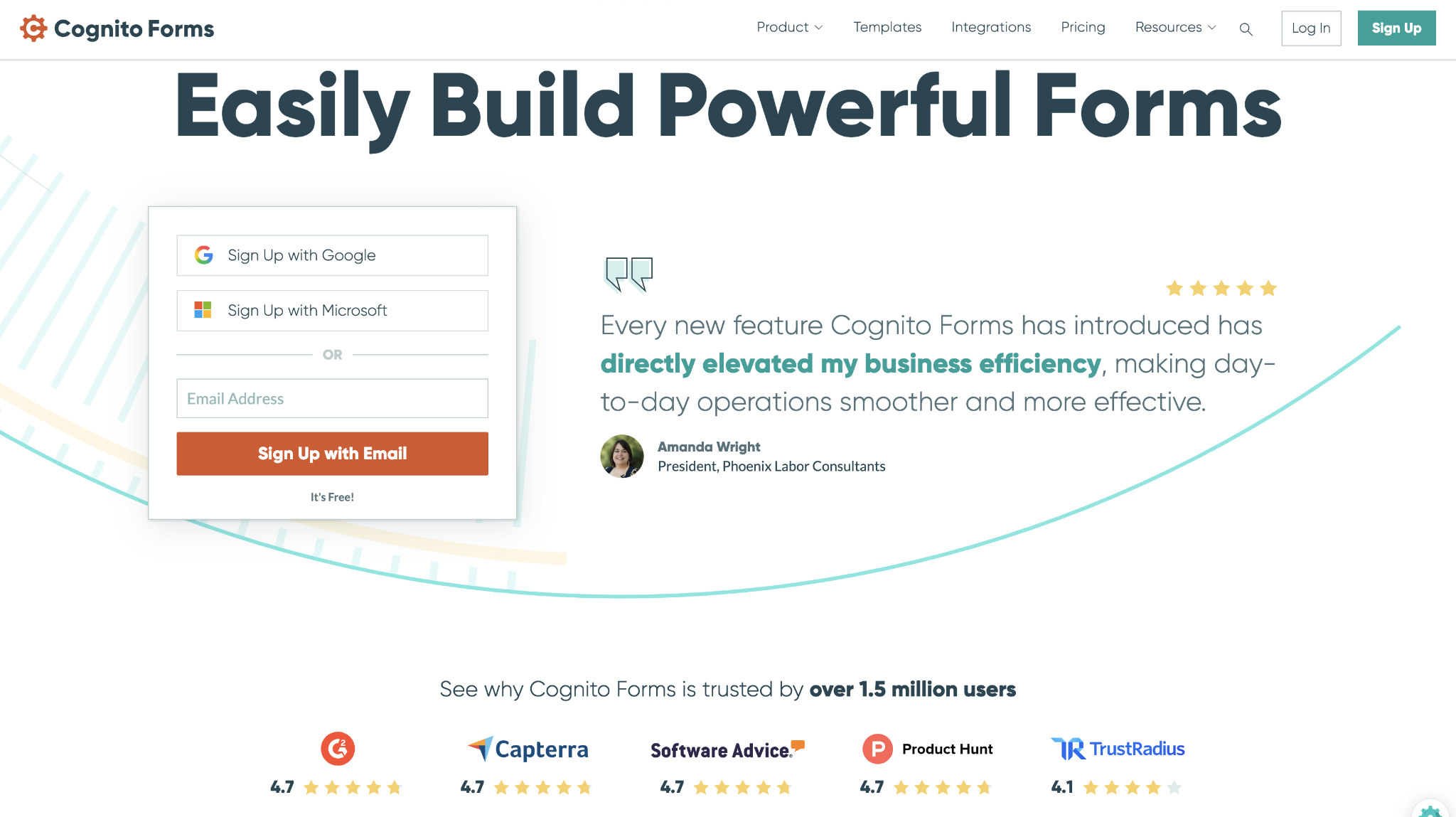
Opt for Cognito Forms when submission volume would make a metered plan expensive. Keep in mind, though, that Cognito is a general form builder with HIPAA added on top, whereas a healthcare-first tool builds compliance in from the start.
Cognito Forms pros:
- Unlimited entries under a BAA: The Enterprise plan does not meter submissions, so a busy intake form can collect PHI without the bill climbing as volume grows.
- Capable forms at a fair price: Cognito's form-building rivals pricier tools while costing well below the enterprise healthcare platforms.
Cognito Forms cons:
- No mid-tier BAA: Compliance is gated to the top Enterprise plan. There is no cheaper tier a small team can drop down to and still get a signed BAA.
- No prebuilt clinical templates: Out of the box, Cognito offers generic forms, not patient-intake or consent layouts. A healthcare team builds those from scratch rather than starting from a medical library.
Pricing: HIPAA compliance and a BAA are available on the Enterprise plan, at $174 per month, or $129 per month when billed annually, with unlimited entries.
Best for: Teams that collect a high volume of patient submissions and want unlimited entries under a BAA.
3. Formstack
Formstack is the enterprise pick for healthcare teams whose forms feed a larger workflow: routing a submission for approval, generating a document, and collecting an e-signature, all under HIPAA. It is a long-standing healthcare vendor, signs a BAA, and offers HIPAA as a paid add-on on its Forms and Suite plans.
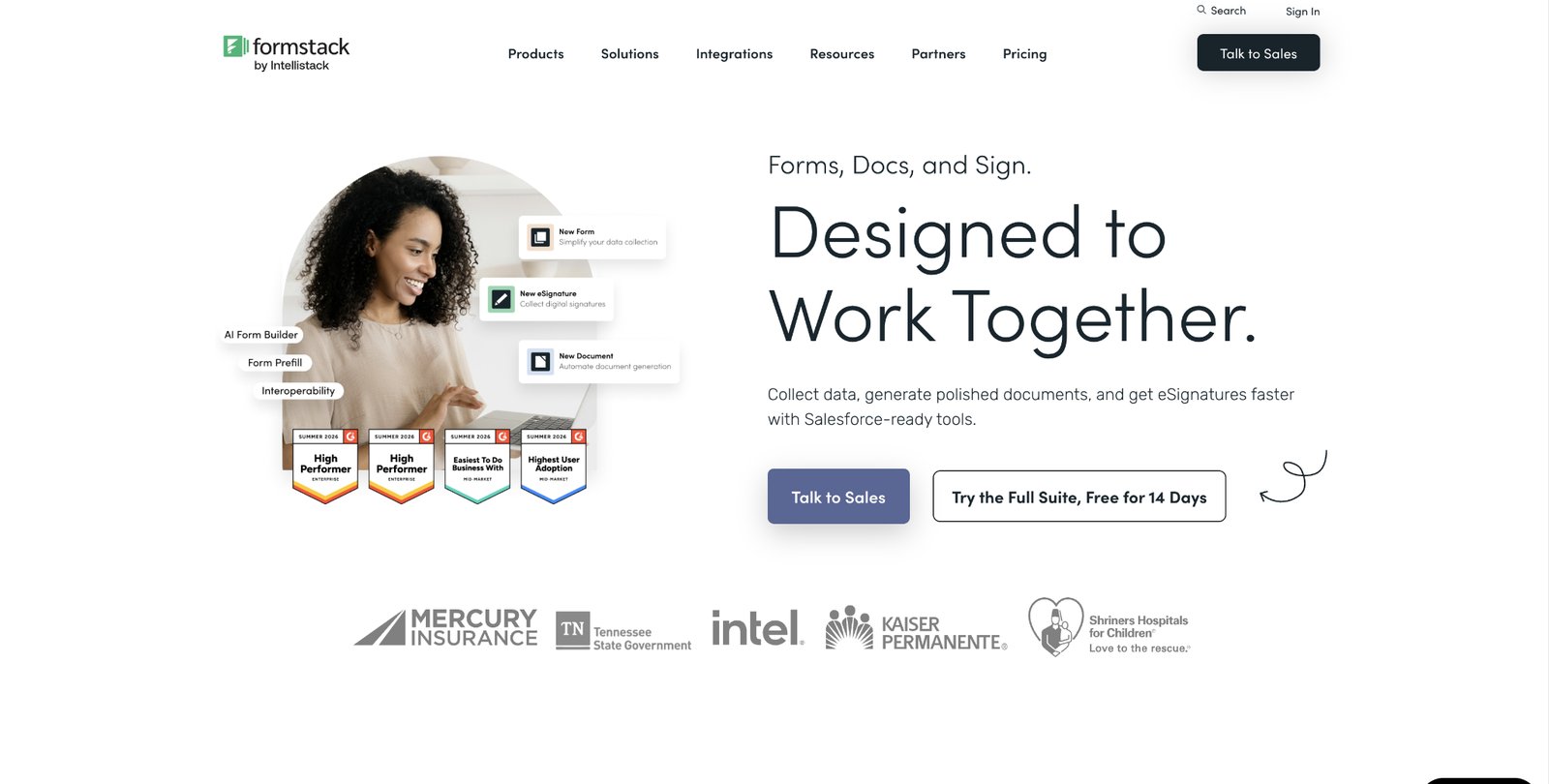
Formstack is an efficient option when the form is one step in a compliant process (rather than a standalone page). It suits health systems and larger practices that need document generation, approvals, and integrations alongside intake.
Formstack is a big platform, and it expects you to use it all. If you only need a compliant intake form, much of its document-and-approval machinery will sit idle.
Formstack pros:
- Workflow beyond the form: Approvals, document generation, and e-signatures run in one HIPAA-ready platform, so a healthcare process that would span three tools stays in one.
- A proven healthcare vendor: Formstack signs a BAA and supports the integrations health systems rely on, so it fits an established compliance program rather than a solo clinic.
Formstack cons:
- The sticker price doesn’t cover everything: HIPAA is available via a separate paid add-on, so the compliant setup always costs more than the $99 plan figure. Formstack also quotes that add-on privately, so you need a sales call for the real number.
- A heavier setup to run: Formstack's workflows must be configured and maintained, so expect real setup time upfront and ongoing administration once it is live.
Pricing: Formstack signs a BAA. The Forms plan costs $99 per month, or $83 per month when billed annually, and the Suite plan is $299 per month, or $250 per month when billed annually. HIPAA is added to either plan for an extra fee and is included on the custom-priced Salesforce and Enterprise plans.
Best for: Health systems and larger practices that need forms inside a compliant document and approval workflow.
4. Formsort
Formsort is a healthcare-native form platform built for patient intake at scale, with branching logic that changes what a patient sees based on earlier answers. It is HIPAA-compliant, signs a BAA, holds SOC 2 Type II, and is designed so sensitive data does not persist longer than it needs to.
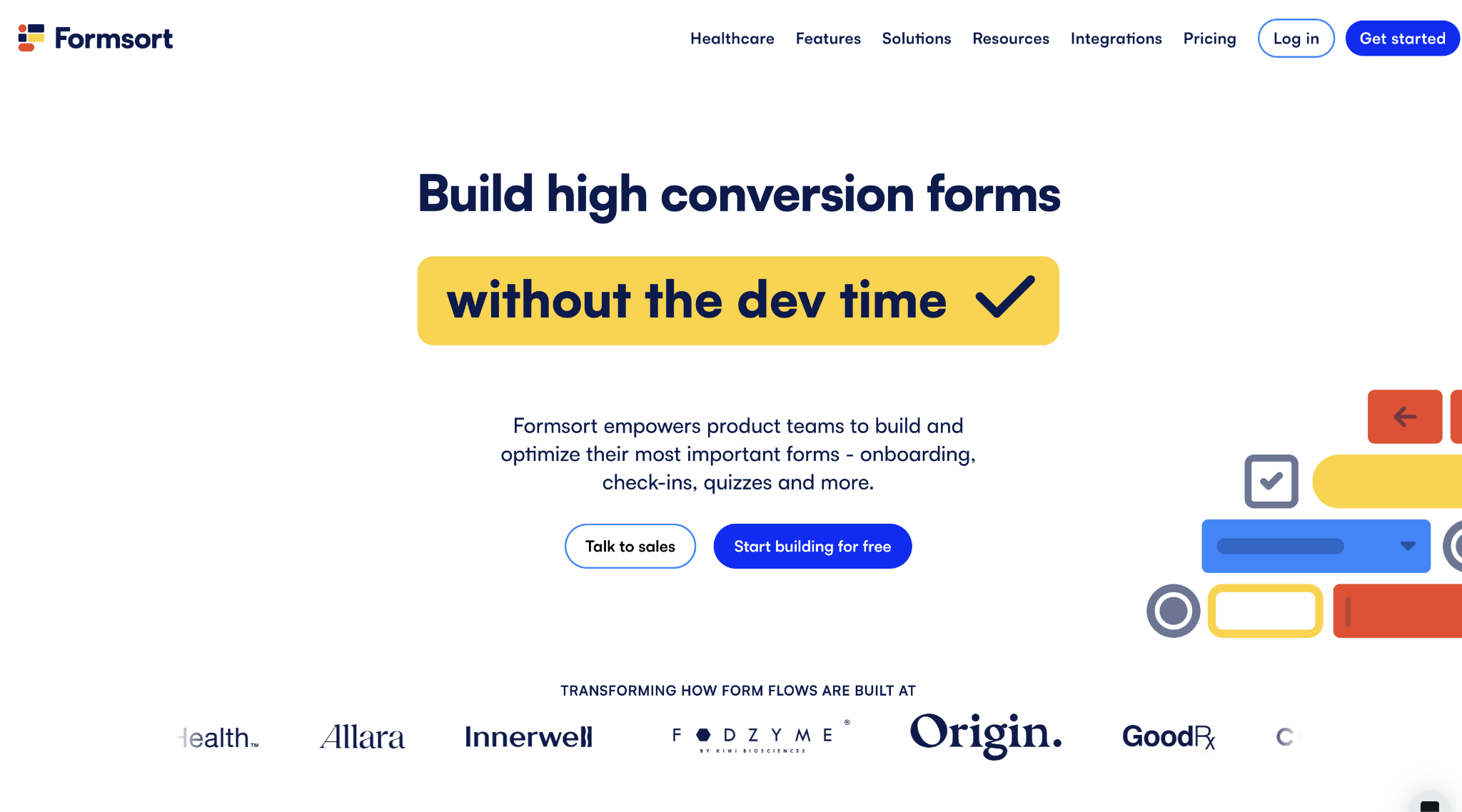
Formsort suits digital health companies and larger providers that treat intake as a conversion funnel, not a plain form. It supports dynamic flows, EHR integrations, and fine-grained control over where each answer goes.
Formsort is the most specialized and developer-oriented tool here. It rewards teams that treat intake as software to build, and expects engineering to run it.
Formsort pros:
- Built for healthcare intake: Dynamic, branching flows and EHR integrations suit patient onboarding at scale.
- Tight control over PHI: You can tag fields so specific answers never reach a third-party integration, keeping sensitive data inside the BAA boundary.
Formsort cons:
- No self-serve compliant plan: HIPAA lives only on the sales-quoted Enterprise plan. Unlike the tools here with public HIPAA pricing, you cannot sign up, test, or budget it without going through sales.
- Assumes engineering support: Building and maintaining Formsort's dynamic flows takes developer involvement, so a practice without technical resources runs it less easily than a drag-and-drop tool.
Pricing: Formsort is HIPAA-compliant and signs a BAA. HIPAA is available on its Enterprise plan, which Formsort custom-prices through sales.
Best for: Digital health companies and providers running complex, high-volume patient intake.
5. Typeform
Typeform combines HIPAA compliance with a one-question-at-a-time form interface that patients complete, which can lift completion on intake and screening. It is HIPAA-compliant, signs a BAA on its Enterprise plan, and runs a dedicated healthcare offering.
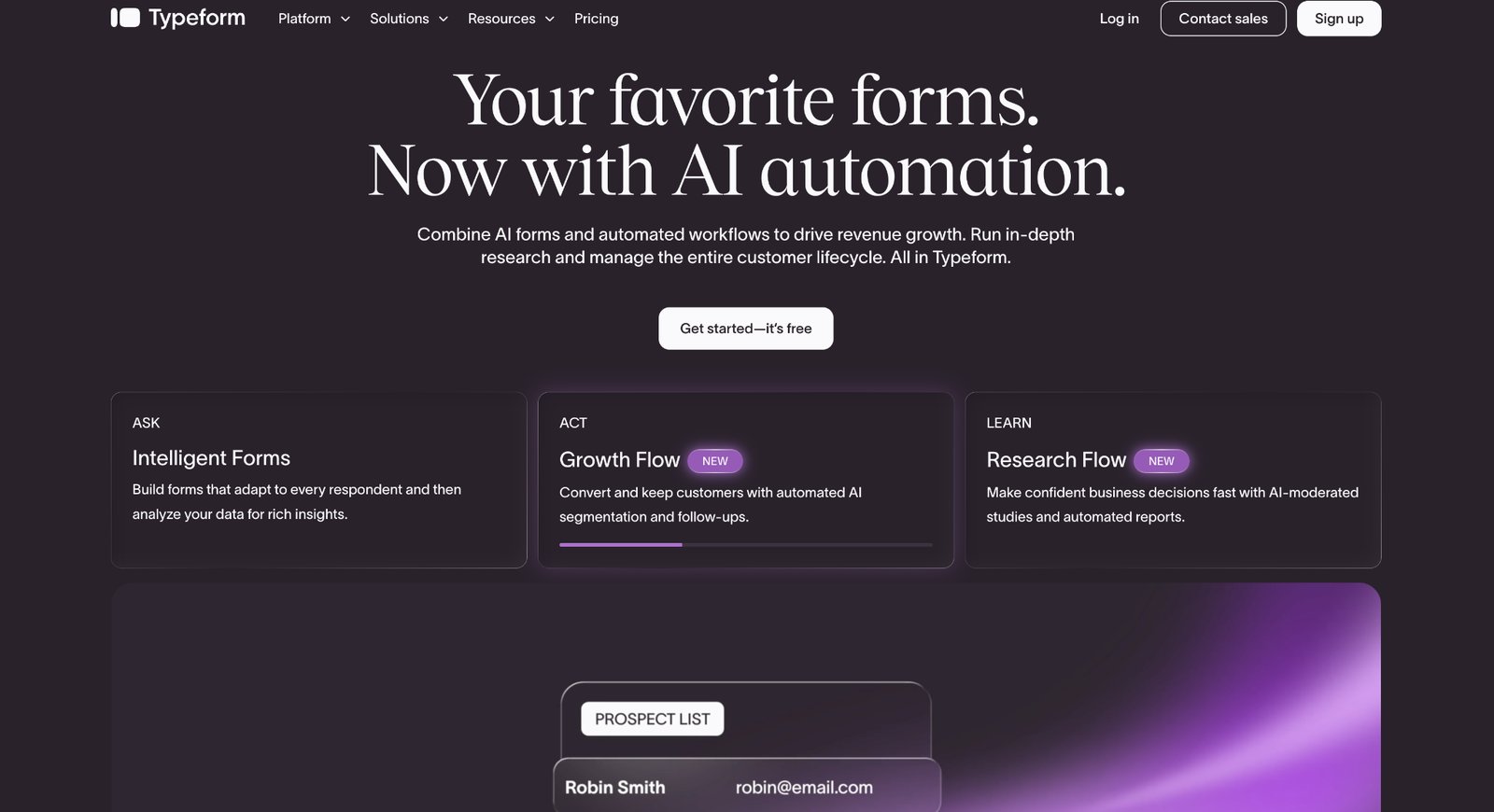
Choose Typeform when the patient experience matters as much as the data, such as during a screening survey or a consumer-health intake where a clinical-looking form would cause drop-off. The conversational format is its edge.
The caveat is that Typeform came from the world of surveys and marketing forms. HIPAA is a capable but recent addition, so you are adapting a general-purpose tool to healthcare.
Typeform pros:
- Patient-friendly by design: The one-question-per-screen format is easier to complete than a dense clinical form, which helps improve intake and screening completion rates.
- HIPAA on a branded form: The Enterprise plan signs a BAA while keeping Typeform's polished, on-brand experience, so a consumer-health brand stays recognizable and compliant.
Typeform cons:
- Enterprise rates for a general-purpose tool: HIPAA sits on Typeform's custom-priced Enterprise plan, but that plan lacks the healthcare-specific capabilities included in comparable compliant plans on this list. You end up paying an enterprise rate for a survey-style form.
- No EHR or clinical integrations: Typeform sends submissions to its general integrations, not to health record systems. To reach a patient record, you have to export PHI or pipe it through a separate connector.
Pricing: Typeform is HIPAA-compliant and signs a BAA on its Enterprise plan, which is available for custom pricing.
Best for: Consumer-health and patient-facing teams that want a branded, high-completion form under HIPAA.
6. Google Workspace Forms
Google Forms can handle PHI, but only under a specific setup: a paid Google Workspace plan with a signed BAA, accepted through the Admin console. Google includes Forms in the services its Workspace BAA covers, so a team already paying for Workspace can collect PHI without buying another tool.
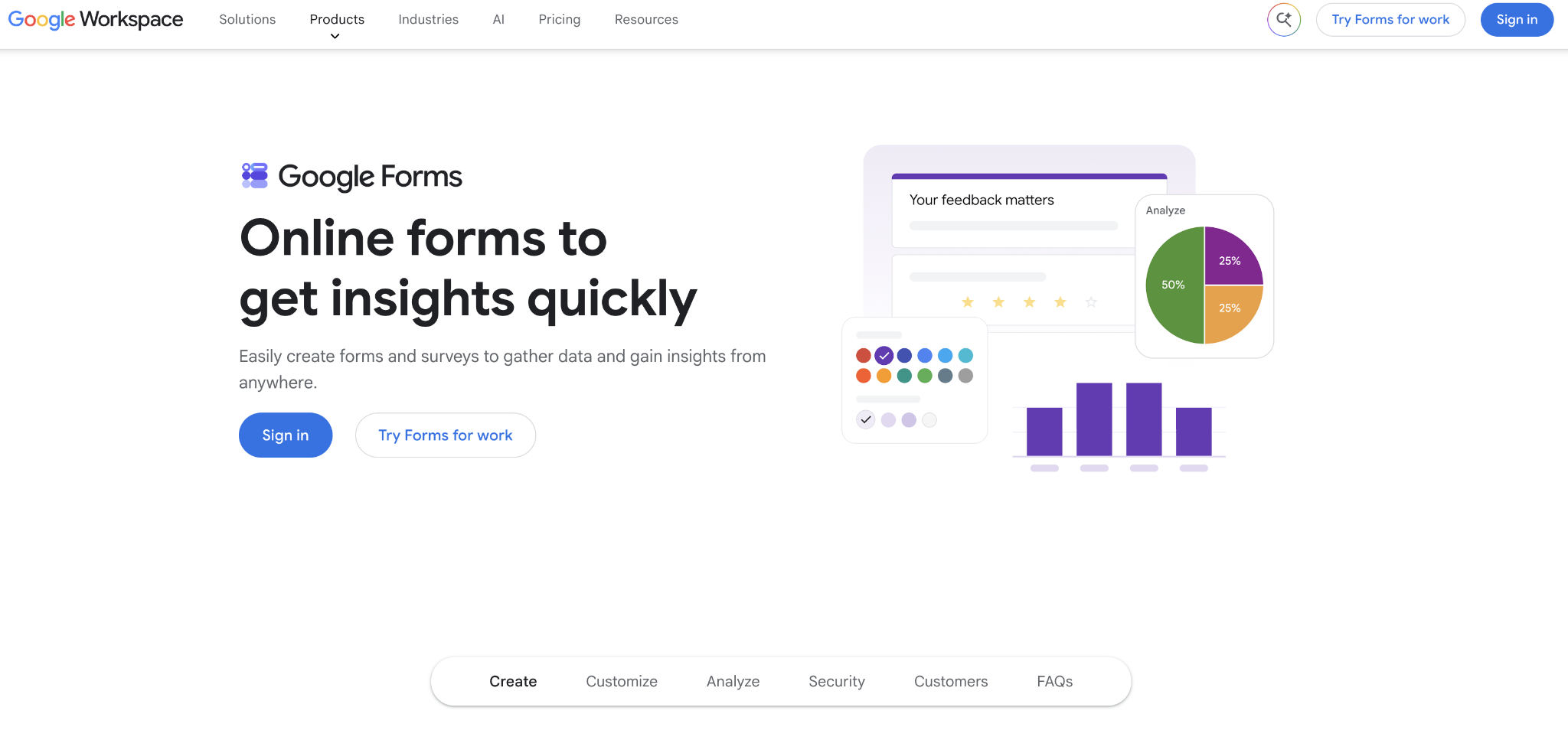
This route only makes sense for organizations already running Google Workspace that also want to avoid a separate subscription. The BAA is available on paid Workspace plans, and Forms is familiar to everyone.
Google never built Forms for healthcare, so the compliance rests entirely on how your team configures and runs it. The BAA makes handling PHI permissible; keeping it safe is on you.
Google Workspace Forms pros:
- No new subscription: A team already on Google Workspace can collect PHI under its existing BAA, so there is no extra tool to buy or learn.
- Familiar and simple: Anyone who has used Google Forms can build a compliant intake form, which lowers staff training costs.
Google Workspace Forms cons:
- Easy to misconfigure: PHI can leak through an email notification, a prefill link, or an add-on the BAA does not cover, each an easy setting to get wrong.
- Basic forms only: Google Forms lacks the logic, healthcare templates, and controls the dedicated tools provide, so it fits simple intake rather than complex clinical questionnaires.
Pricing: Handling PHI requires a paid Google Workspace plan with the HIPAA BAA accepted in the Admin console. The free consumer version cannot be used for PHI.
Best for: Organizations already on Google Workspace that want simple HIPAA forms under a BAA without a new tool.
How to choose the right HIPAA-compliant form builder
Finding the right HIPAA-compliant form builder is about balancing your immediate administrative needs with your long-term patient engagement goals. As you assess your options, focus on these three core areas to narrow down your list.
Evaluate cost and BAA requirements
Jotform is the most affordable all-in. Its Gold plan includes a BAA for $99 per month billed annually, with no separate HIPAA add-on. Cognito Forms adds unlimited entries starting at $129 a month, billed annually.
Formstack layers HIPAA onto a paid add-on, and Formsort and Typeform are on the enterprise, quote-priced end. If you already run Google Workspace, its BAA may cover you at no extra cost.
Identify your specific form requirements
For a simple intake or consent form, Jotform, Cognito, or Google Forms are the straightforward picks. For a long clinical intake with logic that branches on each answer, Formsort is a superior option.
If you’re looking to create forms that feed documents and approvals, Formstack is likely your best candidate. For a patient-facing screening survey, Typeform is the easiest to complete.
Assess your volume and integration needs
High submission volume favors Cognito's unlimited entries or an enterprise plan. Deep EHR or workflow integration favors Formsort or Formstack. Remember that the tool is only part of compliance: your policies, training, and access controls carry the rest.
Pair Webflow with a HIPAA-compliant form builder for a fast site and safe patient data
A native Webflow form is fine for a general contact or newsletter signup, but a patient's health information needs a tool that will sign a BAA. Build and host the marketing site on Webflow, where it can rank well and look the part.
Then embed a HIPAA-compliant form from a tool on this list, such as Jotform or Formstack, for any form that touches PHI. The patient data flows into the compliant tool under its BAA, never into Webflow. Your site stays fast and on-brand while the sensitive data sits where a signed BAA covers it.
If you are building the site, start there and connect the compliant form wherever you collect health information.

Unlock growth with SEO
Join Webflow and leading growth agency Graphite as they discuss actionable insights for scaling and achieving growth with SEO
Frequently asked questions
What makes a form builder HIPAA-compliant?
No form builder is HIPAA-compliant on its own; compliance is your organization's responsibility. A "HIPAA-compliant" builder signs a Business Associate Agreement (BAA) and provides the required safeguards: encryption in transit and at rest, access controls, and audit logs. The BAA is the legal requirement. Without one, a tool cannot handle PHI, regardless of its security features.
Is Google Forms HIPAA compliant?
Google Forms is HIPAA-compliant only under a paid Google Workspace plan with a signed BAA, accepted in the Admin console. Google includes Forms in the services its Workspace BAA covers so that it can handle PHI in that setup. The free consumer version is not covered, add-ons fall outside the BAA, and you must configure the form to avoid leaking PHI through notifications or prefill links.
Does using a HIPAA-compliant form builder make my organization compliant?
No. The tool is one piece. A signed BAA and the right safeguards let you collect PHI legally. But your organization is still responsible for its own policies, staff training, access controls, and how it stores and uses the data afterward. Treat the form builder as necessary, not sufficient.
Can I collect patient information on my Webflow site?
You should not collect patient information through a Webflow form. Webflow does not sign a BAA, and its terms say you may not submit PHI through the platform. Use your Webflow site for marketing and general contact, and embed a HIPAA-compliant form from a tool like Jotform or Formstack for anything involving health information.
How much does a HIPAA-compliant form builder cost?
Cost ranges widely because the list spans mainstream form builders and enterprise healthcare platforms. At the affordable end, Jotform includes HIPAA on a $99-a-month plan; at the other, specialized platforms like Formsort and Typeform are priced by custom enterprise quote. The gap depends on whether HIPAA is included or a paid add-on, and how much healthcare-specific tooling and volume you need.
What is a Business Associate Agreement (BAA)?
A BAA is a contract HIPAA requires between a covered entity (or its business associate) and a vendor that handles protected health information on its behalf. It makes the vendor legally responsible for safeguarding that data. A form builder cannot legally process PHI for you without signing one, which is why the BAA is the first thing to confirm.

Choose the right CMS for a scaling enterprise
Discover how the right CMS can allow teams to efficiently scale rich, complex content – all without writing code.