











A designer on your team wants a new FAQ accordion.
It should match the site styles and open on click. It's the usual and just another ticket in your queue. You write it, you wire it up, you ship it. Off to the next ticket.
At least, that's how this used to go.
What's new
Devlink code components have been around for a bit, and one of the more useful AI workflows has been using agents to build them. Your agent writes the React component, runs the CLI, and ships it into Webflow.
If you wanted to ask Claude to bring in a 3D animation you could do just that.

That part hasn’t changed. The part that has changed is how those components get created.
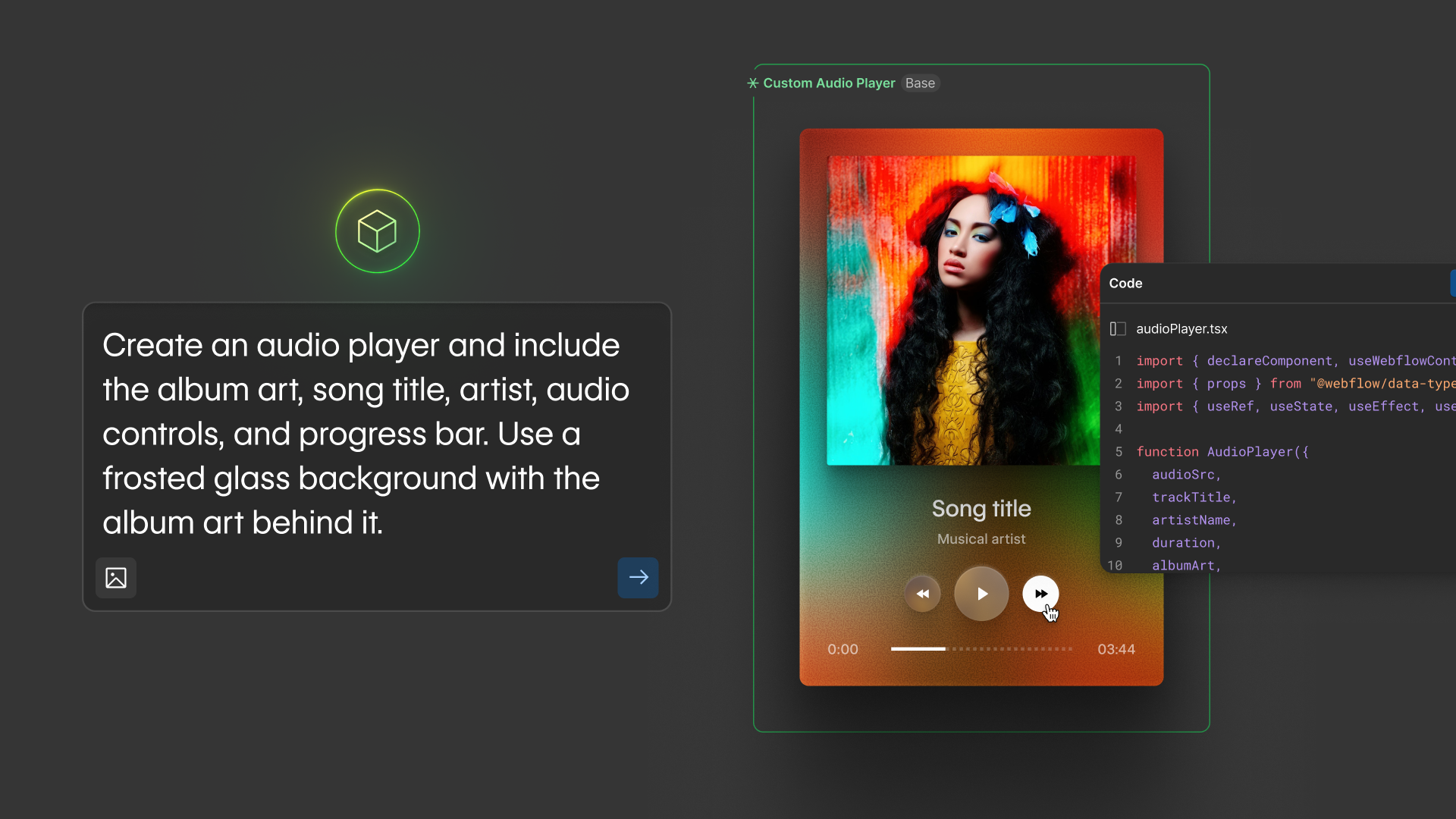
Webflow's new AI code components let anyone describe a component in natural language and create a "real" React component. A first-class Webflow code component on the canvas, declared props in the Properties panel, and styles matched to the rest of your site automatically. No custom embed, no iframe wrapper.
The designer or marketer who submitted the accordion request no longer needs to file a ticket. And that's a good thing because you've got a full to-do list anyway. Now your teammates can prompt new components, refine them, and drop them on their pages.
Learn more about using AI agents to bring beautiful 3D animation in with DevLink code components, and a new workflow with AI code components in the video below.
The range of what people are prompting
The first reflex with a feature like this is "sure, but this is only good for accordions and dropdowns." It's not.
The Webflow community is already prompting components that would have meant a developer ticket a year ago. A full pricing calculator with sliders and live calculations. Multi-step forms with conditional fields and validation. An interactive store locator with a real map and filters. Custom audio players, interactive quizzes, animated counters, and clocks. These are real components, on real sites, with state and behavior, all created from a prompt and refined the same way.

And this is the part that's actually new. Anything beyond Webflow's built-in elements used to need a developer. Now a designer can describe a complex interactive component and ship it the same afternoon.
Two AI paths, one artifact
Plenty of components still need you, though. You're also using AI to build them — your coding agent reads the docs, writes the code, runs the commands. Your job is to review. That's been the workflow for Devlink code components since agents arrived this year.
This path carries the components that matter on your sites. The ones that anchor real user flows, share design tokens with the rest of your front-end, or carry the kind of logic that benefits from version control and code review. They stay in your codebase because that's where all the other components are. And your agent reads the docs, ships the components via the CLI, and writes the required .webflow.tsx files.
So both paths use AI. You prompt your coding agent in the terminal. A designer or marketer prompts AI code components in the component canvas. Same move, same artifact. The only difference between them is the environment.
The wall for most non-developers was never React or props. It's terminals, package managers, and source files. A designer or marketer who can describe an accordion in a sentence isn't going to install Node.js, set up the CLI, and run a share command to ship it. And they shouldn't have to. AI code components keep the AI and swap the environment. The component canvas is to your designer what your editor is to you.
Whichever path you take, the artifact is the same: a real React component plus a .webflow.tsx file that wraps it with declareComponent. Every prop you declare becomes a knob in the Properties panel.
How to choose between the two
Ask how often your new component will run, how complex the logic is, how much it matters if something breaks, and how likely it is to be reused across sites.
The codebase path is for the important things: components that anchor critical flows, get reused across sites, depend on internal libraries or design tokens, or carry non-trivial logic. Build them into your codebase, version-control them, and review incoming changes. That's what keeps complex components reliable over time.
The canvas path is for the rest: the FAQ accordions, stats counters, and one-off shots like the Black Friday counter we all built, which won't outlive the campaign. If a designer can describe one in a sentence and ship it without opening a terminal, that's the entire point. Not every Webflow component needs to enter your codebase.
What this changes
The accordion that opened this post used to land in your queue. Now it doesn't. The components that genuinely belong in your codebase still come through you (and your agent). The rest, your design and marketing counterparts can ship on their own.
The line between "designer can do this" and "we need a developer" just moved. And that's wonderful because the components that actually need a developer are the ones you want to be writing anyway.

.jpg)



















