











You can now build advanced, interactive components natively in Webflow — no developer required.
At Webflow Conf 2025, we introduced code components as a powerful way to import React-based components into Webflow. Being able to add code components to a site unlocks dynamic, interactive experiences that go beyond what’s possible with Webflow’s native components. We also shared plans to make it possible to generate code components in Webflow using AI; so that teams without developers can take advantage of the power of code components too. That’s what we’re shipping today — so marketing and design teams can build the experiences that move the needle, without waiting in the dev queue.
Introducing AI code components
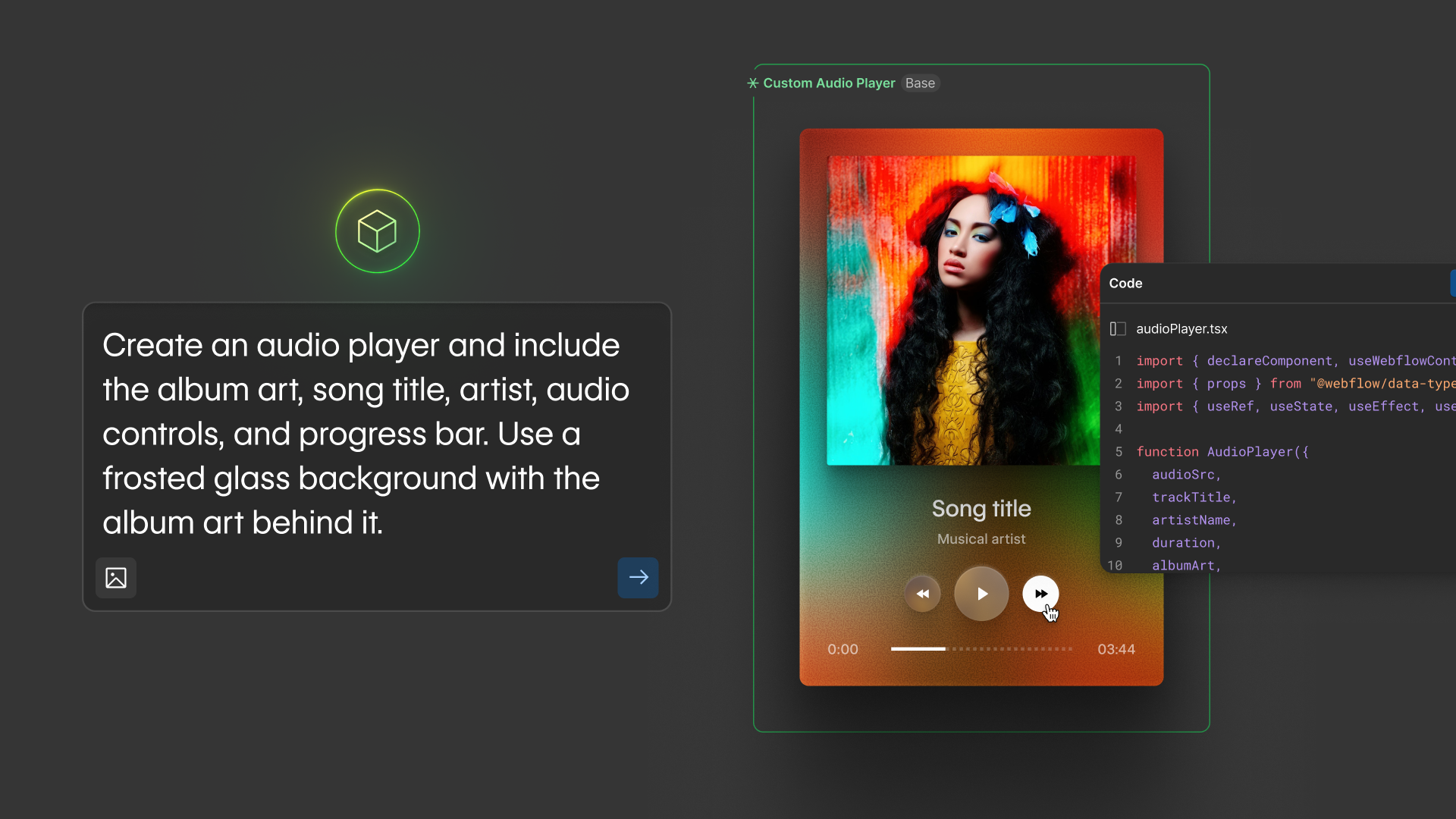
With this launch you can now describe what kind of code component you want to generate, whether it’s a pricing calculator, an on-page quiz, a search filter, or a job board, and the Webflow AI Assistant will build it for you right on the component canvas.
The AI Assistant will automatically detect your site’s fonts, colors, and spacing, so your code components are on-brand from the start. After the initial component is built, you can continue to refine and make updates using the AI Assistant or opening the code editor and editing the code directly. And for customers with access to shared libraries, you can drop AI code components into any site — enabling your team to customize the component properties while maintaining consistency with your brand and design system.
AI code components are now available for all customers. Check out our updates post for more details.

What this means for the App Gen beta
Late last year, we launched App Gen in beta — because we knew more Webflow users wanted to add web app functionality to their sites. Thousands of you built with it: you prompted event calendars, pricing calculators, job boards, location finders, and so much more. But you also told us exactly what was missing. You wanted this kind of functionality as components you could reuse across any page — not just one-off generations. And because of your valuable feedback and participation in the beta, we prioritized work on AI code components. Thank you.
As a result, we’re going to be pausing further development of the App Gen beta and want to take a second to share what that will look like for anyone using it today:
App Gen will remain free and your existing apps will continue running on Webflow Cloud. Starting today, the entry point for App Gen will be removed from the top bar of our in-product navigation and can now be found on the Webflow Cloud tab of your Site Settings. While we anticipate that we might make more changes to this functionality in the future, we’ll give you clear notice before anything else changes.
What’s next
This is what agentic development in Webflow looks like — and it’s just getting started. AI code components give your team a new kind of creative leverage: lightweight, powerful components built at the speed of an idea. Expect more. We’re continuing to invest in the tools that make Webflow the agentic web marketing platform your team actually wants to build with. Stay tuned for what’s coming next.



















