






Updates
See the latest Webflow feature releases, product improvements, and bug fixes.
Feature
MCP
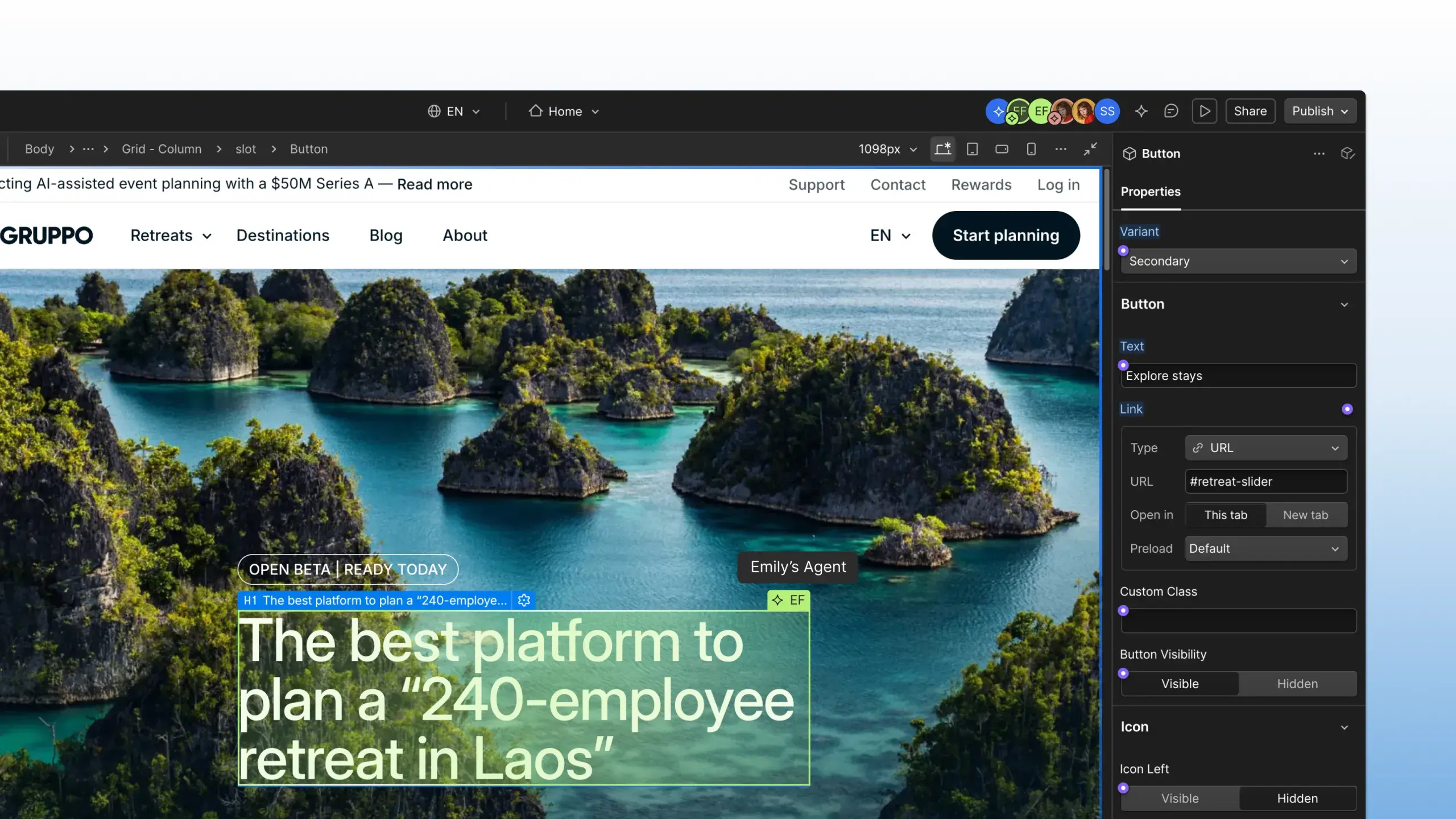
Agent presence on the canvas
Learn more
Enhancement
Designer
"Symbols" evolved to "Components"
November 9, 2022
URL copied!
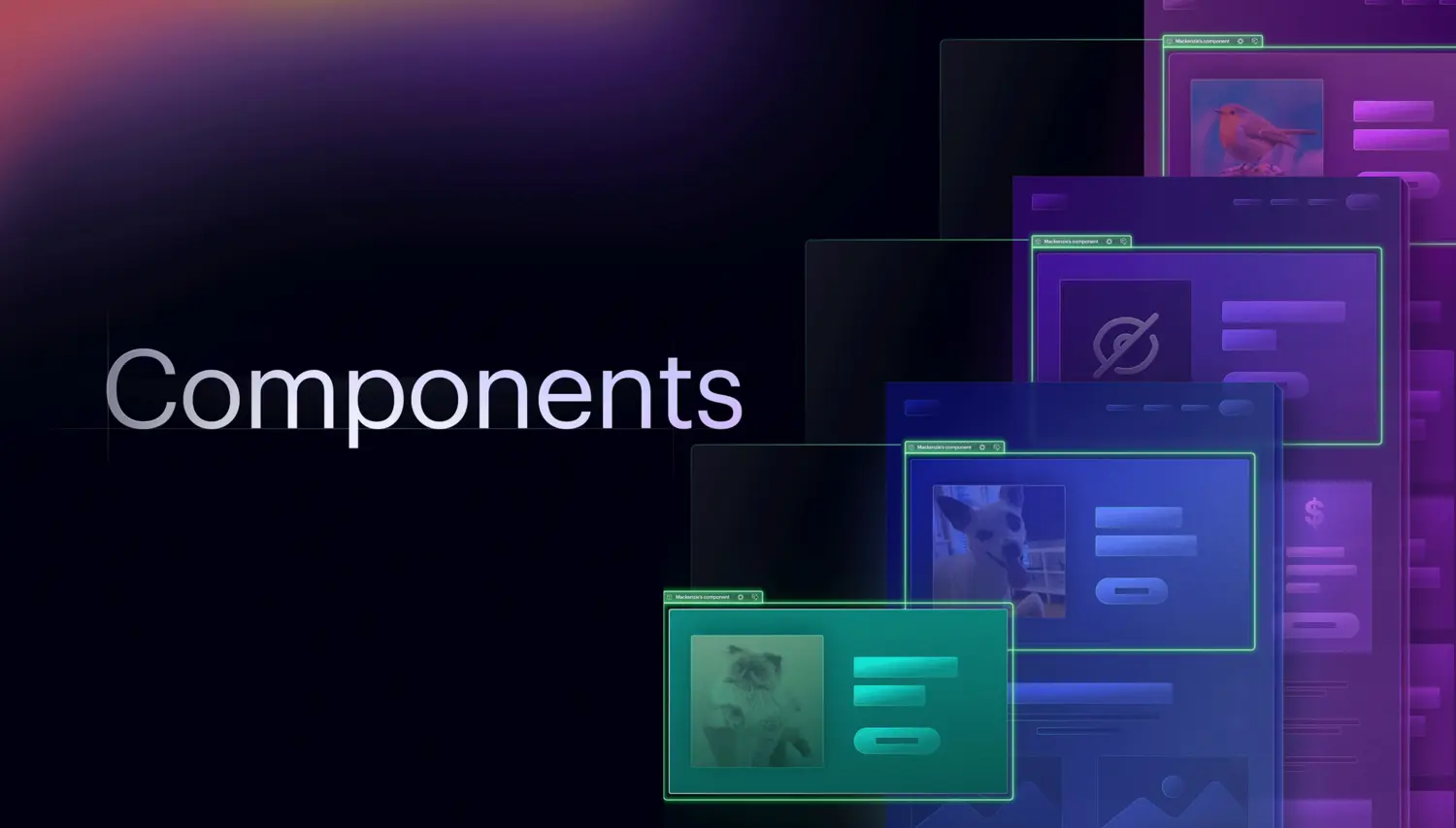
We’ve introduced a handful of key improvements to Symbols and renamed them to Components to reflect their new power and set the stage for what’s to come.
Update
Marketplace
New Creator profiles
November 9, 2022
URL copied!
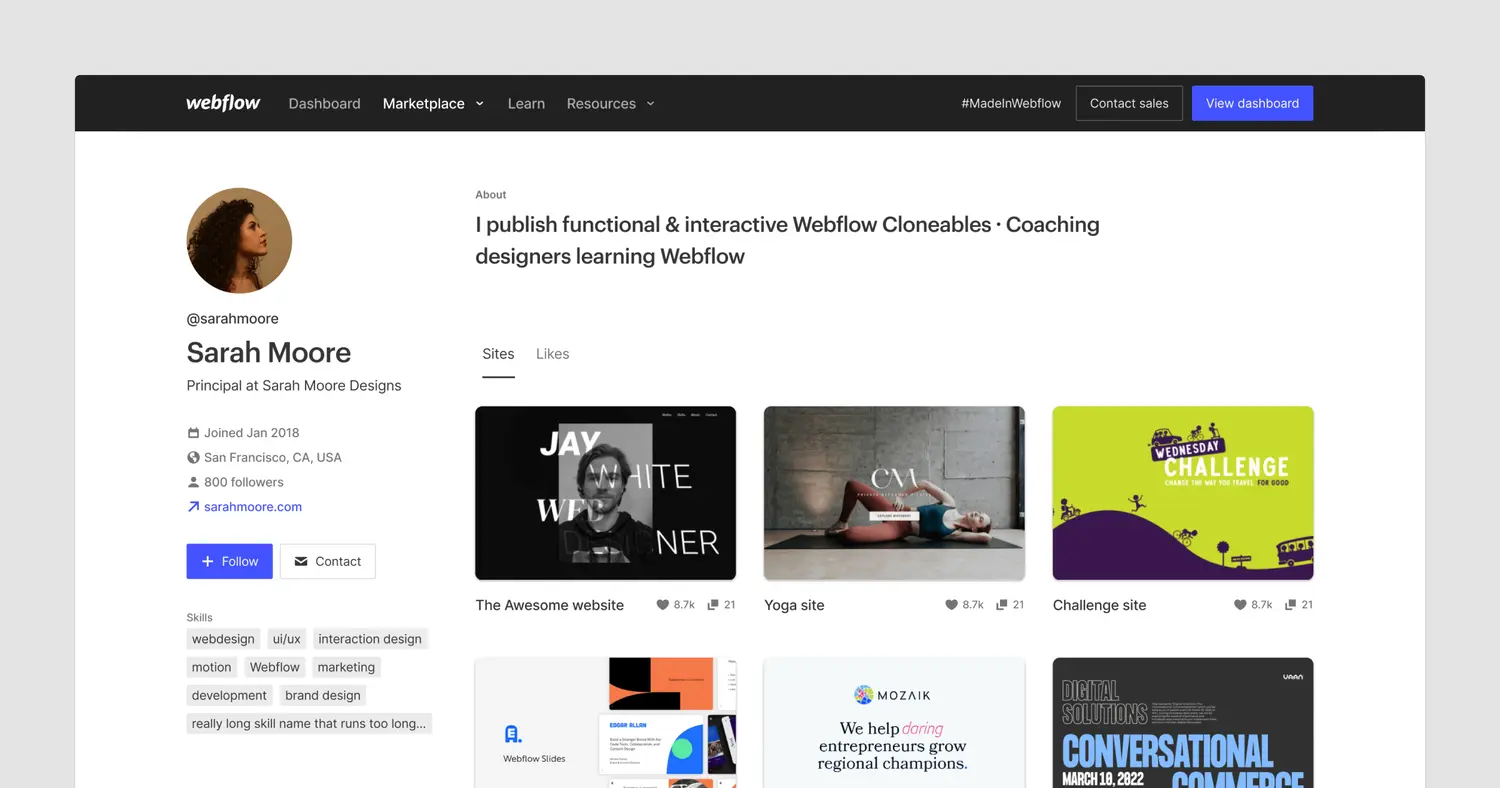
October 4, 2022
URL copied!

Update
Support
Updates to Webflow’s Terms of Service
September 26, 2022
URL copied!

By continuing to use Webflow after October 14, 2022, you’ll be agreeing to comply with the terms.
Update
Support
Updates to Webflow’s pricing and plans
September 22, 2022
URL copied!
We’re updating our Site plan pricing to reflect the continued evolution of our platform, and offering new Workspace plans tailor-made for freelancers and agencies.
August 17, 2022
URL copied!
.jpeg)
On August 17, 2022, we updated our TLS hosting configuration to support TLS 1.3 — the most secure encryption protocol for modern browsers.

