






Enhancement
Collaboration
Quick access now respects your assigned role
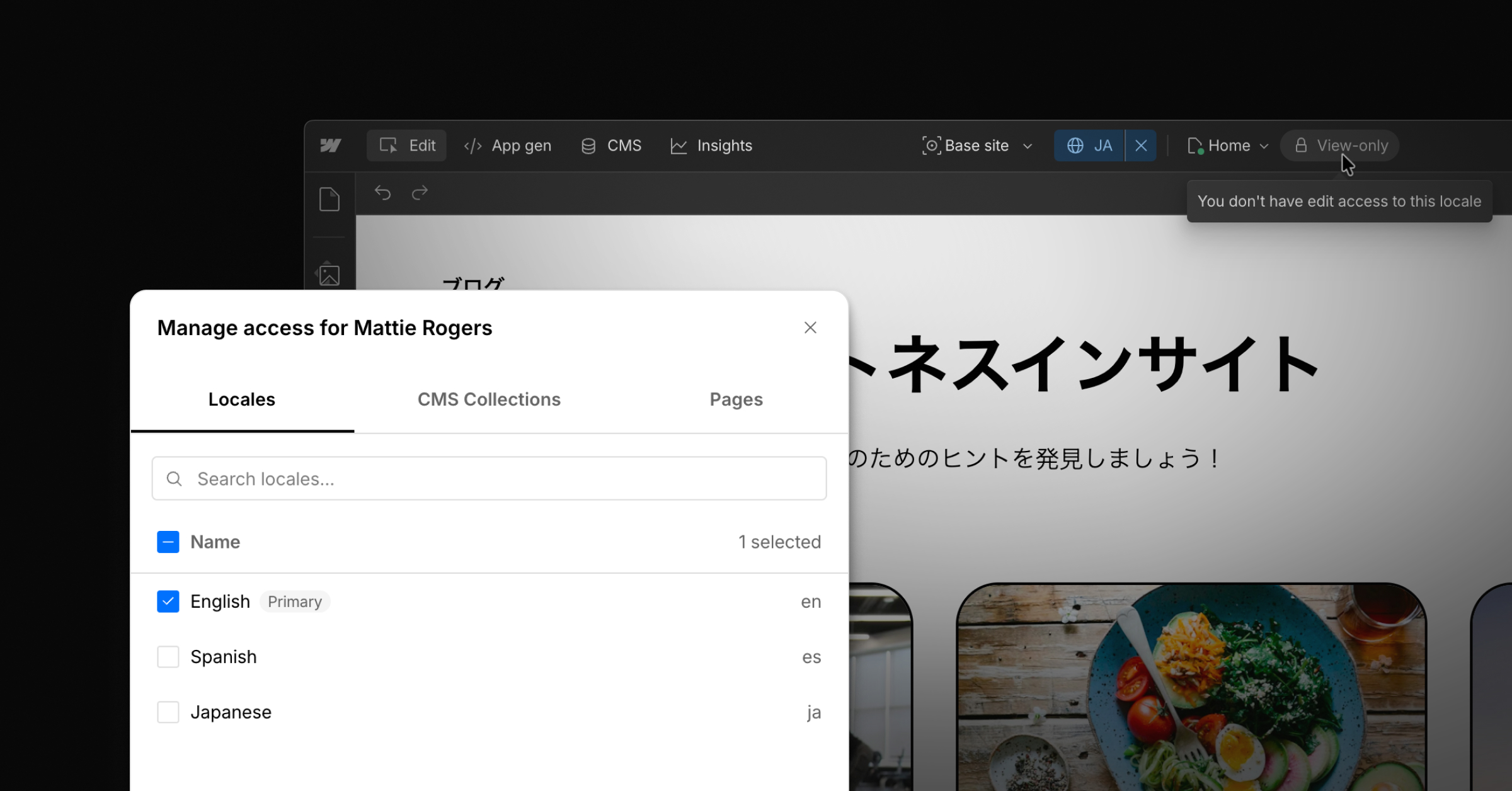
Quick access via ?update now opens the Webflow canvas in your assigned site role, and respects your default preview role preference if you've saved one.
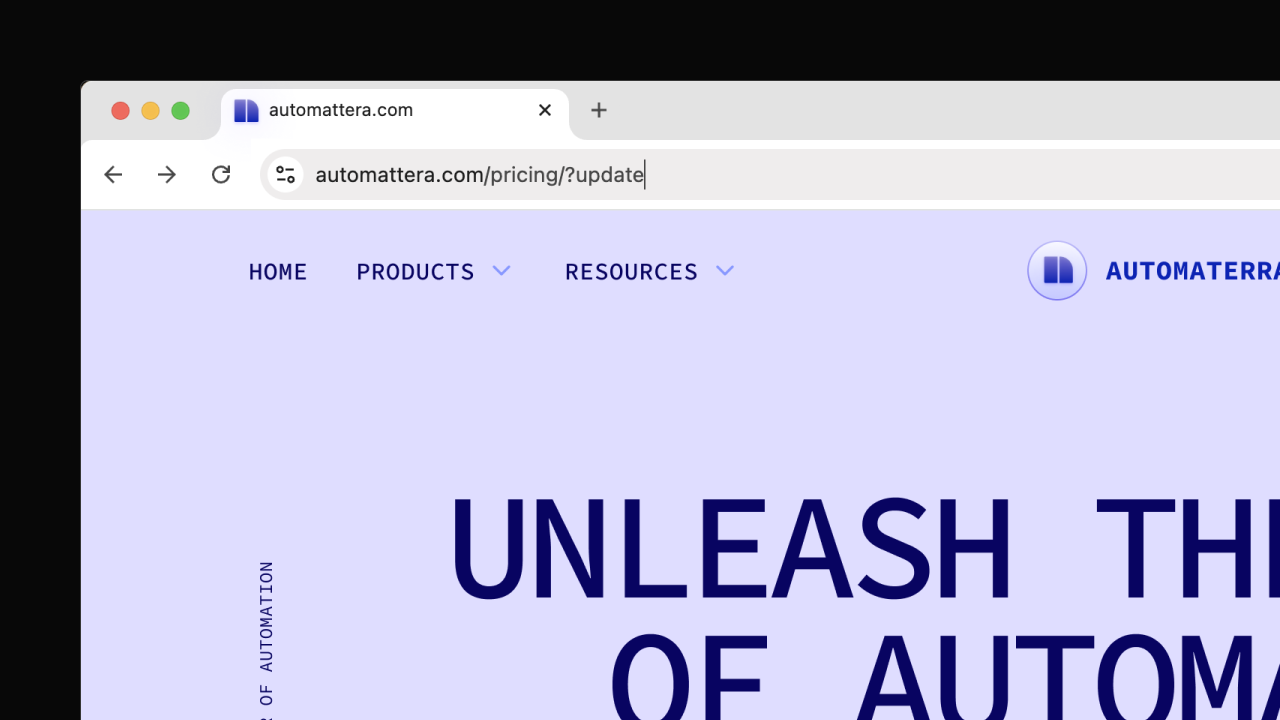
Quick access shipped in January as a way to jump into the canvas from any live Webflow page. We followed up earlier this month with the option to save a default preview role per site. This update brings the two together, so quick access now reflects how you actually want to enter each site.
Now, when you enter Webflow with ?update, you'll land in the canvas in your assigned site role. If you've set a default preview role for that site, we'll respect that preference, too.
Related updates
.png)



















Get started for free
Try Webflow for as long as you like with our free Starter plan. Purchase a paid Site plan to publish, host, and unlock additional features.
Try Webflow for as long as you like with our free Starter plan. Purchase a paid Site plan to publish, host, and unlock additional features.