






Enhancement
Accessibility
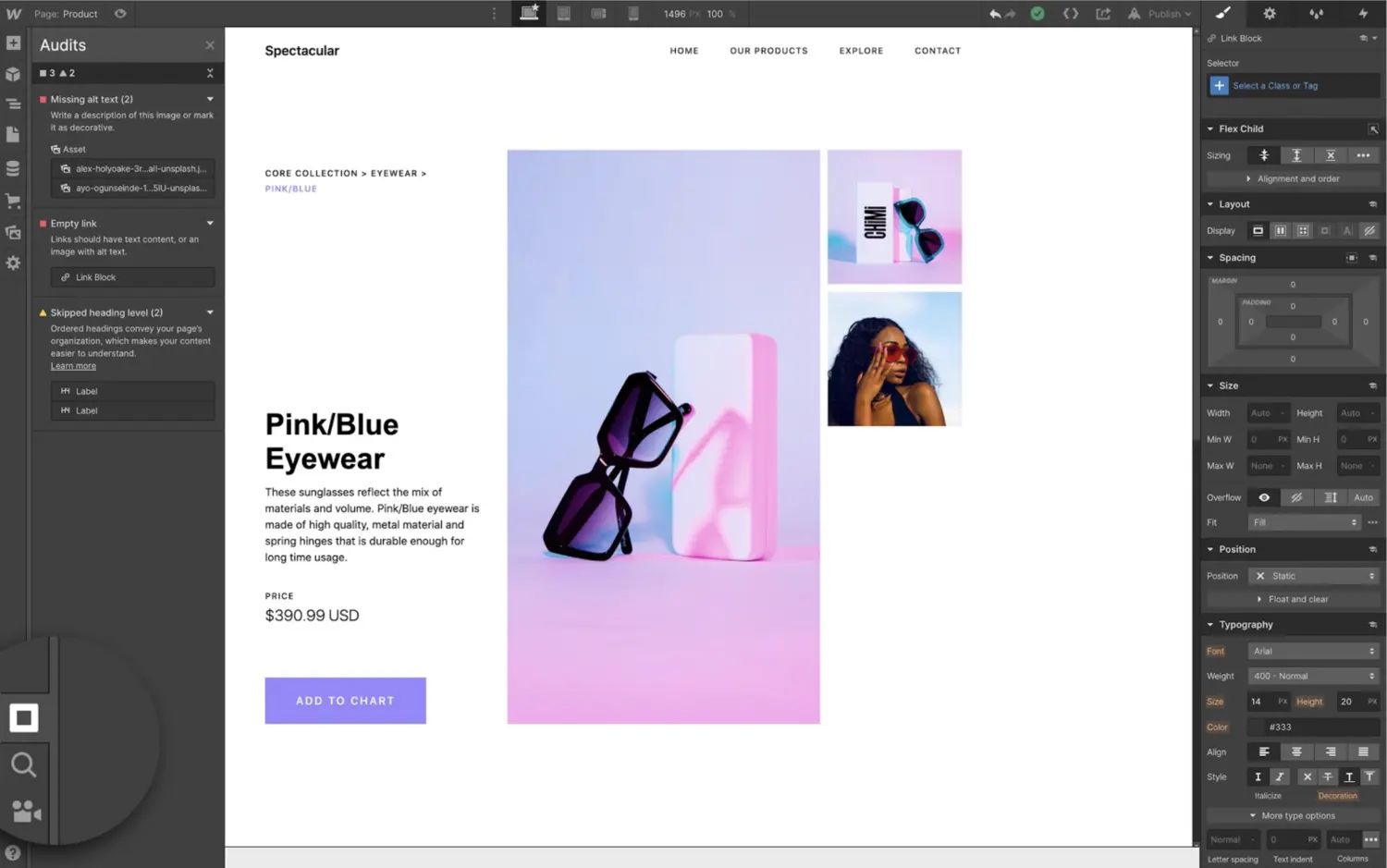
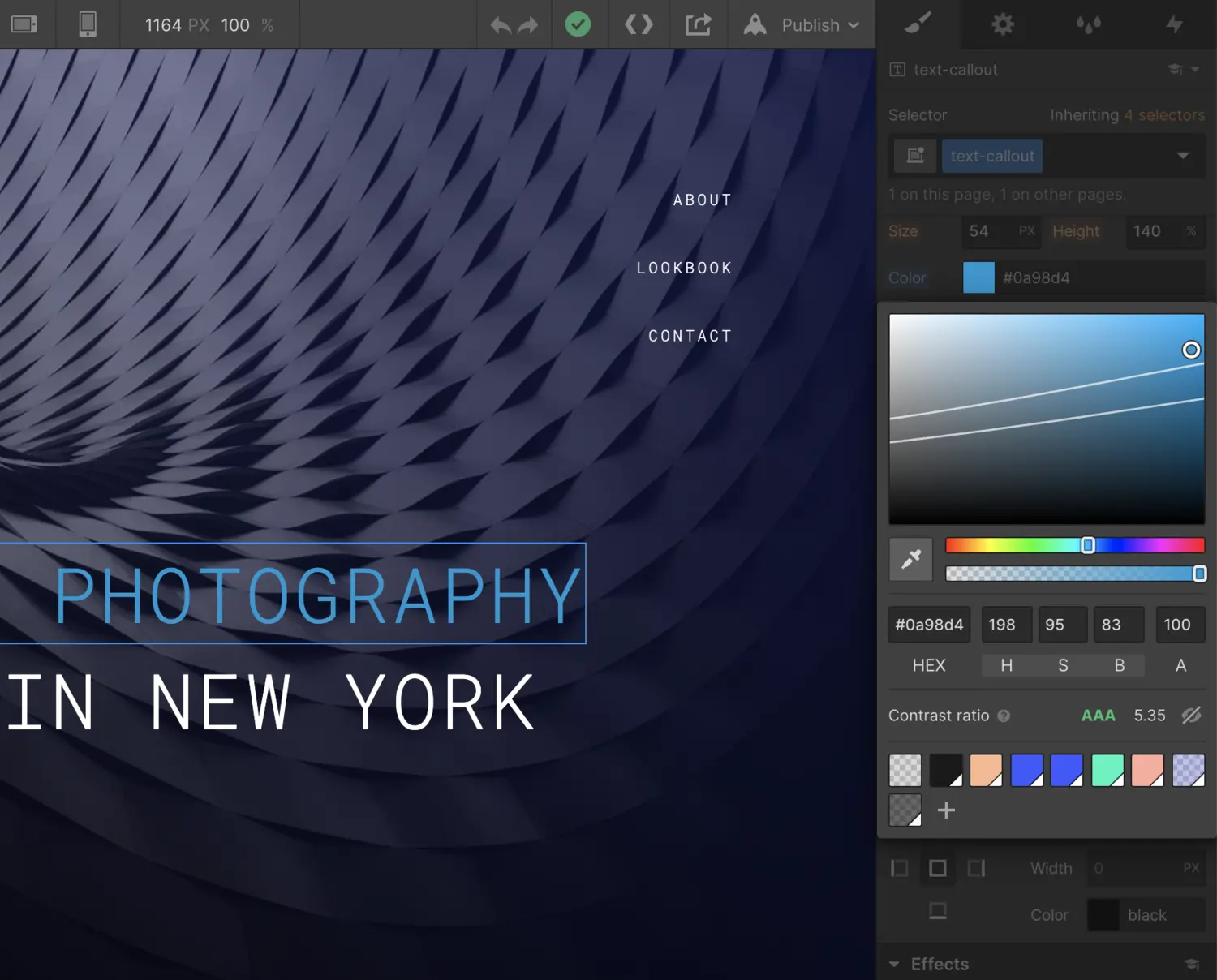
Light and dark themes across Webflow
One Light, Dark, or System theme for the Webflow UI — applied consistently as you move around the product.
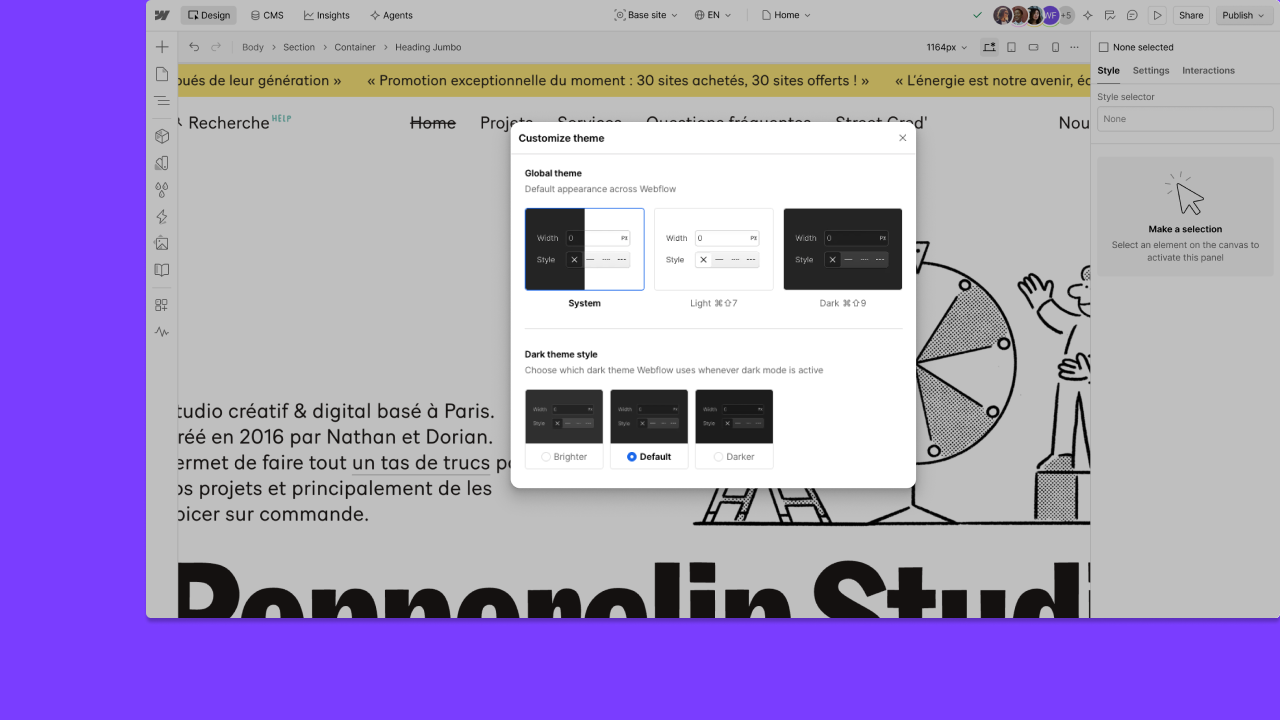
One appearance preference for Webflow — System, Light, or Dark — now follows you across Dashboard, Sites and Optimize sites. This includes Light mode in Sites.
Choose your theme
Pick System, Light, or Dark. If you choose Dark, you can also pick Darker, Default, or Brighter. System follows your operating system’s light or dark appearance.
One setting across product surfaces
Your preference saves to your account. Move between product areas without resetting theme on each surface.
This controls the Webflow interface — not your published site.
Related updates
.png)



















Get started for free
Try Webflow for as long as you like with our free Starter plan. Purchase a paid Site plan to publish, host, and unlock additional features.
Try Webflow for as long as you like with our free Starter plan. Purchase a paid Site plan to publish, host, and unlock additional features.