All updates

Enhancement

Accessibility

Customize your Dashboard with Light and Dark themes

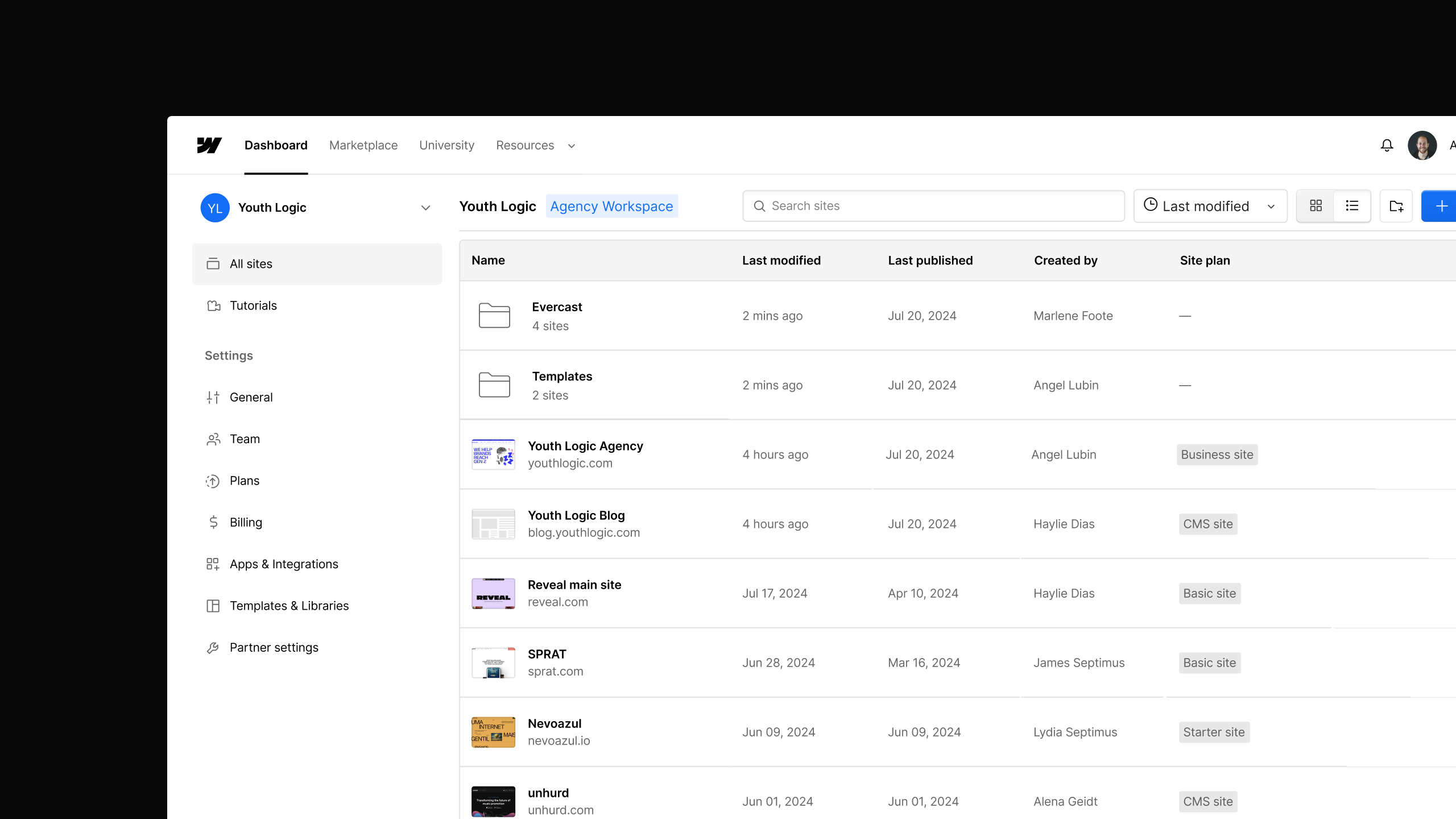
Webflow now supports a Light or Dark theme for the Dashboard. Choose your preferred interface — it applies instantly and persists across all your workspaces.

Customize your Dashboard with Light and Dark themes

You can now choose between a Light or Dark theme for the Webflow Dashboard.

Head to your Account menu, select Dashboard theme, and pick the mode that works best for you. Your preference saves automatically — it applies instantly across your Dashboard and stays consistent every time you log in, across all your workspaces.


Launched on
March 30, 2026
Category
Accessibility

Related updates

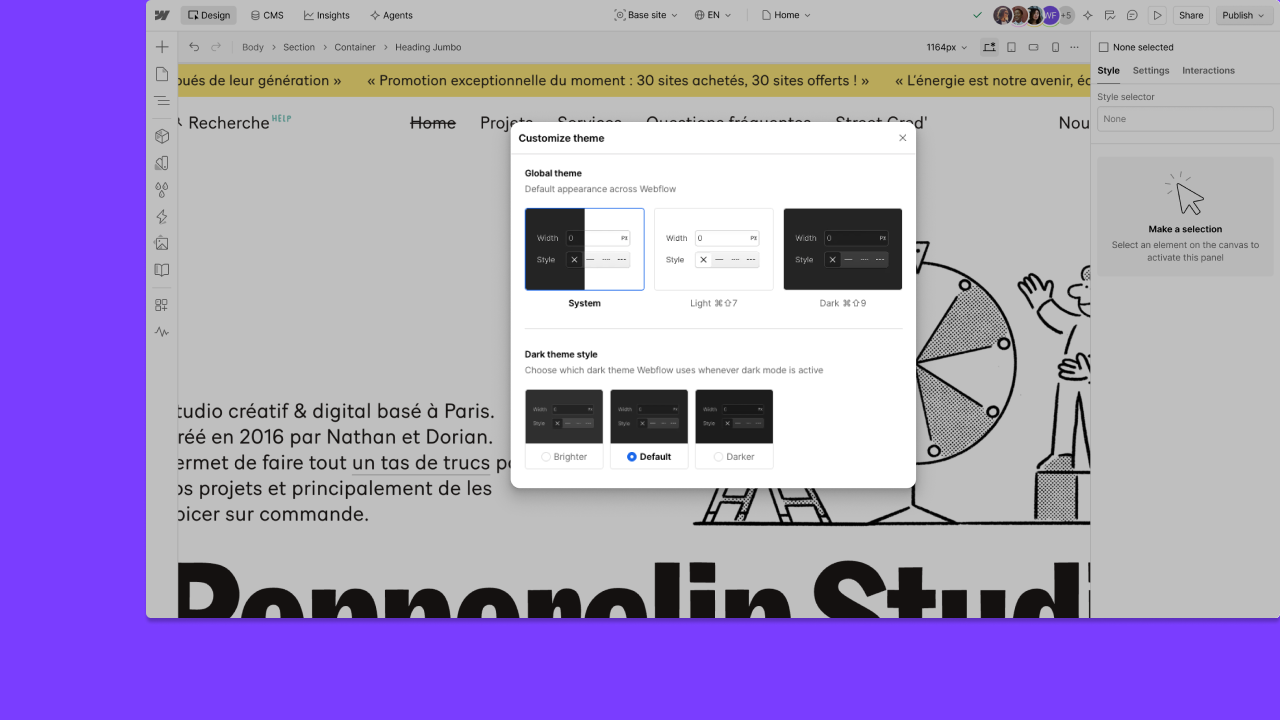
Light and dark themes across Webflow

Light and dark themes across Webflow

Learn more
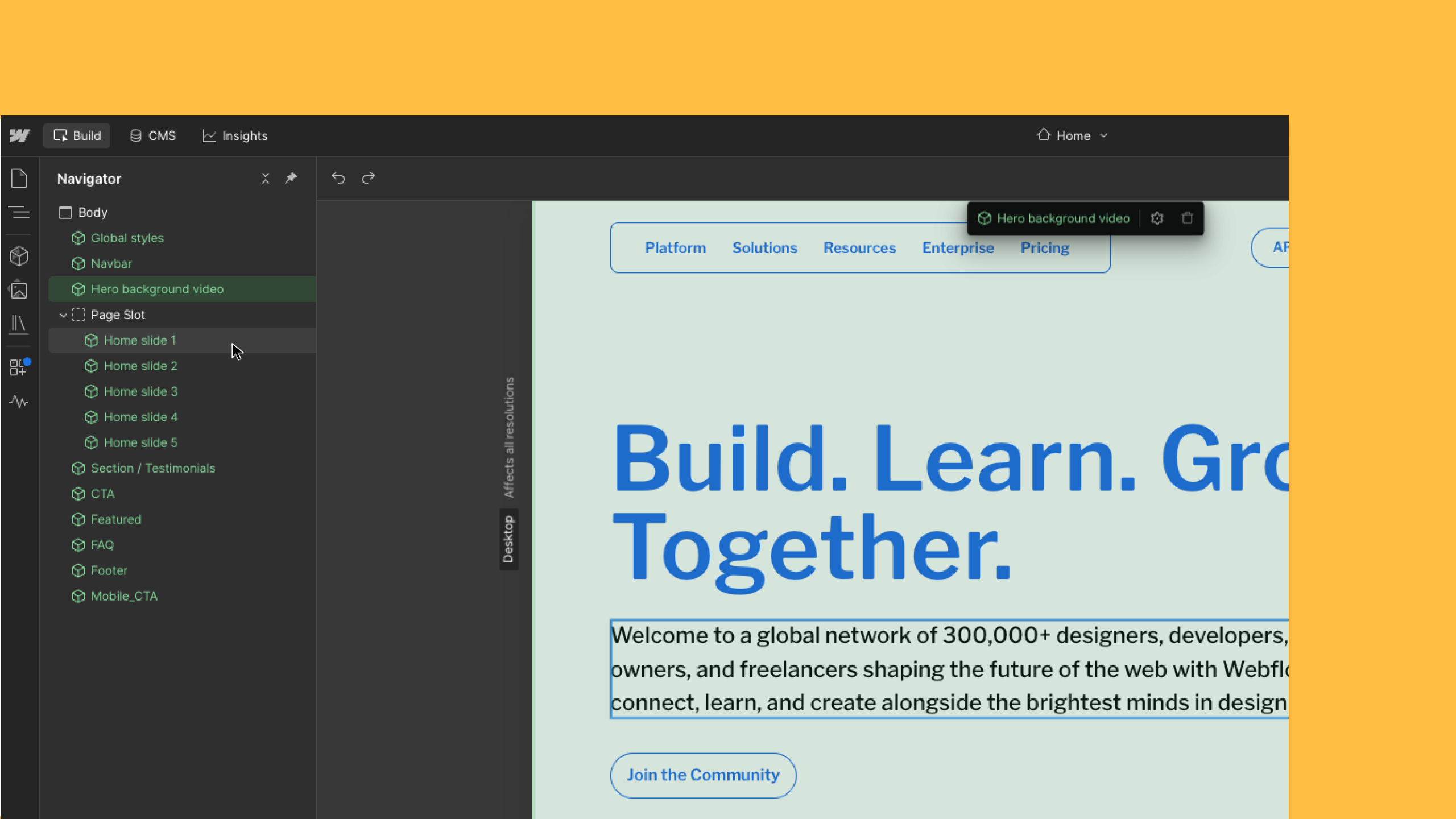
Keyboard navigate canvas elements in Build mode

Keyboard navigate canvas elements in Build mode

Learn more
Dashboard List View

Dashboard List View

Learn more
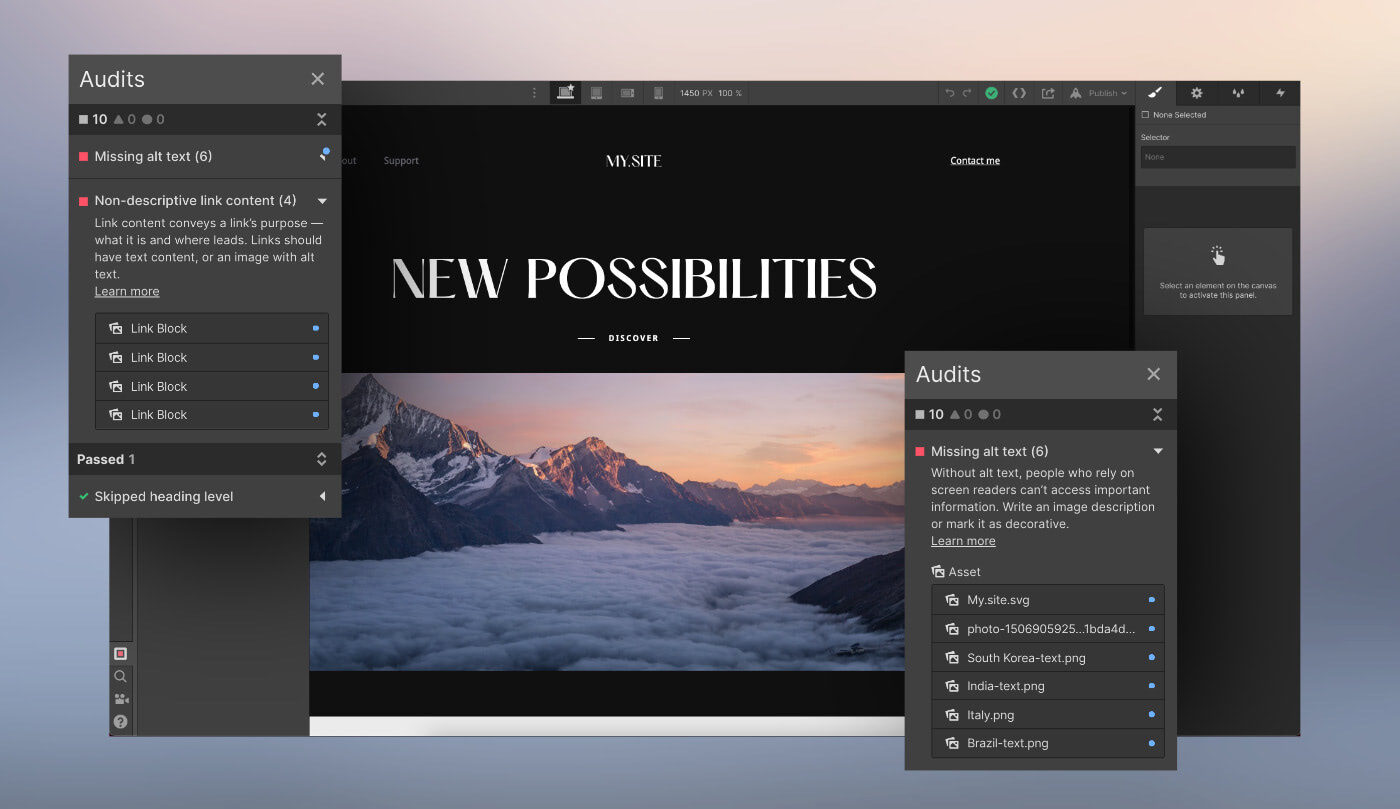
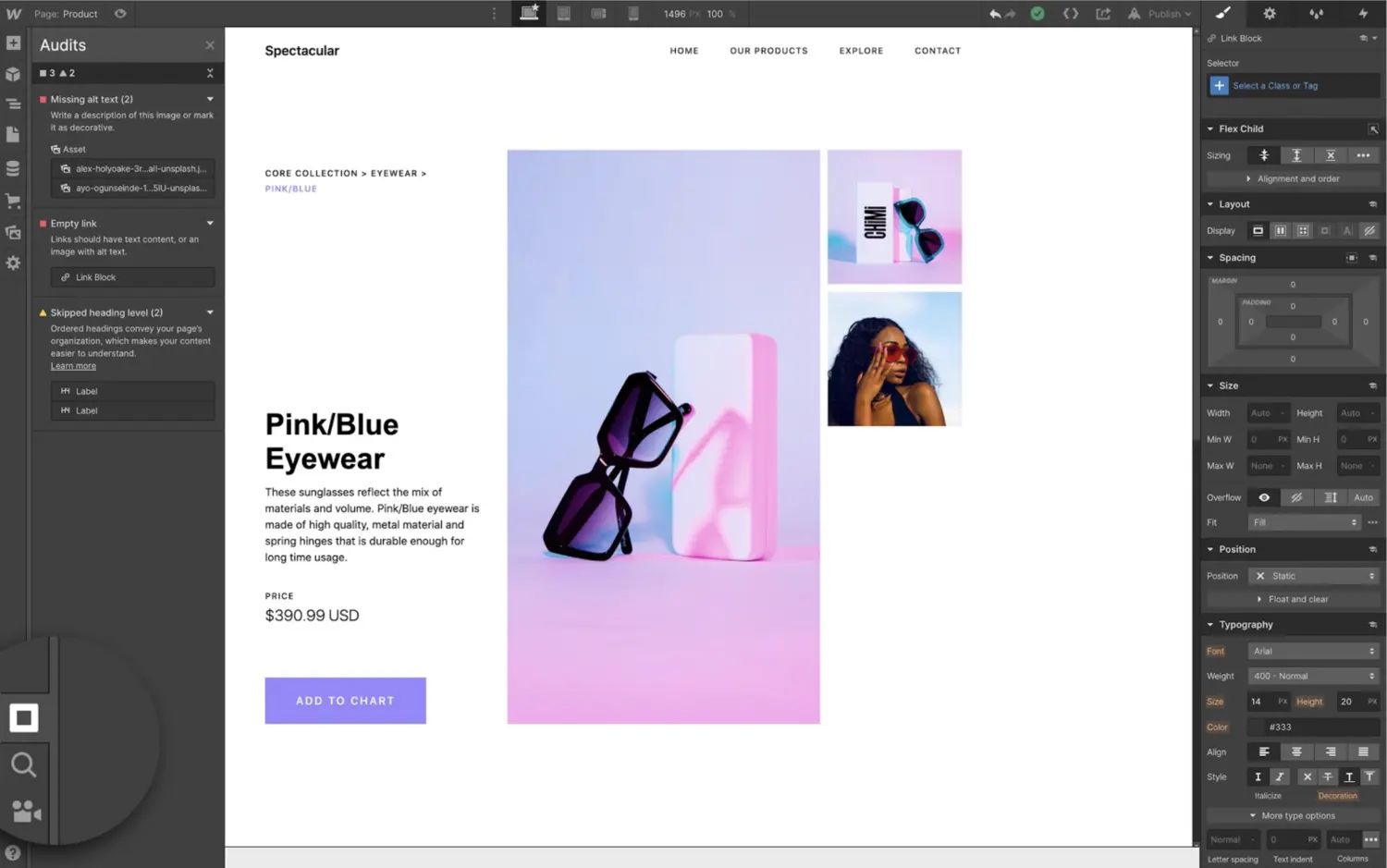
Improved accessibility guidance and new options in the Audit panel

Improved accessibility guidance and new options in the Audit panel

Learn more
Find and fix accessibility issues with new Audit panel

Find and fix accessibility issues with new Audit panel

Learn more
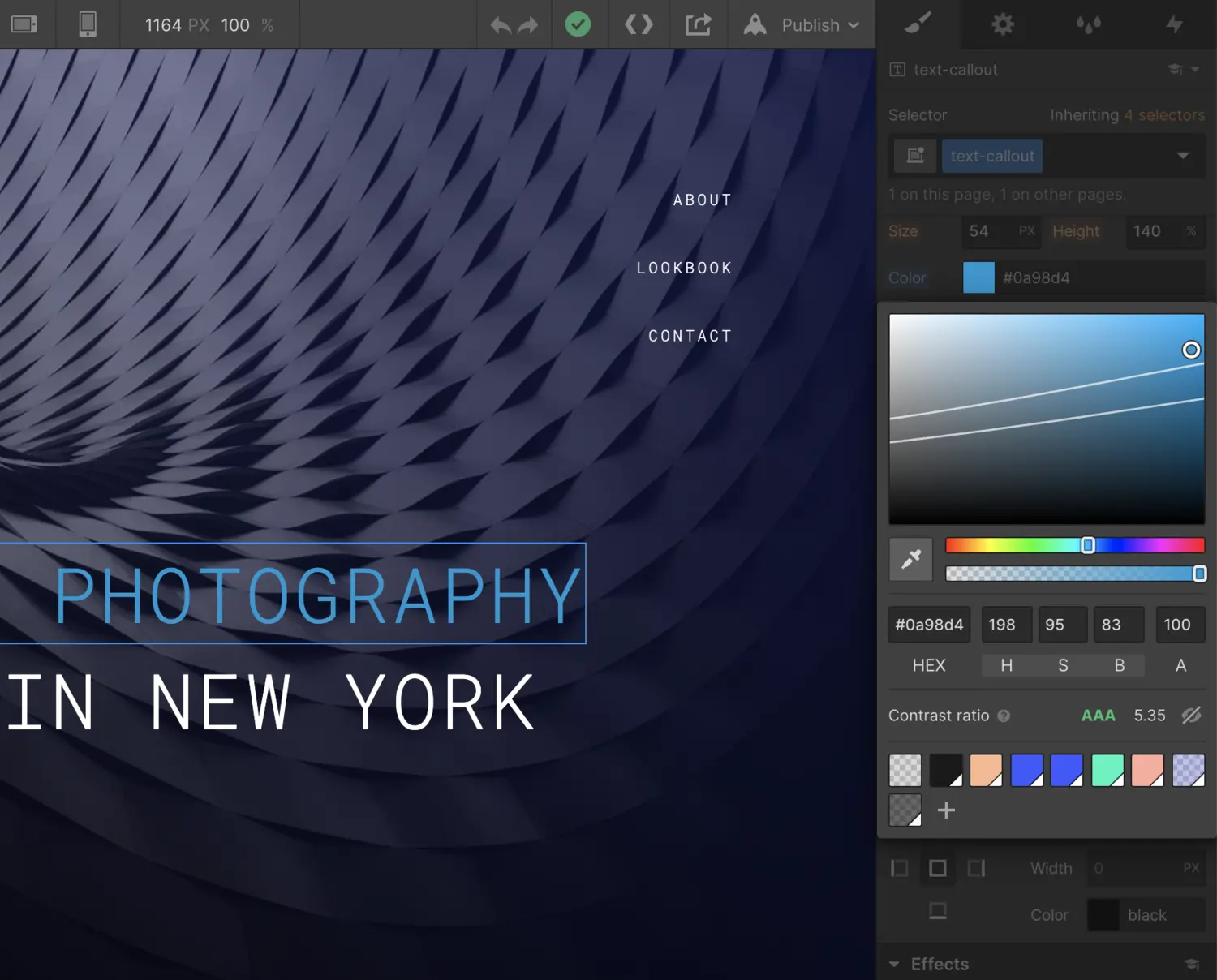
Check text accessibility with built-in color contrast ratio tool

Check text accessibility with built-in color contrast ratio tool

Learn more

verifone logomonday.com logospotify logoted logogreenhouse logoclear logocheckout.com logosoundcloud logoreddit logothe new york times logoideo logoupwork logodiscord logo

Get started for free

Try Webflow for as long as you like with our free Starter plan. Purchase a paid Site plan to publish, host, and unlock additional features.

Get started — it’s free
Watch demo

Try Webflow for as long as you like with our free Starter plan. Purchase a paid Site plan to publish, host, and unlock additional features.