






WooRank
Connect WooRank with Webflow to score pages for SEO issues and fix the flagged settings before rankings move.

Webflow handles SEO titles, meta descriptions, canonical tags, robots.txt rules, and an auto-generated sitemap that updates on each publish when enabled. WooRank crawls the live page to score it, report its Core Web Vitals, and identify issues such as broken links, missing structured data, and stray noindex tags.
The setup supports manual reviews and automation with forms, CRMs, and Webflow CMS Collections through Zapier and the two REST APIs.
Freelancers and in-house marketers use it to check a page before and after launch. SEO agencies manage audits for client sites built on Webflow. Developers automate review storage and page metadata updates.
How to integrate WooRank with Webflow
What is WooRank? WooRank is a website review and SEO audit platform, listed as a current product by its owner Bridgeline Digital. It runs instant website reviews, technical Site Crawls, keyword rank tracking, and competitor analysis. It analyzes publicly accessible URLs.
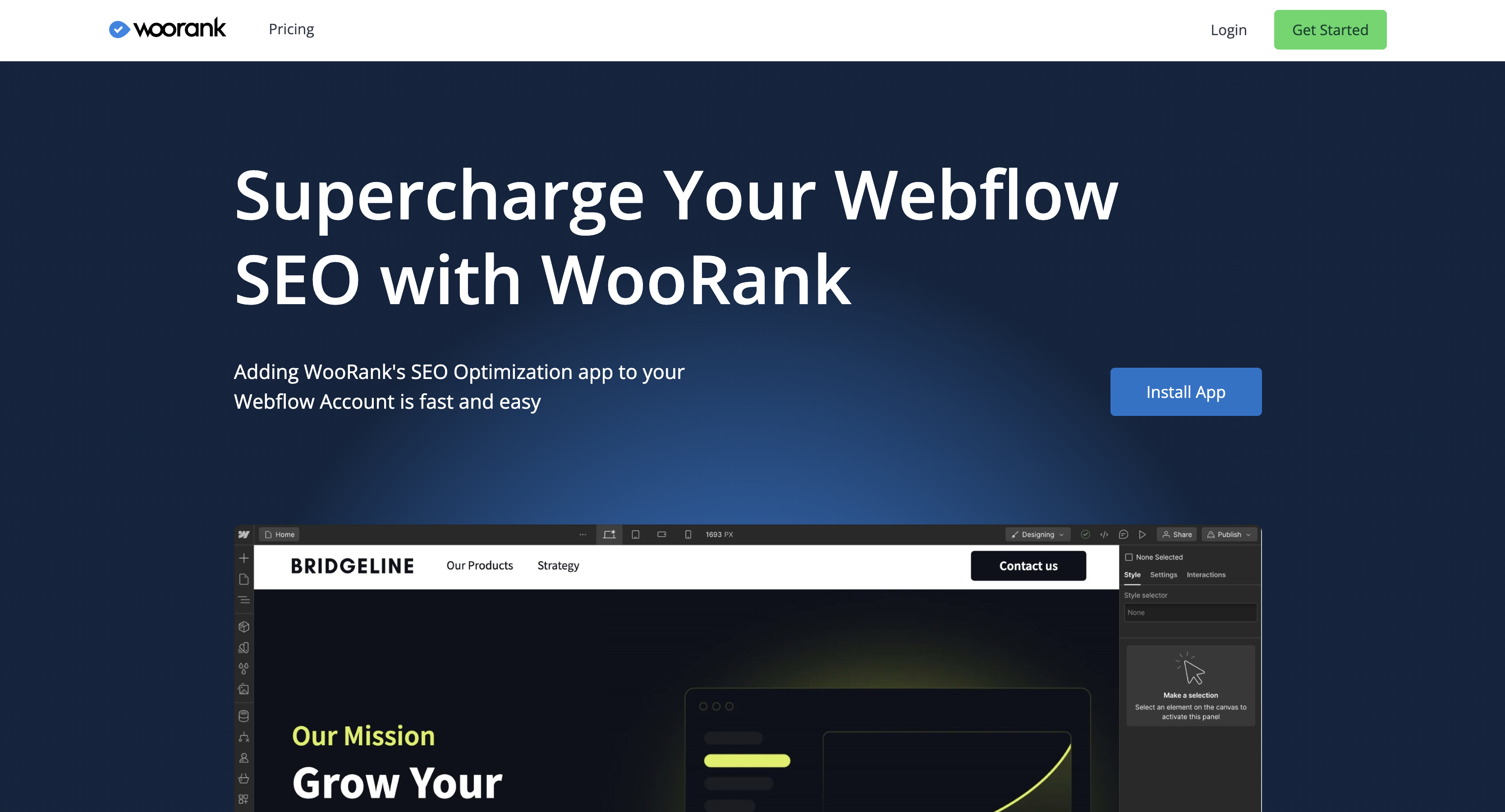
Teams pair the two when a published Webflow site needs a repeatable SEO check. A marketing team refreshes the review after each CMS publish to catch regressions. An agency runs reviews across client domains from one account. The audit reads the live URL, so nothing in the Webflow build changes.
The WooRank-Webflow integration supports four approaches:
- The WooRank app runs page reviews inside Webflow without writing code.
- A Code Embed element lets you place the WooRank LeadGen widget on a Webflow page.
- Zapier connects Webflow forms and order triggers to WooRank review actions.
- The Webflow and WooRank APIs give you full control over review data, CMS items, and page metadata, but require server-side development.
Most implementations combine two or more of these methods depending on the complexity of the setup. WooRank grades the page from outside; the fixes it flags are Webflow settings, and Webflow's MCP server documents updating meta titles, descriptions and Open Graph tags across pages, plus sitemap inclusion, so an agent can apply them without you writing API calls.
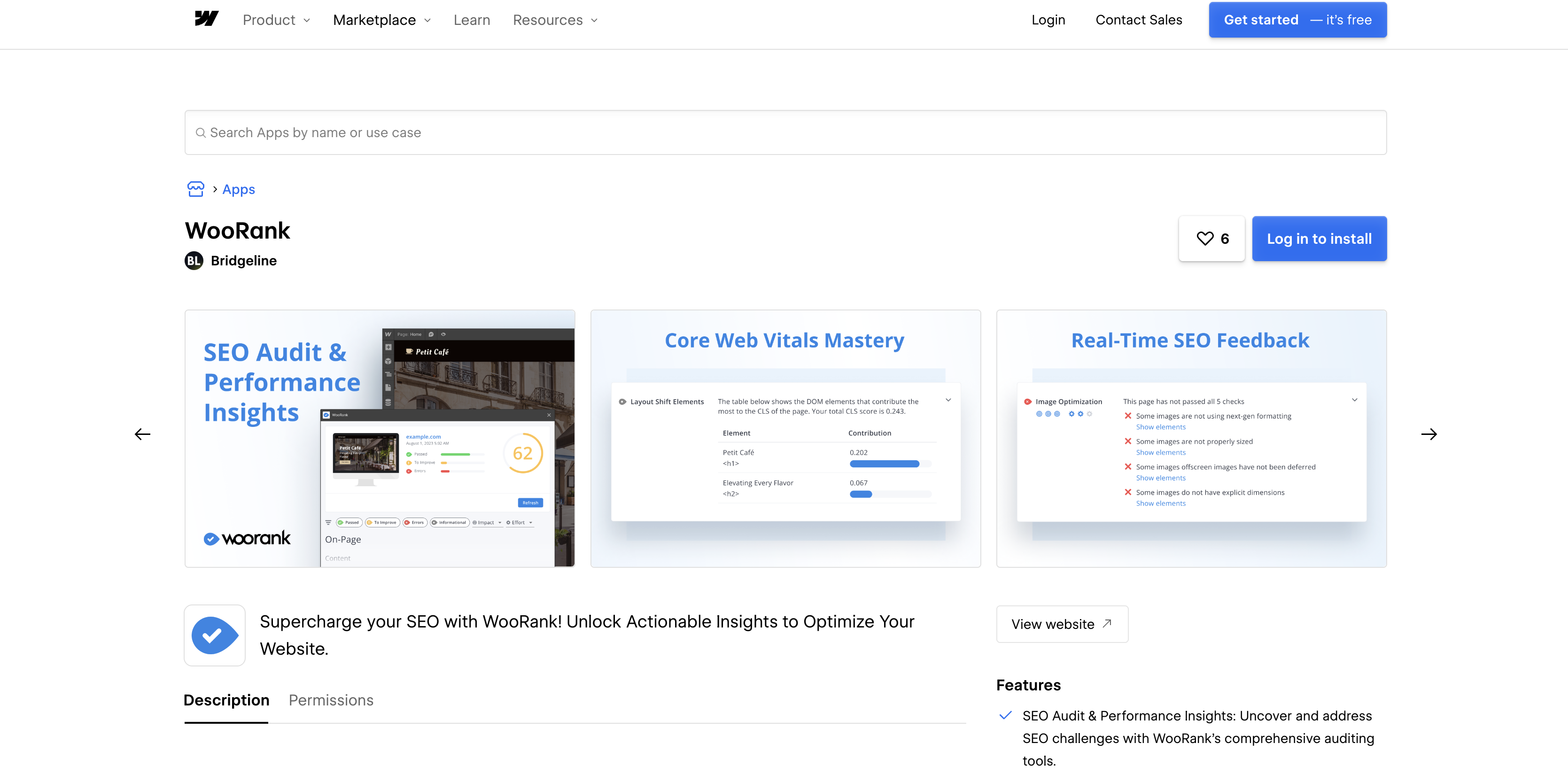
Install the WooRank app
Run one-off audits and pre- and post-launch checks through the WooRank app in the Webflow Marketplace, published by the Bridgeline Workspace and listed under Analytics and SEO. It installs at Workspace level, so the authorization covers every site in that Workspace. The install URL requests nine scopes: read access to your authorized user, sites, pages, CMS, Ecommerce, forms, and Workspace, plus read and write access to custom code. It holds no CMS write scope and no publishing scope, so it cannot edit or publish your content, but custom_code:write does let it add code to your site.
To set up the integration:
- Open the WooRank listing and install the app, then pick a WooRank plan. The app is paid and runs on its own tiers rather than on a free allowance.
- Publish the page you want reviewed. WooRank only reviews published pages that search engines can reach.
- In Webflow, click the App icon, find WooRank, hover over it, and click Launch.
- Wait for the report. WooRank states it "takes about a minute for responsive pages," and longer for pages with many scripts or images.
- Use the domain dropdown at the top of the report to switch between production domains.
Each review covers four kinds of output:
- Technical and content checks: on-page and off-page SEO, indexing, mobile rendering, structured data, security, and performance for the URL you reviewed.
- Core Web Vitals: field data for the published page, gated to the Gold tier on the Webflow plans and to Pro and Premium on the standard plans.
- Prioritized recommendations: every criterion carries a fix difficulty and an impact rating, so you can work the list in order instead of top to bottom.
- A shareable PDF: download the current report from the button below the report summary, with template selection where your plan allows it.
Those four together are what a reviewer hands a client after a launch.
The app runs on plan tiers sold specifically for Webflow, Bronze, Silver, Gold and Enterprise on the WooRank Webflow pricing page, which are separate from the standard Lite, Pro, Premium and Enterprise plans. The Code Embed method adds a form visitors can use to request their own review.
Embed the WooRank LeadGen widget with a Code Embed element
Visitors enter their URL into a review form on your Webflow page, receive a WooRank review, and hand over their email address in exchange. WooRank gates the LeadGen tool to its Premium plan on the WooRank pricing page. Note that WooRank's current LeadGen tool page describes the flow as a Zapier connection to a form builder of your choice rather than a drop-in script, while its older embed documentation is no longer reachable, so confirm which mechanism your account offers before you design the page around it. On the Webflow side, custom code needs an active Site plan or a Core, Growth, Agency, or Freelancer Workspace; the same rule covers custom code in the head and body tags. Agencies use this on a "free SEO audit" landing page to collect prospects.
To place the widget:
- In your WooRank dashboard, open the Lead Generation Tool and copy whatever embed code it gives you.
- In Webflow, open the page where the audit form belongs and add a Code Embed element.
- Paste the embed code into the element and save. The element accepts up to 50,000 characters.
- Publish the site. Custom code shows in preview but only runs once you publish.
The form captures an email address for every prospect who submits a URL, and Zapier moves that lead into your CRM along with the review it generated. Because the form collects visitor email addresses, it is a personal-data collection point on your site: decide where the submissions are stored and what your own notice says about them before you publish it.
Connect Webflow and WooRank with Zapier
With Zapier, send a visitor's domain from a Webflow form submission to WooRank for review. Zapier publishes a WooRank connector, and the data moves one way: Webflow supplies the triggers, WooRank supplies three actions and no triggers of its own. Zapier has no prebuilt page for this specific pair, so you build the Zap from the two app listings.
You pair any Webflow trigger with any WooRank action:
- Webflow triggers: New Form Submission, New Order, Updated Order, New Comment, and New Resolved Comment Thread are the Webflow events Zapier can start a Zap from.
- Create Review: generates or refreshes a WooRank review for the URL you pass, with an optional language field.
- Create Review PDF: produces a PDF report for a URL, with an optional PDF template chosen from the ones in your WooRank account.
- Find Review: a search step that returns review data WooRank already holds for a URL, without queuing a new crawl.
The WooRank Zapier listing is the place to check those field names before you build, because all three actions require the URL and nothing else. The APIs can write review data into Webflow itself.
Build with the Webflow and WooRank APIs
Use a server-side workflow to retrieve a score for each client domain, store it in a Collection, or update page metadata from audit findings. Both APIs are REST with JSON responses, and you need a server or serverless function to hold the keys and run the calls. WooRank refreshes reviews asynchronously and accepts a callback URL on the request, so you can wait for a webhook rather than poll, which is the option its own docs recommend.
Four pieces carry the workflow:
- The WooRank API: review data at
https://api2.woorank.com, authenticated with anX-API-KEYheader and rate limited by default to 1,000 calls per hour per key. - Refresh Review Data:
POST /reviewsqueues a crawl for a URL WooRank has never seen, and takes an optionalwebhookfield it calls back when the review is ready. - Webflow's Data API: CMS collections and page SEO metadata at
https://api.webflow.com/v2with a bearer token. - Webflow webhooks: real-time events for publishes, page metadata updates, and CMS item changes, so the loop starts itself.
The two halves meet at the webhook: Webflow tells you a page changed, WooRank tells you what the new version scores.
API access is plan gated rather than universal: WooRank's docs tell you to request a key from commercial@woorank.com, its Pro and Premium plans publish a monthly page review call allowance, and full API access sits on Enterprise. Confirm what your tier includes before you build against it.
Sync review scores into the Webflow CMS
Lay out a Collection as a visual client scoreboard in the Webflow CMS. The review endpoint returns a 0-100 score plus per-criterion status, so one Collection can hold the score and the timestamp of the last review. Zapier can run a version of this flow, but the API gives you control over field mapping.
To implement this:
- Fetch the review with the domain only, no protocol and no
www.prefix:
The response includescurl "https://api2.woorank.com/reviews?url=example.com&language=en" \ -H "X-API-KEY: <your_key>"url,score,lastGeneratedAt(Unix epoch milliseconds),screenshot, andcriteria. A URL WooRank holds no data for returns 404, which is your signal to queue it withPOST /reviewsfirst. Screenshot URLs are ephemeral and WooRank forbids hotlinking them, so download and rehost any image you show. - List Collections with
GET https://api.webflow.com/v2/sites/{site_id}/collections(scopecms:read), then read the field schema withGET /v2/collections/{collection_id}. - Create the item with
POST /v2/collections/{collection_id}/items(scopeCMS:write). Every item needsfieldData.nameandfieldData.slug; mapscoreandlastGeneratedAtto the fields you created. - Publish with
POST /v2/collections/{collection_id}/items/publish, or write straight toPOST /v2/collections/{collection_id}/items/liveto skip staging. - On later runs, use
PATCH /v2/collections/{collection_id}/itemsto update the existing item and prevent duplicates.
Each criterion in the response carries status (good, bad, average, or neutral), importance (0-3), and solvability (0-3), so you can store an issue count alongside the score.
Update page SEO metadata from review data
WooRank's description criterion reports the current meta description and its status, while the Data API writes new seo.title and seo.description values to a page. Closing the loop in code requires Data API writes because the WooRank app leaves page fields unchanged. The advice field is HTML-formatted text, which means you write the logic that turns it into a new value.
To update a page:
- Read
criteria.description.data.value,criteria.description.status, andcriteria.description.advicefromGET https://api2.woorank.com/reviews?url={domain}. Similar criteria exist forheadings,canonical_tags, andhreflang. - Get the current metadata with
GET https://api.webflow.com/v2/pages/{page_id}(scopepages:read), which returnsseo.titleandseo.description. - Send the new values with
PUT https://api.webflow.com/v2/pages/{page_id}(scopepages:write) and a JSON body containingseo.titleand/orseo.description. - Optionally read static content with
GET /v2/pages/{page_id}/dom. The matchingPOST /v2/pages/{page_id}/domwrite, up to 1,000 nodes per request, applies to secondary locales only, so it is not a route for editing a single-locale site. - Publish with
POST /v2/sites/{site_id}/publishso the change reaches the live page WooRank crawls.
Webflow calls the two fields Title tag and Meta description, and its SEO settings article recommends keeping the title under 60 characters. There is no character limit on the meta description, though search engines truncate long ones, so write for the snippet rather than to a cap.
Listen for publish events with Webflow webhooks
After a site or page goes live, a site_publish webhook tells your server to refresh WooRank data. WooRank documents the inbound half as well: POST /reviews queues a fresh crawl and calls back a webhook of your own, while GET /reviews only returns whatever review already exists. So the honest loop is publish, queue a refresh, wait for WooRank's callback, then read the new score.
To register the webhook:
- Call
POST https://api.webflow.com/v2/sites/{site_id}/webhooks(scopesites:write) withtriggerTypeset to"site_publish"andurlset to your receiver. - Verify each delivery with the
x-webflow-timestampandx-webflow-signature(SHA-256 HMAC) headers before processing it. - Read
payload.domainsandpayload.publishScope, which ispageorsite, then queue the WooRank refresh for the published domain.
A delivery looks like this:
{
  "triggerType": "site_publish",
  "payload": {
    "siteId": "62749158efef318abc8d5a0f",
    "publishedOn": "2023-07-31T12:34:56.789Z",
    "domains": ["my-website.webflow.io"],
    "publishedBy": { "displayName": "Some One" }
  }
}
Failed deliveries retry up to 3 times at 10-minute intervals, and each site allows up to 75 webhooks per trigger_type. The page_metadata_updated and collection_item_published trigger types cover narrower changes when a full-site refresh is too broad. Watch the publish rate limit if the loop writes back: Webflow queues one successful site publish per minute.
What you can build with the WooRank Webflow integration
The useful builds sit at either end: capture leads with the widget, or close the audit loop in code. Four patterns cover most of what teams actually ship:
- A free SEO audit landing page: place the LeadGen form on a Webflow page so prospects grade their own site and leave an email address you can follow up on.
- A client scoreboard: write each domain's score and last review date into a Collection and render it as a Collection List, so an agency sees every account in one view.
- A post-publish regression check: let the
site_publishwebhook queue a WooRank refresh and alert you when a score drops after a release. - A metadata repair queue: read the description and headings criteria, list the pages WooRank marks bad, and write corrected titles back through the Data API.
All four of these start with reading and writing CMS data, so learn that layer first with our guide to the Webflow CMS API.
Frequently asked questions
Only the LeadGen widget requires custom code. The WooRank app, website reviews, Site Crawl, keyword tracking, and PDF reports work from the published URL because WooRank is an external crawler.
An unpublished page returns a 404. Run reviews against your production domain. WooRank does not document whether a staging
robots.txtblock also blocks its crawler. By default the.webflow.iosubdomain can be indexed; the disable search engine indexing article shows how to turn Staging indexing off under Site settings > SEO > Indexing, which publishes a blockingrobots.txton the subdomain and needs a Site plan or paid Workspace.The current supported list on WooRank's own Webflow page covers static, eCommerce, and utility pages. Regarding CMS Collection pages, WooRank says, "We look forward to supporting more page types in the future." For CMS-driven URLs, run a Site Crawl from a WooRank Project. Site Crawl uses domain-level crawling and is independent of page type. When a crawl flags a Collection page's title or description, edit the Title tag and Meta description fields under Pages panel > Page settings > SEO settings.
Yes, on most plans. On the WooRank plans sold for Webflow, white-label PDF reports with custom branding start at Silver and continue on Gold. On WooRank's standard plans they start at Premium. The white-label reports page covers the branding and template options, and WooRank's Webflow FAQ confirms, "Yes, you can choose different templates and customize some content before downloading."
Use Webflow's New Form Submission trigger in Zapier and send the submitted domain to WooRank's Create Review action, which takes a URL and an optional language. Enter the domain without a protocol, so
example.comrather thanhttps://example.com.
Description
Run WooRank SEO reviews on published Webflow pages from inside Webflow with the WooRank app, then extend the setup with a Code Embed lead-capture widget, Zapier, or the WooRank and Webflow Data APIs.
This integration page is provided for informational and convenience purposes only.

Sentry
Connect Sentry, an application monitoring and error tracking service, with Webflow to capture JavaScript exceptions, record session replays, and track Core Web Vitals on published pages.

Graphite

Enzuzo Data Privacy
Connect Enzuzo Data Privacy with Webflow to manage cookie consent, generate legal policies, and handle data access requests across your site.

SchemaRabbit
Connect SchemaRabbit with Webflow to automatically generate, deploy, and maintain JSON-LD schema markup across your site.
Linknavigator
Connect Linknavigator with Webflow to automate internal linking, monitor link health, and improve SEO across content-heavy sites.

Pixelflow
Connect Pixelflow with Webflow to send server-side Meta conversion events that bypass ad blockers and iOS privacy restrictions.

PromoteKit
Connect PromoteKit with Webflow to track affiliate referrals from your pages through to Stripe purchases.
Semflow
Connect Semflow with Webflow to run AI-assisted SEO audits, keyword research, rank tracking, schema markup, and metadata generation directly inside the Webflow Designer.

Cometly
Connect Cometly, a multi-touch attribution platform, with Webflow to tie ad spend to real revenue from form submissions and pipeline events.
Related integrations
Get started for free
Try Webflow for as long as you like with our free Starter plan. Purchase a paid Site plan to publish, host, and unlock additional features.
