






Simple Subscriptions for Webflow Shops
Connect Simple Subscriptions with Webflow to sell recurring products through your store's native cart and checkout.

Webflow Ecommerce handles one-time purchases well, but it no longer offers native subscriptions. That feature relied on Webflow User Accounts, which Webflow sunset on January 29, 2026, so recurring billing can no longer be set up or managed inside Webflow. Even while it existed, native subscriptions carried hard limits: customers could not buy a subscription and a regular product in the same transaction, discounts did not apply to subscriptions, each customer could hold only one of each subscription, and a renewal never generated a new order, so recurring billing left no order trail. Subscriptions created before the sunset still charge through Stripe, but the in-Webflow feature is gone.
Simple Subscriptions by Monto closes those gaps by turning products in your Ecommerce Products collection into recurring offerings. Your product templates, cart, and checkout page all stay in place. Shoppers can mix subscriptions with one-time products in a single order, and all payments run through Stripe.
This integration fits subscription boxes, SaaS trials, monthly service packages, courses, and fixed-term memberships.
How to integrate Simple Subscriptions with Webflow
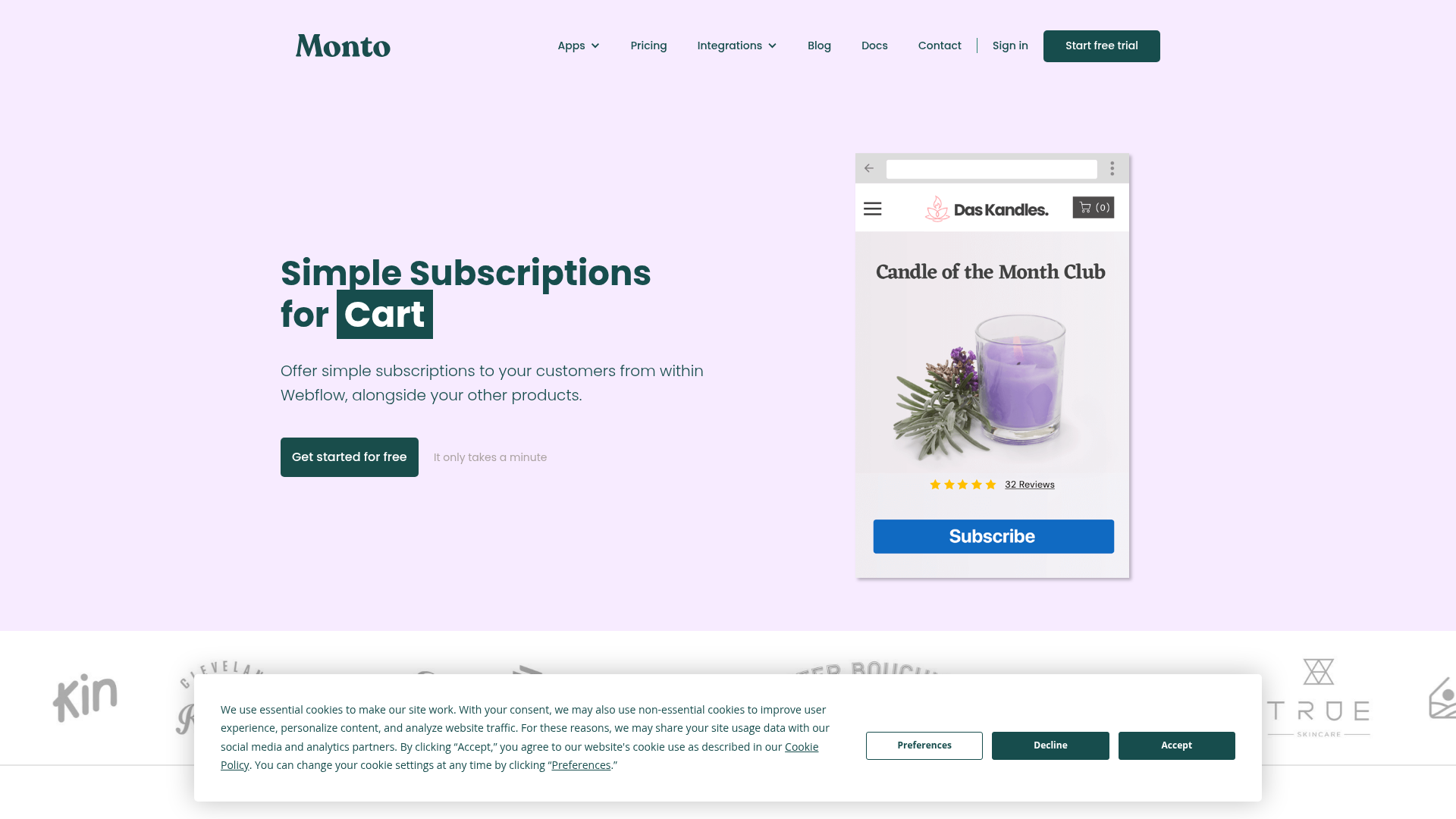
What is Simple Subscriptions? Simple Subscriptions is a recurring payments app for Webflow Ecommerce stores, built by Monto. It sells subscription products from your Webflow Ecommerce Products collection and processes every payment through Stripe. It supports mixed carts, fixed-term plans, reduced-price trials, and a subscriber self-management portal in 21 languages.
Teams reach for this combination when native subscriptions block a business model. A subscription box seller needs shipping charged on renewals and a portal where customers pause deliveries. A SaaS storefront needs an introductory price that steps up to standard pricing after a set period.
You can connect Simple Subscriptions to Webflow in the way that matches your setup:
- The Monto app installs from the Webflow Marketplace and adds subscription functionality without writing code.
- Manual script embed places Monto's global script in your site's head code yourself.
- The Webflow Data API and Monto APIs give you full control over orders and subscription data, but require server-side development.
Start with the app or script install, then add the API path when custom workflows require it.
Install the Monto app from the Webflow Marketplace
The fastest path requires no code. Install the app from its Webflow Marketplace listing, and it injects a header script that converts your Webflow products into subscription offerings. Stripe handles processing and renewals behind your native checkout. You need an Ecommerce site plan with checkout enabled and a connected Stripe account.
To set up the integration:
- Open the Monto listing and click Log in to install.
- Create a Monto account and select the Webflow site you want to connect.
- Configure billing frequencies and trial periods in the Monto dashboard, then set the self-service portal options there too.
Once connected, these features work with zero additional code:
- Mixed carts: Subscriptions sell alongside one-time products in the native Webflow cart and checkout, so shoppers pay in a single transaction.
- Fixed-term plans: Plans cancel after a set number of billing terms or auto-renew indefinitely, depending on how you configure them.
- Reduced-price trials: Introductory pricing applies for a set period before the standard subscription price takes over.
- Customer portal: Subscribers pause, resume, or cancel their own subscriptions without contacting your support team.
- Language support: The subscription dashboard translates into 21 languages automatically, based on each visitor's browser preferences.
Your Webflow site and the Monto app must connect to the same Stripe account, or subscriptions error out. And disconnecting Stripe from Monto erases all subscription data from Monto's database, so avoid disconnecting it.
Add the Monto global script to your site's head code
If you prefer not to install the Marketplace app, Monto documents a manual script method. Each site gets its own unique global script, which you paste into your site-wide head code. Adding custom code in head and body tags requires an active Site plan. A Core, Growth, Agency, or Freelancer Workspace also works. Site managers and people with custom code access can add the code, and each section holds up to 50,000 characters.
To install the script manually:
- Sign in to Monto and copy your site's unique global script from your Monto dashboard.
- In Webflow, go to Site settings > Custom code > Head code.
- Paste the script and click Save changes.
- Publish your site.
Changes only go live after publishing, so republish whenever you update the script. A Code Embed element on the canvas also runs HTML, CSS, and JavaScript, but Monto's documentation specifies the head code section of Site settings as the correct placement for the global script. Keep the script site-wide rather than embedding it on individual pages.
Build with the Webflow and Monto APIs
Some teams need custom subscription workflows or renewal tracking. Others need subscriber records in the Webflow CMS. Those cases call for working directly against both APIs. This path requires server-side development. Monto authenticates with an API key, and Webflow's Data API uses bearer tokens. Note that Monto requires Webflow API v2; v1 support ended in March 2025.
API builds use these documented Monto and Webflow surfaces:
- The Monto API handles order creation and subscription lookups through two public endpoints.
- Webflow's Data API v2 handles Webflow Ecommerce items and products as well as ecommerce orders.
- Webflow webhooks fire events like
ecomm_new_orderwhen a purchase completes.
Monto documents only these two endpoints and no broader developer API beyond its help-center API articles.
Check subscription status for a Webflow order
Monto's read endpoint returns the subscriptions attached to any Webflow order. Authentication works through an API key passed as a query parameter.
To look up a subscription:
- Get your API key from monto.io/shop/api (requires sign-in).
- Call
GET https://api.monto.io/orders/{order_id}/subscriptions?api_key={your_key}. - From the returned
subscriptionsarray, readstripe_idandstatus. Usecreated_atfor the creation timestamp.
The stripe_id value lets you call the Stripe API directly for full lifecycle data. A second endpoint, POST https://api.monto.io/orders?api_key={your_key}, creates order records in Monto. It accepts only "pending" and "fulfilled" statuses, and duplicate order_id values overwrite existing submissions.
Sync subscription data to the Webflow CMS
Monto documents no outbound webhooks for Simple Subscriptions. To mirror subscriber status into a CMS Collection, poll Monto and write items through the Data API.
To build the sync:
- Poll
GET https://api.monto.io/orders/{order_id}/subscriptionsfor status changes on known orders. - Create subscriber records with
POST https://api.webflow.com/v2/collections/{collection_id}/items. - Push drafts live with
POST https://api.webflow.com/v2/collections/{collection_id}/items/publish.
For records that should go live immediately, POST /v2/collections/{collection_id}/items/live creates and publishes in one call.
Track renewals with Stripe webhooks
Webflow Ecommerce does not create a new order when a subscription renews, so the ecomm_new_order webhook fires only on the initial purchase. Because Monto processes every subscription through Stripe, Stripe webhooks are the correct source for renewal and cancellation events.
The relevant Stripe event types are:
customer.subscription.createdfires when Monto sets up a new subscription in Stripe.customer.subscription.updatedandcustomer.subscription.deletedtrack plan changes and cancellations.invoice.payment_succeededconfirms a successful charge on each billing cycle.invoice.payment_failedflags a failed renewal so you can prompt the customer.
Point these events at your server, match the subscription's customer or metadata fields to your records, then update the CMS through the Data API endpoints above.
What you can build with the Simple Subscriptions Webflow integration
Integrating Simple Subscriptions with Webflow lets you sell recurring products through your existing product pages and checkout without external payment pages or a separate subscription platform.
- Subscription box services: Product pages carry monthly or quarterly delivery options and trial pricing for first boxes. Subscribers manage delivery schedules and cancel anytime through the portal. Enable the
"Charge shipping"option in the Monto plan configuration so renewals bill shipping too. - SaaS storefronts: Recurring software licenses sell through standard product pages. Subscription plans and one-time add-on purchases combine in a single checkout. Reduced-price trials let you charge an introductory rate before standard pricing kicks in.
- Membership content sites: Recurring or fixed-term membership billing suits sites that gate content, with plans that can end after a set number of terms and then need manual renewal. Monto handles the billing; gating the content itself requires a separate membership tool, since Webflow's native User Accounts gating was retired on January 29, 2026.
- Installment plans: Physical or digital products get paid over time rather than upfront, set up as fixed-term plans that stop after a set number of billing terms.
If you need more control over renewal tracking or CMS-driven subscriber records, the API path covers those cases. To get your store's payment flow ready first, see how to set up Stripe Checkout in Webflow.
Frequently asked questions
Yes. Subscription products live inside the Webflow Ecommerce Products collection. Your product templates use those products, and your cart and checkout page work as normal. Checkout can only be enabled with an Ecommerce site plan, so enable it and launch your store before adding subscriptions.
Stripe only. Monto supports Stripe exclusively for subscription orders, so unsupported processors like PayPal must be disabled. Connect Stripe in Site settings > Ecommerce > Payment by following the payment provider setup steps, and make sure Monto connects to that same Stripe account.
No. Renewals bill through Stripe and never create new orders in your store, so active subscribers show up in the Monto dashboard instead. For automated renewal tracking, listen to Stripe's
customer.subscription.updatedandinvoice.payment_succeededwebhook events rather than Webflow order webhooks.That status is expected during the first billing period. The initial sale runs through your native checkout, so Monto creates the Stripe subscription with a trial matching the billing interval to prevent double-charging. The status updates automatically after the first billing period.
Description
Sell subscription products through Webflow Ecommerce's native cart and checkout. Install the Monto app from the Webflow Marketplace or paste one global script into your site's head code.
This integration page is provided for informational and convenience purposes only.

Elfsight-countdown-timer-widget
Connect Elfsight Countdown Timer with Webflow to add live deadlines to any page with a Code Embed element.

Ecwid
Connect Ecwid, a multi-channel e-commerce platform, with Webflow to embed a shopping cart, product catalog, and checkout on any page while managing orders and inventory from Ecwid's admin panel.

Chec/Commerce.js
Sell things as small as ebooks, licensed software, or run an entire clothing line from your site.
Monto Affiliates
Connect Monto Affiliates, an affiliate and referral marketing app, with Webflow to track referral orders and form submissions, manage commissions, and process PayPal payouts for your affiliate program.
Monto Abandoned Cart Recovery for Webflow Shops
Connect Monto Abandoned Cart Recovery with Webflow to send automated email sequences that bring back shoppers who abandoned checkout.
Related integrations
Get started for free
Try Webflow for as long as you like with our free Starter plan. Purchase a paid Site plan to publish, host, and unlock additional features.
