






Webflow Ecommerce handles your storefront and checkout while storing order records, but it does not print shipping labels or compare carrier rates. Fulfilling orders means copying addresses into a carrier portal to buy labels one at a time, then pasting tracking numbers back by hand. That manual loop breaks down fast as order volume grows. ShipStation exists to close exactly this gap.
Connecting the two platforms turns Webflow orders into a fulfillment pipeline. New orders flow into ShipStation with customer details attached, plus order weights and selected item options. You print labels in batches and apply automation rules for carrier selection. After each label prints, ShipStation writes tracking numbers and fulfillment status back to Webflow.
This integration fits DTC founders shipping their own products as well as ecommerce managers and operations leads handling daily or multi-channel fulfillment. Freelancers and agencies building client stores on Webflow also use it to hand off a complete order-to-shipment workflow. Anyone processing more than a handful of Webflow orders each week hits the limits of manual fulfillment quickly.
How to integrate ShipStation with Webflow
What is ShipStation? ShipStation is shipping and order management software for ecommerce fulfillment. It imports orders from selling channels into a central dashboard and prints labels in batches across carriers like USPS, UPS, FedEx, and DHL Express. Automation rules handle carrier and service selection. It also handles inventory tracking and returns, plus branded tracking pages.
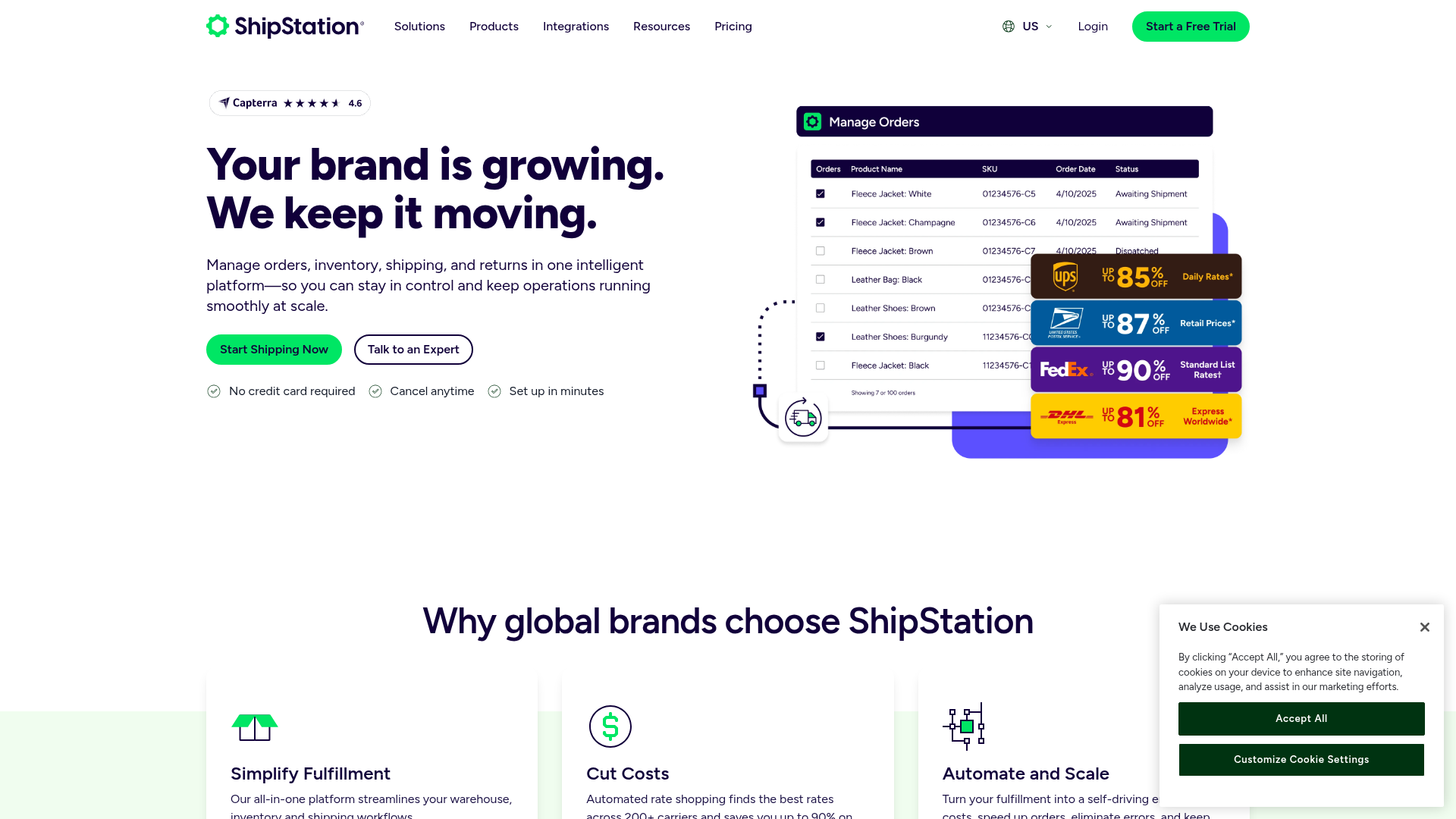
Teams pair ShipStation with Webflow when a store outgrows manual fulfillment. A Webflow store on its own records orders and lets you export them as CSV, but every shipment still requires separate label purchases and manual tracking entry. ShipStation replaces that with automatic order import and batch label printing, with two-way status sync after fulfillment updates.
Choose the ShipStation-Webflow connection path that matches your fulfillment workflow:
- The ShipStation app handles order import, label creation, and tracking sync back to Webflow without writing code.
- Zapier and Make let you build multi-step custom automations between Webflow orders and ShipStation.
- The Webflow Data API and ShipStation APIs give you full control over order sync, labels, and webhooks, but require server-side development.
Most implementations start with the app and add automation or API work as fulfillment logic gets more specific.
Install the ShipStation app
The ShipStation app in the Webflow Marketplace, published by Auctane, connects your store as a native selling channel inside ShipStation. It imports orders automatically, creates labels, and syncs fulfillment data back after you create labels. You need an active Webflow Ecommerce store and a ShipStation account. ShipStation moved to a Webflow V2 app on March 6, 2025, so connections made before that date must be reconfigured.
To set up the integration:
- In ShipStation, go to Account Settings > Selling Channels > Store Setup, then click Connect a Store or Marketplace.
- Select Webflow and choose your units of measurement.
- Click Connect and log in to your Webflow account.
- Save your store settings.
Once connected, the app moves data in both directions:
- Order import: Orders arrive with customer email, phone, shipping address, requested service, discount codes, gift flags, weights, and item options like color and size.
- Tracking writeback: After you create a label, ShipStation returns the tracking number, carrier, service, status update, carrier fee, and note to buyer to Webflow.
- Automation criteria: ShipStation automation rules read order fields such as weight, shipping method, and item options to select carriers and services automatically.
- Batch label printing: From imported orders, you print USPS, UPS, FedEx, and DHL Express labels in batches instead of buying them one at a time.
Orders need a Ship To address to import, and custom order statuses and payment method details do not transfer. The app listing also mentions Checkout Rates, but ShipStation's Checkout Rates documentation does not list Webflow as a supported platform, so treat live checkout rates as unavailable for Webflow stores.
Connect ShipStation and Webflow with Zapier or Make
Zapier and Make both offer verified connectors for Webflow and ShipStation, which makes them useful for custom fulfillment logic the app does not cover. You might log each order in a spreadsheet before shipping it, or send a Slack alert when a label prints. Webflow's Zapier integration covers Ecommerce actions directly, and ShipStation partners with Make officially.
Two pre-built Zapier templates cover the core flows. One creates a ShipStation order from each new Webflow order, through the order creation template, and the other fulfills the Webflow order once ShipStation reports a shipment shipped, through the fulfillment template.
Beyond templates, the Webflow connector exposes New Order and Updated Order triggers plus Fulfill Order and Update Order actions. The ShipStation connector offers Item Ordered, Item Shipped, New Order, and Order Shipped triggers plus a Create Order action. One documented pattern sends a Webflow order to Airtable and creates a ShipStation shipment before emailing a confirmation, all in a single Zap.
On Make, the two connectors together provide 76 modules, with ShipStation Create Order and Webflow Mark an Order Fulfilled among them. No pre-built scenarios exist for this pairing, so you build scenarios manually. Multi-item Webflow orders need an Iterator followed by an Array Aggregator to build the item array for ShipStation's order request. ShipStation's ship notification fires when a shipping label is generated, not when you manually mark an order shipped, per Make's ShipStation docs.
If you work in n8n, Webflow has a built-in node with a Webflow Trigger: Ecomm New Order option, but ShipStation has no dedicated node and requires an HTTP Request node calling the ShipStation API.
Build with the Webflow and ShipStation APIs
Developers use the API path when the app or automation tools cannot support custom fulfillment behavior such as order routing and reconciliation logic. It requires a server-side endpoint to receive webhooks and make authenticated calls. The API path uses ShipStation order endpoints, Webflow order endpoints, and Webflow webhooks. The ShipStation V1 API handles order create, list, and get operations using HTTP Basic Auth at ssapi.shipstation.com. The V2 API covers labels, shipments, rates, and webhooks at api.shipstation.com/v2 with an api-key header, but does not document order endpoints, so order operations stay on V1. Webflow's Data API handles ecommerce orders through order endpoints, including update and fulfill operations, plus Webflow CMS collection items if you want to publish shipment data to your site. Webflow webhooks trigger real-time events, including ecomm_new_order and ecomm_order_changed.
Sync new Webflow orders to ShipStation
Register a Webflow webhook so your server receives every new order, then create a matching order in ShipStation. Webflow retries failed deliveries up to three times at 10-minute intervals if your endpoint does not return HTTP 200.
To implement this:
- Register a webhook with
POST https://api.webflow.com/v2/sites/{site_id}/webhooks. SettriggerTypetoecomm_new_orderandurlto your endpoint. Use a bearer token with thesites:writescope. Note the underscore format:ecomm_new_order, not hyphens. - When your endpoint receives an order payload, send
POST https://ssapi.shipstation.com/orders/createorderwith Basic Auth using your API key and secret. - Map the Webflow order fields into the full ShipStation order resource. Partial updates are not supported, so send the complete order object every time.
For reconciliation, poll GET https://api.webflow.com/v2/sites/{site_id}/orders with the ecommerce:read scope and compare against GET https://ssapi.shipstation.com/orders to catch any missed webhooks.
Push tracking data back to Webflow
When ShipStation creates a label, a webhook notifies your server, which then writes tracking data to the Webflow order and marks it fulfilled. ShipStation V1 webhook payloads contain only a resource_url and resource_type, so you must make a follow-up request to retrieve the shipment data.
To implement this:
- Subscribe with
POST https://ssapi.shipstation.com/webhooks/subscribeusing theSHIP_NOTIFYevent, which fires on label creation. On V2, usePOST https://api.shipstation.com/v2/environment/webhookswith events likeshipment_created_v2ortrack_event_v2. - When the webhook fires, GET the
resource_urlwith your Basic Auth credentials to pull the shipment details. - Write tracking data with
PATCH https://api.webflow.com/v2/sites/{site_id}/orders/{order_id}, which the order update endpoint accepts through thecomment,shippingProvider,shippingTracking, andshippingTrackingURLfields. - Call
POST https://api.webflow.com/v2/sites/{site_id}/orders/{order_id}/fulfillwithsendOrderFulfilledEmail: trueto mark it fulfilled and email the customer.
Webhooks created through the API can only be edited in-app, so plan webhook management accordingly.
What you can build with the ShipStation Webflow integration
Integrating ShipStation with Webflow lets you run end-to-end order fulfillment without manual data entry between your storefront and your shipping workflow.
- Automated fulfillment pipeline: A Webflow apparel store where every order lands in ShipStation with the shipping address, weights, and item options attached, ready for batch label printing the same day.
- Multi-carrier rate shopping: A DTC store that uses ShipStation's automated rate shopping to pick the cheapest or fastest carrier per order instead of defaulting to one service for everything.
- Tracking sync with customer notifications: A store where label creation in ShipStation fulfills the Webflow order and triggers the fulfillment email, so customers get tracking numbers automatically.
- Multi-channel fulfillment hub: A brand selling on Webflow plus marketplaces routes everything through ShipStation as the central dashboard, including Printful for print-on-demand fulfillment, with tracking passed back.
To wire orders into your operations stack automatically, see how to automate orders to Airtable. If you need more control over fulfillment timing, including order routing and reconciliation, the API path covers those cases.
Frequently asked questions
ShipStation connects natively. Webflow is a supported selling channel through the official Webflow V2 app, which imports orders and syncs tracking without any middleware. Zapier and Make remain useful for custom workflows, like logging orders to Airtable before shipping. Use them only when the native connection does not cover your fulfillment logic.
Orders flow into ShipStation with customer email, phone, shipping address, requested shipping service, discount codes, gift flags, internal notes, order weights, product images, and item options. After label creation, ShipStation sends back the tracking number, carrier, service, status, carrier fee, and note to buyer. Custom order statuses and payment method details do not transfer, and orders without a Ship To address will not import.
No verified support exists. ShipStation's Checkout Rates documentation lists Shopify, BigCommerce, Magento, and Wix as supported platforms, and Webflow is not among them. Webflow Ecommerce supports shipping methods per zone, including flat-rate and weight-range options, so configure your prices there rather than promising live carrier rates at checkout.
Your connection likely predates the V2 app transition. ShipStation moved to a Webflow V2 app starting March 6, 2025, and existing users must reconfigure their store connections because old connections did not migrate automatically. Reconnect through Account Settings > Selling Channels > Store Setup in ShipStation to restore order imports.
Use both, split by function. Order create, list, and get operations exist only in the V1 API with Basic Auth, while the V2 API covers labels, shipments, rates, and webhooks with an
api-keyheader. ShipStation notes that API access requires a Standard or Accelerate plan or higher, per its API documentation. On the Webflow side, use only the Data API v2, since Webflow deprecated its v1 API on March 31, 2025.

Description
Connecting ShipStation with Webflow imports store orders for label printing and multi-carrier fulfillment, then syncs tracking back to Webflow. Works through the ShipStation app, Zapier or Make automations, or the Webflow Data API and ShipStation APIs.
This integration page is provided for informational and convenience purposes only.

Social Proof Sales
Connect Social Proof Sales (monto.io) with Webflow to display real-time purchase notifications, order volume metrics, and customer reviews through customizable popup widgets.
Order Desk
Connect Order Desk’s order management system with Webflow to automate order routing across print-on-demand providers, fulfillment services, and shipping carriers.

Liquiflow
Connect Liquiflow with Webflow to convert Webflow designs into native Shopify 2.0 themes without writing Liquid by hand.

Amazon Seller Central
Connect Amazon Seller Central with Webflow to keep product data in sync and measure the Amazon sales your site drives.

Gift Up!
Connect Gift Up!, a gift card and gift certificate platform, with Webflow to sell branded gift cards, process payments through Stripe or Square, and deliver cards via email or digital wallet.

ClickFunnels
Connect ClickFunnels, a sales funnel and online business platform, with Webflow to handle opt-ins, checkout flows, email automation, and CRM tracking alongside your Webflow site.

shipmondo
Connect Shipmondo with Webflow to move store orders into a multi-carrier shipping workflow with label creation and tracking, plus returns.

Lemon Squeezy
Connect Lemon Squeezy, a merchant-of-record commerce platform, with Webflow to sell digital products, SaaS subscriptions, and software licenses with checkout overlays and automatic tax handling.

Monto Simple Subscriptions
A Webflow Ecommerce checkout charges a customer once, so recurring billing needs a separate layer that still sells through the native cart.
Related integrations
Get started for free
Try Webflow for as long as you like with our free Starter plan. Purchase a paid Site plan to publish, host, and unlock additional features.
