






Pensil
Connect Pensil with Webflow so community spaces, including forums and live sessions, sit directly on your site alongside gated courses.

A Webflow site can pair marketing pages with Webflow CMS content and collect form submissions, but it carries no community layer of its own: no discussion threads and no member-only spaces. Webflow User Accounts were disabled on January 29, 2026, so native member gating is no longer an option either. Community features have to come from outside software.
Pensil closes that gap with an embeddable community platform. Copy a short JavaScript snippet from your Pensil dashboard into a Code Embed element and a community loads inside the page: threaded discussions, live sessions, gamification, and paid courses, all on your own domain.
The setup fits course creators running cohort-based programs and coaches hosting live sessions. Startups building customer communities keep members on-site, and agencies use the white-label option to ship community sites under a client's own domain.
How to integrate Pensil with Webflow
What is Pensil? Pensil is a community platform with discussion forums, group chat and direct messaging, live video sessions with audience QnA, and gamification through karma points and badges. It supports paid courses with gated content, white-label branding on a custom domain, custom-branded mobile apps for Android and iOS, and community analytics. SpatialChat has since published an acquisition announcement for Pensil, and the mobile apps now ship as Pensil by SpatialChat.
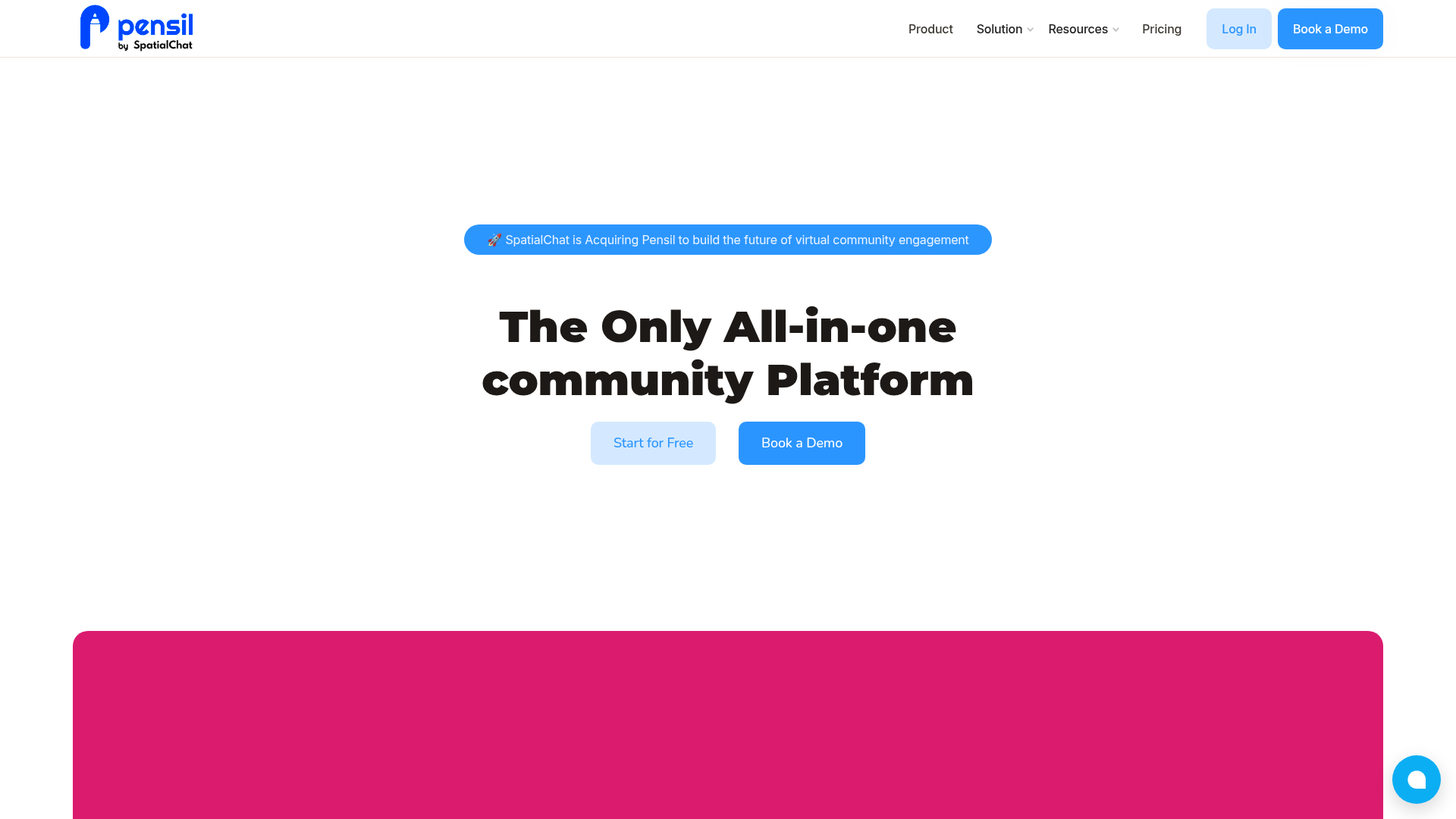
Teams pair the two platforms to keep community activity on the same domain as the marketing site. A course creator publishes landing pages in Webflow, then runs cohort discussions and live classes in a Pensil community embedded on that same site. Pensil also markets its community content as SEO optimised, so discussions can pick up search traffic next to your Webflow pages. In our experience the domain question is what usually settles this decision: once community threads live on someone else's subdomain, none of that activity compounds on the site you own.
Three routes exist, and they differ mainly in how much code you own. The Code Embed element places Pensil's snippet on individual Webflow pages without writing code, while custom code in head and body tags loads the same script across every page from Site settings. For deeper work, the Webflow Data API with Pensil's SDKs connects form and order events to community actions, though that route needs server-side development. Start with the Code Embed element and add the API route when you need member provisioning or data sync.
Add the Pensil community with Code Embed elements
The embed route drops a Pensil community into an existing Webflow page with no build step. Pensil's own product page puts the requirement at three lines of copy-pasted code. Custom code does need an active paid Site plan or a qualifying paid Workspace plan, so the free Starter plan on its own will not run the snippet.
Embed on a single page
Use a Code Embed element when the community belongs on one specific page, such as /community or a course dashboard.
To set up the embed:
- Copy the embed snippet from your Pensil dashboard.
- In Webflow, open the
Addpanel and place aCode Embedelement where the community should appear. - Paste the snippet and save the element.
- Publish the site so the community loads live.
To edit the code later, double-click the element, or select it and choose Open code editor in the Settings panel. What the embed renders depends on which shape of community you point it at:
- The full community: Embed the whole Pensil community so one page carries every space and event, which suits a dedicated
/communityroute. - A single section feed: Embed one section instead, which fits a product-updates feed or a single cohort sitting on an otherwise marketing-led page.
- Discussion and chat: Threaded posts and group chat render inside the embed, along with direct messaging between members.
- Live sessions: Scheduled sessions and webinars run in the embed with live QnA, and you can publish the recording afterwards.
- Paid course spaces: Gated course content renders for members who have paid, so checkout and coursework stay on the same domain.
A Code Embed element accepts up to 50,000 characters of client-side code, which a three-line snippet never approaches, so length is rarely the constraint here. Server-side languages and wrapper tags such as <html> or <body> are not accepted. Test the embed across breakpoints before publishing, because community interfaces need real viewport width to stay usable.
Load the script site-wide
If the community script should run on every page, add it to the site's head or body code rather than placing an element.
To add the script site-wide:
- Go to Site settings > Custom code.
- Paste the snippet into the
Head codeorFooter codefield. - Click Save changes, then publish the site.
For one page only, open Page settings and paste the snippet inside the head or before the closing body tag instead. The same character allowance applies to Site settings and Page settings, and nothing changes on the live site until you publish.
Build with the Webflow Data API and Pensil SDKs
The API route connects Webflow events to community actions, such as creating a Pensil member when someone submits a signup form. It needs server-side development and a direct conversation with Pensil, because Pensil publishes no public REST or webhook reference for custom integrations. The Webflow half of this is fully documented and the Pensil half is not, which is the honest trade you are making.
These are the documented pieces you can build against:
- Webflow Data API v2: Manage sites and Collection Items from the base URL
https://api.webflow.com/v2using OAuth 2.0 bearer authentication. - Form submission history: The same API returns past entries at
GET /v2/sites/{site_id}/forms/{form_id}/submissionswith theforms:readscope, which is how you backfill members who signed up before the flow existed. - Webhooks: Webflow webhooks push events such as
form_submission,ecomm_new_order, andcollection_item_createdto an endpoint you host, capped at 75 registrations per trigger type per site. - Pensil Web SDK: The Pensil Web SDK ships a React UI kit and a service client, but
@pensil-inc/web-sdksits at a beta version last published in 2022, so treat it as unmaintained until Pensil says otherwise.
Pensil has no native Webflow CMS connection, so nothing reads from or writes to your collections on its own and any sync runs in code you host. Confirm which community actions Pensil will expose to you before you commit engineering time to this route.
Provision community members from Webflow form submissions
A signup form on your Webflow site can feed new members into Pensil through a webhook receiver you host.
To implement the flow:
- Register a webhook with
POST https://api.webflow.com/v2/sites/{site_id}/webhooks, settingtriggerTypetoform_submissionandurlto your receiver endpoint. Registration needs thesites:writescope. - Add the optional
filterobject to target one specific form, which Webflow supports only for theform_submissiontrigger. - In your receiver, read the member's email from the
dataobject inside the webhook payload, which holds the submitted field values. - Create or authenticate the member in Pensil through its SDK or its single sign-on, using the credentials Pensil issues you.
The same pattern extends to purchases: an ecomm_new_order payload carries the buyer's email in customerInfo, so a completed order can grant community access. Since Webflow User Accounts were removed, member login itself runs through Pensil's own authentication, a third-party auth tool such as Memberstack or Outseta, or something you build and host.
What you can build with the Pensil Webflow integration
Pairing Pensil with Webflow keeps community activity and paid courses on your own site instead of routing members into a separate Discord server. These are the patterns that come up most often on sites built this way:
- Educational membership sites: Embed gated course spaces and cohort discussions on a Webflow course site, with live classes running where members already bought access.
- Customer portals: Add a support forum and a product update feed to a SaaS marketing site, so customers ask questions and read announcements on your branded domain.
- Creator communities: Pair a Webflow portfolio with discussion boards and scheduled live sessions, then publish the recordings for members who missed them.
- Professional network sites: Run event scheduling and member discussion inside a Webflow site, with karma points and badges surfacing the people who actually turn up.
Member login is the part most teams now get wrong: pick the authentication layer before you build the community pages, not after, because retrofitting it means re-inviting everyone who already joined. For a worked example of that layer, see how to add Auth0 authentication to a Webflow site.
Frequently asked questions
Copy the JavaScript snippet from your Pensil dashboard, paste it into a Code Embed element on the target page, then publish the site. Custom code needs a paid Site or Workspace plan. Test on a staging page first, because we do not debug third-party embed code for you.
No. Pensil has no Marketplace listing, so there is no one-click install and no app-based authentication. Embedding the community with custom code is the supported route, and it works without a Marketplace app.
Yes, through Pensil's single sign-on, which connects login accounts from your own platform to the community. Pensil lists SSO from its Business tier up, at $339 per month on its pricing page, and documents setup on its SSO page. Webflow's own Workspace SSO governs Workspace access for your team, not members on a published site.
Only from inside Pensil. Style themes and custom branding are configured in Pensil's own settings on its paid plans. The embed renders Pensil's CSS and layout, so you cannot restyle its internals from Webflow.
Yes. The Webflow MCP server reads and writes site-level and page-level custom code, so an agent working in your workspace can place the snippet and set the community page's SEO fields. Connect it once and the same agent repeats the work across every site you manage.
Description
Embed Pensil's discussion forums, live session widgets, group chat, and gated course spaces on Webflow pages by pasting a short JavaScript snippet into a Code Embed element.
This integration page is provided for informational and convenience purposes only.

HelpDesk
Connect HelpDesk with Webflow to turn form submissions into trackable support tickets with automated routing, agent assignment, and status tracking.

Pensil
Embed Pensil community forums, live sessions, and discussion boards directly in your Webflow site.

Customer.io
Connect Customer.io, a customer engagement platform, with Webflow to turn form submissions and page visits into behavioral triggers for automated email, SMS, and in-app messaging campaigns.

Copilot
Connect Microsoft Copilot Studio, a platform for building and deploying custom AI agents, with Webflow to add conversational chat interfaces for support, lead qualification, and FAQ automation.

ChatGPT
Manage your Webflow site from ChatGPT through the Webflow MCP server, or build a custom OpenAI workflow into your site.

Discord
Connect Discord, a communications platform built around servers and channels, with Webflow to route form submissions, orders, and CMS events into channels or embed live server activity on a page using widgets, automation platforms, or APIs.

Connect WhatsApp, Meta's business messaging platform, with Webflow to add chat buttons, trigger automated messages from form submissions and orders, and build real-time customer communication into any page.

YourGPT Chatbot
Connect YourGPT Chatbot, a no-code AI support platform, with Webflow to deploy an AI agent that answers questions and captures leads using the app or embeds.

FullContext
FullContext provides an embeddable JavaScript solution that handles conversational interfaces through a single code snippet, eliminating the need to build chat infrastructure or maintain form validation logic.
Related integrations
Get started for free
Try Webflow for as long as you like with our free Starter plan. Purchase a paid Site plan to publish, host, and unlock additional features.
