






Memberful
Connect Memberful, a membership and subscription billing platform, with Webflow to add checkout, member account management, and gated content delivery through your own Stripe account.

Subscription billing, member account management, and gated content delivery aren't built in. So if you're selling memberships, private podcasts, or digital downloads, you're stuck building custom payment flows from scratch.
That's where Memberful comes in. It plugs subscription billing, checkout, and member portals into your Webflow site through embed codes and purchase links, while running payments through your own Stripe account, so you keep full ownership of your subscriber data and revenue.
It's a solid fit for independent publishers, podcasters, course creators, and community builders, plus Webflow agencies who want to add recurring revenue for clients without migrating everything to WordPress.
How to integrate Memberful with Webflow
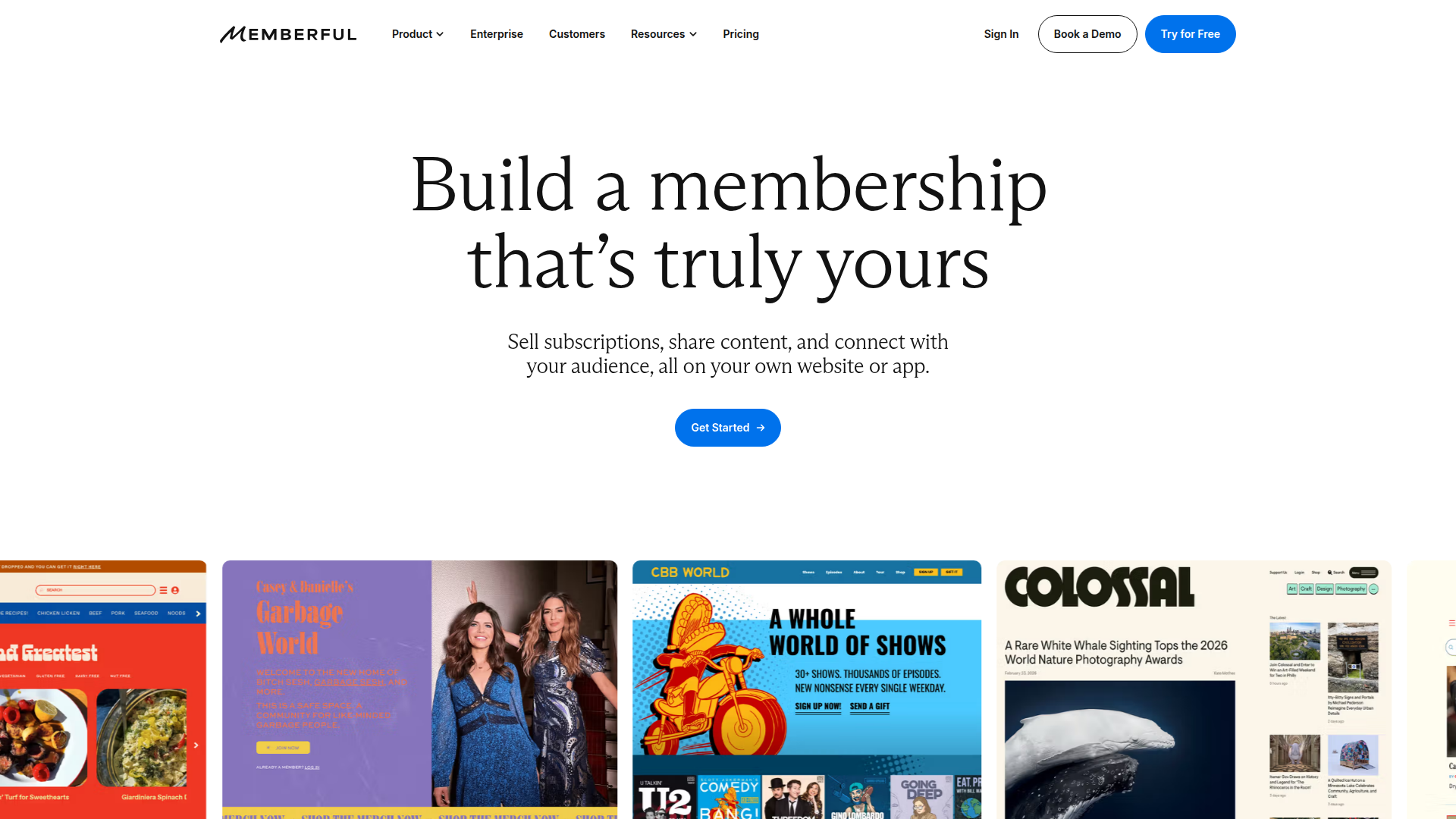
What is Memberful? Memberful is a membership management and subscription billing platform for creators, publishers, and communities. It connects to your own Stripe account for payment processing, offers monthly, annual, and custom billing intervals, and includes built-in features for private podcast hosting, newsletter delivery, digital downloads, and Discord community access. All checkout and member account pages carry your branding, not Memberful's.
Teams pair Memberful with Webflow when they want full design control over their public site while offloading subscription billing, member authentication, and gated content delivery to a dedicated platform. Your Webflow site handles marketing pages, pricing tables, and content previews. Memberful handles checkout, account management, and subscriber-only content on its hosted portal.
The Memberful-Webflow integration offers 3 approaches:
- Embedded code and purchase links handle checkout buttons, member account access, and the tracking script without writing application code.
- Zapier and viaSocket let you sync member data to the Webflow CMS and automate workflows between the two platforms.
- The Webflow and Memberful APIs give you full control over member data sync, subscription lifecycle management, and personalized content delivery, but require server-side development.
Most implementations combine two or more of these methods depending on the complexity of the setup.
Add Memberful to your Webflow site with embedded code
Install Memberful's tracking script, add purchase buttons, and place member account links on your Webflow pages. It requires no application code and works on any paid Webflow site plan. Memberful's official Webflow integration guide walks through each step with visual examples.
The tracking script enables member session detection and activates an overlay checkout modal. Purchase buttons link directly to Memberful's hosted checkout. Account management links let members access their subscriptions, downloads, and podcast feeds from your site's navigation.
Single sign-on (SSO) isn't supported, so exclusive content stays on Memberful's hosted member portal while your Webflow site remains the public-facing storefront.
To install the tracking script:
- In your Memberful dashboard, go to Website > Custom website and copy the generated code snippet. Each Memberful account produces a unique snippet.
- In Webflow, open your site's settings by clicking the gear icon on your site in the dashboard.
- Go to the Custom Code tab, paste the snippet into the Head code section, and click Save changes. See Custom code in head and body tags for reference.
- Publish your site. Custom code only takes effect after publishing.
The site-wide script powers session detection and checkout behavior.
To add purchase buttons:
- In Memberful, go to Revenue > Plans, select a plan, and click Links.
- Copy the plan purchase link (or gift purchase link).
- In Webflow, add a Button or Link element to your page and set its URL to the copied Memberful link.
- Publish your site.
Visitors can go directly from your Webflow page to Memberful checkout.
To add member account links:
- Find your Memberful subdomain at Website > General settings in the Memberful dashboard.
- Add links to your Webflow navigation or page body using these URL patterns, replacing
ACCOUNT-URLwith your subdomain:
- Account management:
https://ACCOUNT-URL.memberful.com/account - Downloads portal:
https://ACCOUNT-URL.memberful.com/account/downloads - Private podcast feeds:
https://ACCOUNT-URL.memberful.com/account/feeds
- For precise placement within a page, use a Code Embed element. Drag it onto your canvas, double-click to open the editor, and paste the link HTML directly.
These links give signed-in members a clear route to subscriptions, downloads, and podcast feeds.
The integration includes several checkout and access capabilities:
- Overlay checkout opens as a modal on your Webflow page when the tracking script is installed (falls back to a full-page redirect in Safari, Firefox, Brave, and on mobile devices due to third-party cookie restrictions)
- Free registration links let visitors create accounts without purchasing, configurable at Website > Forms > Free registration in Memberful
- Multiple price links per plan let you offer different billing intervals (monthly, annual) as separate buttons on the same Webflow pricing page
- Gift purchase links provide a dedicated checkout flow for gift memberships
These options cover the main ways visitors can start and manage a membership from your Webflow site.
Custom code doesn't render in the canvas preview. Publish the site and view it on the live domain to confirm the integration is working correctly.
Place account links site-wide using a Code Embed element
For account and sign-in links that appear on every page, place a Code Embed element inside your Webflow navigation component. The element renders on every page where that navigation symbol is used.
To add a site-wide account link:
- Open your navigation symbol in Webflow.
- Add a Code Embed element inside the navigation structure.
- Paste the account link HTML, for example:
<a href="https://ACCOUNT-URL.memberful.com/account">My Account</a>. - Click Save & Close and publish your site.
This approach avoids duplicating account links across individual pages.
Set up content gating without custom code
Since pages can't be protected at the server level, Memberful's recommended content gating pattern uses a two-layer architecture. Your Webflow site hosts teaser content, pricing pages, and purchase CTAs. Memberful's hosted portal (YOUR-ACCOUNT.memberful.com) hosts the actual exclusive content.
To implement this pattern:
- Design preview cards, sample content, and pricing pages in Webflow.
- Add purchase buttons that link to Memberful checkout (as described above).
- Host members-only content on Memberful's built-in member website, which includes posts, downloads, and private podcast feeds.
- Optionally configure a custom domain (e.g.,
members.yourdomain.com) for the Memberful portal by contacting Memberful support.
This keeps protected content on Memberful while your Webflow site continues to handle the public-facing experience.
CDN assets like PDFs and images are publicly accessible by direct URL regardless of page-level access settings. For video content that requires protection, use Vimeo or Wistia with domain restrictions and embed the players in Memberful-hosted pages.
Connect Memberful and Webflow with Zapier or viaSocket
Automation platforms bridge the gap between Memberful events and Webflow CMS data without writing server-side code. When a member signs up, renews, or cancels in Memberful, these tools can create or update CMS items in Webflow automatically. This approach is useful for maintaining public member directories with a Collection List, displaying active subscriber counts, or logging membership activity in a CMS collection.
viaSocket also offers pre-built combinations for this pairing. Available combinations include Create Item in Webflow when Member SignUp on Memberful, Create Live Item in Webflow when Member SignUp on Memberful, Update Live Item in Webflow when Member SignUp on Memberful, Create Item in Webflow when Member Deleted in Memberful, and Create Live Item in Webflow when Member Deleted in Memberful. viaSocket also includes conditional logic and branching within workflows.
Keep in mind that Webflow API tokens used by these automation tools expire after 365 days of inactivity. Workflows will fail silently if the token expires without renewal.
Build with the Webflow and Memberful APIs
For full control over member data sync, subscription lifecycle management, and personalized content display, use the Memberful and Webflow APIs together. This approach requires server-side middleware (Node.js, Python, or a serverless function on Cloudflare Workers, AWS Lambda, or similar) because server-side code doesn't run on the site itself and Memberful's OAuth callback can't be handled client-side.
The APIs handle different parts of the integration:
- Memberful's GraphQL API handles member queries, subscription data, and mutation operations at
POST https://ACCOUNT-URL.memberful.com/api/graphql - Webflow's Data API handles CMS collections and site publishing
- Memberful webhooks trigger real-time events for 21 membership lifecycle actions
- Webflow webhooks trigger events for CMS item and ecommerce changes
Together, these APIs provide the data flow needed for custom sync and personalization logic.
When you receive a Memberful webhook, always re-fetch the current data from Memberful's GraphQL API before writing to Webflow CMS. Memberful does not guarantee webhook delivery order, so payload data may be stale by the time it arrives.
Sync new members to Webflow CMS
Create a CMS item in Webflow each time a new member signs up in Memberful. It requires a webhook endpoint, a Memberful API key, and a Webflow site token.
To implement member sync:
- Generate a Memberful API key at Settings > Custom Applications in your Memberful dashboard. Generate a Webflow site token at Site Settings > Apps & Integrations > API Access.
- Create a CMS collection in Webflow with fields for
email(plain text),memberful-id(plain text),plan-label(plain text),is-active(boolean), andexpires-at(date). - Set up a webhook endpoint in Memberful at Settings > Webhooks, subscribe to the
member_signupevent, and point it to your middleware URL. - In your middleware, verify the webhook signature using HMAC-SHA256 with the
X-Memberful-Webhook-Signatureheader. - Query Memberful's GraphQL API for the current member data:
query GetMember($id: ID!) {
  member(id: $id) {
    id
    email
    fullName
    subscriptions {
      active
      expiresAt
      plan { id label }
    }
  }
}
- Create the CMS item in Webflow via
POST /v2/collections/{collection_id}/items/bulkwith the member data mapped to your collection fields. - Publish the item via
POST /v2/collections/{collection_id}/items/publish.
This pattern gives you a durable member record in Webflow based on the current Memberful state rather than the webhook payload alone.
Be aware of a naming mismatch in Memberful's API: what the dashboard calls "Plans" maps to the Pass type in GraphQL, and what the dashboard calls "Prices" maps to the Plan type. For access control decisions, always use pass.id and pass.name, not the Plan fields.
Update CMS items on subscription changes
Subscription lifecycle events (creation, renewal, deactivation, deletion) should update the corresponding member's CMS record in Webflow rather than creating new items.
To implement lifecycle sync:
- Subscribe to
subscription.created,subscription.deactivated,subscription.renewed, andsubscription.updatedwebhook events in Memberful. - On each webhook, re-fetch the member's current subscription state from the GraphQL API using the
member_idfrom the payload. - Look up the existing Webflow CMS item by
memberful-idusing the Data API'sGET /v2/collections/{collection_id}/itemsendpoint. - Update the item via
PATCH /v2/collections/{collection_id}/items/{item_id}with the currentis-activeboolean andexpires-atdate. - Publish the updated item. The publish endpoint accepts one successful publish per minute, so batch updates when processing multiple webhooks.
One CMS record stays current across the full subscription lifecycle.
Do not delete CMS items when a subscription deactivates. Set is-active to false to preserve the member record. Timestamp formats differ across Memberful events: subscription events use ISO 8601, while order and member events use Unix timestamps. Your middleware needs to handle both formats when writing dates to Webflow CMS fields.
Display personalized content with OAuth
Memberful's OAuth 2.0 flow lets you authenticate individual members and query their subscription data, which you can use to personalize content on Webflow pages.
To implement personalized content:
- Register a Custom Application in Memberful at Settings > Custom Applications. For single-page apps, use the PKCE flow.
- Build a middleware endpoint that handles the OAuth callback, exchanges the authorization code for an access token (codes expire after 1 minute and are single-use), and queries the
currentMemberGraphQL endpoint. - Add a
required-plan-idfield to your Webflow CMS content items. Your middleware filters CMS content from the Content Delivery API (GET /v2/collections/{collection_id}/items/live) based on the member's active subscriptions. - Return only the filtered, authorized data to the client, where JavaScript populates the page with the member's name, plan, and accessible resources.
Authentication and filtering happen in middleware before data reaches the browser, which allows tailored content displays. It does not create secure server-side protection for Webflow-hosted pages or assets.
Access tokens expire after 15 minutes (900 seconds). Implement refresh token logic using the one-year-lifetime refresh token. Members with unrestrictedAccess: true in their Memberful profile bypass plan-tier filtering.
What you can build with the Memberful Webflow integration
Integrating Memberful with Webflow lets you sell paid memberships from a fully designed site without building custom payment infrastructure or migrating to WordPress.
- Paid podcast subscription site: Design a public show page in Webflow with episode previews, show notes, and subscription CTAs. Memberful generates private RSS feeds per subscriber that auto-revoke when a subscription lapses. Each plan can offer different billing intervals, monthly, annual, or other, through separate purchase buttons on the same Webflow pricing page. Each button can point to a different price link within the same plan.
- Subscription news publication: Build editorial layouts in Webflow with public articles and author pages. Memberful manages paid subscribers who receive member-only newsletters, ad-free reading access, and in-depth reporting delivered through the hosted member portal. A paid site plan with CMS collections supports large article archives.
- Digital product storefront with member-only downloads: Display templates, stock assets, or educational resources in a Webflow product grid. Memberful handles purchase processing and secure download delivery through its member portal. viaSocket can log member signup or deletion events as CMS updates for displaying synced records on your Webflow pages.
- Community membership with Discord access: Create a community landing page in Webflow that explains member benefits and pricing tiers. Memberful's maintained Discord integration automatically grants and revokes server roles based on subscription status. Group plans support multiple seats under a single payer for team or organizational memberships.
If you need more control over member data display or subscription-conditional content on Webflow pages, the API integration path covers those cases fully.
Frequently asked questions
Webflow does not support single sign-on (SSO), so server-side content protection is not possible. Any client-side JavaScript gating is bypassable. Memberful's official Webflow guide recommends using the WordPress plugin for true server-side content protection, or hosting exclusive content on Memberful's built-in member website.
Any paid Webflow site plan (Basic or higher) is required. The Memberful tracking script uses custom code injection, which is not available on the free Starter plan. If you plan to sync member data to CMS collections, you need a CMS plan or higher.
The overlay checkout modal requires third-party cookies, which Safari, Firefox, and Brave block by default. In those browsers and on smartphones, visitors are automatically redirected to Memberful's hosted checkout page instead. Private browsing and incognito modes are also unsupported. Memberful's checkout experience documentation covers the fallback behavior in detail.
Webflow CDN assets (PDFs, images, audio files) are publicly accessible by direct URL regardless of any page-level access rules. For protected file delivery, use Memberful's downloads feature through its hosted member portal. For video, use Vimeo or Wistia with domain restrictions and embed players in Webflow pages linked from Memberful's portal.
You can use viaSocket. It offers pre-built combinations such as Create Live Item in Webflow when Member SignUp on Memberful and Update Live Item in Webflow when Member SignUp on Memberful, along with conditional logic and branching for similar workflows.
Description
Memberful adds subscription billing and member portals to Webflow through an embedded tracking script, purchase links, and account management URLs.
This integration page is provided for informational and convenience purposes only.

Outseta
Connect Outseta, an all-in-one membership platform, with Webflow to add subscription billing, user authentication, content gating, and CRM management without a backend developer.

MemberStack
Add user authentication, subscription billing, and content gating to Webflow sites using Memberstack's data-attribute system and official Webflow app.

MemberSpace
Connect MemberSpace with Webflow to add membership plans, content gating, and recurring billing to any Webflow site.

Kajabi
Connect Kajabi, an all-in-one platform for courses, memberships, and digital products, with Webflow to sync leads and orders using embeds, Zapier, or the API.

Descope
Connect Descope, an authentication and user management platform, with Webflow to add passwordless login, social sign-in, enterprise SSO, and role-based access control to any page.

Cotter
The legacy Cotter pattern gated Webflow pages with passwordless magic link and OTP login loaded through custom code in the head and body tags. Stytch acquired Cotter in 2021 and the product is no longer reachable, so new builds need a current provider.
Related integrations
Get started for free
Try Webflow for as long as you like with our free Starter plan. Purchase a paid Site plan to publish, host, and unlock additional features.
