






Media Temple
Media Temple is retired and its domains now live in GoDaddy. Here is how to point one at Webflow hosting without breaking email or domain registration.

Media Temple no longer exists as a product. GoDaddy bought the company in 2013 and has since retired the brand: mediatemple.net redirects to godaddy.com, and the Media Temple control panel, knowledge base, and API are all switched off. A domain that was once registered at Media Temple is a GoDaddy domain now, and every DNS change to it happens with GoDaddy's tools.
That matters if you are trying to put a Webflow site on one of those domains. Most of the Media Temple guidance still floating around search results walks you through an (mt) panel or a Media Temple DNS editor that was decommissioned years ago, so the screenshots and menu names in those articles are worthless. Work in GoDaddy for hosting and DNS, and use Webflow's own custom-domain documentation for the Webflow half of the job. This page covers both sides of that handoff.
Once the records are in place you get a branded URL with automatic SSL, while GoDaddy keeps handling registration, renewals, and email. Three DNS records bridge the two systems and your MX records stay untouched, so mail keeps flowing through Microsoft 365. This applies to client sites sitting on legacy Media Temple domains and to small businesses that want a Webflow site without disturbing existing email. Agencies managing many domains can script the same record changes through the GoDaddy Domains API and publish each site through the Webflow Data API.
How to integrate Media Temple with Webflow
What is Media Temple? Media Temple was a web hosting company founded in 1998 that sold shared hosting, VPS servers, managed WordPress, and (mt) Mail to designers, developers, and agencies. GoDaddy acquired it in 2013 and wound the brand down, so nobody can sign up for it today. Former Media Temple domains, hosting, and email accounts became GoDaddy Domains, GoDaddy Web Hosting, and Microsoft 365.
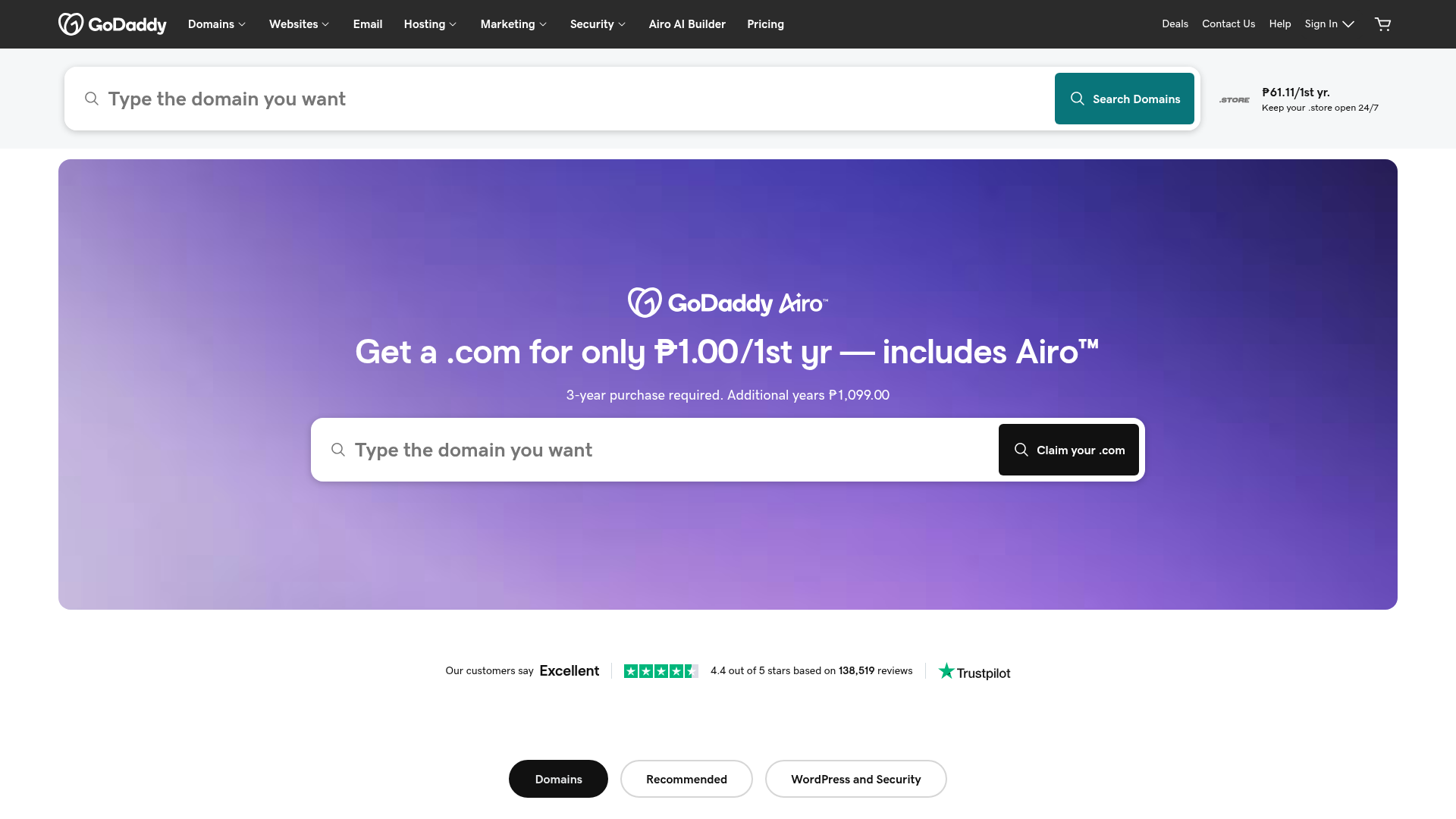
Teams land here when a site built in Webflow needs to go live on a domain that Media Temple originally registered. The domain stays in the GoDaddy account it migrated to, DNS records route web traffic to Webflow, and email continues to run through Microsoft 365. Webflow hosting replaces the GoDaddy web hosting plan completely, so DNS is the only thing doing real work in this setup.
Use the setup path that matches the domain. A manual DNS connection points the domain at Webflow from GoDaddy's DNS panel without writing any code. Email and subdomain routing keeps Microsoft 365 mail and other GoDaddy-hosted services running alongside Webflow hosting. The Webflow and GoDaddy APIs give you full control over DNS automation and publishing, though you will need a backend to hold credentials. Most setups combine two of these, depending on how much of the domain is already in use.
Point your domain at Webflow with manual DNS records
Manual DNS connection works for any former Media Temple domain now sitting in GoDaddy's Domain Portfolio. You edit three records and leave everything else alone, which keeps email and other services on the domain intact. You need a paid Site plan to connect a custom domain. Keep GoDaddy's default nameservers, because Webflow hosting doesn't need custom nameservers and a nameserver change at GoDaddy resets DNS to defaults, which can break email.
To set up the connection:
- In Webflow, go to Site settings > Publishing > Production.
- Click Add a custom domain, then Manually add domain, enter your domain, and click Add domain.
- Copy the DNS records Webflow displays.
- Sign in to GoDaddy's Domain Portfolio, select your domain, then select DNS.
- Add an A record with hostname
@and value198.202.211.1. Webflow uses a single A record. - Add a CNAME record with hostname
wwwand valuecdn.webflow.com. - Add a TXT record with hostname
_webflowand theone-time-verification=…value from Site settings.
Webflow shows the exact record set when you add the domain, and the guide linked at the top of this page walks through it in full. Before you save anything in GoDaddy, check for these registrar-specific conflicts:
- Extra A records: Remove any other A record on the root domain, because a second value conflicts with Webflow's A record.
- Domain forwarding: Turn off GoDaddy domain forwarding on this domain, since it locks the
@A record and overrides the value Webflow needs. - Default domain: Set
www.yourdomain.comas your default domain, because GoDaddy doesn't support CNAME flattening and the root domain therefore can't be the default. - CAA records: If the domain already has CAA records, they have to authorise the certificate authorities Webflow issues from, or SSL provisioning fails. With no CAA records at all, SSL provisions automatically.
GoDaddy's authoritative nameservers apply record changes within minutes, but outside resolvers keep serving the old values until the previous TTL expires, so give propagation a full TTL cycle before you start debugging. SSL certificates issue only after DNS resolves correctly.
Keep email and subdomains at GoDaddy alongside Webflow
Webflow hosting doesn't include email, so the domain's mail service stays at GoDaddy. Former (mt) Mail accounts were moved onto Microsoft 365 under GoDaddy, and Google Workspace accounts sold through Media Temple went back to Google directly. MX records control email routing independently of the A and CNAME records that control the website, so both services run from the same DNS zone. The same separation lets you split subdomains between Webflow and other hosts.
Keep email routing and authentication intact
The usual way people break email during a domain connection is by letting an automated flow rewrite MX or authentication records that had nothing to do with the website. Skip Quick Connect if the domain has active email, because connecting through GoDaddy DomainControl can rewrite mail records such as MX, SPF, DKIM, and DMARC. Use the manual method from the previous section, then verify each record below.
To keep Microsoft 365 mail authenticated while Webflow hosts the site:
- Leave existing MX records untouched when adding Webflow's A, CNAME, and TXT records.
- Confirm one SPF TXT record exists with the value
v=spf1 include:secureserver.net -all. A domain can only have one SPF record. - Generate DKIM keys in the Microsoft 365 Defender Portal and add the generated CNAME records to GoDaddy DNS, per GoDaddy's DKIM guide. Then toggle Sign messages for this domain with DKIM signatures in the Defender Portal.
- Add a TXT record named
_dmarc, following GoDaddy's DMARC format, such asv=DMARC1; p=quarantine; pct=100; rua=mailto:jane@coolexample.com; ruf=mailto:jane@coolexample.com.
GoDaddy now sets up DMARC automatically on newly registered domains, so the last step may already be done for you.
Split subdomains between Webflow and other hosts
You can point one subdomain at Webflow while others stay on GoDaddy-hosted infrastructure. A common pattern runs blog.yourdomain.com on Webflow while app.yourdomain.com points to an application hosted elsewhere. Webflow's Href prefix documentation covers running Webflow as a sub-site of a Node.js, Rails, or WordPress application and keeping links working in that setup.
To route a subdomain to Webflow:
- Add the subdomain in Site settings > Publishing > Production, following the subdomain connection steps.
- In GoDaddy's DNS panel, add the CNAME record Webflow displays for that subdomain.
- Leave the records for other subdomains pointing at their existing hosts.
You can't publish specific pages to specific domains or subdomains, so routing subdomains to different content generally means a separate Webflow site per subdomain.
Build with the Webflow and GoDaddy APIs
The Media Temple API is gone, and no replacement was published under that name. Developers work against GoDaddy's platform at developer.godaddy.com instead. Pairing the GoDaddy Domains API with the Webflow Data API lets agencies and SaaS platforms script domain connections across many sites, so nobody clicks through DNS panels one domain at a time. Both APIs need authenticated requests and, in practice, a backend to hold credentials. GoDaddy authenticates with an Authorization: Bearer {PAT} header, and the legacy sso-key format is deprecated and supported through 2026 only. Accounts holding at least one active domain get Domains API access, within GoDaddy's usage limits.
The work splits cleanly between the two platforms. The GoDaddy Domains API handles DNS records, nameservers, and domain details. Webflow's Data API handles site publishing, custom domain lookups, and Webflow CMS collections. Webflow webhooks push real-time events, including site_publish, to any endpoint you run. Chain those together and one provisioning flow can take a domain from unpointed to published.
Automate DNS records with the GoDaddy Domains API
The v1 record endpoints set Webflow's required values in three calls against https://api.godaddy.com (test against https://api.ote-godaddy.com first). Requests need the domains.dns:update scope. PUT replaces every record matching a type and name, which makes it safe to retry; PATCH appends records and is not idempotent, so don't repeat it. GoDaddy also ships newer v3 DNS endpoints under /v3/domains/zones/{zone}/dns-records, worth reading before you commit to v1 on a new build.
To point a domain at Webflow programmatically:
- Set the root A record:
PUT /v1/domains/{domain}/records/A/@
Authorization: Bearer {PAT}
Content-Type: application/json

[{"type":"A","name":"@","data":"198.202.211.1","ttl":600}]
- Set the www CNAME:
PUT /v1/domains/{domain}/records/CNAME/www
Authorization: Bearer {PAT}
Content-Type: application/json

[{"type":"CNAME","name":"www","data":"cdn.webflow.com","ttl":600}]
- Append the TXT verification record without disturbing other TXT records:
PATCH /v1/domains/{domain}/records
Authorization: Bearer {PAT}
Content-Type: application/json

[{"type":"TXT","name":"_webflow","data":"one-time-verification=XXXXX","ttl":600}]
- Verify with
GET /v1/domains/{domain}/records/A/@andGET /v1/domains/{domain}/records/CNAME/www.
See the v1 DNS reference for full endpoint details. SOA and NS records are system-managed records and can't be modified this way. GoDaddy's minimum accepted TTL is 600 seconds, and dropping the TTL one full TTL period before a change makes resolvers pick up the new values faster.
Publish and monitor from the Webflow Data API
Custom domains still have to be added and verified in the Webflow dashboard first. The Data API handles everything downstream once DNS resolves.
- Retrieve the domain ID with
GET https://api.webflow.com/v2/sites/{site_id}/custom_domains(scopesites:read). - Publish with
POST https://api.webflow.com/v2/sites/{site_id}/publish(scopesites:write), passing{"customDomains": ["{domain_id}"]}in the body, per the publish reference. - Register a webhook with
POST https://api.webflow.com/v2/sites/{site_id}/webhooksand body fieldstriggerType: "site_publish"and your endpointurl, per the webhook creation docs. The payload includessiteId,publishedOn,domains, andpublishedBy.
Events only flow one way here. GoDaddy's Domains v2 notification system is a pull queue you poll and acknowledge for DNS and domain events, so you schedule that side rather than receiving pushes.
What you can build with the Media Temple Webflow integration
Because the Media Temple brand is retired rather than the domains themselves, the useful work is all on the GoDaddy account that absorbed it. You can run the site on Webflow hosting while that account keeps handling domains and email, with no registrar transfer and no rebuilt mail service.
- Branded site with email intact: A small business launches its marketing site on Webflow while Microsoft 365 mail on the same domain keeps working. Only the A, CNAME, and TXT records change; MX, SPF, DKIM, and DMARC stay as they are.
- Multi-site subdomain routing: Route separate subdomains from one GoDaddy domain to different Webflow sites, such as
www.example.comfor the main site,careers.example.comfor a recruiting site, andresources.example.comfor a content hub. - Client handoff without registrar transfer: An agency builds a site in its own workspace, connects the client's GoDaddy domain via DNS, then transfers the site to the client's workspace. The client keeps their GoDaddy credentials the whole time.
- Automated domain provisioning at scale: A SaaS platform or agency scripts the GoDaddy Domains API to set DNS records across dozens of domains, then triggers the Webflow publish endpoint for each site, and a
site_publishwebhook confirms every go-live.
See our GoDaddy integration page for the registrar-side walkthrough in full, since GoDaddy is where a former Media Temple domain actually lives now.
Frequently asked questions
No. Media Temple is retired, so no vendor remains to build one. GoDaddy has no app on the Webflow Marketplace either, and no Media Temple connector exists on Zapier, Make, n8n, IFTTT, or viaSocket. DNS records in GoDaddy are what connect the domain to Webflow.
In GoDaddy's Domain Portfolio. Sign in at GoDaddy, select your domain to open Domain Settings, then select DNS. The old Media Temple control panel and its DNS editor no longer exist, so any tutorial pointing you there is dead. GoDaddy's Manage DNS records guide covers the current interface.
Your domain is probably still pointing at legacy Webflow DNS values. Since January 13, 2026, publishing to custom domains on legacy records is disabled, though live sites stay up. Check Workspace settings > Domain Updates for a yellow "Update needed" status, then follow the manual DNS migration steps to move the A record to
198.202.211.1and the CNAME tocdn.webflow.com. The retired values were75.2.70.75,99.83.190.102, andproxy-ssl.webflow.com.Yes. Former (mt) Mail accounts run on Microsoft 365 through GoDaddy now, and MX records route mail independently of the web records you change for Webflow. Connect the domain manually rather than through Quick Connect, since the automated flow can overwrite mail and authentication records on domains with active email.
No. Webflow hosting fully replaces web hosting, so the GoDaddy shared hosting, VPS, or managed WordPress plan that absorbed your Media Temple plan adds nothing to a Webflow site. Keep only the domain registration and any email plan. You need a paid Site plan for a custom domain, covered in Choose a Site plan.
Description
GoDaddy acquired Media Temple and retired the brand, so DNS for a former Media Temple domain now runs in GoDaddy. Point it at Webflow hosting manually or through the GoDaddy Domains API, while email and subdomains keep running from the same account.
This integration page is provided for informational and convenience purposes only.
ovh-net
Point an OVHcloud-registered domain at Webflow hosting with three DNS records, and keep the mailboxes and servers you already run inside OVHcloud's European datacenters.
IBM NS1 Connect
Run your Webflow custom domain on IBM NS1 Connect managed DNS, with anycast resolution, traffic steering, and automatic SSL.

One.com
Point your One.com domain name to Webflow

Name.com
Connect Name.com with Webflow to publish sites on custom domains and automate domain and DNS management through both platforms' APIs.

Network Solutions
Connect Network Solutions with Webflow to point an existing domain to a Webflow-hosted site without transferring registrars or disrupting email services.
Namecheap Registrar Servers com
Connect Namecheap with Webflow to publish your site on a Namecheap-registered domain while keeping DNS, email, and domain management at Namecheap.
NameSilo
Connect NameSilo, an ICANN-accredited domain registrar, with Webflow to publish sites on custom domains, configure DNS records, and automate domain provisioning for client portfolios.
iwantmyname
Set up Webflow from the iwantmyname dashboard and get your site live on your domain.

InMotion Hosting
Connect InMotion Hosting, a web hosting and domain registrar, with Webflow to point InMotion-registered domains to Webflow sites, maintain email hosting on the same domain, and route backend services through subdomains.
Related integrations
Get started for free
Try Webflow for as long as you like with our free Starter plan. Purchase a paid Site plan to publish, host, and unlock additional features.
