






Linkerflow
Connect Linkerflow with Webflow to review and manage contextual internal linking for CMS content from one dashboard.

Every Webflow CMS collection generates a page per item. Contextual links inside Rich Text content still require editors to update each Rich Text field, one post at a time. When a slug changes or an item is deleted, links pointing at it can break without anyone noticing.
After you authorize the Linkerflow app, it reads your chosen CMS collections and proposes contextual links for each page, using Google Search Console data and AI analysis of your content to pick anchor keywords.
Content marketers running a CMS blog with hundreds of posts get the most from this pairing. SEO managers auditing large Webflow sites use the site health check to find link graph issues in bulk. Agencies and freelance consultants manage several client sites from one dashboard. Founders without an SEO hire connect it once and review suggestions as they arrive.
How to integrate Linkerflow with Webflow
Linkerflow is an internal linking and link health tool for Webflow sites, published on the Webflow Marketplace by Agence No Code Workspace.
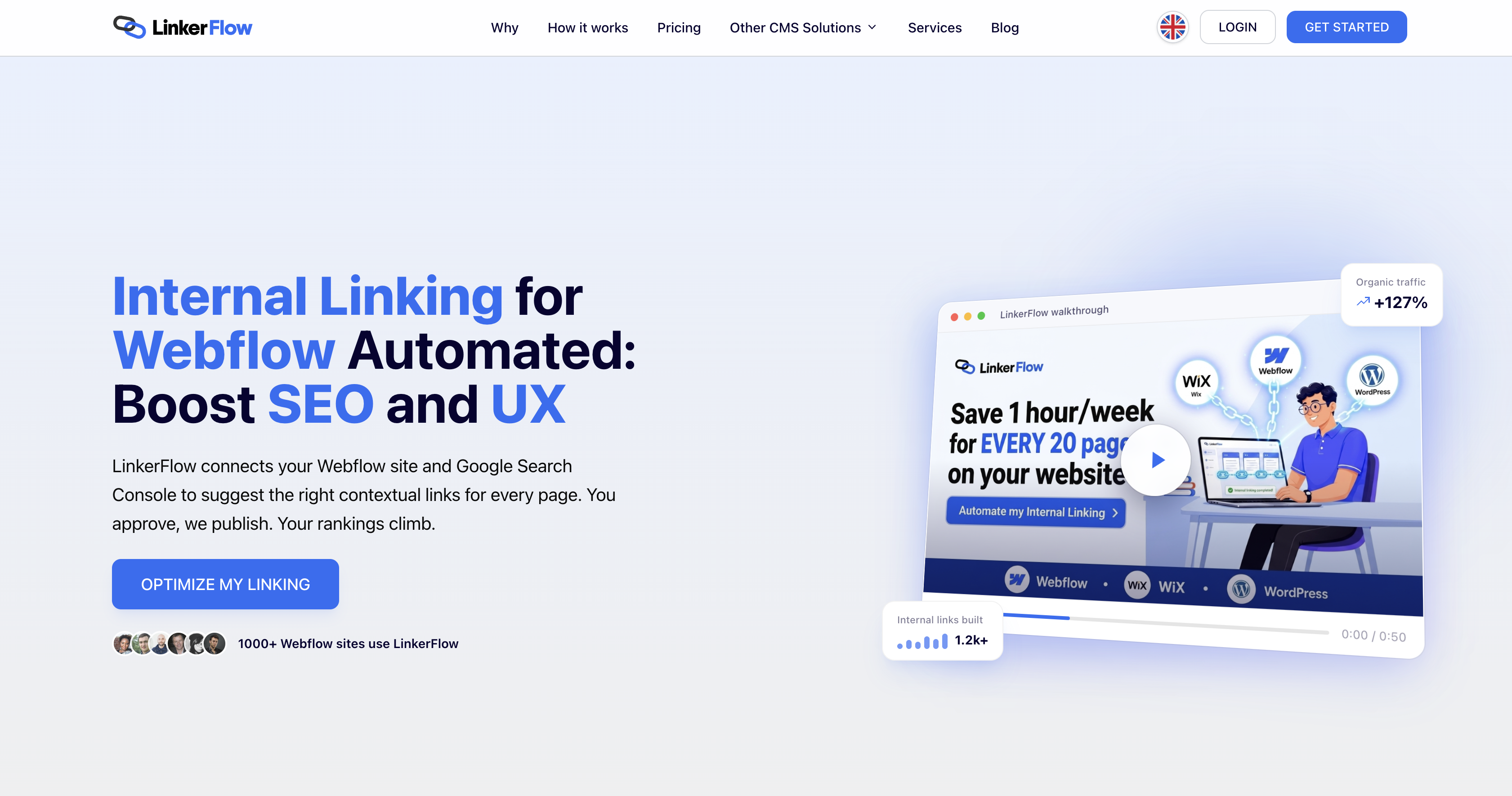
Linkerflow's guides cover CMS blogs, e-commerce catalogs with orphaned products, and enterprise sites. The guides show how collection structure and site scale affect internal linking decisions.
The Linkerflow app is the only documented way to connect the two. Neither Linkerflow's site nor its Marketplace listing documents a public API or an automation connector.
Install the Linkerflow app
OAuth authorization connects the Linkerflow app to the sites you select through the Webflow Marketplace. It suits content and SEO teams that want changes handled through CMS permissions. You add no custom code in head and body tags and no Code Embed element.
To set up the integration:
- Open the Linkerflow Marketplace listing from the Install app button on this page and click Add to site.
- Select the Workspace or the individual sites to authorize, then click Authorize app.
- Click Go to "Linkerflow" on the pop-up banner.
- Create a Linkerflow account if you don't have one. You can also do this before step 1.
- Connect Google Search Console when prompted. Linkerflow combines its query data with AI analysis of your content to assign anchor keywords to each page.
- Select the locales to process, the CMS collections to crawl, and up to 6 Rich Text fields per collection.
- Wait for the first crawl. Suggestions appear in the Link proposals dashboard with source page, target page, anchor text, and context snippet.
- Approve, edit, or reject each suggestion. Linkerflow writes the links you approve into the Rich Text fields of your CMS content as standard
<a>tags.
You can also start in Webflow: find the app in the Apps panel and click Install on site. After the connection is live, the Linkerflow dashboard provides:
- Anchor keywords: Linkerflow assigns keywords to each page from Google Search Console data and AI analysis, and you can import a CSV or add and remove keywords by hand.
- Weekly crawls: Linkerflow crawls your site every 7 days, sends new suggestions, and re-checks the health of existing links.
- Site health check: The audit flags orphan pages, dead-end pages, broken links, redirected links, and anchor cannibalization.
- One-Click Fix All: Linkerflow writes bulk repairs straight to your live site. Broken and redirected links are fixed by default, while cannibalized anchors and access-restricted links are opt-in.
- History and rules: A log records every published link, and custom rules live in Settings.
- Localization: Webflow Localization sites are processed locale by locale, and secondary locales need a Linkerflow plan that includes them.
- Teams and agencies: Every listed Linkerflow plan includes collaborator invites, and its Agency plans manage several sites under one subscription.
The app requests read and write access to CMS, site, page, and Workspace data. It also reads authorized user information and site activity data. Authorizing at the Workspace level grants access to every current and future site in that Workspace. You can then remove that authorization only for the whole Workspace. If you want to revoke access per site later, authorize individual sites instead. You revoke a single site from Site settings > Apps & integrations, as described in the Webflow Apps overview.
What you can build with the Linkerflow Webflow integration
The dashboard centralizes review across sites and locales, which supports these workflows:
- Self-linking CMS blog: As a SaaS blog grows, review inbound-link opportunities from older posts whenever new posts enter the crawl.
- Bulk broken link repair: On a large marketing site, apply Fix All to eligible repairs, then act on the remaining site health findings.
- Locale-by-locale linking on a localized site: Process a Webflow Localization site so each language version gets suggestions in its own language.
- Agency link maintenance across client sites: Manage several Webflow client sites from one dashboard and invite collaborators per client. Linkerflow's own freelance consultant guide claims an audit that takes hours by hand can finish in minutes.
If you want to script link changes yourself, the Webflow MCP server lets an AI agent bulk update and publish CMS items, and the Webflow Data API does the same from your own code. Start with our Webflow CMS API guide. Neither route is a Linkerflow integration, and neither can read Linkerflow proposals or history.
Frequently asked questions
Linkerflow's Marketplace listing names no required Webflow plan. Linkerflow only inserts links into CMS Collection items, so your Site plan's CMS item allowance sets how much content it can work on. The free Starter Site plan allows 50 CMS items, and Webflow designs the Premium Site plan for CMS-driven sites, as Choose a Site plan explains.
No. Linkerflow inserts links only into CMS pages, and its setup guide attributes this to Webflow API limitations. Those links can point to CMS or static pages. Linkerflow still crawls static pages for its link health checks and can suggest them as link targets. You add links to static pages yourself in Webflow.
No, according to Linkerflow. Its Marketplace listing says Fix All writes fixes "straight to your Webflow live site, no manual publish needed." Linkerflow's homepage also says approved link suggestions go live on your Webflow site. Check a live page after your first approvals to confirm the change. Links you later edit by hand in Webflow follow the normal options in Webflow's guide to publishing Collection items. You can also contact Linkerflow before rolling it into a publishing workflow.
Yes. Linkerflow's setup guide says you can edit or remove any inserted link directly in Webflow, and the Linkerflow dashboard keeps a history of published links. Neither the guide nor the Marketplace listing documents an in-product undo, rollback, or bulk removal, so plan on removing links one at a time in Webflow. Published links stay in your CMS content if you cancel the subscription, and you can reject a proposal before approval to keep a link out of your content.
Description
Configure Linkerflow by collection, Rich Text field, and locale, then review internal linking activity from one dashboard.
This integration page is provided for informational and convenience purposes only.

Placeholder-bae
Connect Placeholder Bae with Webflow to fill entire CMS collections with AI-generated placeholder text and images while you design.
Placeholder Bae
Connect Placeholder Bae with Webflow to fill entire CMS collections with AI-generated placeholder text and matching images while you design.

HyperSEO
Connect HyperSEO with Webflow to generate SEO blog articles and publish them straight into your site's Webflow CMS as Collection items.

Adaptify Seo

SynqPro
Connect SynqPro with Webflow to score, audit, and improve CMS content for search engines directly inside the Webflow interface.

Robynn AI
Connect Robynn AI to Webflow through a documented chatbot embed and a marketed CMS publishing agent.

Schema Flow
Connect Schema Flow, a no-code app that generates JSON-LD structured data, with Webflow to bind schema to CMS fields and keep rich-result markup current at scale.
FlowScribe
Connect FlowScribe, a programmatic SEO tool, with Webflow to generate and publish hundreds of AI-powered, SEO-ready pages directly to your CMS without coding.

quilly
Connect Quilly with Webflow so AI ghostwriters draft SEO posts and publish them into your CMS Collections on a schedule.
Related integrations
Get started for free
Try Webflow for as long as you like with our free Starter plan. Purchase a paid Site plan to publish, host, and unlock additional features.
