






Hipa.ai
Hipa.ai's Webflow app is still listed, but the vendor rebuilt hipa.ai as a different business. Here is how to check your site and what to run instead.

A Webflow blog collects posts faster than anyone revisits them. The Webflow CMS stores and publishes those posts, but nothing in it flags an article whose numbers went stale two years ago, and updating an archive by hand means opening each item, rewriting it, and republishing. A class of AI content tools sold into that gap, and Hipa.ai was one of them.
It is not one any more. Botmakers LLC, the company behind Hipa.ai, has rebuilt hipa.ai as a clinical trials directory for the United States. The site that used to describe an AI blog writer and advertise its Webflow Marketplace listing now carries no reference to Webflow at all, and neither the blog product's sign-in nor its pricing page is reachable from it. The demo subdomain the product's own navigation pointed at no longer resolves in DNS. Its sibling WordPress plugin, on the WordPress plugin listing, was last updated in March 2025, reports fewer than 10 active installations, and carries WordPress.org's own warning that it may no longer be maintained.
The Marketplace listing is still live and still installable, which is the confusing part and the reason this page now reads the way it does. An approved listing is a storefront, not a guarantee that anyone is still behind the counter. If you are working out whether an app you authorized months ago is why your blog stopped updating itself, or you are evaluating Hipa.ai today and cannot square its listing against a vendor site about clinical trials, this page is for you.
How to integrate Hipa.ai with Webflow
There is no integration path we can honestly write install steps for, because the vendor half of it has been taken apart. What follows is how to work out what the app is still doing on your site, and what to run in its place.
What is Hipa.ai? Hipa.ai was an AI blog content tool from Botmakers LLC that read a site's published posts, drafted updates to them, and republished the revisions. Its Webflow app authorized through OAuth and wrote directly to CMS collection items, with scheduling so refreshes ran without anyone opening the CMS. That product is no longer sold or documented at the domain its Marketplace listing points to.
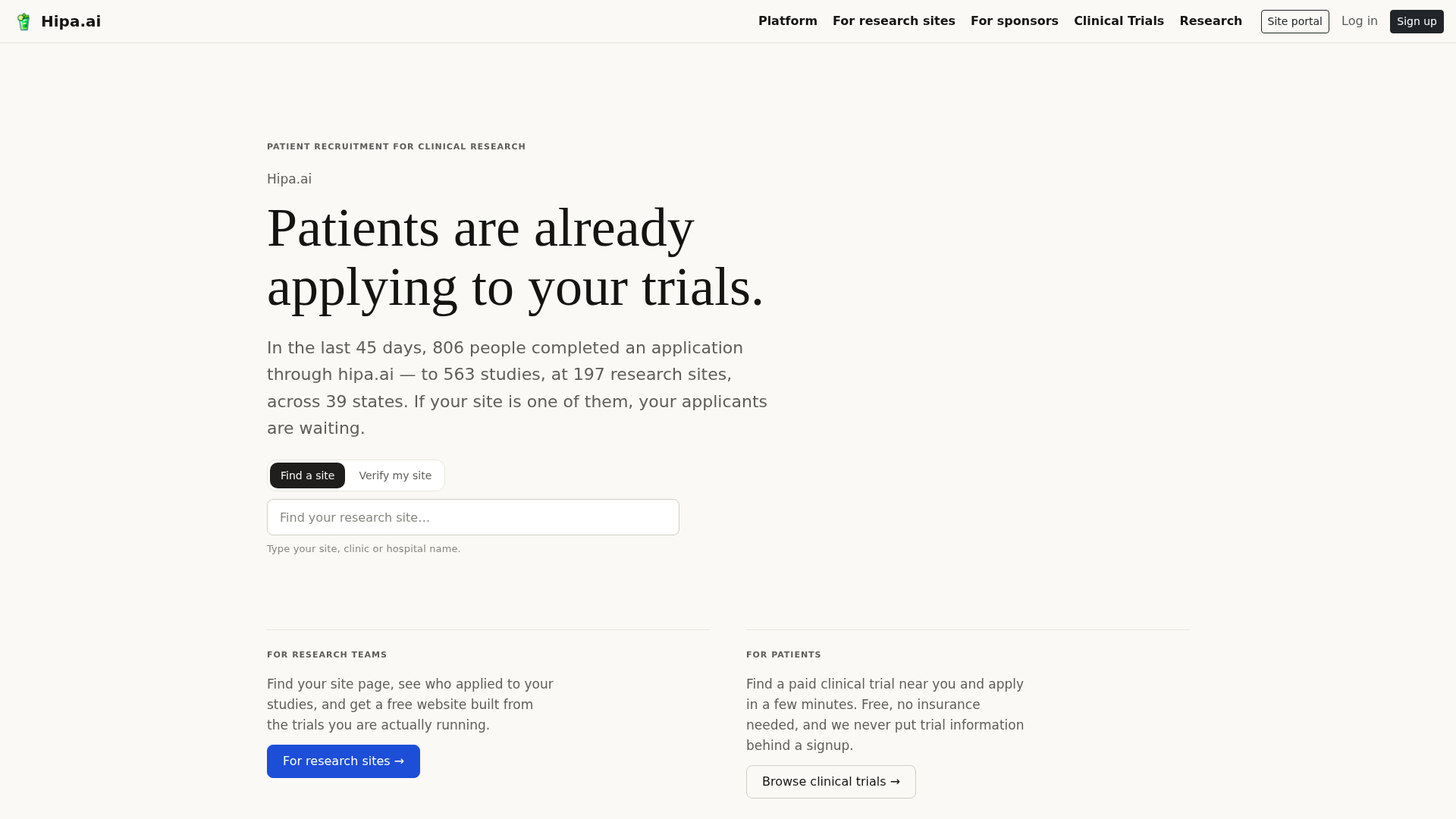
Before anything else, read the permission grant the listing still asks for. It requests read and write access to CMS data, site data and publishing, page data, and site components, plus read access to authorized user information. Those are broad write scopes to leave attached to a site whose vendor has moved on to another business.
Check whether Hipa.ai is still writing to your CMS
If a Hipa.ai authorization is attached to your Webflow site, the question worth answering is whether it is still doing anything. The vendor dashboard is not something we can test on your behalf, so check from the Webflow side, where the evidence actually lives.
- Open your site settings and review the list of authorized apps. Confirm whether a Hipa.ai authorization is still attached, and note which scopes it holds.
- Open your site activity log and look for CMS item changes nobody on your team made. Note the date of the most recent one.
- Compare that date against your own last round of edits. Months of silence on posts that were supposed to be on a refresh schedule is your answer.
- Spot-check two or three articles the schedule covered. Look at whether the body copy, internal links, and headings match what the tool would have produced, or whether they are frozen at the version you last published.
If the log shows nothing recent, revoke the authorization and publish once to confirm your posts behave normally afterwards. Removing a write-scoped app that is no longer maintained is the conservative move even if it turns out to be dormant rather than broken.
Remove Hipa.ai's access to your site
An authorization outlives the vendor. If Hipa.ai still holds read and write scopes on your CMS, site, page, and component data, that access stays live whether or not anyone is maintaining the app, and you cannot narrow it after the fact. Webflow lets you choose whether an app is scoped to one site or a whole Workspace at install time, but the permissions themselves are set by the developer and cannot be changed later. Revoking is the only exit.
- Open Site settings, then the Integrations tab, then Authorized apps, to see every app authorized on the site and the scopes it holds.
- To revoke, go to Site settings, then the Apps and integrations tab, and click Revoke on the app. Viewing and revoking sit under different tabs, which is easy to miss.
- If the app was authorized for a Workspace rather than a single site, revoke it at Workspace settings, then Apps and integrations, then Uninstall app. There is no way to detach a Workspace-level authorization from one site on its own.
- Publish the site once afterwards, then check that recently changed posts still render the way you expect.
Two consequences catch people out. Removing a Workspace authorization removes the app from every site in that Workspace, and if you authorized the app on several sites without authorizing the Workspace, removing it from one site removes it from the others too. Revoking is also not a clean undo: any elements the app placed stay on the page, while custom code it added is stripped at your next publish, so a page can change appearance on publish rather than at the moment you revoke. Webflow's Apps overview documents both behaviours.
Refresh Webflow blog content with the Webflow MCP server
The job Hipa.ai did, reading a blog archive and proposing updates to it, is now something Webflow does natively. The Webflow MCP server exposes Webflow's APIs as tools an AI agent can call, so an agent running in a supported client reads your CMS collections, drafts revisions, and writes them back without a third-party vendor sitting in the middle of your content.
The documented capabilities cover most of what the app was bought for:
- Content analysis: An agent can review blog posts, identify trends across them, and suggest new topics with SEO keywords, which is the research half of a refresh cycle.
- Content audits: Scans surface broken links, missing alt text, and outdated information across pages and CMS items, so you find the stale posts before rewriting anything.
- CMS writes: Agents create collections, define fields, run bulk updates on items, and publish or unpublish CMS items, which is the publishing half of the same cycle.
- SEO metadata: Meta titles, descriptions, and Open Graph tags can be updated across pages in one pass rather than item by item.
- Governance: Every agent works inside your existing Webflow permissions and roles, per-site Agent Instructions shape how it works, and each change it makes lands in the site activity log for review.
That last point is the real difference from where this page started. A dormant third-party app holding write scopes gives you no record of what it did or when it stopped; an agent working through the MCP server is bounded by the same roles as the person who authorized it and leaves an audit trail. To get going, follow Webflow's guide to connect the server. Read the documented limits first: it cannot build Webflow interactions, it cannot create new localized CMS items though it can update existing ones, and each authorization covers a single workspace.
Audit CMS changes with the Webflow Data API and webhooks
Whatever writes to your blog, apps included, the changes surface through the same events as edits made by people. That is the layer to build on if you want your own record of what changed and when, and it is the part of the original Hipa.ai setup that outlives the vendor. It needs server-side development.
Two surfaces carry the work. The Webflow Data API handles CMS items, sites, and publishing under /v2/ paths at https://api.webflow.com, with a bearer token in the Authorization header. Alongside it, the webhook creation reference covers registering endpoints that receive events when items change or the site publishes.
Neither surface names the actor behind a change, so an event tells you a post moved, not who moved it. Correlating events against your own snapshots is what turns that into an audit trail.
Monitor CMS activity with webhooks
Register a webhook and your server hears about CMS activity as it happens, which is enough to catch an app writing to posts you thought were frozen. All CMS event types need the cms:read scope.
- Send
POST https://api.webflow.com/v2/sites/{site_id}/webhookswith a trigger type and your receiver URL:
{
  "triggerType": "site_publish",
  "url": "https://your-receiver-endpoint.example.com/webhook"
}
- Pick trigger types that cover the activity you care about.
collection_item_changedfires when an item updates,collection_item_publishedcovers item publishes, andsite_publishfires on a full publish and needs thesites:readscope. - Process the payload.
collection_item_changeddeliversid,collectionId,lastUpdated, and the fullfieldDataincludingnameandslug, which identifies which post changed but not what changed it.
Log those events with timestamps and you have the record the vendor dashboard can no longer give you.
Snapshot posts through the CMS API
A webhook tells you something changed; a snapshot tells you what it used to say. Pull the current state of your blog on a schedule and you can diff any post against its previous version. This needs the cms:read scope.
- Call
GET https://api.webflow.com/v2/sites/{site_id}/collectionsagainst the list collections endpoint to find your blog collection's ID. - Call
GET https://api.webflow.com/v2/collections/{collection_id}/itemsto retrieve posts, paging withoffsetandlimit. - Store each response and compare
lastUpdatedandfieldDatabetween runs.
Request GET /v2/collections/{collection_id}/items/live instead when you want what visitors see rather than staged drafts.
What you can build with Webflow instead of Hipa.ai
Everything the integration promised is still buildable, either through Webflow's own agent tooling or through a content app whose vendor is still shipping.
Four setups cover most of what teams came to this page for:
- A refresh cycle you own: Point an agent at your blog collection through the MCP server, have it audit posts for stale information and broken links, then approve and publish the revisions it drafts.
- A cross-linking pass over the archive: Ask an agent to read every post in a collection, find related articles that are not linked, and write the links into the rich text field with anchor text that fits the sentence.
- A managed app with a vendor behind it: If you want a dashboard rather than an agent, BlogSEO AI, Jasper, and Quilly all publish into Webflow and are still maintained.
- A change log for every CMS write: Combine webhooks with scheduled snapshots so any app, agent, or teammate touching a post leaves a dated entry you can read months later.
See how to build a Gemini content assistant if you would rather write the content layer yourself than authorize another vendor to hold write access to your CMS.
Frequently asked questions
Not as a Webflow blog tool. Botmakers has rebuilt hipa.ai as a clinical trials directory that mentions Webflow nowhere and offers no way to sign in to the blog product. The demo subdomain its own navigation pointed at no longer resolves in DNS, and its WordPress plugin was last updated in March 2025 and is flagged by WordPress.org as possibly unmaintained.
The Marketplace listing is still live and the install button still works, so yes, technically. We would not. Authorizing it grants read and write access to your CMS, site, page, and component data, and the vendor site it hands you off to afterwards is now about something else entirely.
Neither has been announced. There is no shutdown notice anywhere we can find, and no acquisition post either. What changed is the product: the company repurposed its primary domain for another business during 2026 and stopped presenting the blog tool publicly. An unannounced exit looks exactly like this.
Revoke the authorization from your site settings, which cuts off the app's access immediately. Anything it already wrote into CMS items stays there, so review recently changed posts afterwards. The steps, and the scope traps worth knowing before you click, are in the removal section above.
Start with our own MCP server, which lets an AI agent audit posts and publish updates back to the CMS inside your existing permissions and roles. If you want a managed dashboard instead, BlogSEO AI, Jasper, and Quilly all publish into Webflow and are still actively maintained.
Description
Hipa.ai's Webflow Marketplace app is still installable, but Botmakers has rebuilt hipa.ai as a clinical trials directory that no longer mentions Webflow, and the product's own demo subdomain no longer resolves. Use this page to check whether a stale authorization is behind a blog that stopped updating, then move to the Webflow MCP server or a maintained content app. Developers can still audit every CMS write through the Webflow Data API and webhooks.
This integration page is provided for informational and convenience purposes only.

Placeholder-bae
Connect Placeholder Bae with Webflow to fill entire CMS collections with AI-generated placeholder text and images while you design.
Placeholder Bae
Connect Placeholder Bae with Webflow to fill entire CMS collections with AI-generated placeholder text and matching images while you design.

HyperSEO
Connect HyperSEO with Webflow to generate SEO blog articles and publish them straight into your site's Webflow CMS as Collection items.

Adaptify Seo

SynqPro
Connect SynqPro with Webflow to score, audit, and improve CMS content for search engines directly inside the Webflow interface.

Robynn AI
Connect Robynn AI to Webflow through a documented chatbot embed and a marketed CMS publishing agent.

Schema Flow
Connect Schema Flow, a no-code app that generates JSON-LD structured data, with Webflow to bind schema to CMS fields and keep rich-result markup current at scale.
FlowScribe
Connect FlowScribe, a programmatic SEO tool, with Webflow to generate and publish hundreds of AI-powered, SEO-ready pages directly to your CMS without coding.

quilly
Connect Quilly with Webflow so AI ghostwriters draft SEO posts and publish them into your CMS Collections on a schedule.
Related integrations
Get started for free
Try Webflow for as long as you like with our free Starter plan. Purchase a paid Site plan to publish, host, and unlock additional features.
