






Crazy Domain (Freeparking)
Connect Crazy Domains (Freeparking), a domain registrar and hosting provider, with Webflow to serve your site on a domain registered in Australia or New Zealand.

A Webflow site publishes to a webflow.io address until you attach a custom domain on a paid Site plan. Webflow isn't a domain registrar, and its hosting doesn't include email. So a business that registered its domain and mailboxes at Crazy Domains needs both to keep working while the site moves.
Three DNS records send web traffic to Webflow while MX records keep delivering mail to Titan, cPanel, Exchange or Google Workspace mailboxes. An SSL certificate issues automatically once the records resolve. The domain registration itself stays at Crazy Domains.
Webflow designers and agencies in Australia and New Zealand can use these steps with the business owners and IT admins they work with. A .com.au can host a single-site launch, while a subdomain can host a campaign microsite. In an agency handoff, the client keeps the domain. Agencies holding a Crazy Domains reseller account can use the API workflows after reseller support confirms account compatibility.
How to integrate Crazy Domains with Webflow
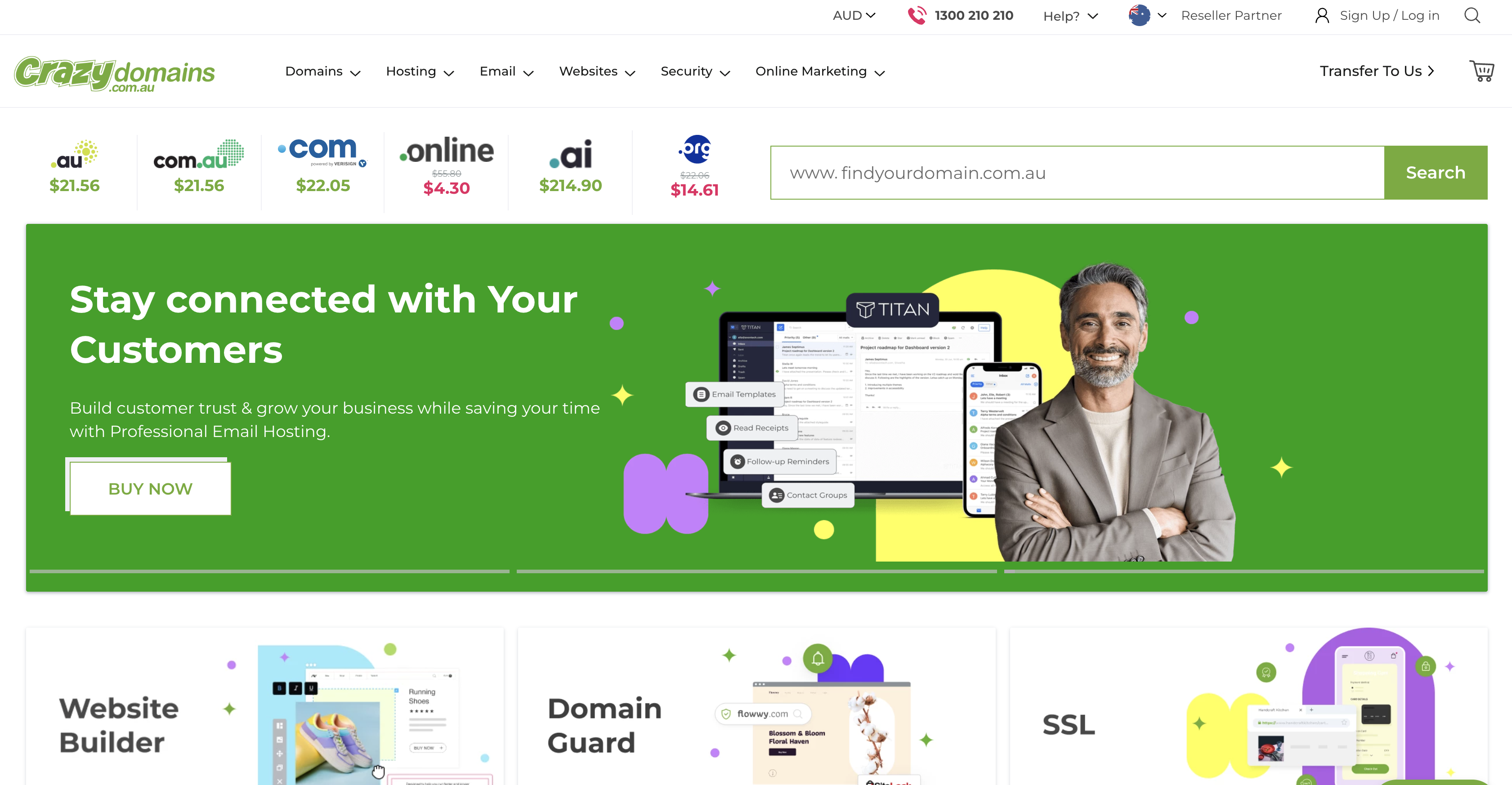
What is Crazy Domains? Crazy Domains is a domain registrar and web hosting company established in 2007 and run as a division of Dreamscape Networks International Pte Ltd. It sells .com.au and .au direct domains, Standard and Premium DNS, email hosting, cPanel web hosting, SSL certificates and a website builder. Its New Zealand sister brand Freeparking became Crazy Domains New Zealand on 22 September 2025, so .co.nz customers now use the same Account Manager.
Teams pair the two when the domain already lives at Crazy Domains, and the site is moving to Webflow from cPanel, WordPress or the Crazy Domains website builder. The domain and its mailboxes stay put; only the web traffic records change. Former Freeparking customers follow the same steps, since their accounts moved to the Crazy Domains Account Manager at https://www.crazydomains.co.nz/members/login/ in the September 2025 rebrand. Crazy Domains says existing nameservers, A records and MX records carried over unchanged.
As of October 2026, there is no Crazy Domains app on the Webflow Marketplace. The Crazy Domains-Webflow integration therefore supports three approaches:
- Manual DNS records in the Crazy Domains Account Manager point the root domain, www or a subdomain at Webflow without writing code.
- Quick connect through Entri writes the same records for you if Crazy Domains appears in its provider search.
- The Webflow Data API and Dreamscape reseller APIs can support custom-domain audits, publishing and DNS changes through server-side development, provided reseller support confirms that your Crazy Domains account supports the Dreamscape APIs.
Most implementations use the manual DNS method on its own; agencies with reseller accounts combine it with the API path for bulk work.
Add Webflow DNS records in the Crazy Domains Account Manager
Manual DNS pointing is the core of this integration. You add an A record, a CNAME and a TXT verification record in the DNS Settings tab, then verify and publish from Site settings. Every site you connect needs a paid Site plan. The Account Manager zone only controls the domain while it uses ns1.crazydomains.com and ns2.crazydomains.com, or ns1.dnspackage.com and ns2.dnspackage.com on Premium DNS. Copy record values from Site settings > Publishing > Production rather than from an older guide, because the current set is a single A record and older two-record setups no longer publish (see the legacy note below).
The DNS method handles:
- Root and www on one Webflow site, with www as the default domain
- Subdomains such as blog. or campaign. while the root stays elsewhere
- Up to 50 custom domains per site on one paid Site plan
- Automatic SSL issuance and renewal for as long as DNS points at Webflow
If the Crazy Domains zone already has CAA records, they must include 0 issue "letsencrypt.org" and 0 issue "pki.goog; cansignhttpexchanges=yes" or certificate issuance fails.
Point the root domain and www at Webflow
This path connects yourdomain.com.au and www.yourdomain.com.au to a single Webflow site. Before you start, delete any existing root A records and the www CNAME at Crazy Domains, as Webflow's domain prep guide describes, since extra root A records conflict with the Webflow one. That guide asks you to clear A and CNAME records only, so leave MX records and email TXT records such as SPF in place, or mail stops arriving. One caveat applies at the registrar side. Crazy Domains help pages disagree on whether TXT records need Premium DNS, and the _webflow verification record is a TXT record (see the FAQ below).
To connect the root domain and www:
- In Webflow, go to Site settings > Publishing > Production and click Add a custom domain. Choose Manually add domain, enter your domain and click Add domain.
- Copy the records shown. Current values are A
@→198.202.211.1, CNAMEwww→cdn.webflow.com, and TXT_webflow→ a value beginningone-time-verification=. - Log in to the Crazy Domains Account Manager, open the domain and click the DNS Settings tab.
- Click ADD RECORD, set Choose Type to A Record and leave Sub Domain empty. Enter
198.202.211.1in IP Address and click SAVE RECORD. Crazy Domains treats an empty Sub Domain and@as the same root entry, per its Account Manager DNS guide. - Add a CNAME Record with Sub Domain
wwwand Hostnamecdn.webflow.com. - Add a TXT Record with Sub Domain
_webflowand the verification value in Content. - Back in Webflow, click Check status, then Verify domain, and wait for "Custom domain verified".
- Click Publish, select the domains and publish. Then click Make default next to the www domain.
Crazy Domains says new records work within 48 hours, and Webflow's DNS error guide says changes typically propagate within a few hours, with up to 48 hours for every location. If your zone still holds the legacy values 75.2.70.75, 99.83.190.102 or proxy-ssl.webflow.com, swap them for the current set using the manual migration steps. Since January 13, 2026, Webflow has blocked publishing to custom domains that still point at legacy records. Keep www as the default unless you need the root: Webflow supports a root default domain once the zone uses the current records.
Use Quick connect through Entri
Quick connect uses Entri to write the records for you after you authorize access to your registrar account. Webflow doesn't publish a list of supported providers, so start the flow and search for Crazy Domains; if it isn't offered, the manual path is the documented fallback. Test it on one domain before relying on it across a client portfolio. It connects both root and www and adds the TXT verification record in one pass.
To use Quick connect:
- Go to Site settings > Publishing > Production and click Add a custom domain.
- Choose Quick connect domain, click Continue, enter your domain and click Continue.
- Choose your DNS provider, authorize Entri, close the window and click Done.
Quick connect sets www as the default domain, and SSL is enabled by default on sites created after November 14th, 2018. If Entri can't find your account or you'd rather not authorize it, the manual path above produces the same result.
Connect a subdomain only
A campaign or blog site can run on blog.yourdomain.com.au while the root domain keeps pointing at Crazy Domains hosting. Each connected subdomain needs one CNAME to cdn.webflow.com plus the _webflow TXT verification record, and you can use Quick connect subdomain or the manual subdomain route. In Crazy Domains, the subdomain label goes in the Sub Domain field.
To connect a subdomain manually:
- In Webflow, add the subdomain under Add a custom domain and copy the records shown in Production settings.
- At Crazy Domains, click ADD RECORD, choose CNAME Record, enter the label (for example
blog) in Sub Domain andcdn.webflow.comin Hostname, then click SAVE RECORD. - Add the
_webflowTXT record from Production settings the same way, with the value in Content. - In Webflow, click Check status, Verify domain, then publish to the subdomain.
Some providers want a trailing dot on the CNAME target (cdn.webflow.com.); if verification stalls at Crazy Domains, try that form.
Keep Crazy Domains email running through the cutover
Editing only A, CNAME and TXT records leaves mail untouched, because MX records route email independently of web traffic. Webflow doesn't host email, so the provider in your MX records keeps receiving. cPanel email also depends on its MX and mail A records: Crazy Domains warns that "Without them, your email will not function at all". Do not delete any of these when you add the Webflow records, and leave email TXT records such as SPF in place too.
The MX values Crazy Domains documents per mail provider are:
- Titan Email: MX 10
mx1.titan.email, MX 20mx2.titan.email, plus TXTv=spf1 include:spf.titan.email ~all(Titan MX and TXT) - Google Workspace in Account Manager DNS: priority 1
SMTP.GOOGLE.COM(Gmail for Google Workspace) - Exchange on AU servers: priority 5
smtp.ds.networkand priority 10smtp-uk.ds.network, with an SRV record that needs Premium DNS (Exchange MX) - cPanel email: MX priority 0 or 1 pointing at
mail.yourdomain.com.au, plus an A record formailpointing at the cPanel mail server IP, both preconfigured when DNS sits in the cPanel zone
Form notifications come from no-reply@webflow.com, no-reply@webforms.io and no-reply-forms@webflow.com; if submissions don't reach a Crazy Domains mailbox, allow-list those senders.
Build with the Webflow Data API and the Dreamscape reseller APIs
The API path suits agencies that hold a Crazy Domains reseller account and manage many client sites. No public API or outbound webhook is documented for retail Crazy Domains accounts, so their DNS changes stay manual. Dreamscape Networks International, of which Crazy Domains is a division, publishes documentation for a SOAP API (API-2.1) and a REST API. On the Webflow side, the Data API v2 lists sites and custom domains, publishes sites and registers webhooks. Run these APIs server-side and keep tokens and reseller keys out of page code.
The APIs involved are:
- Dreamscape SOAP API-2.1 handles domain checks, registration, renewal, nameservers and DNS records (
DomainDNSAdd,DomainDNSUpdate,DomainDNSRemove) for domains in a reseller account - Dreamscape REST reseller API covers customers, domain names and hosting products, with DNS record types A, AAAA, TXT, CNAME, MX, CAA, SRV, WEBFWD and MAILFWD
- Webflow's Data API handles sites, custom domains, publishing, Webflow CMS collections and form submissions
- Webflow webhooks send a signed POST on events such as
site_publishandform_submission
The Crazy Domains reseller page and the Dreamscape docs are not cross-linked, so confirm with reseller support whether your account supports SOAP API-2.1 or the REST API before using the reseller workflows below.
Audit custom domains across Webflow sites
An agency with dozens of client sites can pull every connected domain in one call and compare it against the Crazy Domains account dashboard, which groups products by domain. This needs a token with the sites:read scope. Use an OAuth token to cover more than one site, since a Site Token covers only one.
To run the audit:
- Send
GET https://api.webflow.com/v2/siteswith the headerauthorization: Bearer YOUR_TOKEN. Each site returnsid,displayName,lastPublishedand acustomDomainsarray. - For one site, call
GET https://api.webflow.com/v2/sites/{site_id}/custom_domains. Each item hasid,urland a nullablelastPublished. - Match each
urlagainst your Crazy Domains domain list and note any domain whoselastPublishedis null.
Webflow's API doesn't expose a registrar expiry date. Renewal tracking stays with Crazy Domains auto-renewal, which is on by default, or with the SOAP DomainInfo and DomainRenew operations for reseller-held domains. Crazy Domains notes that some domain names can only be renewed within 90 days of expiry.
Trigger a DNS check when a site publishes
A site_publish webhook tells your server which domains a publish went to, so you can resolve each one and alert the team if a Crazy Domains zone still points at legacy records. Registering the webhook needs a sites:write token. The payload carries siteId, publishedOn, domains and publishedBy.
To build the check:
- Send
POST https://api.webflow.com/v2/sites/{site_id}/webhookswith"triggerType": "site_publish"and theurlof your receiver. - On each request, compute a SHA-256 HMAC of
timestamp + ":" + JSON.stringify(request_body)and compare it with thex-webflow-signatureheader. Treat anx-webflow-timestampolder than 5 minutes as a possible replay. - Resolve every entry in
domainsand compare the answers with198.202.211.1andcdn.webflow.com. - Return HTTP 200. Anything else is retried up to three times at 10-minute intervals, and repeated failures can deactivate the webhook.
Each site accepts up to 75 webhooks per trigger type, and the site_publish payload carries domain names and a timestamp rather than DNS values, so the record lookup itself is your code.
Update DNS from a reseller account with DomainDNSAdd
Reseller accounts can write the Webflow records to a client zone without opening Account Manager. The SOAP API-2.1 production endpoint is https://soap.secureapi.com.au/API-2.1, with the WSDL at https://soap.secureapi.com.au/wsdl/API-2.1.wsdl and a test endpoint at https://soap-test.secureapi.com.au/API-2.1. Requests use SOAP 1.2 over HTTP.
To write the records:
- In the Reseller Console, retrieve your API key at Account Settings > API & WHMCS > API Setup. Place the
ResellerIDand 32-characterAPIKeyin the SOAP header. - Call
DomainDNSAddwith the root A record, thewwwCNAME and the_webflowTXT in itsRecordslist, using values from the site's Production settings. - Use
DomainDNSUpdateonly when you intend to replace the zone's records, since it deletes the existing records and writes the ones you send. UseDomainDNSRemoveto delete legacy Webflow values. - Run the flow against
soap-test.secureapi.com.aufirst, then verify the domain in Webflow exactly as in the manual method.
The REST reseller API exposes the same record types and authenticates with Api-Request-Id and Api-Signature headers, where the signature is MD5 of the request ID plus the API key, if you'd rather avoid SOAP.
What you can build with the Crazy Domains (Freeparking) Webflow integration
- .com.au business site with email left in place: A trades or professional-services business points yourdomain.com.au and www at Webflow with three records while its Titan or cPanel mailboxes keep their MX records. The result is a Webflow marketing site on the .com.au with no mail outage on launch day.
- Campaign microsite on a subdomain: A startup marketer connects campaign.yourdomain.com.au with a single CNAME and leaves the root domain on Crazy Domains hosting. The landing page ships from Webflow while the main site stays untouched.
- Agency build and handoff: A Freelancer or Agency Workspace builds the site, cuts over the client's Crazy Domains DNS, then transfers the site; the Site plan, custom domains and 301 redirects move with it. The client keeps domain ownership and billing at Crazy Domains.
- Secondary domains forwarded to the main site: An owner with extra .com.au names forwards them to the Webflow default domain with Crazy Domains Web Forwarding on Premium DNS. Forwarding requires removing A records on those domains, so use it only for names that aren't connected to Webflow directly.
Once the site is live on your Crazy Domains domain, customize form notification emails so each submission reaches the right mailbox.
Frequently asked questions
No. You don't need custom nameservers to publish on Webflow, and the Account Manager zone only controls the domain while it uses
ns1.crazydomains.comandns2.crazydomains.com(or the dnspackage.com pair on Premium DNS). Keep those nameservers and add the A, CNAME and TXT records shown in your Webflow Production settings. A nameserver change at Crazy Domains takes 24 to 72 hours and moves email DNS with it, which is the main way launches break.Crazy Domains' own help pages disagree, so test on your plan first. Its DNS overview says Standard DNS supports A, AAAA, CNAME and MX, with TXT or SRV needing Premium DNS. Its nameservers article lists TXT under Standard DNS, and its Account Manager DNS guide marks only SRV as Premium-only. If TXT Record isn't offered in Choose Type, upgrade to Premium DNS via DNS Settings > UPGRADE NOW; the zone is ready within 24 hours, after which you switch nameservers to
ns1.dnspackage.comandns2.dnspackage.com. Quick connect through Entri also needs that same TXT record, so the question applies to both no-code paths.Yes, as long as you leave the MX records and email TXT records such as SPF alone. Webflow doesn't provide email hosting, so mail continues to route to whichever provider your MX records name. cPanel email also needs its mail A record, which Crazy Domains preconfigures in the cPanel DNS zone; if DNS moves elsewhere you must re-create it, and Crazy Domains allows up to 72 hours for that change. A Webflow cutover only changes the root A record and the www CNAME and adds the
_webflowTXT record.Yes. Webflow has no top-level domain restrictions as long as the domain is visible in public DNS and you can create A and CNAME records. Each registry sets its own eligibility rules. A .com.au needs an Australian presence and a commercial entity, and the name must have a defined link to that entity, such as a match of its business name, a trade mark or a service it provides (.au eligibility criteria). For a .co.nz, the .nz Rules let an identifiable individual over 18 or a lawfully constituted entity register through an authorised registrar. Former Freeparking .co.nz customers manage those domains in Crazy Domains New Zealand since the September 2025 rebrand.
Description
Point a .com.au or .co.nz domain registered at Crazy Domains (formerly Freeparking in New Zealand) at your Webflow site with A, CNAME and TXT records in Account Manager, or with Quick connect through Entri.
This integration page is provided for informational and convenience purposes only.
CrazyDomains
Connect CrazyDomains with Webflow to point your registered domain at Webflow's hosting through manual DNS configuration.

IONOS
Connect IONOS, a domain and hosting provider, with Webflow to point your custom domain at your site while keeping professional email on IONOS.

GoDaddy
Connect GoDaddy, a domain registrar and web services platform, with Webflow to point a custom domain to your Webflow site while keeping domain registration, renewals, and email at GoDaddy.

Gandi
Connect Gandi with Webflow to publish your site on a Gandi-registered domain while Gandi Mail and unrelated DNS records remain in place.
GoDaddy DomainControl
Connect GoDaddy DomainControl, GoDaddy's DNS management panel, with Webflow to point registered domains to Webflow-hosted sites through Quick Connect, manual DNS setup, or API-based provisioning.

One.com
Connect One.com with Webflow to manage domain registration and DNS configuration while hosting on Webflow's infrastructure, enabling centralized domain control with automated SSL certificates and global CDN performance.
dotbrand
Integrate Dotbrand with Webflow through its native marketplace app, or use Webflow's native APIs and webhook systems.

Wix DNS
Configure a Wix-managed domain for Webflow hosting through manual DNS changes or the Wix Domain DNS API.

Squarespace Domains
Connect Squarespace Domains, a standalone domain registrar and DNS service, with Webflow to point a registered domain at your site using manual DNS records.
Related integrations
Get started for free
Try Webflow for as long as you like with our free Starter plan. Purchase a paid Site plan to publish, host, and unlock additional features.
