






Page settings handle SEO one page at a time. You open each page, write the title tag and meta description, and move on. On a site with hundreds of static and Webflow CMS pages, that manual pass takes days. Nothing flags missing alt text, incomplete metadata, or heading hierarchy before you publish.
FluidSEO closes that gap from inside Webflow. Install the app and you get page audits, AI-generated meta titles and descriptions, bulk image alt text, and JSON-LD schema in one panel. A CSV workflow updates SEO fields across the entire site at once.
Web design and SEO agencies use FluidSEO to audit and fix client sites before launch. Content marketers and SEO managers use it to keep metadata up to date as sites grow, and beginners get audit results paired with fixes they can apply directly.
How to integrate FluidSEO with Webflow
What is FluidSEO? FluidSEO is an SEO application built specifically for the Webflow platform. It runs from a panel inside Webflow, with no standalone login, and everything works after you install the app.
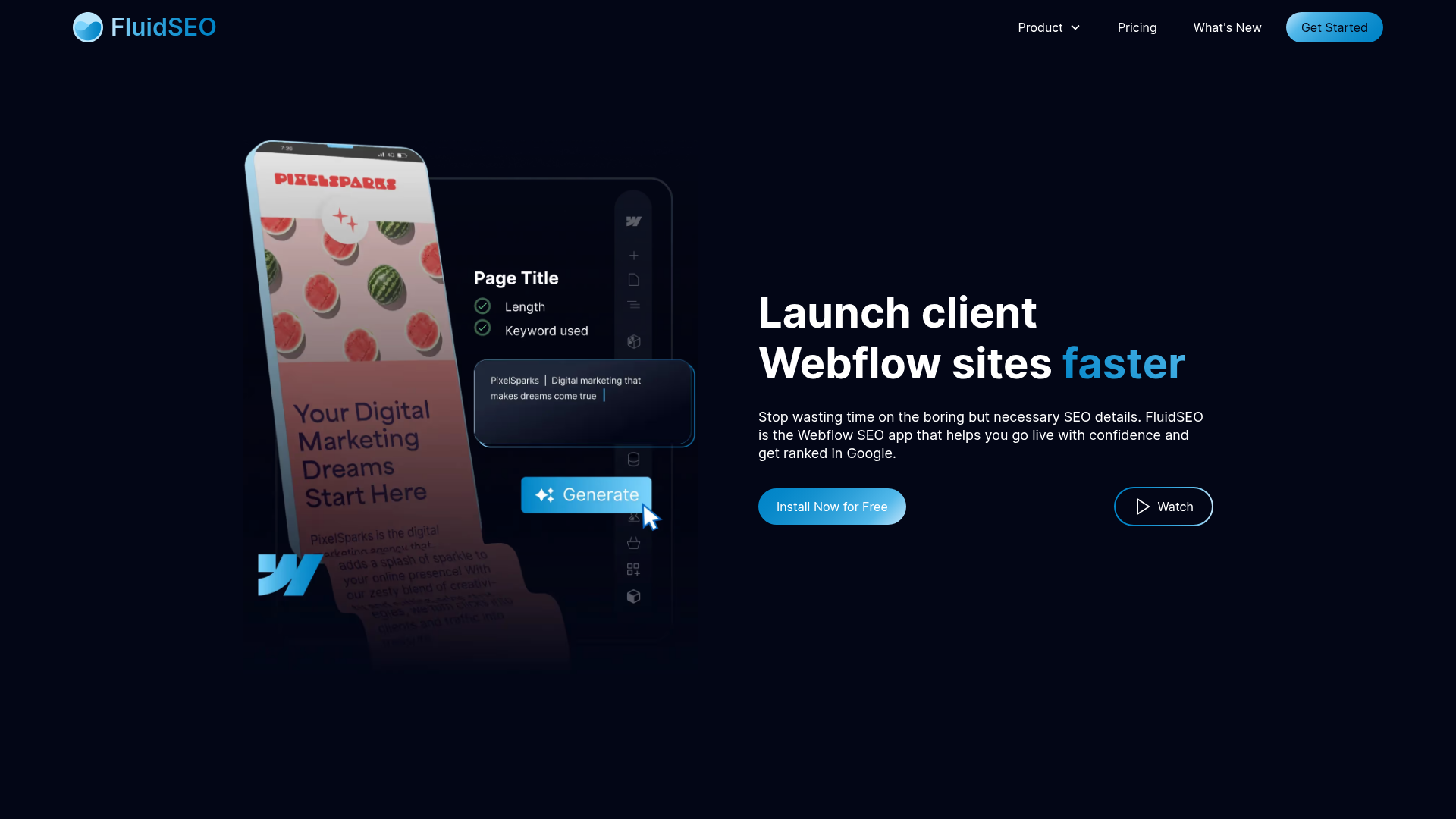
Teams reach for FluidSEO at two points. Before launch, agencies run audits to clear the SEO checklist on client sites, which compresses pre-live checks that previously took a full day. After launch, marketing teams use it for bulk maintenance on sites too large to edit page by page.
Two paths connect FluidSEO to Webflow.
- The FluidSEO app handles page audits, metadata, alt text, schema, and bulk CSV updates without writing code.
- The Webflow Data API gives developers programmatic access to the same SEO fields, but requires server-side development.
FluidSEO does not document a public API or third-party automation connector.
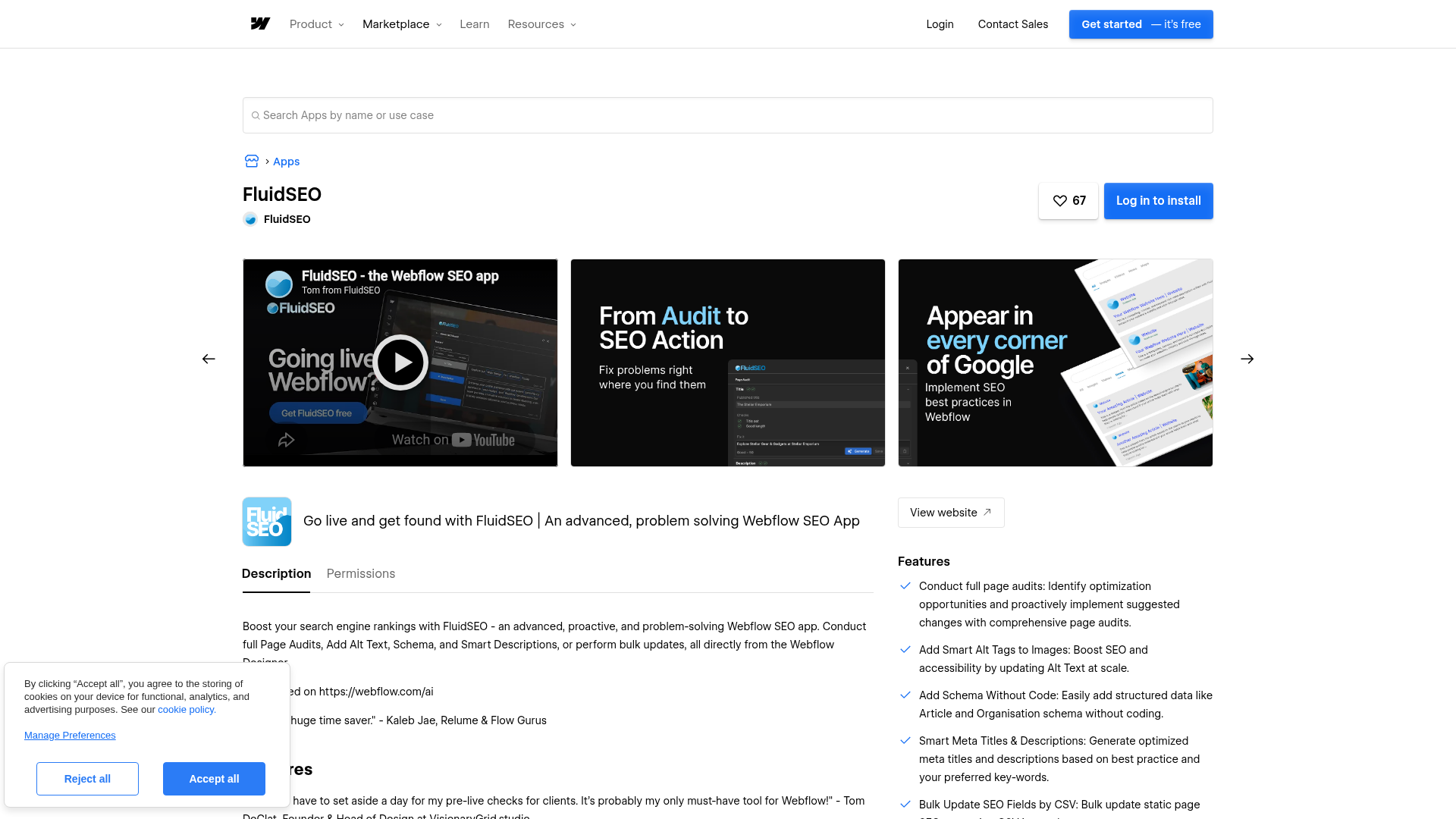
Install the FluidSEO app
The FluidSEO app listing carries the "Approved by Webflow" label, with this exact wording: "Webflow has reviewed this app to ensure high quality site development. We do not endorse or certify these apps." Installation takes one authorization flow and needs no credentials or code. You need the Site Manager or Designer role to install apps on a site, and the Webflow Apps overview documents the full flow.
To set up the integration:
- Open the FluidSEO listing in the Marketplace and click Add to site.
- Select the Workspaces or sites where you want the app installed.
- Click Authorize app.
- Click Go to 'FluidSEO' in the pop-up and follow the in-app setup instructions.
Once installed, the app's live features cover several core SEO tasks:
- Full page audits use a traffic-light system to check title length, keyword density, alt tags, page speed, schema, and heading hierarchy.
- Smart alt tags cover images across the site, including images stored in the CMS.
- AI-generated meta titles and descriptions apply to both static and CMS pages.
- Article and Organization schema generate without code, and the roadmap lists additional types as coming soon.
- Bulk SEO field updates run through a CSV export and import.
Authorizing at the Workspace level covers every current and future site in that Workspace. You can also install from the Apps panel inside Webflow by clicking Install on site.
Generate metadata with Smart SEO Boost
Smart SEO Boost writes meta titles and descriptions from page content, for both static and CMS pages, and its setup guide walks through each step.
To generate metadata:
- Open Smart SEO Boost in the FluidSEO panel.
- Choose Static Pages or CMS Pages.
- For CMS pages, configure the fields for Meta Title, Meta Description, and Body.
- Add relevant keywords for each page.
- Press Generate, then save results individually or press Save All.
Editing SEO metadata requires a paid Site plan or paid Workspace participation, and the Reviewer role cannot add or generate metadata.
Generate alt text with Smart Alt Text
Smart Alt Text writes descriptive alt text across the site in any language and covers images stored in CMS fields or rich text. The Smart Alt Text guide covers each path.
To generate alt text:
- Open Smart Alt Text.
- Choose Static pages or CMS.
- For CMS, select the Collection and whether images live in a field or in rich text.
- Filter to images with no alt text.
- Press Generate, then save individual images or press Save All.
The feature has expanded over time, adding multi-image CMS field support in May 2025.
Bulk update SEO fields with a CSV
The Bulk SEO Updater changes SEO metadata (meta titles and descriptions) plus Open Graph tags across the whole site through one spreadsheet round trip. The Bulk SEO Updater guide documents the workflow.
To run a bulk update:
- Open Bulk SEO Updater.
- Download your site's SEO data as a CSV.
- Edit the CSV in Google Sheets, Excel, or Numbers.
- Upload the edited CSV and wait for the pages to update.
- Publish the site, since changes do not go live automatically.
On bulk capacity, FluidSEO states: "You'll run into Webflow's limits before you run into ours."
Add schema without code
FluidSEO generates JSON-LD structured data without hand-written markup. The schema guide covers Article and Organization types, and the schema feature page lists the supported types.
To add schema:
- Open the Schema tool and select a page.
- Choose the schema type, Article or Organization.
- Map the CMS fields that populate the schema.
- Save, then publish the site.
FluidSEO also generates Breadcrumb schema, and each of its page audits checks whether a page includes schema.
Build with the Webflow Data API
With no public FluidSEO API or webhook events documented in its help center, programmatic control runs through Webflow itself. The Webflow Data API v2 exposes the same page metadata and CMS fields the app edits. Requests authenticate with a bearer token: use a site token for internal tools or OAuth for multi-site apps.
The relevant Webflow APIs cover metadata, CMS items, and publish notifications:
- The Update Page Metadata endpoint (
PUT /v2/pages/{page_id}) writes theseoandopenGraphobjects with thepages:writescope. - The Update Items endpoint (
PATCH /v2/collections/{collection_id}/items) updates itemfieldDatawith thecms:writescope, passing the item ID inside the items array in the request body. - Webflow webhooks fire events such as
page_metadata_updatedandsite_publish, so external systems know when SEO data changes.
Together, these endpoints cover FluidSEO's in-app changes across metadata and CMS-field workflows, along with publish events.
Script a bulk metadata update
A script can mirror the Bulk SEO Updater's CSV workflow: read every page's current metadata, then write updates before publishing.
- List pages with
GET https://api.webflow.com/v2/sites/{site_id}/pagesusing thepages:readscope. - Update each page with
PUT https://api.webflow.com/v2/pages/{page_id}, sending theseoobject with the new title and description. - Publish with
POST https://api.webflow.com/v2/sites/{site_id}/publishusing thesites:writescope.
The static content endpoint (POST /v2/pages/{page_id}/dom) only updates secondary locales, so primary-locale alt text on static pages stays a job for the app.
What you can build with the FluidSEO Webflow integration
Integrating FluidSEO with Webflow lets you audit and fix on-page SEO across an entire site without exporting to external SEO tools or editing metadata one page at a time.
- Agency pre-launch checklists: Run the traffic-light audit on a client site before go-live and fix flagged issues in the same panel, without a separate SEO tool.
- Bulk metadata cleanup on inherited sites: Take over a messy site, export its SEO data to CSV, rewrite titles, descriptions, and Open Graph tags in a spreadsheet, and push the whole set back in one upload.
- Alt text at catalog scale: Generate alt text across CMS and asset images for large product or content archives, which removes hours of manual entry.
- Structured data for content sites: Map CMS fields to Article and Organization JSON-LD for a blog or publication, and add Breadcrumb schema so every Collection page ships with markup.
For scripted metadata deployment and CMS-field syncing, the Webflow Data API endpoints handle the same fields: PUT /v2/pages/{page_id} for page metadata and PATCH /v2/collections/{collection_id}/items for CMS items. Explore the Webflow CMS API guide to script these updates at scale.
Frequently asked questions
No. Each workflow finishes with a manual site publish, and edits stay staged until then. FluidSEO's bulk update workflow lists publishing as the final required step.
FluidSEO requests read and write access to assets, CMS data, custom code, and site data and publishing, plus page data, site forms, Ecommerce store access, user accounts, and Workspace resources, and you cannot scope these permissions down. That list matches the Marketplace listing, and the Webflow Apps overview explains that the developer defines app permissions. If you uninstall the app, custom code it added is removed on the next site publish, though elements it added remain.
Yes. A paid Site plan is needed to publish and host, and editing SEO metadata requires a paid Site plan or paid Workspace participation. The Reviewer role cannot add or generate metadata at all.
The Site Manager and Designer roles can install apps. If you have either role, start from the FluidSEO Marketplace listing, click Add to site, and authorize the app. For questions during setup, FluidSEO's support contact is tom@fluidseo.app.

Description
Install the FluidSEO app from the Webflow Marketplace to run page audits and manage generated metadata, image alt text, JSON-LD schema, and CSV-based SEO field edits inside Webflow.
This integration page is provided for informational and convenience purposes only.

Text Wizard AI
Connect Text Wizard AI by Modulify with Webflow to add AI-powered text processing capabilities directly in the Webflow Designer through a marketplace app.

Linkerflow
Connect Linkerflow with Webflow to review and manage contextual internal linking for CMS content from one dashboard.
Finsweet Attributes: Table of Contents Webflow integration
Connect Finsweet Attributes: Table of Contents with Webflow to generate automatic, clickable tables of contents from your heading elements.
Engyne
Connecting Engyne to Webflow enables content marketing teams to manage blog creation, SEO preparation, and publishing workflows in a single platform while maintaining Webflow's design control and site performance.

Blaze
Connect Blaze with Webflow to move AI-drafted articles into the CMS through Zapier, a file export, or the Webflow API, with a review step you control.

Ghost
Connect Ghost, an open-source publishing platform, with Webflow to embed membership signup forms, display blog content on pages, and sync published posts into CMS collections automatically.

Leadpages
Connect Leadpages with Webflow to run A/B-tested landing pages, pop-ups, and alert bars alongside your brand site through embed code, Zapier, or the Webflow Data API.

Substack
Connect Substack with Webflow to capture newsletter subscribers and display publication content directly on your site.

Semrush
Connect Semrush with Webflow to bring keyword research, site audit data, and ranking metrics into your site's SEO workflow.
Related integrations
Get started for free
Try Webflow for as long as you like with our free Starter plan. Purchase a paid Site plan to publish, host, and unlock additional features.
