






Flowstar Combo Bundle Builder
Connect Flowstar Combo Bundle Builder with Webflow to sell product bundles that customers add to cart in a single click.

Webflow Ecommerce handles checkout and the product catalog, inventory included. What it does not do on its own is price several products together as one discounted offer. A merchant who wants a mix-and-match box sold as a single purchase, or a buy-one-get-one deal priced that way at checkout, has nothing native to reach for.
Flowstar Combo Bundle Builder adds six bundle formats to a Webflow Ecommerce store, from a box the shopper fills themselves to a pre-set group of products priced as one item. Discounts apply automatically at checkout, so customers never type a code. The app installs from the Webflow App Marketplace and reads your existing product catalog without custom code.
Store operators who already manage a Webflow product catalog and run discount promotions get the most out of this. It also suits marketers who want floating pop-ups, translated bundle copy, bundle landing pages, and post-purchase offers without a developer in the loop. Fashion and apparel, skincare and beauty, supplements, and subscription brands are the categories where we see it used most.
How to integrate Flowstar Combo Bundle Builder with Webflow
What is Flowstar Combo Bundle Builder? Flowstar Combo Bundle Builder is a Webflow ecommerce app for selling product bundles that shoppers add to cart in one click. It applies the bundle discount automatically, as a percentage or a fixed amount, and reports on bundle performance from its own dashboard. Flowstar builds and maintains the app, and Webflow has approved the listing.
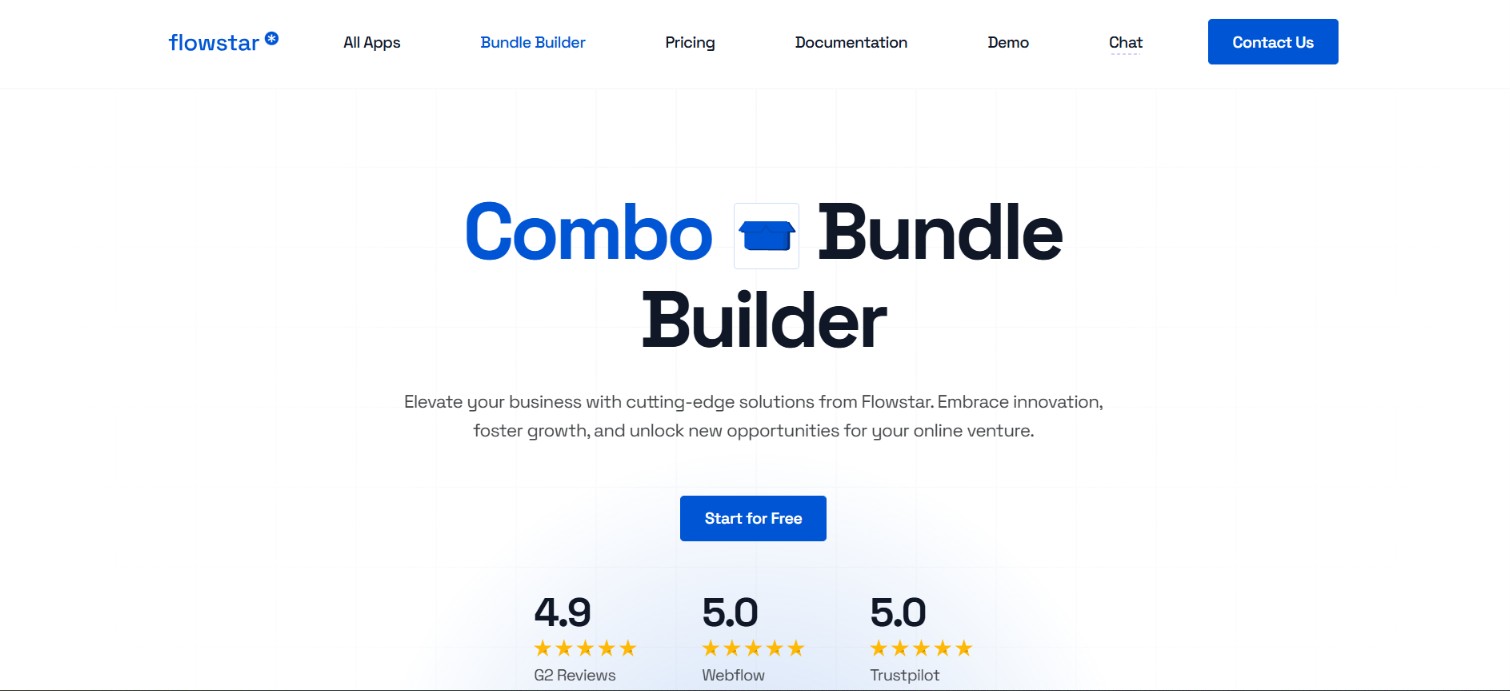
Teams reach for this combination when average order value is the number they are trying to move and the catalog already lives in Webflow. The app watches the cart, applies the discount once a shopper picks qualifying products, and hands the result to Webflow Ecommerce checkout and inventory as a normal purchase. Developers who need more than the dashboard offers work against the Webflow Data API, because Flowstar exposes no API of its own.
The integration works in three layers. The app itself covers bundle creation, discounts, pop-ups, translations, and analytics with nothing to install on the site. The widget placement settings position inline bundle widgets by pointing the app at a CSS class or ID that already exists on your pages. The Webflow Data API gives you control over bundle records and the inventory or order workflows around them, at the cost of server-side development. Most stores run on the app alone and add API work only once inventory or order flows need automating.
Install the Flowstar Combo Bundle Builder app
The Webflow App Marketplace listing, linked at the top of this page, is the only installation path. The app runs as a no-code integration, so you never open a Code Embed or paste a script into your site. You do need a Webflow Ecommerce site plan, because the app depends on the product catalog and on Webflow's own checkout, which processes card payments through Stripe. Anyone comfortable with site settings can finish setup.
To set up the integration:
- Open the Flowstar: Combo Bundle Builder listing in the Webflow App Marketplace and click Install App.
- Sign in, or create a trial account with an email address and password, then click Create Trial Account.
- Select the site you want the app on and click Authorize App.
- Open the app from the Apps section in Site settings.
Once authorized, the app manages everything from a left-side menu with Create Bundle, Dashboard, Bundles, Performance, and Partners tabs. What you get out of the box:
- Six bundle formats: Flowstar's documentation names Bundle by product and Advanced bundle, and the rest cover mix-and-match boxes, single-SKU multipacks, multi-SKU combos, and complete-the-set offers.
- Automatic discounts: the app applies a percentage or a fixed amount once the shopper selects qualifying products, with no discount code to distribute or support.
- Design controls: layout, colors, buttons, badges, and labels are all editable in the app, so the widget can match the site it sits on.
- Floating pop-ups: you set a maximum number of pop-ups and offers per visit, which is the setting that keeps a bundle offer from turning into a nuisance.
- Analytics dashboard: Popup Views, Added to Cart, Conversion, Conversion Rate, and Revenue are tracked per bundle, alongside a ranked view of the bundles that perform best.
- Translations: you enter the widget text for each language your store sells in from the Translations tab.
None of that settles where the widget actually renders on a page, which takes one more configuration step.
Place bundle widgets with CSS classes and IDs
The app positions inline widgets by mapping them to elements that already exist on your pages, so you enter an element's CSS class or ID in the app's Settings tab rather than writing anything new. This is the one near-code step in the whole setup, and it is where handovers go wrong: give your Webflow elements stable, documented class names before you hand configuration to a client, because a class rename in Webflow quietly stops the widget rendering. Flowstar's documentation offers no copy-paste embed snippet, so Settings mapping is the only supported placement method.
Add an inline widget to a product, home, or thank-you page
Inline widgets render inside an element you nominate, and the documentation exposes a separate field for each surface: Inline widget for product pages, Inline widget Home page, and Inline widget Thank you page. Its instruction is simply to "Enter the necessary class where you would like to display your widget."
To place an inline widget:
- In Webflow, select the element the widget should render inside and note its class or ID.
- In the Flowstar app, open Settings, enter that class or ID in the field for the matching page type, and click Save.
Thank-you page placement is the cheapest win of the three, because it makes the order confirmation an upsell surface with no page rebuild at all.
Set a Before Checkout trigger
The Before Checkout trigger shows a bundle offer at the moment a customer clicks through to pay, and it needs the checkout button to identify itself. The documentation asks you to "Enter the necessary class or ID related to the Checkout button."
To configure the trigger:
- In Webflow, note the class or ID of your checkout button.
- In the app's Settings, enter that class or ID in the Before Checkout field and click Save.
Advanced bundles can also fire on a page view or a cart action through the app's own trigger criteria, which needs no class mapping.
Build with the Webflow Data API
Flowstar publishes no public API and no webhook events for the Combo Bundle Builder, so every programmatic extension runs through the Webflow Data API instead. This path suits developers who need per-component inventory sync, custom order processing, or bundle records managed from an external system, and it does require server-side work. Be clear about the boundary before you scope it: the API sees the products, SKUs, and orders a bundle produces, but it cannot read or write the app's bundle configuration.
Map each task to the Webflow resource it touches:
- Store data: the Ecommerce endpoints cover products, SKUs, inventory, and orders, which is everything a bundle purchase leaves behind.
- Content records: the CMS collection endpoints create and update collections and items in the Webflow CMS, useful when bundle records need to live outside the app.
- Event delivery: Webflow webhooks POST ecommerce and CMS events to your endpoint as they happen, so nothing has to poll on a timer.
- Scopes and ceilings: calls need a Data Client App token carrying the right scopes, and webhook registrations cap at 75 per trigger type per site.
Webflow has deprecated API v1, so build against v2 endpoints only; the migration guide covers what moved.
Sync component inventory after bundle orders
A multi-SKU bundle adds each item to the cart individually, so component stock has to move per order. Webhooks drive the whole loop from the Webflow side.
To implement the sync:
- Register a webhook with
POST /v2/sites/{site_id}/webhooksfor theecomm_new_ordertrigger (Create webhook). - When the event fires, call
GET /v2/sites/{site_id}/orders/{order_id}and readpurchasedItemsfor eachvariantIdandcount(Get order). - For each component, call
PATCH /v2/collections/{sku_collection_id}/items/{sku_id}/inventorywithinventoryTypeset tofiniteand a negativeupdateQuantitydelta (Update inventory). - Subscribe to
ecomm_order_changedand send a positiveupdateQuantitywhenstatuscomes back asrefunded(event reference).
Pair that loop with the inventory changed event, which carries the SKU id, quantity, and inventoryType, and you can pull a bundle offer the moment one component SKU hits zero rather than after a customer finds out.
Store bundle data in the CMS
A bundle configuration is small structured data: a name, the component SKU IDs, a discount type and value, and display copy. Kept as Collection Items, it stays queryable by systems that have no access to the app's dashboard, which matters once merchandising gets planned somewhere else.
To set up CMS-backed bundle data:
- Create a Bundles collection with
POST /v2/sites/{site_id}/collections, passingdisplayName,singularName, and afieldsarray for component SKU IDs, discount type, and discount value. - Create published records with
POST /v2/collections/{collection_id}/items/live, or staged ones with the bulk endpoint if you want a separate publish step (Create live item). - Update bundle metadata with
PATCH /v2/collections/{collection_id}/items, up to 100 items per request (Update items). - Subscribe to
collection_item_changedso merchant edits reach downstream systems without a nightly sync (event reference).
To retire a bundle without losing its history, call delete live items on up to 100 items, which unpublishes them and sets isDraft to true.
What you can build with the Flowstar Combo Bundle Builder Webflow integration
With Flowstar Combo Bundle Builder connected, you can sell multi-product offers with automatic discounts on a Webflow store without writing cart logic or managing discount codes. Four patterns cover most of what merchants actually ship:
- Customer-built bundle boxes: shoppers assemble their own set from your catalog, which is how skincare brands sell self-picked travel kits and gift boxes.
- Quantity-based volume discounts: a single-SKU bundle sells several units of one product as one offer, the shape a supplements brand uses for a discounted three-pack.
- Complete-the-look upsells: a bundle can suggest complementary products against what already sits in the cart, so an apparel store sells the outfit instead of the shirt.
- Post-purchase and pop-up offers: inline widgets on the thank-you page plus frequency-capped floating pop-ups make order confirmations and browsing sessions into extra bundle sales.
Once orders start arriving with several components on them, the reporting question follows fast, so see how to automate Webflow orders with Zapier and route order data to where your team already works.
For the page work around all of this, from bundle landing pages to the CMS records behind them, connect the Webflow MCP server and let an agent build and edit them for you. It reaches pages and CMS content rather than the ecommerce catalog, so bundle logic stays in the app while the site work moves at a different speed.
Frequently asked questions
No. The app runs as a no-code integration, with no script to paste into your site. Two of its settings do ask for an existing element's CSS class or ID, one for inline widget placement and one for the Before Checkout trigger. Both are configuration fields you fill in, not code you write.
A Webflow Ecommerce site plan, because the app reads your product catalog and applies its discount inside Webflow checkout. Ecommerce item limits run 500 on Standard, 5,000 on Plus, and 15,000 on Advanced, and CMS item limits are counted separately. Variants count toward the ecommerce limit alongside products, so size the plan against your variant count rather than your product count.
No. Flowstar publishes no public API and no webhook events for the Combo Bundle Builder, so any custom extension routes through Webflow's own Data API instead. The ecommerce endpoints for products, SKUs, inventory, and orders, plus the CMS collection and item endpoints, cover the patterns documented above. Bundle configuration itself stays inside the app.
Inline widgets render on product pages, the home page, and the thank-you page, wherever you map a CSS class or ID in the app's Settings tab. Floating pop-ups can appear anywhere, limited by a maximum number of pop-ups and offers per visit. The Before Checkout trigger fires on the checkout button you point it at.
Partly. Our MCP server lets an agent build and edit pages and CMS collections, which covers bundle landing pages and any collection holding bundle records. It does not reach the ecommerce catalog or the Flowstar app, so bundle setup and discount rules stay in the app's dashboard.
Description
Install Flowstar Combo Bundle Builder from the Webflow App Marketplace to sell one-click product bundles with automatic checkout discounts, then extend inventory and order workflows with the Webflow Data API.
This integration page is provided for informational and convenience purposes only.

Elfsight-countdown-timer-widget
Connect Elfsight Countdown Timer with Webflow to add live deadlines to any page with a Code Embed element.

Ecwid
Connect Ecwid, a multi-channel e-commerce platform, with Webflow to embed a shopping cart, product catalog, and checkout on any page while managing orders and inventory from Ecwid's admin panel.

Chec/Commerce.js
Sell things as small as ebooks, licensed software, or run an entire clothing line from your site.

Monto Affiliates
Connect Monto Affiliates, an affiliate and referral marketing app, with Webflow to track referral orders and form submissions, manage commissions, and process PayPal payouts for your affiliate program.
Monto Abandoned Cart Recovery for Webflow Shops
Connect Monto Abandoned Cart Recovery with Webflow to send automated email sequences that bring back shoppers who abandoned checkout.
Related integrations
Get started for free
Try Webflow for as long as you like with our free Starter plan. Purchase a paid Site plan to publish, host, and unlock additional features.
